



Logseq vs Roam 2026 is a comparison of two outliner-based personal knowledge management tools that both use bidirectional linking and block references. Logseq is open source, local-first, and free, while Roam Research offers a cloud-based experience with multiplayer collaboration. Your choice depends on whether you prefer local privacy or cloud convenience.
The logseq vs roam 2026 debate comes down to a single question: do you want your knowledge graph to live locally on your device, or in the cloud where multiplayer sharing shines? Both tools pioneered the outliner-based approach to personal knowledge management, both use bidirectional linking and block references, and both attract the same type of user - researchers, writers, and knowledge workers who think in connected ideas rather than folder hierarchies.
But after three years of divergent development tracked across each project’s GitHub issues and changelogs, Logseq and Roam Research have become fundamentally different tools serving overlapping audiences. Logseq doubled down on open source, local-first storage, and a growing plugin ecosystem. Roam refined its cloud-based experience, multiplayer collaboration, and query language - though some subscribers have flagged friction when they try to cancel mid-cycle. Your choice depends on which tradeoffs matter most to your workflow.
Here is the complete logseq vs roam 2026 review and comparison, covering pricing, features, AI integration, and the real-world workflows where each tool excels.
Comparison Table: Logseq vs Roam 2026 at a Glance
Logseq is free and open source with $5 per month optional sync, while Roam Research costs $15 per month and includes cloud hosting plus multiplayer collaboration. Our analysis draws on each vendor’s current pricing pages, official documentation, and independent research rather than sponsored placement. AI Productivity may earn a commission from links on this page; our rankings are editorially independent.
| Factor | Logseq | Roam Research |
|---|---|---|
| Rating | - | - |
| Price | Free (open source) | $15/mo (Pro) |
| Data Storage | Local files (Markdown) | Cloud-hosted |
| Sync Cost | $5/mo (optional beta) | Included |
| Open Source | Yes (AGPL-3.0) | No |
| Block References | Yes | Yes (pioneered) |
| Graph View | Yes | Yes |
| Daily Notes | Yes | Yes (pioneered) |
| PDF Annotation | Built-in | No |
| Collaboration | Alpha (RTC in development) | Multiplayer graphs |
| Mobile Apps | Alpha/Beta | Basic mobile access |
| Plugin Ecosystem | 200+ plugins | Limited |
| AI Integration | Via plugins (AI Assistant, MCP) | Via community MCP server |
| Offline Access | Full offline | Limited offline |
| Best For | Privacy, free PKM, researchers | Cloud convenience, collaboration |
Logseq: Open Source, Local-First, Free
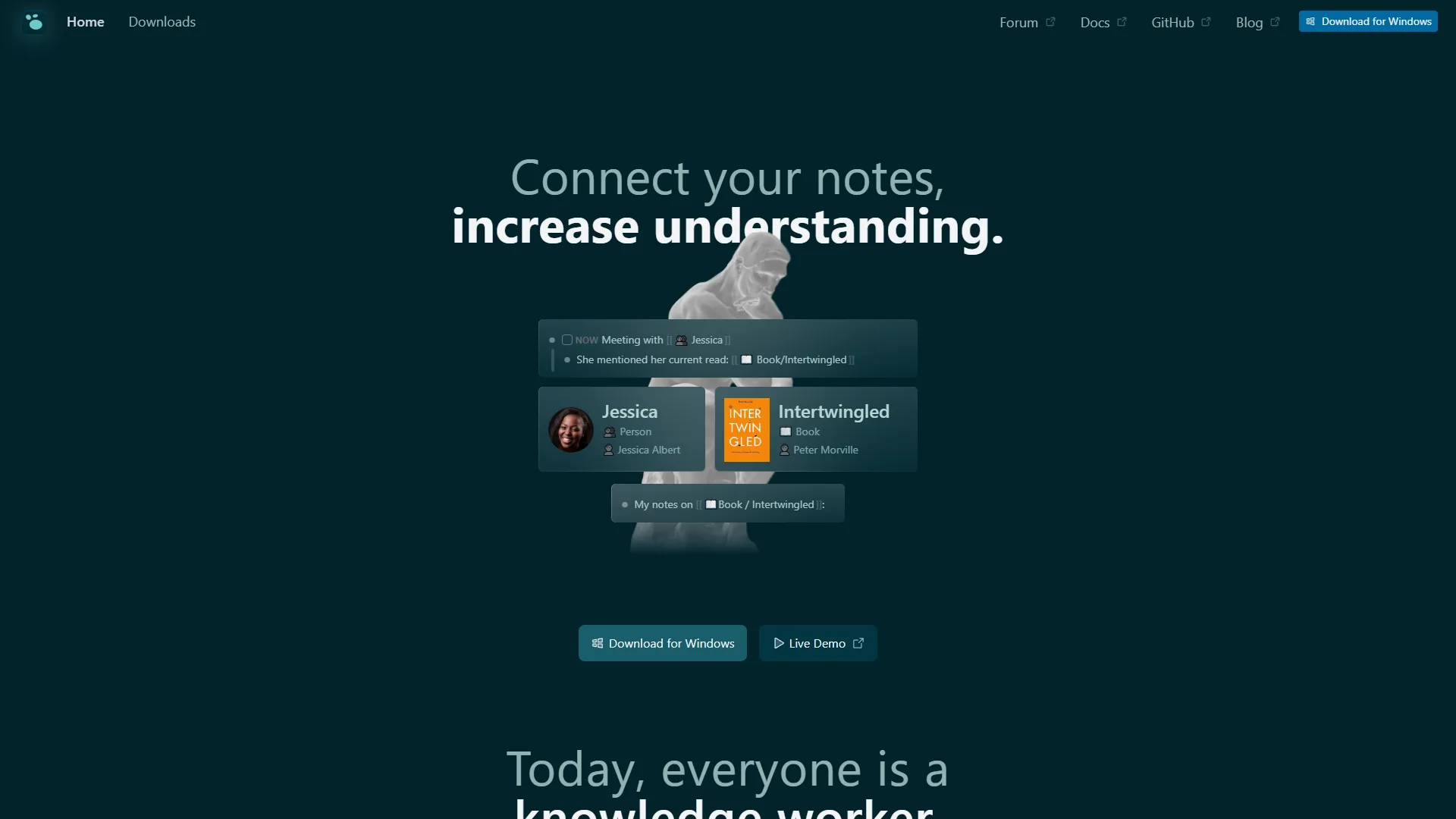
Logseq launched in 2020 as an open-source alternative to Roam Research, and it has since grown into a full-featured knowledge management platform with over 500,000 users. The core product is completely free - not freemium with paywalled features, but genuinely free with every capability unlocked. The only paid option is Logseq Sync at around $5 per month for automatic cloud synchronization across devices.
The fundamental design principle is local-first storage. As detailed in their getting started guide, your notes live on your device as plain Markdown files. No cloud dependency, no vendor lock-in, no risk of a company shutting down and taking your data with it. You own your files, and you can open them in any text editor.
Where Logseq Excels
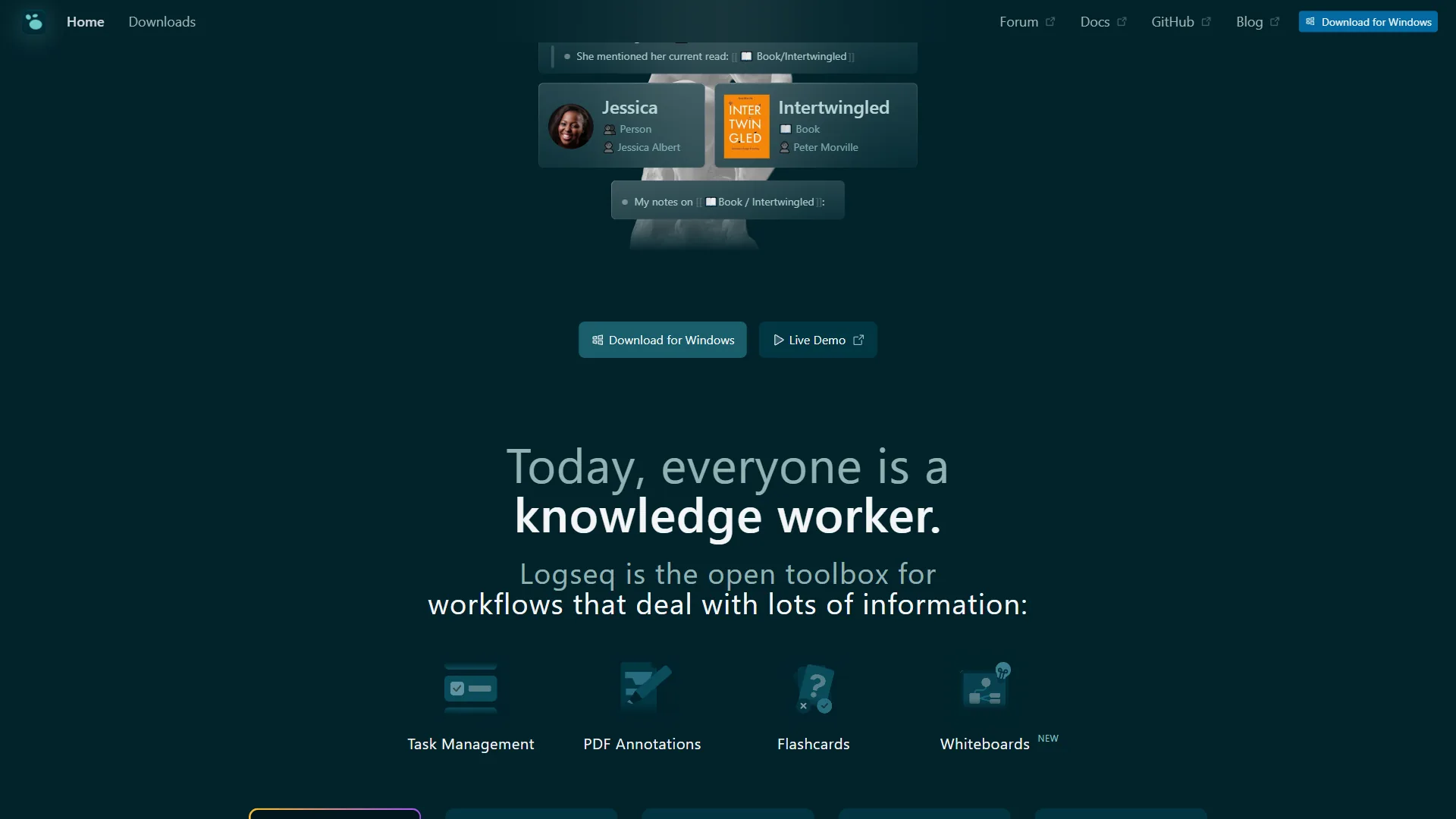
Complete feature set at zero cost. Graph view, bidirectional linking, block references, PDF annotation, flashcards with spaced repetition, task management, whiteboards, and 200+ community plugins - all free. The cost difference against Roam’s $15 per month adds up to $180 per year saved.
Native PDF annotation. This is a genuine differentiator for researchers. Open a PDF inside Logseq, highlight text, and your annotations become blocks in your knowledge graph with links back to specific pages. Combined with Zotero integration, it creates an academic research workflow that Roam simply cannot match.
Plugin ecosystem. Over 200 community plugins available through the Logseq Marketplace extend Logseq with features like Kanban boards, advanced queries, custom themes, and AI integration. The AI Assistant plugin connects to OpenAI, Claude, or local LLMs for text generation and summarization. The MCP Server integration enables AI agents to query your graph for context.
Data portability. Plain Markdown files mean zero vendor lock-in. Move to Obsidian, open files in VS Code, sync via Git - your notes work everywhere. If Logseq disappeared tomorrow, your data would remain fully accessible.
Where Logseq Falls Short
Mobile apps still in development. iOS is in alpha, Android in beta. Both work for basic tasks like quick capture and review, but they lack the polish and reliability of mature mobile apps. If you primarily work from your phone, this is a real limitation.
Steeper learning curve. The outliner paradigm, namespaces, Datalog-style queries, and block-based thinking require genuine investment. Expect one to two weeks before the system feels comfortable, and a month before you unlock its full power. If you want a gentler on-ramp, our best note-taking apps roundup covers tools with lower learning curves.
Collaboration not production-ready. Real-time collaboration (RTC) is in alpha testing with the database version of graphs. For teams needing shared workspaces today, Logseq is not ready.
Occasional performance issues. Users report slow startup times with large graphs and UI quirks. The database version (DB graphs) promises better performance but is still in beta with data loss warnings.
Roam Research: The Pioneer of Networked Thought
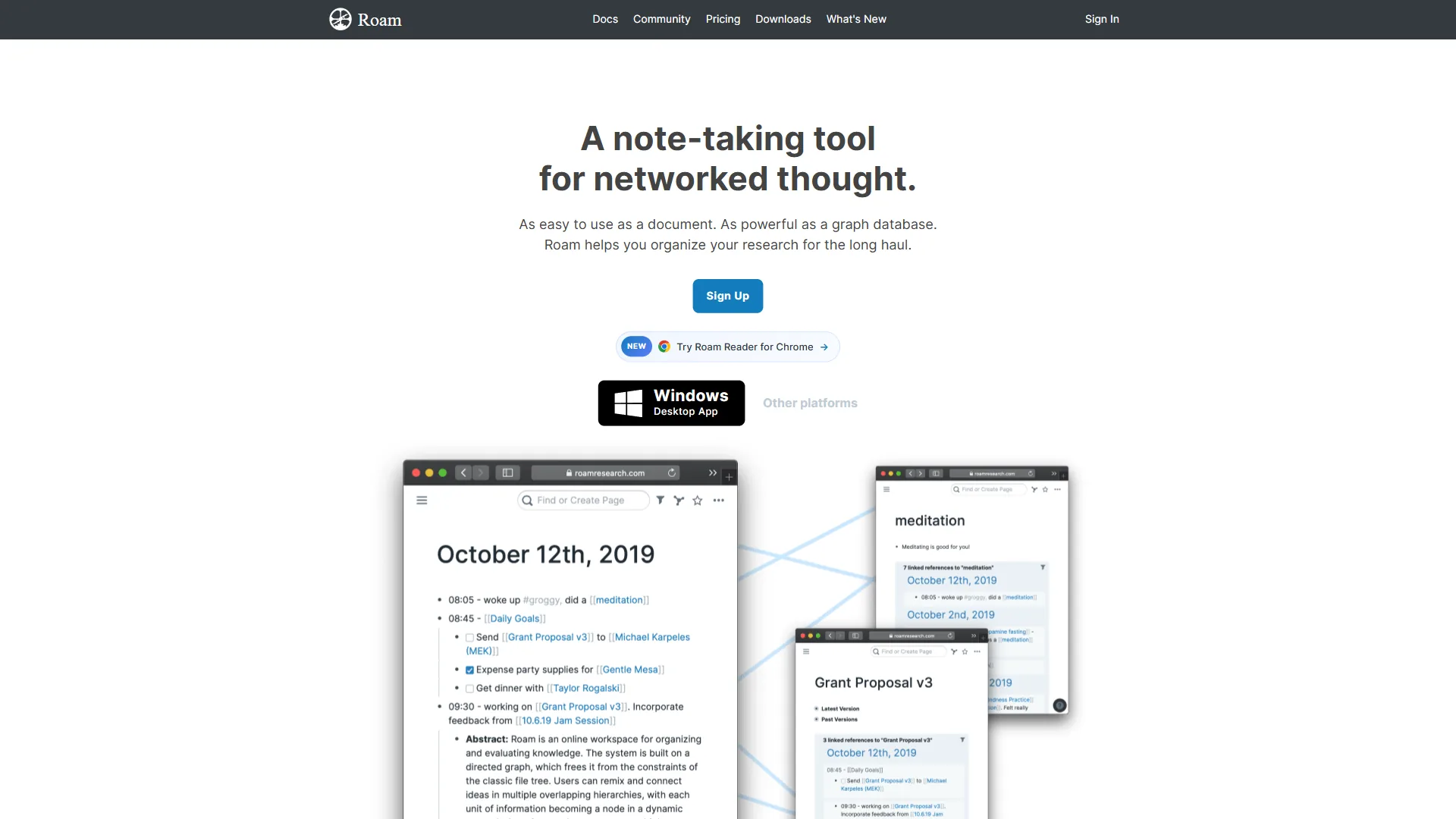
Roam Research launched in 2019 and fundamentally changed how people think about note-taking. Their help documentation explains the core concepts of networked thought. Before Roam, the dominant paradigm was folders and documents. Roam introduced bidirectional linking, daily notes, and block references as first-class features - concepts that every competitor (including Logseq) later adopted.
The tool remains cloud-based and requires a $15 per month Pro subscription (or around $8.33 per month on the 5-year Believer plan). There is no free tier, though a 31-day trial gives you full access before committing.
Where Roam Excels
Polished block reference system. Roam pioneered block-level referencing, and it still feels the most refined. Embed specific paragraphs anywhere in your graph, see where blocks are referenced, and navigate between contexts seamlessly. The experience is smooth in a way that reflects years of iteration.
Cloud-first convenience. No sync setup, no file management, no worrying about storage locations. Your graph is available from any browser, on any device, immediately. For users who work across multiple machines, this friction-free access matters.
Multiplayer collaboration. Roam supports shared graphs with unlimited collaborators on the Pro plan. Multiple people can work in the same graph simultaneously - a capability that Logseq’s alpha RTC feature cannot yet match in production.
Query language. Roam’s query system lets you filter and display blocks based on complex conditions. Combined with the sidebar panel system, you can view query results alongside your working notes, making it effective for research synthesis.
Where Roam Falls Short
Premium pricing with free alternatives. At $15 per month, Roam is the most expensive outliner PKM tool. Logseq offers the same core functionality for free. Obsidian offers a document-first alternative, also free. The value proposition has weakened as competitors matured.
Slower innovation pace. Roam’s feature development has slowed relative to competitors. While Logseq added whiteboards, PDF annotation, and plugin ecosystems, Roam’s core feature set has changed less dramatically. Community sentiment reflects frustration with the pace of updates.
Limited offline capability. Cloud-first architecture means full functionality requires an internet connection. Cached notes are accessible offline, but creating new content and syncing requires connectivity. For users who work in low-connectivity environments, this is a real constraint.
No native PDF annotation. Researchers working with academic papers need external tools or workarounds. Logseq’s built-in PDF annotation is a meaningful advantage for this workflow.
Limited integrations. Roam’s integration ecosystem is smaller than competitors. While Zapier and a community MCP server exist, the options are far fewer than Logseq’s 200+ plugins or Obsidian’s 2,690+ plugins.
Limitations and who it’s not for: Roam’s biggest drawbacks are the price ($15 per month with no free tier), the cloud-only architecture (poor offline support), the lack of native PDF annotation, and a slower innovation pace than Logseq. Skip Roam if you need offline-first work, if your budget cannot absorb $180 per year, if academic PDF workflows are central to your research, or if you want an open-source tool with no vendor lock-in.
Feature-by-Feature: What Matters for PKM
Bidirectional Linking and Block References
Both tools support bidirectional linking - link Note A to Note B, and both notes surface the connection. But the granularity differs in practice.
Logseq treats every bullet as a referenceable block. Use ((text search)) to find and reference specific blocks. Tags are also bidirectional links. The graph view visualizes connections at both page and block level.
Roam pioneered this exact pattern and its implementation remains polished. Block references feel native, not bolted on. The sidebar panel system lets you open multiple referenced blocks simultaneously, which is useful during research synthesis.
Verdict: Both are excellent. Roam feels slightly more refined for block reference workflows. Logseq matches the core functionality for free.
Daily Notes and Journaling
Both tools use daily notes as a primary entry point - a blank page for each day where you capture thoughts, and backlinks connect them to your broader knowledge graph.
Logseq makes the daily journal the default landing page. Every time you open the app, you see today’s journal. This encourages a low-friction capture habit that naturally builds your graph over time.
Roam popularized daily notes as a concept. The implementation is nearly identical - automatic daily pages, backlinks, and easy navigation between dates.
Verdict: Effectively identical. Both handle daily notes well.
Is Roam Research Worth the $180 per Year Price Gap?
This is the most significant practical difference in the logseq vs roam 2026 comparison.
| Logseq | Roam Research | |
|---|---|---|
| Core app | Free | $15/mo ($165/yr annual) |
| Cloud sync | $5/mo (optional, beta) | Included |
| Annual cost (with sync) | $60/yr | $165/yr |
| Annual cost (no sync) | $0 | $165/yr |
| 5-year cost | $0-$300 | $500-$900 |
| Trial | Not needed (free) | 31 days |
| Collaboration | Not yet available | Included (unlimited) |
For solo users who can sync via iCloud, Git, or Dropbox, Logseq costs nothing. Even with the optional Logseq Sync beta, the annual cost is around $60 versus Roam’s $165. Over five years, that gap grows to $525 or more.
Roam’s pricing makes sense if you value the cloud-first convenience and multiplayer collaboration enough to pay for it. But the free alternatives to Roam have eroded the “premium tool” positioning that justified the price in 2020.
AI Integration: How Each Works With Modern LLMs
Neither tool is natively AI-powered, but both can integrate with modern LLMs - an angle that most existing logseq vs roam 2026 comparisons miss entirely.
Logseq AI integration:
- AI Assistant plugin connects to OpenAI (GPT-4), Anthropic (Claude), or local LLMs. Use it for text generation, summarization, translation, and rewriting directly within your notes.
- MCP Server (released 2026) enables AI agents to read and query your Logseq graph. Ask Claude or ChatGPT questions about your notes, and the MCP server provides relevant context from your knowledge base.
- Community plugins offer additional AI-powered features like semantic search and automated tagging.
Roam AI integration:
- Community MCP server (unofficial, work-in-progress) allows AI agents to search pages and add blocks to your Roam graph.
- Zapier and Lindy AI integrations enable automated workflows between Roam and AI services.
- No native AI features or official AI plugin ecosystem.
Verdict: Logseq has a clear advantage here. The official AI Assistant plugin and MCP Server integration make it straightforward to connect your knowledge graph with modern AI tools. Roam’s AI integration relies on unofficial community projects with fewer guarantees of maintenance.
Which Tool Fits Your Use Case: Workflow Comparison
Logseq is the better fit for academic research, privacy-first solo work, and offline workflows, while Roam is the better fit for collaborative teams, cloud-first multi-device users, and synthesis-heavy research. The sections below break down each workflow scenario in detail.
Research Workflows
Logseq wins for academic research. Native PDF annotation, Zotero integration, and block-level note-taking create a seamless pipeline from reading papers to building literature reviews. Annotate a PDF, tag blocks with concepts, and query all blocks related to a topic across your entire graph.
Roam works for general research. Block references and sidebar panels let you synthesize information from multiple sources simultaneously. The query language filters blocks by tags, dates, and properties. But without native PDF tools, academic researchers need workarounds.
Learning and Study
Logseq has built-in flashcards with spaced repetition. Turn any block into a flashcard, and the app schedules reviews based on how well you remember each card. This is built into the free product - no plugins required.
Roam requires external tools for spaced repetition. While you can build a basic flashcard system using queries, it lacks the polish and scheduling algorithms of Logseq’s native implementation.
Project and Task Management
Logseq includes TODO states, priorities, deadlines, and Kanban board views through plugins. Task management is a secondary feature but functional for personal productivity.
Roam supports basic task management with TODO/DONE states and queries to filter tasks. Comparable functionality, though neither tool replaces a dedicated project management app.
Collaborative Knowledge Bases
Roam wins for collaboration today. Multiplayer graphs with unlimited collaborators make it viable for small teams building shared knowledge bases. This is production-ready, not a beta feature.
Logseq’s collaboration is not ready. Real-time collaboration is in alpha with the database version of graphs. Teams needing shared workspaces should use Roam, Notion, or Confluence instead.
What Is the Five-Year Total Cost of Ownership for Logseq vs Roam?
Beyond subscription pricing, consider the full cost of each tool over time.
Logseq total cost:
- Software: Free
- Sync (optional): Around $60 per year
- Storage: Your local drive (free) or existing cloud service
- Migration risk: Zero - plain Markdown files
- Lock-in risk: None - open source, standard file formats
Roam total cost:
- Software: $165 per year (annual Pro) or $100 per year (Believer plan, 5-year commitment)
- Sync: Included
- Storage: Roam’s servers (included)
- Migration risk: Moderate - export to JSON/Markdown possible, but block references break
- Lock-in risk: Moderate - proprietary format, cloud-dependent
The Believer plan at $500 for five years (around $100 per year) reduces the gap, but requires a $500 upfront commitment to a single tool. If Roam raises prices, changes direction, or shuts down, that investment is at risk.
Logseq’s open-source model eliminates this risk entirely. Even if the development team disbands, the software and your data remain fully functional.
Performance and Speed
Logseq is faster for local operations once loaded, while Roam delivers more consistent cross-device performance but depends on internet quality. Neither tool handles very large knowledge bases (10,000+ pages) without noticeable slowdown.
Logseq runs as a desktop application (Electron-based) and stores data locally. Startup can be slow with large graphs (5,000+ pages), and the app occasionally feels sluggish during heavy query operations. The database version (DB graphs) promises significant performance improvements but is still in beta.
Roam loads in the browser and depends on server performance. Small to medium graphs load quickly. Very large graphs (10,000+ pages) can slow down, especially with complex queries. Being cloud-based means performance varies with internet quality.
Verdict: Logseq is faster for local operations once loaded. Roam is more consistent across devices but depends on connectivity. Neither tool is a speed demon with very large knowledge bases.
Performance limitations to weigh: Both tools have real downsides at scale - Logseq’s startup time on 5,000+ page graphs can drag, and Roam slows down on 10,000+ page graphs and depends on internet quality. Skip these tools entirely if your knowledge base is going to grow past 20,000 pages or if you need consistent sub-second query response on huge graphs.
The Bottom Line on Logseq vs Roam 2026
Logseq is the stronger pick for most individual users in 2026, while Roam remains the better choice for collaborative teams that need cloud-first multiplayer graphs. The decision splits cleanly on three factors: cost, privacy, and collaboration. According to Roam Research’s own positioning on roamresearch.com, Roam is “a note-taking tool for networked thought designed to help you organize your research for the long haul.” That positioning still holds for cloud-first teams - but Logseq now matches the core feature set at zero cost.
Choose Logseq if you value free software, local data ownership, and privacy. The open-source model guarantees your notes stay accessible regardless of what happens to the company. Native PDF annotation makes it the stronger choice for researchers and students. The AI Assistant plugin and MCP Server integration connect your knowledge graph to modern LLMs more easily than Roam’s unofficial alternatives. And the price - free - is hard to argue with.
Choose Roam Research if you want cloud-first convenience and real multiplayer collaboration. Roam’s polished block reference system and sidebar panels still feel best-in-class for synthesis workflows. The $15 per month subscription includes sync, hosting, and unlimited collaborators - no setup required. If you work across many devices and value frictionless access, Roam delivers that without configuration.
For most individual users in 2026, Logseq is the stronger recommendation. The feature gap that justified Roam’s premium pricing in 2020 has largely closed, while Logseq added capabilities (PDF annotation, flashcards, whiteboards, AI plugins) that Roam still lacks. The $180 per year savings compounds over time, and the open-source model provides insurance against platform risk.
Roam remains the right choice for teams building shared knowledge bases and for users who prioritize a polished cloud experience over cost savings.
Alternative Tools to Consider
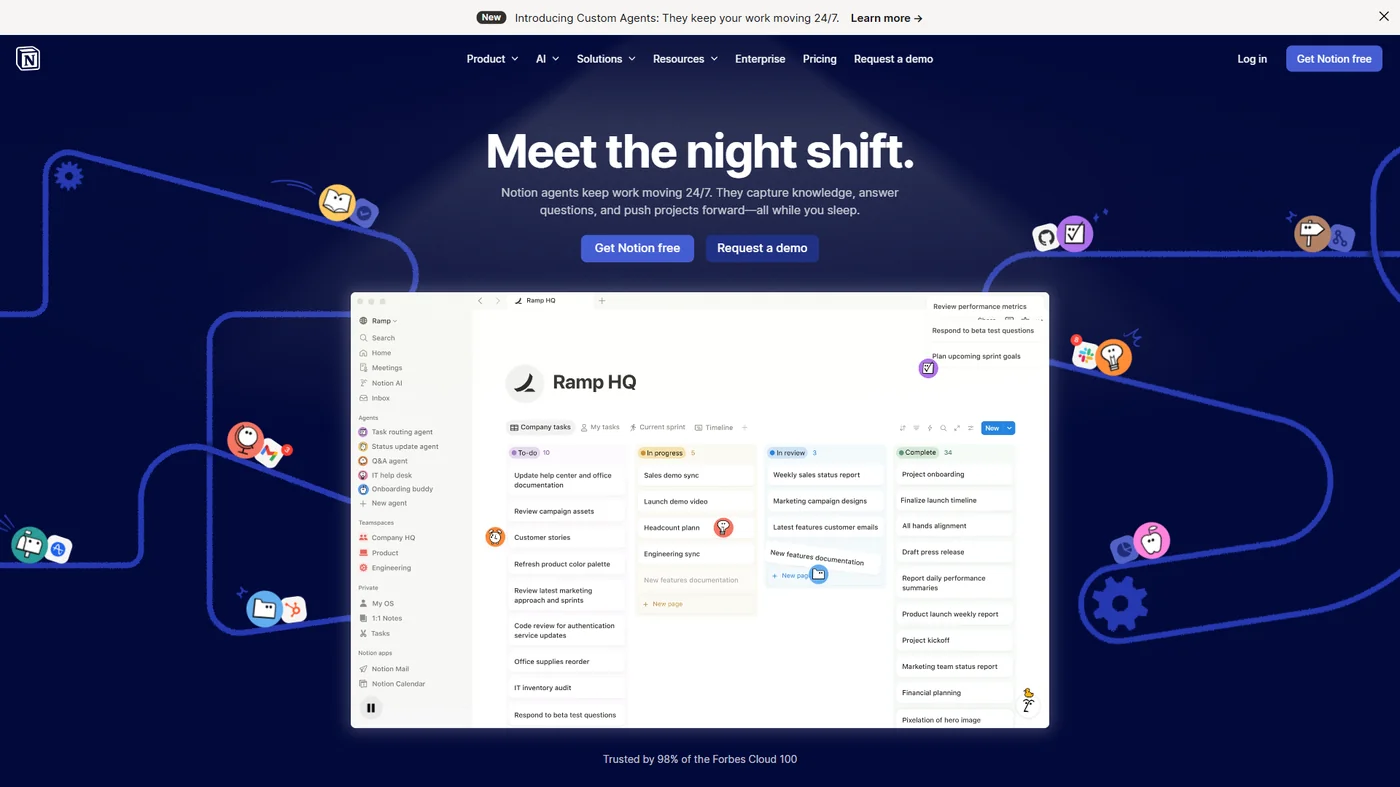
Notion and Obsidian are the two strongest alternatives to Logseq and Roam in 2026, with Notion serving database-driven team workflows and Obsidian serving document-first local-storage workflows. If neither Logseq nor Roam fits your workflow, Notion offers an all-in-one workspace with AI agents and databases, while Obsidian provides a document-first alternative to the outliner paradigm with local-first storage and a massive plugin ecosystem.
Tradeoffs of the alternatives: Each option has real limitations - Notion is cloud-first and not great for offline work, while Obsidian’s document-first model lacks the bidirectional outliner block references that define Logseq and Roam. Skip these alternatives if outliner-first PKM with block references is core to your workflow.
FAQ
Roam is worth the price for teams that need multiplayer collaboration but is hard to justify for solo users now that Logseq matches its core features for free. The questions below cover the most common decision points readers raise.
Q: Is Roam Research worth the price?
Roam’s pricing makes sense if you value the cloud-first convenience and multiplayer collaboration enough to pay for it. But the free alternatives to Roam have eroded the “premium tool” positioning that justified the price in 2020.
Q: What are the best Roam research alternatives?
Roam’s pricing makes sense if you value the cloud-first convenience and multiplayer collaboration enough to pay for it. But the free alternatives to Roam have eroded the “premium tool” positioning that justified the price in 2020.
Q: Is Roam Research better than Obsidian?
Limited integrations. Roam’s integration ecosystem is smaller than competitors. While Zapier and a community MCP server exist, the options are far fewer than Logseq’s 200+ plugins or Obsidian’s 2,690+ plugins.
Q: Is Roam Research good for note taking?
Roam Research launched in 2019 and fundamentally changed how people think about note-taking. Their help documentation explains the core concepts of networked thought.
Q: Which is better for academic research - Logseq or Roam?
Logseq is the stronger choice for academic research. Native PDF annotation lets you highlight text directly inside PDFs and convert those highlights into blocks in your knowledge graph. Combined with Zotero integration, this creates a reading-to-writing pipeline that Roam cannot match, since Roam has no built-in PDF tools and requires external workarounds for researchers working with academic papers.
Related Reading
Related reading includes adjacent PKM tools, AI knowledge management roundups, and document-first alternatives to outliner-based note-taking. Tools covered in this article:
- Notion - AI-powered workspace for notes, docs, and databases
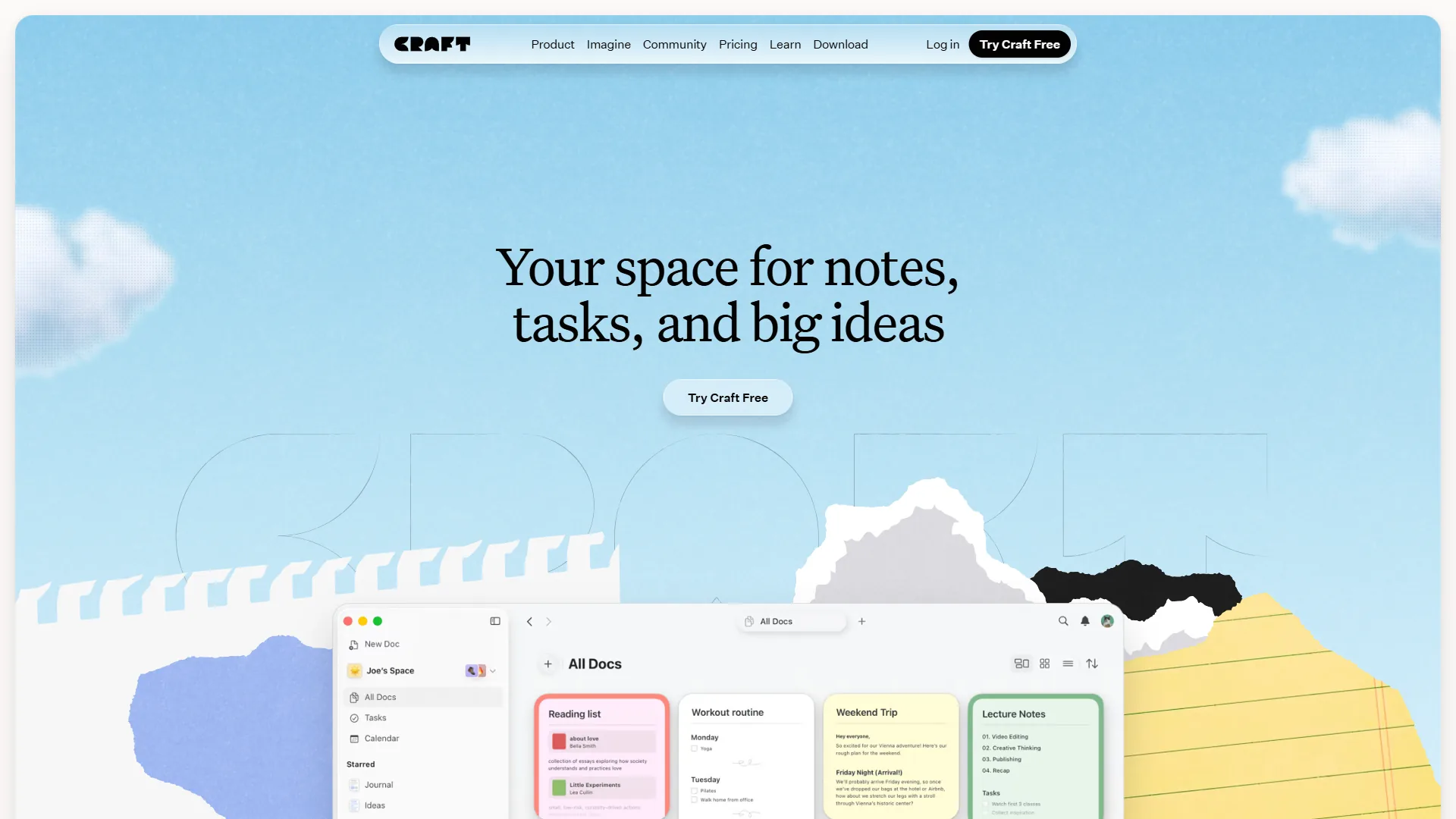
- Craft - Beautiful AI writing and note-taking app
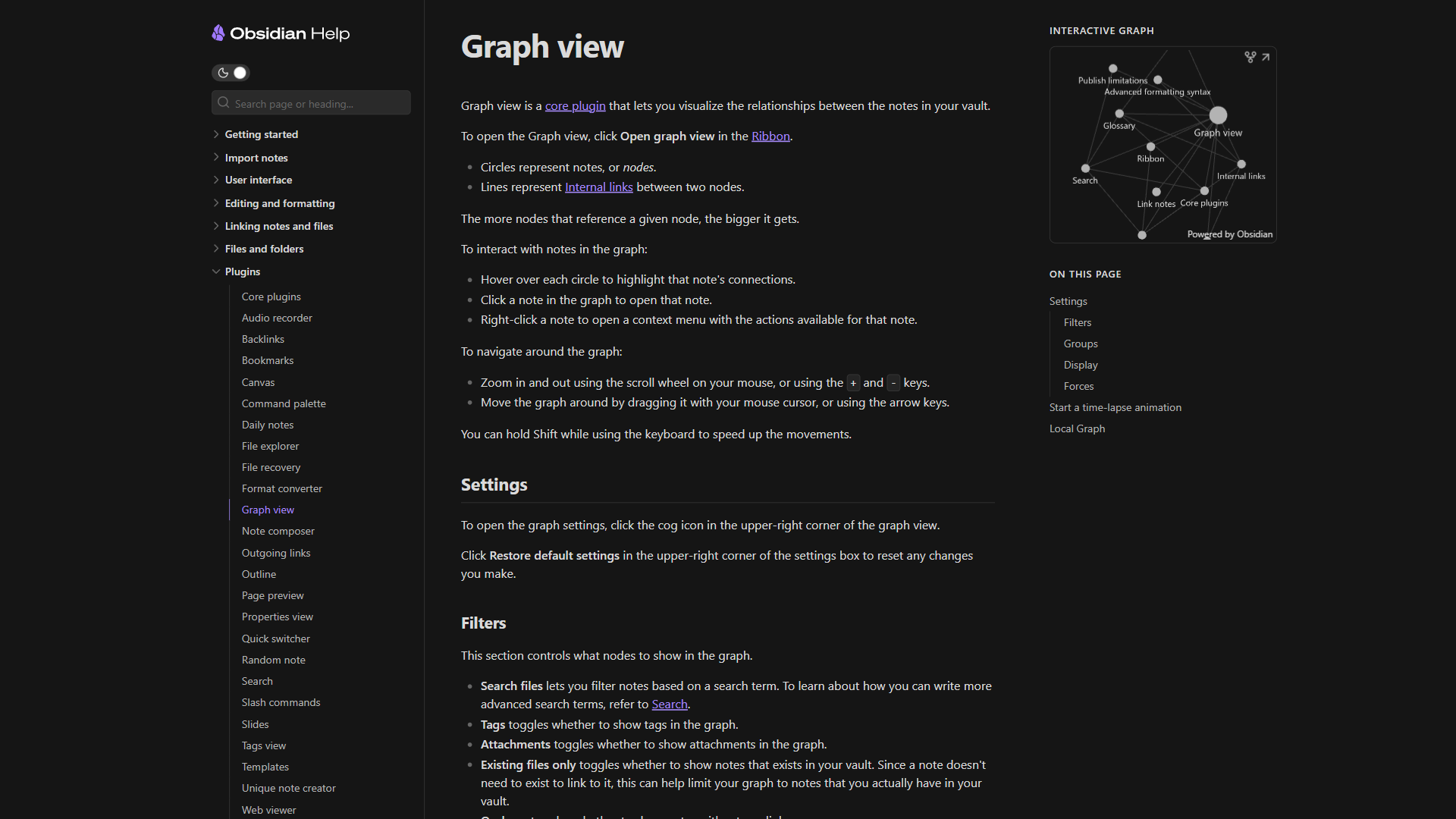
- Obsidian - Local-first markdown knowledge base with plugin ecosystem
- Claude - Anthropic’s AI assistant for research and knowledge work
- ChatGPT - OpenAI’s AI assistant for note summarization and analysis
- Confluence - Atlassian’s team wiki and knowledge management platform
More knowledge management guides:
- Obsidian vs Logseq - Document-first vs outliner-first PKM comparison
- Best AI Knowledge Management Tools - AI-powered knowledge management platforms
- Obsidian vs Notion - Local-first vs cloud-first note-taking
External Resources
External resources include each vendor’s official website and Logseq’s open-source GitHub repository for technical verification.
- Logseq - Official website
- Roam Research - Official website
- Logseq on GitHub - Open-source repository