


The three strongest GitLab competitors in 2026 are GitHub, Bitbucket, and Azure DevOps - each one wins in a specific ecosystem, and none of them is the right answer for every team. GitLab itself is one of the most capable DevSecOps platforms on the market: built-in CI/CD, container registry, security scanning, and code review all live inside a single application, with no integrations required.
But GitLab is not the right fit for every team. At $29 per user per month for Premium and $99 for Ultimate, it sits at the upper end of the market. Teams already embedded in the Microsoft or Atlassian ecosystem will often find a competitor makes more sense operationally. Smaller teams that only need code hosting and a basic pipeline should not pay for features they will never touch.
GitHub leads code hosting with 87% usage according to the Stack Overflow 2024 Developer Survey, while GitLab holds strong at 22% - meaningful overlap that shows both platforms routinely coexist in enterprise environments. According to Sid Sijbrandij, co-founder and CEO at GitLab, “The single application strategy is the only way to reduce friction across the entire software development lifecycle and unlock measurable engineering velocity,” a positioning Gartner reinforced by naming GitLab and GitHub as the two category leaders in its 2024 Magic Quadrant for DevOps Platforms.
Our analysis draws on current vendor documentation, official pricing pages, and independent industry research - we do not run hands-on benchmarks of every platform. AI Productivity may earn a commission from links on this page; our rankings and recommendations are editorially independent.
This guide covers the three strongest GitLab competitors in 2026 - GitHub, Bitbucket, and Azure DevOps - with honest coverage of where each one wins, where each one falls short, and how to pick the right platform for your team.
What Are You Comparing Against with GitLab?
GitLab’s core value proposition is consolidation - where GitHub requires Actions plus third-party security tooling plus a separate package registry, GitLab ships all of it from a single vendor. Key features include:
- Built-in CI/CD - native pipeline system with strong support for merge request pipelines, manual gates, and environments per the .gitlab-ci.yml reference
- Built-in security scanning - SAST, DAST, dependency scanning, and container scanning at Premium and Ultimate tiers per the GitLab application security documentation
- Self-hosted option - GitLab Community Edition is free and open-source; self-hosting gives full data control
- Merge request workflow - inline suggestions, approval rules, and protected branch enforcement
- Container and package registry - both included, no additional configuration required
GitLab Pricing
| Plan | Monthly Cost | Best For |
|---|---|---|
| Free | $0 | Small open-source projects, evaluation |
| Premium | $29/user/month | Engineering teams needing CI/CD and code review |
| Ultimate | $99/user/month | Enterprise DevSecOps with security scanning |
The case against GitLab typically comes down to cost and ecosystem fit. Premium at $29 per user is more expensive than GitHub Team ($4 per user), Bitbucket Standard ($3 per user), and Azure DevOps Basic ($6 per user). If your team does not need GitLab’s breadth - or if you are already deeply invested in a competing ecosystem - the cost difference is hard to justify.
GitLab limitations: smaller third-party marketplace than GitHub, weaker native AI coding-assistant integration, a UI some teams find busy, aggressive Free-tier CI/CD limits, and self-hosted Community Edition needs real ops capacity. Skip GitLab if you do not use the security scanning bundle.
Comparison Table: GitLab Competitors at a Glance
GitHub starts at $4 per user per month, Bitbucket at $3, and Azure DevOps at $6 - all three undercut GitLab Premium ($29) on entry pricing while differing on CI/CD depth and self-hosting options.
| Platform | Free Tier | Starting Price | CI/CD | Self-Hosted | Best For |
|---|---|---|---|---|---|
| GitHub | Unlimited public | $4/user/month | GitHub Actions | GitHub Enterprise Server | General-purpose code hosting |
| Bitbucket | 5 users | $3/user/month | Pipelines (built-in) | Data Center | Atlassian / Jira teams |
| Azure DevOps | 5 users | $6/user/month | Azure Pipelines | Azure DevOps Server | Microsoft / Azure shops |
1. GitHub - Best for Developer Ecosystem and Open Source
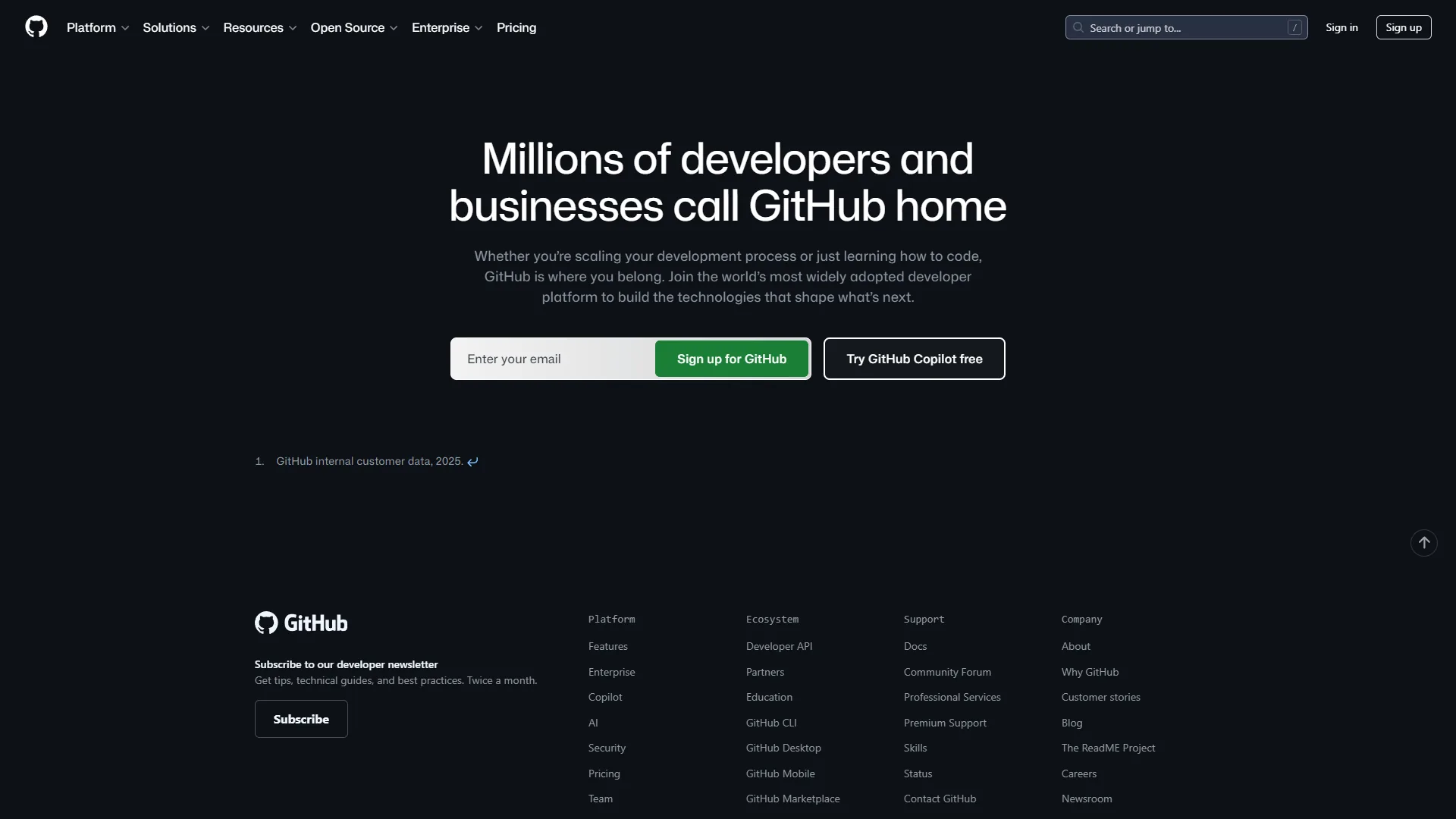
GitHub is the world’s largest code hosting platform with over 100 million developers, making it the most popular GitLab competitor for general-purpose code hosting. The breadth of the Actions marketplace - with thousands of pre-built workflow steps - means most CI/CD requirements are met without writing custom code.
Where GitHub Beats GitLab
Developer network and visibility. Open-source projects live on GitHub by default - the GitHub Octoverse 2024 report documented activity from over 100M developers. The critical mass of contributors, issues, and discussions lives on GitHub.
GitHub Actions ecosystem. The GitHub Actions marketplace has thousands of pre-built workflow steps covering deployment, testing, and cloud provider integrations - often available first on GitHub. The YAML syntax is widely understood, making onboarding faster.
GitHub Copilot integration. GitHub Copilot is native and benefits from the deepest integration with GitHub’s codebase context - our GitHub Copilot vs Cursor comparison covers how Copilot stacks up against the leading AI code editor.
Price at smaller team sizes. GitHub Team at $4 per user/month is significantly cheaper than GitLab Premium at $29 per user/month. For a 10-person team, that is $40 versus $290 per month - a $3,000 annual difference.
Where GitLab Has the Edge
GitLab’s built-in security tooling is more comprehensive than GitHub’s at comparable price points. The GitLab merge request approval rules exceed GitHub’s branch protection settings - teams that need enterprise-grade governance often find GitLab’s tooling more complete.
GitHub limitations: weaker built-in security scanning at comparable price points, no native bundled SAST or DAST without GitHub Advanced Security, and a project-management surface that lags GitLab and Azure Boards. Copilot is a separate $19 per user/month subscription. Skip GitHub if you want bundled DevSecOps tooling or a single-vendor solution for the full lifecycle.
GitHub Pricing
| Plan | Monthly Cost | Best For |
|---|---|---|
| Free | $0 | Open-source, personal projects |
| Team | $4/user/month | Small and mid-size teams |
| Enterprise | $21/user/month | Large organizations with compliance needs |
See GitHub’s pricing page for current plan details and volume discounts.
Best for: Teams that prioritize open-source visibility, AI-assisted coding via Copilot, and broad integrations with the best AI coding assistants ecosystem. Also strong for cost-sensitive teams where GitLab’s all-in-one approach is more than needed.
2. Bitbucket - Best for Atlassian / Jira Teams
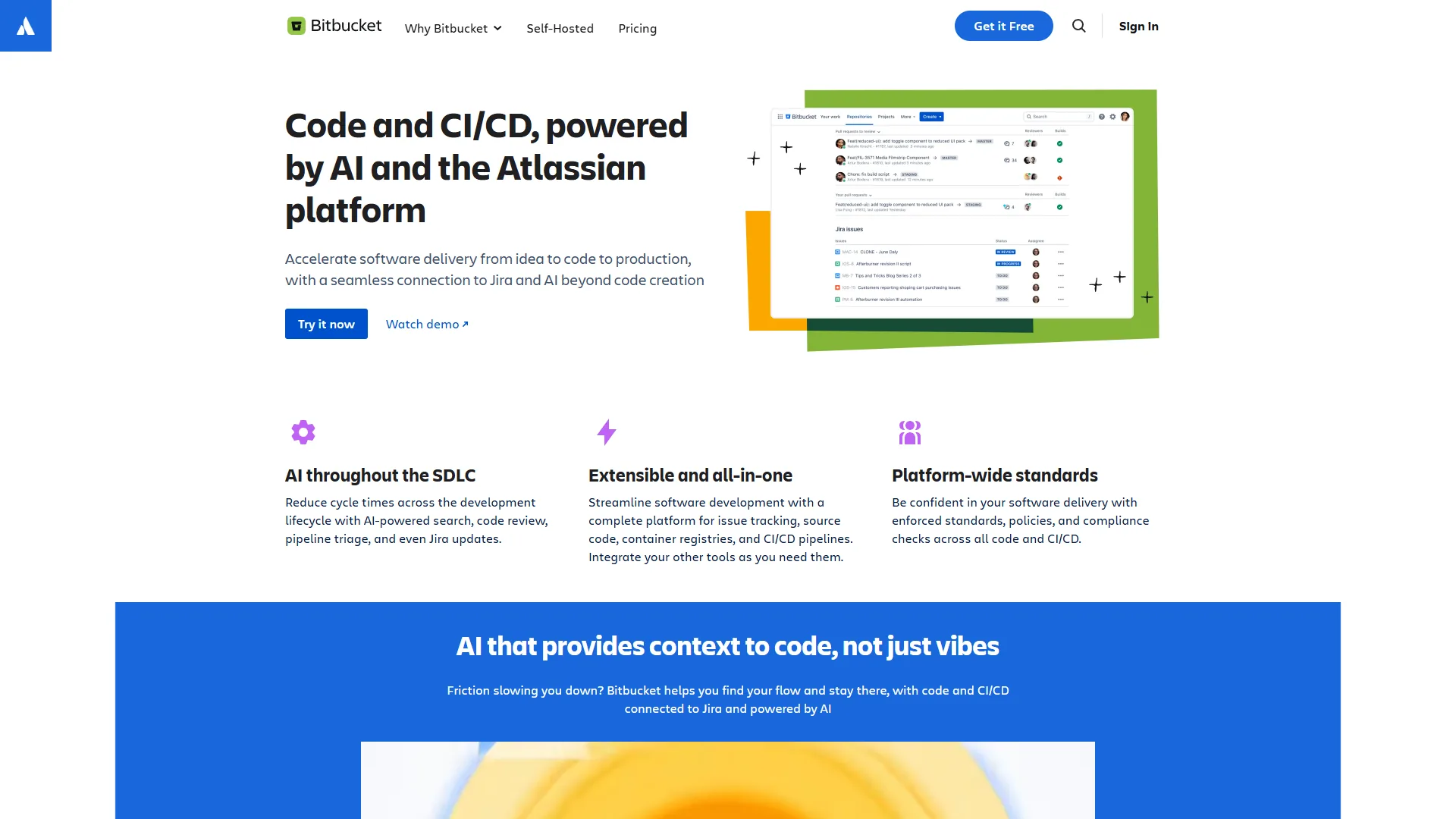
Bitbucket is Atlassian’s code hosting platform, and its competitive advantage is integration. Teams already using Jira for issue tracking and Confluence for documentation get a level of native integration that neither GitHub nor GitLab can fully replicate without plugins.
Where Bitbucket Beats GitLab
Jira integration depth. As outlined in the Bitbucket Cloud Jira integration guide, Jira issues appear directly inside Bitbucket pull requests with two-way synchronization. The integration is seamless in a way third-party connectors never quite achieve.
Price. Bitbucket Standard costs $3 per user/month - one of the cheapest options on the market. For a 20-person team, that is $60 per month versus $580 for GitLab Premium.
Confluence integration. Technical documentation in Confluence links directly to Bitbucket repositories - useful for teams that maintain architecture docs alongside code.
Atlassian Marketplace. The Atlassian Marketplace has thousands of apps that extend Bitbucket, Jira, and Confluence. Adding Bitbucket requires no additional procurement decisions for teams already on Atlassian tools.
Where GitLab Has the Edge
Bitbucket Pipelines is functional but less feature-rich than GitLab CI/CD. Complex multi-stage deployments and advanced merge request automation are better served by GitLab’s mature pipeline engine. Bitbucket also lacks GitLab’s native security scanning - teams that need SAST or dependency scanning must add third-party tools.
Bitbucket limitations: the community is much smaller than GitHub’s, third-party integrations are fewer, and Bitbucket Pipelines is thinner than GitLab CI or GitHub Actions. No bundled SAST or DAST, no native AI coding assistant comparable to Copilot. Skip Bitbucket if your team is not already on Jira and Confluence.
Bitbucket Pricing
| Plan | Monthly Cost | Best For |
|---|---|---|
| Free | $0 (up to 5 users) | Small teams evaluation |
| Standard | $3/user/month | Teams using Jira and Confluence |
| Premium | $6/user/month | Enterprise teams needing admin controls |
Best for: Engineering teams embedded in the Atlassian ecosystem. If Jira is your issue tracker and Confluence is your wiki, Bitbucket’s native integration eliminates friction that GitLab and GitHub cannot match at any price.
3. Azure DevOps - Best for Microsoft and .NET Teams
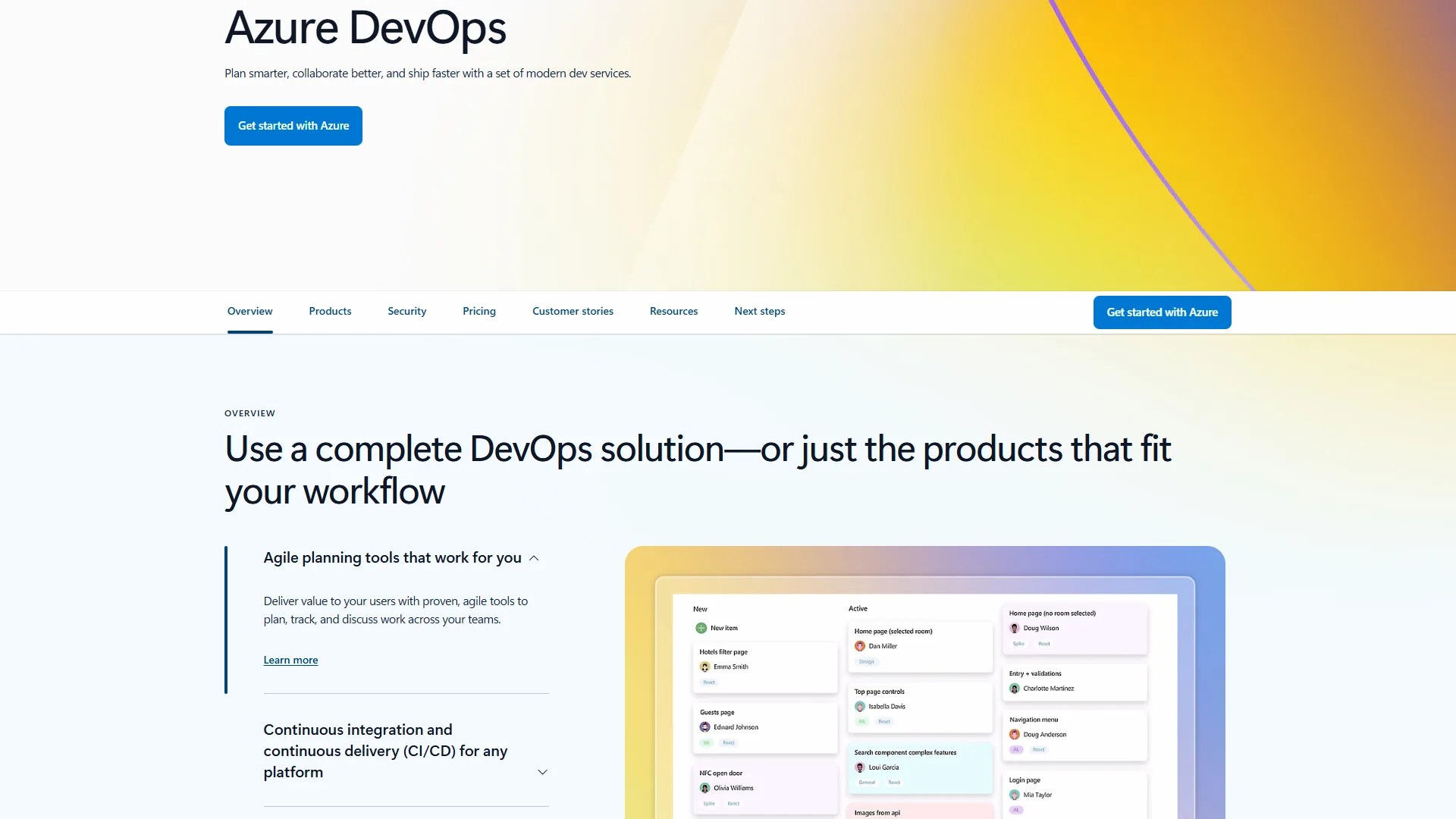
Azure DevOps is Microsoft’s enterprise DevOps platform - like GitLab, it unifies project management, code hosting, CI/CD, and testing. Unlike GitLab, it is optimized specifically for Microsoft-technology organizations building on .NET, deploying to Azure, and running Microsoft infrastructure.
Where Azure DevOps Beats GitLab
Azure cloud integration. Azure Pipelines has native integration with App Service, AKS, and Azure Functions that reduces deployment configuration to a few clicks. GitLab can deploy to Azure, but the integration requires more manual configuration.
Microsoft enterprise tooling. Azure DevOps connects natively with Active Directory, Microsoft Teams, and Microsoft 365 - see the Microsoft Entra ID and Azure DevOps documentation. Single sign-on, security group mapping, and Teams notifications all work without custom configuration.
Boards for project management. Azure Boards covers backlogs, sprints, Kanban boards, and work item hierarchies - see the best project management tools 2026 roundup for comparisons. Teams that want project management and code hosting from one vendor get a compelling bundled solution.
Cost at scale. Azure DevOps Basic costs $6 per user/month, but Microsoft 365 E3, E5, and Visual Studio subscriptions include Azure DevOps at no extra cost - the GitHub vs Azure DevOps comparison breaks down where the bundled access tips the math.
Self-hosted option. Azure DevOps Server (formerly Team Foundation Server) provides a comparable on-premises option for regulated environments, though it is more complex to operate than GitLab Community Edition.
Where GitLab Has the Edge
GitLab’s CI/CD YAML syntax is more intuitive than the Azure Pipelines YAML schema, which gets complex for multi-stage enterprise pipelines. GitLab’s merge request workflow is also more developer-friendly than Azure DevOps pull requests. Teams on Linux, AWS, or GCP will find GitLab and GitHub integrations more natural.
Azure DevOps limitations: dated UI compared with GitHub and GitLab, a less polished pull-request experience, weaker open-source community presence, and a verbose YAML schema for multi-stage deployments. No native bundled SAST or DAST equivalent to GitLab Ultimate. Skip Azure DevOps if you are not on Azure or .NET.
Azure DevOps Pricing
| Plan | Monthly Cost | Best For |
|---|---|---|
| Free | $0 (5 users Basic) | Small teams, evaluation |
| Basic | $6/user/month | Engineering teams needing full DevOps |
| Basic + Test Plans | $52/user/month | QA teams needing test case management |
Best for: Organizations running Microsoft infrastructure - Azure cloud deployments, .NET applications, Active Directory, and Microsoft 365. The value proposition improves significantly if your team already pays for Visual Studio subscriptions or Microsoft enterprise agreements that include Azure DevOps access.
Best Picks by Use Case
The best GitLab competitor depends on your ecosystem, workflows, and budget. For a broader look at code hosting platforms beyond these three, see our best version control tools roundup.

Choose GitHub if:
- Your team contributes to or depends on open-source projects
- You want AI-assisted coding via GitHub Copilot with native integration
- Cost is a primary concern and you do not need built-in security scanning
- You hire engineers who already know the platform
Choose Bitbucket if:
- You use Jira for issue tracking and want seamless two-way integration
- Your team is already in the Atlassian ecosystem (Jira, Confluence, Trello)
- Budget is tight - $3 per user versus $29 is a real consideration
Choose Azure DevOps if:
- You deploy to Azure cloud infrastructure or build .NET applications
- Your organization runs Active Directory and Microsoft 365
- You have Visual Studio subscriptions that include Azure DevOps access
Stick with GitLab if:
- You need built-in security scanning (SAST, DAST, dependency scanning)
- Data sovereignty or self-hosting is required
- You want one vendor for the entire DevSecOps lifecycle
- You are in a regulated industry and need GitLab Ultimate’s compliance reporting
Team Size Guidance
Under 10 developers: GitHub’s free tier or Team plan ($4 per user) is hard to beat on cost. Bitbucket’s free tier (5 users) is also competitive.
10 to 50 developers: The cost difference becomes significant. GitHub Team at $4 per user saves $300 per month for a 12-person team versus GitLab Premium.
50+ developers: Enterprise agreements and compliance requirements dominate. Azure DevOps at enterprise scale can be effectively free if your organization pays for Visual Studio Enterprise. GitLab Ultimate justifies its price for regulated industries.
The Bottom Line
GitLab remains the strongest choice for teams that need a single-vendor DevSecOps platform with built-in security scanning, native CI/CD, and self-hosting - especially in regulated industries. For most other engineering teams, a competitor matches 80% of GitLab’s value at a fraction of the cost.
GitHub wins on ecosystem, developer familiarity, and price - GitHub Team at $4 per user is hard to argue against when enterprise security scanning is not required.
Bitbucket wins if Jira is central to your workflow. The native integration eliminates friction that plugins never fully resolve, and $3 per user/month makes it the cheapest full-featured option.
Azure DevOps wins for Microsoft-technology organizations. The bundled access and native Azure integration make it the most operationally efficient choice.
The best GitLab competitor is the one your team will actually use effectively. Start by reviewing GitLab and GitHub with a free trial.
FAQ
These are the most common questions buyers ask when evaluating GitLab alternatives for engineering teams in 2026.
Q: Is GitLab more popular than GitHub?
GitHub is significantly more popular than GitLab by developer count. GitHub reports over 100 million developers on its platform, while GitLab serves roughly 30 million registered users. The Stack Overflow 2024 Developer Survey put GitHub at 87% usage versus GitLab at 22% - GitHub leads the market, though GitLab maintains a strong second-place position in enterprise DevSecOps.
Q: Which is better, Jenkins or GitLab?
GitLab CI/CD is more feature-rich than Jenkins for most teams - it ships with native pipeline definitions, merge request integration, and zero infrastructure to maintain. Jenkins remains stronger for highly customized self-hosted pipelines.
Q: What are the best GitLab competitors in 2026?
The three strongest GitLab competitors in 2026 are GitHub, Bitbucket, and Azure DevOps. GitHub leads for general-purpose code hosting and open-source visibility, Bitbucket wins for Atlassian/Jira teams, and Azure DevOps is the natural choice for Microsoft and Azure shops.
Q: Is GitHub cheaper than GitLab?
Yes. GitHub Team costs $4 per user per month versus GitLab Premium at $29 per user per month - a $3,000 annual difference for a 10-person team. GitLab is only worth the premium if you need its advanced security scanning or compliance features.
Q: Why choose Bitbucket over GitLab?
Bitbucket wins when your team already uses Jira and Confluence - Jira issues appear directly inside pull requests with two-way sync. Bitbucket Standard also costs just $3 per user per month, one of the cheapest options on the market.
Related Reading
These related guides go deeper on individual GitLab competitors and adjacent code hosting alternatives covered above.
- GitHub Competitors 2026: Best Code Hosting Alternatives
- GitLab vs Bitbucket: Which Is Better for Your Team?
- GitHub vs Azure DevOps: Full Platform Comparison
- Best Project Management Tools 2026
- GitLab - Full Review and Pricing
- GitHub - Full Review and Pricing
External Resources
These external resources cover GitLab competitors and alternatives in 2026 directly from primary vendor and research sources.