
GitLab is an all-in-one DevSecOps platform, while Bitbucket is Atlassian’s lower-cost Git host built around Jira - so GitLab fits teams wanting unified CI/CD and security, and Bitbucket fits teams deep in the Atlassian ecosystem. This comparison draws on each vendor’s current pricing and feature documentation plus independent research rather than sponsored placement; AI Productivity may earn a commission from links on this page, but our rankings are editorially independent.
GitLab is a comprehensive DevSecOps platform that bundles source control, CI/CD, security scanning, container registries, monitoring, and project management in a single application. Bitbucket is Atlassian’s Git hosting solution, optimized for teams already using Jira and the broader Atlassian ecosystem.
In 2026, the choice comes down to this: GitLab wins when you want a unified DevOps platform with built-in CI/CD and security. Bitbucket wins when your team is deep in the Atlassian ecosystem and wants seamless Jira integration at a lower price point.
Comparison Table: GitLab vs Bitbucket at a Glance
GitLab costs $29 per user per month for Premium with built-in CI/CD and security, while Bitbucket starts at $3 per user per month with native Jira integration - a roughly 10x price gap reflecting the platforms’ different scope. The table below summarizes how the two platforms differ across CI/CD, hosting, and security.
| Feature | GitLab | Bitbucket |
|---|---|---|
| Free Tier | Yes (unlimited users, 5 users for CI/CD) | Yes (up to 5 users) |
| Paid Plans | Premium $29/user/mo, Ultimate $99/user/mo | Standard $3/user/mo, Premium $6/user/mo |
| CI/CD | GitLab CI/CD (built-in, 400 min/mo free) | Bitbucket Pipelines (built-in, 50 min/mo free) |
| Self-Hosted | Yes (all tiers, Community Edition free) | Yes (Data Center, premium pricing) |
| Atlassian Integration | Via add-ons | Native (Jira, Confluence, Trello) |
| Security Scanning | Built-in (Ultimate tier) | Via Snyk integration |
| Container Registry | Built-in | Via external integration |
| AI Features | GitLab Duo (Ultimate/add-on) | Atlassian Intelligence (beta) |
| Best For | All-in-one DevSecOps | Atlassian-centric teams |
Quick verdict: Choose GitLab for a complete DevSecOps platform with powerful built-in CI/CD and security scanning. Choose Bitbucket if your team runs on Jira and wants tight integration with the Atlassian suite at a significantly lower cost.
GitLab: The All-in-One DevSecOps Platform

GitLab is an all-in-one DevSecOps platform that delivers Git hosting, CI/CD, security scanning, container registries, and project management in a single application - replacing a stack of separate tools. The core philosophy is radical consolidation rather than integration of third-party services.
This approach has earned GitLab a strong position in mid-market and enterprise environments where reducing tool sprawl is a real priority. The Stack Overflow Developer Survey reports that more than 93% of professional developers use Git as their version control system, and teams increasingly favor platforms that fold CI/CD and security into the same workflow. According to GitLab, vendor of the platform, “GitLab is the most comprehensive AI-powered DevSecOps platform,” as stated in its official platform documentation. In terms of GitHub vs GitLab vs Bitbucket market share, GitHub remains the largest host, but GitLab leads on integrated DevSecOps depth. For a wider look at Git hosting options, see our best version control tools roundup.
GitLab core strengths:
- Built-in CI/CD - Pipelines defined in
.gitlab-ci.ymlwith visualization, parent-child pipelines, DAG support, and Auto DevOps - Comprehensive security - Ultimate tier includes SAST, DAST, dependency scanning, container scanning, secret detection, fuzz testing, and license compliance
- Self-hosted flexibility - Community Edition is free and self-hostable, a differentiator for air-gapped or data-residency environments
- Container and package registries - Built into every project, no external service required
- GitLab Duo AI - AI assistance across planning, coding, testing, and deployment; included in Ultimate, add-on for Premium
- Merge trains - Automatically rebase and test merge requests in sequence, preventing broken builds on main
Limitations: Premium at $29 per user/month is roughly 10x Bitbucket Standard, and Ultimate at $99 makes security expensive at scale. The interface is denser, the learning curve steeper, and self-hosted GitLab needs more memory than Bitbucket Data Center. Skip GitLab if your team is small, already pays for Jira and Confluence, and only needs Git hosting plus basic CI.
Bitbucket: Git for the Atlassian Ecosystem
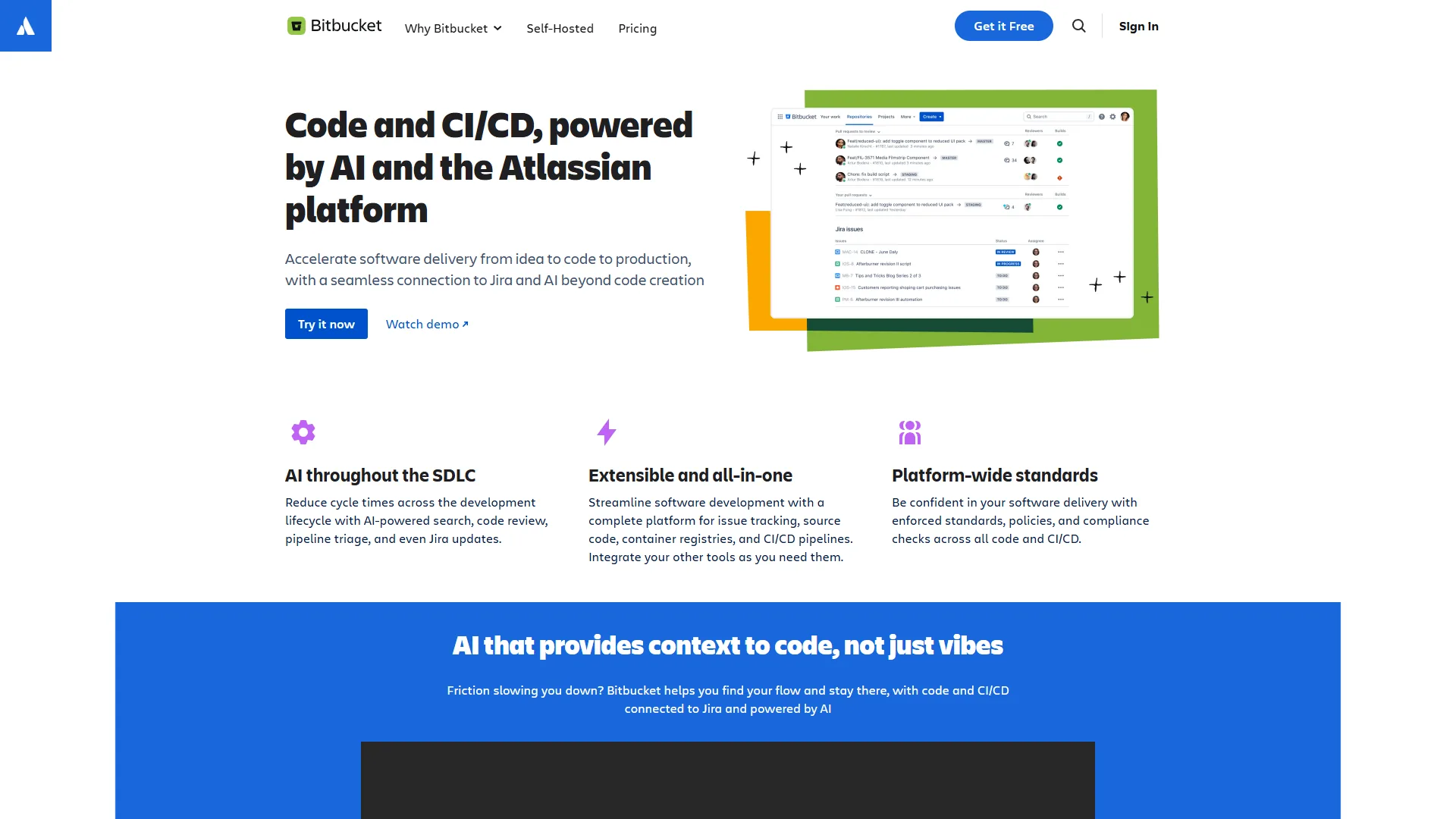
Bitbucket is Atlassian’s Git hosting platform, and its core value proposition is simple: if you use Jira and Confluence, Bitbucket provides the deepest integration with both. Issues link automatically, commits reference tickets natively, and deployment data flows into Jira without configuration.
Bitbucket’s pricing is also dramatically lower than GitLab’s paid tiers - a deciding factor for teams that just need solid Git hosting. Atlassian’s DevOps research and resource hub documents how tightly Bitbucket, Jira, and Confluence operate as a single delivery loop.
Bitbucket core strengths:
- Jira integration - The tightest in any Git platform - branch names reference Jira issues automatically, commits link to tickets, and PR status updates in Jira
- Confluence integration - Documentation linked directly to code and pull requests through Atlassian’s Smart Links
- Bitbucket Pipelines - Built-in CI/CD using Docker containers with straightforward YAML configuration; see our Bitbucket vs GitHub breakdown for more
- Code Insights - Displays test coverage, security scan results, and quality metrics directly in pull requests
- Affordable pricing - Standard at $3 and Premium at $6 per user/month sit well below GitLab’s paid tiers
- Atlassian Intelligence - AI features rolling out across the Atlassian suite, including PR summaries and code explanations (beta)
Limitations: Pipelines gives only 50 free minutes per month, security scanning is integration-dependent rather than native, and the AI tooling lags behind GitLab Duo and GitHub Copilot. Skip Bitbucket if you do not pay for Jira and Confluence, or if you need a unified DevSecOps platform with built-in container scanning.
How Do GitLab and Bitbucket Compare on Code Review?
Both platforms handle the fundamentals of Git hosting competently - the differences emerge in how code review integrates with the broader workflow, the core question deviniti’s coverage of repo management raises as well. GitLab couples merge requests to CI/CD and security scanning, while Bitbucket couples pull requests to Jira and the Atlassian ecosystem.
Pull Requests in GitLab (Merge Requests)
GitLab calls them merge requests (MRs), and the workflow is tightly integrated with CI/CD and security scanning. When you open an MR:
- The CI/CD pipeline runs automatically
- Security scans run and report findings directly in the MR
- Approval rules can require specific reviewers based on code ownership
- Merge trains queue MRs for sequential testing and merging
- GitLab Duo can generate AI-powered MR summaries
GitLab’s code ownership files integrate with approval workflows so specific file paths require sign-off from designated owners before merging.
Pull Requests in Bitbucket
Bitbucket’s pull request experience is clean and functional, with particularly strong Jira integration. When you create a PR:
- Jira issues referenced in the branch name or commit messages link automatically
- Build status from Bitbucket Pipelines or connected CI tools appears in the PR
- Code Insights panels surface test coverage and scan results from integrated tools
- Reviewers can be required based on file paths using a CODEOWNERS file
Bitbucket’s PR interface is straightforward and well-designed, though less integrated with CI/CD than GitLab’s.
Winner: GitLab for teams where CI/CD and security feedback in code review matter. Bitbucket for teams where Jira issue tracking and Atlassian workflow integration are the priority.
Is GitLab or Bitbucket Better for CI/CD?
GitLab CI/CD wins for teams where pipelines are central to the workflow, offering 400 free monthly minutes versus Bitbucket Pipelines’ 50, plus DAG support, merge trains, and Auto DevOps. CI/CD capabilities are often the deciding factor in this evaluation.
GitLab CI/CD
GitLab CI/CD is best-in-class among integrated Git platform CI/CD systems. Key capabilities:
- Auto DevOps - The Auto DevOps documentation details how it detects your project’s language and builds a complete pipeline automatically
- Pipeline visualization - Clear visual graph of stages, jobs, and dependencies with real-time status
- DAG pipelines - Jobs start as soon as their dependencies complete, not waiting for entire stages
- Parent-child pipelines - Break large monorepos into smaller, independently-triggered pipelines
- Review apps - Spin up temporary environments for every merge request automatically
- Environments dashboard - Unified view of all deployment environments with deployment history
Free tier includes 400 CI/CD minutes per month on shared runners.
Bitbucket Pipelines
Bitbucket Pipelines is simpler than GitLab CI/CD but adequate for most common workflows:
- Uses Docker containers for every build step, making environments reproducible
- YAML configuration with support for parallel steps
- Deployment environments with variable management
- Caching for dependencies to speed up builds
- Integrates with Bamboo (Atlassian’s separate CI server) for more complex workflows
The free tier includes only 50 CI/CD minutes per month, which is limited for active projects. Atlassian’s Bitbucket Pipelines documentation covers build minute add-ons and deployment models.
Winner: GitLab CI/CD by a significant margin for teams where CI/CD is central - more minutes, better visualization, more advanced features like DAG and parent-child pipelines, and deeper security integration.
Which Has Better Security: GitLab or Bitbucket?
GitLab ships comprehensive security scanning built in - SAST, DAST, dependency, container, secret, and fuzz testing on the Ultimate tier - while Bitbucket handles security through third-party integrations like Snyk. The two platforms take opposite philosophies on security tooling.
GitLab Security (Ultimate Tier)
Security is one of GitLab’s strongest differentiators. The Ultimate tier includes:
- SAST - Static application security testing across 30+ languages
- DAST - Dynamic testing against running applications for runtime vulnerabilities
- Dependency scanning - Checks against known vulnerability databases
- Container scanning - Analyzes Docker images
- Secret detection - Finds exposed credentials in code and pipeline logs
- Fuzz testing - Coverage-guided fuzzing for finding edge case vulnerabilities
- License compliance - Tracks and enforces open-source license policies
- Security dashboard - Unified view of all findings across projects
All results appear directly in merge requests, making it easy to catch issues before production.
Bitbucket Security
Bitbucket handles security primarily through integrations rather than built-in scanning:
- Snyk integration - Popular third-party security scanning that surfaces findings in pull requests through Code Insights
- Secret scanning - Basic detection for common credential patterns
- IP allowlisting - Restrict repository access by IP range (Premium tier)
- 2FA enforcement - Require two-factor authentication for workspace members
For comprehensive scanning, Bitbucket teams typically add Snyk, SonarQube, or similar tools via the Code Insights API.
Winner: GitLab for teams where security scanning is a requirement - built-in comprehensive scanning beats an integration-dependent approach.
Pricing Comparison
The pricing difference between these platforms is stark and often decisive.
| Tier | GitLab | Bitbucket |
|---|---|---|
| Free | Unlimited users (5 users for CI/CD minutes) | Up to 5 users |
| Entry Paid | Premium $29/user/mo | Standard $3/user/mo |
| Full Featured | Ultimate $99/user/mo | Premium $6/user/mo |
| Self-Hosted | Free (Community Edition) | Data Center (enterprise pricing) |
| CI/CD Minutes (free) | 400/mo | 50/mo |
Real-World Cost for a 20-Person Team
GitLab Premium: 20 users × $29 = $580 per month - CI/CD, merge trains, code owners
GitLab Ultimate: 20 users × $99 = $1,980/month - adds all security scanning, GitLab Duo AI
Bitbucket Standard: 20 users × $3 = $60 per month - Git hosting and Pipelines
Bitbucket Premium: 20 users × $6 = $120 per month - adds IP allowlisting, required merge checks, deployment permissions
The $60 versus $580 monthly gap reflects different products: Bitbucket Standard is Git hosting and basic pipelines; GitLab Premium adds merge trains, code owners, advanced CI/CD, and analytics. GitLab represents genuine savings over assembling equivalent tools separately; Bitbucket is far more affordable for teams that just need Git hosting with Jira.
Choose GitLab if DevSecOps Matters; Bitbucket if Atlassian-Centric
GitLab wins for teams needing an integrated DevSecOps platform with advanced CI/CD and built-in security scanning, while Bitbucket wins for teams centered on Jira and the Atlassian ecosystem at a lower cost. Teams also weighing GitHub vs GitLab vs Bitbucket vs Azure DevOps should apply the same criteria - CI/CD depth, security scanning, and ecosystem fit - to all four platforms.
Choose GitLab If:
- You want one platform for the entire DevSecOps lifecycle - GitLab eliminates separate CI/CD, security scanning, container registry, and environment management tools
- CI/CD is central to your workflow - GitLab’s pipeline capabilities (Auto DevOps, DAG pipelines, merge trains, review apps) are significantly more advanced
- Security and compliance are serious - Built-in SAST, DAST, dependency scanning, and container scanning in a single platform with results in merge requests
- You need self-hosted deployment - Community Edition is free and fully capable; Bitbucket’s self-hosted option requires Data Center pricing
- You are not using Jira as your primary tracker - Without Jira, Bitbucket’s main advantage disappears
Choose Bitbucket If:
- Your team is invested in the Atlassian ecosystem - Jira + Confluence + Bitbucket integration reduces context switching for Jira-centric teams
- Budget is a primary concern - At $3-6/user/month, Bitbucket is dramatically cheaper than GitLab’s paid tiers
- You need basic Git hosting without a full DevOps platform - If your CI/CD runs on Jenkins, CircleCI, or another system, GitLab’s integrated platform may not pay off
- You use Jira for issue tracking - Bitbucket’s native Jira integration (automatic issue linking, deployment tracking, Smart Links) is best in market
Team Size Guidance
| Team Size | Recommendation | Reasoning |
|---|---|---|
| Solo / Freelance | Bitbucket Free | 5-user free tier, Jira free tier available |
| 2-10 developers | Bitbucket Standard | $3/user beats GitLab for small Atlassian teams |
| 10-50 developers | Evaluate based on CI/CD needs | GitLab if CI/CD is central; Bitbucket if Jira is |
| 50+ developers | GitLab for DevSecOps consolidation | Platform value justifies cost at scale |
| Enterprise with compliance | GitLab Ultimate | Built-in security scanning and audit capabilities |
The Bottom Line
The GitLab vs Bitbucket decision is less about feature quality and more about ecosystem fit. GitLab is the right choice for teams that want a unified DevSecOps platform - source control through CI/CD to security scanning - without stitching together separate tools, and its self-hosted Community Edition is uniquely valuable for data-residency or air-gapped environments. Bitbucket is the right choice for teams already using Jira and Confluence who want tight workflow integration at a fraction of GitLab’s cost.
Both platforms support standard Git workflows; migration is documented in the GitLab import documentation. Start with the platform that fits your current tech stack and reassess as DevOps requirements evolve. If you are also weighing GitHub alternatives, the same criteria apply. Coverage like rewind.com’s best choice for Git and cloudfresh’s leading DevSecOps comparison reach the same conclusion - the decision turns on ecosystem fit and CI/CD depth.
FAQ
GitLab and Bitbucket questions cluster around pricing, CI/CD capability, security scanning, and team fit - the five answers below address the highest-volume queries from the GitLab vs Bitbucket SERP.
Q: How is Git different from Bitbucket?
Git is the open-source version control system that tracks code changes locally, while Bitbucket is a hosted platform built on top of Git that adds remote repositories, pull requests, CI/CD pipelines, and Jira integration. Bitbucket is one of several places to host Git repositories, alongside GitLab and GitHub.
Q: What is the main difference between GitLab and Bitbucket?
GitLab is a comprehensive DevSecOps platform bundling source control, CI/CD, security scanning, container registries, and project management in a single application. Bitbucket is Atlassian’s Git hosting solution optimized for teams using Jira. GitLab consolidates tools; Bitbucket integrates with Atlassian products.
Q: Is GitLab or Bitbucket better for CI/CD?
GitLab CI/CD wins by a significant margin for teams where CI/CD is central, offering 400 free minutes per month versus Bitbucket Pipelines’ 50, plus Auto DevOps, DAG pipelines, parent-child pipelines, merge trains, and review apps. Bitbucket Pipelines is simpler but adequate for common workflows.
Q: How much do GitLab and Bitbucket cost?
GitLab Premium costs $29 per user per month and Ultimate costs $99. Bitbucket is dramatically cheaper at $3 (Standard) and $6 (Premium) per user per month. Both have free tiers - Bitbucket caps at 5 users while GitLab allows unlimited users.
Q: Should I choose GitLab or Bitbucket for my team?
Choose GitLab when you want a unified DevOps platform with built-in CI/CD and security scanning, or need self-hosted deployment via Community Edition. Choose Bitbucket when your team is deep in the Atlassian ecosystem and wants seamless Jira integration at a lower price point.
Related Reading
Related guides extend the GitLab vs Bitbucket comparison to other Git hosting and AI coding platforms covered on this site.
- GitHub Competitors: Best Git Hosting Alternatives
- GitHub vs Azure DevOps: Which Platform Wins?
- Cursor vs Replit - AI coding tools compared for modern development workflows
- GitLab - Full GitLab review with pricing, ratings, and DevSecOps features
External Resources
External resources below come from primary vendor documentation that verifies the CI/CD, pricing, and platform details cited in this comparison.