


Best version control tools are platforms that go beyond basic Git hosting to offer AI integration, built-in CI/CD pipelines, and robust security features. Leading options include GitHub, GitLab, and Bitbucket - each suited to different workflows, with GitHub standing out for its Copilot AI integration and 100 million developer community.
Version control stopped being optional years ago. In 2026, the question isn’t whether you need version control - it’s which platform best fits your workflow. With AI-powered coding assistants now integrated directly into these platforms, the choice affects your entire development productivity.
Based on feature analysis, community feedback, and real development workflows, here is what matters and which tools deliver the best experience.
Comparison Table: Best Version Control Tools
The top three version control platforms in 2026 are GitHub (Free / $4 per user per month), GitLab (Free / $29 per user per month), and Bitbucket (Free / $3 per user per month), ranked by community size and AI-feature depth.
Our analysis draws on current vendor pricing pages, official product documentation, and independent research rather than sponsored placement or hands-on benchmarking. AI Productivity may earn a commission from links on this page; rankings are editorially independent.
| Tool | Rating | Starting Price | Best For |
|---|---|---|---|
| GitHub | Free / $4/user/mo | AI-powered development | |
| GitLab | N/A | Free / $29/user/mo | Complete DevOps platform |
| Bitbucket | - | Free / $3/user/mo | Atlassian ecosystem |
Selection Criteria: What Makes a Great Version Control Platform in 2026
The landscape has evolved significantly. Here’s what separates modern version control platforms from basic Git hosting:
AI Integration: GitHub Copilot changed expectations. Modern platforms now offer AI-powered code completion, code review suggestions, and automated security scanning.
CI/CD Capabilities: Built-in continuous integration and deployment pipelines eliminate the need for separate Jenkins or CircleCI setups.
Security Features: Secret scanning, dependency alerts, and code analysis catch vulnerabilities before they reach production.
Collaboration Tools: Pull request workflows, code review features, and team management determine how efficiently teams work together.
Ecosystem & Integrations: The best platforms connect with your existing tools - IDEs, project management, deployment targets.
1. GitHub: Best for AI-Powered Development
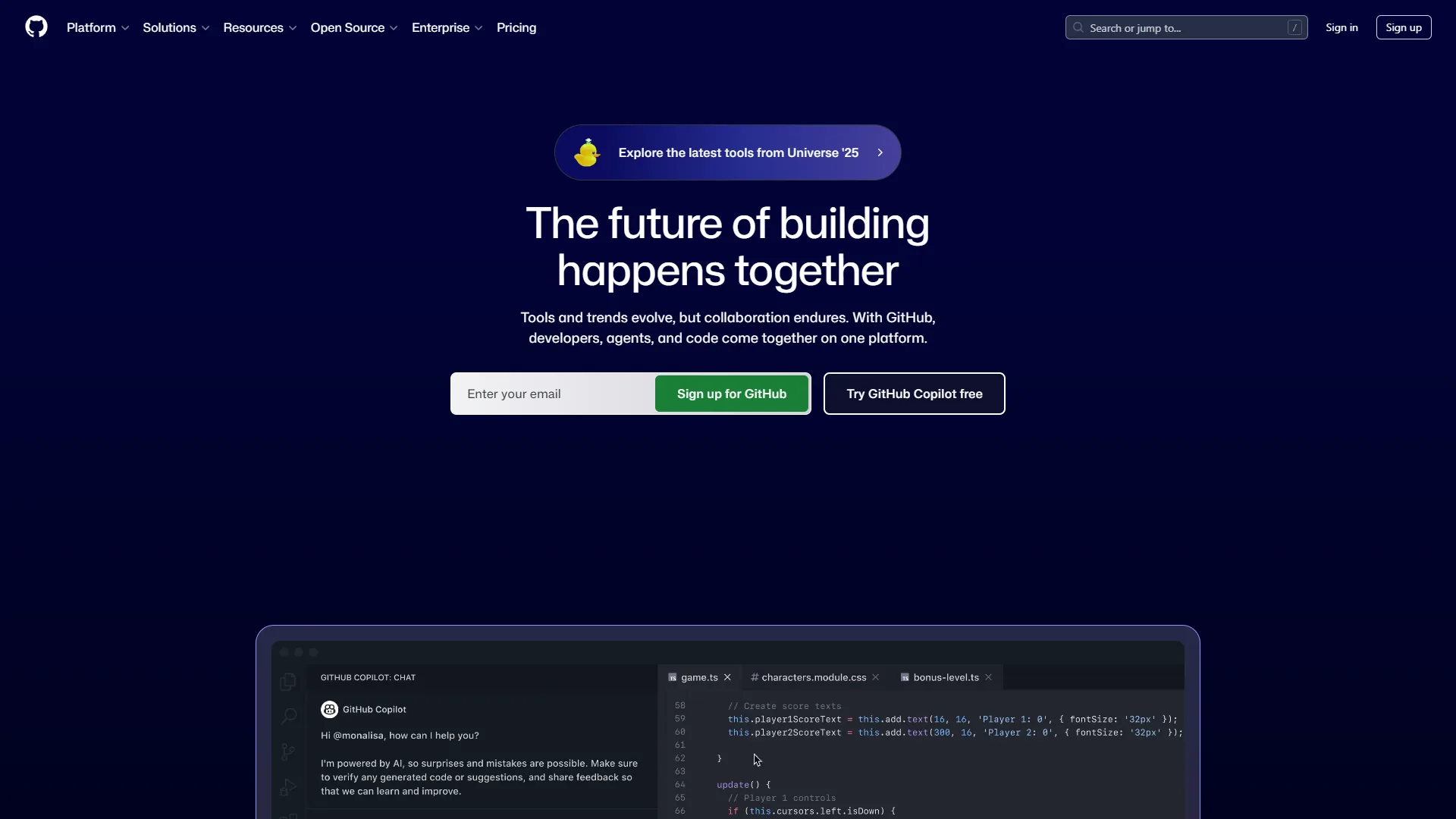
GitHub is the largest code-hosting platform in 2026, serving over 100 million developers and pairing Git hosting with Copilot AI code completion. According to GitHub’s own controlled study, developers using Copilot completed coding tasks 55% faster than the unassisted control group.
The platform combines version control, CI/CD via GitHub Actions, and Advanced Security into a comprehensive development environment. Most developers already have GitHub accounts, making collaboration friction-free.
Key Features:
- GitHub Copilot AI-powered code completion and chat
- GitHub Actions for CI/CD with 15,000+ marketplace actions
- Advanced Security with secret scanning and CodeQL analysis
- Pull requests with required reviewers and protected branches
- Codespaces cloud development environments
- Integration with the Microsoft/Azure ecosystem
Pricing verified April 2026 from GitHub's pricing page:
- Free: $0/mo
- Unlimited public and private repositories
- 2,000 GitHub Actions minutes/month
- Community support
- Best for: Individual developers and open-source projects
- Team: $4/user/mo
- Protected branches and required reviewers
- Advanced code review workflows
- Team management tools
- Best for: Medium to large teams with complex workflows
- Enterprise: $21/user/mo (Copilot is a separate $10-19/user/mo subscription)
- SAML single sign-on
- Advanced auditing and 99.9% uptime SLA
- Premium support
- Best for: Large enterprises with compliance requirements
Pros:
- Largest developer community and open-source ecosystem
- Copilot AI integration is industry-leading
- Generous free tier for individuals and open source
- GitHub Actions eliminates need for separate CI/CD tools
- Extensive third-party integrations
Cons:
- Copilot requires separate subscription ($10-19/mo extra)
- Git learning curve challenges beginners
- Enterprise costs add up at $21 per user/mo + Copilot
- Not a complete DevOps platform like GitLab
Best For: Teams wanting the largest community, AI-powered development with Copilot, and the Microsoft/Azure ecosystem. If you’re building open-source or need extensive third-party integrations, GitHub is the default choice.
2. GitLab: Best Complete DevOps Platform

GitLab is an all-in-one DevOps platform that combines version control, CI/CD, security scanning, monitoring, and project management in a single application. GitLab positions itself as the complete DevOps platform, and if you want everything integrated without stitching together multiple tools, GitLab delivers - the official GitLab documentation details both SaaS and self-managed deployment paths.
The self-hosted option appeals to enterprises with strict compliance requirements. You can run GitLab on your infrastructure with full control over your code and data.
Key Features:
- Built-in CI/CD with Auto DevOps
- Complete issue tracking and project management
- Container registry and Kubernetes integration
- Security scanning (SAST, DAST, dependency scanning)
- Self-hosted or SaaS deployment options
- GitLab Duo AI features (code suggestions, chat)
Pricing:
- Free: 5 users, 10GB storage, 400 CI/CD minutes
- Premium: $29 per user/mo - Merge request approvals, 10,000 CI minutes
- Ultimate: $99 per user/mo - Advanced security, compliance
Pros:
- Most complete all-in-one DevOps platform
- Self-hosted option for compliance requirements
- Built-in issue tracking competes with Jira
- Auto DevOps simplifies CI/CD setup
- Single application reduces tool sprawl
Cons:
- Higher starting price than GitHub ($29 per month vs $4 per month)
- AI features less mature than GitHub Copilot
- Smaller community than GitHub
- Self-hosting requires infrastructure management
Best For: Organizations wanting a complete DevOps platform in one application, especially those with self-hosting requirements or compliance needs. GitLab excels when you want to consolidate tools.
3. Bitbucket: Best for Atlassian Teams
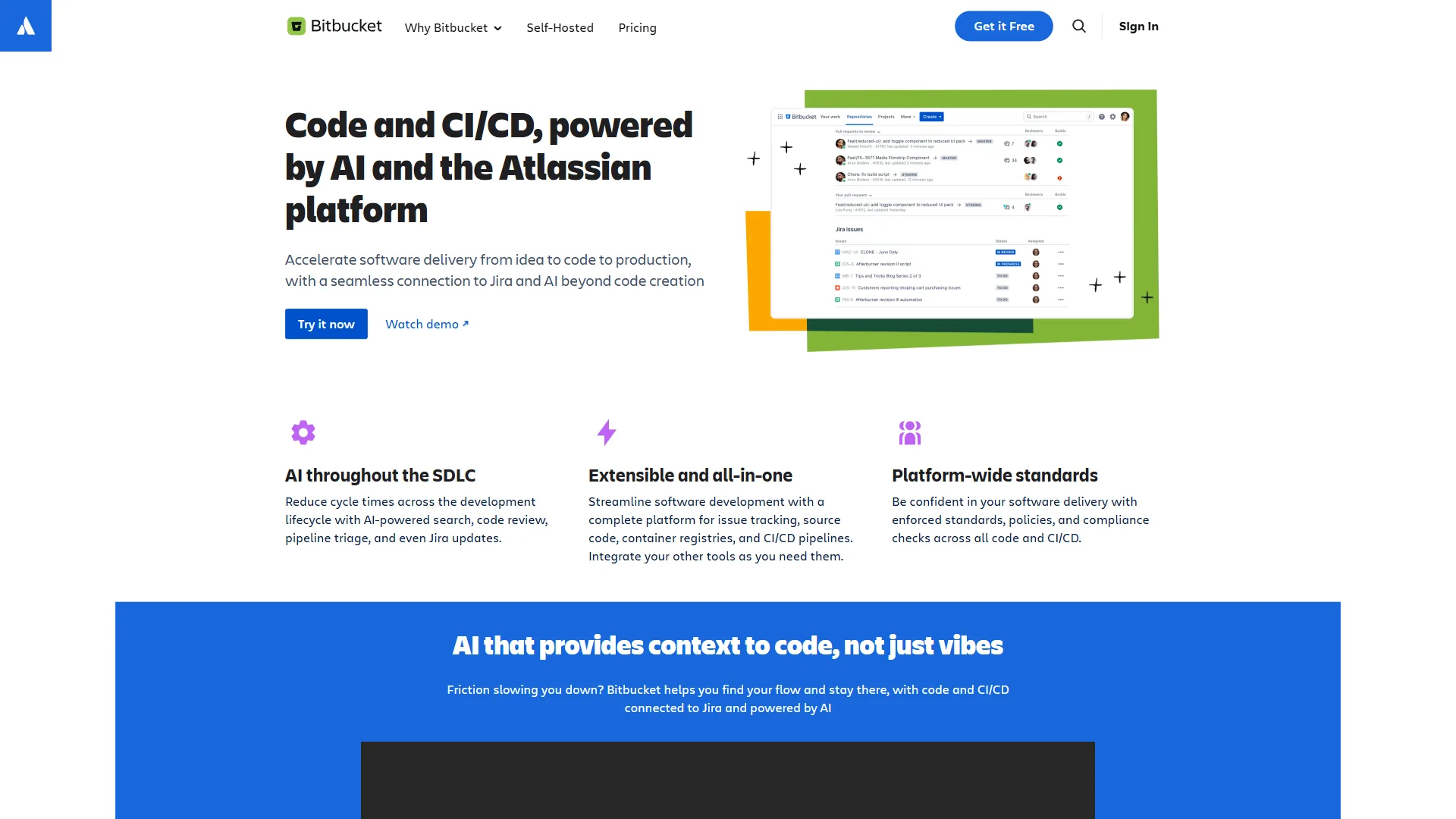
Bitbucket is Atlassian’s Git platform, purpose-built for teams already standardized on Jira, Confluence, and Trello. Bitbucket makes sense when your team already lives in the Atlassian ecosystem, because the native integrations create a seamless workflow - link commits to Jira tickets, reference Confluence docs, and track everything together.
The pricing is competitive at $3 per user/month for the Standard tier, making it attractive for teams already invested in Atlassian.
Key Features:
- Deep Jira and Confluence integration
- Bitbucket Pipelines for CI/CD
- Pull request workflows with merge checks
- Code insights and security scanning
- Atlassian ecosystem integration
- Data Center option for self-hosting
Pricing:
- Free: 5 users, unlimited private repos
- Standard: $3 per user/mo - Enhanced review workflows
- Premium: $6 per user/mo - Required merge checks, deployment permissions
- Data Center: Self-hosted pricing
Pros:
- Best-in-class Jira and Confluence integration
- Competitive pricing ($3 per user/mo)
- Familiar for Atlassian ecosystem users
- Bitbucket Pipelines included in price
- Data Center option for self-hosting
Cons:
- No AI coding assistant like Copilot
- Smaller community than GitHub or GitLab
- Less feature-rich than GitLab’s DevOps platform
- Third-party integrations limited outside Atlassian
Best For: Teams heavily invested in Jira, Confluence, and the Atlassian ecosystem. If you’re already paying for Atlassian tools, Bitbucket provides the tightest integration.
Best Picks by Use Case: Which Version Control Tool Should You Choose
The right version control tool depends on your team’s primary workflow - AI-assisted coding favors GitHub, end-to-end DevOps favors GitLab, and tight Atlassian integration favors Bitbucket.
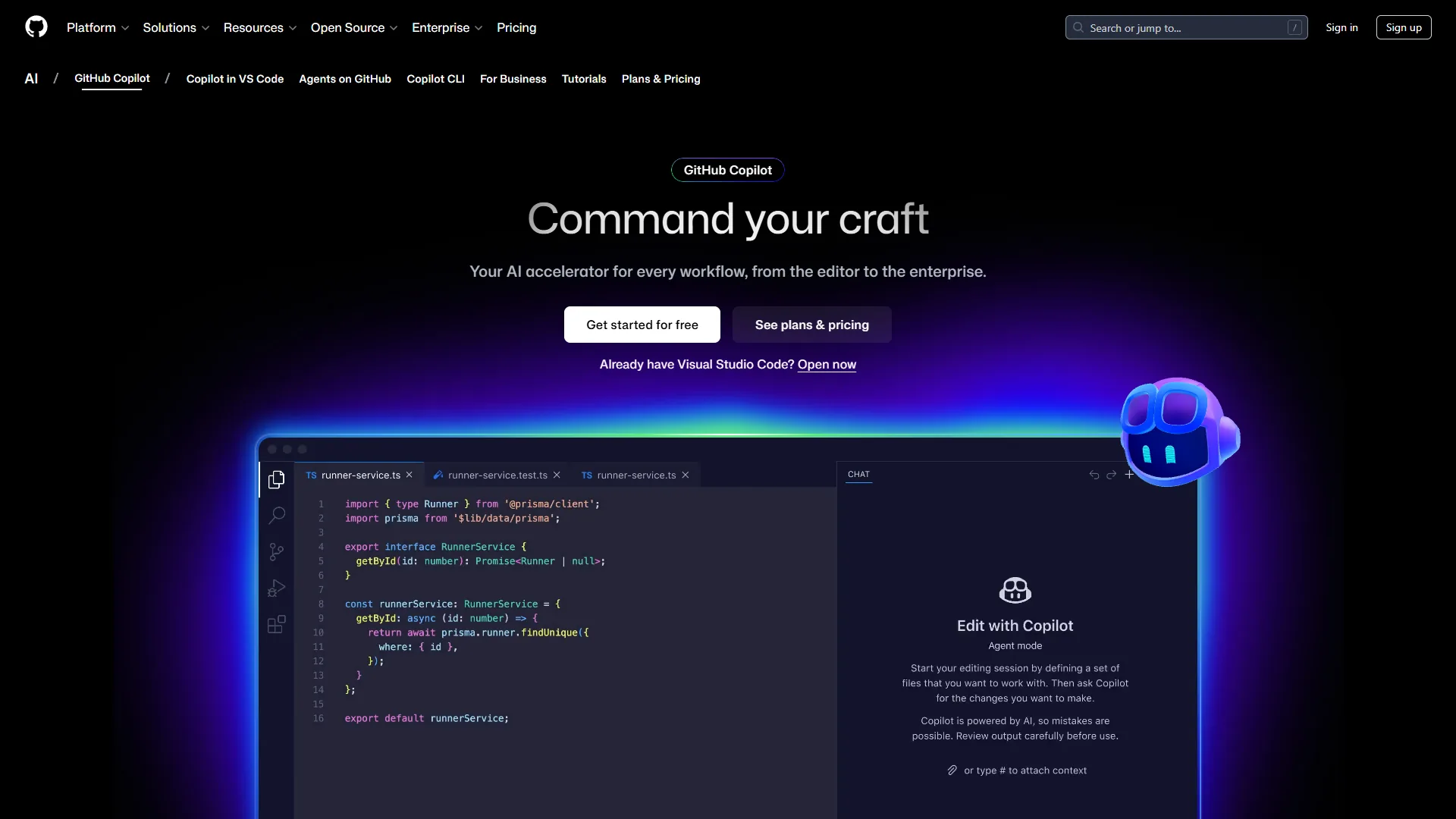
For AI-powered development: GitHub + Copilot. The 50% coding time savings and industry-leading AI features justify the Copilot subscription cost.
For complete DevOps: GitLab Premium/Ultimate. One platform handles version control, CI/CD, security scanning, and project management without tool sprawl.
For Atlassian teams: Bitbucket Standard. The Jira integration alone saves hours of manual ticket linking, and pricing is competitive.
For open source: GitHub Free. The community, discoverability, and sponsorship features make GitHub the obvious choice for public projects.
Feature-by-Feature Comparison Table
The feature-by-feature comparison shows GitHub leads on AI assistance, GitLab leads on built-in DevOps breadth, and Bitbucket leads on price - with starting paid tiers of $4, $29, and $3 per user per month respectively.
| Feature | GitHub | GitLab | Bitbucket |
|---|---|---|---|
| AI Code Assistant | Copilot (excellent) | Duo (good) | None |
| Built-in CI/CD | Actions | GitLab CI | Pipelines |
| Free Tier | Generous | Limited | Limited |
| Self-Hosting | Enterprise only | All tiers | Data Center |
| Issue Tracking | Basic | Comprehensive | Via Jira |
| Security Scanning | Advanced Security | Built-in | Add-on |
| Starting Paid Price | $4/user/mo | $29/user/mo | $3/user/mo |
Pro Tips: Making the Switch
Switching version control platforms typically takes 1-2 weeks for small organizations and preserves full commit history, issues, and pull requests when the official import tools are used. Already using one platform and considering a switch? Here is what to expect:
GitHub migrations take 1-2 weeks for small organizations. GitHub provides tools to import repos, commit history, issues, and pull requests from GitLab or Bitbucket. The GitHub CLI supports bulk migrations, and most teams report minimal disruption when moving from other Git hosts.
GitLab migrations preserve full history including CI/CD pipelines if moving to GitLab from GitHub or Bitbucket. GitLab’s importer handles repositories, issues, merge requests, and even CI/CD configurations when possible. The main effort involves recreating environment-specific variables and secrets.
Bitbucket migrations are smoothest when adopting Jira simultaneously - the integration benefits compound. If you’re already using Jira for project management, the automatic commit-to-ticket linking starts working immediately after migration.
Bonus Tips: Real-World Considerations
Real-world version control choice depends on four practical factors beyond features and pricing: team experience, existing toolchain, growth trajectory, and total cost at scale. Beyond features and pricing, consider these practical factors:
Team Experience: If your developers already know GitHub (most do, according to the Stack Overflow Developer Survey), switching to GitLab or Bitbucket introduces unnecessary friction. The productivity loss during transition rarely justifies marginal feature differences.
Existing Toolchain: Evaluate your current CI/CD, project management, and deployment tools. GitHub integrates best with the Microsoft ecosystem, GitLab replaces most external tools, and Bitbucket assumes Atlassian tools handle adjacent concerns.
Growth Trajectory: Enterprise features like SAML SSO and advanced auditing become essential at scale. GitHub and GitLab both offer enterprise tiers with compliance features, while Bitbucket’s enterprise story relies on Atlassian’s broader platform.
Open Source vs Private: If you maintain public repositories alongside private code, GitHub’s network effects matter significantly. Contributors expect to find projects on GitHub, and the platform’s discoverability drives open-source adoption.
Cost at Scale: Calculate total cost of ownership including per-user fees, CI/CD minutes, storage, and any required add-ons. A 50-developer team pays $2,400/year for GitHub Team versus $17,400/year for GitLab Premium - a meaningful difference that compounds annually.
Final Verdict
GitHub is the best version control tool for most development teams in 2026, with GitLab the strongest choice for self-hosted DevOps and Bitbucket the best fit for Atlassian-standardized teams. GitHub remains the default choice. The combination of the largest community, Copilot AI integration, generous free tier, and extensive integrations is unmatched. Teams already using Microsoft/Azure have even stronger reasons to standardize on GitHub.
GitLab makes sense for organizations wanting everything in one platform - especially those with self-hosting requirements or comprehensive security compliance needs. The higher price ($29 per user/mo) buys real value in reduced tool complexity.
Bitbucket wins specifically for Atlassian-invested teams. If Jira is your project management source of truth, the native integration eliminates friction that costs hours weekly.
Start with free tiers on any platform - all three offer enough for small teams to evaluate properly before committing.
For more information about best version control tools, see the resources below.
FAQ
The most common questions about version control platforms center on which tool is best, pricing for AI add-ons, and when each platform makes the most sense.
Q: Which version control application is best?
For most teams, GitHub is the best version control tool, offering the largest community, Copilot AI integration, a generous free tier, and extensive integrations. GitLab suits organizations wanting an all-in-one DevOps platform, while Bitbucket is best for teams already using Jira and other Atlassian tools.
Q: What is the most popular version control tool?
GitHub is the most popular version control platform in 2026, serving over 100 million developers worldwide. The platform combines version control, CI/CD via GitHub Actions, and Advanced Security into a comprehensive development environment, and most developers already have GitHub accounts, making collaboration friction-free.
Q: Which version control tool is best for most teams?
GitHub remains the default choice for most development teams in 2026. Its combination of the largest community (100 million developers), GitHub Copilot AI integration, a generous free tier, and extensive third-party integrations is unmatched. Teams already using Microsoft or Azure have even stronger reasons to standardize on GitHub.
Q: How much does GitHub Copilot cost on top of GitHub?
GitHub Copilot requires a separate subscription priced at $10-19 per user per month, on top of GitHub’s base plan. GitHub Team starts at $4 per user per month, so the combined cost can add up - though research studies cited suggest Copilot saves around 50% of coding time.
Q: When does GitLab make more sense than GitHub?
GitLab is the stronger choice for organizations that want a complete DevOps platform in a single application - covering version control, CI/CD, security scanning, and project management together. It also suits teams with self-hosting requirements or strict compliance needs, despite its higher starting price of $29 per user per month.
Related Reads
Related reading covers the three version control tools above plus adjacent developer-productivity guides. Tools covered in this article (with the tradeoffs and limitations noted in the cons sections above):
- GitHub - World’s largest code hosting platform
- GitLab - DevOps platform with CI/CD
- Bitbucket - Atlassian’s Git solution
- GitHub Copilot - AI-powered code completion
More developer guides:
- Best AI Project Management Tools 2026 - PM tools for dev teams
- Best Mac Productivity Tools 2026 - Developer productivity
- Claude Code Skills Tutorial - AI coding assistant guide
- AI Hype vs Reality: Why Your CEO is Wrong (But AI Still Wins)
- 5 Best AI Tools for Coding in 2026
- 5 Best AI Tools for Developers in 2026
External Resources
External resources include official Git documentation and primary vendor engineering blogs for verifying any claim in this comparison.