




Enterprise data integration is the practice of combining data from many systems into unified, automated workflows, and at scale the choice comes down to Make for complex visual orchestration versus Zapier for the broadest app ecosystem. When your CRM does not talk to your ERP and customer data exists in a dozen incompatible formats, the result is lost revenue, decisions on incomplete data, and wasted manual-transfer hours.
No-code automation platforms like Make and Zapier promise a middle path: connect everything and automate routine work. But enterprise-scale integration - millions of records, multi-step workflows, compliance requirements, and systems that cannot go down - makes the choice critical, since the two reflect fundamentally different philosophies on automation at scale.
This comparison draws on each vendor’s current pricing and feature documentation plus independent research rather than sponsored placement. AI Productivity may earn a commission from links on this page; our rankings are editorially independent.
Methodology: What Is Enterprise Data Integration?
Enterprise data integration is the process of combining data from multiple sources across an organization into unified, actionable information. The right platform depends on team size, budget, and workflow requirements. Common examples include syncing contacts from a CRM to an email tool, but real workflows go much further - transforming, validating, routing, and synchronizing data across dozens of systems simultaneously.
Modern enterprise data integration includes:
- Real-time synchronization between SaaS platforms (Salesforce to HubSpot, Shopify to NetSuite)
- Data transformation and enrichment (standardizing formats, adding context)
- Multi-step conditional workflows (route by lead score, industry, or deal size)
- Error handling and retry logic for automation that recovers gracefully when systems fail
- Audit trails and compliance for GDPR, SOC 2, and HIPAA data-handling requirements
The shift to cloud-based business operations has made this problem exponentially harder. The average enterprise uses 254 SaaS applications, according to BetterCloud’s State of SaaSOps research, and each has its own API, data model, and quirks - which is why teams need a coherent enterprise data integration framework rather than one-off scripts. Manual integration is impossible at that scale, and traditional integration platforms cost six figures and require dedicated engineering teams.
“Through 2026, organizations that fail to integrate their hybrid data fabric will spend twice as much on integration as those that do,” according to research by Gartner.
This is where no-code automation platforms promise a middle path.
Make: Visual Orchestration for Complex Workflows
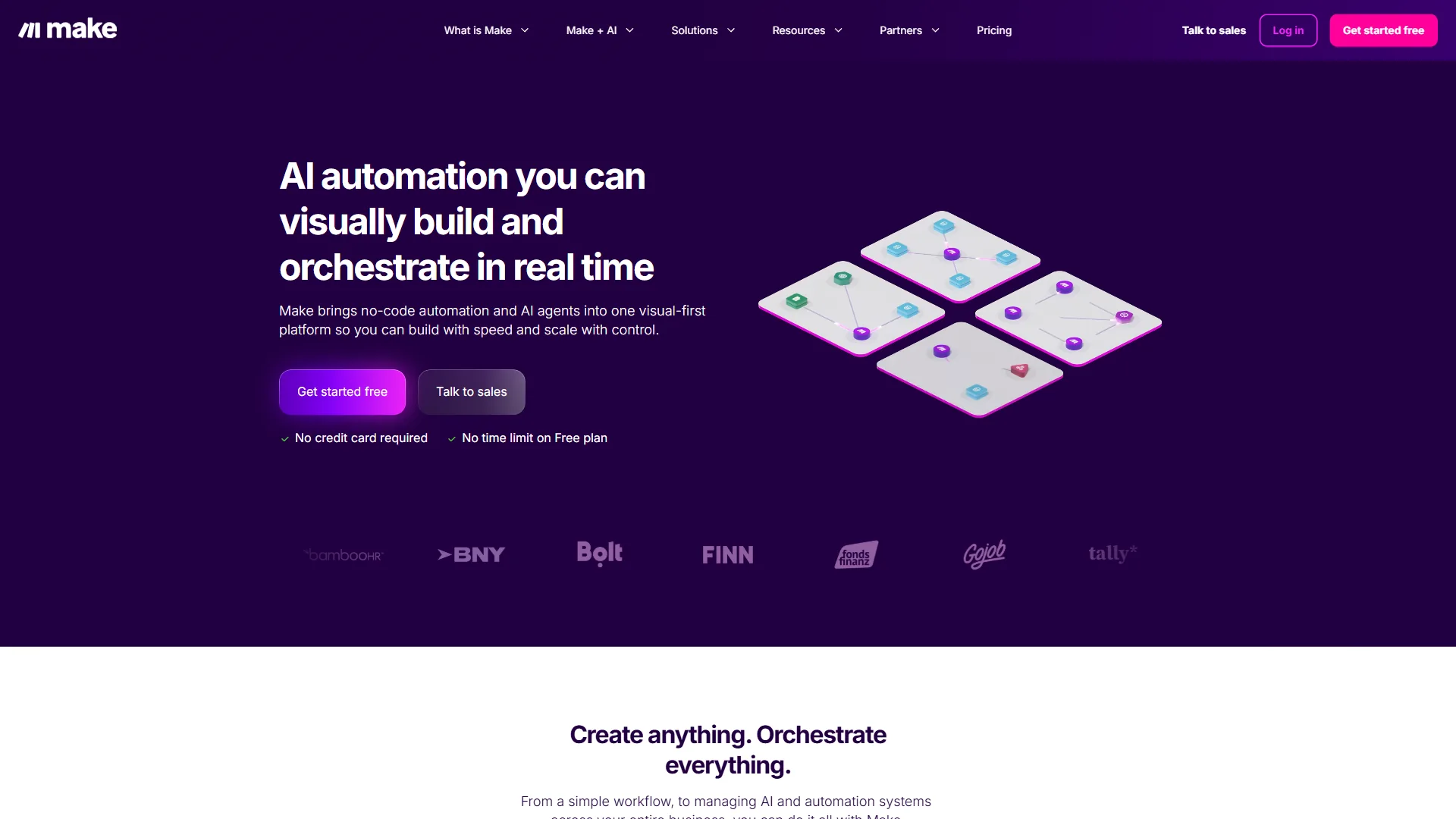
Make is a visual automation platform that handles enterprise data integration through a flowchart-style canvas, making it the stronger choice for complex, multi-branched workflows. Formerly Integromat, Make replaces linear trigger-action chains with a canvas where parallel branches, conditional logic, error handlers, and data transformers are all visible at once.
What makes Make powerful for enterprise data integration:
The visual workflow builder is more than aesthetics. When a workflow pulls data from Salesforce, enriches it with Clearbit, checks NetSuite inventory, creates Asana tasks by deal size, and sends Slack notifications, seeing the entire flow at once is the difference between manageable complexity and chaos. Make’s scenario execution also shows where data sits at every step - click any module to inspect its input and output, so a broken workflow reveals precisely which module failed and why.
Make handles 2,000+ integrations by exposing each platform’s actual API capabilities rather than smoothing them into a uniform interface - more initial complexity, but also more power than Zapier’s simplified interface allows.
Make AI features that matter for enterprise:
Make offers Maia, its AI assistant, and Make AI Agents (beta). Maia builds workflows from natural language instead of manual module clicks, and Make AI Agents creates autonomous workflows that act on changing data - useful for data quality management, such as agents that monitor a CRM for duplicate records and fix them automatically.
Make limitations and who it’s not for:
The learning curve is real - your first Make scenario takes longer to build than your first Zap, and the visual interface requires thinking in systems and data flows rather than simple cause-and-effect. Error messages are also more technical, requiring an understanding of JSON structures and API responses, which can block business users who just want things to work.
Skip Make if: Your marketing or HR team needs to own automations without IT, you only need 5 to 20 simple Zap-style triggers, or your stack relies on long-tail SaaS apps Zapier supports but Make does not (around 5,000 fewer connectors).
Zapier: Simplicity and Scale Through Ecosystem
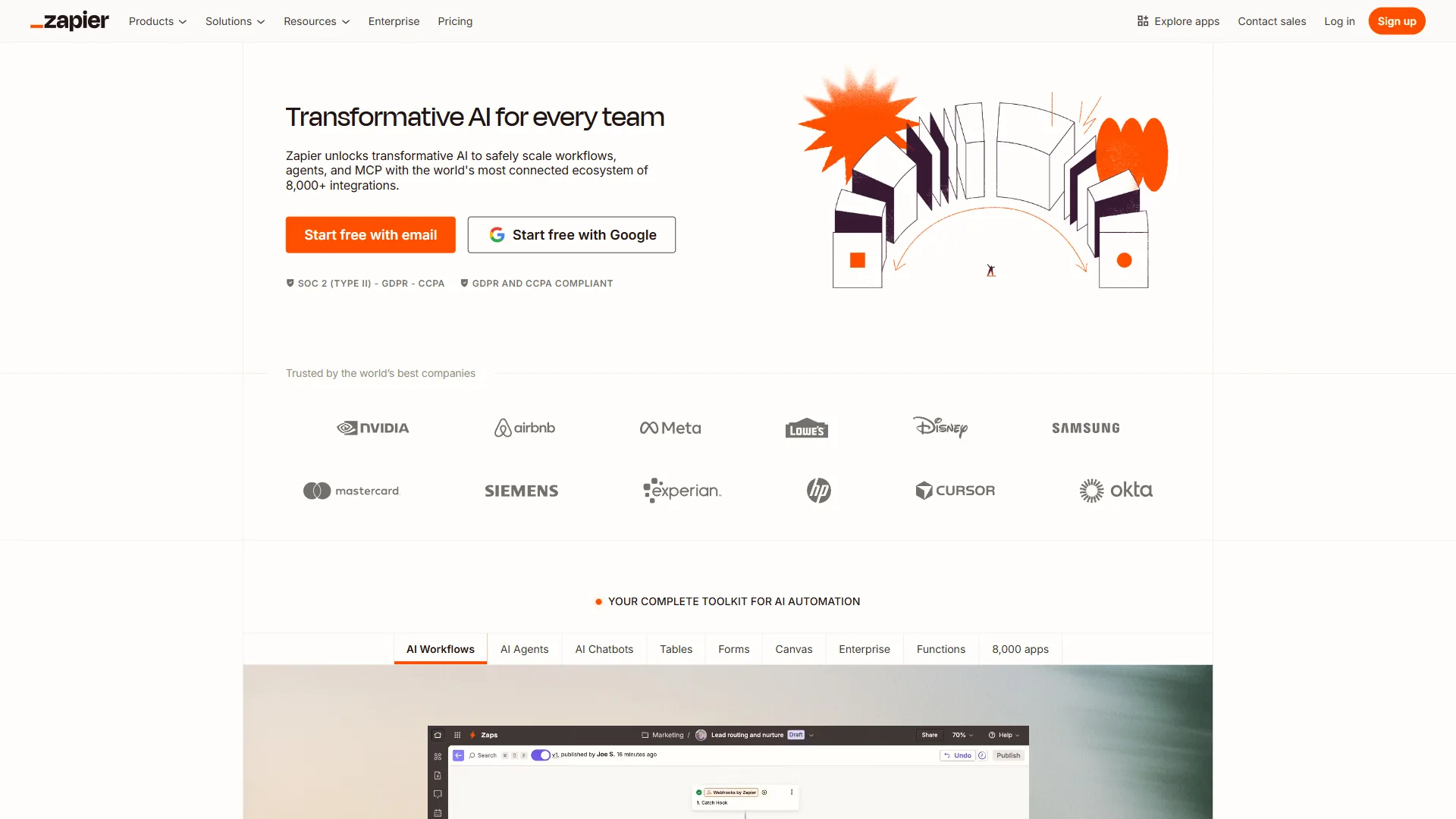
Zapier is an automation platform with 7,000+ app integrations and a trigger-action model that anyone can use, making it the best fit for the broadest app coverage and non-technical workflow owners. The model is instantly understandable - when this happens in App A, do that in App B - but dismissing Zapier as just the simple option misses how it has evolved to handle enterprise data integration.
What makes Zapier work at enterprise scale:
The 7,000+ app integrations mean whatever niche SaaS tool your marketing or HR team adopts, Zapier probably supports it - a major advantage given the reality of enterprise software sprawl. Zapier’s simplification of complex APIs is a feature, not a bug: connecting Salesforce to HubSpot means selecting “Contact Email” and “Company Name” from dropdowns rather than handling raw API fields, and for the 80% of use cases that do not require deep API manipulation, that speed is valuable. Reliability at scale is also proven - Zapier processes billions of tasks monthly with battle-tested infrastructure for rate limits, retries, and failure recovery.
Zapier’s enterprise features:
Zapier Agents create autonomous workflows that query multiple data sources, make decisions, and take actions without predefined triggers - useful for scenarios like monitoring a support system to identify churn-risk customers and engage them proactively. Python Functions in Zapier (Team and Enterprise plans) solve custom logic needs without leaving the platform, and AI by Zapier adds text generation, data extraction, and classification directly into workflows - valuable for unstructured-data scenarios like parsing support emails or categorizing leads.
Zapier limitations and who it’s not for:
The linear trigger-action model becomes cumbersome for truly complex workflows - parallel branches, multiple conditional paths, or dataset loops force you into multiple interconnected Zaps that are harder to maintain than a single Make scenario. The simplified API interfaces also occasionally block access to a specific field or capability you need, leaving Python Functions or a platform switch as the only options.
Skip Zapier if: You need parallel branches, iterators, or visual error routes (Make’s strength), per-task billing punishes your high-volume workflows above 200,000 tasks/month, or compliance auditors require visual workflow documentation.
Comparison Table: Head-to-Head
Make and Zapier differ most on integration count and workflow structure: Zapier offers 7,000+ apps with linear automations, while Make offers 2,000+ apps with a visual canvas built for complex multi-step logic. The table below compares the two on the factors that matter at enterprise scale.
| Feature | Make | Zapier |
|---|---|---|
| Overall Rating | ||
| Integrations | 2,000+ apps | 7,000+ apps |
| Workflow Visualization | Full visual canvas, flowchart-style | Linear step-by-step |
| Data Manipulation | Advanced transformers, aggregators, iterators | Formatter, Filter, basic transforms |
| Error Handling | Visual error routes, multiple handlers | Email notifications, error tracking |
| Custom Code | JavaScript modules | Python Functions (Team/Enterprise) |
| AI Features | Maia assistant, Make AI Agents (beta) | Zapier Agents, AI by Zapier |
| Team Collaboration | Scenario sharing, templates | Shared folders, transfer ownership |
| API Access | Deep API exposure | Simplified, user-friendly |
| Learning Curve | Steep (2-3 weeks for proficiency) | Gentle (hours to basic proficiency) |
| Best Use Case | Complex multi-step workflows | Simple to moderate automations at scale |
Pricing at Scale: Where Enterprise Costs Actually Land
Enterprise data integration on Make and Zapier costs a similar $200-600 per month for a realistic 50,000-record workflow, but the billing models reward opposite architectures: Make charges per module operation while Zapier charges per completed task. Published pricing looks reasonable until you understand how integration workloads actually consume those resources.
Make pricing structure:
- Free: 1,000 operations/month
- Core: $9 per month for 10,000 operations
- Pro: $16 per month for 10,000 operations (adds premium apps, priority support)
- Teams: $29 per month for 10,000 operations (team features, multiple users)
- Enterprise: Custom pricing for high-volume needs
In Make, an “operation” is each module execution: a 10-module workflow processing 1,000 records consumes 10,000 operations. This adds up quickly, but Make’s visual builder makes it easier to optimize workflows and cut unnecessary operations.
Zapier pricing structure:
- Free: 100 tasks/month
- Professional: $19.99 per month for 750 tasks (1-user)
- Team: $69 per month for 2,000 tasks (unlimited users)
- Enterprise: Custom pricing with volume discounts, dedicated support, SSO, advanced admin controls
In Zapier, a “task” is each action step that completes successfully - the trigger does not count. A five-step Zap processing 1,000 records consumes 4,000 tasks.
Real-world cost comparison:
Modeling a realistic scenario - syncing 50,000 customer records monthly between Salesforce and HubSpot with Clearbit enrichment and Slack notifications - shows where costs land:
- Make (8 modules): 400,000 operations/month, requiring a custom Enterprise plan; estimated $200-400/month with volume discounts.
- Zapier (4 actions): 200,000 tasks/month, requiring Enterprise pricing; estimated $300-600/month at negotiated rates.
The costs are similar, but the billing models favor different architectures: Make rewards workflow optimization (fewer modules = lower cost), Zapier rewards simple workflows with fewer steps. Both offer significant volume discounts you must negotiate directly with sales - published pricing targets small to medium businesses.
Choose Make if You Have Complex Workflows
Make is the right choice for enterprise data integration when your workflows are complex, multi-branched, and owned by a technical team willing to invest in the platform. Choose Make when:
You have complex, multi-branched workflows. Make’s visual canvas is purpose-built for parallel processing, multiple conditional paths, and workflows handling several scenarios at once.
Your team is technical or willing to invest in learning. Make rewards understanding how data flows through systems - engineering and technical operations teams will appreciate the power and control.
You need deep API access. Integrating systems that require specific API parameters, custom headers, or advanced authentication flows depends on Make’s exposure of full API capabilities.
Workflow visibility matters for compliance. A visual flowchart of how customer data moves through your systems is valuable for SOC 2, GDPR, or HIPAA audits.
You’re building reusable automation infrastructure. Make scenarios clone, template, and share across teams more easily than Zapier’s linear Zaps, so an organization-wide automation library scales better on Make.
Choose Zapier if You Need the Broadest App Ecosystem
Zapier is the right choice for enterprise data integration when you need the widest app coverage, non-technical users will build the workflows, and speed to implementation matters more than optimization. Choose Zapier when:
You need the broadest possible app coverage. For organizations using niche SaaS tools or frequently adopting new platforms, Zapier’s 7,000+ integrations are a better safety net than Make’s 2,000+.
Non-technical users will build and maintain workflows. Zapier’s simplified trigger-action model can be learned in hours, letting marketing, sales operations, or HR teams create automations without IT involvement.
You want AI-powered autonomous workflows. Zapier Agents are more mature than Make’s still-beta AI features, so Zapier is currently ahead for AI-driven automation that decides and acts without predefined triggers.
Speed to implementation matters more than optimization. A working Zap takes minutes to build versus hours for an equivalent Make scenario - an advantage when proving value quickly or prototyping.
You’re already invested in the Zapier ecosystem. With dozens or hundreds of existing Zaps, the switching cost to Make is substantial, and adding well-planned Zapier workflows is often more practical than migrating.
Pro Tips: Implementation Best Practices
Successful enterprise data integration depends on five practices regardless of platform: map your data before building, add error handling from day one, validate data before syncing, test in staging at real volume, and monitor continuously. These strategies apply equally to Make and Zapier:
Start with data mapping before building workflows. Document the fields, data types, and required vs. optional fields in each system you are integrating. This mapping exercise prevents the majority of integration failures before they happen.
Build error handling from day one. Enterprise data integration fails regularly - APIs go down, formats change, rate limits hit. Every workflow needs error handling that logs failures, alerts the right people, and allows manual retry: error handler routes in Make, Filter steps and notification Zaps in Zapier.
Implement data validation before syncing. Do not assume data from System A is valid in System B. Add validation steps that check required fields, formats, and business rules before creating or updating records, following published guidance like Make’s error handling documentation.
Use staging environments for testing. Both platforms support running scenarios against sandbox instances. Always test with real data volumes in staging - what works with 10 test records often breaks with 10,000 real ones.
Monitor continuously. Track workflow execution rates, failure rates, and processing times. Workflows that consistently fail at certain times are hitting API rate limits, and workflows that suddenly slow down signal data quality issues upstream.
Plan for scale before you need it. If you process 1,000 records today, build assuming 100,000 within a year. Use filtering, batching, and scheduling strategies that hold up as volume increases, and document the logic in Make’s notes module or Zapier’s step descriptions for your future self.
Pro Tips: Hybrid Approach Using Both Platforms
A hybrid approach using both Make and Zapier is the most cost-effective enterprise data integration strategy for many organizations, since each platform is optimized for different workloads. The “Make vs Zapier” framing misses that the two are complementary rather than mutually exclusive.
Use Zapier for simple high-volume trigger-action workflows, long-tail SaaS apps only Zapier supports, automations that non-technical teams own, and quick prototypes. Use Make for complex multi-step transformations, integrations requiring deep API access, workflows with parallel branches and conditional logic, and scenarios where visual documentation matters for compliance. At moderate scale, the total cost of running both is often less than forcing every use case into a single platform that is not optimized for it.
Final Thoughts
Choose Make for complex visual orchestration and deep API control, and choose Zapier for the broadest app ecosystem and non-technical ease of use. Enterprise data integration is not solved by picking the single “best” platform - it is solved by matching the platform to your specific requirements, team capabilities, and long-term automation strategy.
Make wins when you need visual orchestration for complex workflows, a technical team, and deep control over API interactions - its visual canvas, advanced data manipulation, and full API access suit sophisticated integration scenarios. Zapier wins when you need the broadest app ecosystem, non-technical workflow builders, and fast implementation - its simplified interface, 7,000+ integrations, and mature AI features keep automation accessible without engineering expertise.
Treat these platforms as specialized tools in your automation toolkit: Make for complex orchestration, Zapier for straightforward broad-app integrations, and Gumloop or Lindy for AI-native automation that decides autonomously.
The future of enterprise data integration is not about replacing human workflows with automation - it is about connecting systems so your team gets accurate, timely data and the error-prone manual work disappears. Both Make and Zapier can get you there; your job is picking the right tool for each workflow.
FAQ
Q: What is enterprise data integration?
Enterprise data integration is the process of combining data from multiple sources across your organization into unified, actionable information. Unlike simple point-to-point connections, it involves complex workflows that transform, validate, route, and synchronize data across dozens of systems simultaneously, handling millions of records with compliance requirements.
Q: What are the 4 types of integration?
Start with data mapping before building workflows. Document the data structure in each system you’re integrating. What fields exist? What are the data types?
Q: What does modern enterprise data integration include?
Modern enterprise data integration includes real-time synchronization between SaaS platforms like Salesforce and HubSpot, data transformation and enrichment to standardize formats, multi-step conditional workflows with routing logic, error handling and retry logic for graceful recovery, and audit trails for GDPR, SOC 2, and HIPAA compliance requirements.
Q: Why is enterprise data integration harder in 2026?
The shift to cloud-based business operations has made enterprise data integration exponentially harder. The average enterprise uses 254 SaaS applications, each with its own API, data model, and quirks. Manual integration is impossible at that scale, and traditional enterprise integration platforms cost six figures and require dedicated engineering teams.
Q: How do Make and Zapier differ at enterprise scale?
When Make and Zapier are deployed across enterprise environments managing workflows that process hundreds of thousands of operations monthly, the differences become clear. They are not just about features or pricing - they reflect fundamentally different philosophies on how automation should work at scale for complex multi-step workflows.
Related Reads
The related reads below cover Make and Zapier alternatives, head-to-head comparisons, and migration tradeoffs to weigh before locking in either platform for enterprise data integration.
Tools covered in this article:
- Make - Visual automation platform
- Zapier - Workflow automation
- Gumloop - AI-native automation
- Lindy - AI assistant platform
- Timely - Time tracking platform
More automation guides:
- Best Workflow Automation Tools 2026 - Automation tools compared
- Best AI Automation Tools 2026 - AI-powered automation
- Make AI Agents Guide - Building adaptive automations
- Zapier vs Make 2026: Automation Platform Compared - Head-to-head integration platform comparison
External Resources
These third-party research sources provide independent analysis of enterprise data integration trends and platform selection criteria.