








The best AI design tools in 2026 are Canva for template volume and social content, Visme for data visualization, and Adobe Express for AI image generation, while Design.com and BrandCrowd lead for complete brand-identity launches. Each combines AI-powered generation, brand kit management, and flexible export options - but for distinctly different workflows.
The AI design tool market has matured in 2026, with leading platforms now offering free tiers that include AI generation. Adobe’s 2024 Creative in the AI Era study found that 76 percent of creative professionals already use generative AI in their workflows. “AI is becoming a core part of the creative process, not a novelty,” according to a McKinsey 2024 report on generative AI.
Our analysis draws on current vendor documentation, official pricing and feature pages, and independent research rather than sponsored placement - this guide is research-based, not a hands-on lab test. AI Productivity may earn a commission from links on this page, but our rankings are editorially independent.
Quick Verdict
The best AI design tool depends on your primary workflow: choose Canva for social and marketing volume, Visme for data-driven presentations, Adobe Express for AI image generation, and Design.com or BrandCrowd for an all-in-one brand identity.
Short on time? Here’s who should pick what:
- Visme - data visualization, interactive content, and HTML5 exports for business presentations.
- Canva - the largest template library and simplest interface for social media and marketing.
- Adobe Express - the most advanced AI generation, best for the Adobe ecosystem and photo editing.
- Design.com - an AI logo plus matching website and cards from ~$5/month annual with lifetime ownership.
- BrandCrowd - a designer-curated logo from a deep library, Premium Logo Pack from ~$4/month annual.
Selection Criteria: How We Chose the Best AI Design Tools 2026
We ranked these AI design tools on six criteria: AI feature depth, brand kit capability, export flexibility, learning curve, real-world speed, and pricing value.
Visme: The Data Visualization Specialist
Visme is the best AI design tool for data visualization, presentations, and interactive content, specializing in turning complex information into visual stories where general-purpose tools fall short.
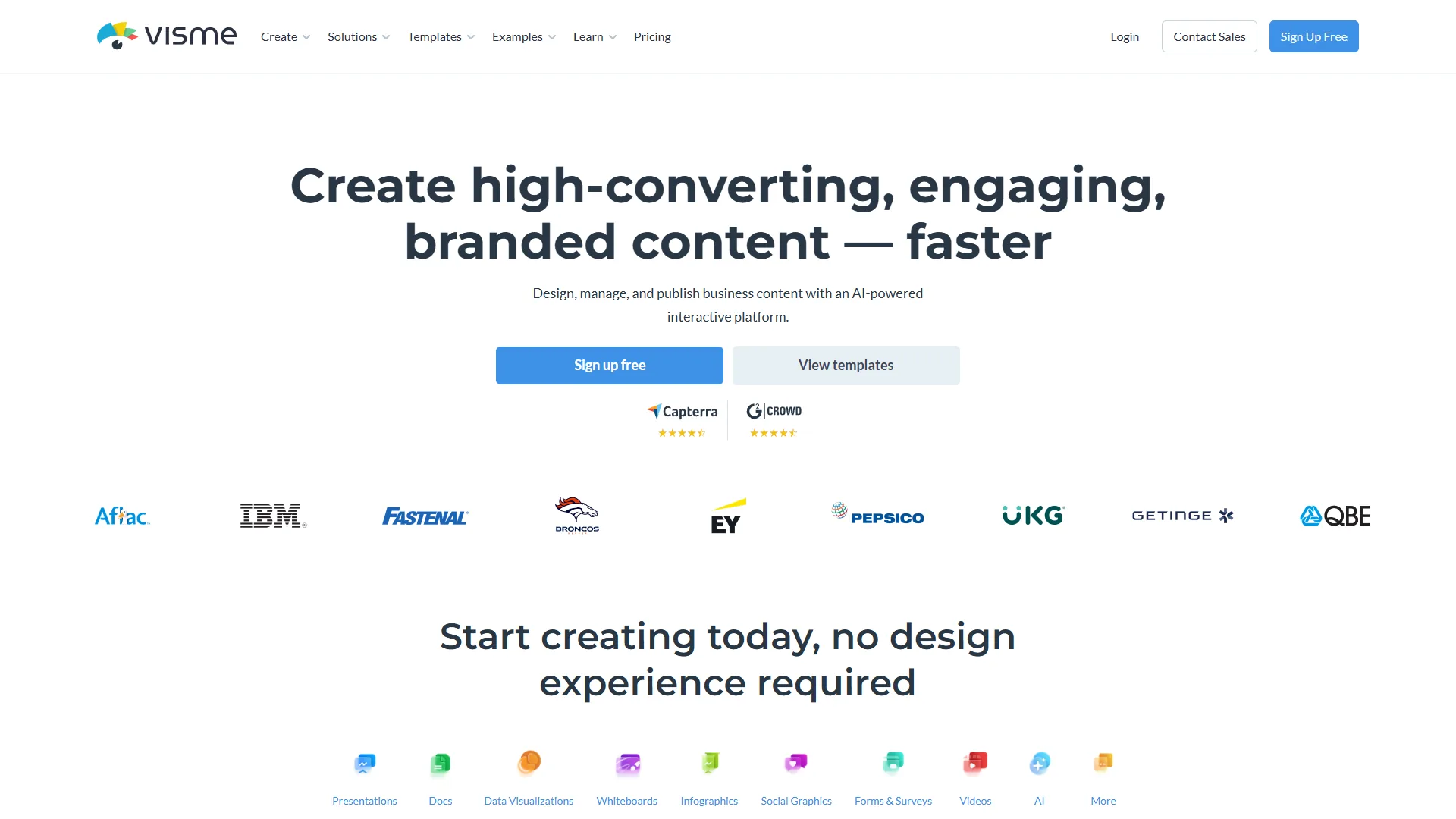
Visme AI Designer understands context - text-to-design drafts, content-aware layout suggestions, auto-branding, and smart chart-type recommendations. It shines with structured content: feed it a quarterly report outline and it generates appropriate data visualization layouts. The brand kit adds a Brand Wizard that extracts elements from a website URL, multi-brand domains for agencies, and locked elements. Visme’s export range differentiates it most - HTML5 for interactive content, video, PPTX, PDF, and PNG/JPG - and few competitors match the HTML5 export.
Pricing
| Plan | Price | Notes |
|---|---|---|
| Basic | Free | Watermarked |
| Starter | $12.25/mo | No watermark |
| Pro | $24.75/mo | Brand Kit, analytics |
| Teams | $79+/mo | Multi-user |
Best for: data-heavy business presentations, infographics, interactive web content, and multi-brand agencies. Limitations: a smaller template library than Canva, a steeper learning curve, and less creative AI for artistic content.
Canva: The Template Library Giant
Canva is the best AI design tool for social media and high-volume marketing content, built on the category’s largest template ecosystem - more than 250,000 templates. Canva reports over 220 million monthly active users as of 2024, according to its official newsroom, making it the most widely adopted tool in this comparison.
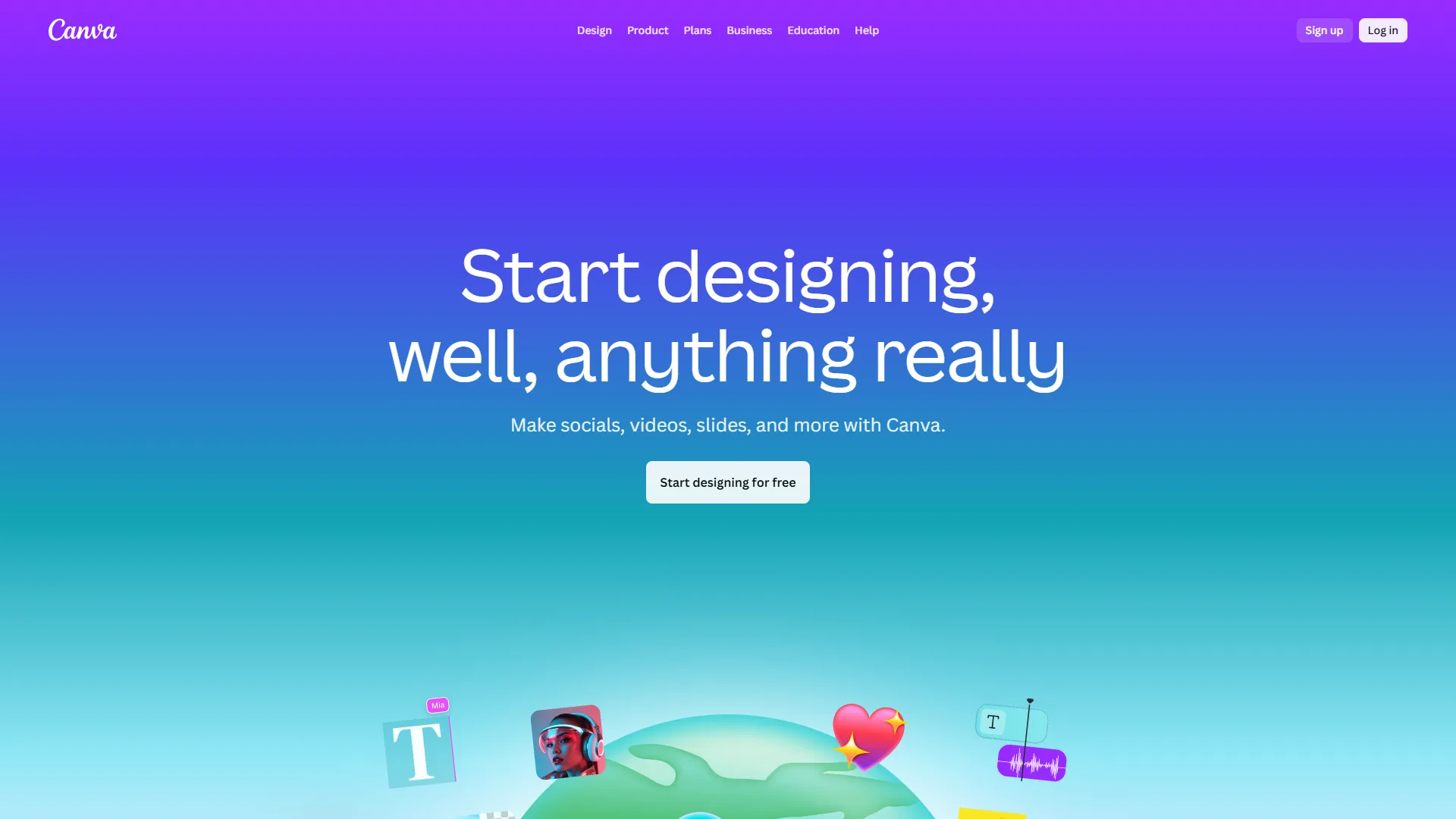
Magic Studio is Canva’s AI suite: Magic Design generates designs from prompts, Magic Write handles AI copywriting, Magic Edit covers object removal and generative fill, plus Magic Morph, Magic Expand, and Text to Image. Magic Edit rivals dedicated photo editors for background removal. The brand kit is effective - templates with editable zones, consistent colors and fonts, and a brand voice setting - though it lacks Visme’s multi-brand complexity; see our Canva vs Adobe Express 2026 breakdown. Exports cover PNG, JPG, PDF, MP4, GIF, PPTX, and SVG (Pro).
Pricing
| Plan | Price | Notes |
|---|---|---|
| Free | $0 | 5GB storage |
| Pro | $14.99/mo | Brand Kit, Magic Studio |
| Teams | $29.99/user/mo | Approval workflows |
| Enterprise | Custom | SSO, admin controls |
Note: Canva often runs promotions, so the actual price often differs from list price.
Best for: social media at scale, marketing teams needing variety, fastest time-to-output, and non-designers. Limitations: weaker data visualization, no HTML5 export, AI that can feel generic, and no multi-brand separation for agencies.
Adobe Express: The Ecosystem Integration Play
Adobe Express is the best AI design tool for image generation and Creative Cloud workflows, pairing a browser-based template interface with Adobe Firefly’s generative engine. Adobe Express is Adobe’s answer to Canva, and Firefly gives it generative capabilities others struggle to match.
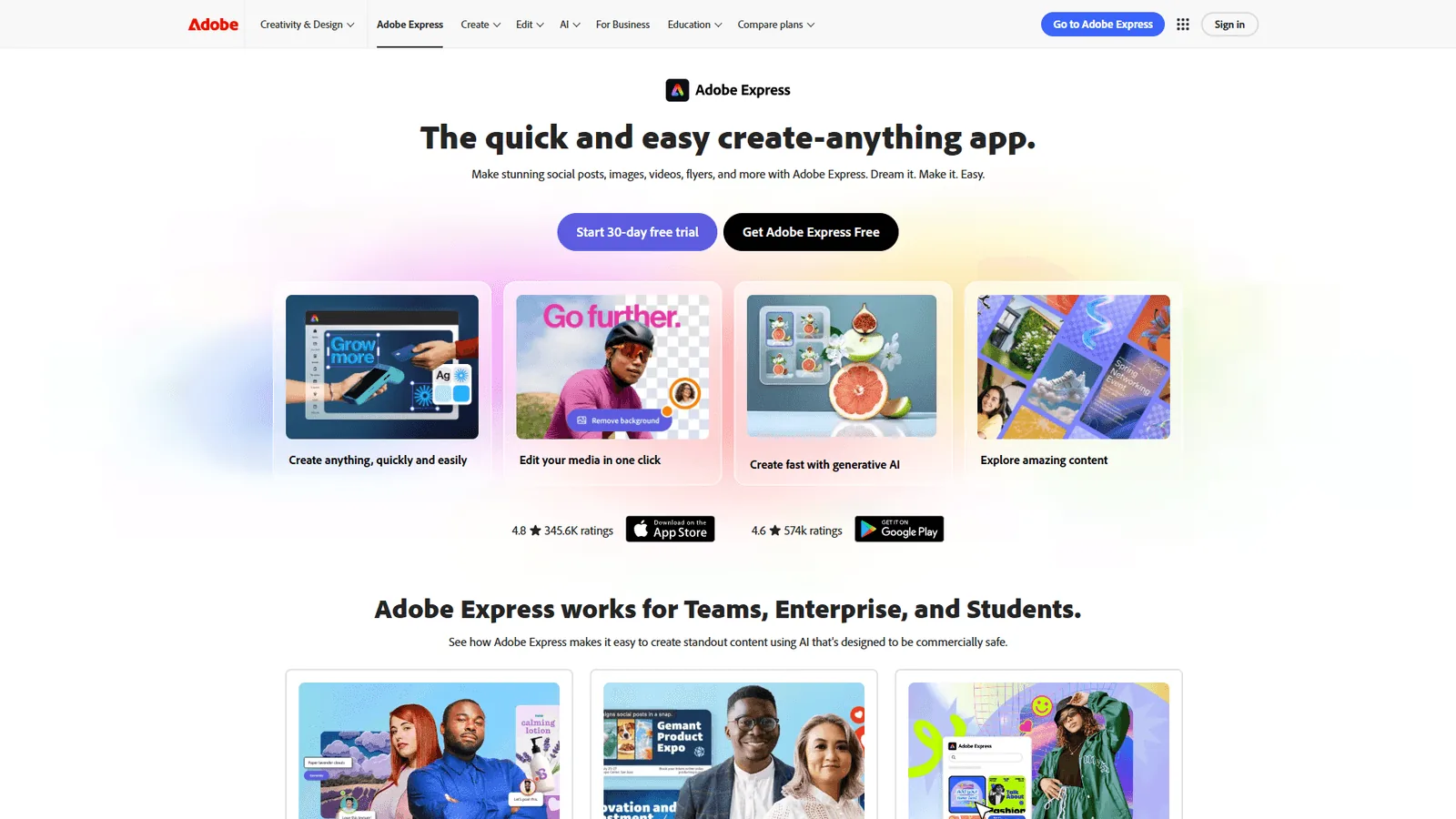
Adobe Firefly integration is the differentiator: industry-leading text-to-image generation, generative fill, text effects, recolor, background removal, and content-aware resize. Firefly’s commercial-safe training approach - trained on licensed and public-domain content - matters for business use. Brand management is serious, with a Brand Setup Wizard, shared Creative Cloud libraries, and locked templates syncing across Photoshop and Illustrator. Exports cover PNG, JPG, PDF, MP4, GIF, and layered PSD - unique among web-based tools.
Pricing
| Plan | Price | Notes |
|---|---|---|
| Free | $0 | Limited Firefly credits |
| Premium | $9.99/mo | 250 Firefly credits/mo |
| Creative Cloud | Included | With CC All Apps |
Premium pricing is competitive, and Creative Cloud inclusion makes it effectively free for subscribers.
Best for: Adobe ecosystem users, photo-heavy content, teams needing advanced AI generation, and web-to-desktop workflows. Limitations: a smaller template library than Canva, weaker data visualization than Visme, some features needing Creative Cloud, and Firefly credit limits.
Best for Logo & Brand Identity: Design.com & BrandCrowd
Design.com and BrandCrowd are the best AI design tools for launching a complete brand identity, because they automatically propagate a logo’s colors and fonts across a website, business cards, and social templates - work the general tools leave to you. Both are part of the same Australian parent group (DesignCrowd Pty Ltd), and neither publishes pricing publicly, so figures here are cross-verified, with full breakdowns on the Design.com review and BrandCrowd review pages. Paid plans auto-renew, so annual billing plus a calendar reminder is the smoothest path.
Design.com: All-in-One AI Brand Kit
Design.com bundles ten AI design tools under one subscription (verified from design.com/ai) - logo, website, business card, presentation, link-in-bio, flyer, poster, background-remover, and naming generators - that all auto-style around the logo you choose, making it the most complete “logo plus everything that should match it” platform here.
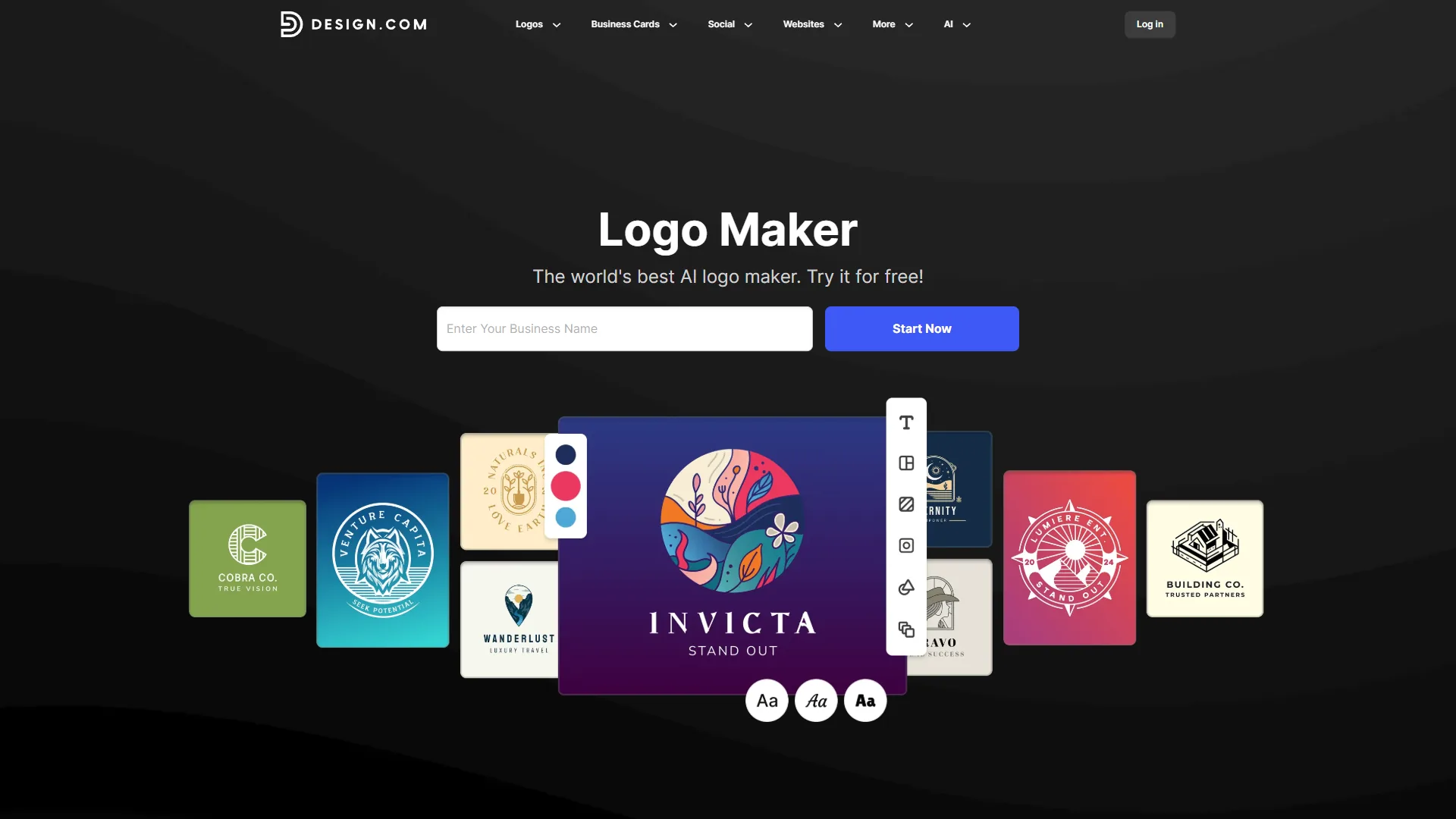
The AI logo maker generates thousands of variations from a business name and runs originality and IP checks. Paid plans grant lifetime logo ownership with unlimited edits - unusually generous for the category - plus vector exports. The Value tier ($24/month) adds an AI website builder, and Premium ($29/month) adds a digital business card.
Pricing
| Plan | Monthly | Annual (per month) | Notes |
|---|---|---|---|
| Free | $0 | $0 | Preview logos only |
| Starter | $15 | ~$5 | Lifetime logo, 10+ AI tools |
| Value | $24 | ~$6 | + AI website builder |
| Premium | $29 | ~$7 | + digital card, multi-brand |
Annual billing saves roughly two-thirds versus monthly; the full Design.com review keeps the latest verified figures.
Best for solo entrepreneurs launching a brand, small businesses rebranding on a budget, and creator and e-commerce brands needing matching templates. Annual is the checkout default - refund windows are 7 days for monthly and 30 days for annual plans if unused, so set a renewal reminder.
BrandCrowd: Designer-Curated Logo Templates
BrandCrowd surfaces logos by matching your business to a library of 145,000+ premium designs rather than generating them from scratch, then refines the result with a natural-language chat editor - suiting founders who prefer professional starting points over raw AI imagery.
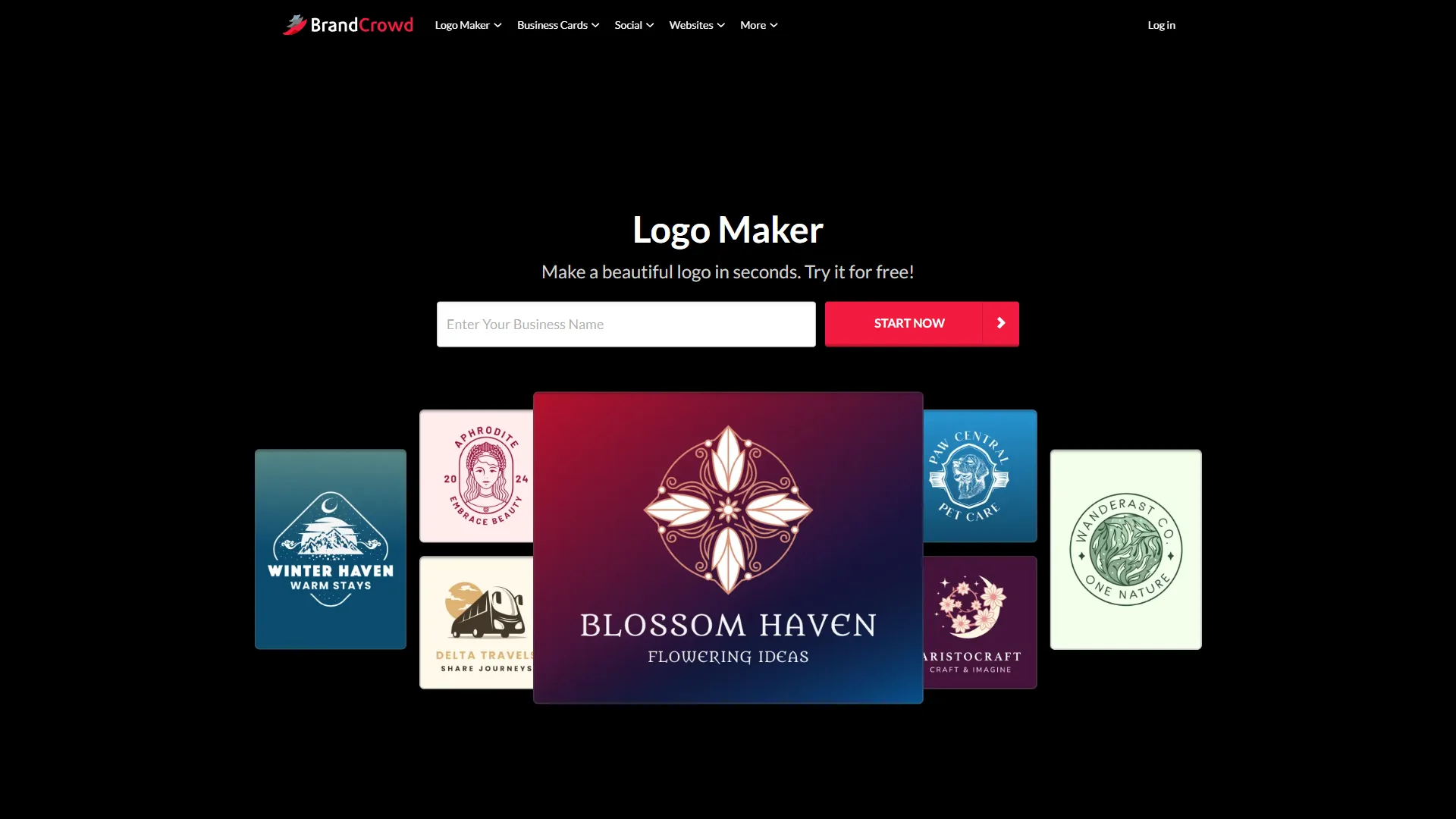
The product suite (verified from brandcrowd.com/ai-logo-generator) covers logos, a chat editor, business cards, social templates, a website builder, posters, flyers, videos, and a background remover. Where Design.com leans on generative AI for variety, BrandCrowd leans on designer-curated templates plus AI matching, so typography and balance feel more polished out of the gate. The logo maker is the headline product, with vector exports and a commercial license on paid plans. The Premium Logo Pack + Website tier ($22/month) bundles the AI website builder; the Premium Plan ($14/month) adds business cards; and the Premium Logo Pack ($13/month, ~$4 annual) covers a single logo with vector files.
Pricing
| Plan | Monthly | Annual (per month) | Notes |
|---|---|---|---|
| Free | $0 | $0 | AI logo previews only |
| Premium Logo Pack | $13 | ~$4 | 1 logo, vector files, license |
| Premium Plan | $14 | ~$6 | Unlimited edits + brand kit |
| Logo Pack + Website | $22 | ~$6 | + AI website builder |
Annual billing saves roughly two-thirds versus monthly; the full BrandCrowd review keeps the latest verified figures.
Best for startups picking a logo from curated templates, small businesses wanting vector files without agency rates, and non-designer founders who prefer a designer-feel starting point. Plans auto-renew - cancel before the renewal date; refund windows are 7 days for monthly and 30 days for annual plans if unused.
Feature-by-Feature Comparison
Across AI capability, brand management, and exports, Adobe Express leads on image generation, Visme leads on data visualization and interactive export, and Canva leads on AI writing.
AI, Brand Management & Export Side-by-Side
| Feature | Visme | Canva | Adobe Express |
|---|---|---|---|
| Image Generation | Basic | Good | Excellent |
| Generative Fill | No | Yes | Yes |
| AI Writing | Yes | Yes | Limited |
| Data Visualization AI | Excellent | Basic | None |
| Interactive Content AI | Yes | No | No |
| Brand Wizard | Yes | No | Yes |
| Multi-Brand | Yes | No | No |
| Brand Voice AI | No | Yes | No |
| HTML5 Interactive export | Yes | No | No |
| SVG export | Yes | Pro only | No |
| PSD export | No | No | Yes |
Logo & Brand Identity Capabilities
For the brand-identity workflow, Design.com and BrandCrowd are purpose-built; the general tools are not.
| Feature | Visme | Canva | Adobe Express | Design.com | BrandCrowd |
|---|---|---|---|---|---|
| Dedicated AI logo generator | No | Limited | No | Yes | Yes |
| Brand kit auto-propagation | Manual | Manual | Manual | Yes | Yes |
| AI website builder included | No | No | No | Yes | Yes |
| Lifetime logo ownership | n/a | n/a | n/a | Yes | Partial |
| Natural-language refinement editor | No | No | No | Limited | Yes |
Pro Tips: Real-World Workflow Comparisons
Across common design tasks, Visme wins data-heavy and interactive work, Canva wins high-volume social content, and Adobe Express wins AI image generation. Estimated completion times are based on documented feature sets:
| Task | Visme | Canva | Adobe Express | Winner |
|---|---|---|---|---|
| Quarterly report presentation | 45 min | 60 min | 70 min | Visme |
| 30 days of social content | 3 hr | 1.5 hr | 2.5 hr | Canva |
| AI-generated marketing images | Limited | Good | Excellent | Adobe Express |
| Interactive web infographic | 50 min | Not possible | Not possible | Visme |
Visme wins because charts auto-populate and HTML5 export is native; Canva wins on bulk creation; Adobe Express wins on Firefly quality - for dedicated alternatives see Adobe Firefly vs Stable Diffusion vs Leonardo and Midjourney vs DALL-E. For launching a complete brand identity, Design.com (~50 min) and BrandCrowd (~60 min) win decisively, propagating the logo across every asset from one subscription, while the general tools take 3-4 hours each.
Pricing Analysis
AI design tool pricing in 2026 starts around $4-$5 per month annually for brand-identity tools and runs $9.99-$24.75 per month for general design platforms, with team plans from $79 per month.
For solo creators, Adobe Express Premium ($9.99/month) is the most affordable general tool, Canva Pro ($14.99/month) offers the best template-per-dollar ratio, and Visme Starter ($12.25/month) suits brand consistency. For a full brand kit, Design.com Starter ($5/month annual) and BrandCrowd Premium Logo Pack ($4/month annual) are the cheapest entries. For teams of five, Visme Teams starts at $79/month and Canva Teams runs $150/month. Watch hidden costs: Canva charges for some premium elements and Firefly credits can run out. For deeper analysis, see our AI design tools pricing comparison.
Free Tier Comparison
| Aspect | Visme Free | Canva Free | Adobe Express Free | Design.com / BrandCrowd Free |
|---|---|---|---|---|
| Templates | Limited | 250,000+ | 1,000+ | Preview only |
| Storage | 100MB | 5GB | 2GB | n/a |
| Watermark | Yes | No | No | Yes (low-res) |
| Export Formats | Basic | Most formats | Basic | None on free |
Canva’s free tier is the most generous - usable for real work without upgrading. Design.com and BrandCrowd free tiers are previews only; downloads and vector files require a paid plan. For other options, our Canva alternatives roundup covers additional competitors.
Best Picks by Use Case: Who Should Choose What
The right AI design tool by use case is Visme for data-driven content, Canva for social volume, Adobe Express for AI image generation, Design.com for an all-in-one brand bundle, and BrandCrowd for designer-curated logos. For product designers, Figma AI vs Canva covers when each platform fits.
Bonus Tips: Specialized Alternatives
Specialized AI design tools beat the general platforms in narrow areas: Gamma and Beautiful.ai for presentations, Later and Buffer for social scheduling, InVideo and Pictory for AI video generation, and Figma for product design - see our Figma AI features deep dive. A specialist often wins a single workflow.
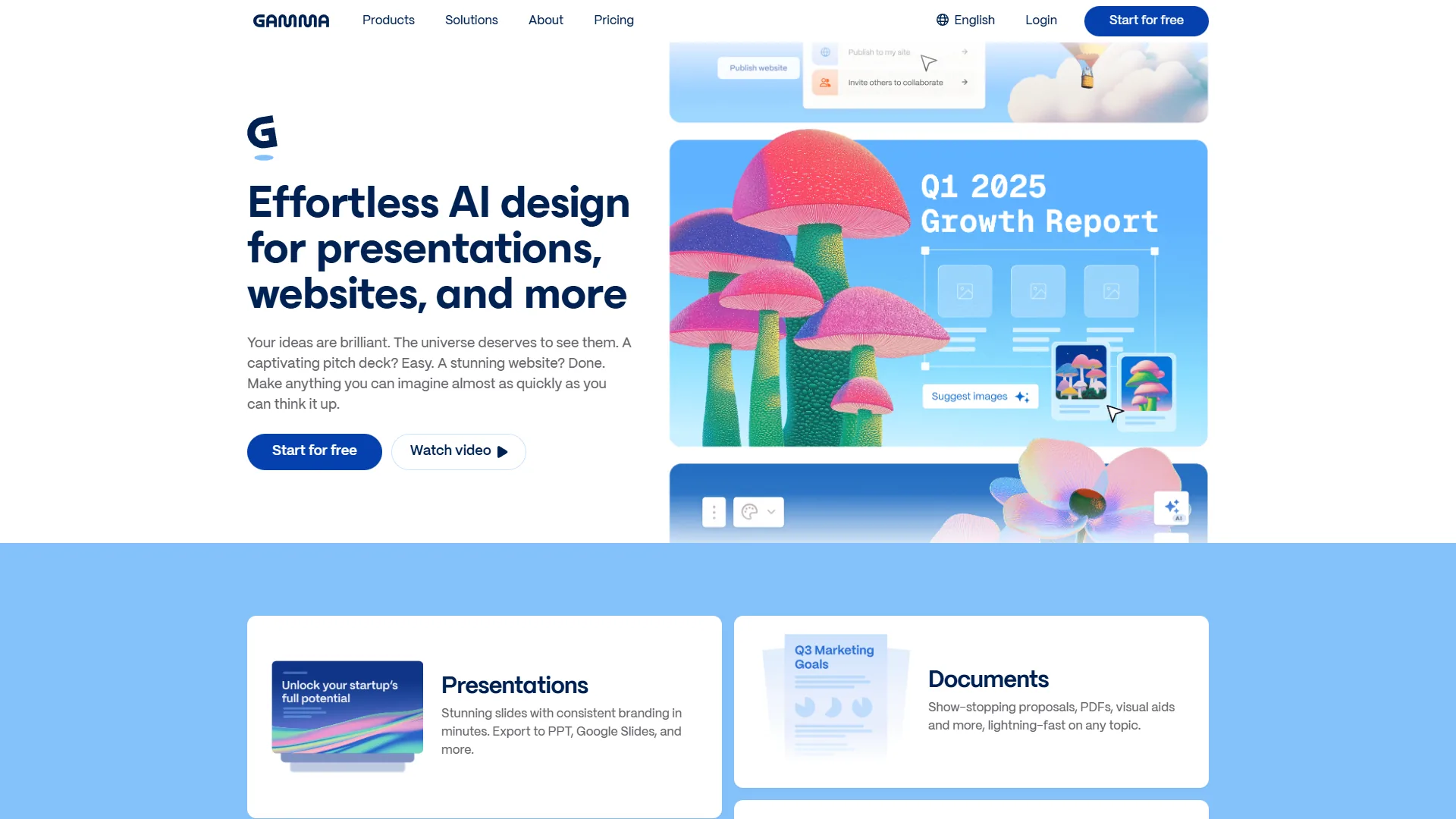

All three general platforms are evolving fast: Visme toward deeper data understanding, Canva toward more Magic Studio features, and Adobe toward Firefly expansion.
FAQ
Can non-designers use these AI tools for designers 2026?
Yes. All three are designed for non-designers, so the best AI tools for designers 2026 work for people with no formal training. Canva has the gentlest learning curve, followed by Adobe Express, then Visme.
Which AI design tool is best for image generation for free?
Adobe Express with Firefly leads on quality, and its free tier includes a monthly allotment of Firefly credits, making it the best option for image generation for free. Canva’s free generation is solid for most uses; Visme’s AI focuses on layouts rather than image creation.
Do these tools work offline?
Canva offers a desktop app with offline capability and Visme has a downloadable version, while Adobe Express is web-based but syncs with Creative Cloud apps.
Can I switch tools later without losing work?
Partially. Export formats vary and brand kits do not transfer between platforms, so starting with the right tool saves migration headaches.
Are there genuinely usable best AI design tools 2026 free plans?
Yes. Among the best AI design tools 2026 free options, Canva’s free tier is the most generous, while Adobe Express and Visme offer free plans with limited AI - though Adobe Express caps Firefly credits.
What if I just need a logo and matching brand kit - not a full design tool?
Design.com and BrandCrowd auto-apply your logo’s colors and fonts across business cards, social templates, and a website. Visme, Canva, and Adobe Express make logos but do not propagate the rest of your brand identity.
Which AI design tool is cheapest for solo founders?
BrandCrowd’s Premium Logo Pack starts at ~$4/month annual for a single logo. Design.com Starter at ~$5/month annual bundles all ten AI design tools with lifetime logo ownership. Among general design tools, Adobe Express Premium at $9.99/month is the cheapest entry.
Final Verdict and Recommendations
The best AI design tool is Canva for marketing teams, Visme for data-driven organizations, Adobe Express for creative-first teams, and Design.com or BrandCrowd for brand-identity launches - each owns a different design problem, so most teams eventually use more than one.
Canva Pro wins for marketing teams on template volume and collaboration; pair it with our best AI marketing tools roundup. Visme Pro justifies its learning curve for data-heavy work, where the HTML5 export alone can be worth the price. Adobe Express Premium suits creative-first teams through Firefly quality. For brand launches, Design.com ($5/month annual) wins on generative variety and lifetime logo ownership, while BrandCrowd ($4/month annual) wins on designer-curated templates. Budget users can start on Canva’s free tier.
Related Reading
The tools covered are linked below, followed by related design guides.
- Visme - data visualization specialist with HTML5 exports
- Canva - template library giant with Magic Studio AI
- Adobe Express - Firefly AI and Creative Cloud integration
- Design.com - AI logo generator with 10+ AI design tools
- BrandCrowd - AI logo maker with 145K+ templates
More guides: Best AI Logo Generators 2026, Best AI Video Generators 2026, Best AI Copywriting Tools 2026, Best AI Presentation Tools, and Best AI Tools for UX Designers.
Further Reading & Resources
Verified reviews and documentation for each tool are linked here: the Visme review, the Canva review, and the Adobe Express review.