





Canva is the default design tool for anyone who isn’t a designer - 170 million users, a massive template library, and constantly expanding AI features have earned it that position. But “default” doesn’t always mean “best fit,” and teams routinely outgrow it for deeper data visualization, tighter Adobe ecosystem integration, or a simpler interface.
Seven canva alternatives are compared here across the workflows most teams care about - presentation decks, social-media graphics, infographics, and marketing collateral - with a focus on how each tool’s AI capabilities perform in practice rather than what the marketing page promises. The canva-competitors breakdown widens the lens to a market-share view alongside this workflow comparison.
Why People Leave Canva
Teams leave Canva for five recurring reasons - AI credit caps, limited advanced editing, template fatigue, per-user pricing that compounds across a team, and weak professional print controls. Canva Alternatives are platforms that provide comparable features to Canva - often with lower pricing, open-source flexibility, or specialized strengths in specific areas. This guide compares the top Canva alternatives online side by side on pricing, features, and real-world performance, covering Canva alternatives free tiers alongside paid plans so you can see where each option actually fits.
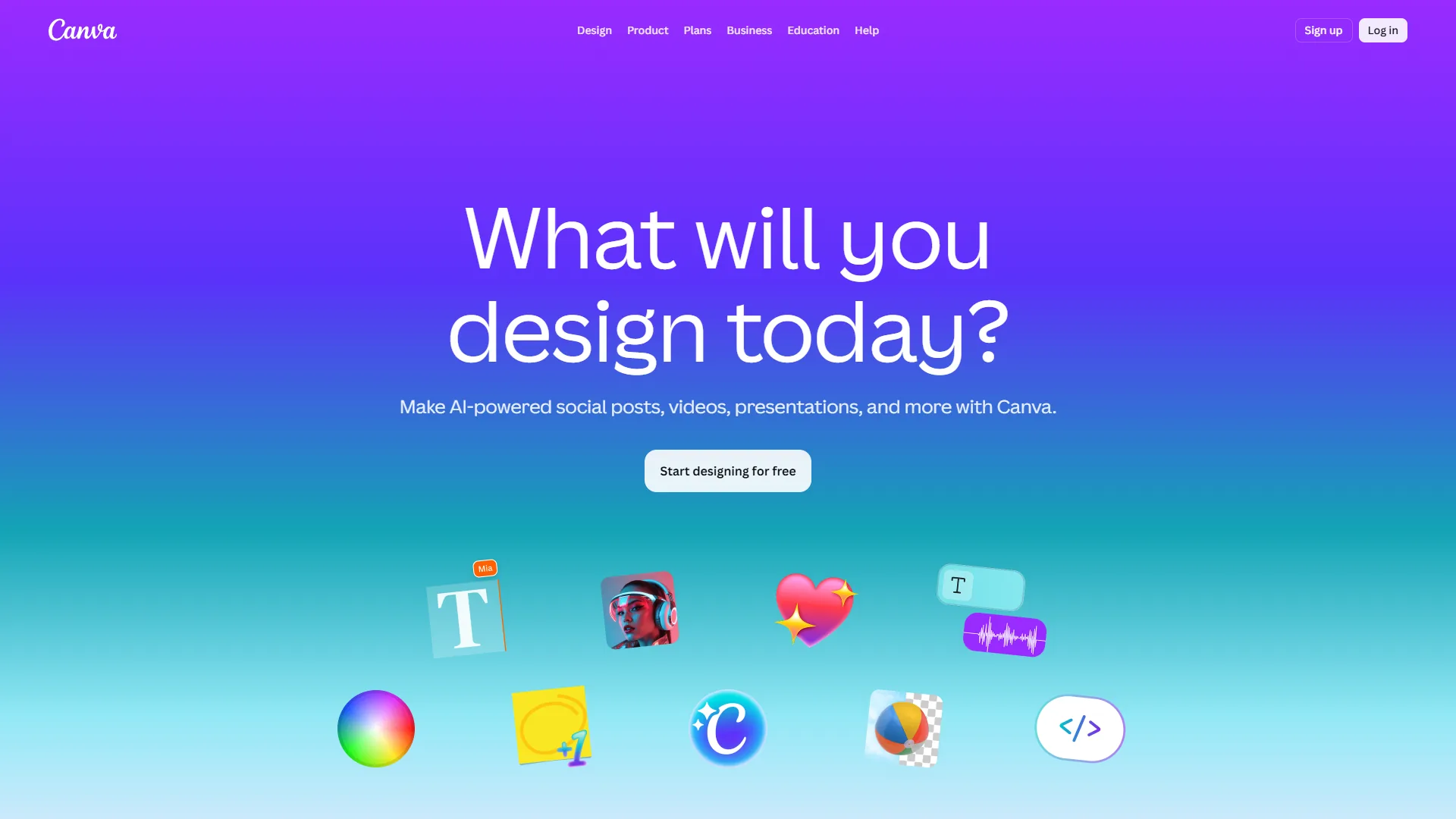
Canva does a lot of things well, but five pain points push teams toward alternatives:
- AI credits run dry fast - Pro caps Magic Studio at 500 credits per month; heavy iteration burns through them in days.
- Limited advanced editing - Pixel-level manipulation, complex masking, and professional vector work require jumping to other tools.
- Template dependency - The most popular templates get overused, so competitor posts begin to look like yours.
- Pricing per user adds up - Pro is $13 per user per month; a 10-person marketing team pays $1,560 per year before the Business tier.
- Print limitations - CMYK color management and bleed settings are basic, so professional print designers hit walls quickly.
Comparison Table: Canva Alternatives at a Glance
The seven best Canva alternatives in 2026 range from $8 per month (PicMonkey) to $29 per month (Visme), with Figma and Adobe Express offering the strongest free tiers. According to Canva’s official newsroom, the platform now reaches “more than 170 million monthly active users worldwide”, which is why most readers in 2026 are choosing a specialist to pair with Canva rather than replacing it outright.
| Tool | Starting Price | Best For | AI Features | Free Tier |
|---|---|---|---|---|
| Canva | $13/mo | All-in-one design | Magic Studio, Magic Write | Yes (generous) |
| Adobe Express | $10/mo | Adobe ecosystem users | Firefly AI generation | Yes (limited) |
| Visme | $29/mo | Data visualization & infographics | AI Design Wizard | Yes (limited) |
| Figma | Free / $15/mo | UI/UX design & prototyping | AI-powered design tools | Yes (3 projects) |
| Snappa | $10/mo | Quick social media graphics | Basic AI features | Yes (3 downloads/mo) |
| VistaCreate | $13/mo | Animated & video content | AI background remover | Yes (limited) |
| Piktochart | $14/mo | Reports & infographics | AI infographic generator | Yes (limited) |
| PicMonkey | $8/mo | Photo editing & touch-ups | AI-powered editing tools | 7-day trial |
Feature-by-Feature: AI Capabilities
Canva and Adobe Express lead the field on AI breadth, while Visme wins for AI-assisted data visualization and Figma’s plugin ecosystem covers the rest. Before diving into individual canva alternatives, here’s how each tool’s AI features stack up against Canva’s Magic Studio. This is where the 2026 landscape has shifted most dramatically - every major design platform now ships AI features, but the depth varies enormously.
| Feature | Canva | Adobe Expresss | Visme | Figma | Snappa | VistaCreate | Piktochart |
|---|---|---|---|---|---|---|---|
| Text-to-image | Magic Media (Veo 3) | Firefly (commercial-safe) | Basic AI generation | Community plugins | None | Limited | None |
| AI text generation | Magic Write | Adobe’s AI copywriter | AI content assistant | None native | None | Basic captions | AI text helper |
| Background removal | Yes | Yes | Yes | Via plugins | Yes | Yes | No |
| Smart resize | Magic Resize | Auto-resize | Smart Resize | Auto Layout | One-click resize | Multi-resize | Limited |
| Brand voice AI | Yes (Pro) | Limited | Yes | No | No | No | No |
| AI design suggestions | Magic Design | Template suggestions | AI Design Wizard | AI-powered features | Template matching | Template matching | AI layouts |
The key takeaway: Canva and Adobe Express lead in AI breadth, but Visme wins for AI-assisted data visualization, and Figma’s plugin ecosystem gives it surprising AI depth for teams willing to set it up.
1. Adobe Express - Best for Adobe Ecosystem Users
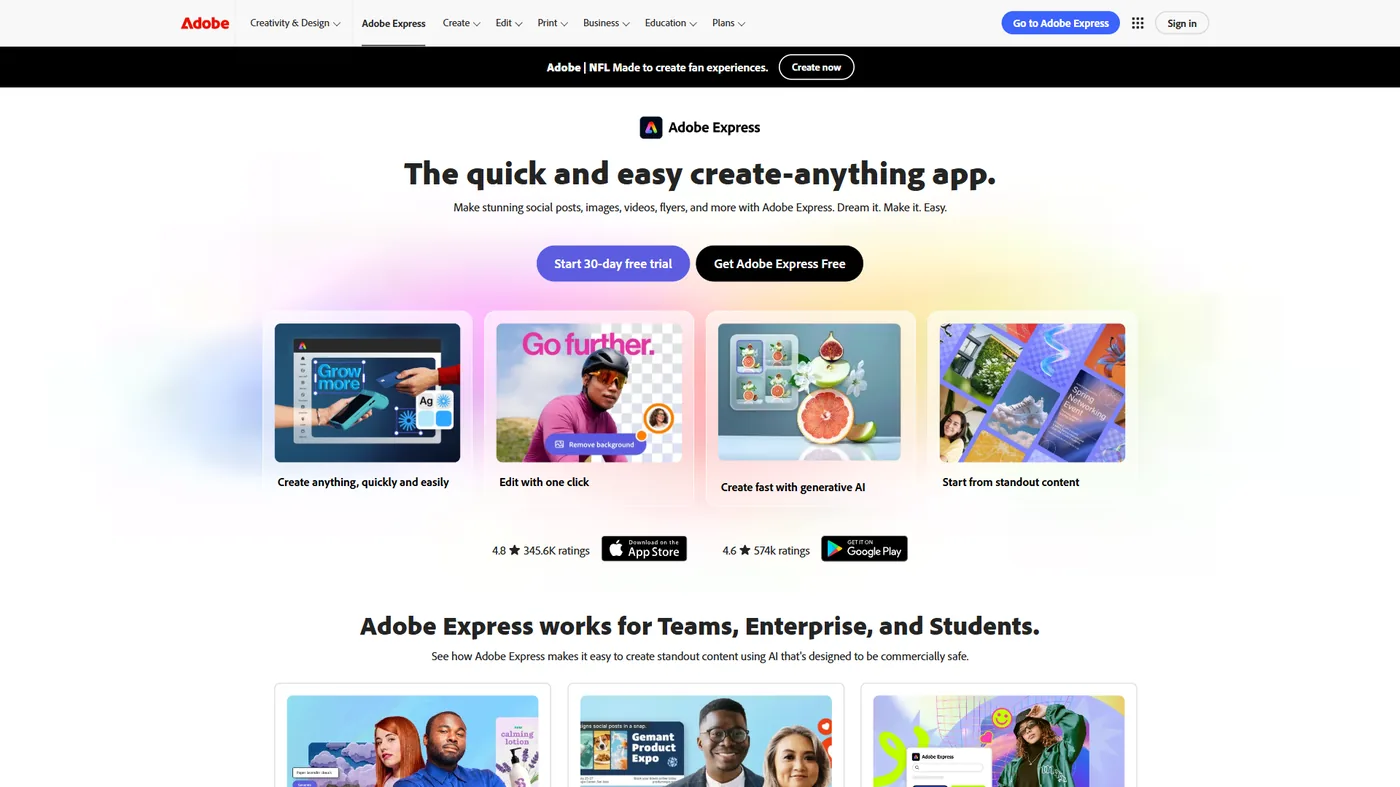
Pricing: Free / $10 per month (Premium) Free tier: Limited templates, 2GB storage, basic Firefly access
Adobe Express takes Canva’s template-first approach and bolts on Adobe’s own AI engine, producing a tool that is slightly stronger for image manipulation and significantly more powerful for anyone already inside the Adobe Creative Cloud ecosystem.
The standout differentiator is Adobe Firefly. Unlike Canva’s Magic Media, Firefly is trained exclusively on Adobe Stock, openly licensed content, and public domain material, so every AI-generated image is commercially safe by design - the licensing clarity matters for brands and agencies.
Key Strengths: Firefly AI generates commercially safe images; seamless sync with Photoshop, Illustrator, and InDesign; Adobe Fonts (25,000+) included; Quick Actions for one-click video trim, PDF conversion, and resize; Adobe Stock (200M+) integration.
Where It Falls Short: Template library is smaller than Canva’s 140M+ collection; collaboration is less intuitive for non-Adobe users; learning curve is steeper; free tier is more restrictive than Canva Free.
Best For: Marketing teams and freelancers already paying for Creative Cloud. The $10 per month Premium plan is effectively free if you are on an Adobe subscription. See our Canva vs Adobe Express 2026 comparison for a deeper breakdown.
2. Visme - Best for Data Visualization and Infographics
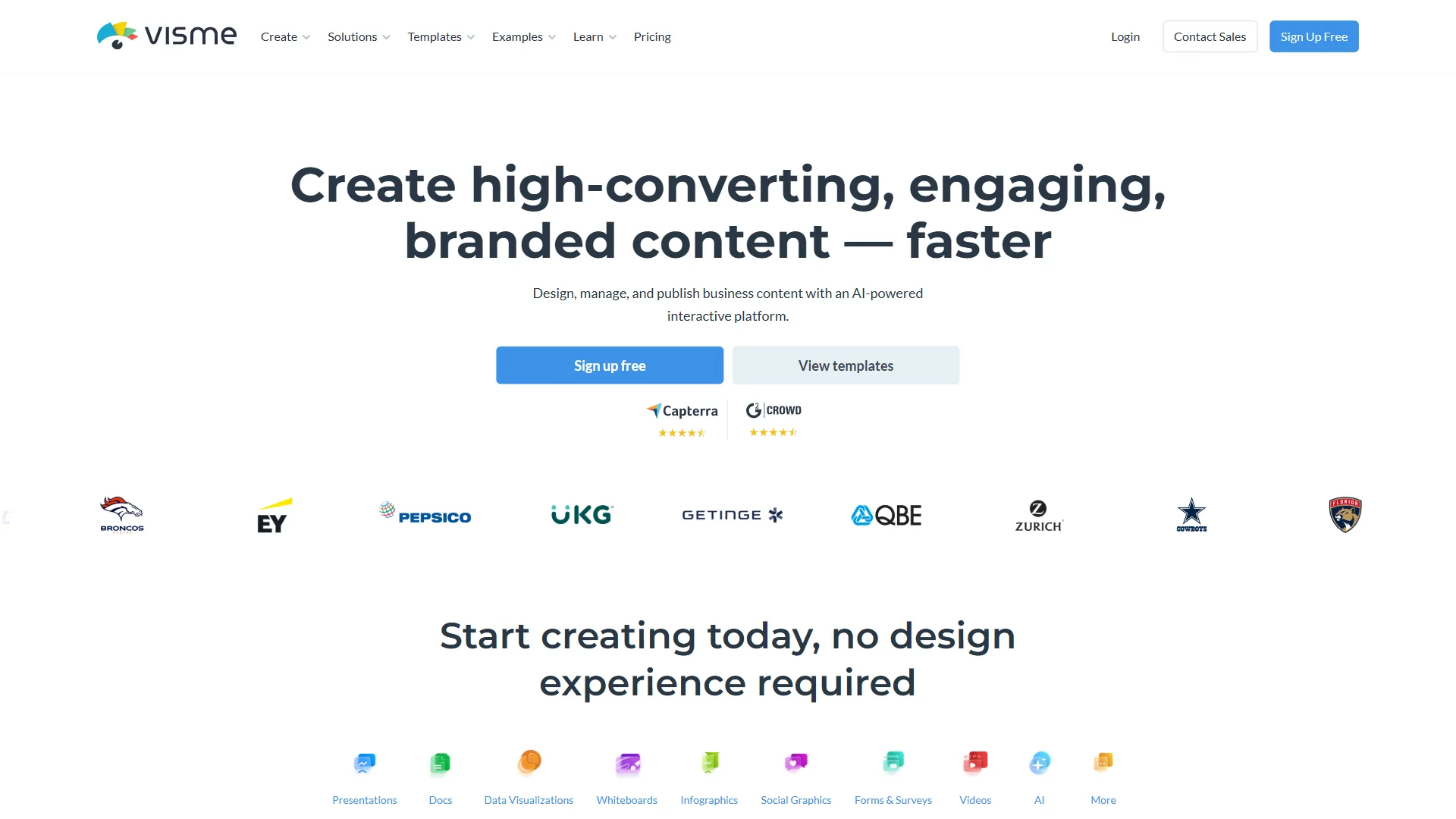
Pricing: Free / $29 per month (Starter) / $59 per month (Pro) / $99 per month (Visme for Teams) Free tier: 5 projects, limited templates, 100MB storage
Visme targets a gap Canva handles adequately but not exceptionally - data-driven visual content. If your work revolves around reports, infographics, dashboards, or investor decks with live data, Visme’s purpose-built widgets and chart tools outperform Canva’s more generic approach. The AI Design Wizard suggests layouts optimized for readability and visual hierarchy, which beats Canva’s Magic Design for data-heavy content.
Key Strengths: 40+ data-visualization widgets (charts, maps, gauges); live data from Google Sheets, Excel, and databases; interactive content with hover, pop-ups, and embedded video; AI-powered suggestions tuned for data; Brand Kit; HTML5 output.
Where It Falls Short: More expensive than Canva at every tier; smaller template library; fewer social-media templates; steeper learning curve; free tier capped at 5 projects.
Best For: Marketing analysts, consultants, and teams producing regular reports and data-driven presentations. If you create more infographics than Instagram posts, Visme is the stronger choice; Canva is better for general-purpose design breadth.
3. Figma - Best for UI/UX Design and Team Collaboration
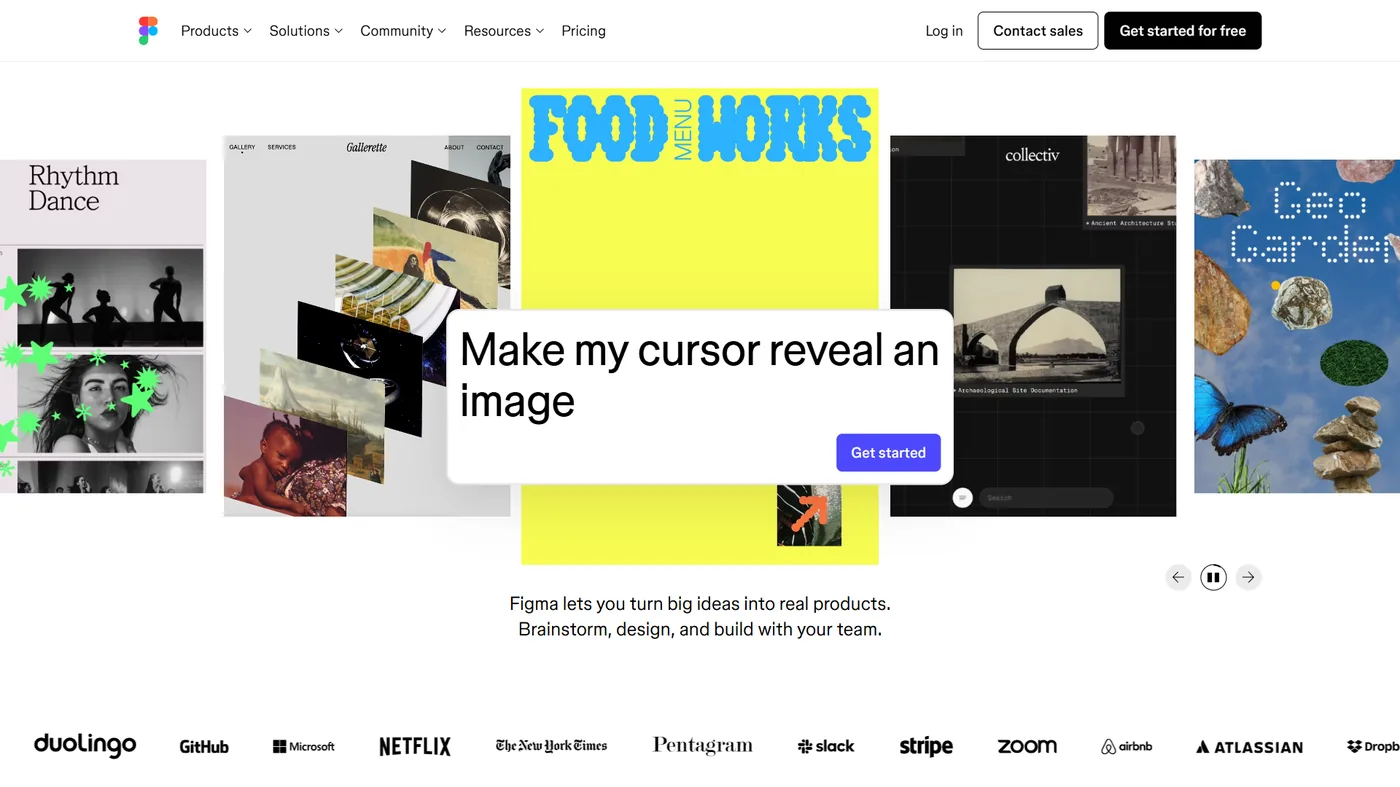
Pricing: Free (Starter) / $15 per user/month (Professional) / $25 per user/month (Organization) Free tier: 3 Figma files, unlimited personal files
Figma is the best Canva alternative for product teams that need a single tool spanning UI design, prototyping, and brand-system enforcement. Canva optimizes for speed and simplicity; Figma optimizes for precision and collaboration. Where Figma shines as a Canva replacement is team design systems - build a component library once and the whole team produces consistent designs automatically, more granularly than Canva’s Brand Kit.
Key Strengths: Industry-standard UI/UX design with vector editing and prototyping; real-time collaboration that rivals Google Docs for design; component libraries and design systems; large plugin ecosystem (AI image, copy, and layout plugins); Auto Layout; Dev Mode for design-to-dev handoff; FigJam whiteboarding.
Where It Falls Short: Not built for quick social-media graphics; no built-in template marketplace; requires design knowledge; print export options are limited; no native AI image generation (relies on plugins).
Best For: Product teams, UI/UX designers, and design-forward startups that need a single tool for both marketing materials and product design. If your team includes professional designers, Figma handles both use cases. Our Figma AI vs Canva Design comparison dives deeper into how each platform’s AI features stack up. If nobody on your team has design experience, stick with Canva.
4. Snappa - Best for Quick Social Media Graphics
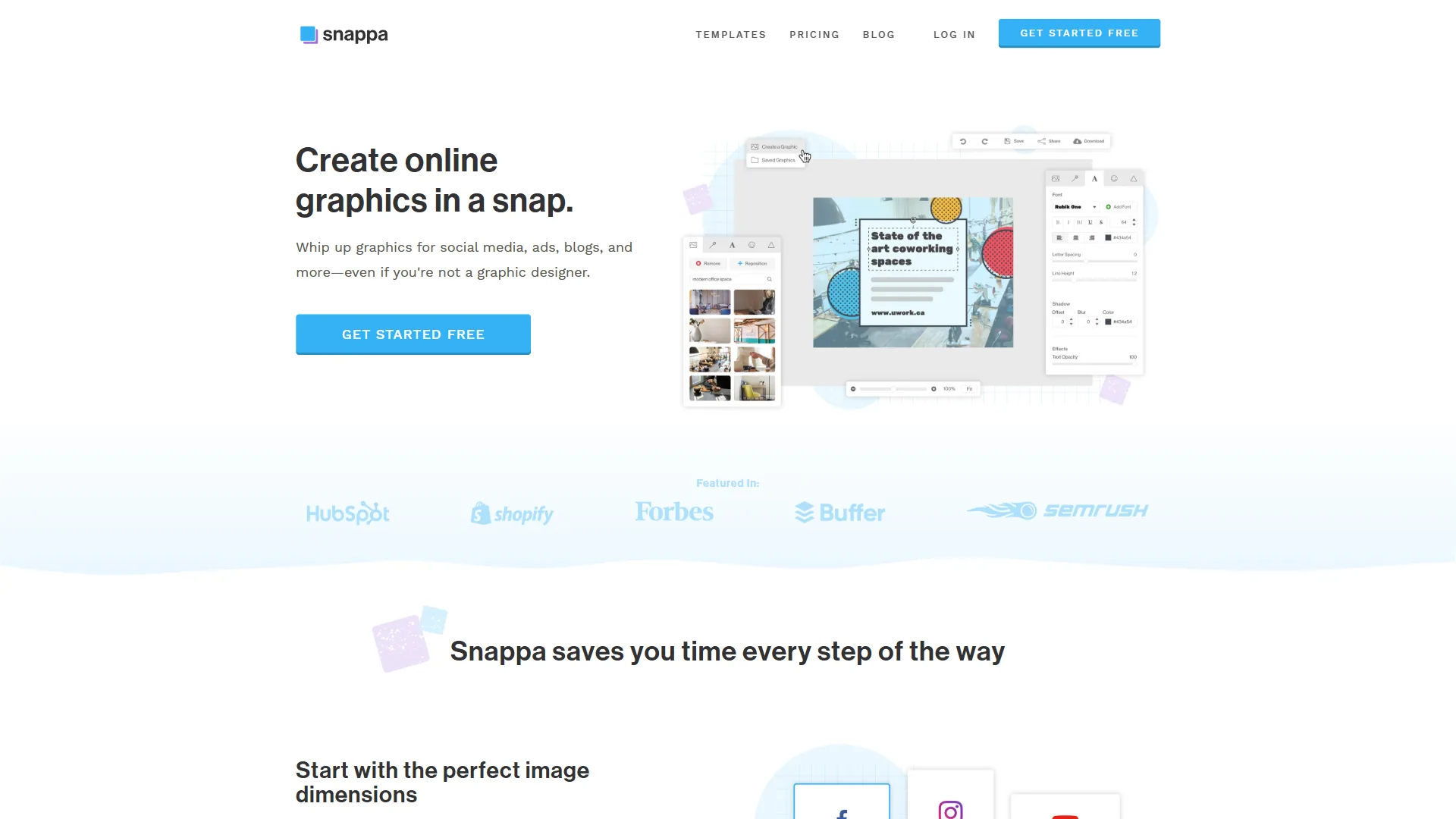
Pricing: Free (3 downloads/month) / $10 per month (Pro) / $20 per month (Team) Free tier: 6,000+ templates, 3 downloads per month
Snappa is the fastest Canva alternative for solo marketers who only need social-media graphics and blog headers - no presentations, video, or print. Instead of being an everything-platform, it focuses on creating social-media graphics and blog images fast: instant editor load, curated templates, and a blank-canvas-to-finished-graphic time under five minutes.
Key Strengths: Fastest workflow for social graphics; 6,000+ curated templates; 5M+ royalty-free stock photos on all plans; one-click resize across social platforms; no watermarks on the free tier; Buffer integration for scheduling.
Where It Falls Short: No video, presentation, or document creation; minimal AI features compared to Magic Studio; smaller template library; no real-time collaboration; web/desktop only.
Best For: Bloggers, solopreneurs, and small teams who primarily need social-media graphics and blog headers. The ai-social-media-tools roundup pairs well if you also need scheduling automation.
5. VistaCreate - Best for Animated and Video Content
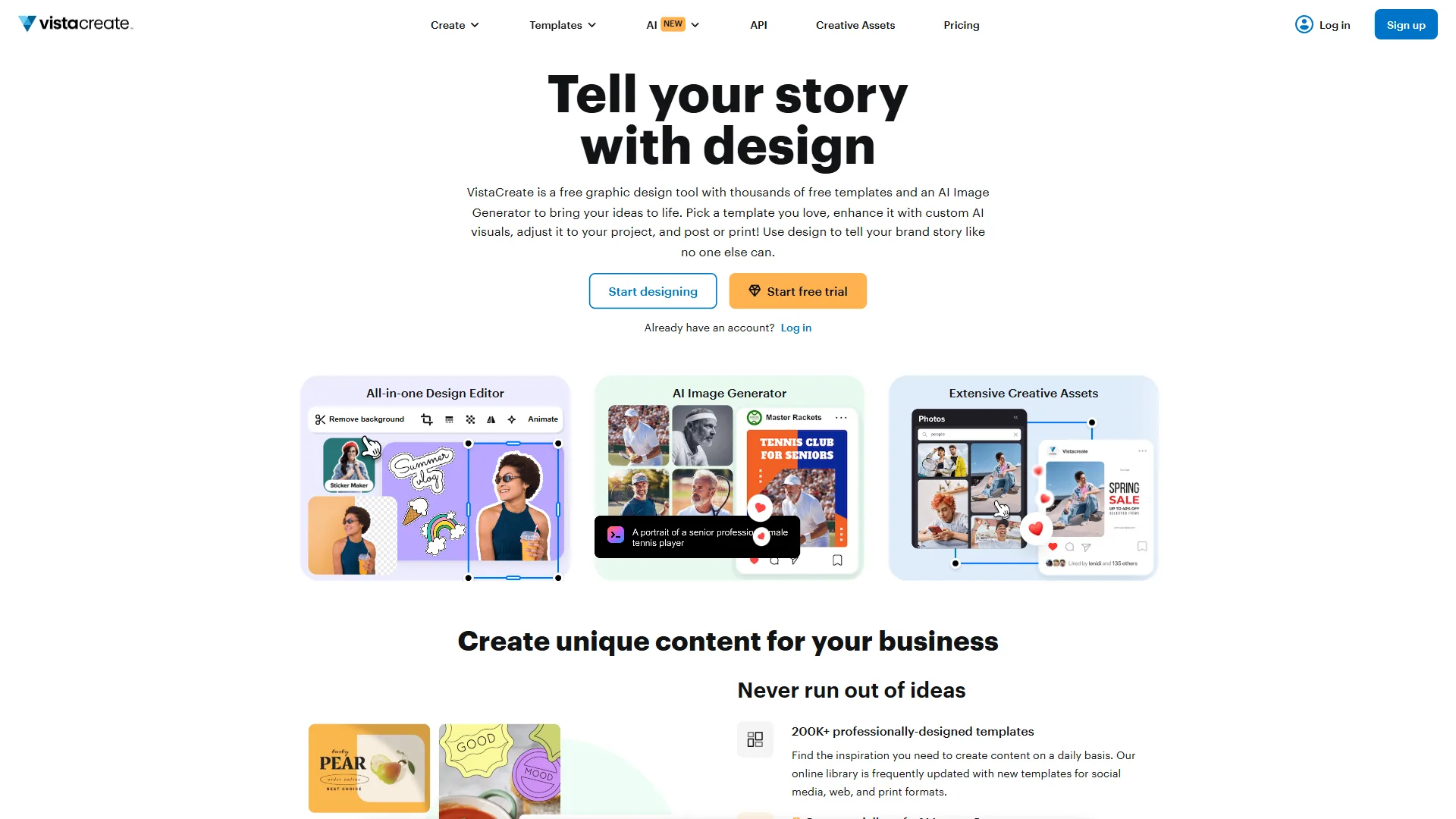
Pricing: Free / $13 per month (Pro) Free tier: Limited templates, 10GB storage
VistaCreate is the strongest Canva alternative for easier video creation and animated social content at Canva-equivalent pricing. VistaCreate (formerly Crello) matches Canva’s $13 per month pricing and competes head-to-head on features, with more animation-ready templates and a smoother video workflow. The platform also ships 70M+ stock photos, videos, and vectors from its parent Depositphotos, a media library that rivals Canva’s 140M+ assets for most practical use cases.
Key Strengths: Timeline-based animation tools; 70M+ Depositphotos creative assets; animated object library; background remover and AI editing; multi-page design for presentations; Brand Kit for team consistency.
Where It Falls Short: AI lags Canva’s Magic Studio; template quality is inconsistent; collaboration is less polished than Canva Teams; smaller community and tutorial library; limited print options.
Best For: Social-media managers producing a high volume of animated posts and short video clips. If animated content is more than 30% of your output, VistaCreate’s tools justify the switch.
6. Piktochart - Best for Reports and Professional Infographics
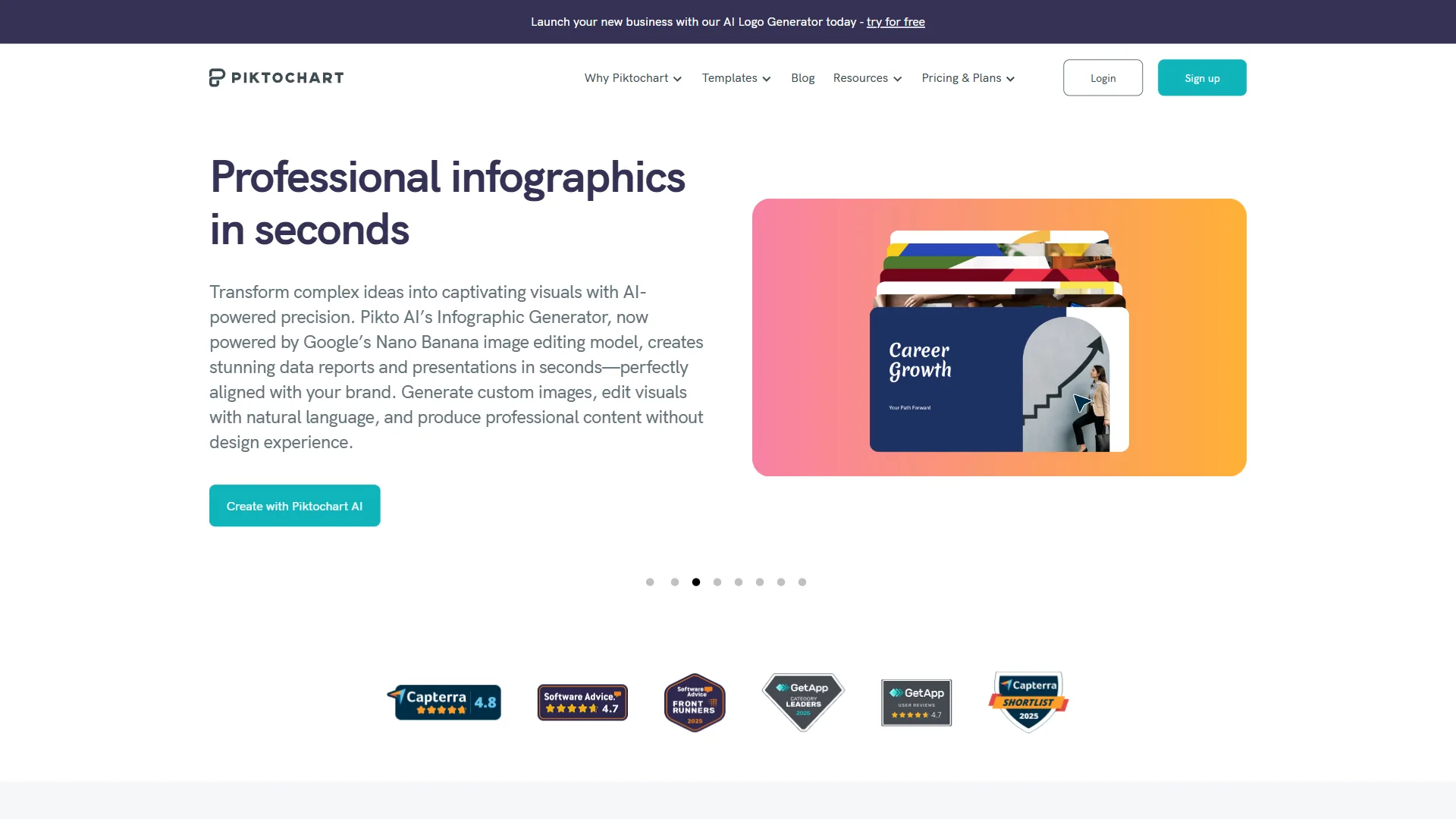
Pricing: Free / $14 per month (Pro) / $29 per month (Business) Free tier: 5 active projects, Piktochart watermark
Piktochart is the best Canva alternative for marketing teams that publish quarterly reports, internal one-pagers, and data-led infographics. Piktochart launched as an infographic-first platform and that DNA still shows - its core strength remains turning data into visually compelling reports. The AI infographic generator takes raw data or text and produces structured visual layouts that communicate information clearly.
Key Strengths: Purpose-built for infographics with CSV / Google Sheets / survey imports; AI infographic generation from text or data; professional report templates; chart and map widgets with automatic data binding; clean, low-friction interface.
Where It Falls Short: Smaller template library for social-media graphics; secondary video and presentation features; Pro plan caps active projects; narrower AI scope.
Best For: Internal communications teams, HR departments, and consultants producing regular reports, one-pagers, and data visualizations.
7. PicMonkey - Best Budget Option for Photo Editing
Pricing: $8 per month (Basic) / $13 per month (Pro) / $23 per month (Business) Free tier: 7-day trial only
PicMonkey is the best budget Canva alternative for photo editing - $8 per month buys touch-up tools sharper than Canva’s built-in editor. If your workflow centers on product photos, headshots, or real-estate images rather than template-based graphics, PicMonkey’s editing tools are more intuitive and capable than Canva’s. AI features cover smart background removal, skin smoothing, teeth whitening, and object removal, executed with more precision than Canva’s equivalents.
Key Strengths: Sharper photo-editing than Canva’s built-in editor; AI touch-ups (skin smoothing, blemish removal, teeth whitening); layer-based editing; batch processing; collage maker; $8 per month entry price.
Where It Falls Short: No free tier (7-day trial only); much smaller template library; no presentation, video, or document creation; minimal collaboration features.
Best For: E-commerce sellers, real-estate agents, and photographers who need affordable photo editing without the full complexity of Photoshop. See our best AI tools for graphic designers page for more options.
Which Alternative Fits Your Workflow
The right Canva alternative is the one that matches your dominant output - the table below maps the seven canva alternatives compared here to the workflow each one wins.
| If your dominant workflow is… | Pick | Starting price |
|---|---|---|
| Adobe ecosystem integration | Adobe Express | $10 / mo |
| Data-heavy reports and dashboards | Visme | $29 / mo |
| Lightweight infographic reports | Piktochart | $14 / mo |
| UI/UX and brand-system design | Figma | Free - $15 / user / mo |
| Fast, daily social-media graphics | Snappa | $10 / mo |
| Animated and short-video content | VistaCreate | $13 / mo |
| Photo editing and touch-ups | PicMonkey | $8 / mo |
| Best generalist across all of the above | Canva | $13 / mo |
The Bottom Line
No single Canva alternative beats Canva across the board in 2026 - the smartest move for most teams is to keep Canva as the generalist and add one specialist tool where it falls short. Canva earned its 170-million-user base by making design accessible, and none of these alternatives threaten that position across the board. But “best for everyone” isn’t the same as “best for you.” Adobe Express wins for Creative Cloud users, Visme dominates data visualization, Figma is unbeatable for design teams, and Snappa outperforms Canva at the one thing it does.
The smartest approach for most teams: keep Canva for general-purpose design and add a specialized tool where Canva falls short. A Canva Pro subscription plus Piktochart for quarterly reports, or Canva Free plus Figma for a product team, often delivers better results than forcing any single platform to do everything. If you need logo creation specifically, our best AI logo generators 2026 roundup covers tools purpose-built for branding work.
Methodology: This comparison draws on each vendor’s current pricing pages, product documentation, and independent research rather than sponsored placement or hands-on benchmarks the site did not perform.
Disclosure: AI Productivity may earn a commission from links on this page; our rankings are editorially independent and the alternative ordering reflects fit-for-workflow rather than payout.
FAQ
The questions below answer the most common queries searchers ask alongside “canva alternatives” - drawn from Google’s People Also Ask feature for this keyword.
Is there anything better than Canva?
Yes - a more specialized tool beats Canva for any single workflow, even though no alternative beats Canva across the board. Seven Canva alternatives were compared across social-media graphics, presentations, infographics, and marketing collateral, each with strengths that genuinely beat Canva for specific use cases like deeper data visualization, tighter Adobe ecosystem integration, or a simpler interface without the feature overload.
Why don’t professional designers use Canva?
Professional designers rarely use Canva because its template-first interface, limited vector controls, and shallow type system constrain the precision work that production design requires. Most professional teams reach for Figma for UI and brand systems and the Adobe Creative Cloud apps for print and illustration - Canva sits one tier below in the professional toolchain, optimized for non-designers who need fast, on-brand output.
How do I get Canva Pro for free permanently?
There is no legitimate way to get Canva Pro permanently free, but three honest paths give long-term free access. Educators and students at eligible institutions get Canva for Education at no cost, registered nonprofits get Canva for Nonprofits free under Canva’s program, and the Canva Free tier itself remains permanently free with limited templates and a 1GB media library.
What are the main pain points of using Canva?
Several pain points push teams toward alternatives. AI credits run out fast - Pro gives 500 monthly Magic Studio credits that heavy users burn through in days. Advanced editing is limited, templates get overused across competitors, and pricing adds up at $13 per user monthly, costing a 10-person team $1,560 yearly before reaching the Business tier.
How much does Canva Pro cost for a team?
Canva Pro is priced at $13 per month per user. A 10-person marketing team pays $1,560 per year at the Pro tier before anyone upgrades to the Business tier. That per-user pricing model is one reason teams evaluate Canva alternatives, particularly when only a handful of members actively create designs week to week.
What are the best Canva alternatives free for presentation work?
The best Canva alternatives free for presentation work are Figma (free Starter plan with 3 files), Adobe Express (free tier with Firefly access), and Visme (5 free projects). Figma suits product teams that need precise slide layouts, Adobe Express fits anyone wanting commercially safe AI imagery on slides, and Visme is the strongest fit for data-heavy investor decks.
Related Reading
The following internal guides extend this comparison into adjacent design and AI-tool decisions.
- Best AI Design Tools 2026: Visme vs Canva vs Adobe Express - In-depth comparison of the top three AI design platforms
- Best AI Presentation Tools 2026 - Gamma,Beautiful.ai, and Canva compared for presentations
- Best AI Image Generators 2026 -Midjourney, DALL-E, and Firefly for AI image creation
- AI Social Media Tools - Automation and scheduling tools for social media teams
- Canva Review
- Piktochart - Infographic and visual content creation platform
- Adobe Express - Quick design tool with Firefly AI and Adobe Stock
External Resources
The links below point to primary vendor documentation used as source material for this comparison.