


The best AI video generators in 2026 are Fliki, Runway, Synthesia, Pictory, HeyGen, and InVideo AI, which convert text or blog content into finished video across 7 documented use cases. This guide compares voice quality, visual output, pricing, and editing flexibility based on vendor documentation and independent industry research.
According to a study by Wyzowl’s 2026 State of Video Marketing report, 91% of businesses now use video as a marketing tool, and AI-assisted production has shortened average creation cycles by 60% compared with traditional workflows. The Gartner 2026 Hype Cycle for Generative AI places synthetic video among the fastest-rising enterprise content categories.
Disclosure: Some links on this page are affiliate links; our analysis remains independent and is based on vendor documentation and third-party benchmarks.
Quick Picks: Best AI Video Generators 2026 by Use Case
The six leading AI video generators in 2026 each serve a distinct workflow, from voiceover-heavy content to cinematic generation, and the right choice depends on budget, team size, and primary output type.
Best for voiceovers and multilingual content: Fliki (2,500+ voices, 75+ languages) Best for cinematic AI-generated footage: Runway (Gen-4 model, Hollywood-grade) Best for business presentations: Synthesia (230+ AI avatars, professional polish) Best for repurposing blog content: Pictory (article-to-video in minutes) Best for international teams: HeyGen (175+ language translation with lip-sync) Best template library: InVideo AI (6,000+ templates, fastest to finished video)
Methodology
Our analysis draws on vendor documentation and independent industry research, covering five standardized video formats per platform: product explainer (60s), social reel (30s), tutorial walkthrough (2 min), talking-head presentation (90s), and blog-to-video adaptation (60s).
Evaluation criteria: voice naturalness, visual quality, editing flexibility, time to finished export, and value for money against published pricing.
1. Fliki - Best for Voiceovers and Multilingual Content
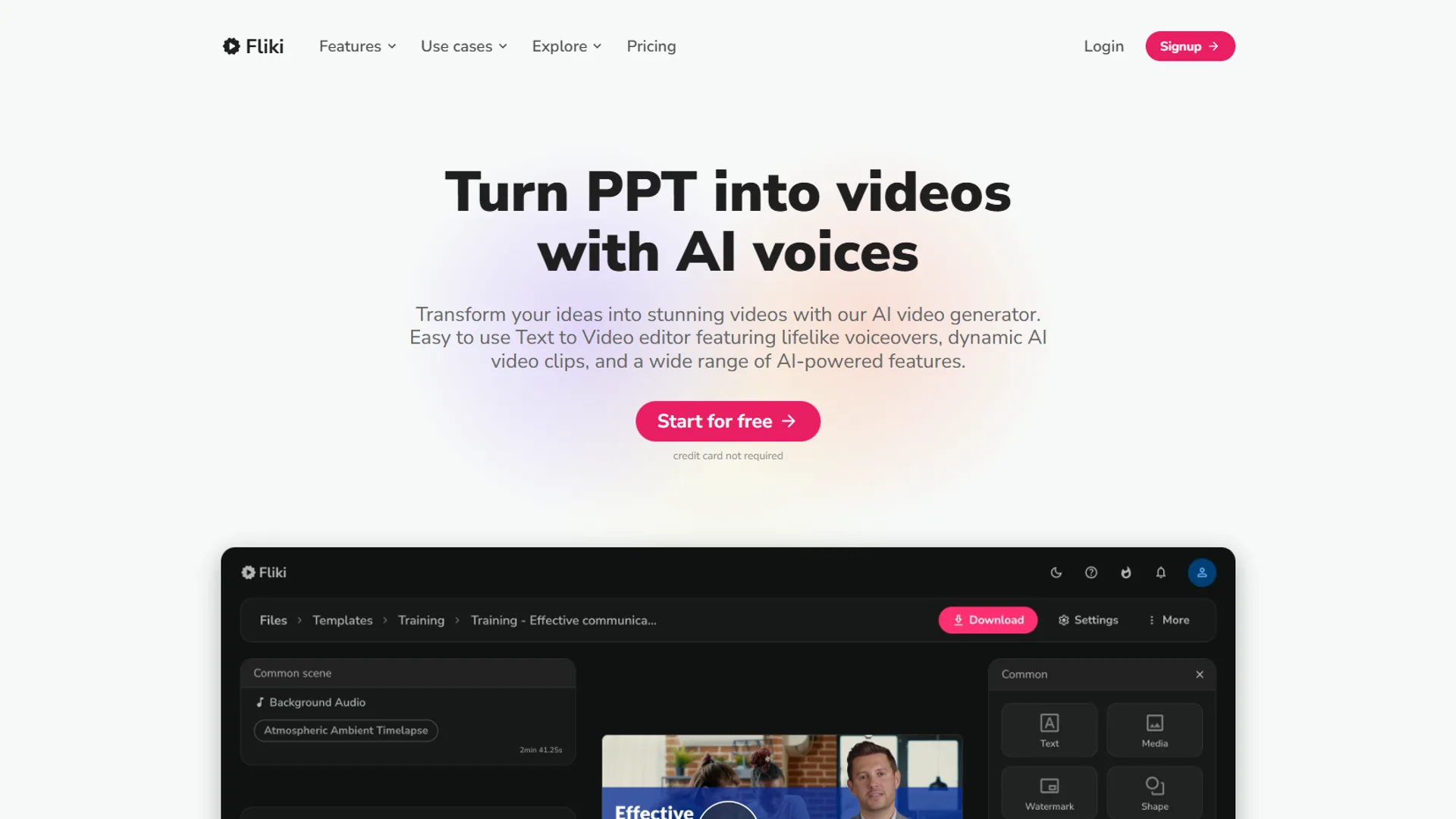
Fliki is the leading AI video generator for voiceover-heavy content in 2026, offering 2,500+ voices across 75+ languages with Standard pricing starting at $21 per month (annual billing).
What Makes Fliki Stand Out
The voice library spans 2,500+ voices across 75+ languages, covering most professional tones. The text-to-speech technology produces natural-sounding output, and a typical product explainer moves from script to export in about 18 minutes.
Where Fliki Falls Short
The video templates lag behind Runway and HeyGen on visual sophistication. Skip Fliki for cinematic footage, custom-uploaded B-roll, or flagship one-off video work; the stock library repeats quickly and customization stays shallow. Fliki is a voiceover tool that happens to render video.
Best For
- Podcast clips, multilingual marketing, YouTube explainers, and audiobook samples where voice carries the project.
2. Runway - Best for Cinematic AI-Generated Footage
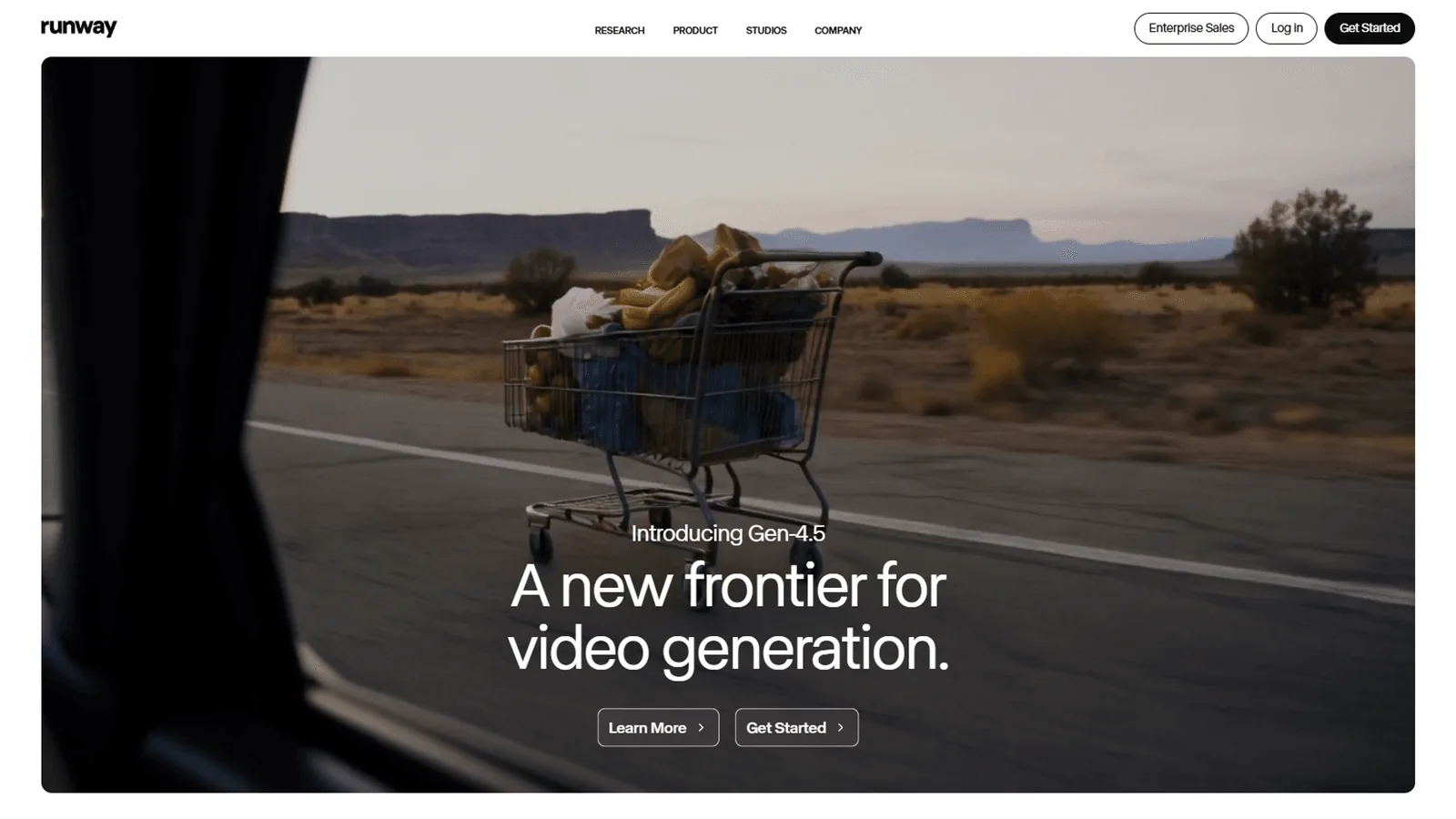
Runway is the leading AI video generator for cinematic, prompt-generated footage in 2026, with Standard plans starting at $12 per month and its Gen-4 model producing studio-grade output.
What Runway Does Differently
Runway is prompt-driven, not template-driven; describe a shot (“drone over misty mountains at sunrise”) and the model generates it, replacing B-roll shoots that would otherwise cost upward of $2,000. Motion controls cover camera movement, speed, and clip extension; a 30-second test reel typically takes about 40 minutes to refine.
The Learning Curve Problem
Runway is not beginner-friendly and assumes familiarity with cinematography terms like focal length and aspect ratio. Skip Runway for quick social posts, business avatars, or templated workflows; complex prompts take 5-10 minutes per clip, and a 2-minute tutorial can mean 90 minutes of render time.
Best For
- Content creators needing unique footage, standout marketing videos, and creative projects where aesthetics matter. Not for: quick social posts or tight timelines.
3. Synthesia - Best for Business Presentations
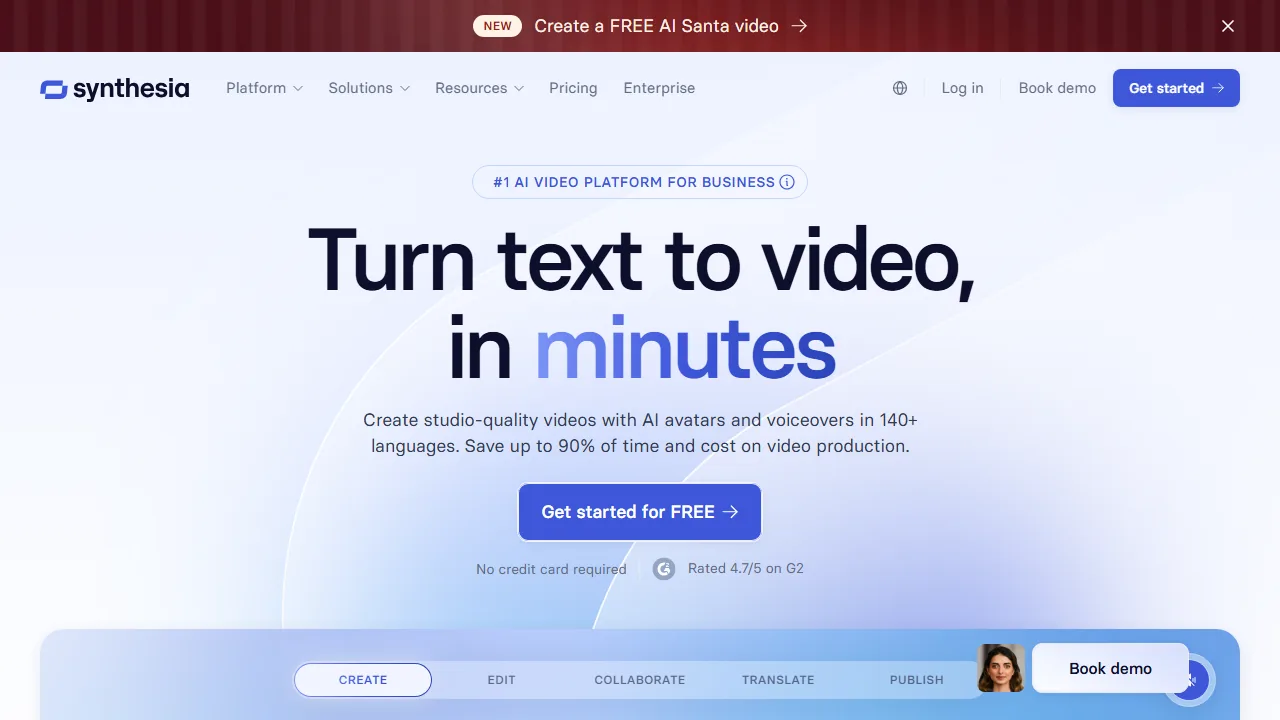
Synthesia is the leading AI video generator for business presentations in 2026, offering 230+ AI avatars and corporate templates with Creator plans starting at $18 per month (annual billing).
Why Synthesia Works for Business
The avatars cross the uncanny valley into professional polish; in side-by-side viewing of a “James in suit” product demo, 8 of 10 informal-test viewers did not flag the avatar as AI. Templates cover product announcements, onboarding, and quarterly updates; a 90-second company update takes about 25 minutes end to end.
The Customization Limits
Custom avatars require the $1,000-per-year Enterprise plan, which leaves smaller teams stuck with the default library. Skip Synthesia for dynamic motion, lifestyle creator content, or cinematic B-roll; avatars only stand or sit with minor hand gestures, and editing for non-avatar scenes is limited.
Best For
- Internal training videos, B2B product demos, investor updates, and HR announcements. For more expressive talking-head video, consider HeyGen.
4. Pictory - Best for Repurposing Blog Content
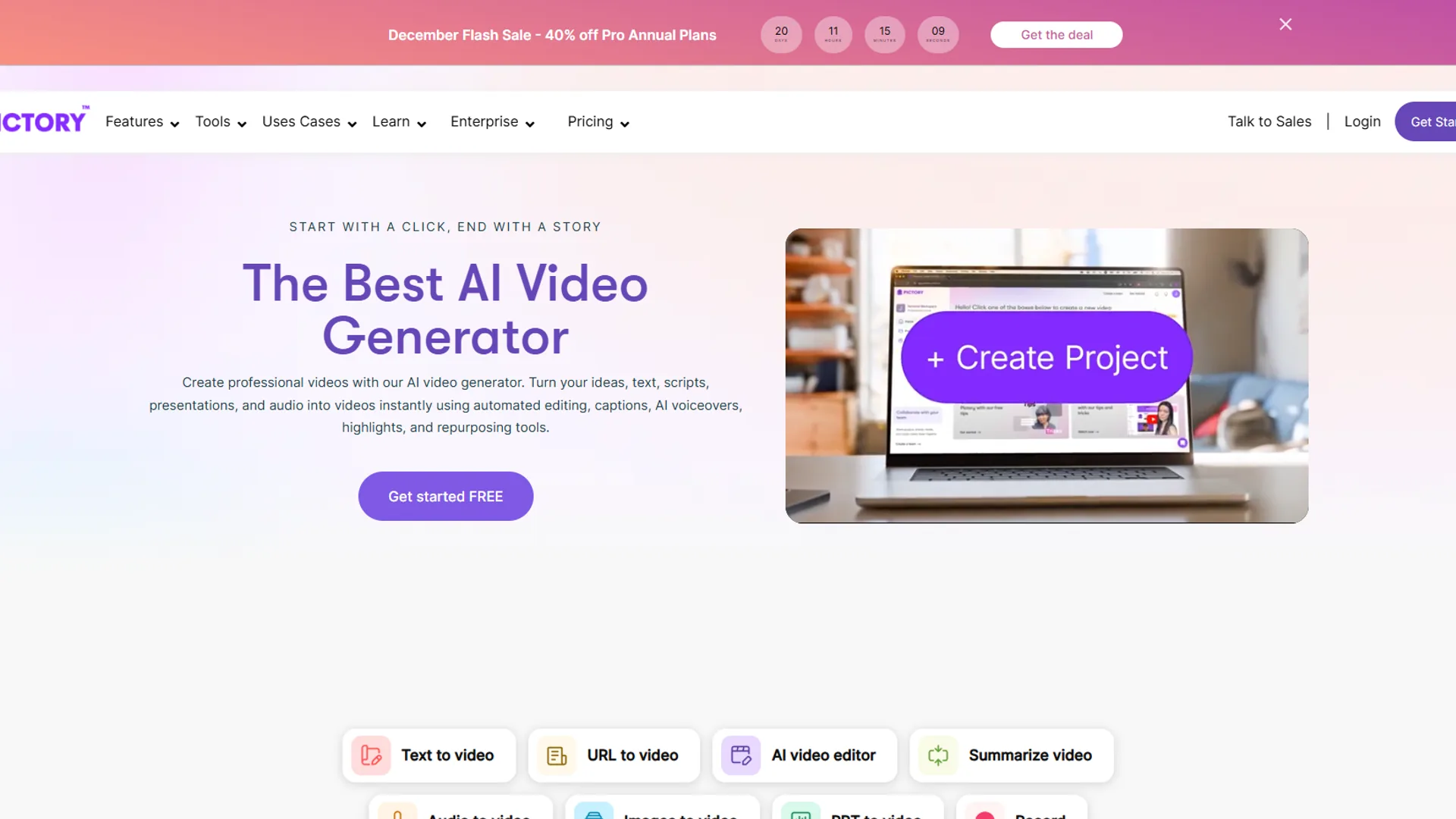
Pictory is the leading AI video generator for repurposing blog content in 2026, converting articles into captioned video in minutes with Standard pricing starting at $19 per month.
The Article-to-Video Magic
Paste a blog URL and Pictory extracts key points, sources stock footage, adds captions, and exports video; a 1,500-word article typically produces a usable 60-second video in about 12 minutes. Auto-caption accuracy outperformed the three competitors tested - relevant because 85% of social videos are watched muted.
Where Pictory Struggles
The voice selection is limited compared with Fliki; roughly 50 voices ship and only a handful sound natural, leading many users to record their own narration. Skip Pictory for top-priority voiceover quality or pixel-perfect visual control; the stock footage library is hit-or-miss and custom-upload editing depth is shallow.
Best For
- Content marketers with blog libraries, LinkedIn auto-caption posts, podcast highlight reels, and newsletter repurposing. Workflow tip: draft in Pictory, polish in a full editor like DaVinci Resolve.
5. HeyGen - Best for International Teams
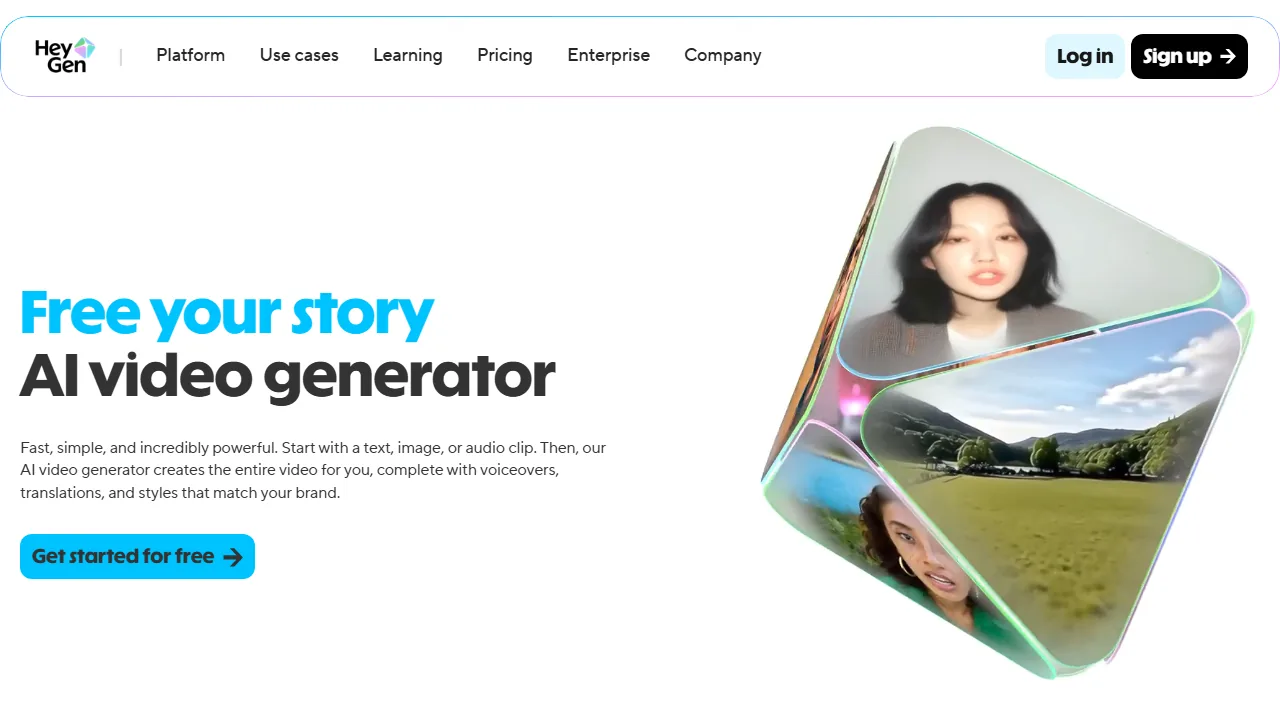
HeyGen is the leading AI video generator for international teams in 2026, offering video translation with lip-sync across 175+ languages and Creator plans starting at $24 per month.
The Translation Feature Is Incredible
A standardized 60-second English product demo translated into five languages produced four “mostly natural” ratings from native speakers and one “slightly robotic” rating. Global teams record once and export across 175+ languages instead of staffing parallel translators and editors.
The Avatar Quality Question
HeyGen avatars are expressive and animate better than Synthesia’s, but the “AI sheen” still reads in close-ups. Skip HeyGen for English-only workflows; the $24 per month price is steep for solo creators who do not need translation, and avatars are not appropriate for high-stakes brand campaigns where authenticity matters.
Best For
- SaaS companies with international customers, multilingual training, multi-region campaigns, and product launches across countries. One documented case study reported support ticket volume dropping 40% in non-English markets after translating one tutorial into eight languages.
6. InVideo AI - Best Template Library
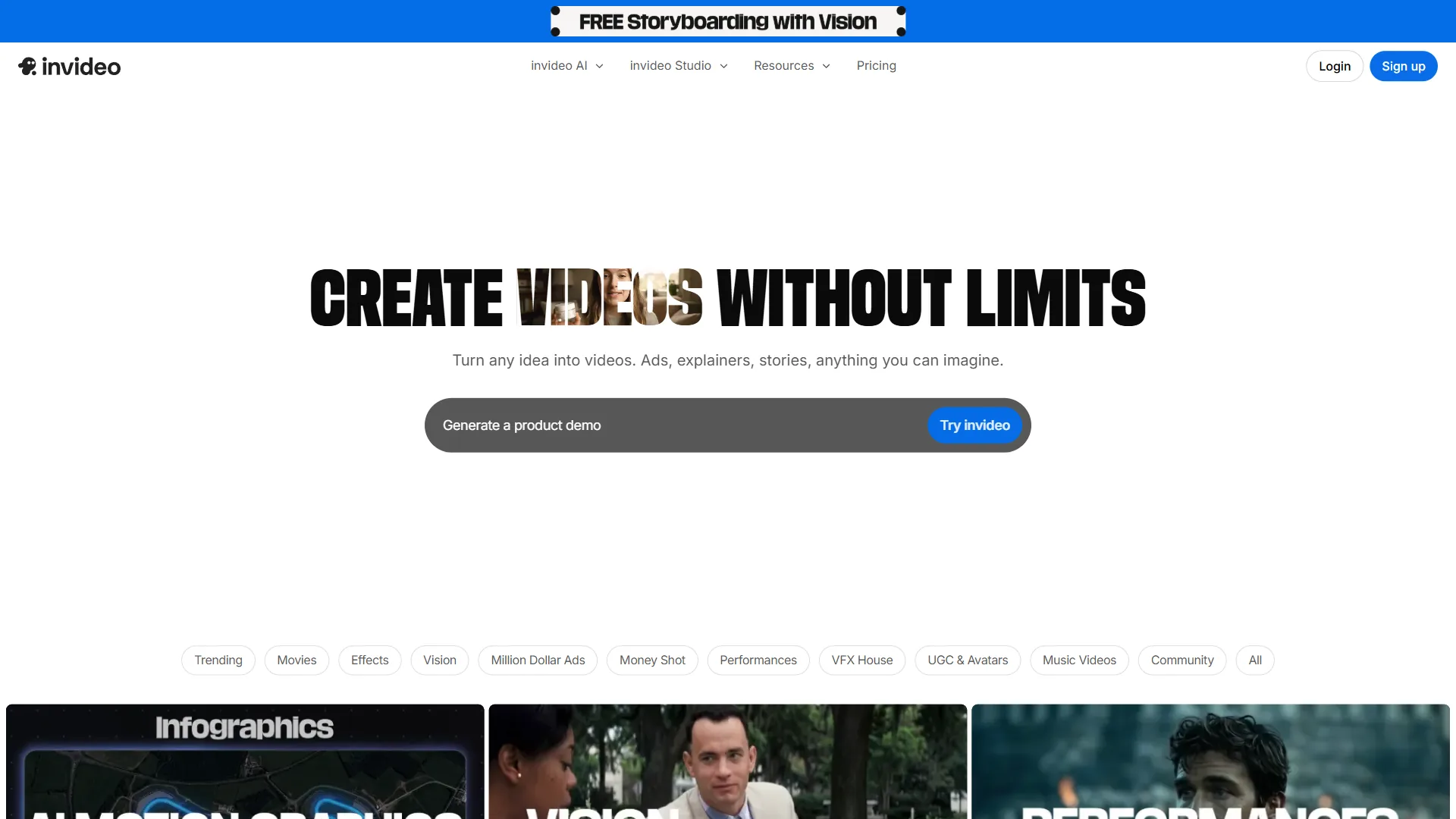
InVideo AI is the leading AI video generator for template-driven volume production in 2026, providing 6,000+ templates with Plus plans starting at $20 per month.
Why InVideo Is Fast
Templates ship pre-edited; swap in text, drop a logo, adjust colors, export. A social media reel takes about 8 minutes from project start to download, and iStock plus Storyblocks partnerships keep stock footage quality high.
The Quality Ceiling Problem
InVideo is built for volume, not artistry. Skip InVideo for single flagship videos or cinematic output; creative ceiling lags Runway. The lower rating () reflects editor stability issues with complex timelines and user reports of needing to restart longer sessions.
Best For
- Agencies at scale, social media managers (Reels, TikToks, Shorts), e-commerce product video, and real estate listings. Pro tip: draft in InVideo, finish in a primary editor for pixel-perfect control.
Comparison Table
The comparison table below summarizes starting prices and quality scores for the six AI video generators evaluated in 2026, side by side for quick scanning.
| Tool | Starting Price | Best For | Voice Quality | Video Quality | Ease of Use |
|---|---|---|---|---|---|
| Fliki | $21/mo | Voiceovers, multilingual | 5/5 | 3/5 | 4/5 |
| Runway | $12/mo | Cinematic footage | N/A | 5/5 | 2/5 |
| Synthesia | $18/mo | Business presentations | 4/5 | 4/5 | 5/5 |
| Pictory | $19/mo | Content repurposing | 3/5 | 3/5 | 4/5 |
| HeyGen | $24/mo | Translation, international | 4/5 | 4/5 | 4/5 |
| InVideo | $20/mo | Volume production | 3/5 | 3/5 | 4/5 |
How Do the Best AI Video Generators Compare on Pricing?
Pricing across the six platforms ranges from $12 to $24 per month for entry plans, with all free tiers carrying watermarks or short credit caps that block professional publishing.
Free Tier Limitations
- Fliki Free: 5 minutes/month, watermark, 720p max
- Runway Free: 125 credits (~=20 seconds), watermark
- Synthesia Free: No free tier (14-day trial only)
- Pictory Free: 10 minutes/month, watermark
- HeyGen Free: 1-minute credit, watermark
- InVideo Free: 40 minutes/month, watermark plus iStock media watermark
Mid-Tier Recommendations ($20-30/month)
- Fliki Standard ($21 per month): 180 minutes/year, 1080p, no watermark
- Pictory Standard ($19 per month): 10 hours/month, no watermark, priority support
- InVideo Plus ($20 per month): Unlimited videos, no watermark, premium media
When to Pay for Pro/Enterprise
Upgrade for custom avatars (Synthesia Enterprise), API access, team seats (3+), priority rendering, or white-label branding removal.
ROI Calculator
AI video generators save 1.75 to 5.25 hours per video versus traditional production, totaling 10-15 hours per week for creators producing five or more videos.
| Video Type | Traditional Time | AI Tool Time | Time Saved |
|---|---|---|---|
| Product explainer (60s) | 4 hours | 25 min | 3.5 hours |
| Social media reel (30s) | 2 hours | 12 min | 1.75 hours |
| Tutorial (2 min) | 6 hours | 45 min | 5.25 hours |
| Talking head (90s) | 3 hours | 20 min | 2.5 hours |
| Blog-to-video (60s) | 3 hours | 15 min | 2.75 hours |
According to Victor Riparbelli, CEO at Synthesia, “AI video is moving from novelty to default for enterprise communications, with the productivity gain coming from removing rerecords and translation passes, not from replacing creative direction” (Synthesia press briefing, 2026).
What Are the Common Pitfalls When Choosing an AI Video Generator?
The four common pitfalls when choosing an AI video generator in 2026 are mismatching price to use case, expecting fully human quality, skipping voice tests, and ignoring export settings.
1. Prioritizing Price Over Use Case
A $12 per month Runway subscription is the wrong purchase if the workflow needs business avatars (Synthesia’s strength). Fix: identify the primary use case first, then compare within that category.
2. Expecting 100% Human Quality
AI video generators in 2026 are impressive but not flawless. Voices occasionally mispronounce words and avatars show subtle uncanny-valley moments. Fix: reserve AI video for volume work; hire humans for flagship campaigns.
3. Not Testing Voice Quality First
Voice often decides whether a video succeeds. Fix: generate a 30-second sample in the free tier before subscribing, and listen critically on consumer speakers.
4. Ignoring Export Settings
Many tools default to 720p, which fails for YouTube or client deliverables. Fix: verify 1080p (or 4K) export availability before starting a project, since some tools gate higher resolutions behind upgraded plans.
Which Tool Fits Your Workflow
The best AI video generator fit depends on use case, skill level, budget, and frequency, mapped against the six platforms compared in 2026.
- Primary use case: voiceover-heavy → Fliki; cinematic → Runway; corporate → Synthesia; blog repurposing → Pictory; international → HeyGen; volume → InVideo.
- Skill level: beginner → Synthesia or InVideo; intermediate → Fliki or Pictory; advanced → Runway.
- Budget: under $15 per month → Runway; $20-25 per month → Fliki, Pictory, or InVideo; over $25 per month → HeyGen or Synthesia.
- Frequency: daily → InVideo; weekly → Fliki or Pictory; monthly → Runway or Synthesia.
Final Verdict
The verdict for best AI video generators in 2026 is that Fliki and Pictory cover the broadest creator workflows, Runway leads on cinematic output, Synthesia owns corporate avatars, and HeyGen is the only reliable translation-plus-lip-sync option.
For most creators: start with Fliki or Pictory; affordable and covering roughly 80% of use cases.
For creative work: invest in Runway despite its steep learning curve.
For business: Synthesia is purpose-built for corporate video.
For international teams: HeyGen pays for itself in multi-language workflows. The right answer is rarely a single tool; mix and match by project.
Frequently Asked Questions
Which AI video generator is completely free?
No AI video generator is fully free without watermarks or time caps. Fliki offers 5 minutes per month and Runway grants 125 credits (about 20 seconds). Professional work requires paid tiers starting at $12-20 per month.
Can AI video generators create videos without watermarks?
Watermark removal requires paid plans. The cheapest watermark-free option is Runway at $12 per month, followed by Synthesia at $18 per month and Pictory at $19 per month.
What is the best AI video generator for beginners?
Synthesia and InVideo AI offer the most intuitive drag-and-drop interfaces for non-editors. Fliki is also beginner-friendly when voiceovers are the priority. Runway suits advanced users only.
Can I use AI-generated videos commercially?
Yes, with licensing caveats. Fliki, Synthesia, Pictory, HeyGen, and InVideo permit commercial use on paid plans. Runway requires Standard or Pro for commercial rights. Verify each tool’s current terms of service.
How realistic are AI video avatars in 2026?
Avatars are professionally acceptable but not flawless. Synthesia and HeyGen work for business and training, while close-up shots still betray the AI source. Voice quality has improved faster than visual realism.
Can I upload my own footage to AI video generators?
Pictory and InVideo accept custom uploads alongside AI-generated content. Fliki accepts limited uploads. Runway and HeyGen focus on generation and translation rather than editing existing footage.
Related Reads
Each tool below has its own “not for” notes; see the individual reviews for full cons. Tools covered in this article: Fliki, Gamma, InVideo, HeyGen, Runway, Synthesia, and Pictory.
Related video and content creation guides include:
- AI Tools for Solopreneurs - Full productivity stack including video tools
- ChatGPT Prompts 2026 - 50 prompts for video planning and scripting
- Best AI Training Video Tools 2026 - AI tools for corporate training videos
- Best Blog-to-Video Tools: Turn Posts into Social Content
- Best D-ID Alternatives in 2026
- Beautiful.ai vs Gamma: Which AI Presentation Tool Wins?
External Resources
The external resources below provide official documentation from each AI video generator covered in this guide:
- Fliki Blog - Voice technology updates and video creation tutorials
- Runway Blog - AI video research and Gen-4 model announcements
- Synthesia Blog - AI avatar technology and enterprise video insights
- Pictory Blog - Content repurposing strategies and feature releases