



Adobe Firefly is the safest AI image generator for commercial work, Stable Diffusion is the cheapest at scale, and Leonardo AI is the best cloud platform for fine-tuning. The right pick depends on legal needs, technical comfort, and generation volume.
Adobe Firefly is the enterprise answer, trained on licensed Adobe Stock imagery and embedded in Creative Cloud. Stable Diffusion is the open-source option that runs on your own hardware with no usage limits. Leonardo AI splits the difference with a polished cloud platform, fine-tuning, multiple models, and a generous free tier.
Unlike comparisons that lump these with Midjourney and DALL-E, this is a focused three-way breakdown of price, ecosystem, and workflow fit for 2026. Our analysis draws on each vendor’s pricing pages and documentation, not sponsored placement. AI Productivity may earn a commission from links here; our rankings are editorially independent.
Comparison Table: Adobe Firefly vs Stable Diffusion vs Leonardo AI
Adobe Firefly costs $9.99 per month with 2,000 credits, Stable Diffusion is free locally or roughly $0.002 per cloud image, and Leonardo AI starts at $12 per month with 8,500 tokens. The right choice depends on team size, budget, and workflow.
| Feature | Adobe Firefly | Stable Diffusion | Leonardo AI |
|---|---|---|---|
| Rating | |||
| Free Tier | 25 credits/month | Free (local install) | 150 tokens/day |
| Starting Price | $9.99/month | Free (local) or pay-as-you-go | $12/month |
| Best For | Designers, brand teams | Developers, power users | Game artists, content creators |
| Key Strength | Commercial safety + Creative Cloud | Unlimited local generation + full control | Cloud fine-tuning + multiple models |
| Learning Curve | Low | High (local setup) | Medium |
| API Access | Yes (Enterprise) | Yes (open source) | Yes (all paid plans) |
| Custom Training | No | Yes (LoRAs, DreamBooth) | Yes (fine-tuning) |
Adobe Firefly wins for teams needing legal certainty and Photoshop integration; Stable Diffusion wins for developers wanting unlimited generation and control; Leonardo AI wins for game designers and creators wanting cloud-based fine-tuning without local-model overhead.
Adobe Firefly: The Enterprise-Safe Choice
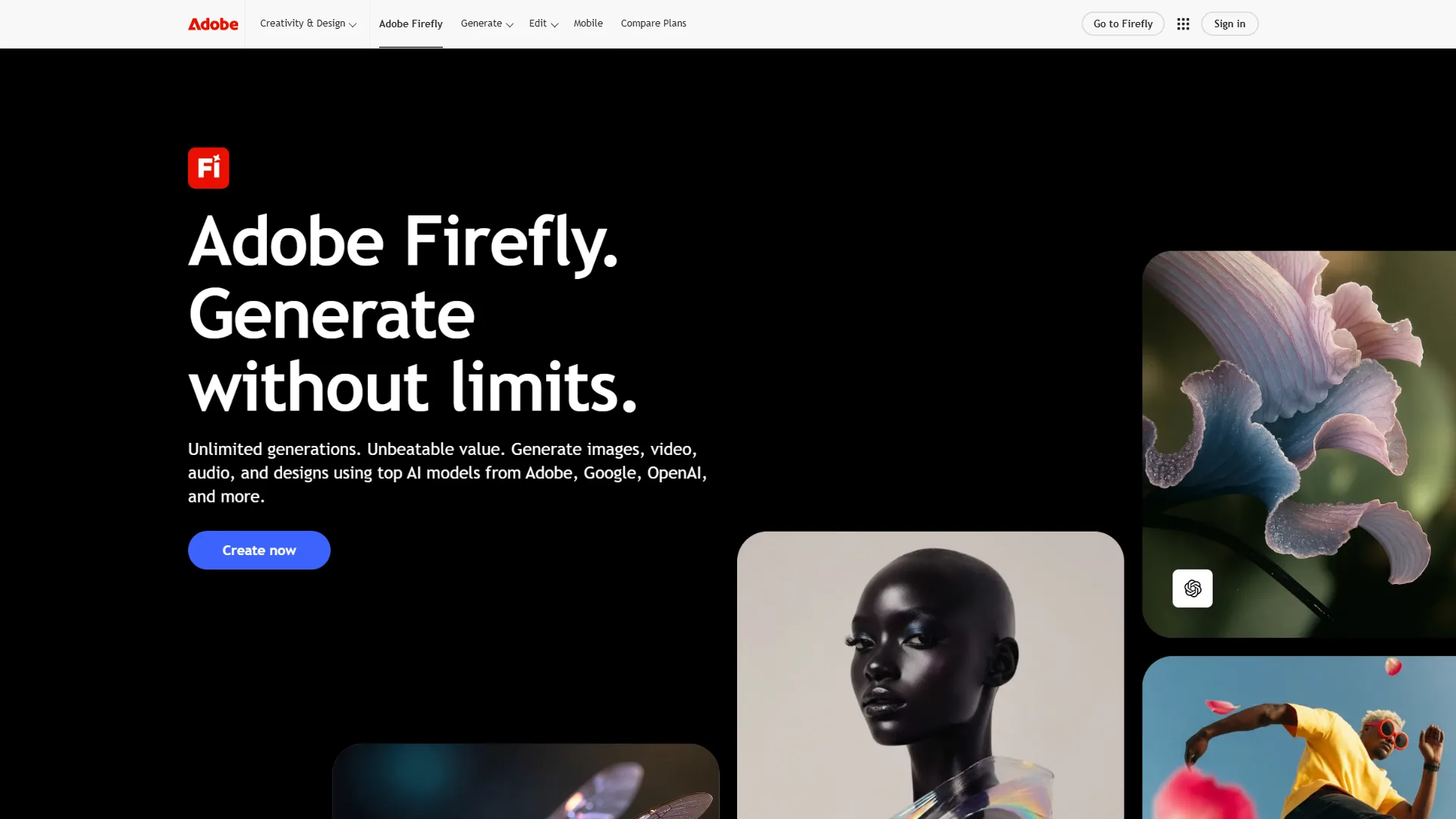
Adobe Firefly prioritizes safety and integration over raw power. Every image carries Content Credentials proving AI origin, and the model is trained exclusively on Adobe Stock, openly licensed, and public-domain material. The real value is Firefly inside Photoshop, Illustrator, and Creative Cloud - Generative Fill, Generative Expand, Text Effects, and Generative Recolor all run natively where designers already work.
Adobe Firefly Pricing
| Plan | Monthly Cost | Credits | Key Features |
|---|---|---|---|
| Free | $0 | 25 credits/month | Basic generation, limited features |
| Standard | $9.99/month | 2,000 credits/month | Full web app access, all generation types |
| Premium | $24.99/month | 5,000 credits/month | Priority processing, advanced features |
| Creative Cloud | $59.99/month | Included | Full Adobe suite + Firefly integration |
Credit consumption varies by task: a standard image generation uses 1 credit. At the Standard tier, 2,000 credits translates to roughly 2,000 standard generations per month - approximately $0.005 per image.
Adobe Firefly Key Features
- Generative Fill (Photoshop) - select an area, describe what you want, and Firefly generates content that matches the lighting, perspective, and style of the surrounding image.
- Text Effects - decorative text styles from prompts; no equivalent in Stable Diffusion or Leonardo.
- Generative Recolor (Illustrator) - upload a vector illustration and Firefly generates color palette variations based on text prompts.
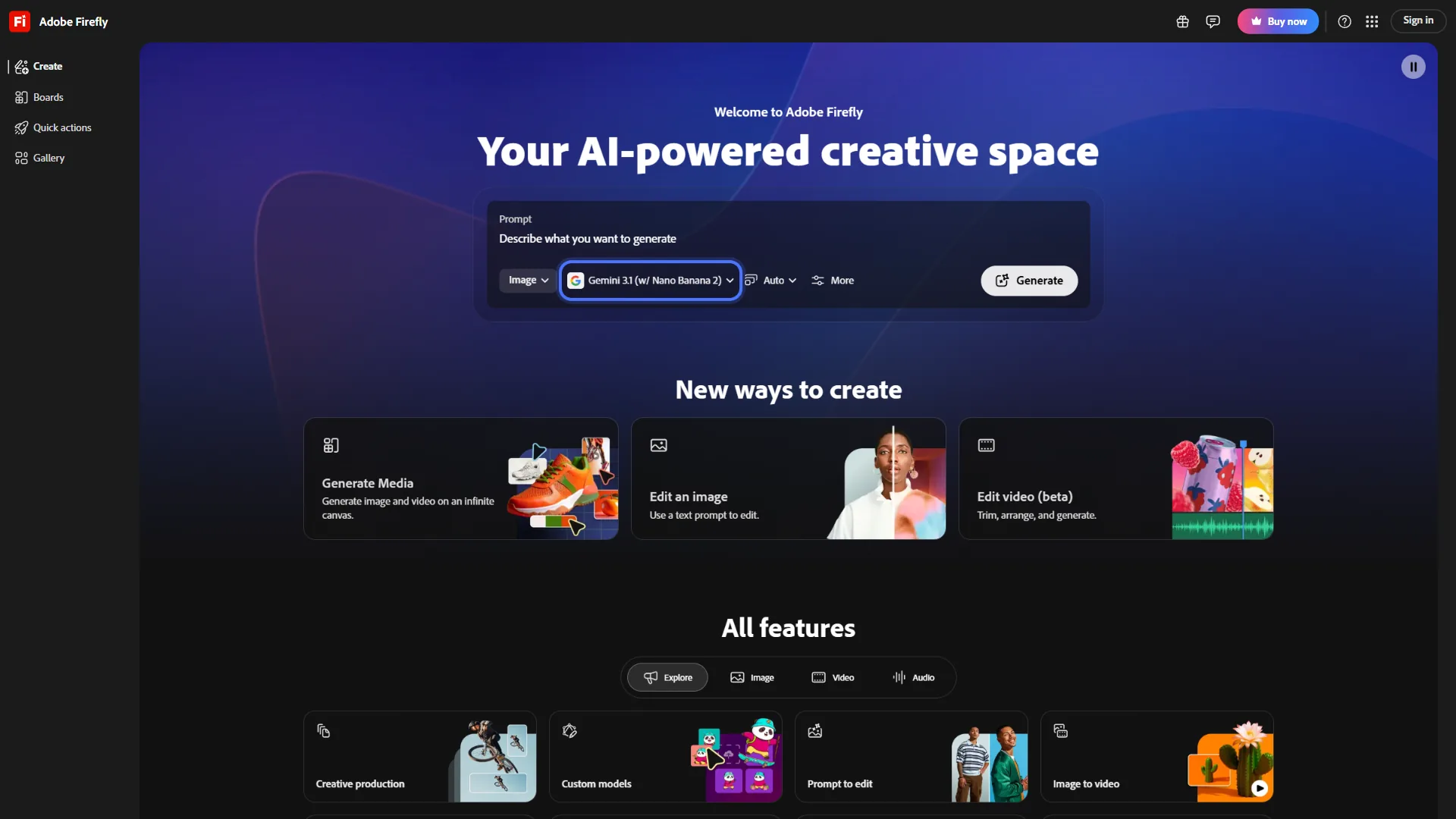
Adobe Firefly Strengths and Limitations
Strengths: Commercial IP safety with Content Credentials; Creative Cloud integration; low learning curve; enterprise IP indemnification on paid tiers.
Limitations: Credit system caps output at 2,000 per month on Standard; no custom model training; image quality lags Stable Diffusion SDXL and Leonardo Phoenix; API requires Enterprise pricing.
Stable Diffusion: The Open-Source Powerhouse
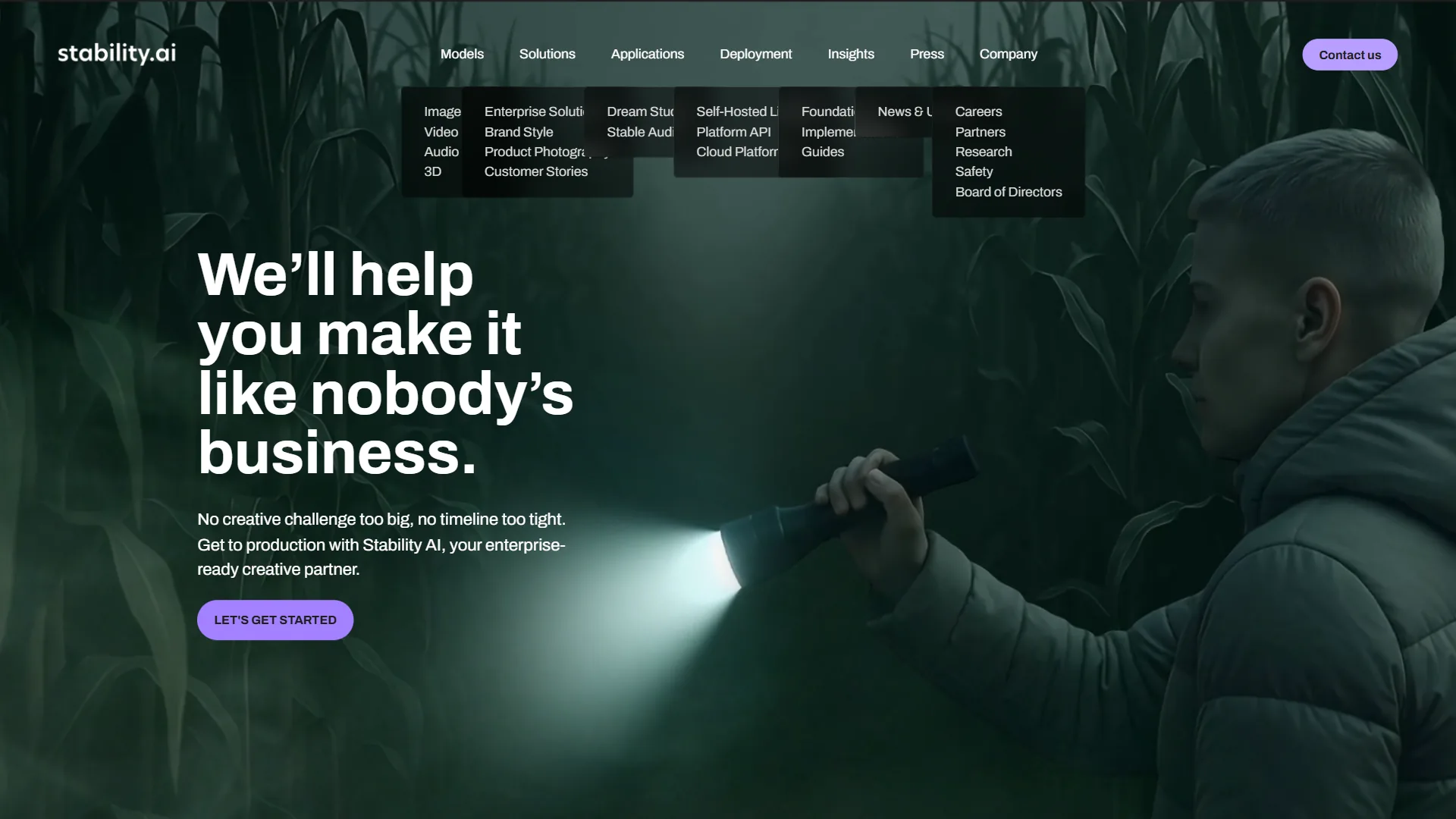
Stable Diffusion is an open-source AI image model that runs on your own GPU with no usage limits and no recurring cost beyond electricity. The core models (SDXL, SD 3.5) are open source, so you can download, modify, and generate unlimited images.
This openness powers the largest AI image generation ecosystem. Civitai hosts over 100,000 community-created models, LoRAs, and embeddings; ControlNet enables precise compositional control via depth maps, edge detection, and pose estimation. The trade-off is accessibility - running locally requires a GPU with 8GB+ VRAM (16GB for SDXL), command-line familiarity, and Python troubleshooting. Cloud options like DreamStudio and RunPod add costs that erode the free advantage.
Stable Diffusion Pricing
Stable Diffusion’s pricing model is fundamentally different from the other two:
| Option | Cost | What You Get |
|---|---|---|
| Local (Free) | $0 (hardware required) | Unlimited generations, full model control |
| DreamStudio | Pay-as-you-go ($10 = approximately 5,000 images) | Cloud-based, no GPU needed |
| RunPod/Vast.ai | $0.20-0.50/hour GPU rental | Cloud GPU with full local setup flexibility |
| ComfyUI Cloud | Varies by provider | Node-based workflow in the cloud |
Local cost depends on hardware: if you already own an NVIDIA RTX 3060 or better, marginal cost per image is roughly $0.01-0.02 in electricity. An RTX 4060 Ti 16GB (approximately $400) pays for itself after roughly 40,000 DreamStudio-equivalent generations. DreamStudio’s pay-as-you-go price is approximately $0.002 per image - the lowest cloud cost in this comparison.
Stable Diffusion Key Features
- SDXL and SD 3.5 models - SDXL is the workhorse for high-quality 1024x1024 images; SD 3.5 adds better text rendering and anatomy.
- ControlNet - guides generation with reference inputs (depth maps, Canny edges, OpenPose) for precise compositional control. No other tool in this comparison offers this level of control.
- Custom fine-tuning (LoRAs and DreamBooth) - LoRA training takes as little as 20 reference images and 30 minutes on a modern GPU; Civitai shares thousands of pre-trained LoRAs.
- ComfyUI workflow system - ComfyUI is a node-based interface for chaining upscaling, inpainting, ControlNet, and post-processing into reusable workflows.
Stable Diffusion Strengths and Limitations
Strengths: Zero recurring cost for local usage after hardware; unlimited customization; massive community ecosystem (Civitai, LoRAs, ControlNet); full privacy when running locally; no content restrictions.
Limitations: Requires GPU hardware and Python environment; no commercial IP safety on base models (LAION-trained); no built-in editing tools; fragmented frontend landscape (WebUI vs ComfyUI vs forks).
Leonardo AI: The Cloud-Native Creator Platform
Leonardo AI is the youngest of the three but has carved out a distinctive niche among game developers, concept artists, and content creators who want cloud-based power without Stable Diffusion’s technical overhead. The platform offers multiple model architectures (Phoenix, Lucid Origin, and Flux), built-in fine-tuning, and motion generation that turns static images into short animations.
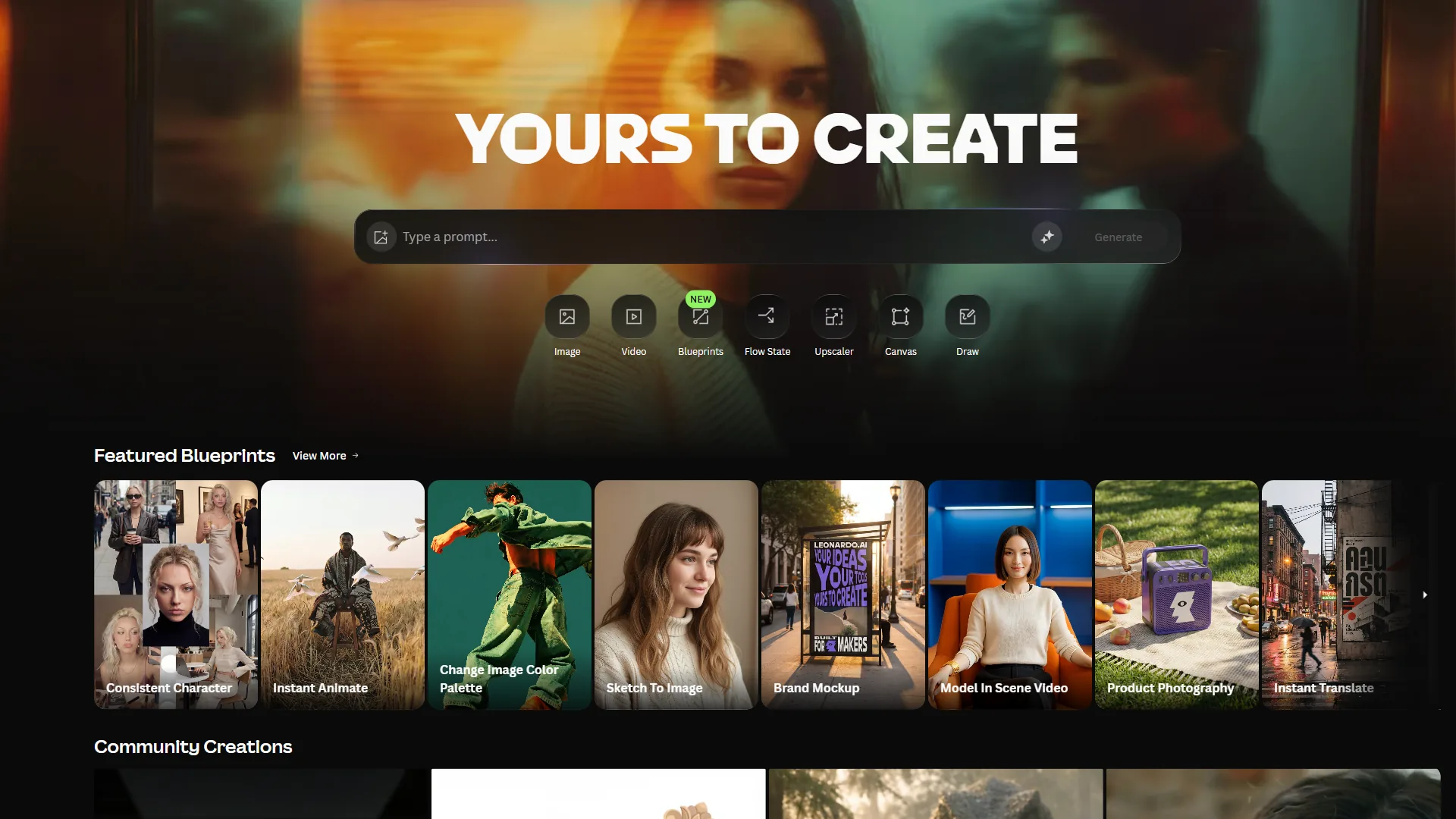
Leonardo AI Pricing
| Plan | Monthly Cost | Tokens | Key Features |
|---|---|---|---|
| Free | $0 | 150 tokens/day | Basic generation, limited models |
| Apprentice | $12/month | 8,500 tokens/month | All models, fine-tuning, API access |
| Artisan | $30/month | 25,000 tokens/month | Priority processing, more fine-tuning |
| Maestro | $60/month | 60,000 tokens/month | Maximum allocation, team features |
A standard Phoenix generation costs approximately 8-12 tokens, meaning the Apprentice plan yields roughly 700-1,000 images per month at $0.012-0.017 per image - competitive with Firefly’s Standard tier. The free tier at 150 tokens per day works out to roughly 375-560 generations monthly, far more than Firefly’s 25 free credits.
Leonardo AI Key Features
- Phoenix model - Leonardo’s flagship produces photorealistic and stylized imagery that matches or exceeds Firefly’s quality with more stylistic range.
- Fine-tuning - upload reference images and train a custom model in Leonardo’s cloud with no GPU required; the closest cloud equivalent to Stable Diffusion’s LoRA training.
- Motion generation - convert any image into a short animated clip; useful for social content and concept art (not a substitute for dedicated video generators).
- Game asset focus - emphasizes isometric tiles, character sprites, texture maps, and environment concepts, and integrates with engines like Unity via export pipelines.
Leonardo AI Strengths and Limitations
Strengths: Multiple model architectures including Flux; cloud fine-tuning with no local hardware; generous 150-token-per-day free tier; game asset specialization; API access on every paid plan.
Limitations: Token system complexity; no Creative Cloud integration; younger community ecosystem than Stable Diffusion; commercial licensing varies by plan tier.
Feature-by-Feature Comparison
Adobe Firefly leads on text rendering and batch consistency, Stable Diffusion leads on photorealism and customization, and Leonardo AI leads on stylistic range with the easiest cloud fine-tuning. The sections below break the comparison down across image quality, pricing, ease of use, customization, and commercial safety.
Which Produces Better Image Quality?
Raw image quality varies by content type: Stable Diffusion SDXL leads photorealism, Leonardo AI leads stylistic range, and Adobe Firefly leads text rendering and batch consistency.
- Photorealism: Stable Diffusion SDXL with the right checkpoint and LoRAs produces the most photorealistic output but requires prompt engineering expertise. Leonardo’s Phoenix matches that quality with far less effort. Firefly trails both.
- Artistic and stylized content: Leonardo excels with multiple model options - Phoenix for painterly work, Flux for anime and watercolor. Stable Diffusion matches that range through community models. See our Midjourney vs DALL-E breakdown for the other two majors.
- Text in images: Firefly leads, followed by SD 3.5; Leonardo is improving but trails.
- Batch consistency: Firefly is the most consistent across generations from the same prompt; Stable Diffusion depends on seed management; Leonardo sits in between.
| Quality Dimension | Adobe Firefly | Stable Diffusion | Leonardo AI |
|---|---|---|---|
| Photorealism | Good | Excellent (with tuning) | Excellent |
| Artistic Range | Limited | Excellent | Very Good |
| Text Rendering | Very Good | Good (SD 3.5) | Fair |
| Batch Consistency | Excellent | Good (with seeds) | Good |
| Default Quality | Good | Variable | Very Good |
Pricing and Value Analysis
The cost-per-image calculation reveals significant differences in value across usage levels:
| Usage Level | Adobe Firefly | Stable Diffusion (Local) | Stable Diffusion (Cloud) | Leonardo AI |
|---|---|---|---|---|
| 100 images/month | $9.99 ($0.10/img) | $0 | $0.20 | Free tier |
| 1,000 images/month | $9.99 ($0.01/img) | $0 | $2.00 | $12 ($0.012/img) |
| 5,000 images/month | $24.99 ($0.005/img) | $0 | $10.00 | $30 ($0.006/img) |
| 10,000 images/month | Not feasible (credit cap) | $0 | $20.00 | $60 ($0.006/img) |
Leonardo’s free tier wins under 500 images per month, Firefly Standard and Leonardo Apprentice are competitive at 500-2,000, and local Stable Diffusion is unbeatable at 5,000+. The hidden Stable Diffusion cost is hardware - roughly $300-500 for a capable GPU, paying for itself in 2-4 months of heavy usage. Our Stable Diffusion alternatives roundup covers managed options if local setup is too heavy.
Ease of Use
Adobe Firefly is the most accessible - browser-based, no installation, with native Photoshop and Illustrator integration. Leonardo AI sits in the middle with a polished web UI and a moderate learning curve around token cost and model selection. Stable Diffusion has the steepest learning curve - local installation, Python environments, and CUDA drivers, with Automatic1111 WebUI or ComfyUI on top; expect 10-20 hours before basic comfort.
Customization and Control
Stable Diffusion offers limitless customization - train LoRAs, build ComfyUI workflows, use ControlNet, swap VAEs and samplers, modify the source. Leonardo AI provides meaningful customization in a managed environment through cloud fine-tuning and model selection. Adobe Firefly offers the least customization - style presets, aspect ratios, and a small parameter set, with no model training or workflow automation.
Which Is Safest for Commercial Use?
Adobe Firefly is the safest commercial option because its training data is exclusively licensed Adobe Stock content, Content Credentials prove AI provenance, and Adobe offers IP indemnification for Enterprise customers. Leonardo AI grants commercial rights on paid plans via its terms of service but has no IP indemnification. Stable Diffusion’s licenses (CreativeML Open RAIL-M for SD 1.5/SDXL, Stability AI Community License for SD 3.5) permit commercial use, but base models were trained on LAION datasets with active lawsuits - LoRAs trained on your own licensed data are generally safe.
| Factor | Adobe Firefly | Stable Diffusion | Leonardo AI |
|---|---|---|---|
| Training Data | Licensed (Adobe Stock) | LAION (mixed) | Mixed |
| Commercial License | Yes (all plans) | Yes (with caveats) | Yes (paid plans) |
| IP Indemnification | Yes (Enterprise) | No | No |
| Content Credentials | Yes | No | No |
| Legal Risk Level | Very Low | Moderate | Low |
Best Picks by Use Case
Adobe Firefly wins for marketers and photographers, Stable Diffusion wins for developers and high-volume production, and Leonardo AI wins for game artists, concept designers, and hobbyists on the free tier. According to Arun Chandrasekaran, Distinguished VP Analyst at Gartner, “Most enterprises will use both proprietary and open-source generative AI models to balance cost, control, and risk.” That dual-tool pattern shows up clearly in the use-case picks below.
Best for Marketers and Brand Teams: Adobe Firefly
Marketing and brand teams should choose Adobe Firefly because Content Credentials and Adobe’s IP indemnification satisfy legal review while Creative Cloud integration keeps generated assets in the existing design workflow. Typical pattern: generate concepts in Firefly web, refine in Photoshop with Generative Fill, recolor in Illustrator, export.
Best for Developers and Technical Users: Stable Diffusion
Developers and technical users should choose Stable Diffusion because the open-source license allows custom pipelines, API automation, and ControlNet-driven product imagery with a dramatic cost advantage at scale.
Best for Game Artists and Concept Designers: Leonardo AI
Game artists and concept designers should choose Leonardo AI because the combination of multiple model architectures, cloud fine-tuning, and game asset presets keeps output consistent across an indie game project. Typical pattern: fine-tune a custom model on the game’s art style, generate characters with Phoenix, build environment tiles with style-locked models, animate keyframes.
Best for Hobbyists and Learners: Leonardo AI (Free Tier)
Hobbyists exploring AI image generation should start with Leonardo AI’s free tier because 150 tokens per day yields hundreds of monthly generations with multiple models and basic fine-tuning - far more than Firefly’s 25 free credits and without Stable Diffusion’s local-setup barrier. Our best AI image generators roundup ranks all three alongside other strong options.
Best for Photography and Retouching: Adobe Firefly
Photographers in Lightroom and Photoshop should choose Adobe Firefly because Generative Fill, Generative Expand, and the new Lightroom generative features integrate retouching directly into the existing Creative Cloud workflow.
Best for High-Volume Production: Stable Diffusion (Local)
High-volume producers needing thousands of images per month should run Stable Diffusion locally because zero marginal cost per image plus ComfyUI automation removes the credit caps, token limits, and throttling that constrain Firefly and Leonardo.
The Bottom Line
Adobe Firefly is the best pick for commercial safety, Stable Diffusion is the best pick for unlimited local generation, and Leonardo AI is the best pick for cloud-based fine-tuning with model variety. The comparison ultimately comes down to what you value most:
- Choose Adobe Firefly if commercial safety, Creative Cloud integration, and ease of use are your priorities. You are paying for legal certainty and workflow integration, not raw power.
- Choose Stable Diffusion if you want maximum control, zero recurring cost, and the largest community ecosystem. You are trading time and hardware for unlimited creative freedom.
- Choose Leonardo AI if you want cloud-based fine-tuning, multiple models, and a generous free tier - roughly 80% of Stable Diffusion’s flexibility with 20% of its setup complexity.
For many professionals the answer is two tools: Firefly inside Photoshop for production work, paired with Stable Diffusion or Leonardo AI for exploration. All three offer free access - test each on your workflow before committing.
FAQ
Q: What is the difference between Stable Diffusion and Firefly?
Adobe Firefly is trained exclusively on licensed Adobe Stock imagery and is embedded in Creative Cloud, making it the enterprise-safe choice. Stable Diffusion is open source and runs on your own hardware with no usage limits and full LoRA/DreamBooth customization, but requires a higher technical learning curve.
Q: Is Leonardo AI better than Stable Diffusion?
Leonardo AI is better for creators who want cloud-based fine-tuning without local setup. Stable Diffusion is better for developers who want unlimited local generation and full control through LoRAs and DreamBooth.
Q: Is Adobe Firefly better than ChatGPT for image generation?
Adobe Firefly is better for commercial work because Content Credentials, licensed training data, and IP indemnification protect commercial use. ChatGPT’s image generation is more conversational but lacks the commercial-safety guarantees and Creative Cloud integration.
Q: Which is cheapest - Adobe Firefly, Stable Diffusion, or Leonardo AI?
Stable Diffusion is the cheapest when installed locally - free with no usage limits. Adobe Firefly starts at roughly $10 per month, Leonardo AI at $12 per month (with a 150 tokens/day free tier).
Related Reading
These related guides cover each tool in depth for follow-on reading.
- Adobe Firefly - tool review
- Stable Diffusion - review and ratings
- Leonardo AI - tool review
- ChatGPT - pairs with image generators
- Best AI Image Generators - roundup
- Stable Diffusion Alternatives - managed options
- Midjourney vs DALL-E - the other two majors
External Resources
These external resources point to each vendor’s official platform.
- Adobe Firefly - official platform
- Stability AI - official releases
- Leonardo AI - official platform