

Figma AI vs Canva design is a comparison of two AI-enabled design platforms for different audiences. Figma offers AI tools for professional designers building components, auto layout, and design systems. Canva provides Magic Studio AI for marketers, founders, and creators producing social posts and marketing collateral without design expertise.
Both platforms ship AI features monthly and run free tiers. Choosing between them is about whether your work demands pixel-level control or production-level speed. For broader options, see our best AI design tools roundup.
According to Cameron Adams, co-founder and chief product officer at Canva, “Magic Studio is the world’s most comprehensive AI design platform with our most advanced AI tools all in one place,” in the official Canva Magic Studio launch announcement. Our analysis draws on current vendor documentation and independent research rather than sponsored placement. AI Productivity may earn a commission from links on this page; our rankings are editorially independent.
Comparison Table: Figma AI vs Canva Design
Figma costs $15 per editor monthly and targets professional UI/UX designers, while Canva costs $12.99 monthly and targets non-designers building marketing collateral.
| Factor | Figma | Canva |
|---|---|---|
| Rating | ||
| Free Tier | 3 files, unlimited drafts | 2M+ templates, 5GB storage |
| Entry Paid Price | $15/editor/mo (annual) | $12.99/mo (Pro) |
| AI Engine | Figma AI (first-party ML) | Magic Studio (10+ AI tools) |
| Templates | Community-contributed | 3.6M+ curated templates |
| Collaboration | Real-time multiplayer editing | Real-time co-editing, comments |
| Dev Handoff | Dev Mode (built-in) | None |
| Learning Curve | Steep (design background needed) | Gentle (drag-and-drop) |
| Best For | UI/UX designers, product teams | Non-designers, marketing teams |
Quick Verdict
Figma wins for professional interface design, while Canva wins for AI-powered marketing content - the choice depends on whether you build product UIs or publish social media collateral.
Choose Figma if you design interfaces, build design systems, or need developer handoff. It is the industry standard for product design teams.
Choose Canva if you create marketing materials, social content, or presentations and want AI to do the heavy lifting. Magic Studio generates complete designs from text prompts.
The short version: Figma is a design tool with AI. Canva is an AI tool for design.
Figma: Professional Design with AI Assistance
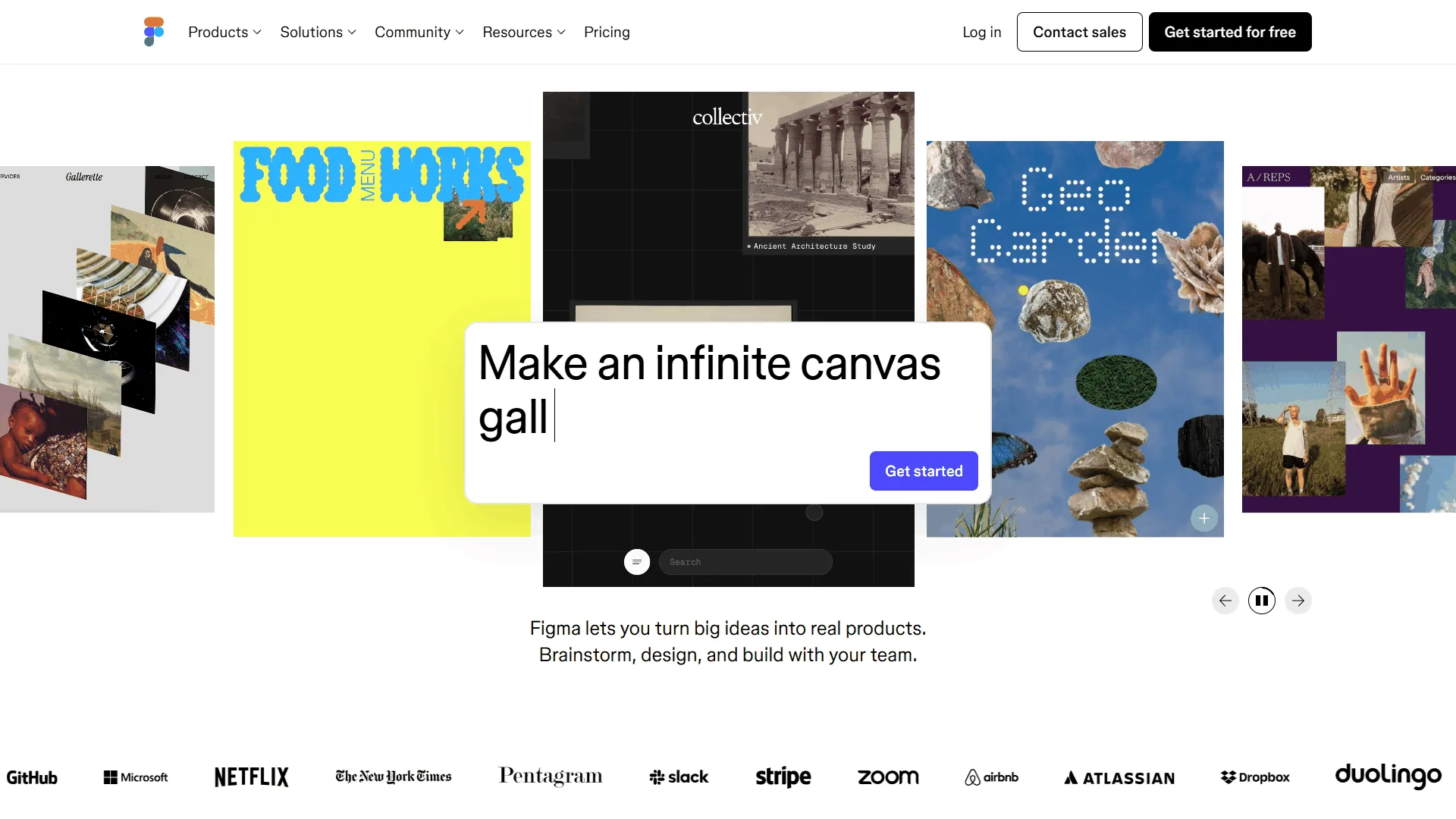
Figma is the dominant interface design platform, used by teams from startups to Fortune 500s. It runs in the browser, supports real-time multiplayer editing, and is the de facto standard for UI/UX design and design system management.
Figma AI - the first-party ML suite detailed on their AI features page - launched in 2024 and expanded into 2026. It augments professional workflows: suggesting auto layout configurations, generating design variations, powering smart animate transitions, and assisting with content generation. FigJam AI extends these to brainstorming.
Where Figma Excels
Design systems at scale. No tool matches Figma for building and maintaining design systems - shared component libraries, variants, auto layout, and branching keep consistency across thousands of screens (see the Figma design systems guide).
Developer handoff that works. Dev Mode translates designs into code-ready specifications - developers inspect spacing, export assets, and copy CSS or Swift/Kotlin values without switching tools.
Real-time collaboration with depth. Figma invented multiplayer design editing - multiple designers work on the same file with cursor presence, comments, and version history.
Prototyping and interaction design. Smart Animate creates smooth transitions between frames. Interactive prototyping supports variables, conditional logic, and complex user flows - capabilities Canva does not attempt.
Figma Limitations and Drawbacks
The learning curve is real. Auto layout, constraints, components, and variants take weeks to learn. A marketing manager needing a social graphic will struggle with Figma’s interface compared to Canva’s drag-and-drop simplicity.
Template library is community-driven. Figma Community resources are contributed by users rather than curated. Finding a ready-to-use social media template takes longer than in Canva’s 3.6 million categorized templates.
AI features target designers, not content creators. Figma AI focuses on workflow optimization - layout suggestions, layer rename, asset search. It does not generate complete designs from prompts.
Price scales with team size. At $15 per editor per month (annual), Figma gets expensive when non-designers need editing access. Organization ($45/editor) and Enterprise ($75/editor) multiply quickly for large teams.
Figma Pricing Breakdown
| Plan | Price | Key Features |
|---|---|---|
| Starter (Free) | $0 | 3 Figma files, 3 FigJam files |
| Professional | $15/editor/mo | Unlimited files, Dev Mode, branching |
| Organization | $45/editor/mo | Design system analytics, SSO |
| Enterprise | $75/editor/mo | Advanced security, SCIM |
Canva: AI-Powered Design for Everyone
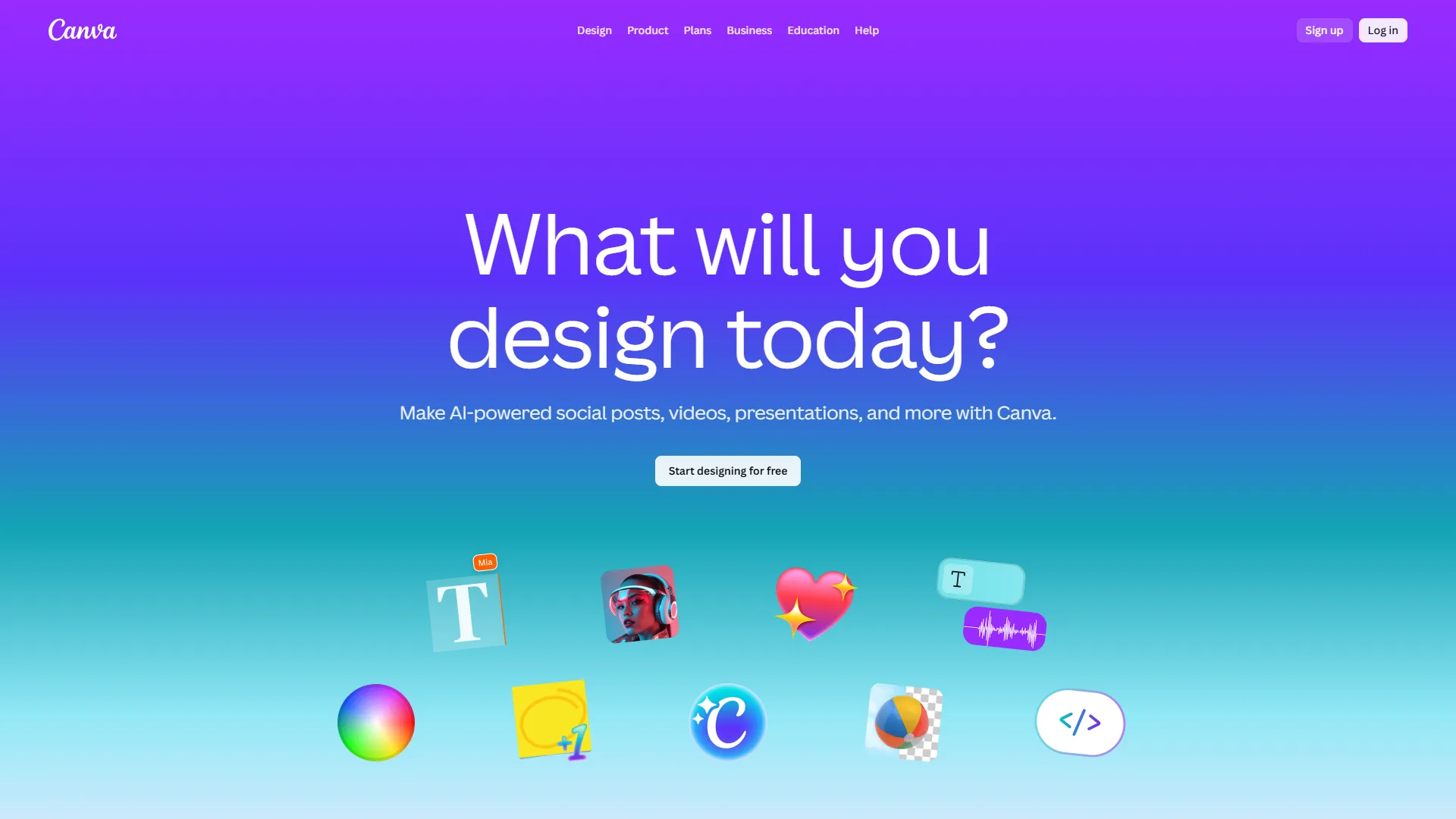
Canva is the world’s most popular design platform, with over 170 million users producing everything from social media posts to pitch decks to video content. Its core proposition: professional-looking design without professional design skills.
Canva’s Magic Studio suite includes over ten distinct AI tools - Magic Design, Magic Write, Magic Edit, Magic Eraser, Magic Expand, Magic Morph, Magic Animate, Background Remover, and Text to Image - all summarized in the Magic Studio launch post. This is not a design tool that added AI; it is an AI content engine wrapped in a design interface.
Where Canva Excels
AI breadth that no competitor matches. In a single workflow you generate an image with Text to Image, remove its background, expand with Magic Expand, add copy with Magic Write, and animate with Magic Animate. Figma cannot do any of this natively.
3.6 million templates for every use case. Canva’s template library is curated, categorized, and searchable - a significant advantage over Figma’s community-contributed alternatives.
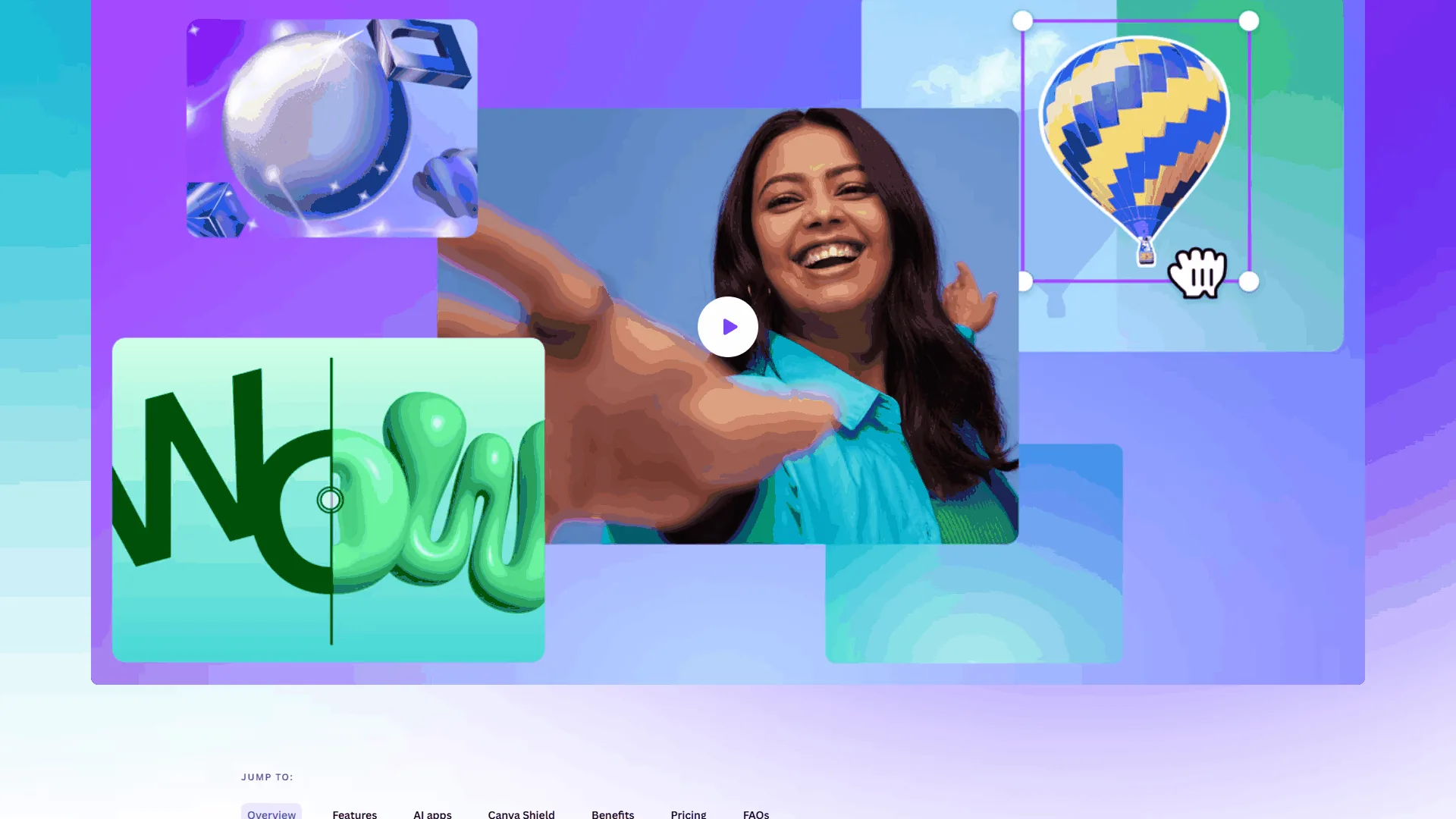
Multi-format publishing from one design. Magic Resize adapts a design to dozens of formats in one click. Content Planner (Pro) schedules posts directly to eight social platforms.
Accessible pricing with generous free tier. Free includes 2 million templates, 25 Magic Write uses, and 5GB storage. Pro at $12.99 per month unlocks 140 million premium assets, 500 monthly AI credits, and 1TB storage.
Canva Limitations and Drawbacks
No design system capabilities. Canva’s Brand Kit covers logos, colors, and fonts, but there is no equivalent to Figma’s component libraries, variants, or auto layout. Maintaining consistency across hundreds of designs requires manual effort.
No developer handoff. Canva designs cannot be inspected for CSS values, spacing tokens, or asset specifications. There is no Dev Mode equivalent.
Limited precision for complex layouts. Canva’s drag-and-drop editor prioritizes simplicity over precision. Pixel-perfect alignment and complex component nesting are limited. For more options, see our Canva alternatives roundup.
AI output needs refinement. Magic Design produces impressive first drafts, but output often needs customization to match brand standards. Figma’s AI, while narrower in scope, produces more precisely targeted results within design workflows.
Canva Pricing Breakdown
| Plan | Price | Key Features |
|---|---|---|
| Free | $0 | 2M+ templates, 25 Magic Write uses |
| Pro | $12.99/mo | 140M+ assets, 500 AI credits/mo, Brand Kit |
| Business | $20/user/mo | Brand controls, team workflows |
| Enterprise | Custom | SSO, dedicated support |
Feature-by-Feature: Figma AI vs Canva Design
Figma AI offers six designer-focused tools that augment professional workflows, while Canva Magic Studio bundles ten generative AI tools aimed at non-designers producing finished content.
Figma AI Capabilities
| Feature | What It Does | Impact |
|---|---|---|
| AI Layout Suggestions | Recommends auto layout configurations | Saves 5-10 minutes per complex layout |
| Smart Animate | Creates smooth transitions between frames | Eliminates manual keyframe work |
| AI Content Generation | Generates placeholder text and images in frames | Speeds up wireframing |
| FigJam AI | Summarizes brainstorming, clusters sticky notes | Cuts follow-up time 30-50% |
| Layer Rename | Automatically renames layers based on content | Cleans up messy files in seconds |
| Image Generation (Beta) | Generates images within design context | Experimental, limited availability |
Canva Magic Studio Capabilities
| Feature | What It Does | Impact |
|---|---|---|
| Magic Design | Generates complete designs from prompts or images | First drafts in under 60 seconds |
| Magic Write | AI copywriting with brand voice awareness | Eliminates blank-page problem |
| Magic Edit | Natural language photo editing | Professional photo editing without Photoshop |
| Magic Eraser | One-click object removal from photos | Saves minutes per image |
| Magic Expand | Extends image boundaries with AI | Adapts photos to any aspect ratio |
| Magic Morph | Transforms text and shapes with effects | Adds visual interest |
| Magic Animate | Adds motion to static designs | Animated content for social |
| Background Remover | One-click background removal | Professional cutouts |
| Text to Image | Generates original images from text | Custom visuals without stock licensing |
| Magic Resize | Adapts designs to multiple formats | 10+ format variations in one click |
Is Figma AI Better Than Canva’s Magic Studio?
Canva wins on AI breadth and accessibility - ten distinct AI tools versus Figma’s focused set translate directly to time savings for marketing teams. Figma wins on AI precision and professional integration; its features sit inside established design workflows that matter most for UI/UX designers.
AI tradeoffs: Figma AI assumes a designer is already in the file; one-shot design generation is not its goal. Canva’s Magic Studio output often needs brand customization, and pixel precision is impossible by design.
Which Tool Fits Your Role
UI/UX designers and product teams need Figma, while marketing teams, founders, and content creators get more value from Canva. The choice depends less on features and more on who you are and what you produce.
UI/UX Designers: Choose Figma
If you design interfaces, build component libraries, or hand off specs to developers, Figma is the only serious choice. Canva cannot handle multi-screen applications, responsive layouts, or interaction design. Time savings: 2-4 hours per week on layout optimization, asset organization, and prototyping.
Marketing Teams: Choose Canva
If you produce social content, email graphics, blog images, or presentation decks, Canva delivers finished output faster than any alternative - from idea to published post in under ten minutes. See our Canva pricing breakdown. Time savings: 5-10 hours per week on content creation and multi-format adaptation.
Founders and Solopreneurs: Choose Canva (Usually)
Most founders need marketing materials, pitch decks, and social content - all Canva strengths. Exception: technical founders designing their own product interface should use Figma’s free Starter plan.
Product Teams: Choose Figma (With Canva for Marketing)
Product teams need Figma for design work and developer handoff while marketing often needs Canva. Combined cost: Figma Professional ($15/editor/mo) plus Canva Pro ($12.99/mo) - still cheaper than hiring another designer.
Graphic Designers: Depends on Your Clients
Freelance graphic designers working on brand identity, print materials, and illustrations will find Canva limiting; Figma or Adobe tools offer more precision. Those focused on social media and template-based work are highly productive with Canva Pro.
How Do Figma and Canva Compare on Integrations and Workflow?
Figma integrates with developer tools (Dev Mode, VS Code, Storybook, Jira), while Canva connects to publishing channels including direct posting to eight social platforms plus Zapier and Make.
| Integration Area | Figma | Canva |
|---|---|---|
| Developer Tools | Dev Mode, VS Code, Storybook | None |
| Project Management | Jira, Asana, Linear | Limited |
| Social Media | None | Direct to 8 platforms |
| Cloud Storage | Figma-hosted | Google Drive, Dropbox |
| Automation | REST API, webhooks | Zapier, Make |
| Presentation | Figma Slides | Native + PowerPoint export |
| Video | Prototyping only | Native video editor with AI |
| Third-Party Apps | 500+ plugins | 343+ integrations |
Figma’s integrations focus on the design-to-development pipeline; Canva’s focus on design-to-publication.
Integration tradeoffs: Figma has no native social publishing or video editor - workflows ending in posting require export. Canva has no developer handoff, no Storybook plugin - skip Canva if engineering consumes your design output.
How Steep Is the Learning Curve for Figma and Canva?
Figma takes 1-2 weeks of dedicated learning to reach proficiency, while Canva produces a finished design within 15-30 minutes of first use. The gap reflects each tool’s target audience.
Figma: Weeks to Proficiency
Figma assumes design knowledge. Auto layout, constraints, component properties, and variants take dedicated learning time. Most designers become productive in 1-2 weeks. Best path: Figma’s official tutorials, then YouTube courses - budget 10-20 hours.
Canva: Minutes to First Output
Canva is designed for immediate productivity. The drag-and-drop editor, template gallery, and Magic Design AI mean most users create their first finished design within 15-30 minutes. Best path: Start with a template, customize it, explore Magic Studio as needed.
Learning-curve tradeoffs: A marketer needing a quick social graphic will struggle for hours in Figma where Canva takes five minutes. The inverse: serious designers hit Canva’s ceiling within weeks.
Who Should Choose Figma
Figma is the right choice if you design user interfaces, build and maintain design systems, need developer handoff with CSS values, work in multiplayer with other designers, or create interactive prototypes with variables and conditional logic.
Skip Figma if you need fast marketing collateral or templated graphics - the learning curve and lack of curated templates make it the wrong tool for non-designers, and pricing is steep at $15/editor/month.
Who Should Choose Canva
Canva is the right choice if you create marketing content, need AI to generate designs from text prompts, publish to multiple platforms requiring automatic format adaptation, work without formal design training, or operate on a limited budget.
Skip Canva if you design product interfaces, build component libraries, or hand off specs to engineers - no Dev Mode equivalent, no design-system tooling, limited precision for complex layouts.
The Bottom Line
The figma ai vs canva design decision is not a close call for most people. These tools serve different audiences, and picking the wrong one wastes more time than any AI feature saves.
Figma is the professional design platform. AI features enhance workflows trained designers already use. At $15 per editor per month, it is an investment in design quality. Canva cannot replace it.
Canva is the AI-powered content creation platform. Magic Studio’s ten AI tools let anyone produce marketing materials and social content without design training. At $12.99 per month for Pro, it democratizes visual content. Figma would slow you down.
Teams that get it right use both - Figma for product, Canva for marketing - at combined cost less than one designer’s salary.
If you are choosing one, ask: Do you design interfaces, or create content? See our Canva vs Adobe Express breakdown for an Adobe-side comparison.
FAQ
Q: Is Figma more professional than Canva?
Figma is the industry standard for professional UI/UX design and product teams, supporting multiplayer editing and developer handoff through Dev Mode. Canva targets non-designers - Figma wins for interface work, Canva for marketing.
Q: Is there a better AI than Canva?
Canva Magic Studio remains the broadest consumer design AI suite in 2026. Adobe Firefly produces higher-fidelity images and Microsoft Designer matches social templates, but no competitor matches Canva’s breadth plus template library.
Q: Why are designers leaving Figma?
Some designers cite pricing increases tied to Dev Mode billing and Adobe acquisition concerns from 2022 to 2023, though the acquisition was abandoned. Most teams stayed because multiplayer editing, design systems tooling, and developer handoff have no equivalent at the price point.
Q: What is the main difference between Figma AI and Canva design tools?
Figma built AI tools for professional designers who think in components, auto layout, and design systems. Canva built Magic Studio for marketers, founders, and creators who need output in minutes.
Q: How do Figma and Canva compare on pricing and free tiers?
Figma’s free plan includes 3 files; paid editor seats start at $15 per month annual. Canva’s free tier provides 2 million templates and 5GB; Canva Pro is $12.99 per month. Canva is cheaper at entry; Figma prices per editor seat.
Related Reading
The two tools in this article appear first, followed by deeper guides on adjacent design platforms.
- Figma - Professional design platform with AI tools
- Canva - AI-powered design platform with Magic Studio
- Best AI Design Tools 2026 - Full AI design comparison
- Canva vs Adobe Express 2026 - Canva versus Adobe Express
- Canva Alternatives - Seven tools compared
- Best AI Tools for Ux Designers
External Resources
Primary vendor documentation used as source material for this comparison.