


Canva costs $12.99 per month Pro with 140 million templates, Magic Studio AI, and real-time co-editing, while Adobe Express costs $9.99 per month Premium with Firefly AI, 30,000 Adobe Fonts, and 200 million Stock assets. Pick Canva for collaboration; pick Adobe Express for typography and Creative Cloud users.
Some links on this page are affiliate links; our analysis remains independent. Our analysis draws on vendor documentation and independent industry research, including the Forrester Total Economic Impact study commissioned by Canva and Adobe’s Firefly product documentation.
This guide is the short version of every canva vs adobe express 2026 review on the web - a side-by-side breakdown of price, AI, templates, fonts, and team features. Canva built a design platform for 170 million users creating social posts and decks with drag-and-drop simplicity. Adobe Express packages Firefly AI, 200 million Stock assets, and 30,000 premium fonts for people who do not want to learn Photoshop. Both tools have free tiers, both have AI, and both produce professional-looking output - so the canva vs adobe express 2026 price you should pay depends on your workflow, your team, and whether you already pay for Creative Cloud.
Comparison Table
The table below summarizes the canva vs adobe express 2026 cost, AI engines, font libraries, and collaboration features at a glance.
| Factor | Canva | Adobe Express |
|---|---|---|
| Rating | ||
| Free Tier | 2M+ templates, 5GB storage, 25 AI writes | 100K+ templates, 5GB storage, 250 AI credits |
| Entry Paid Price | $12.99/mo (Pro) | $9.99/mo (Premium) |
| Templates | 140M+ premium | 100K+ (200M+ Stock assets) |
| AI Engine | Magic Studio (Veo 3) | Adobe Fireflyy |
| Fonts | Around 3,000 fonts | 30,000+ Adobe Fonts |
| Collaboration | Real-time co-editing, comments | Brand kits, template locking (no co-editing) |
| Integrations | 343+ third-party apps | Creative Cloud sync, limited third-party |
| Brand Management | Brand Kit (Pro+) | Brand kits with template locking (Teams+) |
| Best For | Non-designers, marketing teams | Adobe ecosystem users, typography-heavy work |
Canva: The Design Platform for Everyone
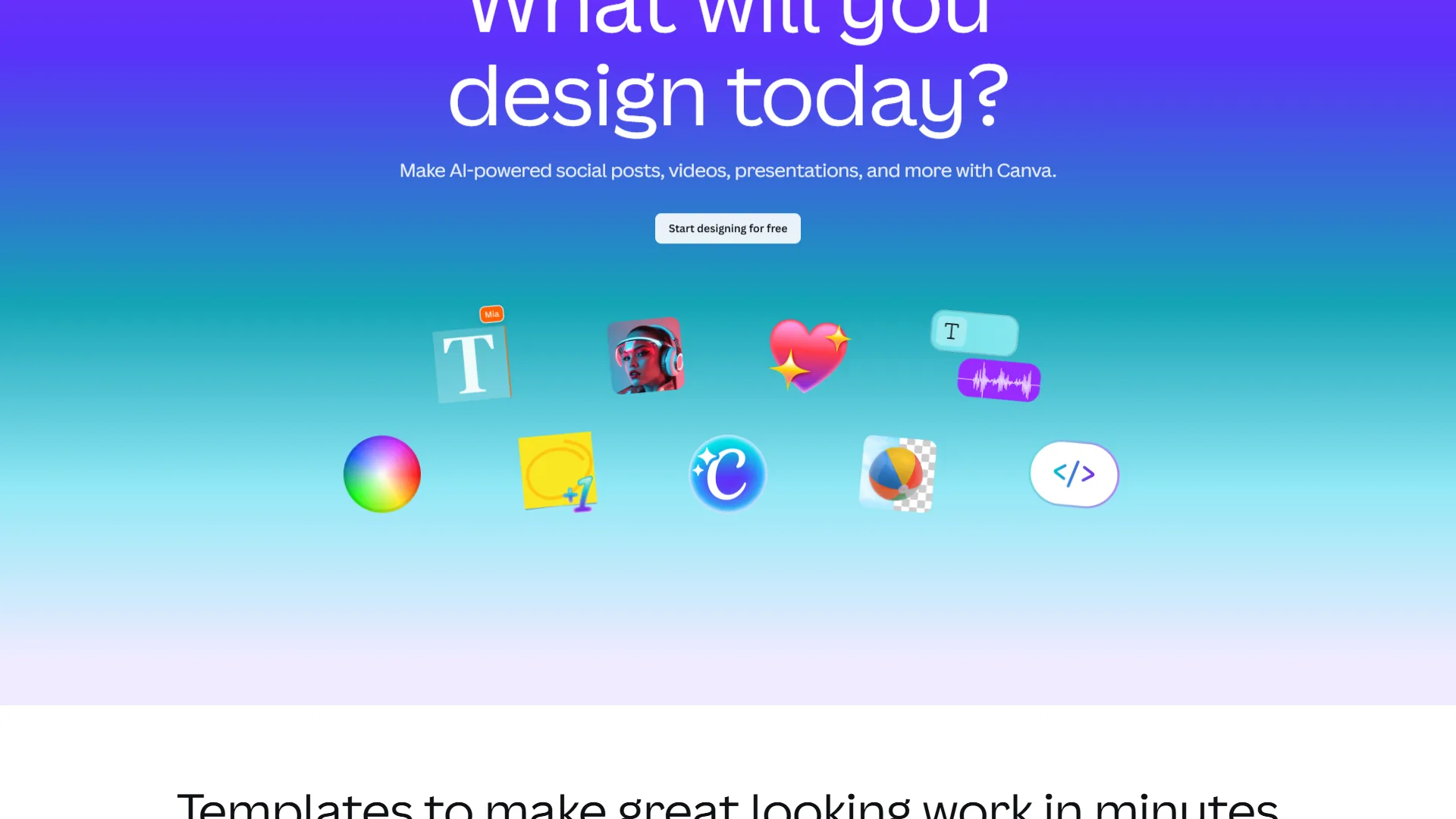
Canva is a browser-based design platform that serves 170 million monthly active users with 140 million templates, drag-and-drop editing, and the Magic Studio AI suite. According to a 2024 Forrester Total Economic Impact study commissioned by Canva, a composite organization using Canva for Teams realized “a 360% return on investment over three years” with an average four hours saved per user per week. Canva’s Design School offers free tutorials that demonstrate how quickly new users can produce professional results, and the Magic Studio AI suite - powered by Veo 3 - handles background removal, text generation, and automatic resizing without requiring layers, masks, or color profiles.
Where Canva Excels
- Template library that dwarfs the competition - 140 million premium templates, photos, videos, and graphics across every design category, so you almost always find something close and customize it in minutes.
- Near-zero learning curve - most users are productive within 10 minutes, which is why Canva consistently ranks among the best tools for content creators.
- Real-time collaboration - simultaneous editing, comments with @mentions, version history, and approval workflows on Business tier.
- Magic Studio AI suite - Magic Write, Magic Design, Magic Media (Veo 3), Background Remover, and Magic Eraser, with 500 monthly credits on Pro.
- 343+ third-party integrations - Google Drive, Slack, HubSpot, Dropbox, and direct publishing to 8 social platforms via Content Planner. See the best AI design tools 2026 roundup for context.
Where Canva Falls Short
Canva is not for typography-heavy editorial work, professional print designers needing precise CMYK control, or heavy AI image generators. Font selection is roughly 3,000 fonts versus Adobe Express’s 30,000+. Magic Media output is usable but Adobe Firefly generates higher-quality, more commercially polished images - see our best AI image generators roundup. CMYK color management and bleed settings exist but lack the precision professional print designers need, and 500 monthly Magic Studio credits burn fast for heavy AI users.
Canva Pricing Breakdown
Pricing verified April 2026 from Canva's pricing page:
- Free: $0/mo (5GB storage, 2M+ templates)
- 2M+ templates
- 5GB storage
- 25 Magic Write uses
- Best for: Casual users testing the platform
- Pro: $10/user/mo annual ($12.99 monthly) (1TB storage, 140M+ premium assets)
- 140M+ premium assets
- Brand Kit and Magic Studio (500 AI credits)
- Background Remover and Magic Resize
- Best for: Solo creators and small marketing teams
- Business: $16.67/user/mo annual ($20 monthly) (Unlimited storage, team collaboration, premium AI integrations)
- Unlimited storage
- Team templates and approval workflows
- Advanced brand controls
- Best for: Marketing departments needing governance
- Enterprise: Contact sales (Enterprise-grade security and governance)
- SSO (SAML) and SCIM provisioning
- Audit logs and 99.99% SLA
- Dedicated customer success manager
- Best for: Large organizations with security and compliance needs
Save up to 23% with annual billing on Pro and Business tiers.
Adobe Express: Professional Assets Without the Professional Learning Curve
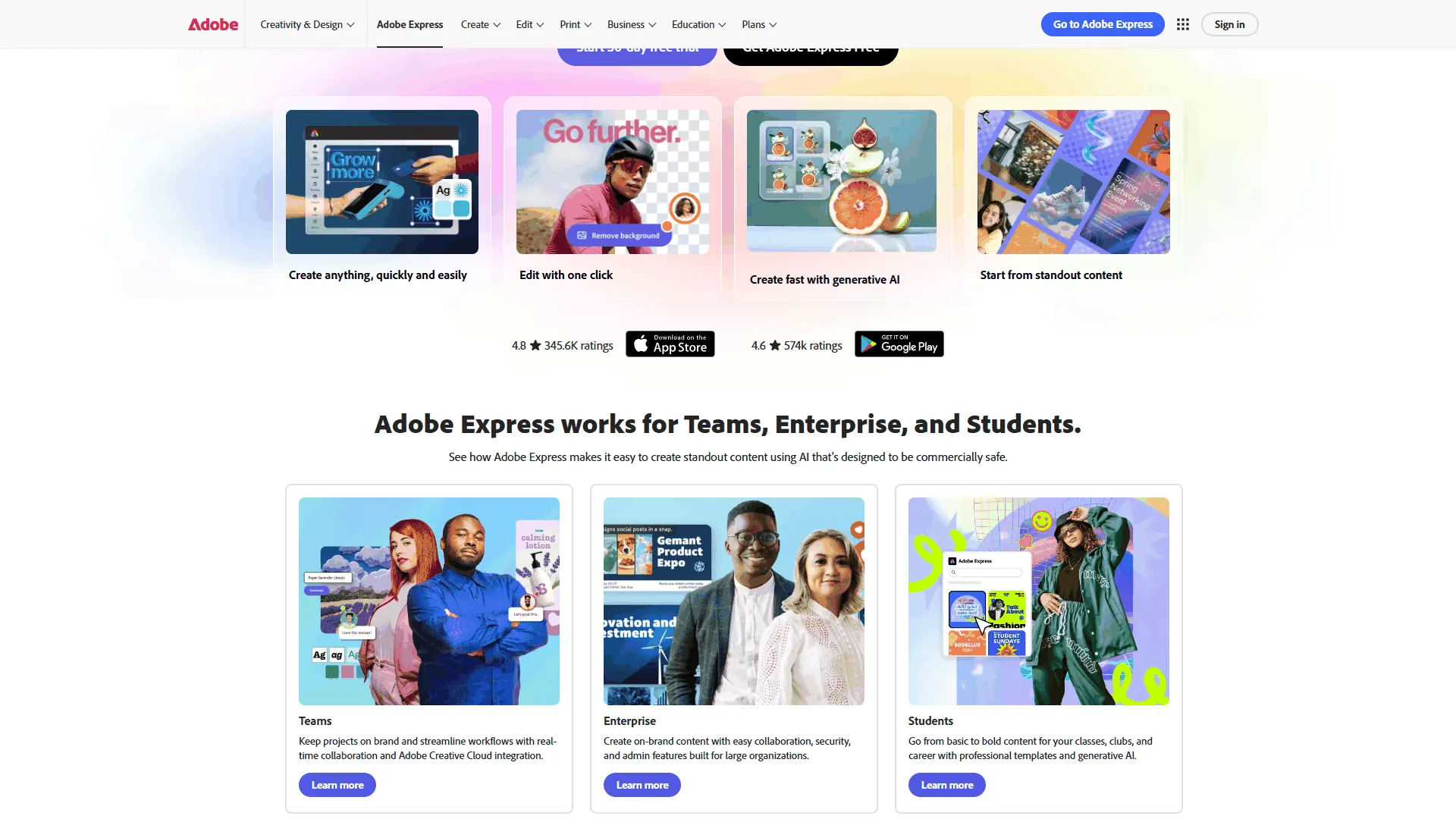
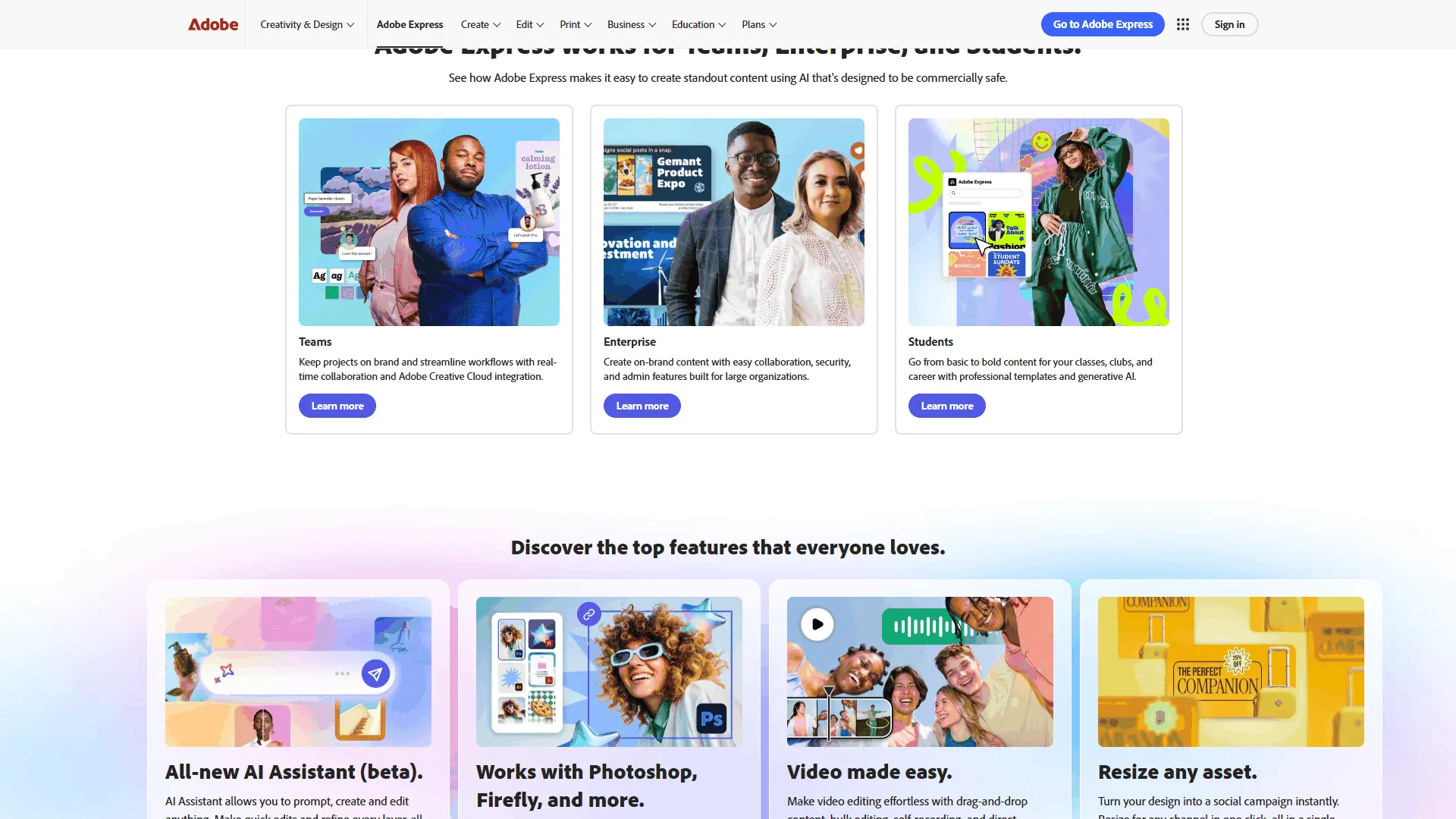
Adobe Express is Adobe’s answer to Canva - a lightweight design tool that uses the same premium assets and AI technology that power Creative Cloud, packaged for people who do not need (or want) Photoshop’s complexity. The Firefly AI integration produces commercially safe content with Content Credentials, and access to 200 million Adobe Stock assets and 30,000 fonts gives it an asset advantage that is hard to ignore.
Where Adobe Express Excels
- Unmatched font library - 30,000+ Adobe Fonts, roughly 10x Canva’s offering, with the full Creative Cloud font library included.
- Adobe Firefly AI - Text-to-Image, Generative Fill, Text Effects, and Text-to-Template powered by Firefly, with IP indemnification on Enterprise and 250 monthly credits on Free and Premium.
- 200 million+ Adobe Stock assets - royalty-free photos, videos, music, and design elements included with Premium.
- Creative Cloud integration - files sync between Express, Photoshop, and Illustrator, and Express Premium is included free with Creative Cloud All Apps.
- One-click quick actions - resize for multiple channels, remove backgrounds, and convert file formats in a single click.
Where Adobe Express Falls Short
Adobe Express is not for marketing teams that need real-time co-editing, agencies relying on Slack/HubSpot integrations, or template-first creators. Collaboration is the weakness: no simultaneous editing, limited commenting, and no automated workflows. Third-party integrations are sparse compared to Canva’s 343+ app ecosystem. The 100,000+ template library is smaller than Canva’s 140 million, especially for niche use cases. Large video files and high-resolution assets also cause noticeable lag versus dedicated desktop applications.
Adobe Express Pricing Breakdown
Pricing verified April 2026 from Adobe Express's pricing page:
- Free: $0/mo
- 100K+ templates
- 250 generative AI credits per month
- 5GB cloud storage
- Best for: Individuals creating basic social graphics
- Premium: $8.33/user/mo annual ($9.99 monthly)
- 200M+ Adobe Stock assets
- 30,000+ Adobe Fonts
- 100GB storage and one-click resize
- Best for: Solo creators and freelancers in the Adobe ecosystem
- Teams: $19.99/user/mo
- Brand management with template locking
- Admin Console and consolidated billing
- 1TB pooled storage per user
- Best for: Marketing teams and agencies maintaining brand consistency
- Enterprise: Contact sales
- Adobe Experience Manager integration
- IP indemnification for Firefly content
- 24/7 tech support and asset encryption
- Best for: Large enterprises with security and compliance requirements
Save up to 17% with annual billing. Adobe Express Premium is included free with Creative Cloud All Apps.
Feature-by-Feature Comparison
Canva and Adobe Express take two distinct approaches across AI, templates, typography, and team workflows, and the winner flips depending on the feature.
AI Capabilities
Canva offers breadth and Adobe offers quality. Canva Magic Studio bundles Magic Write copywriting, Magic Design layout generation, Magic Media (Veo 3) image and video generation, and Magic Resize, with 500 monthly Pro credits. Adobe Firefly powers Text-to-Image generation, Generative Fill, and Text Effects, and tags every AI asset with Content Credentials for transparency, but Free and Premium users get only 250 monthly credits. Marketing teams that need volume should choose Canva; teams that prioritize image quality and commercial safety should choose Adobe. Our Midjourney vs DALL-E comparison covers standalone generators in more depth.
Winner: Canva for breadth. Adobe Express for quality.
Templates and Assets
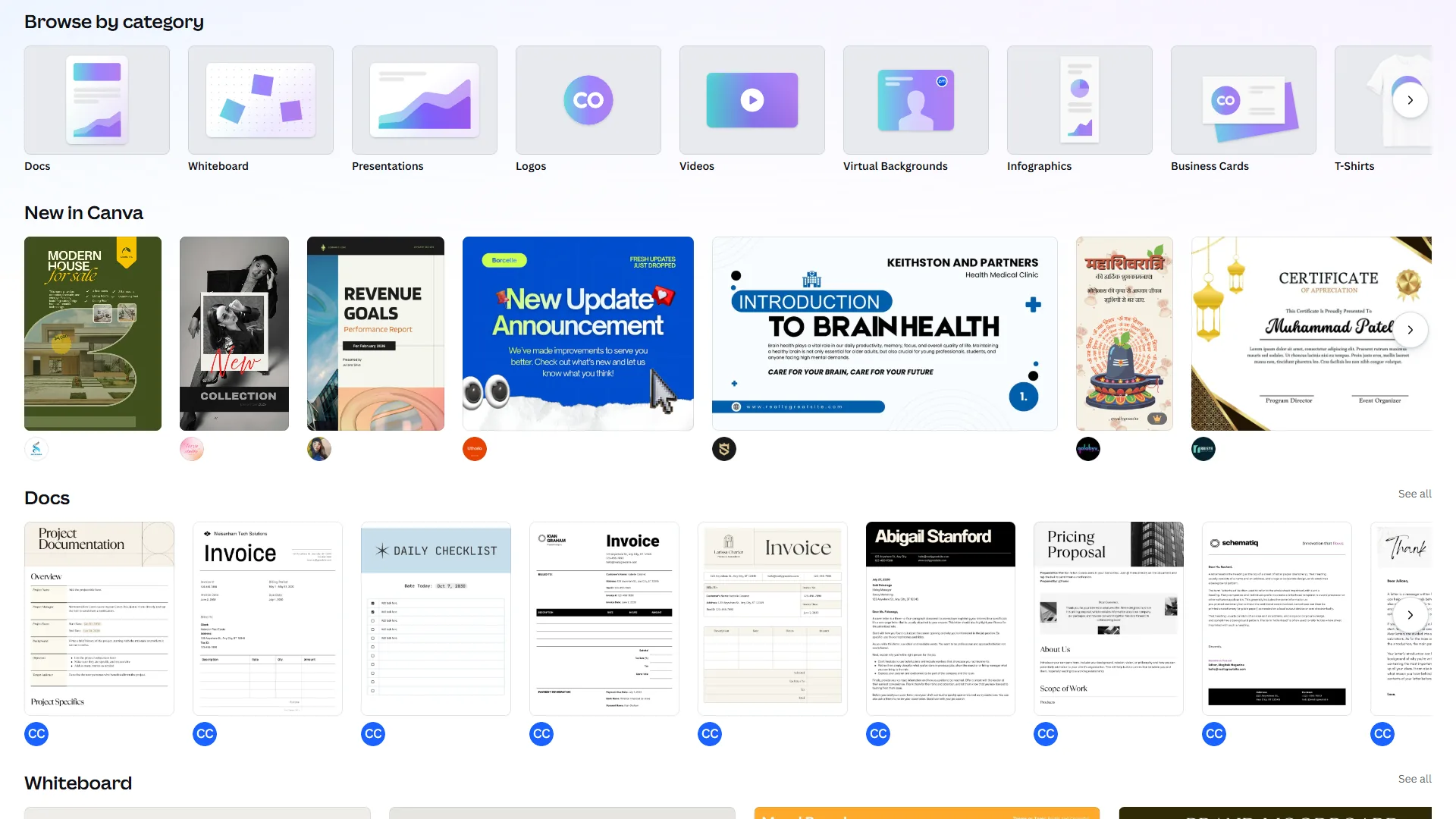
Canva offers 140 million ready-to-customize premium templates versus Adobe Express’s 100,000+ templates plus 200 million raw Adobe Stock assets. Template-first creators finish faster in Canva; designers building custom layouts get better raw materials from Adobe Stock. If neither tool feels right, our Canva alternatives roundup covers the rest of the field.
Winner: Canva for templates. Adobe Express for raw asset quality.
Typography
Adobe Express offers 30,000+ Adobe Fonts - the same library professional designers use in InDesign and Illustrator - versus approximately 3,000 fonts in Canva. For brands with specific typographic standards or editorial teams producing premium content, Adobe Express wins by a factor of 10.
Winner: Adobe Express - decisively.
Collaboration and Team Features
Canva’s collaboration features are a generation ahead, with real-time co-editing, @mention comments, version history, approval workflows on Business tier, and Content Planner for social media posts. Adobe Express offers brand kits with template locking (Teams+) but no simultaneous editing, limited commenting, and no automated workflows. For solo users the gap is minor; for marketing departments and agencies where multiple designers touch the same project, it is a dealbreaker.
Winner: Canva - and the gap is significant.
Pricing and Total Cost
Adobe Express Premium undercuts Canva Pro at $9.99/mo versus $12.99/mo for solo creators, but the canva vs adobe express 2026 cost comparison shifts at every tier. Creative Cloud All Apps subscribers ($54.99/mo) get Adobe Express Premium free. For teams of 5, Canva Business runs $100/mo ($20 per user, transparent) versus Adobe Express Teams at $49.99/mo (limited base, per-user costs scale). Heavy AI users get 500 monthly credits on Canva Pro versus 250 on Adobe Express - twice the allocation at the entry paid tier.
| Scenario | Canva Cost | Adobe Express Cost | Better Value |
|---|---|---|---|
| Solo creator (paid) | $12.99/mo | $9.99/mo | Adobe Express |
| Solo (CC subscriber) | $12.99/mo | $0 (included) | Adobe Express |
| Team of 5 | $100/mo | $49.99/mo | Adobe Express |
| Heavy AI user | 500 credits/mo | 250 credits/mo | Canva |
ROI Calculator: Productivity Analysis
The Forrester Total Economic Impact study commissioned by Canva reports 4 hours saved per user per week, driven by template reuse and Magic Resize. Adobe Express users report approximately 3 hours per week saved through one-click actions and Stock asset access. For a marketing team producing 10 assets per week, Canva cuts roughly 65% of the time and Adobe Express cuts 50%. A team producing 20 assets per month that would otherwise hire a freelancer at $75/hour saves roughly $1,487-$1,490/month with either tool - the subscription cost is a rounding error compared to design labor.
Which Tool Fits: Canva vs Adobe Express 2026
Canva fits marketing teams, social media managers, and non-designers who need real-time collaboration, while Adobe Express fits Creative Cloud subscribers, typography-driven brands, and solo creators chasing the lowest price.
Choose Canva If You:
- Need real-time collaboration with multiple designers on the same project
- Want the largest template library for fast, templated content creation
- Rely on Slack, HubSpot, or Google Workspace integrations
- Prioritize AI content volume (500 credits vs 250)
- Manage social media scheduling inside your design tool
Choose Adobe Express If You:
- Already subscribe to Adobe Creative Cloud (Express Premium is included free)
- Need 30,000+ premium fonts for typography-heavy work
- Prioritize AI image quality and commercial safety over volume
- Want 200 million+ Adobe Stock assets included with your subscription
- Want the lower entry price ($9.99 vs $12.99 per month) - see Adobe Express alternatives for more options
The Workflow Test
Pick a real project this week, create the same design in both free tiers, and note how long it took, whether you found a usable template, and whether you needed to leave the tool for any asset. Whichever platform finished faster and kept you inside the editor is the right one for your workflow.
The Bottom Line
Canva wins on collaboration, templates, integrations, and AI volume; Adobe Express wins on assets, typography, AI quality, and pricing. For marketing teams and organizations where multiple people touch design work, Canva is the safer choice. For Adobe Creative Cloud subscribers and typography-driven brands, Adobe Express is the better value at $9.99/mo - or free with Creative Cloud All Apps. The right answer for canva vs adobe express for social media or print depends on your team, not a feature checklist - so start with both free tiers and let your workflow decide which is better.
FAQ
Q: What is the main difference between Canva and Adobe Express in 2026?
Canva is a design platform built for 170 million users creating social posts and decks through drag-and-drop simplicity. Adobe Express is a lighter version of Adobe’s professional suite that brings Firefly AI, 200 million Stock assets, and 30,000 premium fonts to people who do not want to learn Photoshop.
Q: Which is cheaper, Canva Pro or Adobe Express Premium?
Adobe Express Premium is cheaper at $9.99 per month versus Canva Pro at $12.99 per month. Both offer free tiers: Canva includes 2M+ templates and 25 AI writes, while Adobe Express provides 100K+ templates and 250 AI credits.
Q: Does Canva or Adobe Express have more templates?
Canva has a significantly larger template library with 140 million premium templates, photos, videos, and graphics. Adobe Express offers around 100,000 templates plus access to 200 million Stock assets.
Q: Which tool is better for team collaboration?
Canva is stronger for team collaboration, offering real-time co-editing and @mention comments. Adobe Express focuses on brand kits and template locking at the Teams tier but does not provide real-time co-editing.
Related Reading
Related Reading collects the tools, alternative comparisons, and design roundups that pair best with this canva vs adobe express 2026 review.
Tools covered in this article:
- Canva - AI-powered design platform with 140M+ templates
- Adobe Express - Quick design tool with Firefly AI and Adobe Stock
More design tool guides:
- Best AI Design Tools 2026 - Complete comparison of AI-powered design platforms
- Canva Alternatives 2026 - Seven design tools compared for different workflows
- Canva Competitors 2026 - Who beats Canva and why you might switch
- HubSpot - Marketing platform with design and content tools integration
External Resources
External Resources links to vendor documentation and independent research that supports this comparison and answers Adobe Express or Canva which is better questions for buyers.
- Canva - Official website
- Adobe Express - Official website
- Forrester TEI Study: Canva for Teams - Independent ROI analysis
- Adobe Firefly product documentation - Official Firefly text-to-image documentation