







The AI knowledge management market is valued at $9.6 billion in 2026 with a projected 43.7% CAGR through 2030, according to Grand View Research. Organizations are racing to implement intelligent knowledge bases that reduce time spent searching for information, eliminate duplicate work, and preserve institutional knowledge as teams scale.
Editorial disclosure: AI Productivity may earn a commission from links on this page; our rankings are editorially independent and based on vendor documentation, pricing pages, and independent research rather than sponsored placement.
According to Stephen Wunker, managing director at New Markets Advisors, “Knowledge workers spend roughly 20% of their week searching for information that already exists somewhere in their organization.” That gap is exactly what AI knowledge management platforms are built to close - and McKinsey research on generative AI estimates AI-augmented search and synthesis can recover 30-50% of that lost time.
Choosing the right platform isn’t straightforward - enterprise teams need access controls, startups need free tiers, support teams need instant retrieval, and engineering teams need version-controlled docs. This guide compares the best AI knowledge management tools for 2026 with ROI data, pricing, and team-size recommendations.
Comparison Table
The four leading AI knowledge management tools are Bloomfire, Guru, Document360, and Notion, ranging from free to roughly $158K per year. This guide compares each on pricing, capabilities, and the workflows where they deliver the most value.
| Tool | Best For | Starting Price | Time Saved/Week | AI Features | Rating |
|---|---|---|---|---|---|
| Bloomfire | Enterprise teams | $158K/yr median | 3 hrs | Smart search, auto-tagging | |
| Guru | Sales teams | $30/user/mo | 7 hrs | Browser extension, AI verification | |
| Document360 | Technical docs | Custom pricing | 8 hrs | Version control, analytics | |
| Notion | Small teams | Free-$18/mo | 1.1 hrs | AI writing, flexible databases |
1. Bloomfire: Enterprise Knowledge Management at Scale

Bloomfire is the heavyweight champion for enterprise knowledge management. According to Bloomfire’s official website, the platform is designed for organizations with 500+ employees who need centralized information repositories with sophisticated AI search capabilities.
Key Features
AI-Powered Search: Semantic search understands natural language and weights results by user role, department, and search history (January 2026 neural-search upgrade).
Automated Organization: Machine-learning auto-tagging, topic categorization, and related-content suggestions cut manual maintenance.
Advanced Analytics: Track top content, identify gaps from failed searches, and measure department engagement. Predictive analytics flag content likely to become outdated.
Pricing and ROI
Bloomfire operates on custom enterprise pricing with a median cost of $158,000 per year for mid-sized organizations (500-2000 employees). While this represents significant investment, the ROI calculation for a 500-person organization is compelling:
- Time savings: 3 hours per employee per week
- Annual value: $3.9 million (assuming $50/hour labor cost)
- ROI: 2,369% return on investment
- Payback period: 2.4 weeks
Best For
- Enterprise companies (500+ employees) with distributed teams
- Regulated industries requiring audit trails and access controls
- Organizations with high employee turnover needing to preserve institutional knowledge
- Companies migrating from outdated intranets or SharePoint instances
Migration Considerations
Bloomfire provides white-glove migration services including content audit, taxonomy design, and bulk import tools. Typical enterprise migrations take 4-6 weeks with dedicated implementation support. The platform integrates with Salesforce, Slack, and major SSO providers.
Who it’s not for: Skip Bloomfire below 200 employees - the six-figure cost rarely pencils out, and it lacks the browser-extension and in-app workflow integrations that sales and support teams rely on.
2. Guru: AI Knowledge Management for Sales Teams
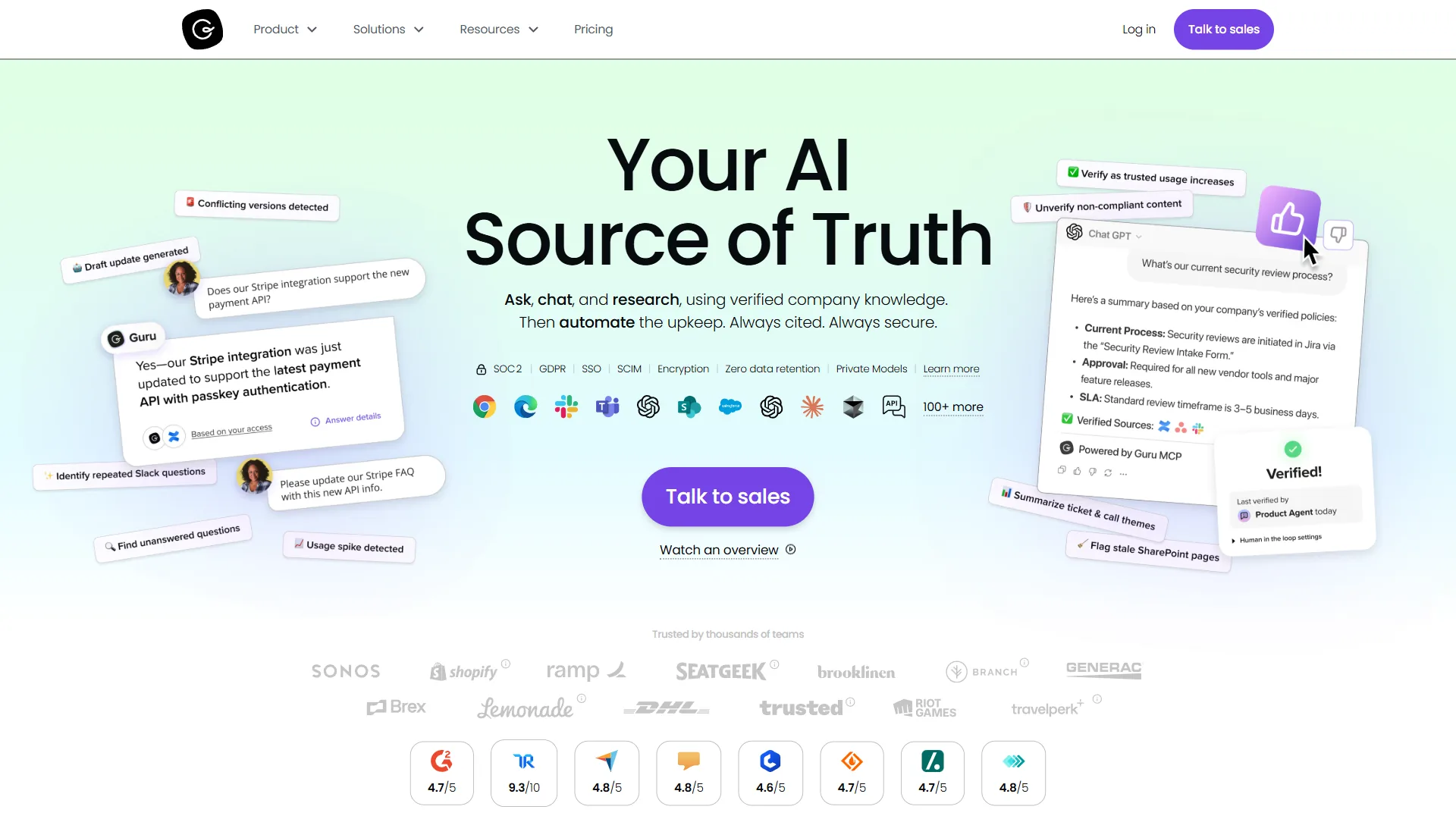
Guru takes a fundamentally different approach to knowledge management: instead of requiring users to visit a central repository, it brings knowledge directly into their workflow through browser extensions and app integrations.
Key Features
Browser Extension Intelligence: The Chrome extension surfaces relevant knowledge cards in-context - battle cards on LinkedIn profiles, troubleshooting guides on support tickets.
AI Verification: Every card has an assigned owner with periodic verification reminders; AI auto-flags outdated cards by scanning release notes and internal comms.
Contextual Capture: AI-assisted capture pulls knowledge from Zoom, Slack, and email and prompts users to formalize it into cards.
Pricing and ROI
Guru’s transparent pricing starts at $30 per user per month for the Expert plan (billed annually), making it accessible for mid-sized teams.
For a 50-person sales team:
- Annual cost: $18,000
- Time saved: 7 hours per employee per week
- Annual value: $910,000 (assuming $50/hour labor cost)
- ROI: 4,956% return
- Payback period: 1 week
The dramatically higher time savings compared to traditional knowledge bases comes from eliminating context switching. Sales reps don’t waste time searching through documentation - the information finds them.
Best For
- Sales and customer success teams who live in CRM and communication tools
- Remote-first companies needing asynchronous knowledge sharing
- Fast-growing startups (20-200 employees) scaling sales processes
- Organizations with frequently changing product information
Integration Ecosystem
Guru maintains native integrations with Salesforce, HubSpot, Zendesk, Slack, and Intercom. The January 2026 platform update added webhook support for custom integrations and a public API with 99.9% uptime SLA.
Where it falls short: Skip Guru for long-form technical documentation - the card format works against pages over 1,500 words and there’s no native version control. Analytics stay surface-level versus Bloomfire, and $30/seat stings for teams that just want a basic wiki.



3. Document360: Technical Documentation Excellence
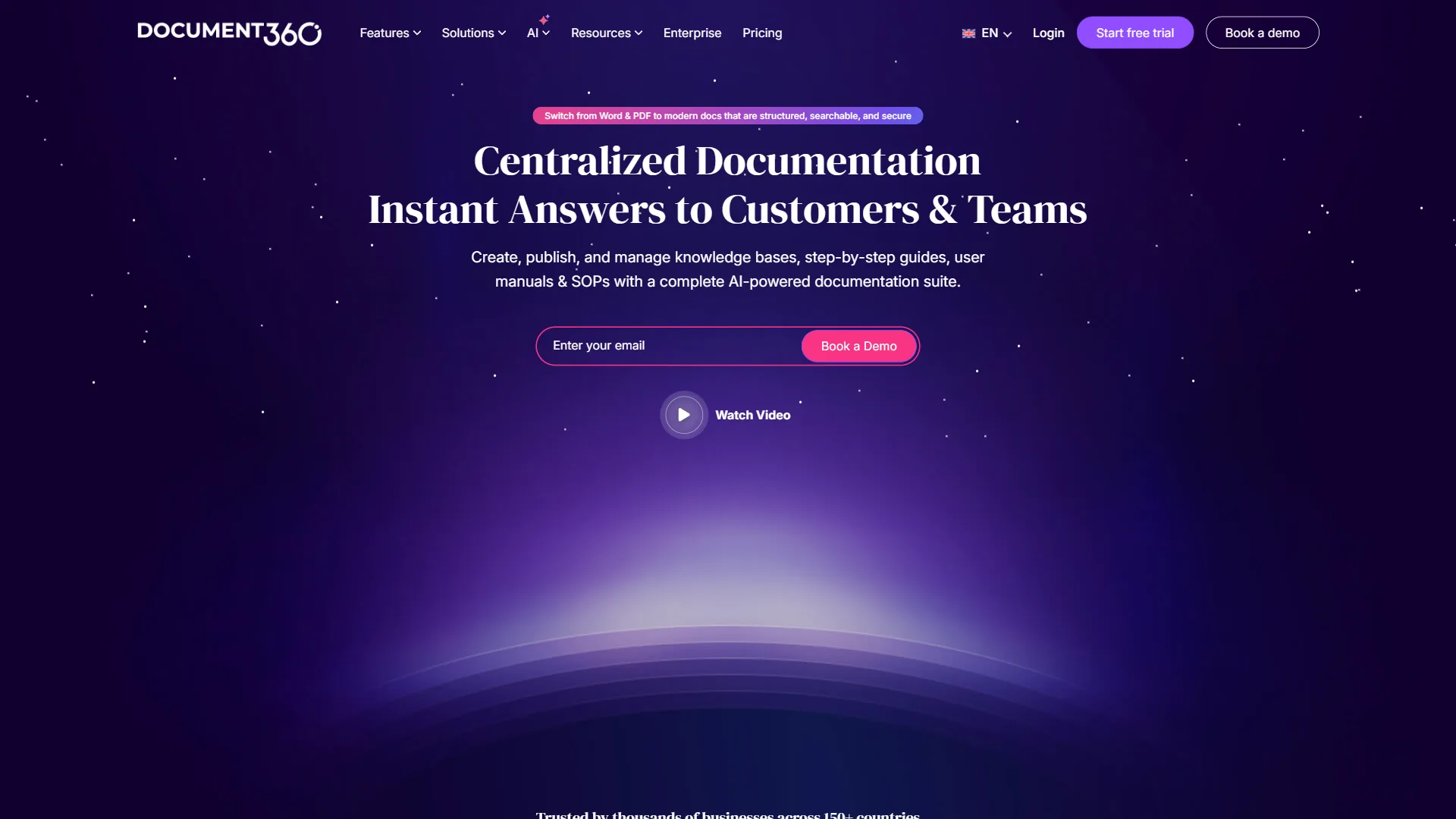
Document360 specializes in technical documentation, making it the top choice for engineering teams, SaaS companies, and organizations with complex product documentation needs.
Key Features
Version Control: Documentation is treated like code - branches, approval workflows, staging environments, and rollback.
AI Content Suggestions: Analyzes existing docs to flag missing topics and redundant content; AI now generates first drafts from API specs and code comments.
Snippet Search: Returns instant in-line answers with highlighted snippets rather than forcing a click-through. Understands technical terminology and code syntax.
Pricing and ROI
Document360 costs $25,000-$40,000 annually for a 100-person engineering organization, using custom enterprise pricing based on article count and user seats.
ROI calculation for 100-person engineering team:
- Annual cost: $30,000 (estimated)
- Time saved: 8 hours per employee per week
- Annual value: $2.08 million (assuming $50/hour labor cost)
- ROI: 6,833% return
- Payback period: 0.7 weeks
The exceptional time savings come from engineers spending less time answering repetitive questions and more time writing code. One customer reported reducing Slack support requests by 73% after implementing comprehensive documentation.
Best For
- SaaS companies needing public-facing product documentation
- Engineering teams managing internal technical wikis
- API providers requiring developer portation
- Organizations with compliance documentation requirements
Technical Capabilities
Document360 supports Markdown, HTML, and a visual WYSIWYG editor. The platform includes code syntax highlighting for 170+ languages, OpenAPI specification import, and automatic screenshot annotation. The January 2026 update added AI-powered translation for documentation in 40+ languages.
Who it’s not for: Skip Document360 for internal sales playbooks, HR policies, or process docs - the branch-and-approval workflow is overkill. It lacks Guru’s in-app contextual delivery, and quote-based pricing slows evaluation for smaller teams.
4. Notion: Flexible Knowledge Management for Small Teams
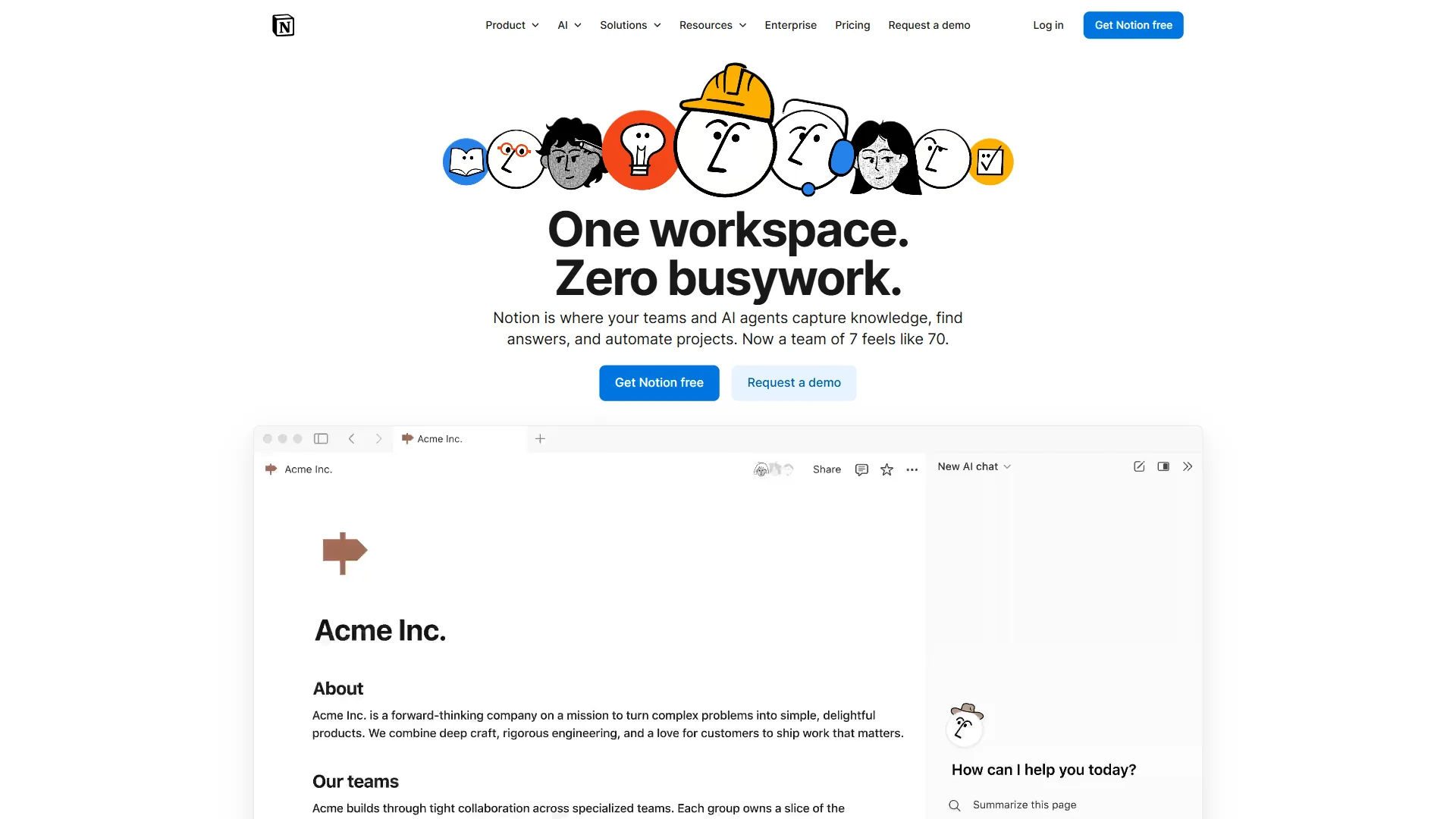
Notion is a flexible knowledge management platform built for startups and small teams, with a free tier and paid plans starting at roughly $10 per user per month. Its database architecture lets teams design custom content structures rather than fitting work into rigid wiki templates.
Key Features
Flexible Architecture: Teams design custom content structures using databases, templates, and relations rather than fitting into predefined categories.
AI Writing: Notion AI ($10/user/month add-on) drafts content, summarizes documents, translates text, and extracts action items - now with code generation.
Collaborative Editing: Real-time editing with commenting, @mentions, and inline discussion suits teams that treat knowledge as a shared practice.
Pricing and ROI
Notion’s pricing is remarkably accessible:
- Free: Individual use with unlimited pages
- Plus: around $10 per user per month for small teams
- Business: around $18 per user per month with advanced features
- Notion AI: an additional $10 per user per month
For a 20-person startup on the Business plan:
- Annual cost: $4,320 (about $18 per user per month, 20 users, 12 months)
- Time saved: 1.1 hours per employee per week
- Annual value: $57,200 (assuming $50/hour labor cost)
- ROI: 1,224% return
- Payback period: 4 weeks
While the time savings per employee is lower than specialized tools, Notion’s all-in-one approach means teams may not need separate project management, documentation, and wiki tools.
Best For
- Startups and small teams (5-50 employees) needing flexibility
- Remote teams requiring collaborative documentation
- Companies on tight budgets wanting capable tools without enterprise pricing
- Organizations consolidating multiple tools into a single platform
Limitations to Consider
Notion lacks enterprise-grade features like advanced permissions, audit logs, and dedicated support. Search performance degrades with large content volumes (10,000+ pages). The platform is not ideal for customer-facing documentation or highly regulated industries requiring compliance certifications.
ROI Analysis: Calculating Your Knowledge Management Returns
ROI for AI knowledge management tools is calculated as (annual time savings in dollars - annual subscription cost) / annual subscription cost, and most organizations reach positive ROI within 4-8 weeks. The financial case extends beyond simple time savings - here’s how to calculate ROI for your specific situation:
Step 1: Measure Current Knowledge Waste
Track over two weeks: hours spent searching, duplicate work from missing docs, repeat questions to senior staff, and “do you know where…” conversation time.
Step 2: Calculate Hourly Cost
Multiply fully-loaded employee cost (salary + benefits + overhead) by the percentage of time wasted. Example: 100 employees x $75/hour x 5 wasted hours/week = $1.95M annual waste.
Step 3: Project Tool Efficiency
Available benchmarks suggest: Bloomfire 40-60% search-time reduction, Guru 60-80% for sales/support, Document360 70-85% for engineering, Notion 20-40% for general knowledge sharing.
Step 4: Factor Implementation Costs
One-time costs include migration ($10K-$50K), content creation (100-200 hours), training (2-4 hours/employee), and integration development ($5K-$25K). Most organizations reach positive ROI within 4-8 weeks.
Limitations of these ROI projections: Skip these benchmarks below 10 employees - per-employee savings flatten and fixed migration costs eat the gains. Numbers also assume a dedicated content owner; treat-it-as-IT rollouts see roughly half the year-one savings.
Best Picks by Use Case and Team Size
The best AI knowledge management tool depends on team size: Notion is the top pick for startups under 20 people, Guru for growing 20-100 person teams, Document360 plus Guru for 100-500 person mid-market organizations, and Bloomfire for enterprises above 500 employees.
Startups (5-20 employees)
Recommendation: Notion
Notion’s free tier supports unlimited pages, and the roughly $10 per user per month Plus plan provides sufficient collaboration features at this stage. Focus on establishing documentation habits rather than implementing complex knowledge management workflows.
Migration path: As you grow past 50 employees, evaluate Guru for sales teams or Document360 for technical documentation.
Growing Companies (20-100 employees)
Recommendation: Guru
This is the critical growth phase where knowledge becomes distributed across departments. Guru’s workflow integration ensures knowledge doesn’t become siloed in a central repository that only gets consulted when absolutely necessary.
Implementation tip: Start with your sales or customer success team to prove value, then expand to other departments.
Mid-Market (100-500 employees)
Recommendation: Document360 for technical teams, Guru for go-to-market teams
At this scale, different departments have divergent knowledge management needs. Engineering teams benefit from Document360’s technical documentation capabilities, while sales and support teams gain more from Guru’s contextual knowledge delivery.
Architecture: Implement both platforms with clear boundaries. Use Guru for customer-facing knowledge that changes frequently. Use Document360 for stable technical documentation and process guides.
Enterprise (500+ employees)
Recommendation: Bloomfire
Enterprise organizations need centralized knowledge governance, advanced security, and sophisticated analytics. Bloomfire’s enterprise features including SSO, granular permissions, and compliance certifications justify the significant investment.
Complement with: Guru for sales teams and Document360 for developer portals. Large enterprises typically implement 2-3 knowledge management tools for different use cases.
Migration Guide: Switching Knowledge Management Platforms
Migrating between knowledge management platforms takes 8-12 weeks across five phases: content audit, taxonomy design, technical setup, content migration, and user adoption. The plan below applies to organizations with 50+ employees and at least a few hundred existing articles.
Phase 1: Content Audit (Weeks 1-2)
Inventory existing knowledge: identify actively used content (last 90 days), flag outdated material for archival, categorize by department, and assign verification owners. Export platform usage analytics first.
Phase 2: Taxonomy Design (Week 3)
Design category hierarchies that match how teams actually search; establish tagging conventions, access-control policies by department, and template libraries. Don’t replicate the old structure - redesign from real usage patterns.
Phase 3: Technical Setup (Week 4)
Connect SSO, integrate with Slack, Salesforce, and collaboration tools, configure API connections for custom workflows, and import the user directory with permissions.
Phase 4: Content Migration (Weeks 5-7)
Migrate by priority: critical compliance and process docs (week 5), high-traffic FAQs and getting-started guides (week 6), archived reference content (week 7). Use bulk import, then manually polish the top 20% of viewed content.
Phase 5: User Adoption (Weeks 8-12)
Launch with structured onboarding: executive announcement and champion training (week 8), department-by-department rollout (week 9), browser-extension deployment (week 10), then office hours and iteration (weeks 11-12). Target 70% active usage within 30 days of department launch.
Where this playbook falls short: The 12-week timeline assumes hundreds of articles and multiple departments. Teams of 5-20 hit ROI faster by skipping to bulk import. Without a dedicated content owner, adoption plateaus at 40-50% instead of 70%. Skip phases 1-2 below 100 articles.
Frequently Asked Questions
AI knowledge management tools differ from traditional wikis primarily through semantic search, auto-tagging, and contextual delivery rather than manual organization. The questions below address pricing, ROI timelines, migration, and measurement.
How do AI knowledge management tools differ from traditional wikis?
Traditional wikis like Confluence rely on manual organization and keyword search; AI-powered platforms use semantic search, auto-tagging, contextual surfacing, and failed-search analysis. With a wiki you must know what to look for - with AI knowledge management you describe the problem and the system finds solutions even with different terminology.
Can small teams afford enterprise knowledge management tools?
Yes - choose the right tier. Notion starts free and is roughly $10/user/month for small teams. Guru begins at $30/user/month, accessible for 10-20 person teams. Bloomfire only pencils out above 100-200 employees.
How long does it take to see ROI from knowledge management tools?
Most organizations reach positive ROI within 4-8 weeks of full deployment with active content creation. Import-without-optimization deployments take 12-16 weeks.
What’s the biggest mistake companies make implementing knowledge management?
Treating it as a one-time IT project rather than an ongoing content operation. Successful implementations dedicate 1-2 people to content governance, run quarterly audits, reward contributions, and integrate knowledge creation into existing workflows.
Should we migrate all our old content or start fresh?
Migrate selectively - 80% of knowledge base articles are never viewed after the first 90 days. Migrate the top 20% most-viewed content carefully, bulk-migrate the middle 60%, and archive or delete the bottom 20% unless compliance requires it.
How do we measure knowledge management success?
Track quarterly: search success rate, average time-to-answer, repeat-question count in Slack/email, content coverage for common questions, and weekly active users plus monthly contributions. Expect 30-50% improvement in each metric within six months.
Conclusion: Choosing AI Knowledge Management Tools
The best AI knowledge management tool depends on your organization’s size and use case: Bloomfire fits enterprises above 500 employees, Guru fits sales and support teams, Document360 fits engineering and SaaS documentation, and Notion fits startups under 50 people.
Choose Bloomfire for enterprises (500+ employees) needing centralized governance, advanced security, and analytics.
Choose Guru if sales, support, or customer success teams waste time context-switching - the browser extension delivers knowledge where work happens.
Choose Document360 for SaaS and engineering teams needing technical documentation with version control and public-facing knowledge bases.
Choose Notion for startups under 50 people prioritizing flexibility and affordability.
Whichever platform you choose, the key is treating knowledge management as an ongoing practice - establish content ownership, schedule regular audits, and optimize based on search patterns.
The organizations that get the most from AI knowledge management in 2026 are those that value documentation culturally - reward knowledge sharing and integrate content creation into daily workflows. Choose the tool that fits your culture, then build sustainable habits.
Related Reading
Related Reading collects the tool pages and adjacent guides referenced in this comparison. Tools covered in this article:
- Bloomfire - Enterprise knowledge management with video and AI search
- Guru - Integration-first knowledge platform for sales and support
- Document360 - Technical documentation and knowledge base platform
- Notion - All-in-one workspace with AI-powered knowledge management
- Salesforce - CRM platform with AI-powered knowledge integration
- HubSpot - Marketing and sales platform with knowledge base features
- Zendesk - Customer support with AI knowledge management
- Intercom - Customer messaging with AI-powered help center
More knowledge and productivity guides:
- AI-Powered Enterprise Search - Enterprise search platform comparison
- Best Note-Taking Apps 2026 - Personal knowledge management tools
- Best Project Management Tools 2026 - Team collaboration platforms
- Best Knowledge Base Software 2026: AI-Powered Comparison
External Resources
External Resources links directly to each vendor’s primary documentation site for current pricing, feature, and policy details:
- Bloomfire - Official website
- Guru - Official website
- Document360 - Official website
- Notion - Official website