


The best Trello alternatives in 2026 are Asana, ClickUp, Monday.com, Notion, and Wrike - each fixes a specific Trello ceiling around AI, dependencies, or scale. Trello’s Kanban boards remain the default for simple task management, but once a team passes a dozen people or builds projects with real dependencies, that simplicity becomes a hard ceiling.
Our analysis draws on current vendor documentation, Atlassian’s own automation docs, pricing pages, and independent research firms - not sponsored placement. AI Productivity may earn a commission from links on this page; our rankings are editorially independent. Open source and self-hosted deployments are out of scope.
Why People Leave Trello
Teams leave Trello when they need native AI, task dependencies, or scaled reporting - features Atlassian gates behind Premium or omits entirely. According to Atlassian’s Butler documentation, Trello automation remains entirely rule-based in 2026, with no generative AI shipped to the platform.
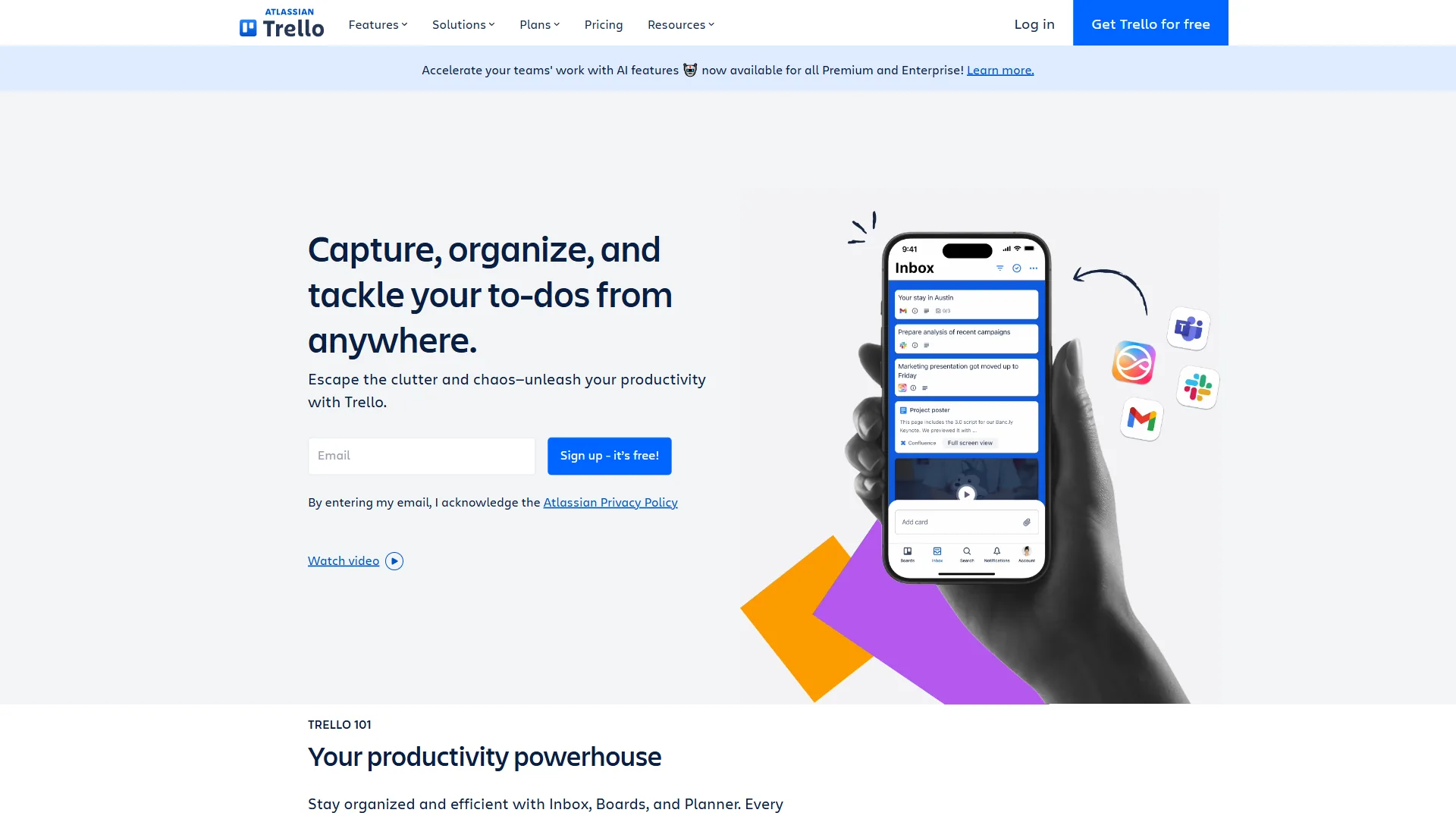
Trello’s genuine strengths: The free tier includes unlimited cards, up to 10 boards, and unlimited Power-Ups per board. The Standard plan at $6 per user/month and Premium at $12.50 per user/month undercut every competitor on price. The Kanban interface is the best in the business - 90 million registered users did not choose it by accident. Viewers and commenters are always free, which makes it practical for client-facing workflows.
But the gaps are real in 2026:
- No native AI features. Butler automation is rule-based; every competitor on this list ships AI-powered workflows.
- Limited views on lower tiers. Calendar, Timeline, Table, Dashboard, and Map views all require Premium ($12.50 per user/month).
- No task dependencies on free or Standard. Steps that depend on other steps completing first cannot be modeled until Premium.
- Reporting is an afterthought. Even Premium dashboards trail what Asana, ClickUp, and Monday.com ship as standard.
- Board clutter at scale. Exceeding 50 cards on a board or managing 20+ boards becomes genuinely challenging.
Comparison Table: Top Trello Alternatives
This table summarizes the top trello alternatives for businesses in 2026 by entry price, primary use case, AI capability, and free-tier scope.
| Tool | Starting Price | Best For | AI Features | Free Tier |
|---|---|---|---|---|
| Trello | Free / $6/mo | Simple Kanban boards | Butler (rule-based) | Yes (10 boards) |
| Asana | Free / $13.49/mo | Structured PM workflows | AI Studio, AI Teammates | Yes (10 users) |
| ClickUp | Free / $10/mo | Maximum features per dollar | ClickUp Brain (multi-model) | Yes (unlimited tasks) |
| Monday.com | Free / $12/mo | Visual team collaboration | AI agents, monday magic | Yes (2 users) |
| Notion | Free / $12/mo | Docs + databases + PM | AI Agents (GPT-5, Claude) | Yes (unlimited pages) |
| Wrike | Free / $10/mo | Enterprise reporting | Work Intelligence AI | Yes (limited) |
1. Asana - Best for Structured Project Management
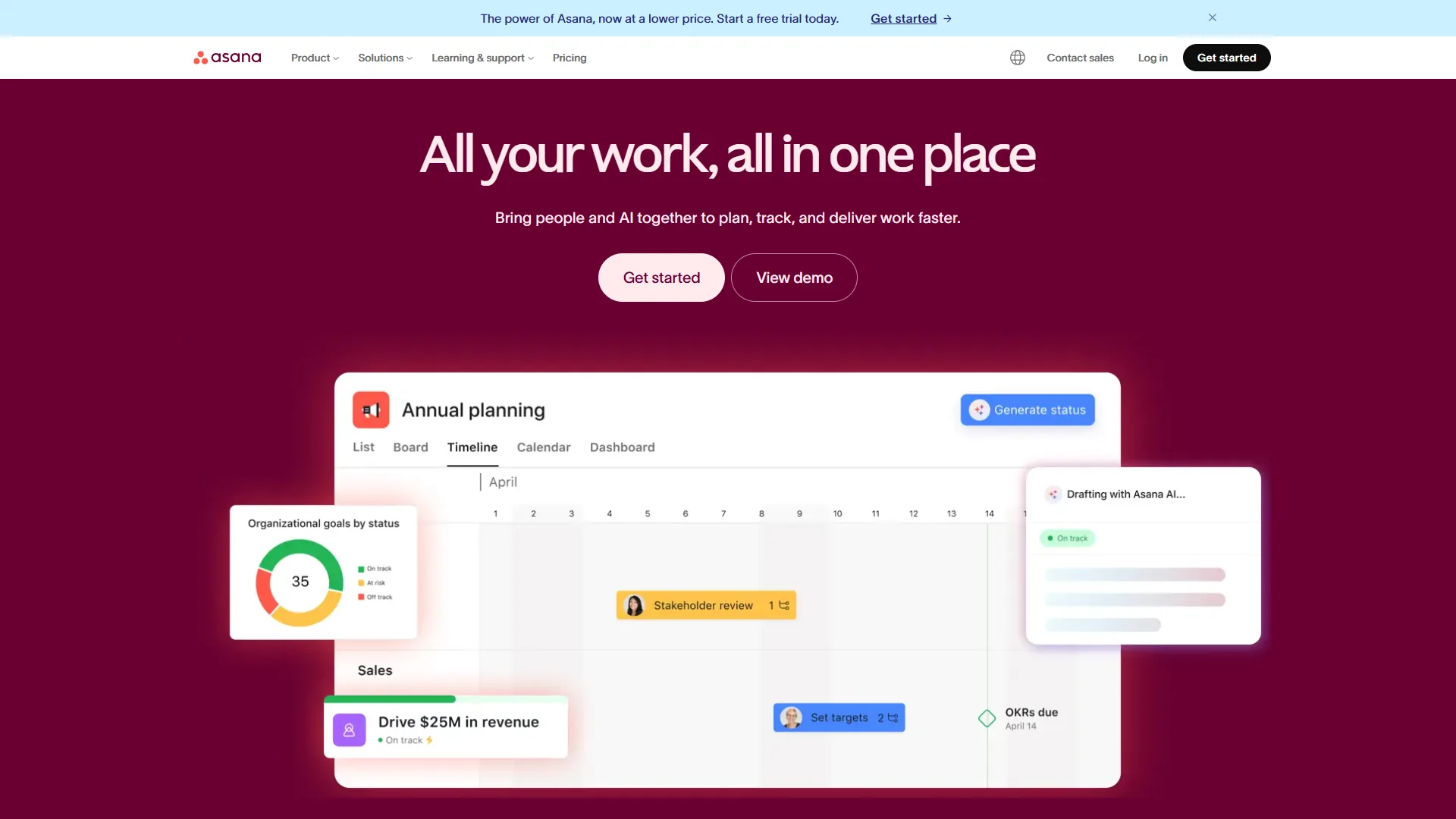
Pricing: Free (10 users) / $13.49 per month Starter / $30.49 per month Advanced / Custom Enterprise AI cost: AI Studio included on all paid tiers Free tier: Yes - 10 users, unlimited tasks and projects, list and board views
Asana is the trello alternative most teams graduate to when they need real project structure with task dependencies, timeline views, and portfolio management. Where Trello shows cards on a board, Asana shows how those cards connect.
Where Asana Wins Over Trello
Timeline views with dependencies are Asana’s defining feature. Dragging one task on a Gantt-style roadmap automatically shifts everything that depends on it. Trello has no equivalent on Standard or Free.
AI Studio ships genuine automation intelligence on every paid tier. Build workflows from natural-language instructions like “When a task is marked complete in Design, notify Engineering and create a review subtask.” Trello’s Butler needs each rule manually configured.
Portfolio management on the Advanced tier tracks the health of multiple projects from a single dashboard - something Trello cannot do at any price.
According to Forrester Consulting, commissioned analysts behind the Asana ROI report, “enterprise Asana deployments delivered 437% three-year ROI, with 57% more projects delivered on time and 71% of users spending less time on email.” Those gains come from organizations running complex, multi-team initiatives - exactly where Trello struggles.
Where Asana Falls Short
- Free tier is limited: 10-user cap, no timeline views, no custom fields, no automations.
- Price premium is real: Starter at $13.49/month more than doubles Trello Standard.
- Time tracking requires Advanced at $30.49 per user/month.
- Setup takes a week or two for proper configuration.
Limitations and who it is not for: Asana is overkill for solo users, casual freelancers, and teams that only need Kanban boards.
Who Should Switch: Teams of 10+ managing projects with dependencies, milestones, and deadlines - marketing campaigns, product roadmaps, anyone forcing Trello to handle sequential workflows.
2. ClickUp - Best Value Per Feature
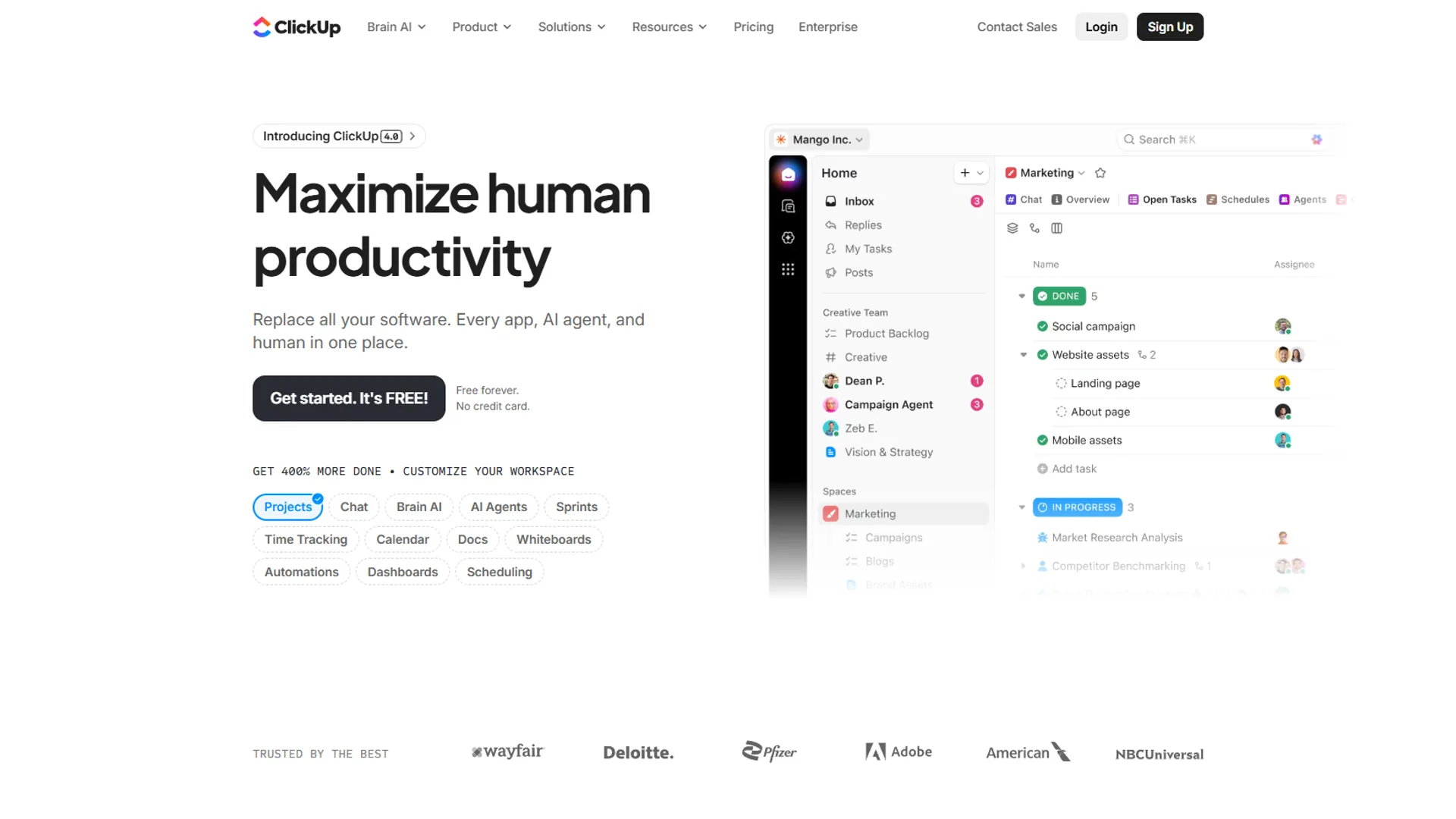
Pricing: Free Forever / $10 per month Unlimited / $19 per month Business / Custom Enterprise AI cost: ClickUp Brain is a paid add-on - $9 per user/month (Standard) or $28 per user/month (Autopilot) Free tier: Yes - unlimited tasks, unlimited users, 100MB storage
ClickUp is the trello alternative for teams that want maximum features per dollar in a single consolidated workspace. Project management, docs, goals, time tracking, whiteboards, chat, and AI all live in one platform.
Where ClickUp Wins Over Trello
Feature depth at this price is unmatched. The Unlimited tier at $10 per month includes Gantt charts, native time tracking, custom fields, unlimited storage, and unlimited integrations. Trello Premium at $12.50 still omits time tracking, docs, and goals.
35+ view options cover every work style - List, Board, Gantt, Timeline, Calendar, Mind Maps, Workload. Trello offers six views, four of them locked to Premium.
ClickUp Brain with multi-model AI leverages GPT-5, Claude Opus 4.1, and o3. The AI Knowledge Manager searches across tasks, docs, chats, and 100+ connected apps; the AI Project Manager auto-assigns tasks and creates subtasks.
A Nucleus Research case study documented 3.84x ROI with 576 hours saved weekly for a construction company deployment, with time-to-value of 7-14 days.
The Free Forever tier beats Trello’s on feature access - unlimited tasks, unlimited users, collaborative docs, whiteboards, real-time chat, sprint management, and calendar view at zero cost.
Where ClickUp Falls Short
- Learning curve is real: 2-3 weeks to proficiency versus Trello’s 5-minute onboarding.
- AI is an add-on: ClickUp Brain costs $9 (Standard) or $28 (Autopilot) per user/month.
- Performance degrades at scale - workspaces with 1,000+ tasks and 50+ members feel sluggish.
- Customization tax is steep - templates work, but real value needs hours of setup.
Limitations and who it is not for: ClickUp is not for users who want zero-setup simplicity, who cannot tolerate AI as a paid add-on, or whose workspace will exceed 1,000 tasks.
Who Should Switch: Startups and growing teams wanting maximum capability per dollar, agencies managing multiple clients, and teams paying for Trello plus separate docs, time tracking, and goals tools.
3. Monday.com - Best for Visual Team Collaboration
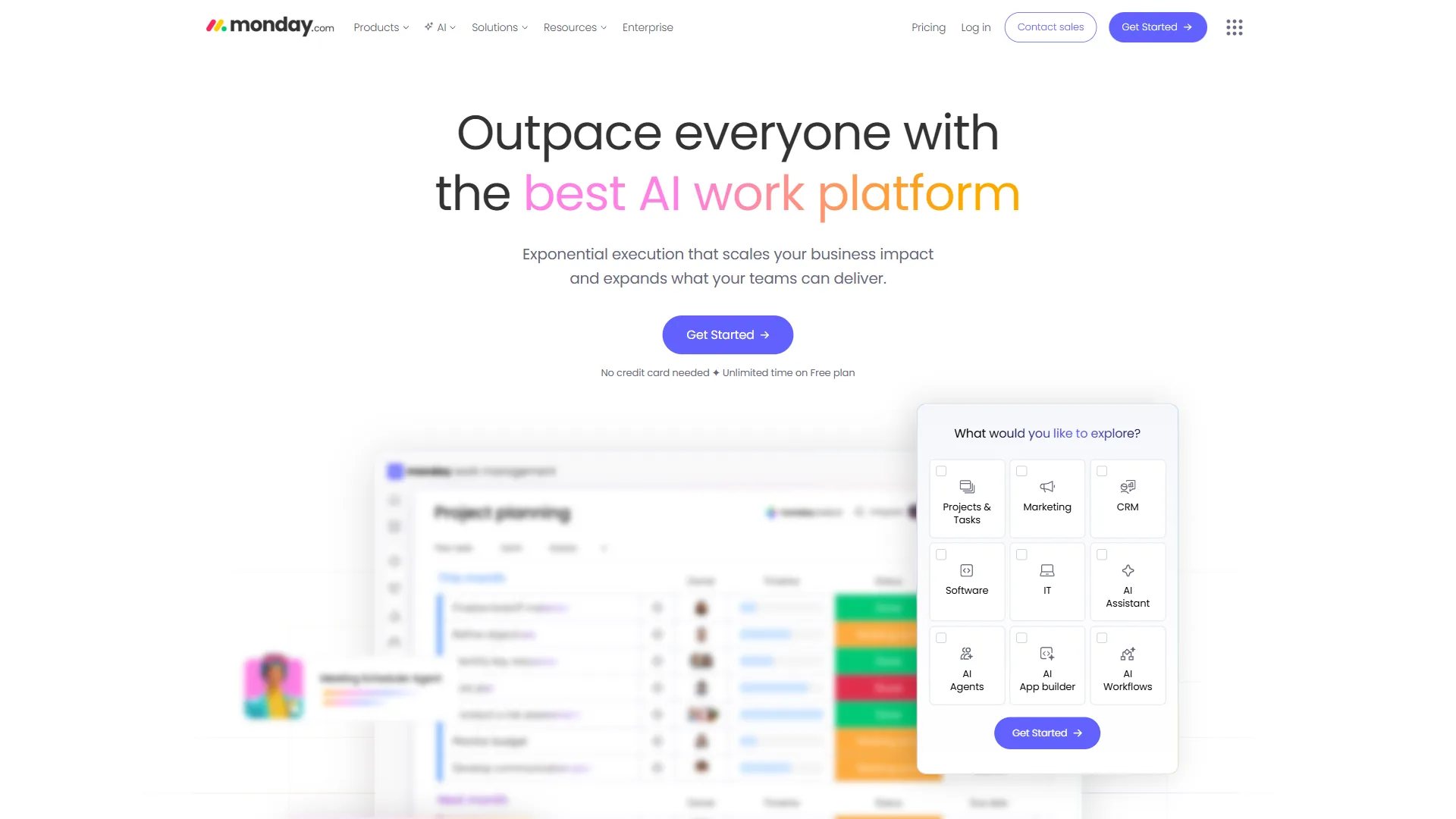
Pricing: Free (2 users) / $12/seat Basic / $14/seat Standard / $24/seat Pro / Custom Enterprise AI cost: 500 AI credits/account/month included on Basic and above Free tier: Yes - up to 2 users, unlimited boards, 500MB storage
Monday.com is the trello alternative for cross-functional teams that need color-coded visual clarity at scale. The polished interface makes complex projects immediately understandable to designers, marketers, executives, and engineers alike.
Where Monday.com Wins Over Trello
Visual project management is a generation ahead. Color-coded status columns, percentage-complete bars, and timeline views give stakeholders instant understanding of project health.
Automation at meaningful scale. The Pro tier at $24/seat offers 25,000 automations per month with multi-step conditional logic, board-to-board data syncing, and cross-integration triggers - well beyond Trello Butler’s “when X, do Y” model.
Monday agents handle end-to-end task execution; monday magic generates custom solutions from natural-language descriptions; monday sidekick provides context-aware assistance. Every paid plan includes 500 AI credits per month.
The Monday.com customer case studies include Motorola achieving 346% ROI and a Forrester study documenting 288% ROI over three years. Dashboard reporting outclasses Trello at every tier - Standard pulls from 5 boards, Pro combines 20.
Where Monday.com Falls Short
- 3-seat minimum on paid plans - $36/month minimum on Basic even for one user.
- Price escalates with team size: a 10-person team on Standard pays $140/month versus $60 on Trello Standard.
- Advanced reporting locked to Enterprise. Pro dashboards handle basics; deeper analytics, multi-level permissions, and custom reporting need Enterprise.
- Can get cluttered with large projects - boards with 50+ items become overwhelming despite the design.
Limitations and who it is not for: Monday.com is not for solo users or 2-person teams, for buyers who need sophisticated reporting on sub-Enterprise tiers, or for workflows with boards that routinely exceed 50 items.
Who Should Switch: Marketing and creative teams of 5-25, cross-functional teams where non-technical stakeholders need instant project visibility, and organizations already using Monday.com for CRM or other workflows.
4. Notion - Best for Documentation-Heavy Teams
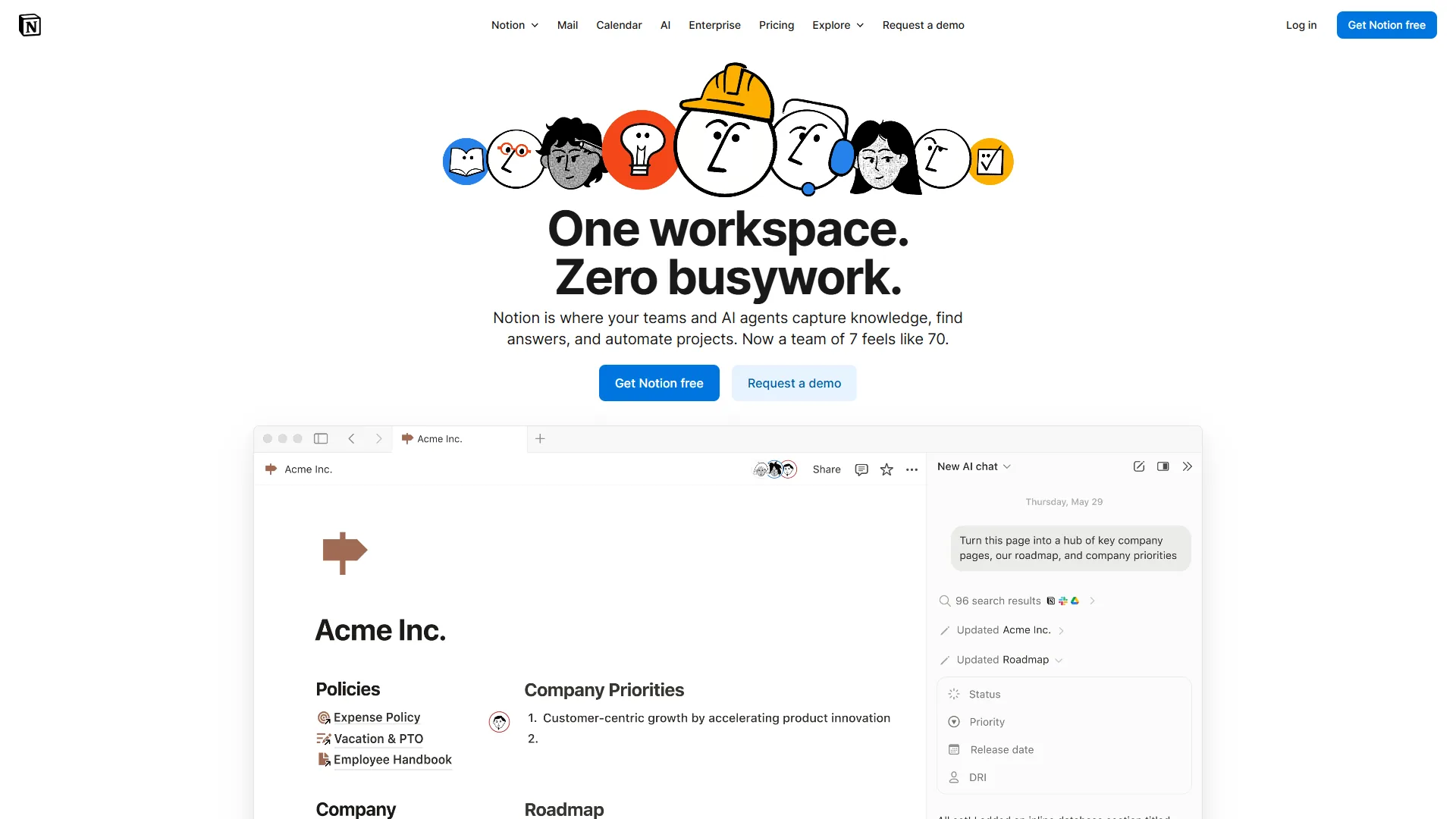
Pricing: Free / $12 per month Plus / $18 per month Business / Custom Enterprise AI cost: Multi-model AI Agents bundled with Business tier ($18 per month) Free tier: Yes - unlimited pages and blocks for individuals, limited for teams
Notion is the trello alternative for documentation-heavy teams - a flexible workspace that includes project management rather than a PM tool with documents tacked on. Teams that create and reference lots of written material alongside task work gain the most.
Where Notion Wins Over Trello
Database flexibility goes far beyond boards. Notion databases support table, board, calendar, timeline, gallery, and map views with custom properties, relations, and formulas - all interconnected, not isolated like Trello boards.
Documentation and project management in one place. Meeting notes, project specs, design briefs, and task lists live in one workspace; each task links to related docs, each doc embeds task databases.
AI Agents powered by multiple models. Notion’s September 2026 release of Notion 3.0 introduced autonomous AI Agents backed by GPT-5, Claude Opus 4.1, and o3 - executing multi-step workflows, answering workspace questions, transcribing meetings, and generating documents on the Business plan at $18 per user/month.
Tool consolidation reduces total cost. For teams paying for Trello Standard plus separate docs and wiki tools, Notion’s $12/month Plus tier often costs less.
Where Notion Falls Short
- PM is good, not great - lacks Asana’s dependency depth, Monday.com’s automation scale, ClickUp’s view flexibility.
- Steep learning curve: 2-4 weeks to comfort, 2-3 months for sophisticated systems.
- AI locked to Business tier ($18/month); the $8 AI add-on ended for new users in August 2026.
- Mobile lags desktop; large pages experience lag.
Limitations and who it is not for: Notion is not for teams that need dependency tracking, automation scale, or view flexibility above all, for buyers who need full AI on cheaper tiers, or for mobile-heavy workflows.
Who Should Switch: Content teams, knowledge workers, startups consolidating multiple tools, and organizations where documentation is as important as task management.
5. Wrike - Honorable Mention for Enterprise Teams
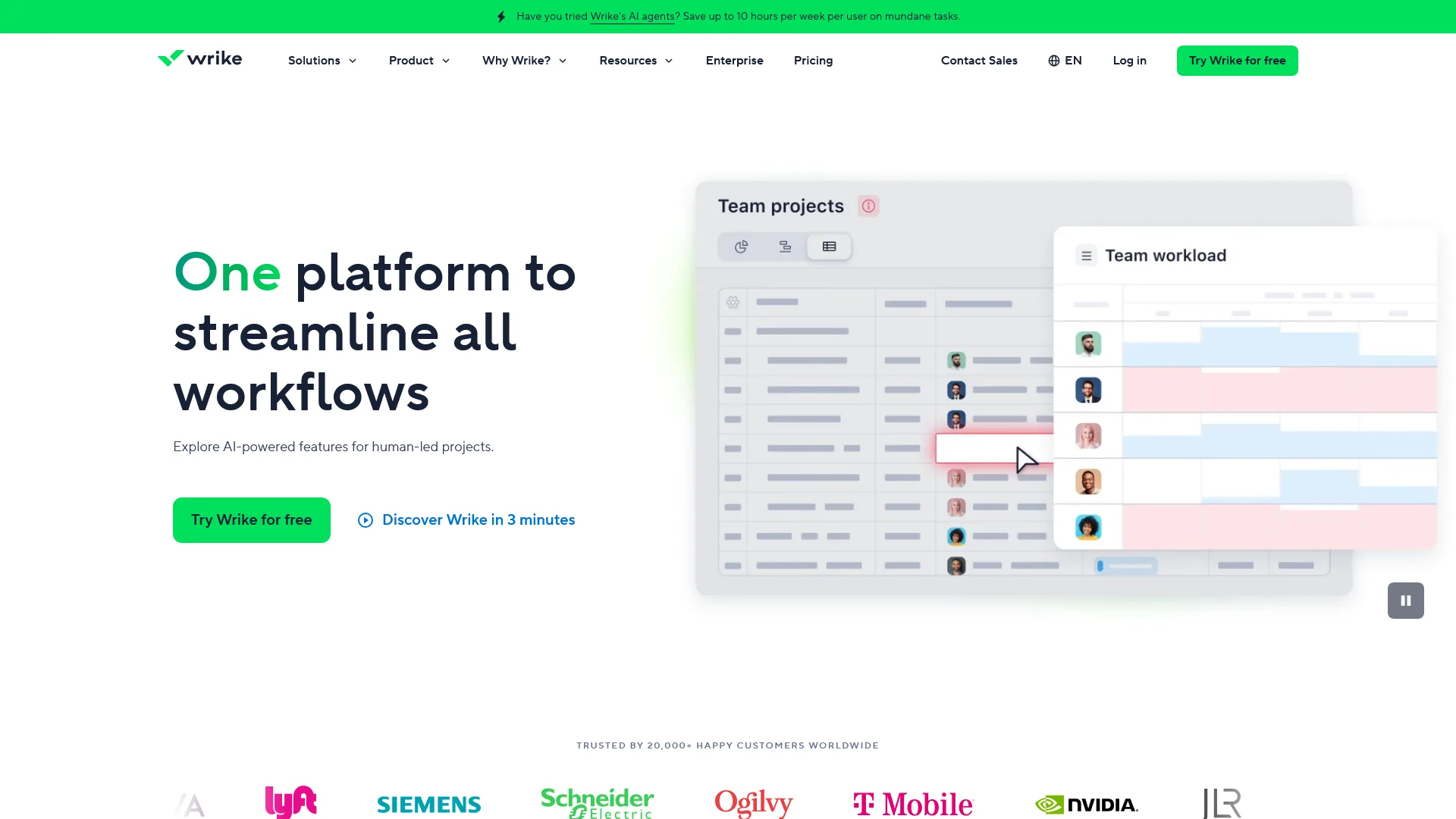
Pricing: Free (limited) / $10 per user Team / $25 per user Business / Custom Enterprise AI cost: Work Intelligence AI included on paid plans Free tier: Yes - limited features and users
Wrike is the trello alternative for mid-market and enterprise teams that need advanced reporting, resource management, and enterprise-grade security baked in. Wrike bundles AI (Work Intelligence) in base pricing; the Business tier at $25 per user/month adds custom workflows, Gantt charts, time tracking, resource management, and proofing.
Limitations and who it is not for: Wrike is not for small teams, casual users, or freelancers - the enterprise feature set is overkill and the $25 Business tier is steep for fewer than 20 people. Skip Wrike if you want a free tier matching Trello’s generosity, a polished consumer UI, or fast onboarding.
Feature-by-Feature Comparison
This section breaks down how each trello alternative stacks up on the three areas that matter most when outgrowing Trello - AI, automation limits, and 10-person pricing.
AI Capabilities
| Tool | AI Type | What It Does | Extra Cost |
|---|---|---|---|
| Trello | Butler (rule-based) | Manual if/then rules | No |
| Asana | AI Studio | Natural language automation, smart summaries | Included (paid tiers) |
| ClickUp | ClickUp Brain | Multi-model AI, enterprise search, AI Notetaker | $9-28/user/month |
| Monday.com | AI agents + magic | Task execution, solution generation | 500 credits/mo included |
| Notion | AI Agents | Autonomous workflows, Q&A, meeting notes | Included (Business+) |
Trello ships no AI features; depth and cost vary across alternatives.
Automation Limits and 10-Person Pricing
| Tool | Free Automations | Top-Tier Automations | 10-Person Mid-Tier | 10-Person Advanced |
|---|---|---|---|---|
| Trello | 250/month | Unlimited | $60 (Standard) | $125 (Premium) |
| Asana | None | 25,000/month | $135 (Starter) | $305 (Advanced) |
| ClickUp | Limited | 250+ | $100 (Unlimited) | $190 (Business) |
| Monday.com | None | 25,000/month | $140 (Standard) | $240 (Pro) |
| Notion | None | Advanced | $120 (Plus) | $180 (Business) |
Trello wins on price at every tier; for most growing teams, the feature gap outweighs the savings.
Which Tool Fits Your Team
The right trello alternative is the one that solves your specific limitation - dependencies pick Asana, value picks ClickUp, visual clarity picks Monday.com, documentation picks Notion.
- Structured project management with dependencies: Choose Asana. Starter at $13.49 per month is the sweet spot for teams that have outgrown Kanban-only workflows.
- Maximum features at minimum cost: Choose ClickUp. The Unlimited tier at $10 per month packs more capability than any competitor at that price. Our Trello vs Asana 2026 comparison covers the structural-PM angle in detail.
- Visual clarity and mixed-skill accessibility: Choose Monday.com. The color-coded boards make project status obvious; the 3-seat minimum means it works best for teams of 5+.
- Documentation matters as much as task management: Choose Notion. The Business tier at $18 per month adds AI that genuinely improves productivity.
- Slightly more than Trello: Stay with Trello Premium at $12.50 per month for Timeline, Calendar, Dashboard, and Table views.
FAQ
These answers cover the most common questions buyers raise when comparing trello alternatives - including the People Also Ask queries Google surfaces alongside this search.
Is there something better than Trello?
For teams that need AI, dependencies, or scaled reporting, yes - Asana, ClickUp, Monday.com, and Notion all extend beyond Trello. For individuals or sub-10-person teams with straightforward task needs, Trello’s free tier and simplicity remain hard to beat.
Is Trello good enough in 2026?
Trello is good enough for individuals and small teams under 10 people with straightforward task needs. The gaps appear when AI features, task dependencies, or portfolio management become requirements.
What is the cheapest Trello alternative?
ClickUp’s Free Forever tier is the cheapest Trello alternative, offering unlimited tasks, users, docs, and chat at $0. For paid plans, ClickUp Unlimited at $10 per month and Notion Plus at $12 per month both deliver more capability than Trello Standard at $6.
What is the Microsoft 365 equivalent of Trello?
The Microsoft 365 equivalent of Trello is Microsoft Planner, bundled into most Business and Enterprise Microsoft 365 plans. Planner offers Kanban boards inside Teams but lacks Trello’s Power-Up ecosystem and third-party integrations.
What is the Google equivalent of Trello?
Google does not ship a direct Trello equivalent; Google Tasks and Google Keep handle lightweight task tracking, while Google Workspace customers usually pair Asana, ClickUp, or Notion with Drive and Docs for Kanban-style project management.
Can I migrate my Trello boards?
Yes - Asana, ClickUp, Monday.com, and Notion all ship Trello import tools. ClickUp and Monday.com handle migrations most smoothly; budget a few hours for 10-20 boards.
Which alternative has the best AI?
ClickUp Brain offers the broadest AI capabilities but costs $9-28/user/month extra. Asana’s AI Studio is the best value - included on all paid tiers. Notion’s AI Agents are the most contextually aware across documents and tasks.
Does Trello work for ADHD?
Trello works well for ADHD users who prefer a single visual board with minimal options. Once cards exceed roughly 50 per board, the visual overload tends to backfire - ClickUp’s filtered views or Notion’s database focus modes scale better for ADHD workflows.
The Bottom Line
Trello remains the best free Kanban tool available - for personal task management, freelance workflows, and small teams that just need boards and cards, Trello delivers what is needed without complexity or cost.
For teams that have outgrown simple Kanban, the trello alternatives in this guide each solve a specific limitation. Asana adds project structure and timeline intelligence. ClickUp delivers the most features per dollar. Monday.com makes project data visually accessible to everyone. Notion eliminates the gap between documentation and task management.
The real deciding factor in 2026 is AI. Every alternative on this list ships AI-powered automation that fundamentally changes how teams manage work; Trello’s rule-based Butler is now the weakest link in an otherwise solid product. Start with what is most needed - structure, value, visuals, or documentation - then try the free tier of whichever tool matches.
Related Reading
These related reviews and guides dig deeper into individual tools and broader project management software comparisons.
- Asana Review - In-depth look at Asana’s project management platform
- ClickUp Review - ClickUp features, AI capabilities, and pricing breakdown
- Monday.com Review - Monday.com platform analysis and team recommendations
- Notion Review - Notion workspace features and AI agent capabilities
- Wrike Review - Wrike work management platform and Work Intelligence AI
- Best AI Project Management Tools 2026 - Guide to AI-powered project management platforms
- Best Project Management Tools 2026 - Comprehensive project management tool comparison
- Project Management for Small Teams - Practical PM guide for teams under 20 people
External Resources
These third-party sources back the ROI figures and case studies cited above with independent research.
- Asana: The ROI of Work Management - Research on project management ROI and productivity gains
- Nucleus Research: ClickUp ROI Case Study - Independent analysis of ClickUp deployment returns
- Monday.com Customer Stories - Case studies from Motorola, Canva, and Universal Music Group