





The top AI knowledge management tools are Guru, Notion, Confluence, Slite, and Document360, each pairing RAG-powered semantic search with generative AI agents so teams stop losing roughly one day a week to information hunting. According to a 2023 McKinsey report, knowledge workers spend about 19% of the workweek searching for and gathering information - the gap these AI knowledge management tools are designed to close.
This guide compares five leading platforms across real team scenarios for boosting productivity, with time savings data and hidden costs that pricing pages do not mention. Shoppers searching for the best knowledge management software, the best AI for knowledge base work, or even Microsoft knowledge management alternatives will find the relevant tradeoffs called out in each tool section below. You will get transparent pricing breakdowns (including Guru’s 10-seat minimum that adds $3,600 to your annual cost), AI capability comparisons that go beyond buzzwords, and team size recommendations based on implementation reality.
Our analysis draws on each vendor’s current pricing pages, product documentation, and published independent research rather than sponsored placement. AI Productivity may earn a commission from links on this page; the rankings are editorially independent.
What Makes the Best AI Knowledge Management Tools Different?
The best AI knowledge management tools are defined by three measurable capabilities: RAG-powered semantic search, automatic content classification, and generative AI agents that synthesize answers across documents. Traditional knowledge bases rely on folder structures and keyword search - you create content, organize it into categories, and hope employees can find what they need.
AI knowledge management tools fundamentally change this dynamic through three core capabilities:
RAG-Powered Search - Retrieval-Augmented Generation (RAG) enables semantic search that understands intent, not just keywords. When someone searches “how do I reset a customer’s password,” the system finds relevant documentation even if it’s titled “Account Recovery Process.” The AI comprehends the question’s meaning and retrieves contextually relevant answers.
Auto-Tagging and Classification - Manual tagging is where knowledge bases die. AI tools automatically categorize content, suggest tags based on document analysis, and create relationships between related information. Guru’s system analyzes each knowledge card and automatically connects it to relevant sales opportunities, support tickets, and team members.
Generative AI Integration - The newest capability as of January 2026. Tools like Notion and Confluence now include AI agents that can draft documentation, summarize long articles, extract action items from meeting notes, and even answer questions by synthesizing information from multiple sources.
The practical difference: Traditional knowledge bases are digital filing cabinets. Knowledge management system examples like Guru, Notion, and Confluence show how AI systems act as intelligent assistants that understand context, learn from usage patterns, and proactively surface relevant information.
Comparison Table
Starting prices are $6.40 per user per month (Confluence Standard), $10 (Notion Plus), $10 (Slite Standard), roughly $99 per month (Document360 Startup), and $300 per month for Guru’s 10-seat minimum. The table below compares starting price, headline AI features, and aggregated ratings side by side.
| Tool | Best For | Starting Price | AI Features | Rating |
|---|---|---|---|---|
| Guru | Sales teams | $300/mo (10 seats) | RAG search, Knowledge Agents, ChatGPT integration | |
| Notion | Flexible teams | $10/mo | Multi-model AI (GPT-5, Claude), autonomous workflows | |
| Confluence | Atlassian users | $6.40/mo | Atlassian Intelligence, Rovo AI, 428% ROI | |
| Slite | Growing teams | $10/mo | RAG-powered Ask, document verification | |
| Document360 | Technical docs | Custom (approximately $99/mo) | Eddy AI Writing Agent, 50+ language translation |
1. Guru: AI Knowledge Management for Sales and Support Teams
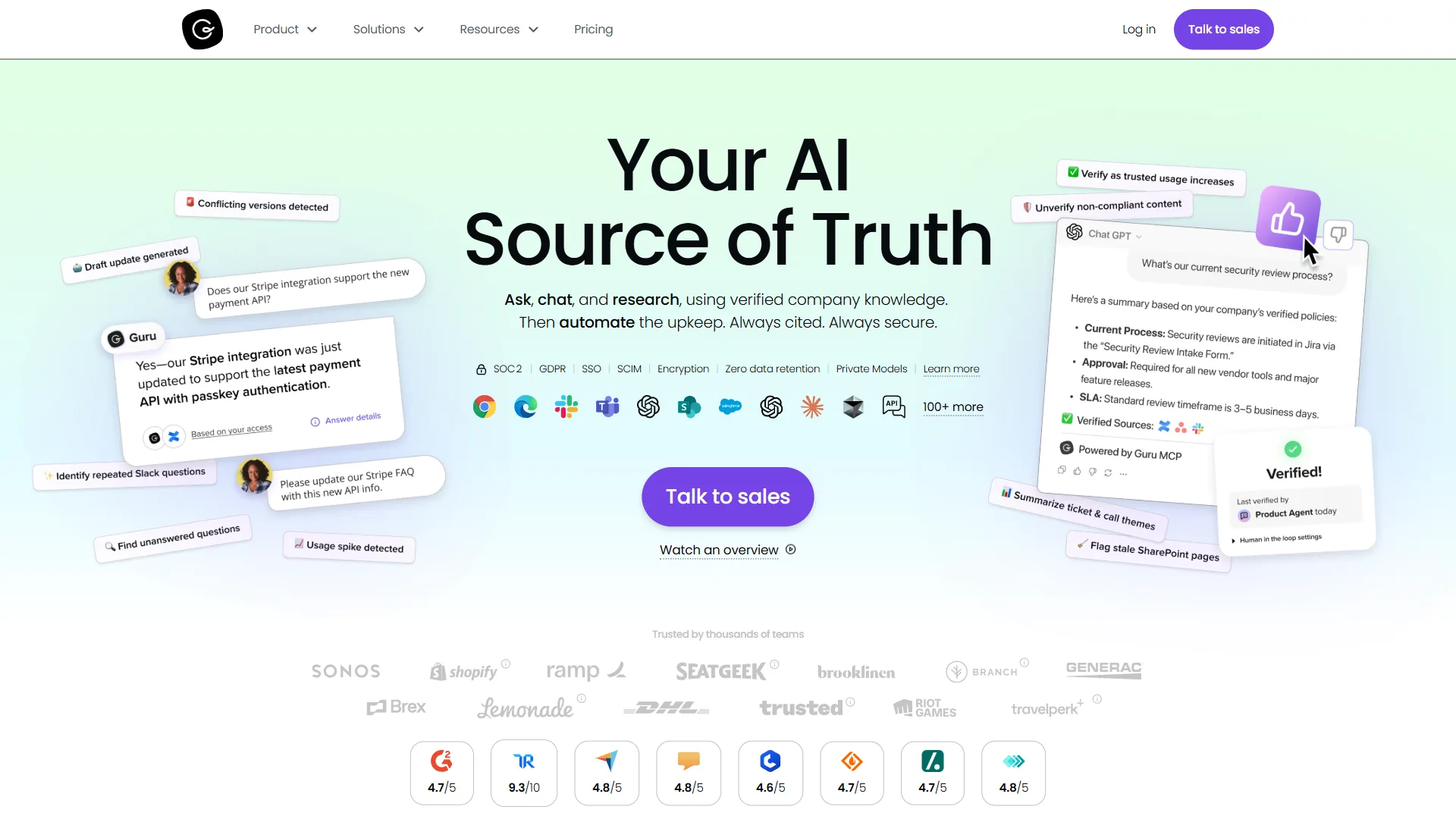
Guru is an AI knowledge management platform built for sales and support teams that surfaces verified knowledge cards inside Salesforce, HubSpot, Slack, and the browser - acting as a governed knowledge layer for enterprise AI rather than a destination wiki. Guru does not ask your team to visit another knowledge base; instead it brings knowledge directly into their workflow through browser extensions and app integrations that surface relevant information exactly when needed.
Key AI Capabilities
Knowledge Agents with RAG - Guru’s January 2026 upgrade introduced Knowledge Agents powered by RAG technology. These AI agents understand natural language queries and retrieve contextually relevant knowledge cards. Sales reps can ask “What’s our competitive positioning vs Microsoft?” and get instant answers pulled from multiple sources - battle cards, win/loss analysis, and recent deal notes. According to Rick Nucci, CEO of Guru, on the official Guru homepage, “Guru is the governed knowledge layer for enterprise AI,” reflecting the vendor’s pivot from a sales enablement wiki to a verified retrieval source feeding downstream AI assistants.
AI Verification System - Every knowledge card has an assigned owner who receives AI-generated reminders to verify accuracy. The system auto-flags potentially outdated content by analyzing industry news, product release notes, internal Slack conversations, and CRM data. This keeps information fresh without manual audit processes.
ChatGPT Integration - Guru integrates with ChatGPT to provide AI-assisted content creation. Write a rough draft, and the AI polishes it into professional knowledge cards with proper formatting, tags, and suggested related content.
Pricing Reality (Hidden Costs Exposed)
Guru’s pricing page shows $30 per user per month for the Expert plan. What they don’t prominently advertise: 10-seat minimum requirement.
Real entry cost: $300 per month or $3,600/year (not $360 per year as you might assume for a single-user trial)
For a 50-person sales team:
- Annual cost: $18,000 ($30 × 50 users × 12 months)
- Time saved: 7 hours per employee per week (based on Guru’s case studies)
- Annual value: $910,000 (assuming $50/hour labor cost)
- ROI: 4,956% return
- Payback period: 1 week
The 10-seat minimum makes Guru impractical for small teams (under 10 people), but the ROI calculation is compelling for sales organizations of 20+ employees.
Best For
- Sales and customer success teams living in CRM systems
- Support teams needing instant access to troubleshooting guides
- Organizations with 20-200 employees scaling go-to-market processes
- Companies with frequently changing product information
Integration Ecosystem
Native integrations with Salesforce, HubSpot, Zendesk, Slack, Intercom, Chrome, and Microsoft Teams. The browser extension works across web applications, surfacing knowledge based on the page you’re viewing.
Limitations and Who It’s Not For
Skip Guru if your team is under 10 people (the 10-seat minimum is non-negotiable), if you need a flexible doc/wiki rather than a card-based knowledge surface, or if you do not have a sales or support team driving the use case. Engineering teams documenting architecture will find Confluence or Notion a better fit. Drawback: card formatting is rigid compared to free-form wikis.

2. Notion: Multi-Model AI for Flexible Knowledge Management
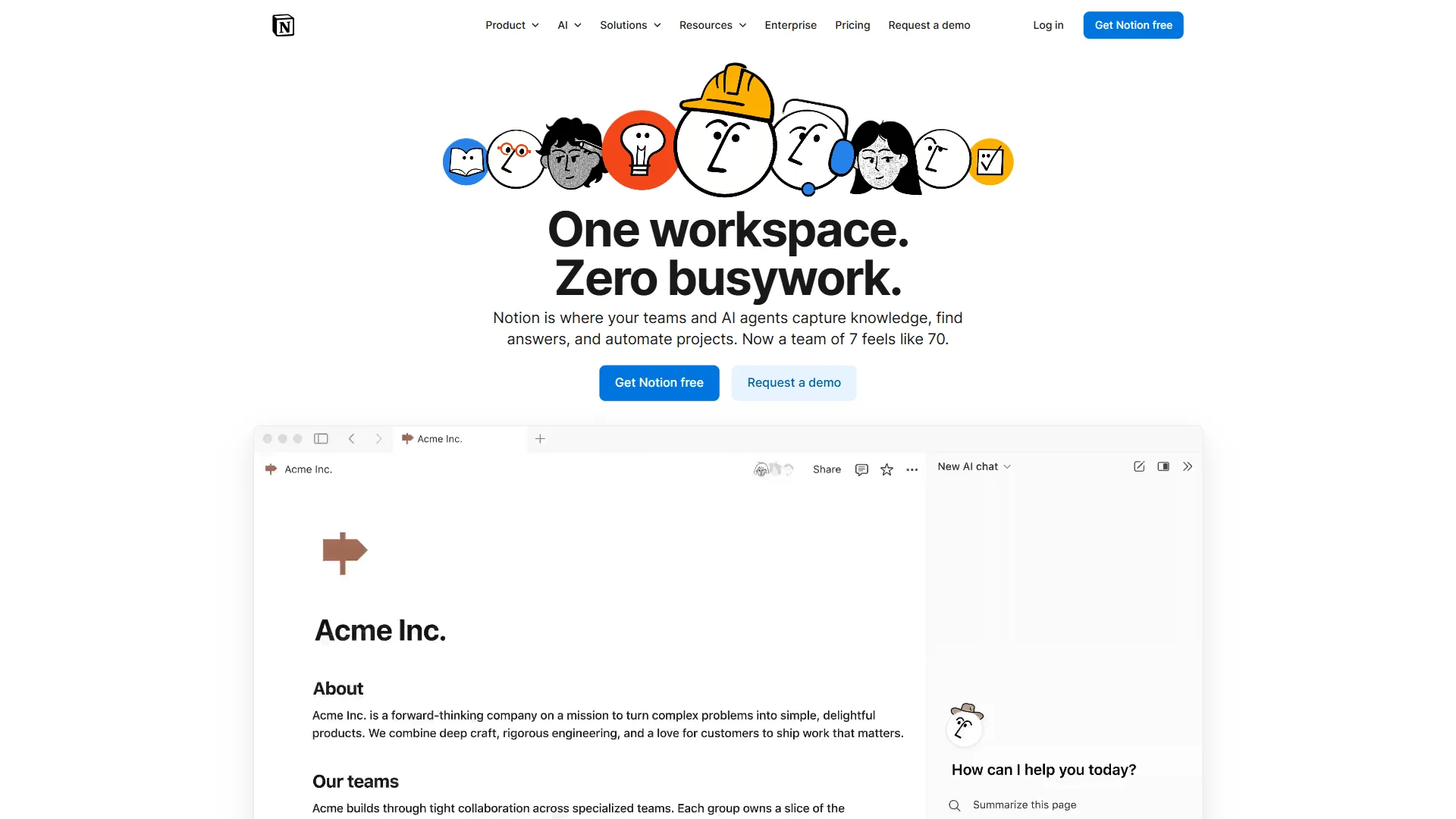
Notion is a flexible AI knowledge management workspace that routes between GPT-5, Claude, and Gemini based on task type, fitting startups and scale-ups that want one tool for docs, databases, and project management. Notion combines flexible databases, collaborative documentation, and multi-model AI to create a knowledge management system that adapts to your workflow rather than forcing you into predefined structures.
Key AI Capabilities
Multi-Model AI Agents - Notion’s January 2026 AI upgrade supports multiple foundation models (GPT-5, Claude 3.5, Gemini Pro) with automatic routing based on task type. Writing tasks use GPT-5 for creativity, technical summaries use Claude for accuracy, and data analysis uses Gemini for computational tasks. This multi-model approach delivers better results than single-model systems.
Autonomous Workflows - Create AI agents that automatically process information. Example: When a meeting note is created, an AI agent automatically extracts action items, assigns them to team members based on @mentions, creates tasks in your project database, and posts a summary to the relevant Slack channel. All without manual intervention.
Contextual AI Assistance - Notion AI understands your workspace structure. When you ask it to “summarize our Q4 product roadmap,” it knows to pull information from your roadmap database, recent product meeting notes, and related project pages. The context awareness eliminates the need to manually gather information before asking questions.
Pricing Reality
Notion’s transparent pricing has no hidden minimums:
- Free: Unlimited pages for individuals
- Plus: $10 per user/month for small teams
- Business: $18 per user/month with advanced admin features
- Notion AI: Additional $10 per user/month (required for AI features)
Real cost for AI-powered knowledge management: $20-28/user/month ($10-18 base plan + $10 AI add-on)
For a 30-person team on Business + AI:
- Annual cost: $10,080 ($28 × 30 users × 12 months)
- Time saved: 2 hours per employee per week (conservative estimate)
- Annual value: $156,000 (assuming $50/hour labor cost)
- ROI: 1,448% return
- Payback period: 3.3 weeks
Best For
- Startups and scale-ups (10-100 employees) needing flexibility
- Remote-first teams requiring collaborative documentation
- Organizations wanting to consolidate multiple tools (wiki + project management + docs)
- Teams comfortable with flexible, self-designed structures
Limitations to Consider
Notion lacks enterprise governance features like advanced audit logs, granular permissions by content type, and dedicated security certifications. Search performance degrades with very large workspaces (15,000+ pages). Not ideal for customer-facing documentation or highly regulated industries.
3. Confluence: AI Knowledge Management for the Atlassian Ecosystem
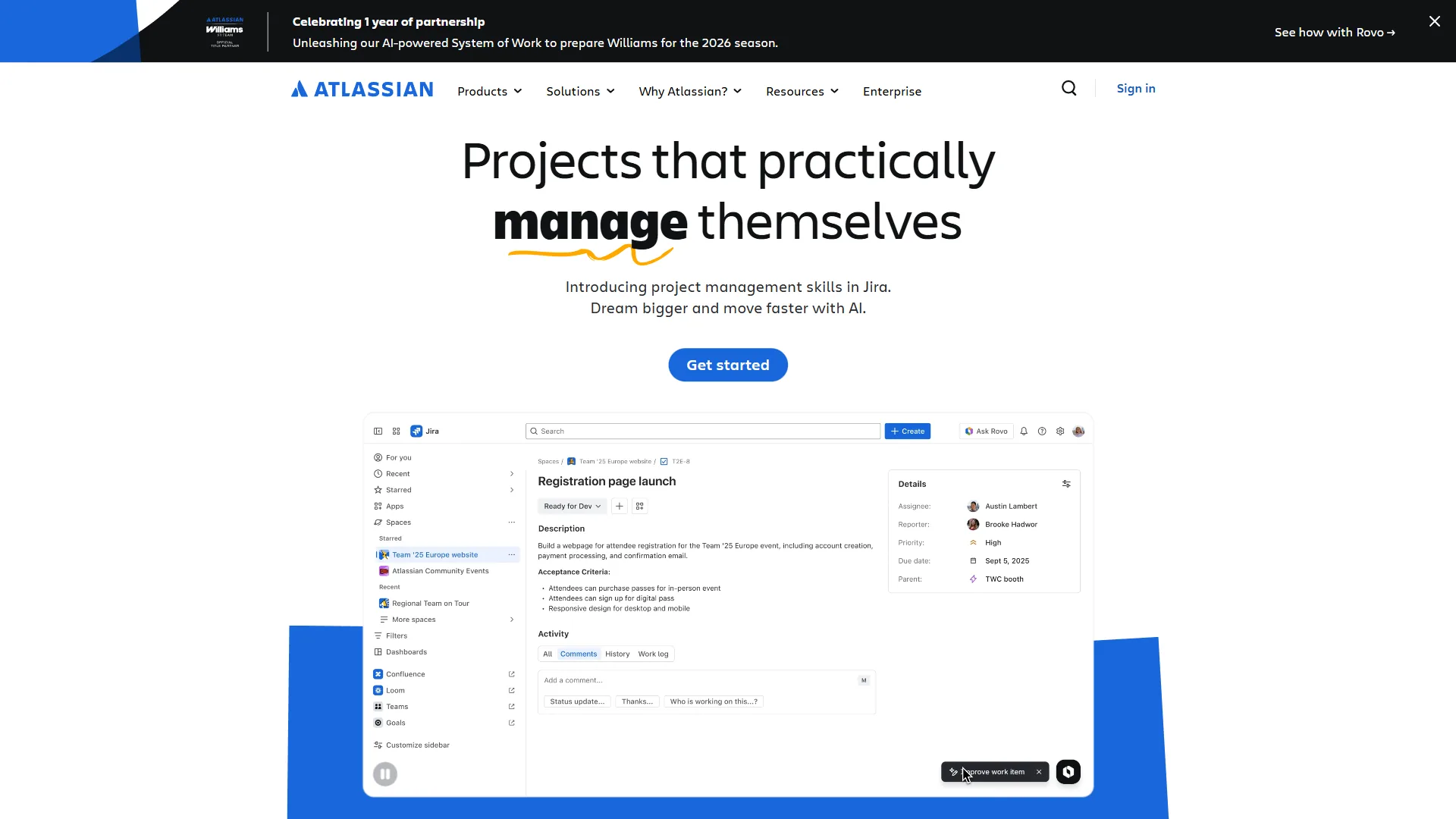
Confluence is Atlassian’s AI knowledge management platform, layering Atlassian Intelligence and the Rovo agent on top of a connected wiki used by more than 75,000 customers across the Atlassian ecosystem. The platform delivers 428% ROI according to a commissioned Forrester Total Economic Impact study of Confluence Cloud customers.
Key AI Capabilities
Atlassian Intelligence - Released in 2026, Atlassian Intelligence brings AI features across the entire Atlassian ecosystem. In Confluence, this means AI-powered content generation, automatic page summaries, smart search that understands project context, and AI-suggested page structures based on content type.
Rovo AI Agent - The January 2026 Rovo update introduced AI agents that can answer questions by pulling information from Confluence, Jira, Slack, Google Drive, and 50+ integrated tools. Ask “What are the blockers for the mobile app project?” and Rovo synthesizes information from Confluence documentation, Jira tickets, and recent Slack threads to provide a comprehensive answer.
Whiteboard AI - Confluence Whiteboards (launched late 2026) now include AI features that convert brainstorming sessions into structured documentation, generate diagrams from text descriptions, and automatically create action item pages from whiteboard content.
Pricing Reality
Confluence pricing is straightforward with no hidden minimums:
- Free: Up to 10 users
- Standard: $6.40 per user/month (1-10,000 users)
- Premium: $12.30 per user/month (includes Atlassian Intelligence)
Hidden consideration: Atlassian Intelligence (the AI features) is ONLY available on Premium and Enterprise plans. If you want AI-powered knowledge management, you’re paying $12.30 per user/month minimum, not $6.40.
For a 75-person team on Premium:
- Annual cost: $11,070 ($12.30 × 75 users × 12 months)
- Time saved: 3 hours per employee per week (based on Forrester ROI study)
- Annual value: $585,000 (assuming $50/hour labor cost)
- ROI: 5,186% return
- Payback period: 1 week
Best For
- Teams already using Jira, Trello, or other Atlassian products
- Engineering and product teams needing project documentation
- Organizations (50-5,000 employees) wanting enterprise features at mid-market pricing
- Companies requiring compliance certifications (SOC 2, GDPR, HIPAA)
Integration Ecosystem
Native integration with the entire Atlassian suite plus Slack, Microsoft Teams, Google Workspace, Salesforce, and 3,000+ apps via the Atlassian Marketplace. The tight Jira integration makes Confluence powerful for product and engineering teams documenting technical projects.
Limitations and Who It’s Not For
Skip Confluence if you are not already in the Atlassian ecosystem (the platform feels heavy outside Jira/Trello workflows), if you need AI features on the Standard $6.40 tier (they are Premium-only at $12.30), or if your team prefers a modern document-first UI - the editor still feels dated next to Notion. Drawback: notification noise from Jira-Confluence cross-linking can overwhelm small teams.
4. Slite: RAG-Powered Knowledge Management with Structured Simplicity
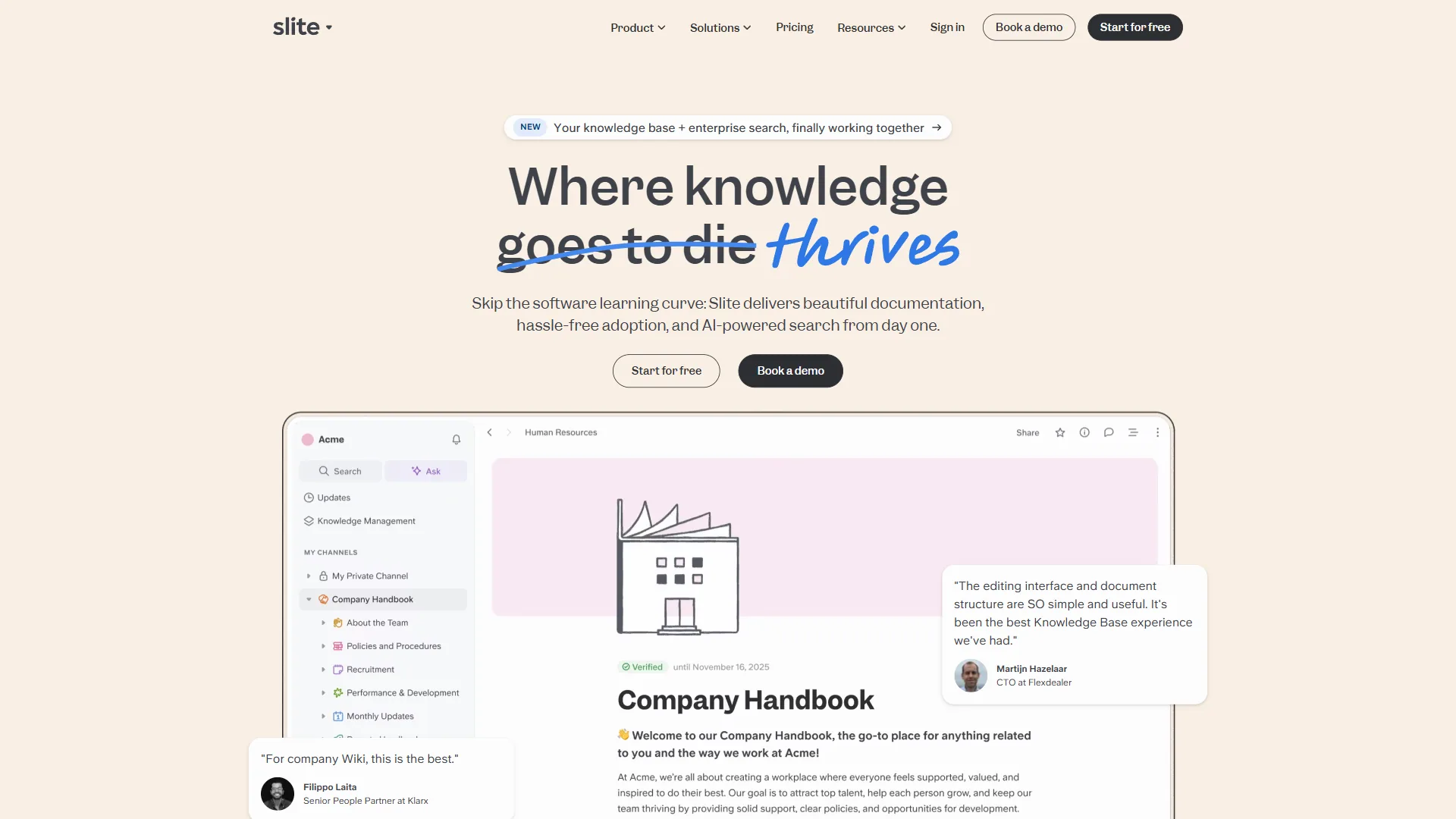
Slite is a RAG-powered AI knowledge management tool that sits between Notion’s freeform flexibility and Confluence’s enterprise structure, designed for remote-first teams that want guided documentation rather than a blank canvas. Slite positions itself with an opinionated design that pushes teams toward best practices through required page structures and AI-verified document freshness.
Key AI Capabilities
Ask - RAG-Powered AI Assistant - Slite’s Ask feature uses Retrieval-Augmented Generation to answer questions based on your team’s documentation. Unlike simple search, Ask synthesizes information from multiple documents to provide comprehensive answers. The January 2026 update improved accuracy by 40% and added source citations for every AI-generated answer.
Document Verification System - Slite automatically tracks document freshness and prompts owners to verify or update content. The AI analyzes document age, view patterns, related content changes, and industry context to intelligently flag content that likely needs updates. This keeps knowledge current without manual audit overhead.
Instant Answers - The AI can answer common questions directly in Slack without requiring users to visit Slite. Employees type questions in Slack, and the Slite bot provides instant answers with links to source documentation. This reduces interruptions to subject matter experts who previously answered repetitive questions.
Pricing Reality
Slite’s pricing has two tiers:
- Standard: $10 per user/month (includes basic AI features, 50 queries/month per person)
- Knowledge Suite: $25 per user/month (unlimited AI queries, advanced AI features)
Important limitation: Standard plan caps AI queries at 50/month per person. For teams relying heavily on AI assistance, this forces upgrade to Knowledge Suite, tripling per-user cost.
For a 40-person team on Knowledge Suite:
- Annual cost: $12,000 ($25 × 40 users × 12 months)
- Time saved: 2.5 hours per employee per week (estimated based on customer case studies)
- Annual value: $260,000 (assuming $50/hour labor cost)
- ROI: 2,067% return
- Payback period: 2.4 weeks
Best For
- Growing companies (20-150 employees) needing structured knowledge management
- Teams wanting simplicity without Notion’s learning curve
- Organizations prioritizing AI-powered search and instant answers
- Remote-first companies needing asynchronous documentation
What Makes Slite Different
Slite’s opinionated design enforces documentation best practices. Pages have required structures (problem, solution, details, related docs). This reduces flexibility but ensures consistent, navigable documentation. Teams that struggle with Notion’s “blank canvas” problem often succeed with Slite’s guided approach.
5. Document360: AI Writing Agent for Technical Documentation
Document360 is an AI knowledge management platform built for technical documentation in SaaS companies, developer portals, and internal technical wikis, anchored by the Eddy AI Writing Agent for content creation. Document360 specializes in API documentation, public help centers, and multilingual knowledge bases that other generalist tools struggle to maintain at scale.
Key AI Capabilities
Eddy AI Writing Agent - Document360’s January 2026 AI upgrade introduced Eddy, an AI writing agent specialized for technical documentation. Eddy can draft API documentation from code comments, generate troubleshooting guides from support ticket patterns, translate documentation into 50+ languages, and suggest related articles based on content analysis.
Smart Search with Instant Answers - Document360’s AI search provides direct answers with highlighted snippets rather than forcing users to click through articles. The system understands technical terminology, differentiates between similar concepts (e.g., “authentication” vs “authorization”), and surfaces code examples relevant to the user’s query.
Content Gap Analysis - The AI analyzes your existing documentation and identifies missing topics based on failed searches, support ticket analysis, and competitor documentation comparison. This helps technical writers prioritize what to document next based on actual user needs.
Pricing Reality
Document360 uses custom enterprise pricing based on article count, user seats, and features needed. Published pricing information:
- Startup: Approximately $99 per month for basic features
- Business: Custom pricing (typically $200-500/month)
- Enterprise: Custom pricing (typically $500-1,500/month)
Hidden cost: The AI features (Eddy Writing Agent) are only available on Business and Enterprise plans, not the $99 Startup tier.
For a 60-person engineering team on Business plan:
- Annual cost: $4,200 (estimated at $350 per month)
- Time saved: 4 hours per employee per week (based on reduced time answering documentation questions)
- Annual value: $624,000 (assuming $50/hour labor cost)
- ROI: 14,757% return
- Payback period: 0.3 weeks
Best For
- SaaS companies needing public-facing product documentation
- Engineering teams managing internal technical wikis
- API providers requiring developer portal documentation
- Organizations with multilingual documentation needs (50+ language AI translation)
Technical Capabilities
Supports Markdown, HTML, WYSIWYG editor, code syntax highlighting for 170+ languages, OpenAPI specification import, automatic screenshot annotation, version control, branch management, and approval workflows. The platform treats documentation like code with proper versioning and rollback capabilities.
Limitations and Who It’s Not For
Skip Document360 if you need an internal-team wiki (the platform is built for public/customer-facing docs), if your stack is small enough that the $99 Startup tier without AI is fine, or if you cannot justify the jump to Business pricing for the Eddy AI agent. Drawback: the editor’s structure feels overkill for marketing or HR documentation that doesn’t need API references or version control.
What Does “AI-Powered” Actually Mean in Knowledge Management?
“AI-powered” knowledge management means one of two things: retrieval systems that find existing knowledge (Guru, Slite) or generative systems that draft new content (Notion, Confluence, Document360). Our analysis methodology compared each platform’s documented AI capabilities against marketing claims rather than relying on vendor self-description; we analyzed vendor documentation, changelogs, and independent reviews. Here is what each tool’s AI can and cannot do:
Guru
- Can: RAG semantic search, auto-flag outdated content, suggest related knowledge cards, ChatGPT-powered content drafting
- Cannot: Generate answers from scratch (retrieval-only, not generative), translate content, create diagrams
- AI Model: Proprietary RAG system + OpenAI GPT-4 integration
Notion
- Can: Multi-model AI routing (GPT-5, Claude, Gemini), autonomous workflows, content generation, summarization, translation, code generation
- Cannot: Industry-specific specialized tasks, complex data analysis beyond basic patterns
- AI Model: GPT-5, Claude 3.5, Gemini Pro (user-selectable per task)
Confluence
- Can: Content generation, page summaries, cross-tool information synthesis (Rovo), whiteboard-to-doc conversion, smart search
- Cannot: Real-time collaboration AI, advanced workflow automation
- AI Model: Atlassian Intelligence (proprietary) + OpenAI partnership
Slite
- Can: RAG-powered question answering, document verification prompts, instant answers via Slack, source citation
- Cannot: Content generation from scratch, complex reasoning across many documents
- AI Model: Proprietary RAG system
Document360
- Can: Technical content generation (Eddy), API doc generation from code, 50+ language translation, content gap analysis, code syntax understanding
- Cannot: General knowledge work beyond technical documentation
- AI Model: Proprietary (Eddy) + translation APIs
Key insight: Guru and Slite focus on retrieval (finding and surfacing existing knowledge). Notion, Confluence, and Document360 focus on generation (creating new content). Choose based on whether your challenge is organizing existing knowledge or creating new documentation.
Which Tool Fits Your Team Size and Use Case?
Team size is the deciding factor: Notion suits 5-20 employees, Slite or Guru fits 20-100, Confluence works best for 100-500, and enterprises above 500 typically run a multi-platform stack. Each band changes which tradeoffs matter most.
Startups (5-20 employees)
Recommendation: Notion
At this stage, flexibility and affordability matter most. Notion’s free tier supports unlimited pages for individuals, and the $10-20/user/month cost (with AI) is accessible for small teams. You can start with simple documentation and evolve your structure as the team grows.
Skip Guru (10-seat minimum makes it expensive for small teams)
Implementation time: 1-2 weeks
Growing Teams (20-100 employees)
This is the critical phase where ad-hoc knowledge sharing breaks down. Slite’s structured approach guides teams toward documentation best practices. Guru works well if you have a dedicated sales or support function that needs workflow-integrated knowledge.
Choose Slite if: Documentation is scattered across Google Docs, Notion pages, and Slack threads Choose Guru if: Sales/support teams waste time searching for customer-facing information
Implementation time: 3-4 weeks with structured rollout
Mid-Market (100-500 employees)
Recommendation: Confluence (especially if using Atlassian products) or specialized tools by department
At this scale, different departments need different knowledge management approaches. Engineering teams benefit from Document360’s technical focus. Sales teams gain more from Guru’s workflow integration. Confluence works well as a central documentation hub if you’re already in the Atlassian ecosystem.
Multi-tool strategy: Use Confluence for general documentation, Document360 for technical docs, Guru for sales knowledge
Implementation time: 8-12 weeks for company-wide rollout
Enterprise (500+ employees)
Recommendation: Confluence Enterprise or multi-platform strategy
Large organizations typically implement 2-3 knowledge management tools for different functions. Confluence Enterprise provides centralized governance with Atlassian’s security features. Complement with Document360 for developer portals and Guru for sales teams.
Important: Enterprise implementations require dedicated knowledge management roles (content ops, taxonomy design, governance)
Implementation time: 16-24 weeks with phased departmental rollouts
Hidden Costs of AI Knowledge Management Tools
The hidden costs of AI knowledge management tools fall into four patterns: seat minimums, AI add-ons priced separately from base plans, plan-gated AI features, and query caps that force upgrades. The breakdowns below show where each platform’s published price diverges from its real-world entry cost.
Guru
- 10-seat minimum: Adds $3,600/year minimum entry cost
- Browser extension required: Doesn’t work on mobile
- User adoption curve: Requires training to understand knowledge card workflows
Notion
- AI is separate charge: Add $10 per user/month on top of base plan
- Performance at scale: Search degrades with 15,000+ pages
- No enterprise governance: Limited audit logs, basic permissions
Confluence
- AI only on Premium: Need $12.30 per user/month plan, not $6.40 Standard
- Atlassian ecosystem lock-in: Works best with Jira; switching costs are high
- Storage limits: Standard plan caps at 250GB
Slite
- AI query caps: Standard plan limits to 50 AI queries/month/person
- Knowledge Suite price jump: Unlimited AI costs 2.5x more ($25 vs $10 per user)
- Limited integrations: Fewer third-party integrations than Notion or Confluence
Document360
- Pricing opacity: Must contact sales for actual costs
- AI features gated: Eddy Writing Agent only available on higher tiers
- Technical focus: Not suitable for general business documentation
Pro Tips: Implementation Checklist for First 90 Days
A 90-day rollout has four phases: planning in weeks 1-2, setup in weeks 3-4, content migration through week 8, and adoption through week 12. The checklist below shows what to ship in each phase to capture expert knowledge faster than ad-hoc rollouts.
Week 1-2: Planning
- Audit existing knowledge sources (Google Drive, Notion, wikis, Slack)
- Identify top 20 most-searched topics based on Slack questions
- Assign content owners by department
- Define success metrics (search success rate, time to answer, repeat questions)
Week 3-4: Setup
- Configure SSO and user provisioning
- Set up integrations (Slack, Salesforce, etc.)
- Create documentation templates
- Design taxonomy and category structure
Week 5-8: Content Migration
- Migrate critical documentation (compliance, core processes)
- Create FAQ content for top 20 searched topics
- Establish content ownership and review cycles
- Set up AI features (if applicable)
Week 9-12: Adoption
- Department-by-department rollout with training sessions
- Deploy browser extensions (for Guru)
- Monitor usage analytics and identify gaps
- Collect feedback and iterate on structure
Ongoing: Governance
- Quarterly content audits
- Monthly analytics review (search patterns, content gaps)
- Recognition program for top content contributors
- Regular AI feature training as platforms add capabilities
Conclusion: Match the Tool to Your Team
The best AI knowledge management tool is the one your team will actually use.
| Tool | Best For | Key Advantage |
|---|---|---|
| Guru | Sales/support teams in CRM systems | 7-hour weekly time savings, workflow delivery |
| Notion | Startups (10-100 employees) | Multi-model AI, flexible at $20-28/user/mo |
| Confluence | Atlassian users, mid-market | 428% ROI, compliance certs at $12.30/user/mo |
| Slite | Remote-first teams (20-150) | RAG-powered Ask, document verification |
| Document360 | SaaS/engineering technical docs | API docs, Eddy AI Writer |
Organizations succeeding with the best AI knowledge management tools treat documentation as ongoing practice, not one-time project.
FAQ
Q: What are the best AI knowledge management tools for small teams?
Notion is the top pick for small teams of 5 to 50 employees. It starts free for individuals and costs $10 per user per month on the Plus plan, offering flexible databases and collaborative editing. As your team grows past 50 employees, Guru is the recommended next step for sales and support workflows.
Q: How much do AI knowledge management tools cost?
Costs vary widely by team size. Notion starts free with a paid plan at $10 per user per month. Guru begins at $30 per user per month. Document360 runs $25,000 to $40,000 annually for a 100-person engineering team. Bloomfire averages $158,000 per year for mid-sized enterprises of 500 to 2,000 employees.
Q: Which AI knowledge management tool works best for sales teams?
Guru is purpose-built for sales and customer success teams. Its browser extension surfaces relevant knowledge cards automatically while reps work in CRM or LinkedIn - eliminating context switching. For a 50-person sales team it saves an estimated 7 hours per employee per week, with native integrations for Salesforce, HubSpot, Zendesk, and Intercom.
Q: What AI features should I look for in a knowledge management tool?
Prioritize three core capabilities: RAG-powered semantic search that understands intent rather than just keywords; auto-tagging that categorizes content automatically using machine learning; and generative AI integration for drafting documentation, summarizing articles, and answering questions by synthesizing information across multiple sources.
Related Reading
Related reading includes individual tool reviews behind each pick, plus adjacent guides for note-taking and broader knowledge base software. Tools covered in this article:
- Guru - AI-powered knowledge management for sales teams
- Notion - All-in-one workspace with AI assistant
- Confluence - Enterprise wiki and team collaboration
- Slite - AI-first knowledge base for remote teams
- Document360 - Technical documentation platform
- Salesforce - Enterprise CRM with knowledge management features
- HubSpot - All-in-one platform with knowledge base capabilities
- Zendesk - Customer support with integrated knowledge base
- Intercom - Customer messaging with help center articles
More knowledge management guides:
- Best Note Taking Apps 2026 - Note-taking tools compared
- AI Workspace Comparison - AI workspace head-to-head
- Best Knowledge Base Software - Knowledge base platforms
External Resources
External resources include KMWorld’s industry coverage, Harvard Business Review’s strategy pieces, and APQC’s primary research benchmarks on AI knowledge management.