Introduction
Your calendar looks like a game of Tetris gone wrong. Back-to-back meetings from 9am to 5pm, zero time to actually do the work you discussed in those meetings, and a growing sense that you’re drowning in collaborative quicksand. Sound familiar?
You’re not alone. The average knowledge worker now spends 21.5 hours per week in meetings - up from 10 hours just three years ago. But here’s what most people don’t realize: the problem isn’t meetings themselves. It’s meeting culture. And unlike culture change initiatives that take years and require executive buy-in, you can start fixing your meeting culture tomorrow with AI calendar tools.
This guide shows you how AI-powered scheduling tools like Clockwise and Reclaim AI can transform toxic meeting patterns into productive collaboration - without requiring permission from anyone, without implementing new company policies, and without turning into the person who complains about meetings while booking more meetings.
The Meeting Culture Problem
Before we talk about solutions, let’s get specific about what “broken meeting culture” actually looks like, because understanding the problem helps you pick the right tools.
The Symptoms of Meeting Dysfunction
Calendar Fragmentation: Swiss cheese schedules with 30-minute gaps everywhere. UC Irvine research shows 23 minutes to regain focus after interruption — six interruptions daily means 2+ hours lost to context switching.
Last-Minute Meetings: Someone books your “available” 3pm slot that you were planning to use for project work. Calendar availability ≠ actual availability.
Zombie Recurring Meetings: Weekly syncs that made sense six months ago but nobody remembers the purpose — still blocking everyone’s Tuesday.
Time Zone Roulette: Every meeting is too early for someone, too late for someone else. Cognitive load of constant time conversion causes missed meetings.
No Sacred Focus Time: You need 4 hours for deep work but your longest calendar block is 90 minutes.
The Costs of Meeting Dysfunction
Harvard Business School found large companies spend 15% of collective time in meetings — $25M annually for 500-person organizations. Beyond dollars: opportunity cost (strategic projects never started), burnout, quality degradation, and employee attrition.
Traditional fixes fail because they require consensus and policy changes across entire teams. AI calendar tools work at the individual level, require no organizational buy-in, and start improving meeting culture immediately.
How AI Calendar Tools Help
AI calendar tools don’t just schedule meetings - they actively reshape your calendar to defend what matters. Here’s how they approach the problem differently than traditional calendar apps.
Proactive vs. Reactive Scheduling
Traditional calendars are reactive. Someone wants to meet, they look at your calendar, they see a gap, they book it. Your calendar is a passive victim of other people’s scheduling decisions.
AI calendar tools are proactive. They look at your entire calendar, identify patterns in your work, understand when you need focus time versus when you’re naturally more interruptible, and automatically defend the time that matters most. Instead of letting your calendar fill up like water finding every crack, AI tools create intentional structure.
Context-Aware Time Protection
Not all empty calendar slots are created equal. A 30-minute gap at 4:30pm on Friday is very different from a 30-minute gap at 10am on Tuesday. AI calendar tools understand context:
- Energy patterns: Most people do better deep work in the morning. AI tools preferentially protect those hours.
- Meeting density: If you already have four meetings scheduled, AI tools will defend remaining slots more aggressively.
- Work type requirements: Writing code requires longer blocks than answering emails. AI tools match your task types to appropriate time blocks.
- Personal preferences: You can teach the AI that you prefer external meetings in the afternoon and internal meetings in the morning.
Automatic Rescheduling
Here’s where AI tools get really powerful. When your calendar changes - a meeting gets canceled, someone declines your invite, a project deadline moves - AI tools automatically reshuffle everything else to optimize around the new reality.
That meeting that got canceled at 2pm? The AI immediately offers to use that time for the focus work you needed to do, and suggests rescheduling the less important meeting that was blocking your best morning slot. This happens continuously, without you touching anything.
Coordination Without Conflict
The hardest part of fixing meeting culture is that your calendar doesn’t exist in isolation. When you block focus time, someone else can’t reach you. When you push back on meeting requests, you’re creating friction with colleagues. AI tools solve this by coordinating scheduling decisions across teams. If three people on your team all use the same AI calendar tool, it can find meeting times that work for everyone’s focus time patterns, not just their availability.
Now let’s look at the two best AI calendar tools for meeting culture reform, starting with Clockwise.
Clockwise: Automatic Calendar Organization
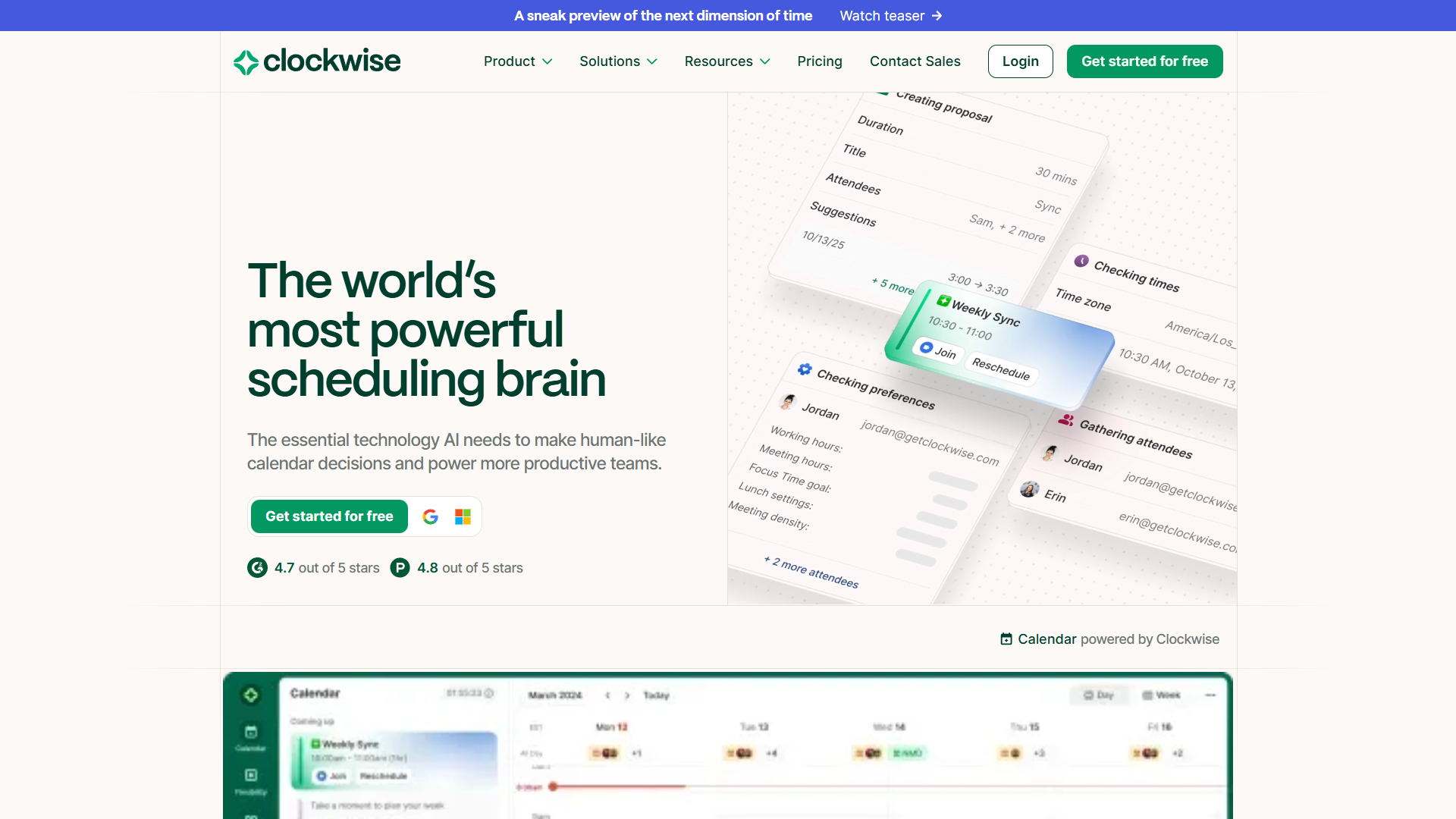
Clockwise is an AI-powered calendar assistant that integrates with Google Calendar and Microsoft 365 to automatically organize your calendar around focus time. Think of it as a calendar optimizer that continuously runs in the background, moving flexible meetings to create longer blocks of uninterrupted time.
How Clockwise Works
After you connect your calendar, Clockwise analyzes your schedule to understand patterns: when you typically have meetings, which meetings are flexible (meaning they could move without causing problems), and when you need focus time for deep work.
The core feature is Focus Time protection. Clockwise identifies gaps in your calendar that could become focus time blocks - ideally 2-4 hour stretches - and then defends those blocks by automatically moving flexible meetings to less optimal times. A “flexible meeting” is typically an internal 1:1 or team meeting where the exact timing isn’t critical.
When someone tries to schedule over your Focus Time, Clockwise can automatically suggest alternative times, or it can show your Focus Time as “busy” on your shared calendar so people don’t even try to book over it. You control how aggressive the protection is.
Team-Wide Coordination
Where Clockwise really shines is team coordination. If multiple people on your team use Clockwise, it orchestrates scheduling across everyone’s calendars to maximize collective focus time.
For example: Your team has a weekly 1:1 meeting that could happen any time Tuesday through Thursday. Person A works best in the morning, Person B works best in the afternoon. Clockwise automatically finds the Tuesday afternoon slot that gives Person A their morning focus time and Person B their afternoon focus time, without anyone manually coordinating.
At scale, this creates “Focus Time Fridays” organically - not because someone mandated it, but because the AI recognized that moving flexible meetings earlier in the week creates a critical mass of focus time on Friday.
Smart Meeting Scheduling
Clockwise’s Scheduling Links feature works like Calendly but with AI optimization. When you send someone a scheduling link, Clockwise doesn’t just show your available times - it shows times that minimize calendar fragmentation. So if you have a meeting at 2pm and open slots at 1pm and 3pm, Clockwise will preferentially show 3pm (creating a meeting block) rather than 1pm (creating calendar fragmentation).
The Smart Holds feature lets you tentatively block time for something you might need to do, and Clockwise will automatically release that hold if someone needs to schedule a meeting and there’s no better option. This solves the “I need to protect time for project work but I don’t want to seem unavailable” dilemma.
Pricing and Availability
Clockwise offers a free tier that includes basic focus time protection and calendar analytics - enough to see immediate improvement in your meeting culture. The paid Team tier (starts at $6.75/user/month) adds team coordination, flexible holds, and no-meeting days. The Enterprise tier adds advanced analytics and custom policies.
The free tier is legitimately useful, which makes Clockwise easy to pilot before you need to get budget approval.
Rating:
Best For
Clockwise works best for teams that want to improve meeting culture collectively, and for individual contributors who have a mix of flexible and inflexible meetings. If your calendar has recurring team meetings that could potentially move to better times, Clockwise’s automatic rescheduling creates huge value.
It’s particularly effective in organizations where most people use Google Calendar or Microsoft 365 consistently, since that enables the cross-calendar optimization features.
Reclaim AI: Intelligent Habit Defense
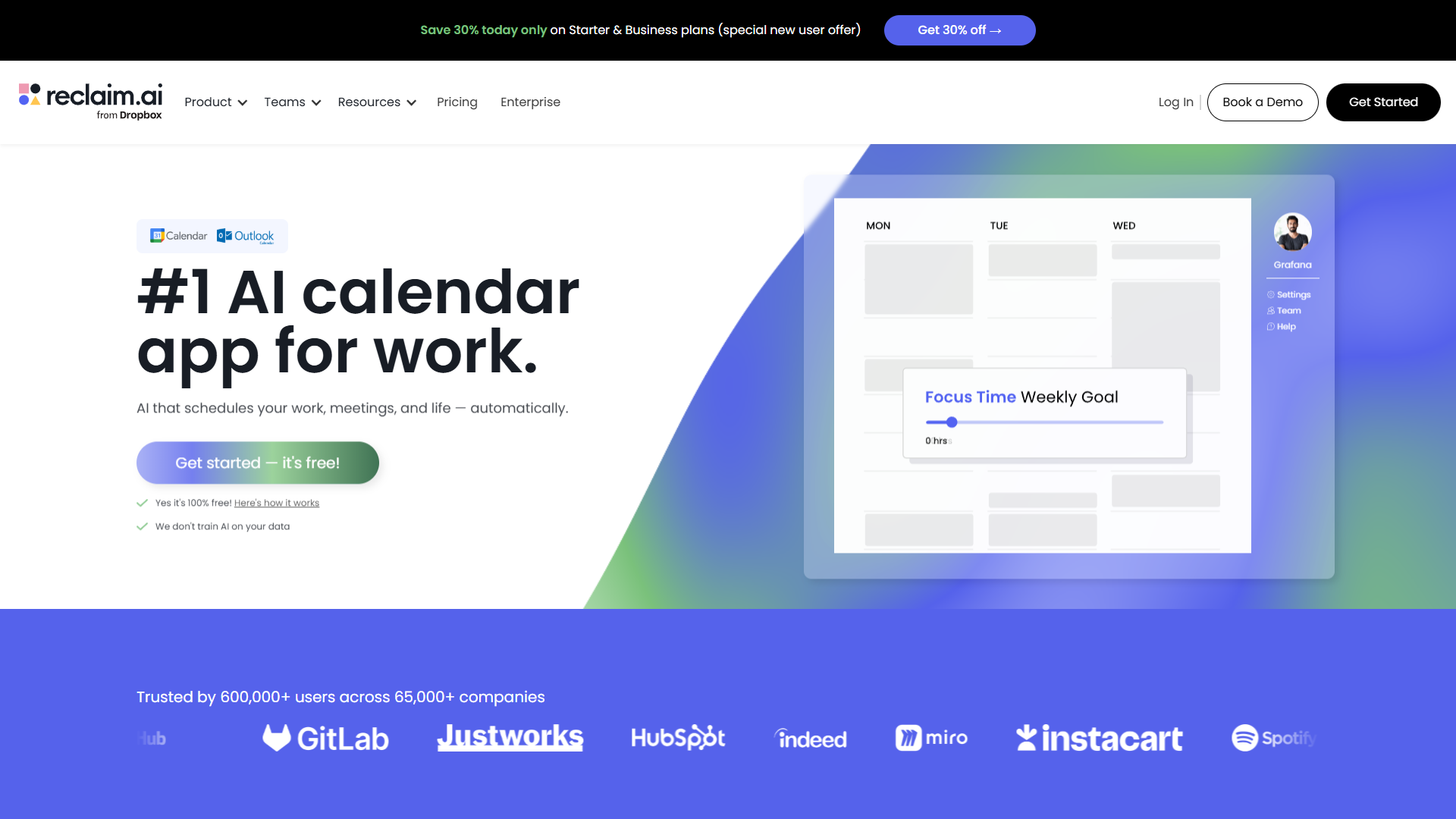
Reclaim AI takes a different approach to meeting culture reform. Instead of just optimizing your existing meetings, Reclaim lets you declare what should be on your calendar but usually isn’t - like exercise, learning time, email catch-up, or specific project work - and then automatically schedules those “habits” and “tasks” around your meetings.
The Habits Framework
Here’s the problem Reclaim solves: Important-but-not-urgent work never makes it onto your calendar. You know you should spend 30 minutes daily reviewing your team’s pull requests, or an hour each week planning next quarter’s roadmap, but when you look at your calendar, it’s all meetings and no time for the work that actually matters.
Reclaim’s Habits feature lets you define recurring time blocks that should happen regularly but don’t have a fixed time. You create a habit for “Code Review” (30 minutes daily, between 9am-12pm), and Reclaim automatically finds slots in your calendar and schedules that time. If a meeting gets booked over your Code Review habit, Reclaim automatically finds another slot that same day and reschedules it.
This is fundamentally different from just blocking your calendar manually, because:
- Flexibility: If you manually block 9-9:30am for code review and someone needs to meet at 9am, you have to manually find another time for code review. Reclaim does this automatically.
- Priority ordering: You can tell Reclaim that code review is more important than email catch-up, so if there’s only one good slot available, code review gets it.
- Adaptive scheduling: Reclaim learns when you typically complete or skip habits and adjusts scheduling accordingly.
Task-Calendar Integration
The other major feature is Task Sync, which connects to your task manager (Asana, ClickUp, Linear, Jira, Todoist, etc.) and automatically schedules time to work on your tasks. You have a task “Write Q2 strategy doc” that needs 4 hours total. Reclaim will find four 1-hour slots in your calendar over the next week and schedule that work time, automatically moving it if meetings get booked.
This solves the “my calendar is full but my to-do list keeps growing” problem. Your tasks are now calendar events that defend themselves against meeting encroachment.
Smart 1:1 Scheduling
Reclaim’s Smart 1:1s feature is specifically designed for recurring meetings that should happen regularly but don’t need to be at the same time every week. You set up a weekly 1:1 with your manager, and instead of it being “every Tuesday at 2pm,” it becomes “once per week, at the best time for both of us.”
Reclaim looks at both calendars, finds the optimal slot (minimal fragmentation, no conflicts with focus time habits, good time of day for both people), and automatically schedules the meeting. Next week, if Tuesday at 2pm isn’t optimal anymore, Reclaim moves it to Thursday at 11am. No manual rescheduling, no “can we move our 1:1” Slack messages.
Calendar Sync and Buffer Time
For people with multiple calendars (personal and work, or work across multiple organizations), Reclaim can sync availability across calendars without exposing details. Your work calendar sees that you have a “Personal” block at 3pm but doesn’t see that it’s your kid’s soccer game.
The Buffer Time feature automatically adds padding before and after meetings. No more back-to-back Zoom calls with zero time to mentally transition or use the bathroom. Reclaim can add 5-10 minutes before/after meetings automatically.
Pricing and Availability
Reclaim has a robust free tier that includes unlimited habits, basic task scheduling, and smart 1:1s for up to 5 hours per week. The paid Starter plan ($8/month) removes limits and adds advanced features like priority rules and calendar sync. The Team plan ($12/user/month) adds team scheduling coordination.
Like Clockwise, the free tier is legitimately useful for individual use. You can start getting value immediately without spending anything.
Rating:
Best For
Reclaim works exceptionally well for individual contributors with task-heavy workloads, freelancers juggling multiple clients, and managers who need to protect time for “manager work” that isn’t meetings (like strategic planning, 1:1 prep, or team analysis).
It’s particularly valuable if you use a task manager religiously and want your calendar to reflect your actual workload, not just your meeting commitments.
Comparison: Which Tool is Right for You?
Both Clockwise and Reclaim AI can dramatically improve meeting culture, but they approach the problem differently. Here’s how to choose:
| Feature | Clockwise | Reclaim AI |
|---|---|---|
| Primary Focus | Optimize existing meetings | Defend time for non-meeting work |
| Team Coordination | Excellent - orchestrates across team calendars | Good - smart 1:1 scheduling |
| Focus Time Protection | Automatic, based on flexible meeting movement | Habit-based, you define what needs protection |
| Task Integration | No | Yes - connects to major task managers |
| Meeting Rescheduling | Automatic for flexible meetings | Manual, but suggests better times |
| Calendar Support | Google, Microsoft 365 | Google, Microsoft 365, Apple |
| Best Use Case | Teams with lots of internal meetings | Individuals with heavy task workloads |
| Free Tier Value | High | High |
| Learning Curve | Minimal - works automatically | Moderate - requires setup of habits |
| Integration with Motion | None | Task sync compatible |
| Works with Calendly | Yes - can protect around Calendly bookings | Yes - can protect around Calendly bookings |
Decision Framework
Choose Clockwise if:
- Your biggest pain point is too many meetings that could be better organized
- You work on a team where most people use the same calendar platform
- You want automatic optimization without much configuration
- Your meetings are mostly internal (team meetings, 1:1s) that could potentially move
- You want to improve team-wide meeting culture, not just your own calendar
Choose Reclaim AI if:
- Your biggest pain point is not having time for actual work between meetings
- You have clear recurring tasks that should happen but keep getting bumped
- You use a task manager and want calendar integration
- You need to juggle multiple calendars (work/personal, multiple jobs)
- You work independently or manage a small team with flexible scheduling
Use Both if:
- You have budget for both ($15-20/month total)
- Your role combines meeting-heavy coordination work with task-heavy execution work
- You want Clockwise’s team coordination plus Reclaim’s task integration
Many power users run both tools simultaneously. Clockwise handles meeting optimization and team coordination, while Reclaim defends time for habits and tasks. They don’t conflict because they optimize different parts of your calendar.
Implementation Tips
Having the right tool is half the battle. Here’s how to actually implement AI calendar tools in a way that fixes meeting culture instead of just adding another tool to your stack:
Start with Audit Mode
Both tools offer analytics that show you what your calendar currently looks like. Before you turn on automatic features, spend a week in “observe mode” where the tool shows you what it would do but doesn’t actually make changes. This helps you:
- Understand which meetings the AI considers “flexible” (and adjust if the AI is wrong)
- See how much focus time you could realistically protect
- Identify meetings that should happen at fixed times (client calls, executive reviews) versus meetings that could move
Don’t skip this step. You need to teach the AI about your specific calendar culture before you let it start making changes.
Define Your Non-Negotiables
Tell the tool what absolutely cannot move:
- External meetings (clients, partners, interviews)
- Meetings with executives who don’t have flexible calendars
- Time-sensitive syncs (daily standups, incident reviews)
- Personal commitments (doctor appointments, school pickups)
Mark these as “fixed” or high-priority so the AI schedules everything else around them.
Set Realistic Habits and Focus Time
When you first set up Reclaim, there’s a temptation to create habits for everything you wish you did: exercise daily, read for an hour, learn a new language, write blog posts, meditate, review analytics, plan next week…
Don’t do this. Start with 2-3 habits maximum:
- Your highest-impact work activity (the thing that actually moves projects forward)
- One maintenance activity (email, Slack catch-up, admin work)
- Optionally, one personal habit (exercise, lunch break)
After a month, once you’re consistently completing these habits, add one more. Building up gradually creates sustainable behavior change.
The same applies to focus time with Clockwise. Don’t try to protect 4 hours of focus time daily if you currently have zero. Start with protecting one 2-hour block twice per week. Success builds momentum.
Communicate with Your Team
AI calendar tools work better when your colleagues understand what’s happening. Send a quick message:
“I’m using [tool name] to automatically organize my calendar around focus time. If you see meeting invites moving occasionally, that’s the tool optimizing for everyone’s focus time. The tool only moves flexible internal meetings, never external meetings or time-sensitive syncs. Let me know if you see something weird!”
This prevents confusion when someone notices their 1:1 with you moved from Tuesday to Thursday, and it opens the door for team members to adopt the same tool (which makes the coordination features more valuable).
Review Weekly, Adjust Monthly
Every Friday, look at your analytics:
- How much focus time did you actually get this week?
- Did you complete your Reclaim habits?
- Were there meetings that moved that shouldn’t have?
- Were there time blocks that should be protected more aggressively?
Make small adjustments based on actual behavior patterns. The AI learns from your usage, but it needs feedback to improve.
Monthly, do a deeper review:
- Are your habits still aligned with current priorities, or did your role change?
- Should any recurring meetings be eliminated entirely?
- Are there new team members who should adopt the same tools?
- Has meeting culture actually improved, or did the problem just shift?
Meeting culture reform is an ongoing process, not a one-time fix. The tools make it sustainable by automating the tedious parts.
Handle the Edge Cases
| Situation | Solution |
|---|---|
| Someone schedules over focus time | Let important ones happen; AI reschedules focus time. Address repeat offenders directly |
| Manager wants fixed meeting times | Mark manager 1:1s as “fixed”; AI optimizes around them |
| Cross-timezone team | Set working hours accurately; AI respects everyone’s local time |
| Company meeting-free days | Mark those days unavailable; AI works within constraints |
| Urgent scheduling need | Both tools support manual override; AI optimizes around additions |
Conclusion
Meeting culture reform doesn’t require organizational mandates, culture change initiatives, or permission from executives. It requires one decision: installing an AI calendar tool and letting it defend what matters.
Clockwise excels at team-wide meeting optimization, automatically moving flexible meetings to create focus time for everyone. Reclaim AI excels at individual productivity, defending time for habits and tasks that otherwise get squeezed out by meetings. Both are dramatically more effective than manual calendar management, and both have free tiers that provide real value.
The key insight is this: broken meeting culture isn’t a people problem, it’s a coordination problem. Humans are bad at coordinating dozens of scheduling constraints across multiple people with conflicting priorities. AI tools are very good at exactly that type of optimization problem.
Start with one tool, run it for two weeks, and look at your analytics. You’ll see the difference immediately - more focus time, less calendar fragmentation, and fewer “how is it 5pm and I’ve accomplished nothing” days.
Your meeting culture won’t fix itself. But with the right AI tools, it can fix itself automatically.
Related Reading
- Best AI Calendar Tools 2026: A comprehensive comparison of Clockwise, Reclaim, Motion, and other AI scheduling tools.
- Calendar Blocking Techniques: Learn manual and AI-powered approaches to time blocking for deep work.
- Focus Time Productivity Tips: Strategies for protecting and maximizing your uninterrupted work time.
- AI Meeting Tools Comparison: Explore AI assistants for meetings including transcription, summaries, and action items.
External Resources
For official documentation and updates from these tools:
- Clockwise — Official website
- Reclaim AI — Official website