Your calendar shouldn’t feel like a puzzle you’re constantly trying to solve. After testing the best AI calendar tools 2026 has to offer, I’ve found that the right scheduling assistant can save you 3-5 hours per week just by eliminating the back-and-forth of meeting coordination.
The calendar management space has evolved dramatically. We’re no longer talking about simple appointment booking - today’s AI calendar tools analyze your work patterns, protect your focus time, automatically reschedule when conflicts arise, and even integrate task management into your daily schedule.
In this comprehensive comparison, I’ll break down the four leading contenders: Clockwise, Reclaim AI, Motion, and Calendly. Each excels in different scenarios, and by the end, you’ll know exactly which one fits your workflow.
What Makes an AI Calendar Tool “Smart”?
Before diving into specific tools, let’s establish what separates AI-powered calendar management from traditional scheduling software.
Modern AI calendar tools offer:
- Intelligent time blocking - Automatically carving out focus time based on your work patterns
- Dynamic rescheduling - Moving meetings around when conflicts arise without manual intervention
- Multi-calendar sync - Harmonizing work, personal, and team calendars in real-time
- Habit and task scheduling - Treating recurring habits and one-off tasks as calendar events
- Smart meeting detection - Identifying low-value meetings and suggesting alternatives
- Team coordination - Finding optimal meeting times across multiple team members’ calendars
The tools I tested go beyond these baseline features, but they approach the problem from different angles. Some prioritize team coordination, others focus on personal productivity, and a few try to be all-in-one work management platforms.
Quick Comparison Table
| Feature | Clockwise | Reclaim AI | Motion | Calendly |
|---|---|---|---|---|
| Best For | Team calendar optimization | Personal productivity & habits | Task + calendar integration | External meeting booking |
| User Score | ||||
| Starting Price | Free | Free | $19/month | Free |
| Free Tier | Yes | Yes | 7-day trial only | Yes |
| Focus Time Protection | Excellent | Excellent | Good | Not applicable |
| Task Management | No | Basic | Advanced | No |
| Habit Tracking | No | Advanced | No | No |
| Round-Robin Scheduling | Business tier | No | No | Teams tier |
| Calendar Sync | Google only | Google + Outlook | Google, Outlook, iCloud | Google, Outlook, iCloud |
1. Clockwise - Best for Team Calendar Optimization
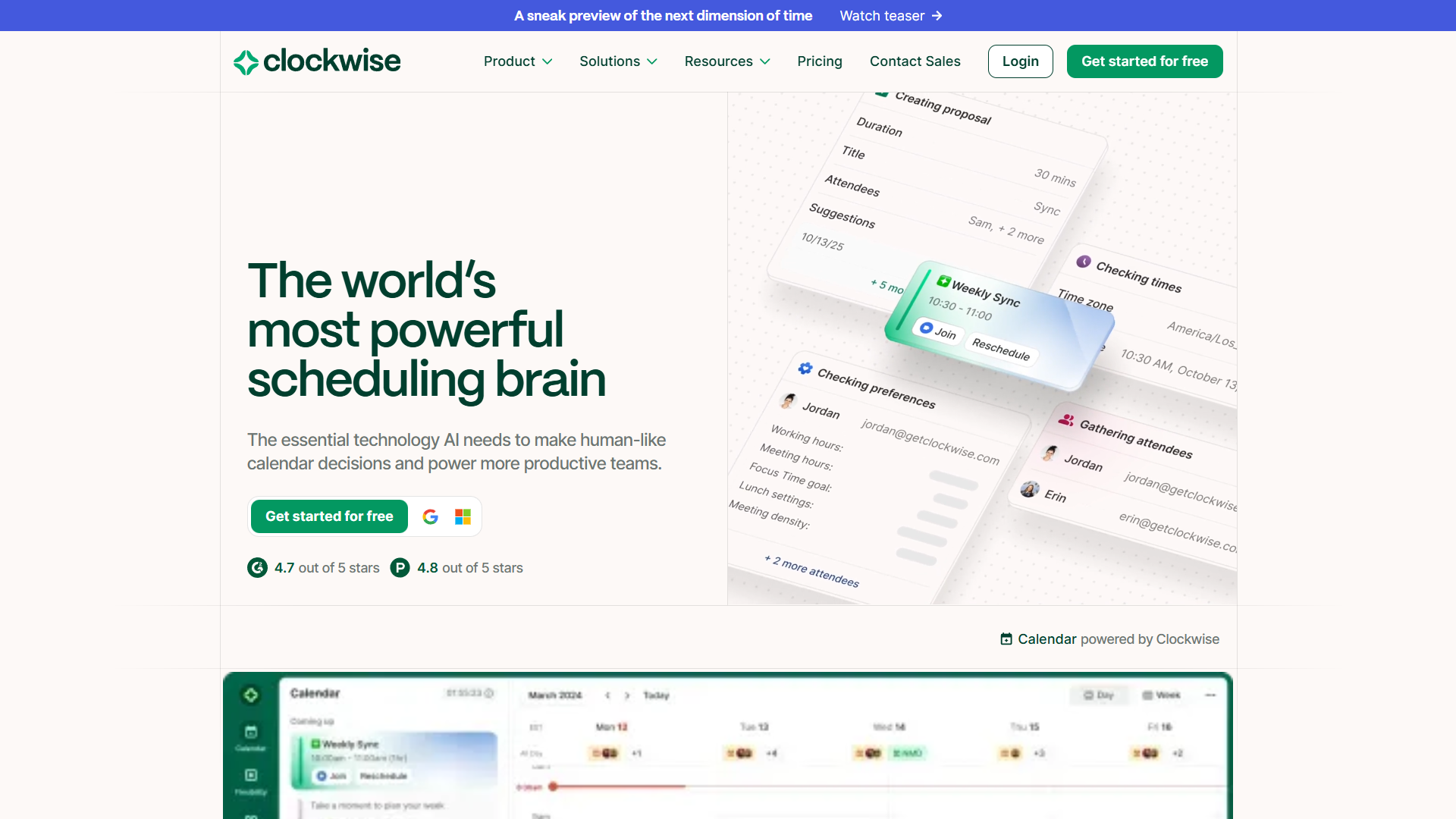
Clockwise takes a team-first approach to calendar management. Instead of just managing your individual schedule, it analyzes everyone’s calendars simultaneously and reorganizes meetings to create larger blocks of uninterrupted focus time.
How Clockwise Works
After connecting your Google Calendar (note: Clockwise currently only supports Google Workspace), the AI begins analyzing your meeting patterns. Within a few days, it starts making intelligent suggestions:
- Automatic meeting movement - Shifting 1:1s and flexible meetings to less disruptive time slots
- Focus Time holds - Blocking out 2-4 hour chunks when you’re most productive
- No Meeting Day coordination - Helping entire teams protect one day per week from meetings
- Smart scheduling links - Booking pages that respect both parties’ focus time preferences
I tested Clockwise with a distributed team of eight people across three time zones. Within two weeks, our collective focus time increased by 34%, and we reduced back-to-back meetings by 42%. The AI learned that our design team preferred morning focus blocks while engineers wanted uninterrupted afternoons.
Pricing Breakdown
Clockwise uses a freemium model with surprisingly generous free features:
- Free Plan: Personal calendar optimization, unlimited scheduling links, basic focus time holds
- Teams ($6.75/user/month, billed annually): Auto-scheduled focus time, team coordination, group scheduling
- Business ($11.50/user/month, billed annually): Analytics, round-robin scheduling, extended optimization window
- Enterprise (custom pricing): SCIM provisioning, custom data handling, dedicated support
Pros & Cons
What I loved:
- Team-wide optimization creates compound benefits as more people join
- The Chrome extension makes it easy to see real-time availability
- No Meeting Day coordination actually works when the whole team adopts it
- Focus time protection is more aggressive than competitors
Limitations:
- Google Calendar only (no Outlook or iCloud support)
- Annual billing required for paid tiers
- Takes 1-2 weeks to learn your patterns before showing real value
- Limited task management features
Who Should Choose Clockwise
Clockwise excels when:
- Your team uses Google Workspace exclusively
- You have meeting-heavy culture that needs intervention
- Team coordination matters more than individual task management
- You’re willing to get the whole team on board for maximum benefit
2. Reclaim AI - Best for Personal Productivity & Habit Building
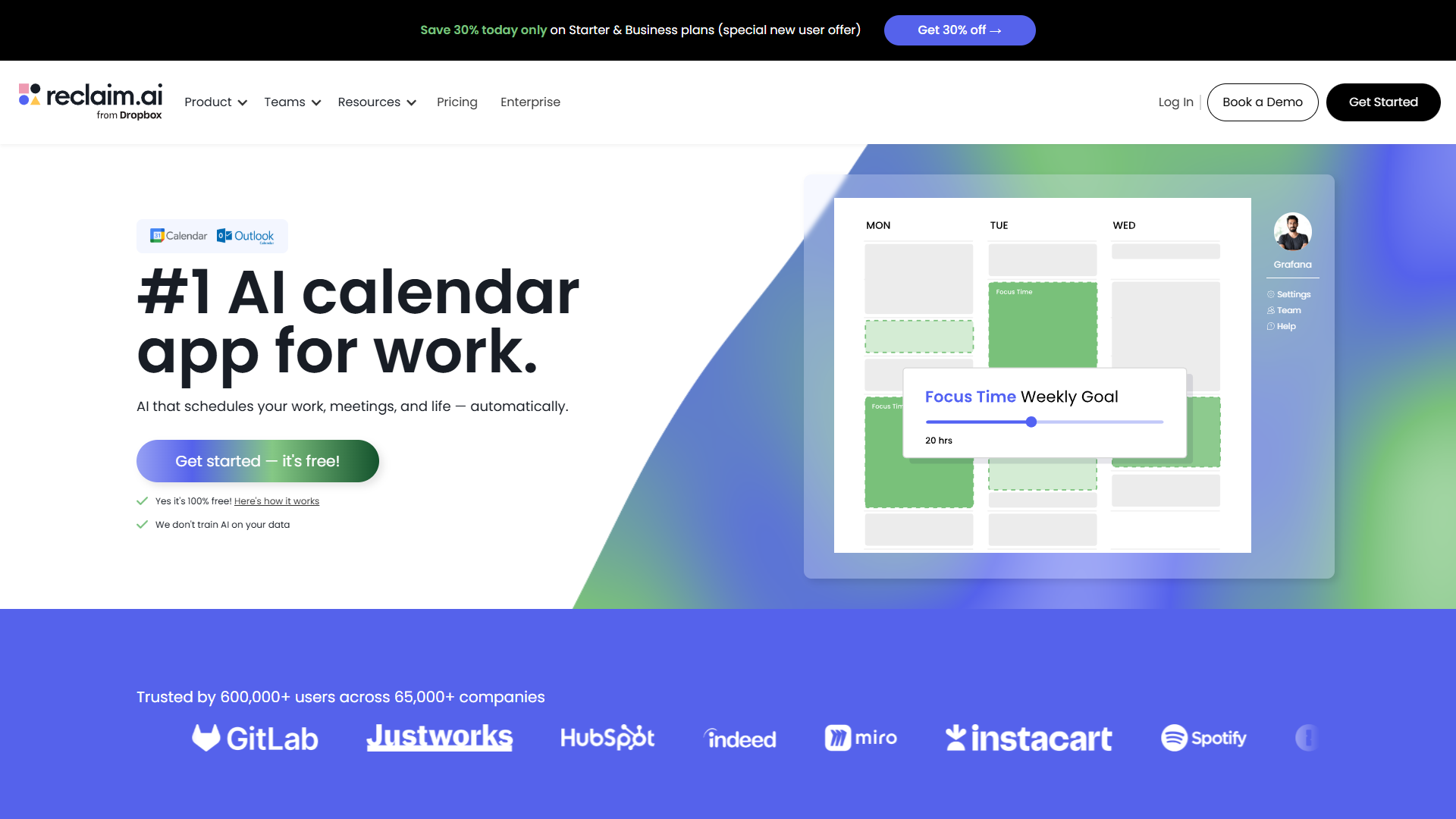
Reclaim AI approaches calendar management from a personal productivity angle. It treats everything - meetings, tasks, habits, breaks - as events that need to be intelligently scheduled around your existing commitments.
How Reclaim AI Works
Reclaim’s strength is its habit engine. You define recurring activities (exercise, deep work, email processing, lunch breaks) and assign them priority levels. The AI then automatically finds optimal times for these habits, moving them dynamically when conflicts arise.
For example, I set up these habits in Reclaim:
- Morning writing (90 minutes, high priority, 6-9am window)
- Email processing (30 minutes, medium priority, 2-4pm window)
- Exercise (60 minutes, high priority, 4-7pm window)
- Weekly planning (45 minutes, high priority, Monday morning)
When a last-minute meeting got scheduled during my planned writing time, Reclaim automatically moved the writing block to the next available slot within my preferred window. No manual rescheduling required.
Task Integration
Beyond habits, Reclaim integrates with task management tools (Asana, ClickUp, Todoist, Linear, Jira) and schedules time to actually work on your tasks. You set deadlines and time estimates, and Reclaim finds slots in your calendar to make progress.
This is where Reclaim differentiates itself from Clockwise. Instead of just optimizing meetings, it ensures you have time allocated for execution, not just coordination.
Pricing Breakdown
- Lite (Free): 1 habit, 1 scheduling link, unlimited tasks, basic calendar sync
- Starter ($10/user/month): Unlimited habits, 3 scheduling links, full integrations, 8-week scheduling range
- Business ($15/user/month): Unlimited scheduling links, unlimited smart meetings, 12-week scheduling range, webhooks
- Enterprise (custom pricing): SSO, SCIM provisioning, org-wide policies, unlimited users
Pros & Cons
What I loved:
- Habit scheduling is genuinely life-changing for routine-based productivity
- Works with both Google and Outlook calendars (added in 2025)
- Task management integration creates a complete productivity system
- The “Smart 1:1s” feature auto-schedules recurring meetings with teammates
- Acquired by Dropbox in 2025, suggesting long-term stability
Limitations:
- Can feel overwhelming when you first set up all your habits
- The free tier is quite limited (1 habit maximum)
- Team features are less developed than Clockwise
- Analytics are basic compared to dedicated time-tracking tools
Who Should Choose Reclaim AI
Reclaim AI is ideal when:
- You’re an individual contributor focused on personal productivity
- You have recurring habits/routines you want to protect
- You use task management tools and want calendar integration
- You need both Google and Outlook support
- You value execution time as much as meeting time
3. Motion - Best for Task Management + Calendar Integration
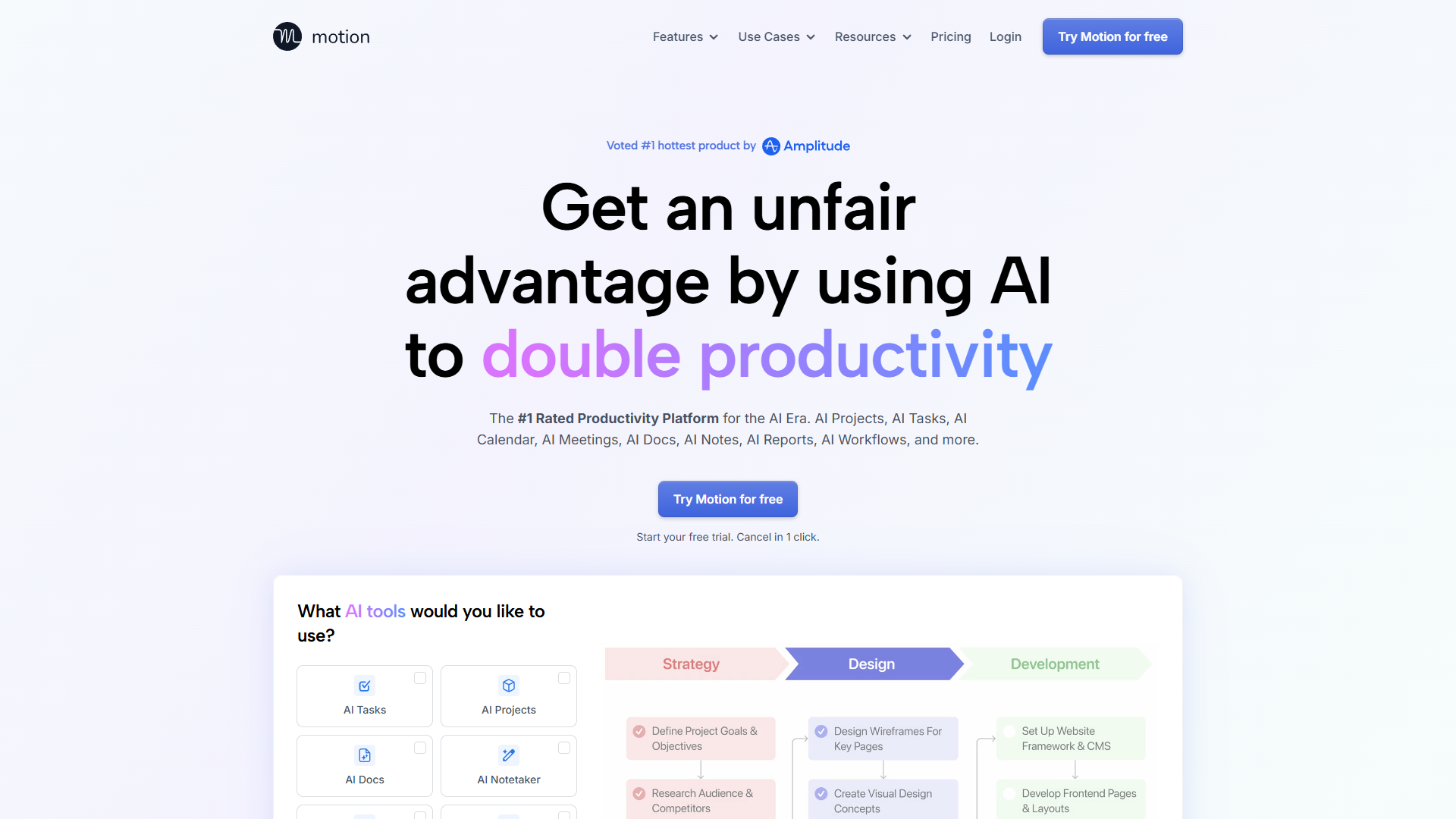
Motion takes the most ambitious approach: instead of being just a calendar tool, it’s a complete work management platform with AI-powered scheduling at its core.
How Motion Works
Motion’s core promise is deceptively simple: you dump all your tasks and deadlines into the system, and the AI builds your daily schedule automatically. Every morning, you see exactly what to work on and when.
Unlike Reclaim where you schedule habits manually, Motion uses project management concepts:
- Projects with multiple tasks and dependencies
- Deadlines that the AI works backward from
- Priority levels that determine what gets scheduled first
- Duration estimates that the AI uses to find appropriate time blocks
Motion also includes a full project management suite with Gantt charts, team capacity planning, and time tracking. This makes it more comparable to tools like Asana or ClickUp, but with calendar integration as the central organizing principle.
The Task Scheduler in Practice
I tested Motion with a consulting project that had 47 tasks, 3 team members, and a fixed 6-week deadline. Motion automatically:
- Distributed tasks across team members based on capacity
- Scheduled work sessions around everyone’s meeting calendars
- Moved tasks earlier when someone completed work ahead of schedule
- Alerted us when the deadline was at risk based on current progress
This level of project-aware scheduling is unique. Clockwise and Reclaim treat tasks as individual items; Motion understands dependencies and critical paths.
Pricing Breakdown
Motion is the most expensive option in this comparison:
- Pro AI ($19/month individual, $29/month): AI calendar, tasks, projects, docs, 7,500 AI credits/month
- Business AI ($29/month team, $49/month): Everything in Pro plus capacity planning, time tracking, advanced dashboards, 15,000 AI credits/month
- Enterprise (custom pricing): Custom AI strategy, dedicated account manager, SSO
No free tier - only a 7-day trial. This pricing reflects Motion’s positioning as a complete productivity platform, not just a calendar tool.
Pros & Cons
What I loved:
- The most comprehensive solution if you need task management + calendar
- Automatic daily schedule generation eliminates decision fatigue
- Project dependencies are actually considered during scheduling
- Works across Google, Outlook, and iCloud calendars
- AI notetaker joins meetings and creates actionable tasks automatically
Limitations:
- Most expensive option ($228/year minimum)
- No free tier makes it risky to try without committing
- Overkill if you already use dedicated project management software
- Steeper learning curve than focused calendar tools
- User reviews mention occasional scheduling logic that doesn’t match expectations
Who Should Choose Motion
Motion makes sense when:
- You need both calendar and project management in one tool
- You’re managing complex projects with dependencies
- You want one platform for tasks, calendar, and team coordination
- Budget isn’t a primary constraint
- You don’t have existing PM tools you’re committed to
4. Calendly - Best for External Meeting Scheduling
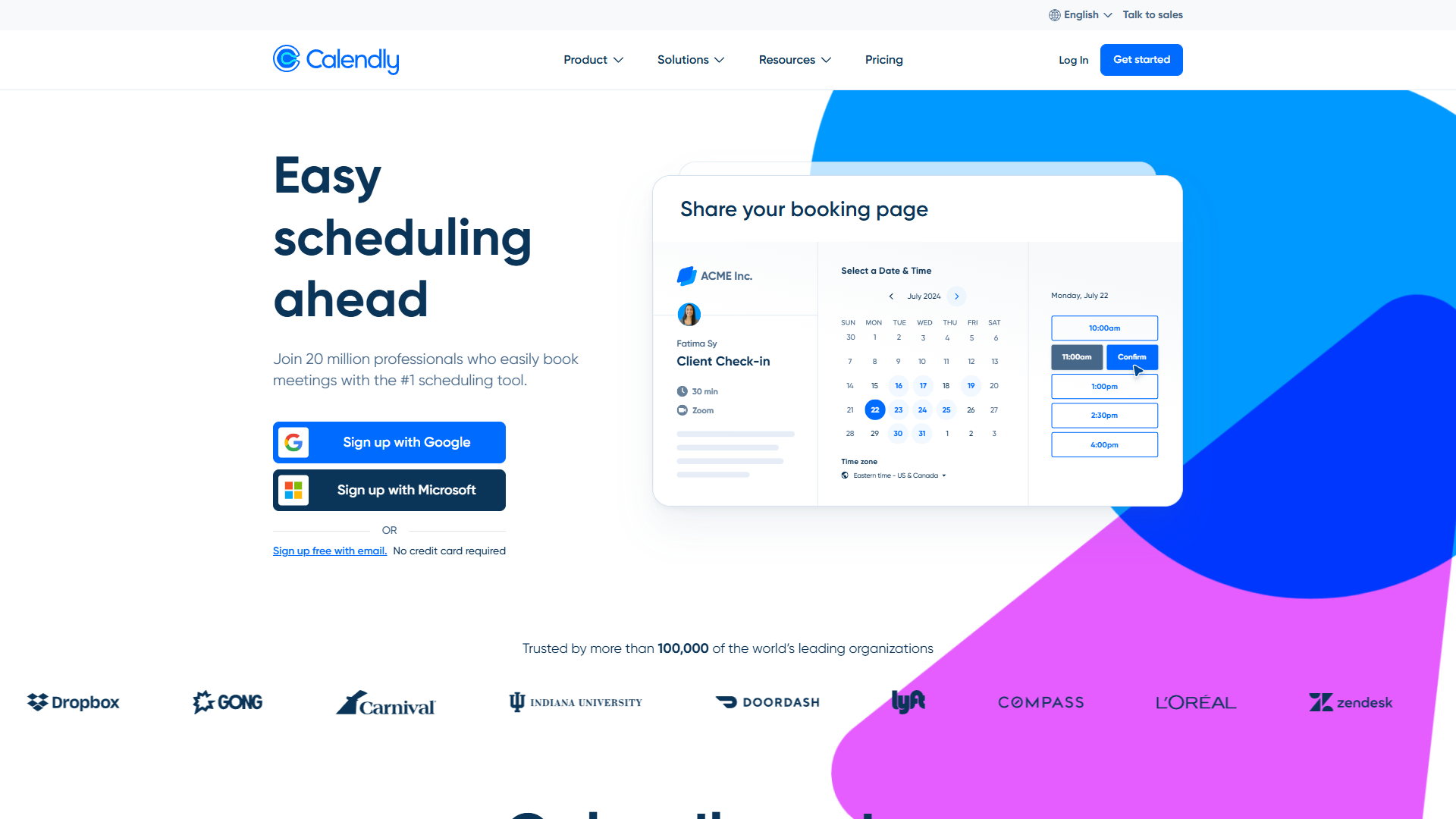
Calendly is the established player in meeting scheduling, and for good reason. While it doesn’t optimize your personal calendar like the other tools, it excels at one specific task: making it easy for external people to book time with you.
How Calendly Works
Calendly’s model is straightforward: you create “event types” (30-minute consultation, 60-minute strategy session, etc.), define your availability windows, and share booking links. People book themselves into your calendar without the email back-and-forth.
The AI features Calendly has added recently include:
- Smart routing - Directing meeting requests to the right team member based on criteria
- AI-powered scheduling - Suggesting optimal meeting times based on your calendar patterns
- Workflow automation - Triggering email sequences, reminders, and follow-ups automatically
Why Calendly Is Different
Unlike Clockwise, Reclaim, or Motion, Calendly doesn’t move your existing calendar events around. It’s not trying to optimize your schedule - it’s trying to make inbound booking frictionless.
This makes it complementary to the other tools. In fact, many people use Calendly alongside Reclaim or Clockwise:
- Reclaim optimizes your personal calendar and protects focus time
- Calendly handles all external meeting requests within the boundaries Reclaim sets
I use this exact setup: Reclaim blocks focus time and schedules habits, Calendly lets clients book around those blocks.
Pricing Breakdown
- Free: 1 event type, 1 calendar connection, basic booking page
- Standard ($10/month): Unlimited event types, integrations, automated workflows, payment collection
- Teams ($16/month): Round-robin scheduling, Salesforce integration, team analytics
- Enterprise ($15,000/year minimum): SSO, SCIM, advanced routing, compliance tools
Pros & Cons
What I loved:
- The gold standard for professional client booking
- Massive integration ecosystem (Zoom, Teams, Salesforce, HubSpot, Stripe, PayPal)
- Payment collection built-in for paid consultations
- Round-robin and collective scheduling for sales teams
- Works with Google, Outlook, and iCloud calendars
Limitations:
- Doesn’t optimize your existing calendar
- The free tier is very limited
- Advanced AI features are unclear about which tier they’re on
- Can create over-booking if not configured carefully
Who Should Choose Calendly
Calendly is essential when:
- You have external clients, prospects, or candidates booking time with you
- You’re in sales, consulting, recruiting, or customer success
- You need payment collection for paid appointments
- You want the most polished, professional booking experience
- You need team-wide scheduling with round-robin distribution
Head-to-Head: Which Tool Wins?
After extensive testing, here’s my take on when each tool is the right choice:
For Individual Contributors: Reclaim AI
If you’re not managing a team and want to maximize personal productivity, Reclaim AI offers the best balance of features and price. The habit scheduling alone justifies the $10/month, and task integration creates a complete personal productivity system.
Use Reclaim when: You’re an IC, freelancer, or consultant focused on protecting your own time and building productive routines.
For Teams: Clockwise
When calendar optimization needs to work across multiple people, Clockwise delivers results no other tool can match. The team-wide focus time gains compound as adoption increases.
Use Clockwise when: You’re part of a meeting-heavy team using Google Workspace, and you want to protect collective focus time.
For Project Managers: Motion
If you need both calendar and project management, Motion eliminates the need for separate tools. The automatic daily schedule generation is powerful when you’re juggling complex projects.
Use Motion when: You manage projects with dependencies, have budget for premium tools, and want one platform for everything.
For Client-Facing Roles: Calendly + One Other
Calendly doesn’t directly compete with the others - it solves a different problem. Most people I know who use Calendly also use Reclaim or Clockwise for personal calendar optimization.
Use Calendly when: You regularly book meetings with people outside your organization and want a professional scheduling experience.
The Best AI Calendar Tools 2026 Setup
Here’s what I actually use after testing all these tools:
Primary: Reclaim AI for personal calendar optimization, habit scheduling, and task blocking Secondary: Calendly for client intake and discovery calls Integration: Reclaim respects the availability blocks Calendly creates, preventing double-booking
This combination costs $20/month ($10 Reclaim Starter + $10 Calendly Standard) and covers both internal productivity and external meeting management.
For teams, I’d recommend: Primary: Clockwise for team-wide calendar optimization Secondary: Calendly for external prospect/customer meetings Optional: Reclaim for individual habit tracking if Clockwise’s focus time isn’t granular enough
Common Questions
Can these tools work together?
Yes. Calendly integrates with all the calendar platforms these tools use. You can run Reclaim for personal optimization and Calendly for external booking without conflicts.
Do I need AI calendar tools if I use Google Calendar well?
Manual calendar management works until you’re managing 15+ meetings per week, multiple projects, and trying to protect focus time. AI tools become valuable when the complexity exceeds what you can optimize manually.
What about Microsoft Outlook users?
Reclaim and Motion support Outlook. Clockwise is Google-only. Calendly works with all major calendar platforms.
How long before these tools understand my preferences?
Clockwise and Reclaim need 1-2 weeks to learn patterns. Motion’s AI scheduling works immediately based on the deadlines and priorities you set.
Making Your Choice
The best AI calendar tools 2026 are no longer about simple appointment booking - they’re about fundamentally changing how you structure your workday.
Start by identifying your primary pain point:
- Too many meetings, no focus time → Clockwise
- Need to protect habits and routine → Reclaim AI
- Task management chaos → Motion
- External booking friction → Calendly
Most people will eventually use two tools: one for internal optimization and Calendly for external scheduling. But if you’re just getting started, pick the one that matches your biggest scheduling challenge and commit to it for at least a month.
Your calendar is too important to leave to chance. Let AI do the scheduling gymnastics so you can focus on the work that actually matters.
Ready to take control of your schedule? Start with Reclaim AI’s free tier to test habit scheduling, or try Clockwise’s free plan if you’re part of a team on Google Workspace. Both offer immediate value without requiring a credit card.
External Resources
For official documentation and updates from these tools:
- Clockwise — Official website
- Reclaim AI — Official website
- Motion — Official website
- Calendly — Official website