This guide covers calendar blocking techniques with hands-on analysis.
Calendar blocking sounds simple in theory: divide your day into focused chunks, assign tasks to each block, and watch your productivity soar. In practice, though, most people struggle to maintain their blocks when meetings pop up, priorities shift, and colleagues need “just five minutes.”
I’ve seen calendar blocking fail in two ways. First, the manual approach where you spend 20 minutes every Sunday color-coding your week, only to have it completely destroyed by Tuesday. Second, the AI-powered tools that promise to “automatically optimize your schedule” but end up moving your deep work blocks to 6 AM or fragmenting them across your day.
The truth is, effective calendar blocking for deep work requires understanding both the manual fundamentals and knowing when AI actually helps versus when it just creates algorithmic chaos. This guide will show you the techniques that work, the tools worth trying, and most importantly, how to protect your Focus Time in a world that constantly demands your attention.
Why Traditional Calendar Blocking Fails
Most calendar blocking advice follows the same pattern: pick your most important task, block out 2-4 hours on your calendar, and guard that time like your career depends on it. The problem? This advice assumes you control your calendar.
In reality, you’re dealing with:
- Meeting culture: Organizations where declining a meeting invitation is seen as hostile
- Reactive work: Customer issues, team questions, and urgent requests that can’t wait
- Time zone complexity: Global teams where your morning is someone else’s only available slot
- Calendar transparency: Colleagues who see an empty block and immediately book over it
The traditional solution is to make your Focus Time blocks “busy” on your calendar so others can’t book over them. This works until your manager asks why you’re unavailable for their team sync, or a client demands a call during your blocked time.
This is where the manual vs AI distinction becomes critical. Manual calendar blocking gives you complete control but requires constant maintenance. AI-powered calendar blocking automates the rescheduling but can make decisions that don’t align with your actual priorities.
Manual Calendar Blocking Techniques That Work
Before exploring AI tools, let’s establish the manual techniques that form the foundation of effective calendar blocking. These work regardless of which tools you use.
The Hard Boundary Technique
This is the most aggressive form of calendar blocking: you pick non-negotiable time slots and defend them like conference room reservations. The key is making them recurring so they’re expected, not surprising.
How it works:
- Choose the same time slots every day or week (e.g., 9-11 AM daily for deep work)
- Mark them as “busy” with clear labels like “Focus Time - Important Project”
- Set calendar notifications to remind you 15 minutes before the block starts
- Treat these blocks like external meetings — you wouldn’t cancel a client call, so don’t cancel your Focus Time
Best for: Senior professionals who have earned schedule autonomy, or individual contributors in organizations that respect deep work.
Why it fails: When your company culture prioritizes responsiveness over productivity, or when your role genuinely requires constant availability.
The Flexible Buffer Technique
Instead of rigid time blocks, this approach uses buffers around your meetings to create natural Focus Time windows.
How it works:
- Add 30-minute buffers before and after every meeting
- Use these buffers for preparation, follow-up, and transition time
- When buffers naturally accumulate into 90+ minute blocks, protect them as Focus Time
- Let smaller gaps remain available for quick syncs
Best for: Middle managers and collaborative roles where meeting load is high but unpredictable.
Why it works: You’re not blocking out prime meeting times, just protecting the margins. Most colleagues respect prep time.
The Day Theming Technique
Rather than blocking hours within each day, this technique assigns entire days to specific types of work.
How it works:
- Monday/Wednesday: Deep work only, minimal meetings
- Tuesday/Thursday: Meetings and collaborative work
- Friday: Planning, admin, and flexible time
- Communicate your themes to your team so they know when to schedule with you
Best for: Leaders and senior ICs who can influence team scheduling norms.
Why it’s powerful: It eliminates context switching across work types, not just within a single day.
The Morning Protection Technique
This is the most universally applicable manual technique: protect the first 2-3 hours of your day before your energy depletes and your calendar fills up.
How it works:
- No meetings before 11 AM (or 10 AM if you must compromise)
- Use morning hours for your most cognitively demanding work
- Schedule meetings only in afternoon blocks
- Start your day with your calendar app closed to avoid the temptation to check meeting invites
Best for: Anyone who has any control over their schedule.
Why it works: Morning energy is predictable, while afternoon availability is not. Even if your afternoon gets chaotic, you’ve already completed your most important work.
When AI Calendar Blocking Actually Helps
AI calendar tools promise to automatically maintain your Focus Time while adapting to changing priorities. The reality is more nuanced. AI excels at certain scheduling problems and fails spectacularly at others.
What AI Does Well
Continuous rescheduling: When a meeting gets moved or cancelled, AI tools instantly recalculate and shift your Focus Time blocks to optimize for the new gaps in your calendar. This happens 5-10 times per day for most knowledge workers.
Pattern recognition: AI learns when you’re most productive based on when you actually use your Focus Time blocks versus when you snooze or ignore them. It stops scheduling deep work at 4 PM if you’ve never used those blocks.
Team coordination: When multiple team members use the same AI scheduling tool, it can find collective Focus Time windows that work for everyone, instead of optimizing for just your calendar.
Preference learning: The best AI tools learn that you prefer 90-minute blocks over 2-hour blocks, or that you need a 15-minute buffer after long meetings before diving into Focus Time.
What AI Does Poorly
Priority judgment: AI can’t distinguish between “important but not urgent” deep work and “urgent but not important” reactive tasks. It will happily move your strategic planning block to accommodate a low-value meeting.
Cultural context: AI doesn’t understand that declining your CEO’s meeting invite has different consequences than declining a peer’s optional sync.
Energy modeling: Current AI tools don’t account for cognitive energy. They’ll schedule Focus Time after three back-to-back intense meetings, when you’re mentally exhausted.
External constraints: AI can’t factor in unscheduled but predictable interruptions (your open office environment, your toddler’s nap schedule, your team’s Slack habits).
The Three Best AI Calendar Tools for Deep Work
After testing dozens of AI scheduling tools, three stand out for actually protecting Focus Time rather than just moving blocks around your calendar.
Clockwise: Best for Team-Based Focus Time
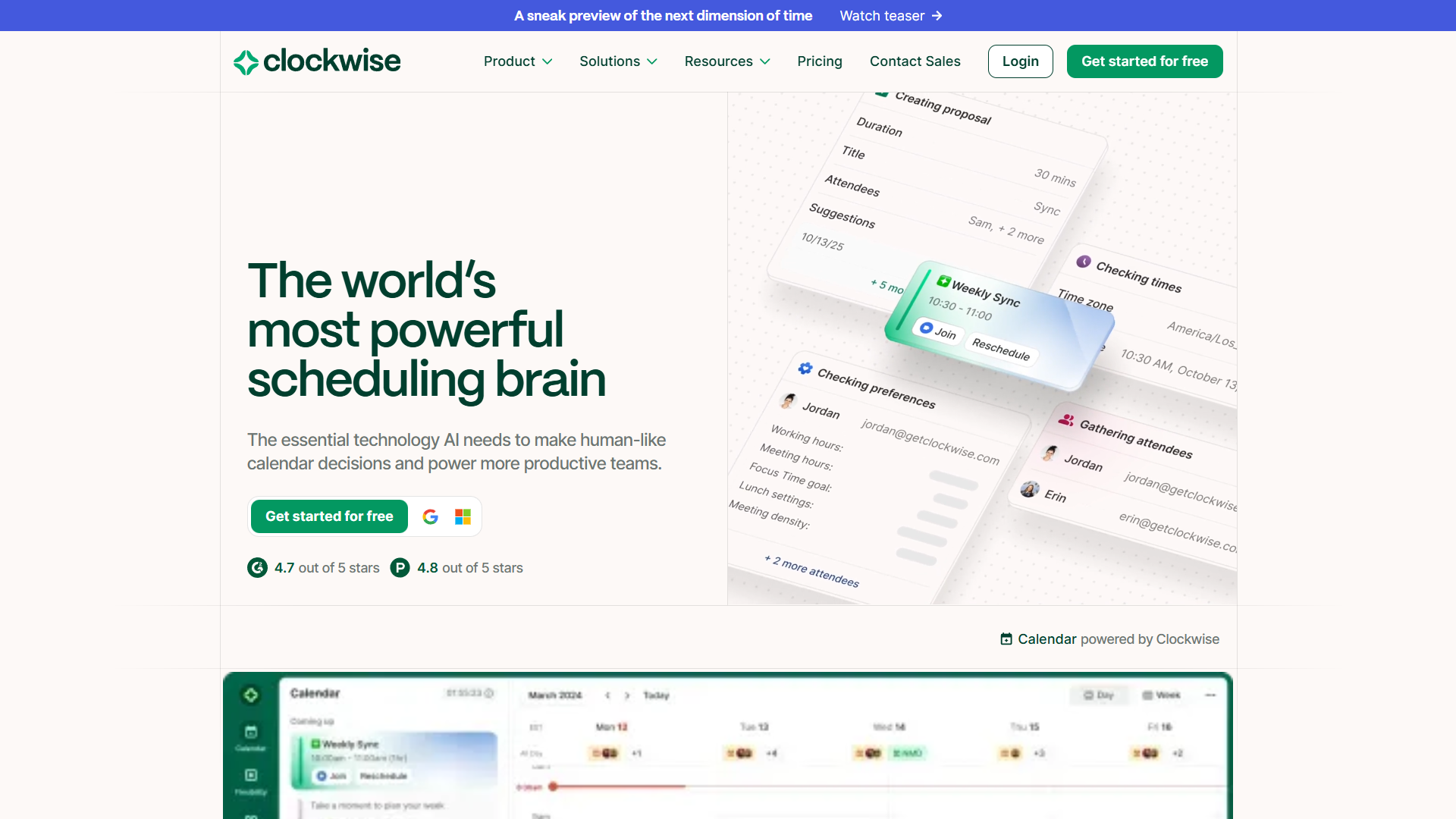
What makes it different: Clockwise treats Focus Time as a team resource, not just an individual need. When your entire team uses Clockwise, it finds scheduling solutions that maximize collective deep work time.
The Focus Time algorithm: Clockwise analyzes your meeting patterns and identifies recurring gaps in your schedule. It then creates Focus Time blocks during those gaps and automatically defends them by suggesting alternative meeting times when someone tries to book over them.
Key features:
- Automatic Focus Time: Creates blocks based on your calendar patterns, typically 2-4 blocks per week
- Meeting deflection: Suggests alternative times when someone tries to schedule over your Focus Time
- Team coordination: Finds meeting times that preserve the most total Focus Time across all attendees
- Flexible holds: Marks Focus Time as “conditional” so urgent meetings can override it, but casual invites can’t
Real-world use case: A product team of 8 people was spending 32 collective hours per week in meetings. After implementing Clockwise, they reduced this to 24 hours and gained 48 total hours of protected Focus Time across the team. The key was Clockwise’s ability to suggest meeting times that worked for everyone while preserving morning deep work blocks.
Pricing: Free tier available, paid plans for team features
Best for: Teams of 5+ people who want to collectively protect deep work time without constant calendar negotiation.
Reclaim AI: Best for Habit-Based Scheduling
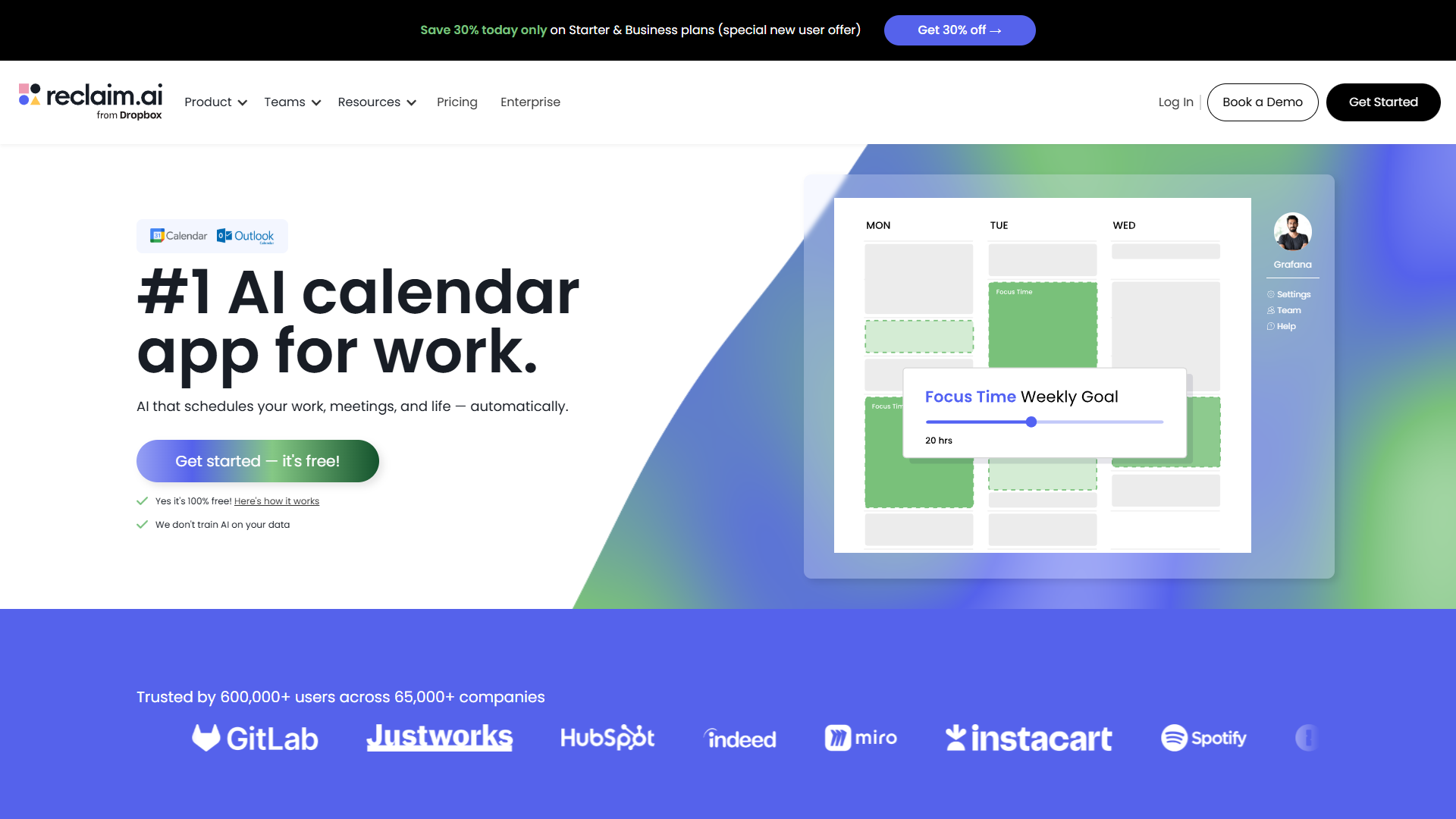
What makes it different: Reclaim treats calendar blocking as habit formation. Instead of just blocking time, it tracks whether you actually use your blocks and adjusts based on your behavior patterns.
The habits system: You create habits like “Deep Work - Writing” or “Exercise” with ideal frequency and duration. Reclaim then finds time for these habits and learns from whether you mark them complete, snooze them, or ignore them.
Key features:
- Smart Habits: Define recurring Focus Time with flexible scheduling (e.g., “3x per week, 90 minutes each”)
- Auto-reschedule: When meetings disrupt your habits, Reclaim automatically moves them to the next available slot
- Task integration: Sync tasks from project management tools and schedule time to complete them
- Priority scoring: Ranks your habits so higher-priority Focus Time is harder to override
Real-world use case: A content creator needed to write three articles per week (4 hours each) while managing client calls and team meetings. Reclaim created a “Deep Writing” habit and scheduled it during morning blocks. When client calls got rescheduled, Reclaim automatically moved the writing blocks to protect the total 12 hours needed per week. The creator’s completion rate went from 60% to 95% within a month.
Pricing: Free tier available, premium plans start at $10/user/month
Best for: Individuals who need to maintain consistent habits (exercise, learning, deep work) alongside unpredictable meeting schedules.
Motion: Best for Task-Driven Calendar Blocking
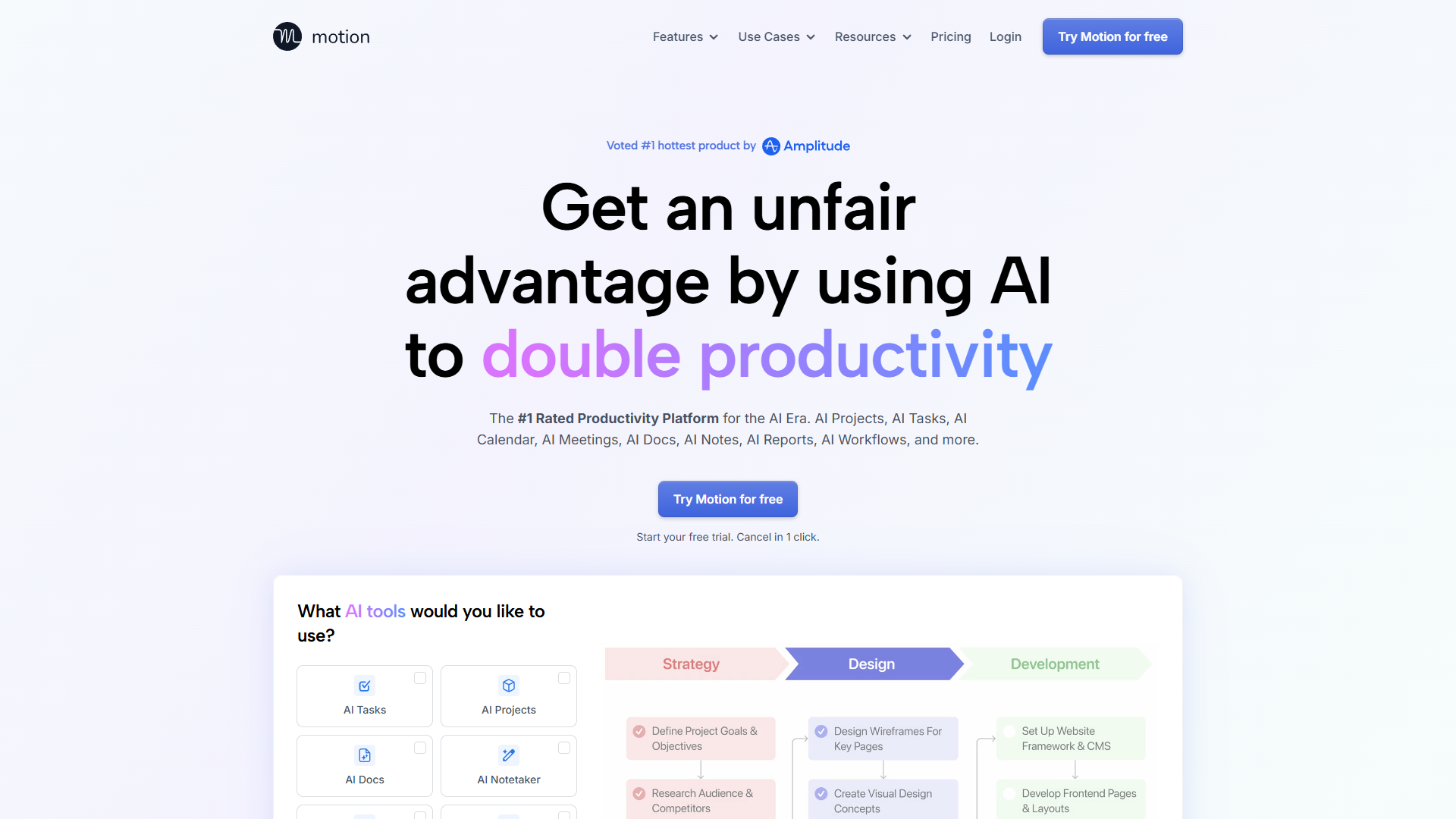
What makes it different: Motion starts with your task list and deadlines, then builds your calendar around completing those tasks. Instead of blocking time and hoping you use it, Motion schedules specific tasks into specific blocks.
The auto-scheduling engine: Add tasks with deadlines and estimated duration. Motion calculates when each task needs to start to meet its deadline, then schedules it into available calendar slots. As meetings get added or moved, Motion automatically reschedules tasks to keep everything on track.
Key features:
- Task-first scheduling: Calendar blocks are tied to specific tasks, not generic “Focus Time”
- Deadline tracking: Shows you visually when you’re at risk of missing deadlines based on available calendar space
- Automatic rescheduling: Moves tasks when meetings interfere, prioritizing those closest to deadlines
- Project templates: Pre-built task sequences for common workflows (product launches, content creation, event planning)
Real-world use case: A project manager juggling 6 client projects with overlapping deadlines was constantly missing deliverables because meetings consumed all their execution time. Motion calculated that each project needed 8 hours of focused work per week and scheduled these blocks around meeting commitments. When a meeting ran over or got added, Motion immediately rescheduled affected tasks. The PM went from missing 3-4 deadlines per month to missing zero.
Pricing: $19/month individual, $12/user/month for teams
Best for: Deadline-driven work where calendar blocks need to be directly tied to specific deliverables rather than general Focus Time.
The Hybrid Approach: Combining Manual and AI Techniques
The most effective calendar blocking strategy isn’t purely manual or purely AI — it’s a hybrid that uses each approach where it excels.
The Three-Tier System
Tier 1: Manual Hard Boundaries (Non-Negotiable)
- First 2 hours of your workday
- Weekly recurring blocks for strategic work
- Personal time (exercise, lunch, end of day)
These never get touched by AI tools. You mark them as “busy” and defend them regardless of what the algorithm suggests.
Tier 2: AI-Managed Flexible Focus Time
- Secondary deep work blocks that can move if needed
- Task-specific calendar blocks for project work
- Habit-based recurring activities (learning, planning, admin)
Let AI tools schedule and reschedule these based on meeting dynamics. The key is setting priority levels so the AI knows which blocks are easier to move.
Tier 3: Completely Open Time
- Afternoon hours for meetings and collaborative work
- Buffer time between meetings
- Reactive work and unplanned activities
No calendar blocking here. Keep this time genuinely available so colleagues and clients can schedule with you.
Implementation Strategy
- Start with manual boundaries: Identify your 1-2 non-negotiable Focus Time windows per day
- Add AI for the rest: Let tools like Clockwise, Reclaim, or Motion manage everything else
- Monitor and adjust: Check your calendar effectiveness weekly — are you actually using your Focus Time blocks?
- Refine AI priorities: Teach the tool which blocks can move and which can’t by setting priority levels
- Communicate your system: Tell your team about your hard boundaries so they schedule around them
Advanced Techniques for Different Work Styles
Your optimal calendar blocking approach depends on your role, your organization’s culture, and your personal work patterns.
For Managers and Leaders
The “Office Hours” Model: Instead of scattered availability, consolidate all ad-hoc meetings into 2-3 scheduled office hours per week. Outside these hours, people must book formal meetings, which makes them consider if the conversation is truly necessary.
- Morning: Hard blocked for strategic work
- Mid-day: Scheduled meetings and office hours
- Afternoon: Team collaboration and reactive work
AI tool recommendation: Clockwise for team coordination, since your calendar optimization affects your direct reports’ schedules.
For Individual Contributors
The “Maker Schedule” Approach: Protect full-day or half-day blocks for deep work, with meetings clustered on specific days.
- Monday/Wednesday: Minimal meetings, maximum execution
- Tuesday/Thursday: Meeting days
- Friday: Planning, admin, flexible collaboration
AI tool recommendation: Reclaim AI for maintaining habits and auto-rescheduling around unpredictable meeting patterns.
For Hybrid Roles (IC + Management)
The “Split Identity” Technique: Explicitly separate your maker time from your manager time, both in your calendar and in your team’s expectations.
- Early morning: Personal deep work (before team is online)
- Mid-morning to early afternoon: Team support and meetings
- Late afternoon: Project work and planning
AI tool recommendation: Motion for task-driven scheduling, since you need to balance individual deliverables with team support.
Troubleshooting Common Calendar Blocking Failures
Even with the best techniques and tools, calendar blocking can fail. Here’s how to diagnose and fix the most common problems.
Problem: People Keep Booking Over Your Focus Time
Diagnosis: Your calendar permissions are too open, or your Focus Time blocks aren’t marked as “busy.”
Fix:
- Change Focus Time blocks from “free” to “busy” in your calendar settings
- Add descriptive titles like “Focus Time - Project Work” so people understand what they’re booking over
- Set your calendar to show only “free/busy” to people outside your team so they can’t see the details
- Use Clockwise’s “automatic meeting deflection” to suggest alternative times
Problem: AI Keeps Scheduling Focus Time at Bad Times
Diagnosis: The tool hasn’t learned your energy patterns, or its priority settings are misconfigured.
Fix:
- Manually mark your preferred Focus Time windows as higher priority
- Consistently complete or snooze blocks so the AI learns when you actually do deep work
- Set explicit time boundaries (e.g., “no Focus Time after 3 PM”)
- Review your AI tool’s “learning settings” to see if you need to manually adjust its assumptions
Problem: You Skip Your Own Calendar Blocks
Diagnosis: Either your blocks aren’t aligned with your actual priorities, or you lack accountability for using them.
Fix:
- Tie calendar blocks to specific deliverables, not generic “Focus Time”
- Use Motion’s task-based scheduling to make blocks more concrete
- Set calendar notifications 15 minutes before blocks start
- Track your Focus Time completion rate weekly and identify patterns in when you skip blocks
Problem: Your Calendar Is Perfect but You’re Still Not Productive
Diagnosis: Calendar blocking is solving the wrong problem. Your issue isn’t time availability, it’s focus management.
Fix:
- Evaluate whether you have the energy and environment for deep work during your blocks
- Consider shorter, more frequent blocks (60 minutes) instead of long sessions (2-3 hours)
- Add transition rituals at the start of Focus Time blocks (close Slack, open project files, review goals)
- Assess if external factors (open office, Slack notifications, unclear priorities) are undermining your ability to use the time you’ve protected
Measuring Calendar Blocking Effectiveness
You can’t improve what you don’t measure. Here are the metrics that actually matter for calendar blocking:
Focus Time Utilization Rate: Percentage of scheduled Focus Time blocks that you actually use for deep work. Target: 80%+
Meeting Fragmentation Score: Average number of meetings per day divided by total meeting hours. Lower is better — you want meetings clustered, not scattered.
Deep Work Hours Per Week: Total hours spent on cognitively demanding work without interruptions. Target varies by role, but 15-20 hours is typical for IC roles.
Calendar Disruption Frequency: How many times per week your Focus Time blocks get moved or cancelled due to meeting conflicts. AI tools should reduce this over time.
Time to Deadline: Average time remaining when you complete tasks. If you’re consistently finishing things at the last minute, your calendar blocking isn’t working.
Most AI calendar tools (Clockwise, Reclaim, Motion) provide analytics dashboards with these metrics built in. If you’re using manual calendar blocking, you’ll need to track these in a spreadsheet or journal.
For more productivity insights, explore our guides on Focus Time Productivity Tips, Best Ai Automation Tools 2025, Best Ai Writing Tools 2025.
The Bottom Line: Which Approach Should You Choose?
Choose manual calendar blocking if:
- You have significant control over your schedule
- Your work patterns are predictable week-to-week
- You prefer explicit control over automated optimization
- You work in an organization with strong focus time culture
Choose AI-powered calendar blocking if:
- Your meeting schedule changes constantly
- You juggle multiple projects with competing deadlines
- Your team uses the same AI tool and can benefit from collective optimization
- You consistently fail to maintain manual calendar blocks due to rescheduling overhead
Choose the hybrid approach (recommended) if:
- You want the control of manual boundaries with the flexibility of AI rescheduling
- Your calendar has both predictable patterns and unpredictable disruptions
- You’re willing to spend time configuring and teaching the AI your preferences
- You need different blocking strategies for different parts of your week
The truth is, calendar blocking for deep work isn’t about finding the perfect system — it’s about creating a sustainable practice that protects your most valuable cognitive resources in an environment designed to fragment your attention. Whether you use manual techniques, AI tools, or a hybrid approach, the goal is the same: carve out consistent space for the work that actually matters, and defend it like your productivity depends on it. Because it does.
For more information about calendar blocking techniques, see the resources below.
External Resources
For official documentation and updates:
- Reclaim AI — Official website
- Google Calendar — Additional resource