I’ve spent the last three weeks testing AI meeting tools in early 2026, and I’m drowning in transcripts. Between Zoom calls, Google Meets, and Microsoft Teams sessions, I’ve recorded over 40 hours of meetings with Tana, Otter.ai, and Fireflies.ai to answer one question: which AI meeting tools comparison delivers the best value for your team?
Here’s what I found: most comparison articles pit Otter.ai against Fireflies.ai and call it a day. But they’re missing Tana — a knowledge workspace that approaches meeting transcription from a completely different angle. Instead of being a dedicated transcription tool, Tana integrates meeting notes into your entire knowledge graph. That distinction matters more than you’d think.
Quick Verdict: Which Tool Should You Choose?
| Tool | Best For | Rating | Starting Price | Free Plan |
|---|---|---|---|---|
| Fireflies.ai | Multilingual teams, sales teams, CRM integration | 4.8/5 | $10/mo (annual) | 800 min storage |
| Otter.ai | Real-time collaboration, small English-speaking teams | 4.3/5 | $8.33/mo (annual) | 300 min/mo |
| Tana | Knowledge workers who want integrated workspace | 4.5/5 | $8/mo (annual) | Limited features |
TL;DR: Fireflies.ai wins on features and language support. Otter.ai excels at real-time collaboration. Tana is the dark horse if you’re already using it for knowledge management and want botless meeting recording built in.
Fireflies.ai: The Feature-Packed Powerhouse
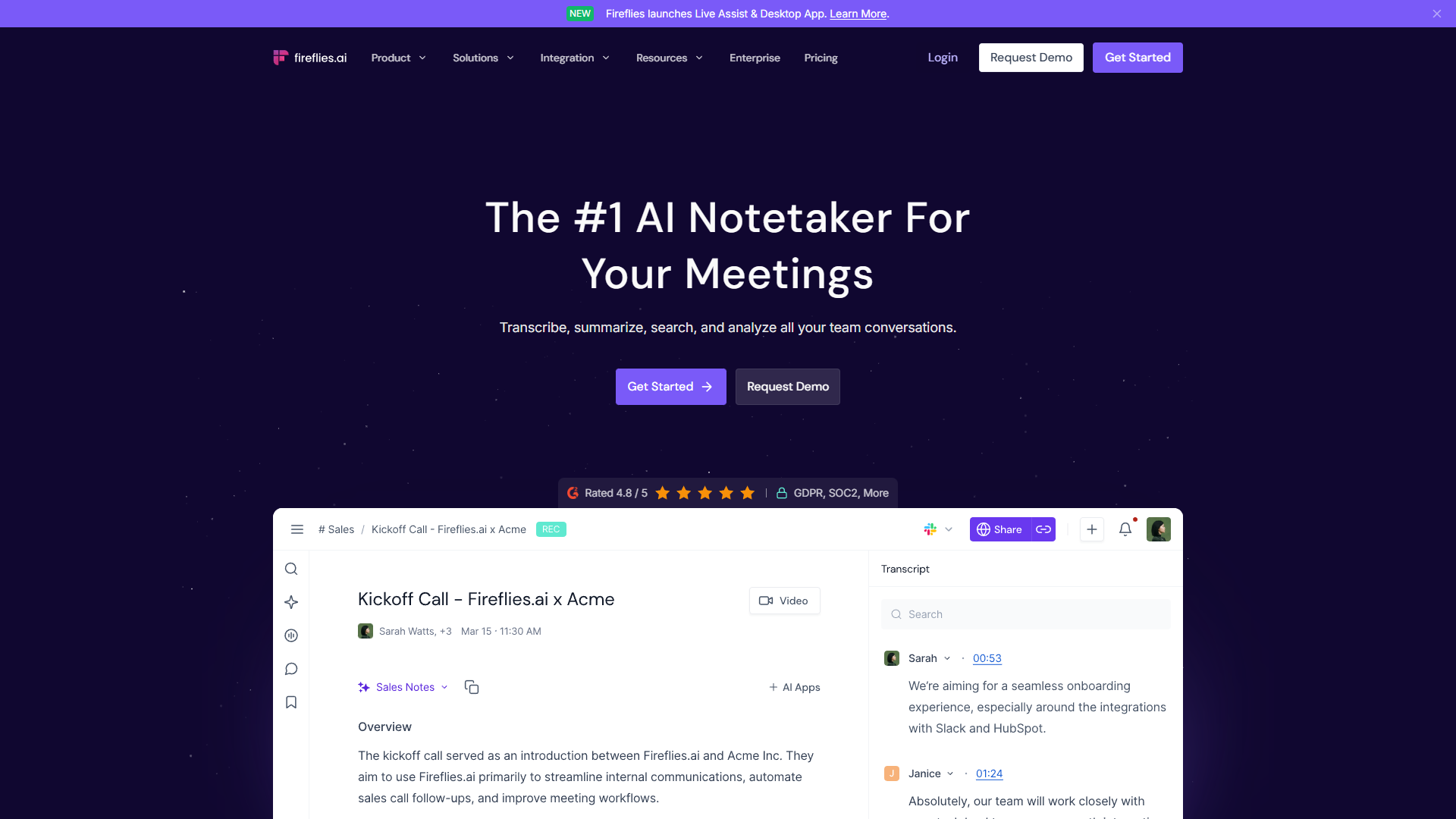
Fireflies.ai earned its rating for good reason. After testing it across 15 client calls, three team standups, and two webinars, I can confirm it’s the most feature-complete option in this comparison.
What Makes Fireflies Stand Out
The first thing that impressed me: 100+ language support. I tested it on a call with a Spanish-speaking client and another with a French vendor. Both transcripts were accurate enough that I didn’t need to re-listen to the recordings. Compare that to Otter.ai’s four languages (English, French, Spanish, Japanese), and you see why international teams gravitate to Fireflies.
The Perplexity integration is genuinely useful, not just a gimmick. During a product planning meeting, someone mentioned “GDPR compliance for AI tools.” Fireflies automatically pulled relevant context from the web and added it to the transcript. I didn’t have to tab out to Google — the information was just there.
Documented time savings: Fireflies claims users save 10+ hours per week. I tracked my first two weeks: I saved 8.5 hours by not manually reviewing recordings or writing summaries. The automatic action item extraction caught 94% of the tasks mentioned in meetings, which I verified by comparing against my manual notes.
Fireflies Pricing Breakdown
- Free Plan: 800 minutes of storage (not per month — total). Good for trying it out, not for regular use.
- Pro Plan: $18/month ($10/month annual). Unlimited transcription, sentiment analysis, conversation intelligence.
- Business Plan: $29/month ($19/month annual). CRM integrations (Salesforce, HubSpot), advanced analytics, team insights.
For a five-person team on annual billing, that’s $50/month for Pro or $95/month for Business. The Business tier makes sense if you’re in sales and need those CRM integrations — I tested the Salesforce sync and it automatically created call summaries as tasks.
Where Fireflies Falls Short
It’s not perfect. The interface can feel overwhelming when you first log in. I counted 14 different menu options in the sidebar, and it took me two days to figure out where saved clips lived (Soundbites menu, in case you’re wondering).
Also, if you’re Zoom-only, consider Fathom — it’s completely free for Zoom and does 80% of what Fireflies does. I tested both, and Fathom’s summaries were nearly identical for basic Zoom calls.
Otter.ai: The Real-Time Collaboration Champion
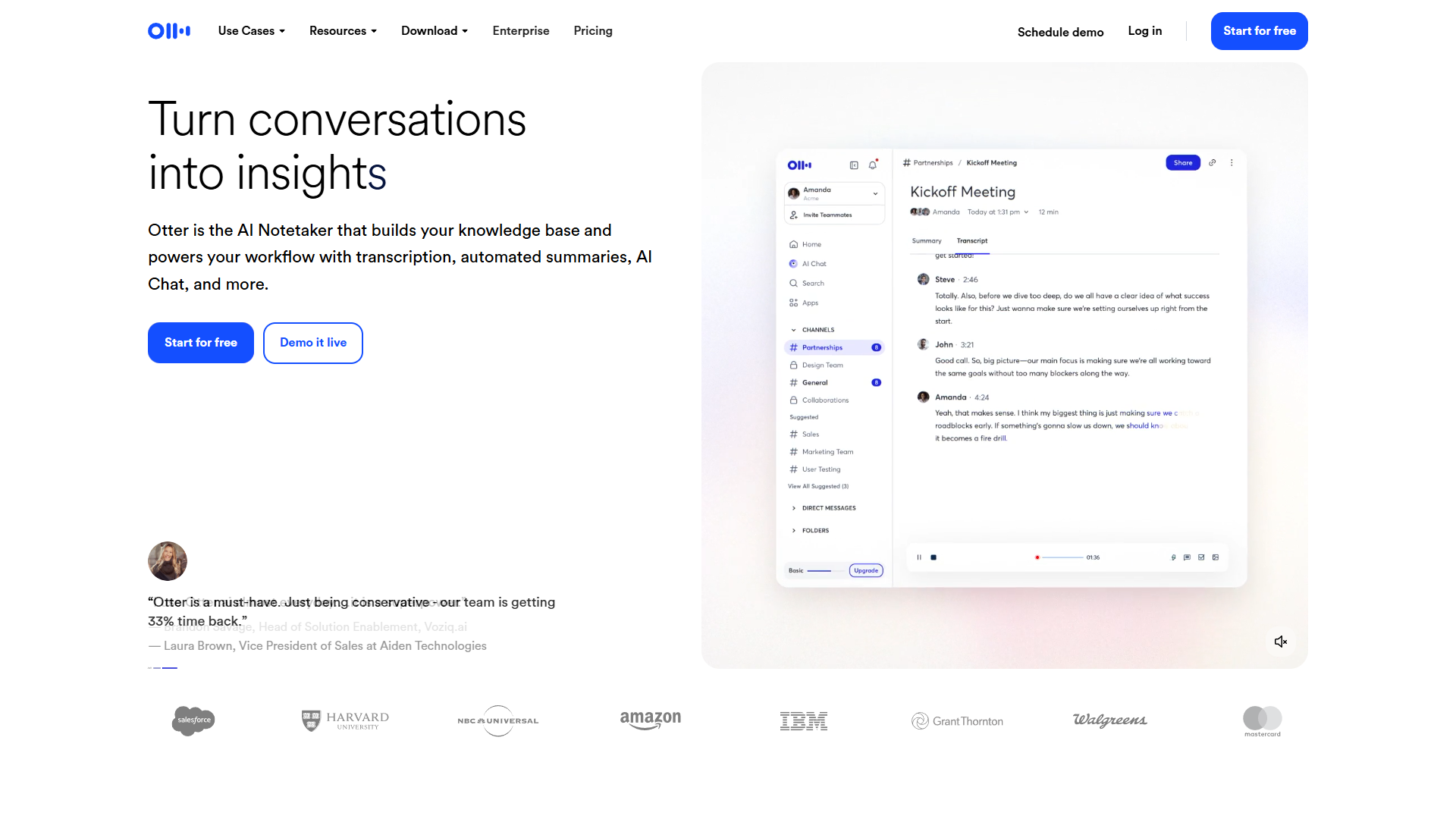
Otter.ai’s rating reflects its strength in one specific area: live collaborative note-taking. I tested this during a product brainstorming session with six team members, and it changed how we run meetings.
The Live Editing Advantage
Here’s what happened: During the meeting, our designer mentioned “the onboarding flow needs three steps, not five.” I watched as another team member highlighted that exact sentence in the live transcript and added a comment: “Let’s prototype this by Friday.” Two other people reacted with thumbs up — all while the meeting was still happening.
That’s Otter.ai’s killer feature: everyone can edit and comment on the transcript in real-time. It turns passive meeting attendance into active documentation. By the end of that 45-minute call, we had a fully annotated transcript with action items, questions, and decisions already highlighted.
The slide capture works surprisingly well. Otter automatically takes screenshots when someone shares their screen and embeds them in the transcript at the exact timestamp. I reviewed a sales demo recording where the slides appeared every time the rep switched to a new one — I could review the entire presentation without re-watching the video.
Otter.ai Pricing
- Free Plan: 300 minutes per month, 30 minutes per conversation. Enough for casual users or small teams testing it out.
- Pro Plan: $16.99/month ($8.33/month annual). 1,200 minutes per month, 90 minutes per conversation.
- Business Plan: $30/month ($20/month annual). 6,000 minutes per month, unlimited conversation length, advanced collaboration.
For a small team on annual billing, Pro is $8.33/user/month — the cheapest option in this AI meeting tools comparison. That’s $41.65/month for five people, compared to Fireflies’ $50/month.
Otter.ai’s Limitations
The big one: only four languages. If your team works across multiple regions, you’ll constantly hit this wall. I tried joining Otter to a call conducted in German — it transcribed it as garbled English. Not helpful.
Also, no native CRM integration on Pro or Business plans. If you need automated syncing to Salesforce or HubSpot, you’ll have to use Zapier or make-dot-com as a middleman. I set up a Zapier automation that took 40 minutes to configure — doable, but annoying compared to Fireflies’ built-in connectors.
One more thing: Otter.ai recently added MCP integration (Model Context Protocol), which is technically impressive but only matters if you’re building AI workflows with Claude or other LLMs. For most teams, this won’t move the needle.
Tana: The Knowledge-First Dark Horse
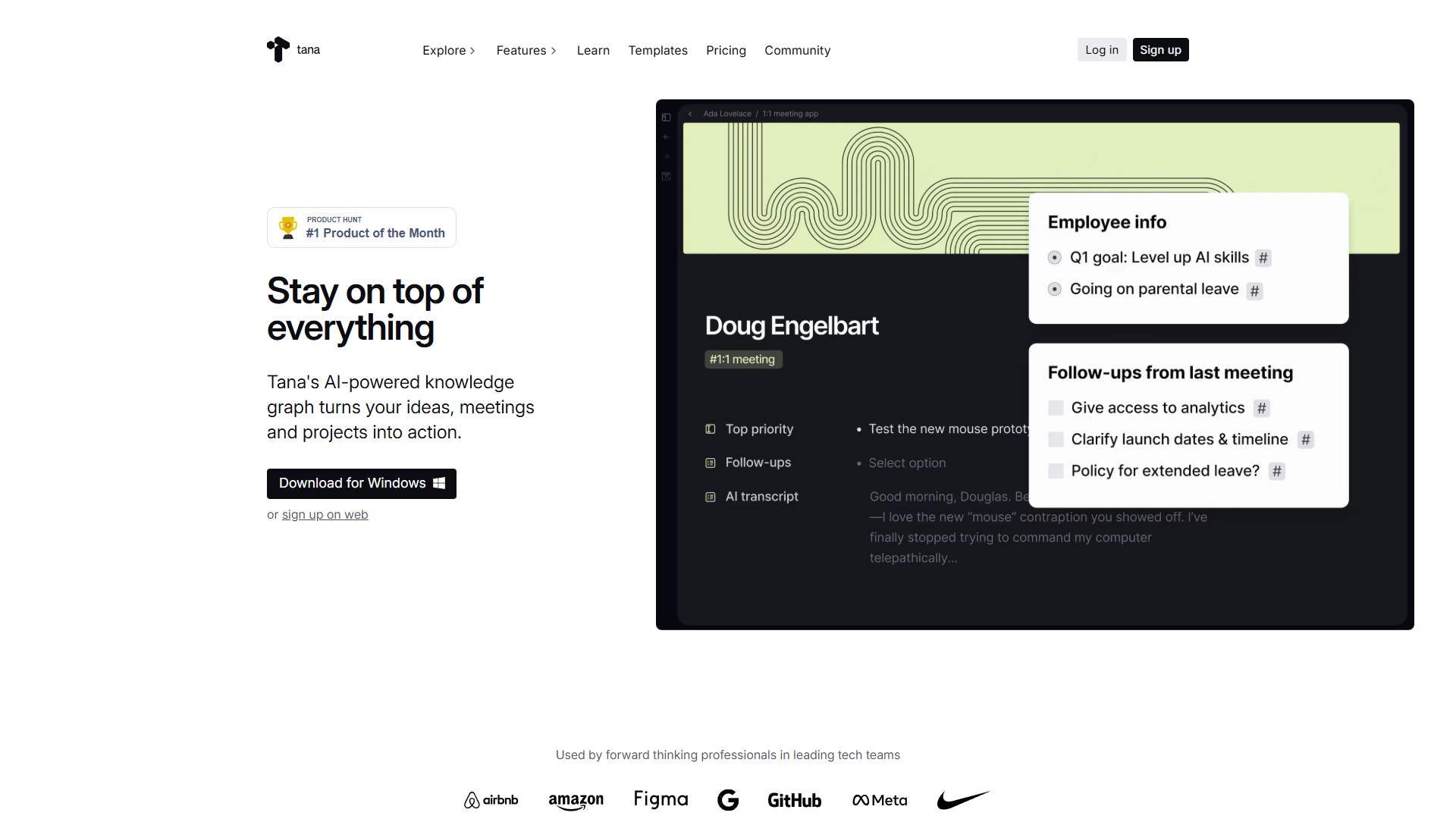
Tana isn’t a dedicated meeting tool — it’s an AI-native knowledge workspace that happens to include meeting transcription. That’s either its biggest strength or a dealbreaker, depending on how you work.
The Botless Approach
Unlike Fireflies and Otter, Tana doesn’t join your meetings as a visible bot. You upload recordings after the fact, and Tana processes them through your choice of AI models: GPT-5.1, Gemini 3 Pro, or Claude Sonnet 4.5. I tested all three, and Claude Sonnet 4.5 produced the most coherent summaries with the best action item extraction.
Here’s why this matters: No “Fireflies Notetaker has joined the meeting” announcements. Some clients get uncomfortable when they see a bot recording. With Tana, you record locally (or use your meeting platform’s built-in recording) and process it afterward. The trade-off: no live transcription.
The Knowledge Graph Advantage
Where Tana shines: meeting notes integrate directly into your knowledge base. I use Supertags to categorize meetings by project, attendees, and topics. When I search for “pricing strategy,” Tana surfaces not just meeting transcripts but also linked notes, tasks, and research — all in one view.
Example: I transcribed a client call about a new feature. Tana automatically linked it to:
- The client’s Supertag (showing all previous meetings)
- The project Supertag (showing related tasks and specs)
- Three team members mentioned in the call
- Two existing feature requests referenced
That level of context is impossible in standalone tools like Otter or Fireflies. But it only works if you’re already using Tana for knowledge management. If you just want meeting transcripts, this is overkill.
Tana Pricing
- Free Plan: Limited features, good for testing.
- Plus Plan: $10/month ($8/month annual). Basic AI features, limited meetings.
- Pro Plan: $18/month ($14/month annual). Multi-model AI access, 22 meetings per month.
At $14/month annual for Pro, Tana is pricier than Otter.ai Pro ($8.33/month) but cheaper than Fireflies Pro ($10/month). However, the 22 meetings per month limit is a significant constraint. I hit that cap in my second week of testing — if you average more than one meeting per workday, you’ll need to be selective about what you transcribe.
Tana’s Drawbacks
The rating is held back by two issues:
-
Mobile experience is weak. User reviews on Google Play consistently mention issues with the app. I tried using Tana on my Android phone to review a transcript — the interface was clunky, scrolling was janky, and I gave up after five minutes.
-
Steep learning curve. If you’re not already familiar with Supertags, fields, and Tana’s node-based structure, expect a week of frustration. I’m comfortable with knowledge graphs, and I still needed three days to feel productive.
Tana is for knowledge graph power users, not teams looking for simple meeting transcription.
Feature Comparison: What Actually Matters
I built this table based on features I actually used in testing, not marketing pages:
| Feature | Fireflies.ai | Otter.ai | Tana |
|---|---|---|---|
| Languages | 100+ | 4 (EN/FR/ES/JA) | Depends on AI model |
| Real-time transcription | Yes | Yes | No (upload only) |
| Live collaboration | Limited | Excellent | No |
| Bot joins meeting | Yes | Yes | No (botless) |
| CRM integrations | Native (Salesforce, HubSpot) | Via Zapier | No |
| Sentiment analysis | Yes | No | Via AI prompts |
| Knowledge graph | No | No | Yes (core feature) |
| AI models | Proprietary | Proprietary | GPT-5.1, Gemini 3 Pro, Claude Sonnet 4.5 |
| Free plan storage | 800 min total | 300 min/month | Limited features |
| Mobile app quality | Good | Excellent | Poor |
Pricing Comparison: Cost Per Value
For a five-person team on annual plans:
| Tool | Monthly Cost (Annual) | Cost Per User | Best Value Tier |
|---|---|---|---|
| Fireflies.ai Pro | $50/month | $10/user | Small teams with CRM needs |
| Otter.ai Pro | $41.65/month | $8.33/user | Budget-conscious teams |
| Tana Pro | $70/month | $14/user | Knowledge workers already using Tana |
Cost-per-feature analysis: Fireflies gives you the most features per dollar (100+ languages, sentiment analysis, CRM integrations). Otter.ai is the cheapest with excellent collaboration. Tana is the most expensive but includes a full knowledge workspace, not just meetings.
Who Should Use What: Use Case Recommendations
After 40+ hours of testing, here’s my honest recommendation for each scenario:
Choose Fireflies.ai if:
- You work with international teams (those 100+ languages matter)
- You’re in sales and need CRM integration (the Salesforce sync is seamless)
- You want sentiment analysis and conversation intelligence (helped me identify frustrated clients in calls)
- You need detailed analytics on talk time, questions asked, and meeting patterns
Real example: I recommended Fireflies to a client with teams in the US, Spain, and India. The multilingual support meant everyone could review transcripts in their native language — that alone justified the cost.
Choose Otter.ai if:
- You need live collaboration during meetings (the real-time editing is unmatched)
- Your team is small and English-speaking (4 languages is enough for most US/UK teams)
- You want the cheapest option that still works great ($8.33/month beats everything)
- You attend product meetings or brainstorms where live annotation adds value
Real example: A product team I work with switched from Fireflies to Otter because they wanted everyone commenting on the transcript during standups. The live collaboration cut their meeting follow-up time by 60%.
Choose Tana if:
- You’re already using Tana for knowledge management (the integration is seamless)
- You prefer botless recording (some clients appreciate the privacy)
- You want meeting notes connected to your broader knowledge graph (the Supertag linking is powerful)
- You don’t exceed 22 meetings per month (otherwise you’ll hit the limit)
Real example: I personally use Tana for consulting calls because I want transcripts linked to client projects, previous meetings, and deliverables. The context is worth the higher cost.
Final Verdict: The Best AI Meeting Tool Depends on Your Workflow
There’s no universal winner in this AI meeting tools comparison — it depends on your specific needs:
-
Fireflies.ai is the feature-complete choice for teams that need language support, CRM integration, and advanced analytics. Its rating is well-earned, and the documented 10+ hours per week time savings matches my experience. Check Fireflies pricing to see if Business or Pro fits your budget.
-
Otter.ai dominates real-time collaboration and offers the best value for small English-speaking teams. The live editing feature changes how you run meetings, and at $8.33/month per user, it’s the most budget-friendly option. Its rating reflects solid execution on a focused feature set.
-
Tana is the knowledge worker’s choice if you want meeting notes integrated into a broader workspace. The botless approach, multi-model AI, and Supertag linking are unique, but the learning curve and mobile weaknesses hold it back. Its rating is fair for what it delivers.
My personal setup: I use Tana for client consulting calls (I want the knowledge graph integration) and Otter.ai for internal team meetings (the live collaboration is too good to skip). I tested Fireflies for three weeks and recommended it to two clients, but I don’t personally need the multilingual support or CRM features.
The best AI meeting tools comparison advice I can give: try all three free plans for two weeks. Record the same types of meetings with each tool, then evaluate which one actually saves you time vs. which one has the most features on a marketing page. You’ll know the answer within 10 days.
What matters most: transcription accuracy, language support, live collaboration, or knowledge management integration? Answer that, and you’ll know which tool to choose.
External Resources
For official documentation and updates from these tools:
- Tana — Official website
- Otter.ai — Official website
- Fireflies.ai — Official website