


The AI video generation space has exploded in 2026, and the luma vs runway debate dominates the conversation. Both platforms promise to turn your text prompts into stunning video clips, but they take remarkably different approaches to getting there.
This luma vs runway comparison is based on each vendor’s current pricing, model documentation, and independent research rather than sponsored placement or hands-on benchmarking. The differences are more nuanced than the marketing materials suggest, and choosing the wrong tool can waste both time and money. Editorial disclosure: AI Productivity may earn an affiliate commission from links on this page; our rankings and recommendations remain editorially independent.
According to Luma Labs, the company positions its flagship model as “the world’s first reasoning video model that can think, plan, and verify in pixel space.” That framing matters because it explains why Luma optimizes for rapid creative iteration while Runway’s research team emphasizes consistency and controllability in its Gen-4 documentation.
Here is what stands out most about luma vs runway: the “better” tool depends entirely on what you are trying to create and how you work. Here is everything you need to know. For a wider lens on the category, our best AI video generators 2026 shortlist groups every major contender by use case.
Quick Verdict (TL;DR)
Luma is the speed-and-price winner at $9.99/mo with 20x faster drafts, while Runway is the reliability-and-ecosystem winner at $15/mo with a 60-70% production-ready rate versus Luma’s 20-30%.
Choose Luma Dream Machine if: you need fast iterations and don’t mind inconsistent quality, you are budget-conscious ($9.99/mo), you want Ray3’s creative reasoning, or speed matters more than reliability.
Choose Runway if: you need consistent professional-grade output, you work on client projects where quality cannot vary, you want a full creative toolkit, or you value proven reliability with extensive user feedback.
Luma Dream Machine: Speed Meets Creative Reasoning
Limitations and who it’s not for: Skip Luma Dream Machine if you need consistent client-grade output, character performance capture, or robust team collaboration - the 20-30% production-ready rate, missing Act-One equivalent, and limited API are real drawbacks for studio workflows. Best suited for solo creators who treat regeneration cost as part of the process.
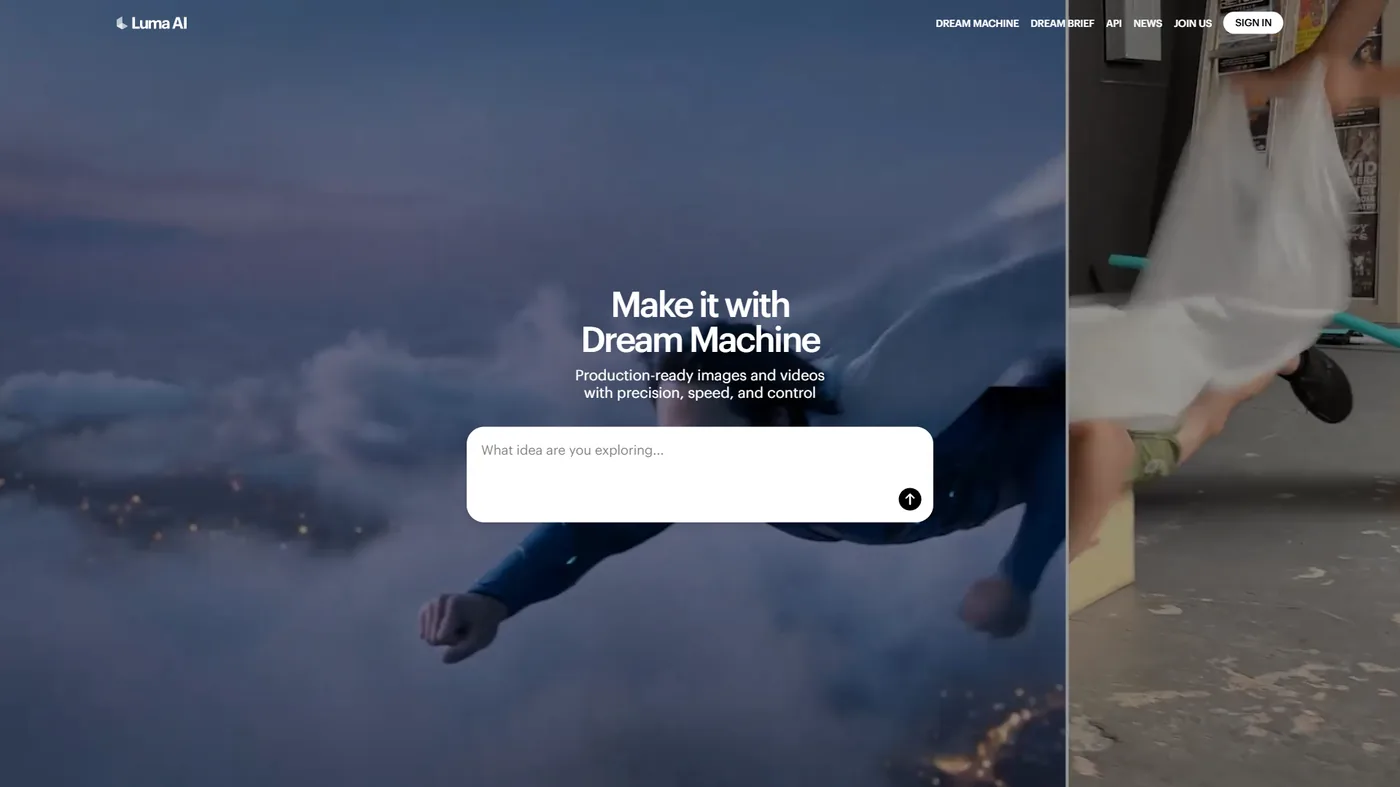
Luma Labs burst onto the scene with a bold claim: the world’s first AI video model with creative reasoning. Their Ray3 model doesn’t just translate prompts into pixels - it’s supposed to understand intent and make creative decisions.
What Makes Luma Different
The standout feature is 20x faster draft mode. Where Runway takes 2-3 minutes to generate a clip, Luma spits out a draft in seconds, transforming rapid prototyping and iterative creative work.
The Ray3 reasoning model analyzes what you are trying to achieve and makes creative decisions instead of directly rendering your prompt. Ask for “a cat walking through a garden” and Ray3 will often choose a specific camera angle, lighting condition, or movement style that enhances the scene.
Luma also supports native 16-bit HDR output, which means better color depth and dynamic range straight out of the box. The team’s Luma Labs research blog publishes deeper technical write-ups on how Ray3 was trained. The visual annotation system lets you mark up frames directly to guide the AI’s attention.
The Quality Consistency Problem
In practice, only about 20-30% of Luma’s generations are production-ready on the first attempt. The rest need regeneration, sometimes multiple times.
This inconsistency follows patterns: complex prompts with multiple elements often result in some details being ignored, camera movements can be jerky or unnatural, text in scenes is unreliable, and lighting consistency varies significantly between generations. You will often need 5-10 iterations to get a usable clip - factor that into your workflow planning.
Pricing That Makes Sense
Luma’s pricing structure is straightforward and competitive:
- Free Plan: 8 draft videos (enough to test, not enough to work)
- Lite: $9.99/mo for standard generations
- Standard: $29.99/mo with priority queue
- Plus: $64.99/mo for power users
- Unlimited: $94.99/mo for agencies
The $9.99 entry point is compelling for solo creators and freelancers producing client work without a significant monthly commitment.
Market Maturity
This is where Luma shows its youth. As a newer entrant, there is limited independent user feedback, which makes it hard to gauge enterprise adoption or long-term reliability for clients.
Runway: The Professional’s Choice
Limitations and who it’s not for: Skip Runway if your budget is below $15 per month, you generate huge volumes of throwaway drafts, or you cannot stomach a steeper learning curve. The credit system creates real drawbacks for high-volume users, and the absence of a fast draft mode is a meaningful tradeoff against Luma’s speed.
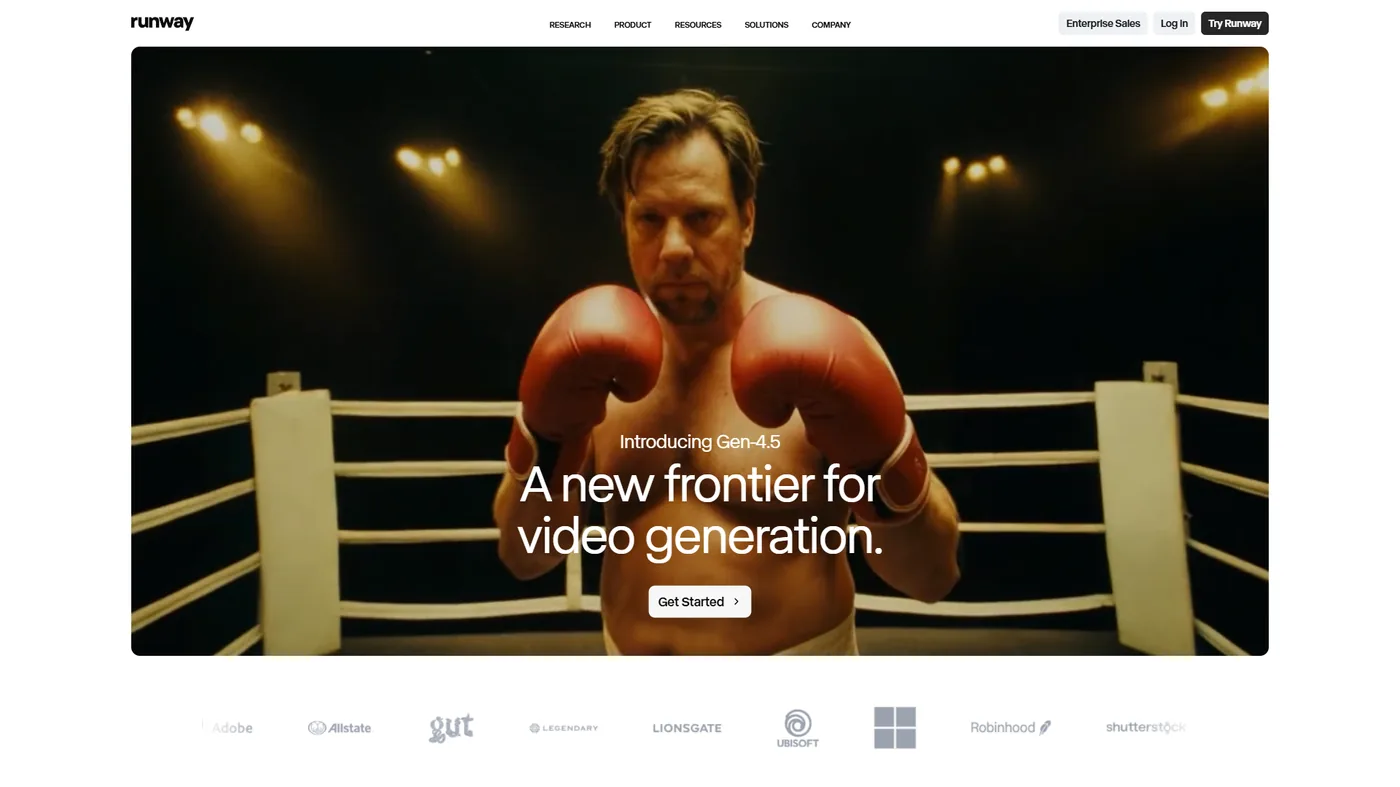
Runway has been in the AI creative space longer, and it shows. This isn’t just a video generator - it’s a full creative suite that happens to include what many consider the best text-to-video model available.
Gen-4.5: The Ranked Champion
Runway’s Gen-4.5 model consistently ranks #1 in text-to-video benchmarks, and the team’s Runway research portal documents the architectural shifts that drove the jump from Gen-3. In practical terms: more predictable results from similar prompts, better motion coherence, fewer artifacts in complex scenes, and superior (though still imperfect) text rendering. Where Luma gives you 20-30% production-ready clips, Runway delivers 60-70% in practice.
Act-One and Act-Two: Character Performance
This is Runway’s killer feature for narrative content. Act-One and Act-Two allow you to drive character facial performances and full-body movements from reference video - record yourself acting out a scene on webcam, and Runway translates that performance to your generated character. The Act-One documentation walks through the recording-to-render pipeline. Luma has no equivalent feature.
The Broader Ecosystem
Runway isn’t trying to be just a video generator. The platform includes:
- Gen-4.5: Text/image to video
- Frame Interpolation: Smooth slow-motion effects
- Color Grading Tools: Professional color correction
- Green Screen: Real-time background removal
- Explore Mode: Discover effective prompts from the community
This integrated approach means you can do more without switching tools. The trade-off is complexity - Runway has a steeper learning curve than Luma’s focused interface.
Pricing and Credit Complexity
According to Runway’s pricing page, the pricing is higher but includes more:
- Free Plan: 125 one-time credits (not monthly)
- Standard: $15/mo (625 credits monthly)
- Pro: $35/mo (2,250 credits monthly)
- Unlimited: $95/mo (unlimited generations)
- Enterprise: Custom pricing
Different features consume different amounts of credits. A Gen-4.5 video costs about 10 credits per second, while upscaling to 4K adds more. The $15 entry point is higher than Luma’s $9.99, but you are getting a broader toolkit.
Proven Reliability
Runway’s longer time in market shows in the user feedback - reliability, professional output, and good support are recurring themes, with complaints focused on pricing and occasional generation failures.
Head-to-Head Comparison
Let me break down how these tools compare across the dimensions that actually matter for daily use - including the tradeoffs and limitations on each axis.
Generation Speed
| Metric | Luma Dream Machine | Runway |
|---|---|---|
| Draft Mode | 10-30 seconds | Not available |
| Standard Generation | 60-90 seconds | 120-180 seconds |
| Queue Priority | Available on Standard+ | Available on Pro+ |
Winner: Luma by a significant margin. That 20x draft mode is transformative for iteration-heavy workflows, though the quality consistency gap shrinks the advantage if you need 5 Luma generations to match 2 Runway keepers.
Output Quality and Consistency
| Metric | Luma Dream Machine | Runway |
|---|---|---|
| Production-Ready Rate | 20-30% | 60-70% |
| Motion Coherence | Good | Excellent |
| Artifact Frequency | Moderate | Low |
| HDR Support | Native 16-bit | Standard (upgradable) |
| Max Resolution | 4K | 4K with upscaling |
Winner: Runway for reliability. Luma’s peaks can match Runway, but the valleys are much lower. For client content, the tool that wastes less time on regenerations wins.
Creative Controls
| Feature | Luma Dream Machine | Runway |
|---|---|---|
| Text Prompts | Yes | Yes |
| Image to Video | Yes | Yes |
| Video to Video | Limited | Yes (extensive) |
| Character Performance | No | Act-One/Act-Two |
| Visual Annotation | Yes | No |
| Camera Controls | Limited | Extensive |
Winner: Runway for depth of control. Act-One/Act-Two is a major upgrade for character work, and the camera controls are more sophisticated.
Pricing and Value
| Plan | Luma | Runway |
|---|---|---|
| Free Tier | 8 draft videos | 125 credits (one-time) |
| Entry Paid | $9.99/mo | $15/mo |
| Mid Tier | $29.99/mo | $35/mo |
| Unlimited | $94.99/mo | $95/mo |
Winner: Luma on pure price - $5 cheaper entry, near-identical unlimited tier. Runway’s 125 free credits do give a more realistic free-tier evaluation than Luma’s 8 draft videos.
Workflow and Integration
| Feature | Luma Dream Machine | Runway |
|---|---|---|
| Web Interface | Yes | Yes |
| API Access | Limited | Yes (extensive) |
| Integrations | Minimal | Adobe, Frame.io, others |
| Project Management | Basic | Advanced |
| Collaboration | Limited | Team features |
Winner: Runway by a wide margin. Luma is fine for solo creators, but is not built for agency work yet.
Best Picks by Use Case
The right pick is Luma for rapid prototyping, budget-constrained solo work, and high-volume social content, and Runway for client projects, character-driven narratives, and high-stakes brand video.
Rapid Prototyping and Creative Exploration
Choose Luma. The 20x draft mode lets you test ideas faster than any other tool. A common workflow for product launch videos: generate 40+ concept variations in Luma’s draft mode over a few hours, identify the three strongest directions, then move those to Runway for final production renders.
Client Work and Professional Projects
Choose Runway. The quality consistency means fewer revisions, faster approvals, and less risk of missing deadlines. The broader toolkit also handles color grading, upscaling, and post-production without switching tools.
Character-Driven Narratives
Choose Runway. Act-One and Act-Two are currently unmatched for character performance capture. Recording facial performances and mapping them to animated characters can cut production time in half compared to traditional animation workflows.
Budget-Conscious Solo Creators
Choose Luma. At $9.99 per month, you can start creating without a significant financial commitment. The inconsistent quality is a real tradeoff, but iteration buys you professional results for less money.
Marketing and Social Media Content
It depends. For high-volume social content where quantity matters and imperfections can be quirky rather than unprofessional, Luma’s speed wins. For brand hero videos, product launches, or anything high-stakes, Runway’s reliability is worth the premium.
Who Should Choose Luma Dream Machine
Luma Dream Machine is the right choice for budget-conscious solo creators who value rapid draft iteration over consistent first-pass quality. You are the ideal Luma user if you accept its core tradeoff - you save money and time on draft volume but absorb the limitations of inconsistent output. Skip Luma if any of those drawbacks would block your workflow.
You are the ideal Luma user if you value speed over consistency, work on tight budgets ($9.99/mo is affordable for solo creators), enjoy experimental workflows where Ray3’s creative reasoning can surprise you, need native 16-bit HDR output, create content in high volume, or work solo or in small teams where limited collaboration features will not hamper your workflow.
Luma is the creative playground tool, built for people who treat AI generation as a creative partner rather than a finished production tool.
Who Should Choose Runway
Runway is the right choice for professionals and agencies who need consistent client-grade video output and a broader creative ecosystem. You are the ideal Runway user if you accept its tradeoffs - higher cost and slower iteration in exchange for reliability. Skip Runway if those drawbacks outweigh the consistency gains for your use case.
You are the ideal Runway user if you need consistent professional output (your workflow cannot accommodate quality variance), work on client projects where reliability matters more than cutting-edge features, create character-driven content needing Act-One/Act-Two, value ecosystem integration with Adobe or Frame.io, lead teams that need project management and collaboration features, or want proven, validated tools backed by extensive user feedback.
Runway is the professional production tool, built for people who need results on deadline and prioritize quality over experimentation.
What About Alternatives?
Pika and Kling AI are the two strongest alternatives to Luma and Runway, with Pika offering mid-tier pricing at $10 per month and Kling specializing in physics-driven motion. Before you commit to either main platform, consider these other players worth watching - each with its own tradeoffs and limitations:
Pika sits somewhere between Luma and Runway in both pricing and capabilities. It doesn’t have Luma’s speed or Runway’s ecosystem, but it offers good quality at $10 per month. Worth testing if neither of the main options feels right - we cover Pika and similar models in our broader blog to video tools roundup. OpenAI’s Sora announcement is also worth tracking if you want to see where the frontier of generative video is heading next.
Kling AI brings impressive physics simulation and camera control. If you’re creating content with complex motion or specific cinematic requirements, Kling’s specialized controls justify the learning curve.
If your real job is turning scripts or articles into finished marketing clips rather than crafting cinematic shots, an avatar-and-template tool will outperform either Luma or Runway. handles studio-grade AI presenters, turns long-form text into short videos, pairs AI voices with stock footage, and covers template-driven social cuts. Our AI video creation tips guide explains when each format actually wins.
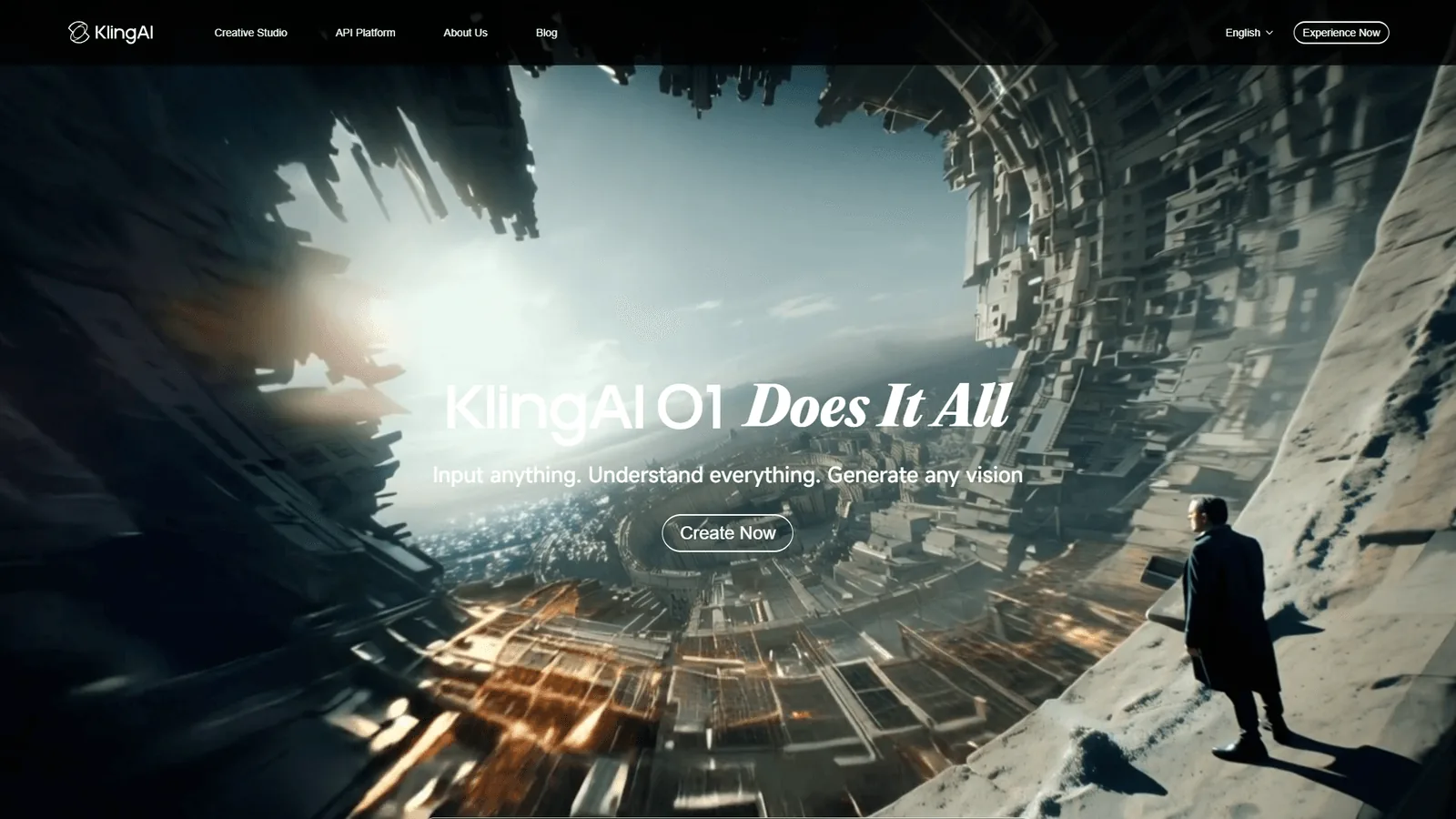
Neither platform has the market presence of Luma or Runway yet, but both are iterating quickly.
Final Verdict: Luma vs Runway (For Your Use Case)
Runway is the overall pick for professional and client work, while Luma is the overall pick for rapid prototyping and budget-constrained creators. The truth is there is no universal winner here. The “best” tool depends entirely on your specific workflow, budget, and quality requirements.
If forced to choose one, Runway wins. The quality consistency, proven reliability, and professional features make it the safer choice for most use cases. Yes, it costs more and generates slower, but the time saved on regenerations and the confidence of predictable output justify the premium.
But there is no need to choose just one. The optimal workflow uses both:
- Luma for exploration: Rapid prototyping, concept testing, creative exploration
- Runway for production: Final renders, client work, anything that needs reliability
This hybrid approach costs more ($30-50/mo depending on usage), but it plays to each tool’s strengths.
Recommendation by Experience Level
Beginners: Start with Runway’s free 125 credits. The more consistent results will help you learn what makes good prompts without fighting the tool’s inconsistency. Our text to video tools guide covers prompt patterns that work across most models.
Intermediate creators: Get Luma Lite ($9.99) for experimentation + Runway Standard ($15) for final renders. Total: $25 per month for a professional toolkit.
Professional creators: Runway Pro ($35) is likely enough. Add Luma Standard ($29.99) if you need the speed advantage for high-volume ideation.
Agencies and teams: Runway Unlimited ($95) + team features. Luma isn’t built for collaborative workflows yet.
For more productivity insights, explore our guides on Best Ai Video Generators 2026, Text To Video Tools, Best Ai Automation Tools 2026.
Before committing to an annual subscription, test both platforms with real projects that represent your actual use cases. Runway’s 125 free credits and Luma’s 8 free draft videos give you enough to form an informed opinion without spending money.
FAQ
Q: Is Luma better than Runway?
Neither tool is universally better - the right choice depends on your workflow, budget, and team size. Choose Luma for speed and low entry price; choose Runway for consistent professional output and a broader creative toolkit.
Q: What’s better than Luma AI?
Pika sits between Luma and Runway in pricing and capabilities at around $10 per month, and is worth testing if neither main option fits. Runway itself remains the strongest direct alternative to Luma for most professional video projects.
Q: Is Runway the best video generator?
Runway’s Gen-4.5 model consistently ranks #1 in text-to-video benchmarks, delivering more predictable results, better motion coherence, fewer artifacts, and superior text rendering. Runway is widely considered the best text-to-video model available in 2026 for professional production.
Q: How much does Luma vs Runway cost per month?
Luma Dream Machine starts at $9.99/mo (Lite), $29.99 (Standard), $64.99 (Plus), and $94.99 (Unlimited), with 8 free draft videos. Runway starts at $15/mo (Standard, 625 credits), $35 (Pro, 2,250 credits), and $95 (Unlimited), plus a one-time 125 free credits.
Related Reads
Related reading includes the three core tools compared - Luma Dream Machine, Runway, and Kling AI - plus broader guides on text-to-video tools and AI video generators. Tools covered in this article (each carries its own tradeoffs and limitations):
- Luma Dream Machine - AI video generation
- Runway - Professional video AI
- Kling AI - Physics-based video generation
More video generation guides:
- Best AI Video Generators 2026 - Video AI tools compared
- Blog to Video Tools - Convert written content into video with AI
- Text to Video Tools - Text-to-video platforms
- AI Video Creation Tips - Tips for AI video creation
- AI-Powered Analytics Platforms: Which Delivers Real ROI?
External Resources
External resources include the official Luma Labs and Runway vendor sites, which publish authoritative documentation, pricing, and product updates. For official documentation and updates from these tools:
- Luma Dream Machine - Official website
- Runway - Official website