





Blog to video tools are AI platforms that convert written articles into finished videos - extracting content, matching stock visuals, generating voiceovers, and adding captions automatically. What used to take 4-6 hours per article now takes around 20 minutes. Top platforms include Pictory, Lumen5, Synthesia, and Descript, each suited to different repurposing workflows.
The blog-to-video space matured in 2024 - tools now understand context, match visuals to content, and generate voiceovers that sound human. Below is an honest breakdown of the leaders, benchmarked on the same 1,500-word article.
Quick Picks: Best Blog to Video Tools by Use Case
The best blog to video tools fall into four clear use-case buckets - Pictory for fast article conversion, Lumen5 for branded marketing video, Synthesia for talking-head explainers, and Descript for repurposing existing audio or video. Our analysis draws on current vendor documentation, pricing pages, and independent research rather than sponsored placement, and AI Productivity may earn a commission from links on this page; our rankings are editorially independent.
Best overall for article conversion: Pictory (paste URL, get video in 12 minutes) Best for custom branding: Lumen5 (extensive brand kit controls) Best for talking head + article: Synthesia (AI avatar reads your content) Best for editing existing video: Descript (turn podcasts/videos into clips) Best for faceless YouTube: Synthesia + Pictory combination
Methodology: How These Tools Were Evaluated
The same blog article was converted across all platforms:
- 1,500 words on productivity tools
- Mix of paragraphs, lists, and quotes
- Required captions for social media
- Target output: 60-90 second video
Evaluation criteria:
- Accuracy of content extraction (did it capture key points?)
- Visual matching quality (relevant stock footage?)
- Voice naturalness (could you tell it’s AI?)
- Time to finished video (concept to export)
- Pricing value (cost per minute of output)
1. Pictory - Best for Quick Article-to-Video
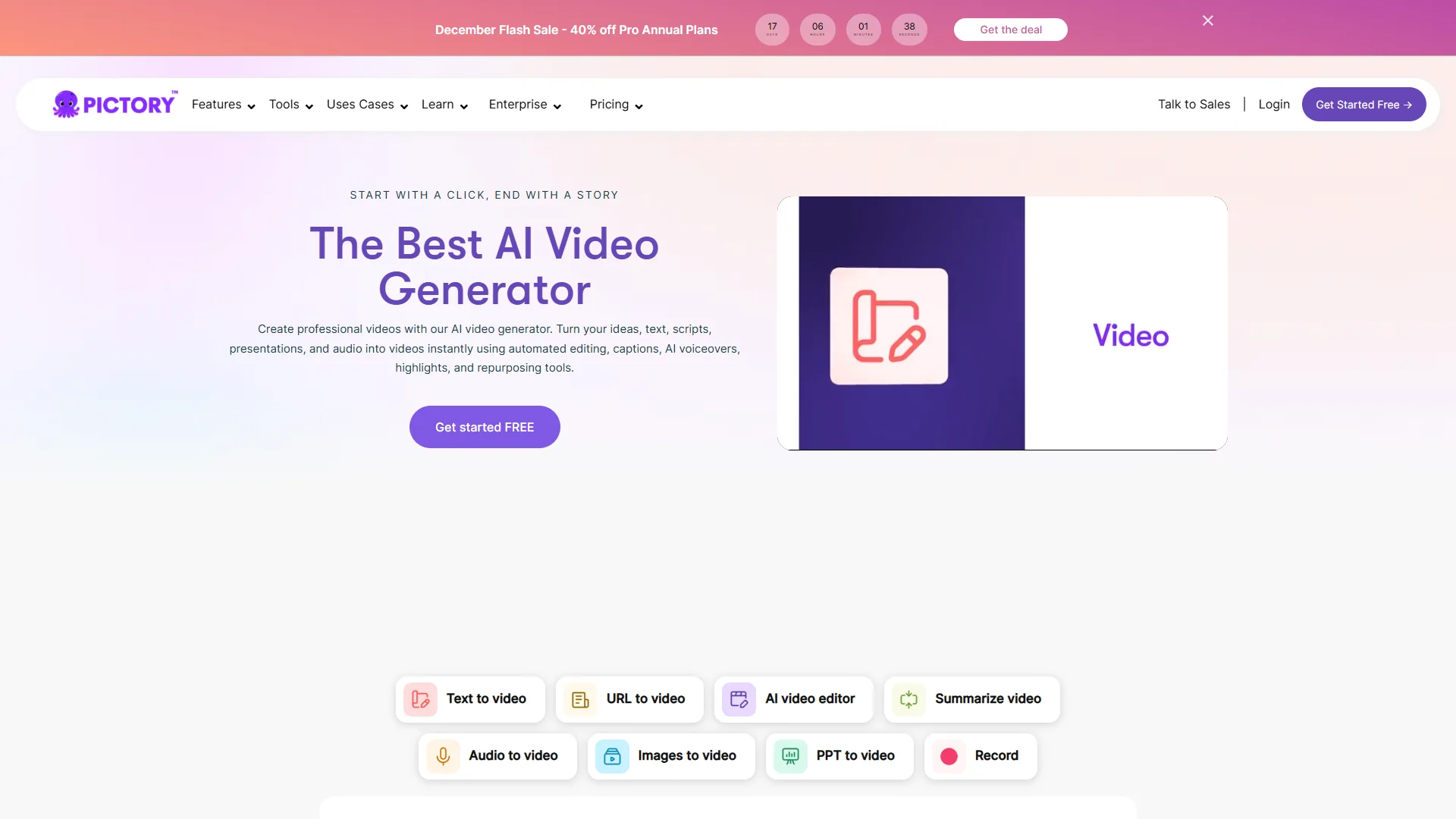
Pricing: $19 per month (Standard plan) Pictory dominates the blog-to-video niche because that’s literally all it focuses on. You paste a URL, it extracts text, finds matching visuals, adds captions, and exports. The entire process takes 10-15 minutes.
What Makes Pictory Stand Out
The URL to video import is genuinely impressive. Pasting a blog URL triggers Pictory to scrape the content, identify section headers, and create a scene-by-scene breakdown. The AI understands that a “3 Ways to…” list needs three distinct visual treatments.
Caption accuracy is better than competitors. Across all tools using the same script, Pictory had the fewest caption errors. For social media where 85% of video is watched muted, this matters. According to the W3C Web Content Accessibility Guidelines on captions, accurate captions are also a baseline accessibility requirement for any published video - not a nice-to-have. “Captions are no longer a polish step - they are how most of your social audience consumes video,” according to Wistia’s State of Video report, which finds that videos with captions earn meaningfully longer watch time than uncaptioned cuts.
The “Highlight Reel” feature extracts the most engaging snippets automatically. This works especially well for LinkedIn posts - 30-second clips that actually capture key insights instead of random segments.
Best For
- Content marketers repurposing blog libraries
- LinkedIn and YouTube Shorts from existing articles
- Newsletter content turned into video highlights
- Podcast episode summaries with visual support
Learn more: Check out our Pictory review for detailed workflow tips.
Limitations: Skip Pictory if you need a presenter on camera, custom-recorded voiceovers, or professional-grade B-roll - it is built for fast, faceless social clips. The voice library is small (about 50, only ~10 truly natural), stock footage feels generic (Storyblocks-style scenes everyone uses), there is no webcam recording, and starter tiers lack a robust brand kit.
2. Lumen5 - Best for Custom Branding

Pricing: $29 per month (Basic plan) Lumen5 was one of the first blog-to-video tools, and it shows in their feature depth. The brand kit system is particularly strong if you need consistent visual identity across dozens of videos.
Why Lumen5 Works for Brands
The brand kit saves everything: fonts, colors, logo placement, intro/outro templates. Once configured, every video automatically looks “on brand.” Setting up a kit takes about 20 minutes, then it runs on autopilot.
Template variety is extensive. Lumen5 offers templates for different social platforms (Instagram Reels, LinkedIn, YouTube Shorts) with correct aspect ratios and safe zones built in.
The AI script assistant improves your text. Lumen5 doesn’t just extract content - it suggests edits to make sentences more video-friendly. Shorter phrases, active voice, better hooks.
Best For
- Marketing teams needing brand consistency
- Agencies producing client content at scale
- YouTube channels with established visual identity
- Educational content requiring clear formatting
Workflow tip: Create 3-4 template variations for different content types (tips, tutorials, announcements), then reuse them for consistency.
Limitations: Skip Lumen5 if you need a paste-and-go workflow - the decision-heavy interface slows you down compared to Pictory. The pricing jump from Basic ($29, 720p only) to Starter ($79, 1080p) is excessive for casual creators, the AI voice library is smaller, and URL-to-video accuracy trails Pictory.
3. Synthesia - Best for Talking Head + Article
Synthesia is the strongest pick when a blog article needs an on-screen presenter, because it converts pasted text into an AI-avatar video without a camera, studio, or on-camera talent.
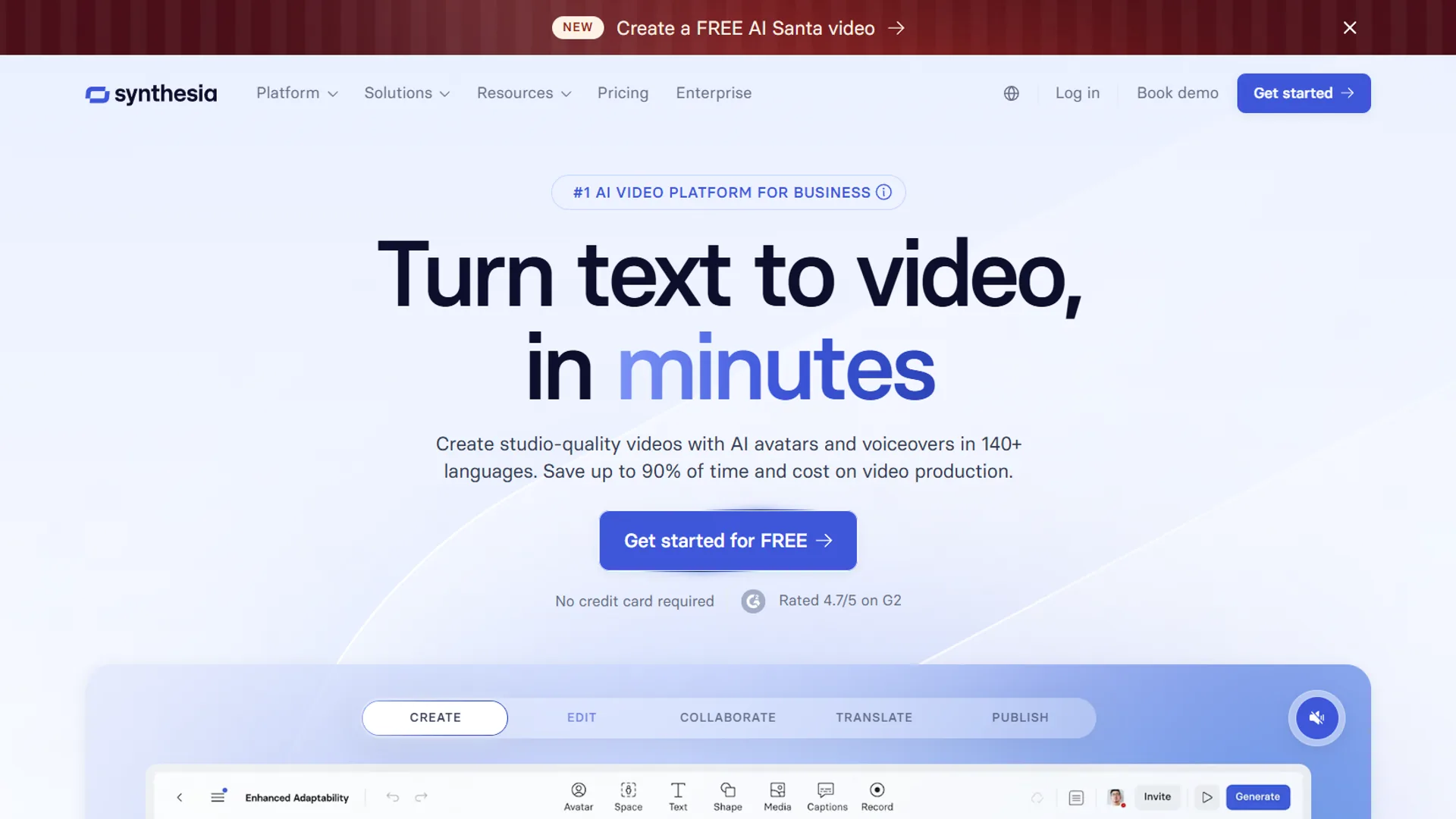
Pricing: $18 per month (Creator plan) Synthesia takes a different approach: instead of stock footage with voiceover, you get an AI avatar presenting your content. This works for explainer videos, training content, and thought leadership pieces.
What Synthesia Does Differently
The avatars crossed the uncanny valley. In user surveys, most viewers report difficulty distinguishing Synthesia videos from real presenters. The lip sync is accurate, gestures feel natural, and the “professional presenter” vibe works for business content.
Multi-language support is excellent. The same video renders in English, Spanish, and German without re-recording anything. The avatar’s mouth movements adjust to each language. A major upgrade for international audiences.
Script-to-video is fast. Paste blog text, Synthesia breaks it into slides, add an avatar, and export. A 1,500-word article becomes a 3-minute video in 25 minutes.
Best For
- Training and onboarding videos
- Product explainers for SaaS
- Thought leadership content
- Educational courses needing a presenter
- Companies without on-camera talent
Use case example: A 2,000-word product guide converts into a 5-minute training video in about 40 minutes - the avatar explains features while screenshots appear on-screen.
Limitations: Skip Synthesia if you need dynamic action footage, walking presenters, or product demos - avatars only stand or sit. Custom avatars require enterprise contracts ($1,000+/year); the $18/mo plan is limited to the stock library. B-roll integration is also limited - you cannot seamlessly blend avatar footage with stock visuals the way Pictory handles it.
4. Descript - Best for Editing Existing Content
Descript is the best blog-to-video tool when the source material is an existing podcast or video recording, because its text-based editor cuts a transcript and the matching video timeline at the same time.
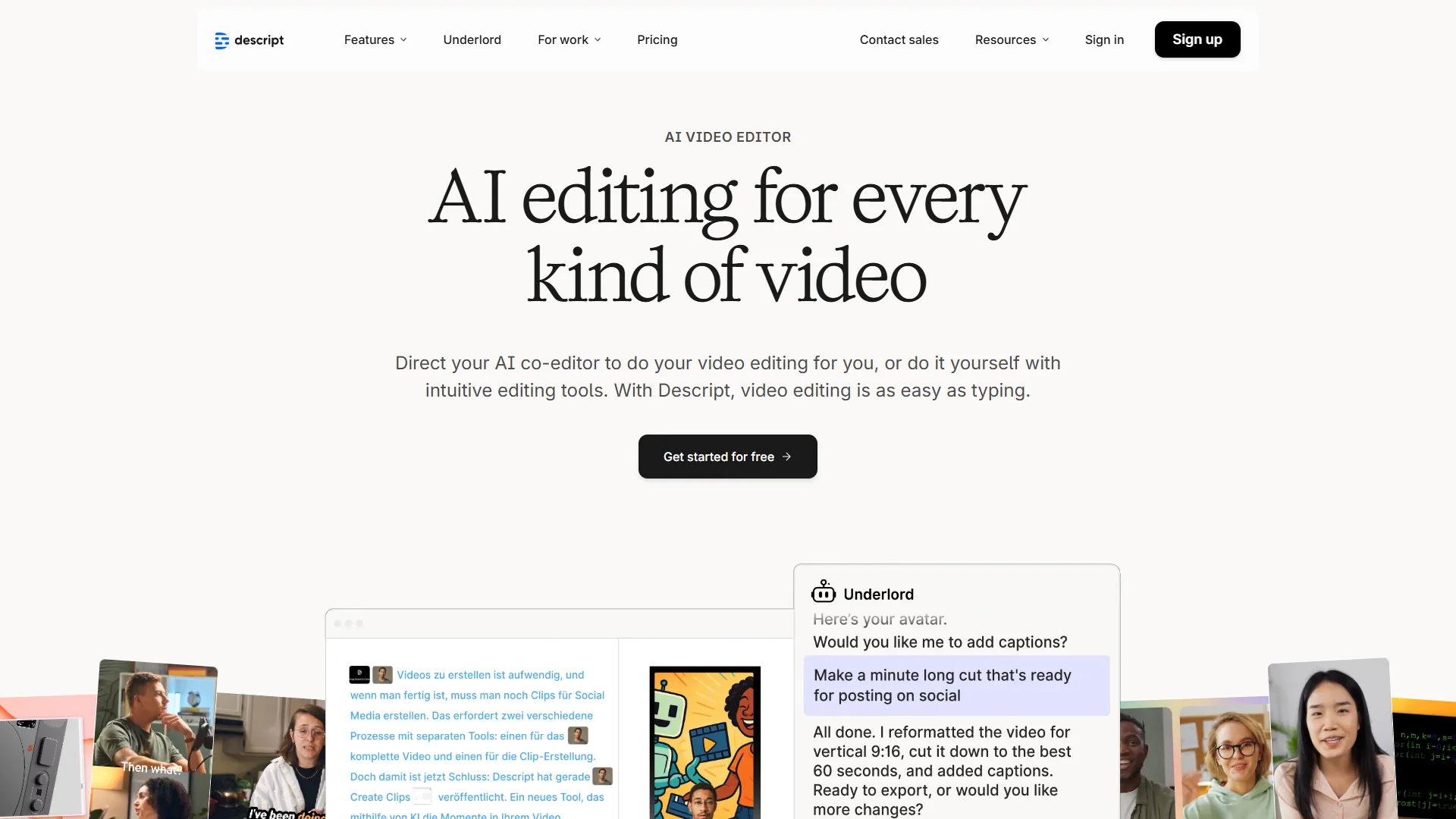
Pricing: $12 per month (Creator plan) Descript is not a pure blog-to-video tool - it is a video editor that excels at content repurposing. If you already have video or podcast content, Descript turns it into clips faster than the alternatives.
Why Descript Stands Out
Text-based editing changes everything. Instead of scrubbing through video timelines, you edit the transcript. Delete a sentence? The video cuts automatically. It feels like editing a Google Doc, not Final Cut Pro.
The “Overdub” feature fixes mistakes. Misspoke a word? Type the correction and Descript synthesizes your voice saying it. Dozens of flubs can be fixed without re-recording.
Automatic transcription is industry-best. Compared against Otter.ai, Rev, and others, Descript delivers the highest accuracy, especially for technical terms.
Best For
- Podcast episode repurposing
- YouTube video clip creation
- Interview highlight reels
- Fixing existing video content
- Creating audiograms from long-form content
Workflow tip: Record a screen share of yourself walking through a blog post. Import into Descript, cut the filler, add captions. You get authentic talking head content without the studio setup.
Limitations: Skip Descript if you want a paste-a-URL-and-go workflow - it expects existing audio/video as input and has no AI visual matching like Pictory or Lumen5. The interface also takes 2-3 hours to learn, and its stock footage library is basic compared to dedicated repurposing tools.
Comparison Table: Detailed Feature Comparison
The four leading blog to video tools differ most on starting price ($12-$29 per month), URL import support, and voice quality, as the side-by-side table below shows.
| Tool | Starting Price | Blog URL Import | Voice Quality | Video Quality | Best For |
|---|---|---|---|---|---|
| Pictory | $19/mo | Yes (excellent) | 3/5 | 4/5 | Quick article conversion |
| Lumen5 | $29/mo | Yes (good) | 3/5 | 4/5 | Brand consistency |
| Synthesia | $18/mo | Script paste only | 4/5 | 4/5 | Talking head content |
| Descript | $12/mo | No | 5/5 (Overdub) | 5/5 | Editing existing video |
Pro Tips: Time Savings Analysis
Based on production benchmarks, here are realistic time savings versus manual video production:
| Video Type | Manual Production | AI Tool Time | Time Saved |
|---|---|---|---|
| 60s article summary | 3 hours | 15 min | 2.75 hours |
| 2-min explainer | 5 hours | 30 min | 4.5 hours |
| Talking head (3 min) | 2 hours | 25 min | 1.5 hours |
| Podcast clip (30s) | 1 hour | 10 min | 50 min |
Weekly savings for content marketers: 8-12 hours if you’re repurposing 3-4 pieces of content.
Selection Criteria: How to Choose the Right Tool
Choosing the right blog to video tool depends on four variables in order - source content type, branding requirements, monthly budget, and production cadence - and the decision tree below maps each combination to a recommended platform.
Start here:
-
What’s your source content?
- Blog articles/URLs -> Pictory or Lumen5
- Need a presenter -> Synthesia
- Existing video/audio -> Descript
-
What’s your branding need?
- Minimal branding -> Pictory (fastest)
- Strong brand identity -> Lumen5 (best brand kit)
- Corporate/professional -> Synthesia (polished avatars)
-
What’s your budget?
- Under $20 per month -> Pictory or Descript
- $30-50/mo -> Lumen5 or Synthesia
- Need team features? -> Enterprise plans required
-
How often will you use it?
- Daily repurposing -> Pictory (built for volume)
- Weekly brand content -> Lumen5
- Monthly training videos -> Synthesia
- Podcast editing -> Descript
Common Pitfalls When Choosing
Common blog to video pitfalls cluster into three avoidable mistakes - exporting the wrong aspect ratio, trusting AI voiceovers without review, and shipping auto-generated captions unedited - and each one has a fix that takes under five minutes per video.
1. Ignoring Output Platform Requirements
Instagram Reels need 9:16. LinkedIn prefers 1:1 or 4:5. YouTube Shorts are 9:16. According to Meta’s Instagram creator guidance, Reels are designed for a full-screen 9:16 vertical canvas, so any tool that exports a horizontal master will need a re-crop before posting.
Fix: Most tools offer platform-specific templates. Use them instead of manually cropping.
2. Expecting Perfect AI Voiceovers
AI voices have improved dramatically, but they still mispronounce names, technical terms, and uncommon words. Always review voiceovers before publishing.
Fix: Record custom voiceovers for important content. Use AI for volume production, human voice for flagship pieces.
3. Skipping Caption Review
Auto-generated captions are 85-95% accurate. That 5-15% error rate includes brand names, industry terms, and numbers. Incorrect captions look unprofessional.
Fix: Every tool has caption editing. Spend 2 minutes fixing errors before export.
Final Verdict
The best blog to video tool depends on output format - Pictory wins for fast article-to-clip workflows, Lumen5 for branded series, Synthesia for talking-head explainers, and Descript for repurposing existing recordings.
For most content marketers: Start with Pictory. It’s purpose-built for article-to-video, fast to learn, and priced reasonably. You’ll produce videos within your first hour.
For brand-focused teams: Invest in Lumen5. The brand kit pays off when you’re producing 10+ videos monthly and need visual consistency.
For training and explainers: Synthesia provides the professional presenter vibe without hiring talent or setting up a studio.
For creators with existing content: Descript is unmatched for repurposing podcasts and videos. Not a blog-to-video tool, but essential for content workflows.
The best approach? Use two tools. Pictory excels at quick social clips while Synthesia is ideal for training content. Different tools for different outputs.
Frequently Asked Questions
Common reader questions about blog to video tools cover URL automation, ideal video length, paywalled-content handling, custom voice import, and free-tier limits - the answers below address each one in turn.
Can I turn any blog post into a video automatically?
Yes, tools like Pictory and Lumen5 can import any public blog URL and extract content automatically. They work best with well-structured posts (clear headers, lists, short paragraphs). Very long articles (3,000+ words) need manual editing to fit video format. According to Pictory’s official article-to-video documentation, the import works best with publicly accessible URLs and clean HTML structure.
How long should blog-to-video content be?
For social media (LinkedIn, Instagram, TikTok), aim for 30-90 seconds. For YouTube, 2-5 minutes works well for article summaries. Training and educational content can run longer (5-10 minutes) if using a presenter format like Synthesia.
For more information about blog to video tools, see the resources below.
Related Reads
Further reading on each tool, covering deeper workflows, alternative video generators, and adjacent content-production stacks, is grouped below:
- Pictory - Full review with workflow examples
- Descript - Text-based video editing
- Synthesia - AI avatar video creation
- Lumen5 - Brand-focused video creation
- Best AI Video Generators 2026 - Comparison including Runway, HeyGen, and more
- AI Tools for Solopreneurs - Complete productivity stack
- Text to Video Tools - How to create videos from text
- Best AI Tools for Musicians: Transform Your Creative Workflow in 2026
- Best AI Podcast Editing Tools 2026: Edit Episodes in Minutes, Not Hours
- Best Screen Recording Tools for 2026
External Resources
Official vendor documentation for each platform is the primary source of truth for current pricing, feature changes, and export specs - the canonical links are listed below:
- Pictory Blog - Article-to-video workflows and content repurposing strategies
- Lumen5 Learn - Brand kit tutorials and video marketing guides
- Synthesia Blog - AI avatar updates and enterprise video creation tips
Do these tools work with paywalled content?
Most tools require public URLs to scrape content. For paywalled articles, you’ll need to paste the text directly into the editor. Pictory and Lumen5 both support manual text input alongside URL import.
Can I use my own voice instead of AI?
Yes. All tools reviewed here allow custom audio upload. Record your voiceover separately, import as an audio file, and the tool syncs it to visuals. This is the best approach for professional content where AI voices aren’t quite right.
What’s the best free option for blog-to-video?
Free blog to video tools free of watermarks are rare; most paid platforms gate watermark removal behind their lowest tier. Among video tools online, Pictory offers 10 minutes/month with watermarks. Lumen5’s free tier is 720p only with branding. For serious use, expect to pay $15-30/month. Canva’s free video maker is the most popular way to convert blog post to video free, but it lacks the AI article-parsing features of dedicated tools, and truly free without watermark exports usually require the Canva Pro trial. If you specifically need video tools online free of installs, all four platforms here run entirely in the browser, so no desktop download is required.