




The best AI automation tools 2026 are Gumloop, Zapier, Make, and n8n - four no-code or low-code platforms that connect apps and AI models through automated workflows. This guide compares them on pricing, features, and real performance to help solopreneurs and small businesses pick the right platform for lead enrichment, content pipelines, or complex multi-step workflows.
Our analysis draws on current vendor documentation, pricing pages, and independent research rather than sponsored placement. AI Productivity may earn a commission from links on this page; our rankings are editorially independent.
If you are still manually copying data between apps, scheduling posts one by one, or spending hours on repetitive tasks, you are leaving serious productivity gains on the table. The AI automation landscape has evolved dramatically in 2026, and the workflow automation tools list available now can do far more than simple “if this, then that” routines.
But here’s the problem: choosing the right automation platform isn’t straightforward anymore. Do you go with the market leader that has every integration under the sun? The budget-friendly visual builder? The AI-native newcomer? Or the open-source powerhouse that developers swear by?
This guide covers the top workflow automation tools list for 2026 - free and paid - so you can pick the platform that fits your needs, budget, and technical comfort level for everything from lead enrichment to complex multi-step workflows.
TL;DR: Quick Comparison
The Best AI Automation Tools 2026 are Gumloop, Zapier, Make, and n8n. Each takes a different approach, and the right choice depends on your budget, team size, and the specific workflows you need to optimize.
| Tool | Best For | Pricing (Starting) | Rating | Free Tier |
|---|---|---|---|---|
| Gumloop | AI-heavy workflows, lead enrichment, content pipelines | $37/mo | 200 credits | |
| Zapier | Simple automations, massive app ecosystem | $19.99/mo | 100 tasks/month | |
| Make | Complex visual workflows, budget-conscious teams | $9/mo | 1,000 operations/month | |
| n8n | Developers, self-hosting, full control | $20/mo cloud / Free self-hosted | Highest rated | Unlimited (self-hosted) |
Recommendation: For AI-powered workflows with GPT-5, Claude 4, or Gemini 2.5, start with Gumloop. For simple app integrations, Zapier still reigns supreme. For complex branching logic on a budget, Make is your best bet. Developers who want complete control should explore n8n’s self-hosted option.
What Are AI Automation Tools?
AI automation tools are no-code or low-code platforms that let you build automated workflows between apps, services, and AI models without writing code. Think of this workflow automation tools list as the connective tissue that makes your entire software stack work together intelligently.
In 2026, these platforms have evolved from simple trigger-action automation into AI orchestration systems that can:
- Process unstructured data using GPT-5 or Claude 4
- Make intelligent decisions based on context and conditional logic
- Transform and enrich data through web scraping and API calls
- Execute complex multi-step workflows with branching paths
- Integrate AI agents that handle entire business processes autonomously
The key difference between traditional automation (RPA) and modern AI automation for business is the intelligence layer - context, content generation, extraction, and adaptation that older RPA could not deliver.
Limitations: AI automation tools are not ideal for teams that need deterministic, audit-grade workflows where every step must be reproducible to the byte - LLM steps introduce variance that finance and compliance pipelines reject. Skip these platforms if your data lives behind on-prem firewalls with no API. Drawbacks also include unpredictable per-run costs once AI credits replace flat-rate task pricing.
Top Picks: The 4 Best AI Automation Tools 2026
Let’s dive deep into each platform - whether you want AI workflow automation free self-hosted or paid cloud tiers. This guide covers pricing, key features, real-world use cases, and honest pros and cons to help you make an informed decision.
1. Gumloop: The AI-Native Challenger
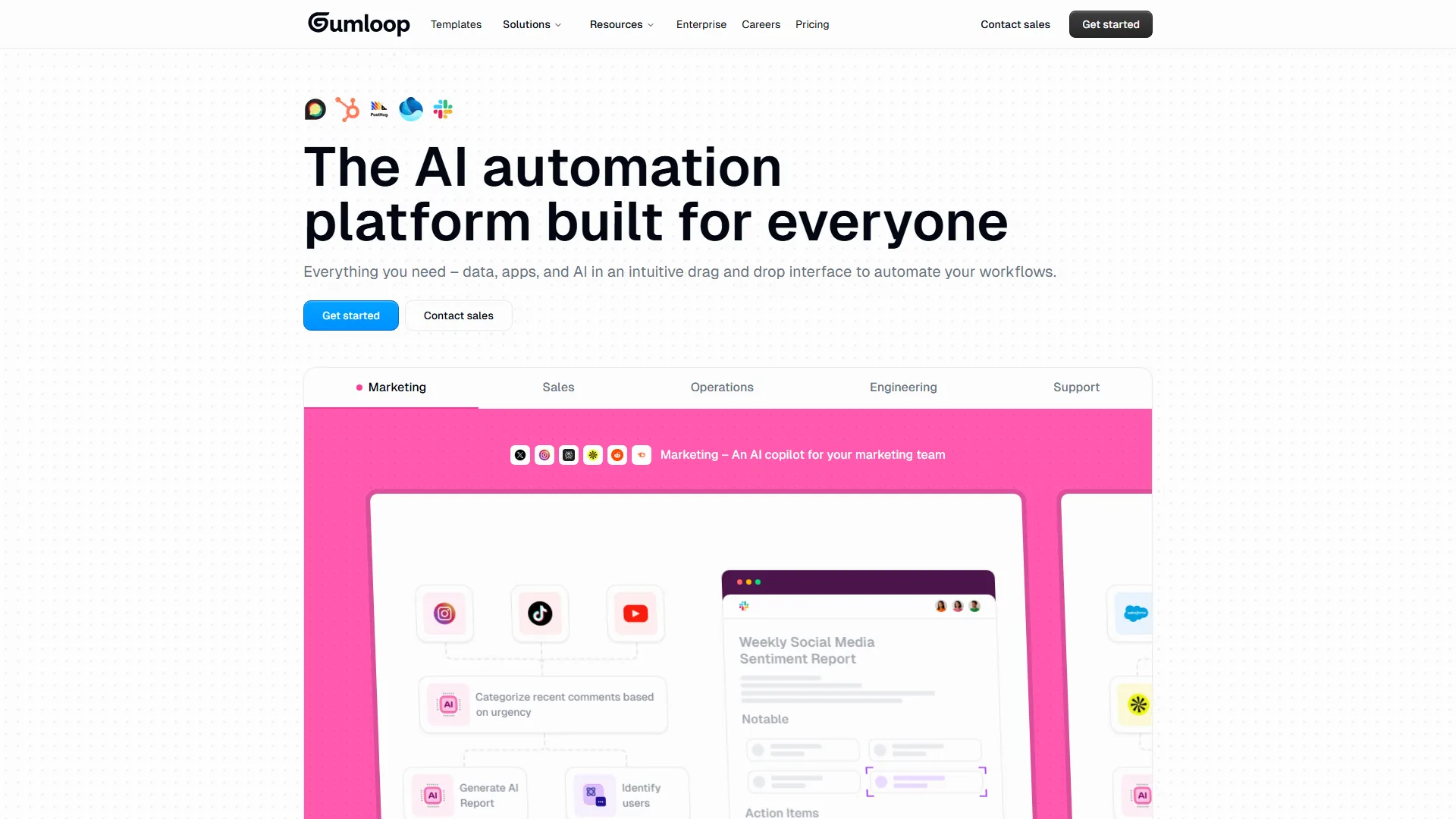
Gumloop is the newcomer shaking up automation with an AI-first approach. Unlike Zapier or Make, which bolted AI onto existing platforms, Gumloop was built from the ground up for AI-powered workflows.
Pricing:
- Free: 200 credits
- Solo: roughly $37/month (2,000 credits)
- Team: roughly $97/month (6,000 credits)
- Enterprise: Custom
Credit pricing stays predictable as workflows scale - simple automations use 1 credit, complex AI operations use 10-20.
Key Features: native GPT-5/Claude 4/Gemini 2.5 access without separate API keys, 115+ automation blocks, drag-and-drop visual builder, built-in web scraping, autonomous AI agents, and workflow templates for lead enrichment and content repurposing.
Real-World Use Case: a lead enrichment pipeline takes LinkedIn profiles, scrapes company data, generates personalized outreach with Claude 4, and sends them via Gmail in one Gumloop workflow - processing 50 leads daily and saving roughly 3 hours of manual work.
Pros: AI models are first-class citizens; credit pricing beats task-based models for AI-heavy work; excellent for content pipelines; web scraping is built in; fast execution.
Cons: smaller integration library than Zapier; fewer community resources; learning curve for credit consumption; limited user reviews as a new player.
Best For: content creators, marketers, and solopreneurs who need AI-heavy workflows like lead enrichment, content repurposing, research automation, or data extraction.
2. Zapier: The Market Leader
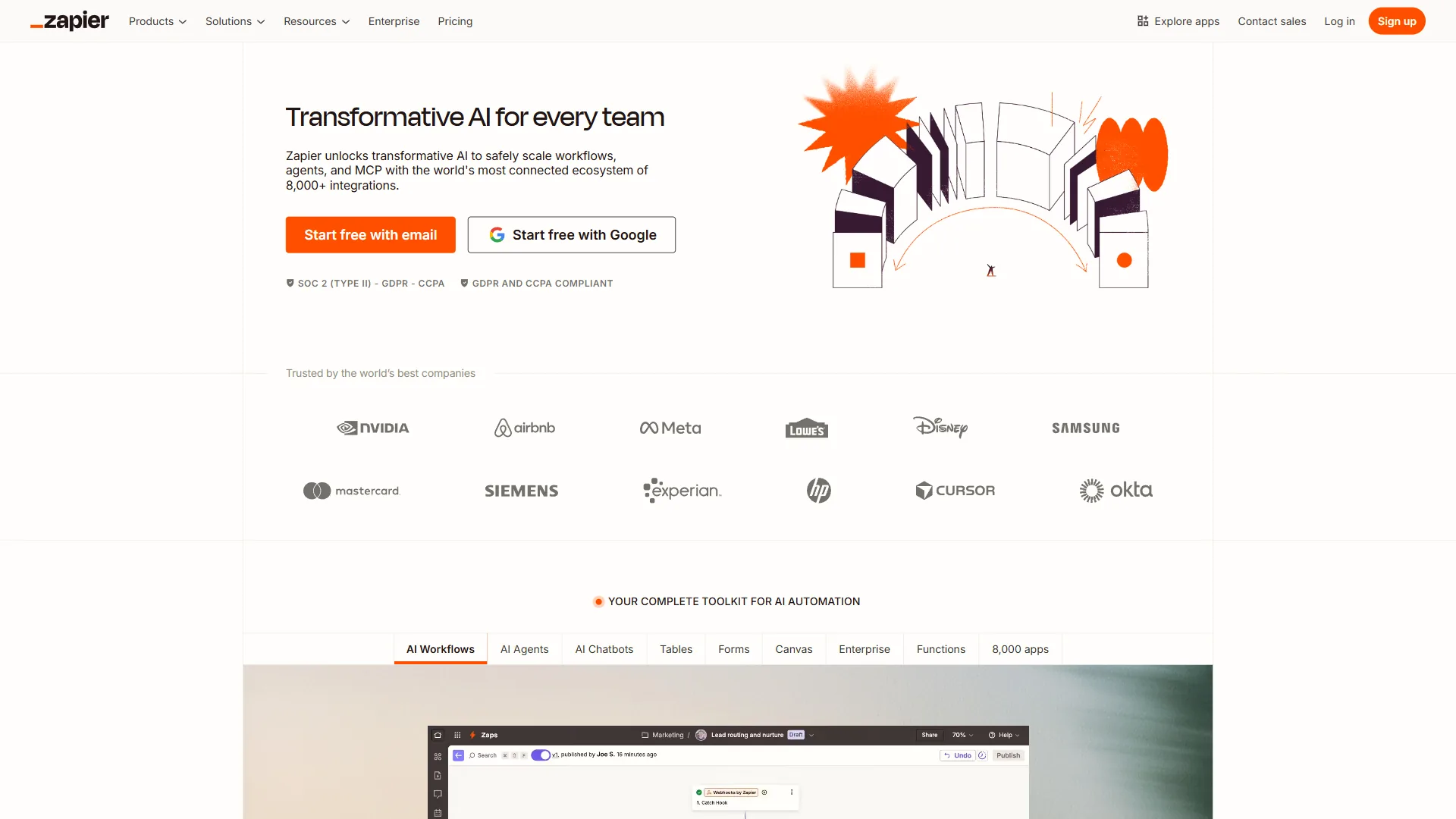
Zapier is the 800-pound gorilla of automation - if you need to connect two apps, there is a 95% chance Zapier has both integrations already built.
Pricing:
- Free: 100 tasks/month
- Professional: roughly $19.99/month (annual, 750 tasks)
- Team: roughly $69/month (2,000 tasks)
- Company: Custom
Tasks are counted per action - a 5-step Zap that runs 20 times equals 100 tasks.
Key Features: 7,000+ integrations (largest in the category), new AI Agents (December 2026), multi-step Zaps with filters and conditional logic, ChatGPT integration, Zapier Tables for workflow data, and Transfer for bulk migration.
Real-World Use Case: a common Zapier workflow syncs Stripe payments to QuickBooks, sends welcome emails via Customer.io, creates CRM records in HubSpot, and triggers a Slack notification when a customer checks out - a 6-step Zap that has run flawlessly for 18 months.
Pros: unmatched integration library; 99.9%+ uptime; extensive documentation; easy for non-technical users; new AI Agents add an intelligence layer.
Cons: task-based pricing gets expensive at scale; visual builder less intuitive than Make for complex flows; tight free tier; AI features feel like add-ons.
Best For: businesses connecting a wide variety of apps with simple-to-moderate workflow complexity - operations teams and marketers who value reliability over cutting-edge AI.
Learn more: Zapier official site
3. Make: The Visual Workflow Builder
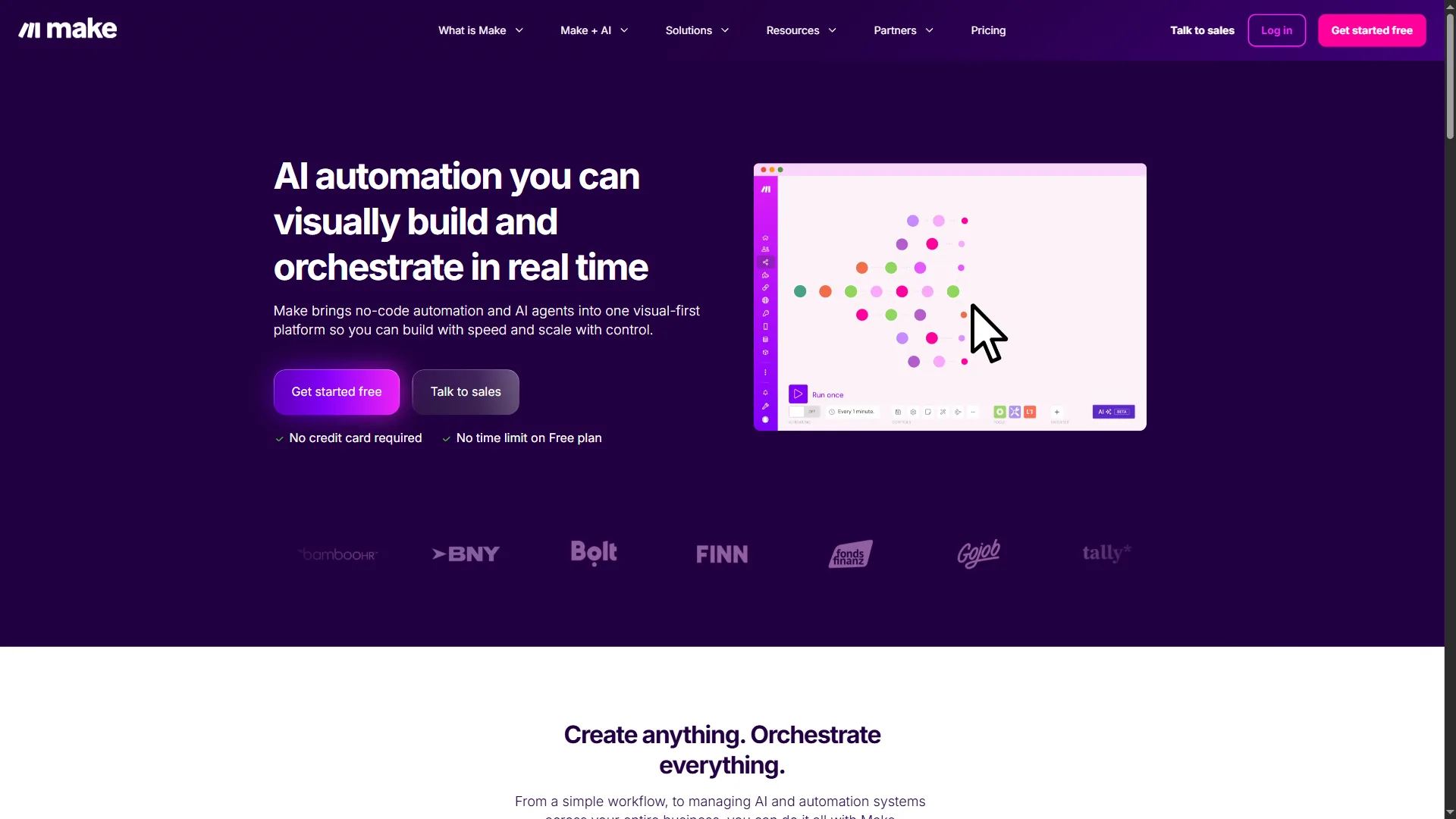
Make (formerly Integromat) is the platform for people who think in flowcharts - its visual scenario builder makes complex branching logic actually understandable.
Pricing:
- Free: 1,000 operations/month
- Core: roughly $9/month (10,000 operations, annual)
- Pro: roughly $16/month (advanced features)
- Teams: roughly $29/month (team features)
Operations-based pricing beats Zapier’s task model for complex workflows.
Key Features: visual scenario builder with routers/filters/error handlers, AI Agents (beta April 2026), Maia AI assistant for natural-language workflow building, HTTP/Webhook modules for any API, built-in data transformation, scenario templates, and sophisticated rollback/retry logic.
Real-World Use Case: a content distribution system publishes blog posts to WordPress, generates social variations with GPT-4o, schedules across Twitter/LinkedIn/Facebook, creates Pinterest graphics, and sends a summary to Notion with different paths per content type - Make’s visual builder keeps the complexity manageable.
Pros: best visual workflow builder in the category; operations pricing wins for complex scenarios; excellent branching; strong developer tools; generous 1,000-operation free tier.
Cons: steeper learning curve than Zapier; fewer pre-built integrations (though HTTP modules fill gaps); UI feels heavy for simple automations; AI features still in beta.
Best For: technical users, marketing teams, and businesses that need complex multi-path workflows with conditional logic - power and control without writing code.
Learn more: Make official site
4. n8n: The Open-Source Powerhouse
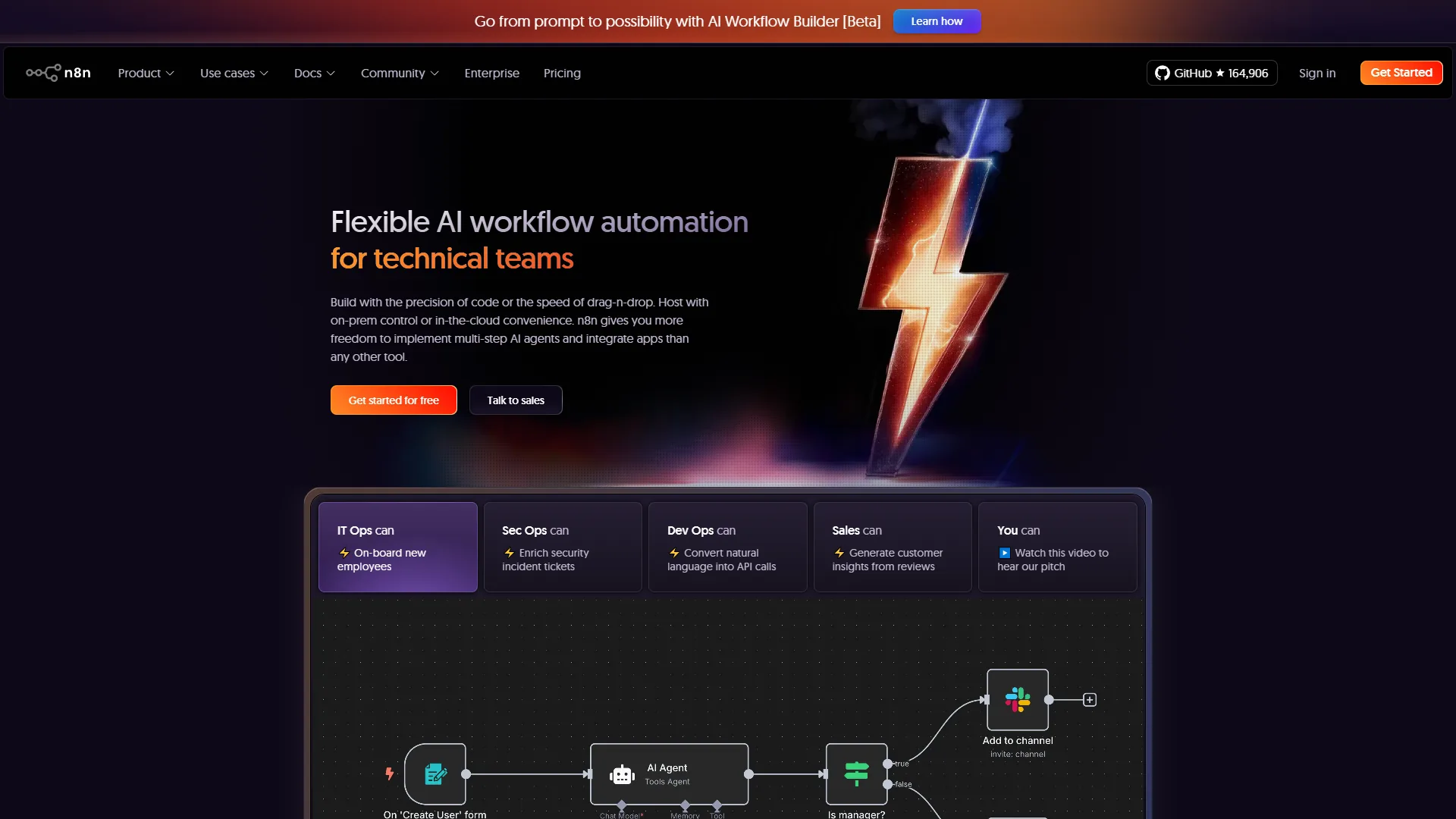
n8n is the automation tool developers wish they had built themselves - open-source, self-hostable, and offering complete control over workflows and data.
Pricing:
- Self-hosted: Free (unlimited workflows and executions)
- Starter Cloud: roughly $20/month (2,500 executions)
- Pro Cloud: roughly $50/month (10,000 executions)
- Enterprise: Custom
The free self-hosted option is genuinely unlimited.
Key Features: open-source with full code access, self-hostable on your own infrastructure, 400+ integrations with community nodes, 70 LangChain nodes for native AI/ML workflows, code nodes for JavaScript/Python, HTTP request node, secure credentials management, and Git-style workflow versioning.
Real-World Use Case: a dev team self-hosts n8n to automate CI/CD - when code is pushed to GitHub, n8n triggers tests, deploys to staging, runs AI security scans, generates changelogs with GPT-5, and notifies the team in Slack - all while keeping deployment credentials on their own servers.
Pros: free when self-hosted; full data ownership; execution-based pricing beats tasks; highest user satisfaction of the four; excellent LangChain support; active open-source community.
Cons: requires technical expertise to self-host; self-hosting means owning uptime and security; smaller integration library than Zapier; cloud version loses the cost advantage.
Best For: developers, technical teams, and privacy-conscious businesses that want complete control over automation infrastructure - especially if you self-host or build custom AI workflows with LangChain.
Learn more: n8n official site
Selection Criteria: How to Choose the Right AI Automation Tool
Choosing the right AI automation tool comes down to four factors: budget, technical skill level, workflow complexity, and AI-native versus integration-first design. According to Zapier’s 2024 State of Business Automation report, “88% of SMB leaders say automation enables their business to compete with larger companies”, which is why the framework below weighs cost and complexity as heavily as features.
Choose Gumloop if: workflows are AI-heavy (content generation, enrichment, research), you need built-in web scraping, you prefer predictable credit pricing, or you are building lead enrichment systems.
Choose Zapier if: you need to connect niche or enterprise apps, you value reliability over cutting-edge features, workflows are relatively simple (3-5 steps), or you are non-technical and need extensive documentation.
Choose Make if: workflows have complex branching logic, you think visually, you need operations-based pricing for cost efficiency, or you are building sophisticated multi-path automations.
Choose n8n if: you are a developer or have technical resources, data privacy and self-hosting are priorities, you want custom AI/ML workflows with LangChain, or you need unlimited automations without recurring costs.
Key Decision Factors
| Factor | Best Pick |
|---|---|
| Tightest budget | n8n (self-hosted, free) |
| Complex workflows on a budget | Make (~$9/mo) |
| AI-native workflows | Gumloop (~$37/mo) |
| Broadest app ecosystem | Zapier (~$19.99/mo) |
| Beginner technical level | Zapier |
| Developer-grade control | n8n |
| Simple (1-3 steps) | Zapier |
| Complex (10+ steps with branching) | Make or n8n |
| Custom AI/ML | n8n with LangChain |
ROI Calculator: How Much Time Will You Save?
The real question is not “which tool is cheapest” but “which delivers the best return on investment”. Realistic time savings from commonly built workflows:
| Workflow | Tool | Manual | Automated | Volume | Monthly Time Saved | Monthly Cost | ROI |
|---|---|---|---|---|---|---|---|
| Lead enrichment pipeline | Gumloop | 5 min/lead | 30 sec/lead | 50/day | ~75 hrs | ~$37 | ~10,000% (at $50/hr) |
| Social media cross-posting | Make | 15 min/post | Instant | 3/day | ~22.5 hrs | ~$9 | ~7,400% (at $30/hr) |
| CRM data sync | Zapier | 10 min/customer | Instant | 20/week | ~13.3 hrs | ~$19.99 | ~2,560% (at $40/hr) |
| Custom AI research | n8n | 2 hrs/project | 10 min/project | 5/week | ~38 hrs | $5-20 VPS | ~$2,850/mo saved (at $75/hr) |
Even simple AI task automation tools deliver 100x returns. The question is not whether to automate - it is which platform makes automation easiest for your specific use case.
Frequently Asked Questions
These FAQs cover the most common questions buyers ask about pricing units, security, migration, and AI capabilities across Gumloop, Zapier, Make, and n8n.
Can I use multiple automation tools together?
Yes, you can run multiple AI automation tools together and trigger them through shared webhooks. Many power users run Zapier for broad app integrations, Gumloop for AI workflows, and n8n for custom internal processes - the tools can trigger each other via webhooks or shared queues.
What is the difference between tasks, operations, executions, and credits?
Tasks (Zapier) count each action; operations (Make) count each module execution; executions (n8n) count each workflow run regardless of steps; credits (Gumloop) vary by workflow complexity and AI usage.
Do I need coding skills to use these tools?
No coding is required for Zapier, Make, or Gumloop. n8n has a visual builder but code nodes unlock its full power.
Can these tools replace developers?
No. These platforms excel at connecting existing tools and automating repetitive workflows, but they cannot build custom applications, complex business logic, or maintain codebases. Treat them as force multipliers, not replacements.
How secure is my data?
All four platforms use enterprise-grade encryption (AES-256), SOC 2 compliance, and secure credential storage. n8n adds self-hosting for complete data control.
What happens if the automation fails?
Each platform offers error handling: Zapier sends email notifications and auto-retries; Make has error handlers and rollback; Gumloop provides a testing environment and error notifications; n8n supports try/catch handlers and webhook fallbacks.
Can I migrate from one platform to another?
Yes, but it requires manual rebuilding of workflows - there is no one-click migration between platforms.
Which tool has the best AI capabilities in 2026?
Gumloop is purpose-built for AI workflows with native model access. n8n’s 70 LangChain nodes make it best for custom AI/ML pipelines. Zapier and Make have added AI Agents but feel more like add-ons.
Final Verdict: Which Is the Best AI Automation Tool in 2026?
Gumloop is the best AI automation tool in 2026 for AI-native workflows, Zapier wins on integration breadth, Make wins on visual complexity at low cost, and n8n wins for developers who need self-hosting. The right pick depends on whether your priority is AI features, app coverage, branching logic, or data ownership.
Start with Gumloop for AI-powered workflows. The AI-first architecture, credit-based pricing, and built-in web scraping make it the best choice for content creators, marketers, and solopreneurs in 2026.
Stick with Zapier if you need rock-solid reliability and the broadest app ecosystem. It is more expensive at scale, but the reliability premium is worth it for critical business workflows.
Choose Make for complex visual workflows on a budget - operations-based pricing and a sophisticated scenario builder give you enterprise-grade capabilities at a fraction of Zapier’s cost.
Go with n8n if you are technical, value data privacy, or need custom AI/ML workflows. The self-hosted free tier is unbeatable, and the LangChain integration opens up possibilities the other platforms simply cannot match.
Start with the free tier, build one high-value workflow, measure the time savings, then scale. Ready to automate?
Related Reading
Related reading covers the tools featured in this guide plus deeper automation comparisons for SMBs, solopreneurs, and no-code teams.
Tools covered in this article:
- Gumloop - AI-native automation for content pipelines and lead enrichment
- Zapier - Market leader with 7,000+ app integrations
- Make - Visual workflow builder with operations-based pricing
- n8n - Open-source workflow automation with self-hosting option
- Claude - LLM that powers many automation steps
- HubSpot - CRM commonly orchestrated by automation tools
- Slack - Messaging hub for automation triggers and notifications
- Notion - Workspace integrated with most automation platforms
- GitHub - DevOps source for code-driven automations
More automation guides:
- Best Workflow Automation Tools for SMBs - SMB-focused automation comparison
- Automate Approval Process No-Code - Build workflows without IT help
- AI Agents Guide - Create autonomous AI agents
- Best Workflow Automation Tools 2026: Make vs Zapier vs n8n
- Zapier vs Make 2026: Which Automation Platform Is Right for You?
- AI Tools for Solopreneurs: The Ultimate 2026 Stack
External Resources
External resources include primary vendor documentation and independent industry research used to ground this comparison.
- McKinsey Technology Trends - cross-industry automation adoption data
- Zapier State of Business Automation Report - SMB automation ROI benchmarks
- Gartner Automation Insights - enterprise hyperautomation forecasts
- n8n official documentation - self-hosting requirements and LangChain node reference
- Make Help Center - scenario builder and operations pricing primer