





The best Loom alternatives in 2026 are Vidyard for sales teams, Screencastify for education, Descript for video editing, and Vimeo for professional hosting - each fills a gap Loom was never built to cover. Loom popularized async screen recording and 25 million people adopted it before business video creation more than doubled since 2019. According to Joe Thomas, co-founder and CEO of Loom, “we are joining forces with Atlassian to bring async video to every team that ships software,” a deal that shifted Loom’s roadmap toward developer-team workflows. The 5-minute free-plan cap and $20 per month AI-tier price now push many users toward loom alternatives free of recording caps.
A sales rep needs CRM-integrated analytics, an educator in Chrome wants Google Classroom integration, and a creator needs real editing before sharing. This guide reviews the best Loom Alternatives for 2026 across Mac, Windows, and browser workflows so you can pick the better Options for 2026 that match your stack; our best screen recording tools roundup covers the wider field.
Our analysis draws on current vendor documentation, pricing pages, and independent research rather than sponsored placement. AI Productivity may earn a commission from links on this page; rankings are editorially independent.
Comparison Table: Loom Alternatives
Loom Alternatives are platforms with comparable features - often with lower pricing or specialized strengths. Here is how the top loom alternatives compare on the metrics that matter:
| Feature | Loom | Vidyard | Screencastify | Descript | Vimeo |
|---|---|---|---|---|---|
| Free Tier | 25 videos, 5 min max | 5 videos/month | 10 videos, 30 min max | 60 min media/month | 1 GB lifetime |
| Starting Price | $15/user/month | $59/seat/month | $19/month ($7 annual) | $16/month | $12/month |
| Best For | Async team messaging | Sales video outreach | Education & quick captures | Video editing & podcasts | Professional video hosting |
| AI Features | Meeting notes, filler removal | AI Avatars ($24/seat add-on) | Auto captions | Text-based editing, Studio Sound, Overdub | Auto captioning, AI scripts |
| Video Editing | Basic trimming | Basic trimming | Basic trim and cut | Full text-based editor | None (hosting only) |
| Analytics | Viewer engagement | CRM-integrated tracking | Basic | Basic | Advanced with lead capture |
| 4.5/5 | 4.5/5 | 4.6/5 | 4.6/5 | 4.3/5 |
Why People Look for Loom Alternatives
Loom users churn for three concrete reasons - free-tier caps, paywalled AI features, and the absence of real editing - and each pain point maps to a different alternative below.
The free tier is a demo, not a solution. Twenty-five videos at 5-minute, 720p limits means most users hit the paywall within a week. Descript’s 60 minutes per month and Screencastify’s 30-minute cap both give enough room to evaluate. The broader async video communication market keeps expanding, and the State of Remote Work report shows why distributed teams gravitate toward video over written status.
AI features require the premium tier. Meeting notes, filler-word removal, and edit-by-transcript sit behind the $20 per month Business+AI plan - the $15 per month Business plan gives unlimited recording but no AI. That is $240 per year per user before AI editing unlocks.
Recording is not editing. Loom records and shares - if your workflow involves cleaning audio, removing sections, adding captions, or repurposing into multiple formats, you need a different tool. Loom’s editing stops at basic trimming.
1. Vidyard - Best Loom Alternative for Sales Teams
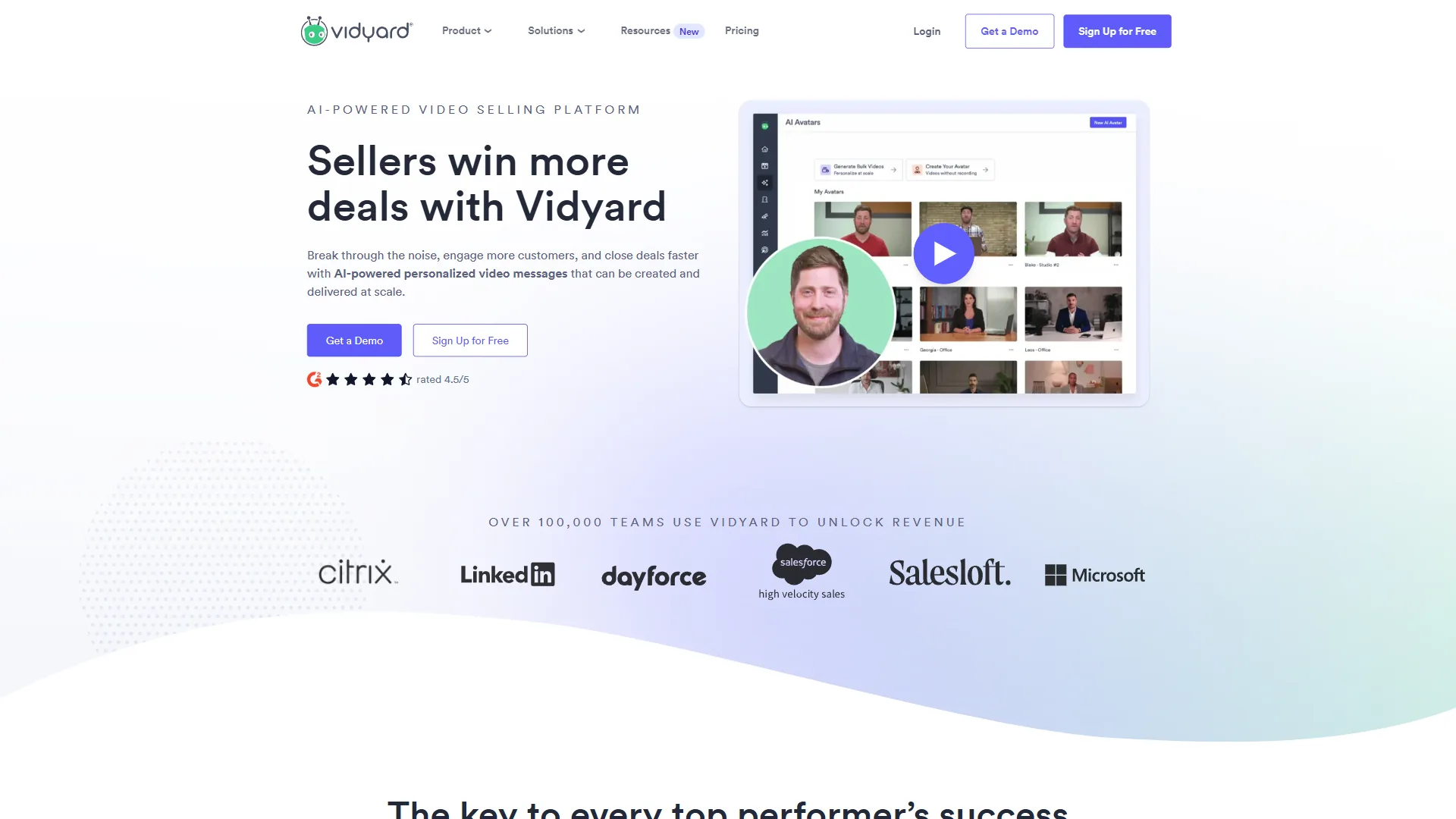
Vidyard is the best Loom alternative for sales teams because it tells you exactly which prospect watched, how much they saw, and syncs that data straight to your CRM for automated follow-up - the same workflow Loom only tracks at the aggregate level.
Where Vidyard Beats Loom
CRM integration that matters. Vidyard syncs viewer engagement directly to Salesforce and HubSpot contact records, so sales teams see viewing behavior alongside deal data. Loom has basic integrations but nothing that feeds individual engagement into the pipeline.
Viewer-level analytics. Vidyard names the prospect behind each view, the drop-off point, and any rewatches; Loom shows aggregate counts only - a distinction that drives follow-up timing.
AI Avatars for scaled outreach. Vidyard’s AI Avatars generate personalized video messages at scale without manual recording. For reps sending 50+ personalized videos per week, this is a meaningful time saver - Loom has no equivalent.
Where Loom Still Wins
Vidyard’s per-seat pricing is brutal for larger teams - a 10-person Starter team pays $490-$590 per month versus $150 on Loom’s Business plan. Editing tools and mobile apps both lag Loom’s.
Vidyard Pricing
| Plan | Monthly | Annual | Key Limits |
|---|---|---|---|
| Free | $0 | $0 | 5 videos/month |
| Starter | $59/seat | $49/seat | Unlimited videos, full analytics |
| Teams | $99/seat | $79/seat | Salesforce integration, team tracking |
| Enterprise | Custom | Custom | AI Avatars included |
Bottom line: Vidyard is the best Loom Alternative for 2025 sales teams needing CRM-connected analytics, and that lead carries into 2026. Skip it if you are not running a sales motion, your budget is closer to $15 per user/month, or you need post-production editing rather than analytics.
2. Screencastify - Best Loom Alternative for Education and Quick Captures
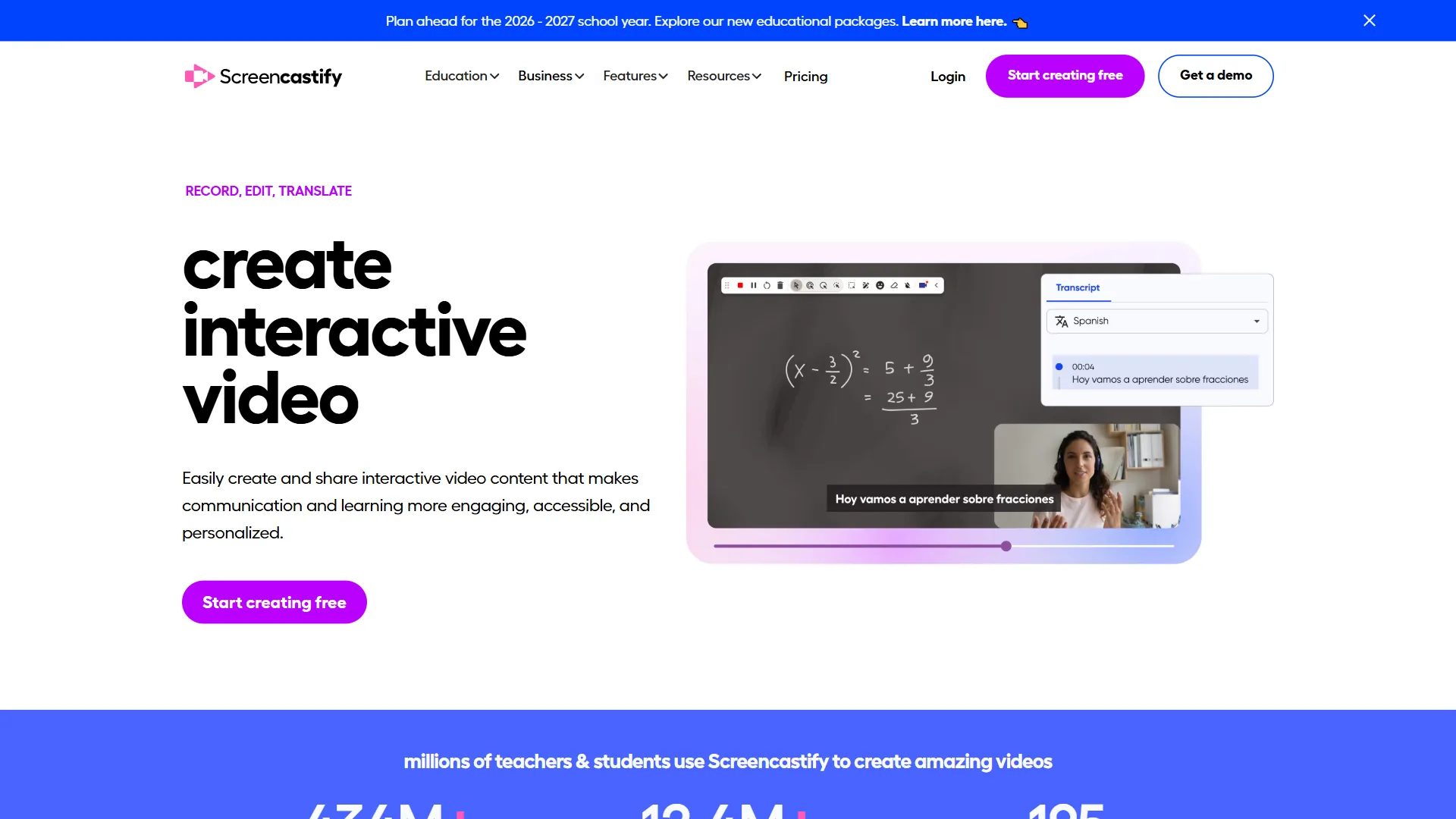
Screencastify is the best Loom alternative for education and quick captures because it runs entirely inside Chrome - no desktop app, no system permissions, two clicks to record. That simplicity earned it 10 million Chrome users, primarily educators and trainers who need recordings fast, not fancy.
Where Screencastify Beats Loom
Chrome-native simplicity. Screencastify needs only the Chrome extension - no desktop app, no extra system permissions. For school-managed Chromebooks or IT-restricted devices, that is a requirement, not a preference; Loom’s full features need the desktop app.
Google Classroom integration. Screencastify plugs into Google Classroom for assigning video responses, sharing lesson recordings, and collecting student submissions. Loom has no native education integrations.
Aggressive annual pricing. The Starter plan drops to $7 per month annually - a 63% discount that puts it below Loom’s $15 Business plan while delivering unlimited videos, AI captions, and MP4/GIF exports.
Where Loom Still Wins
Screencastify is Chrome-only - no desktop app, no system-audio capture, and editing stops at basic trim-and-cut. Loom’s desktop app records system audio with drawing tools, transcript-based editing on the AI tier, and stronger viewer analytics even at the basic level.
Screencastify Pricing
| Plan | Monthly | Annual | Key Limits |
|---|---|---|---|
| Free | $0 | $0 | 10 videos, 30 min max, watermark |
| Starter | $19 | $7/month | Unlimited, 60 min max, AI captions |
| Pro | Custom | Custom | Team management, branding |
Bottom line: Screencastify is the best loom alternative for educators needing zero-friction browser recording - annual pricing undercuts Loom and Google Classroom integration fills a gap no competitor matches. Skip it if you need desktop/system-audio recording, advanced analytics, or editing beyond trim-and-cut.
3. Descript - Best Loom Alternative for Video Editing
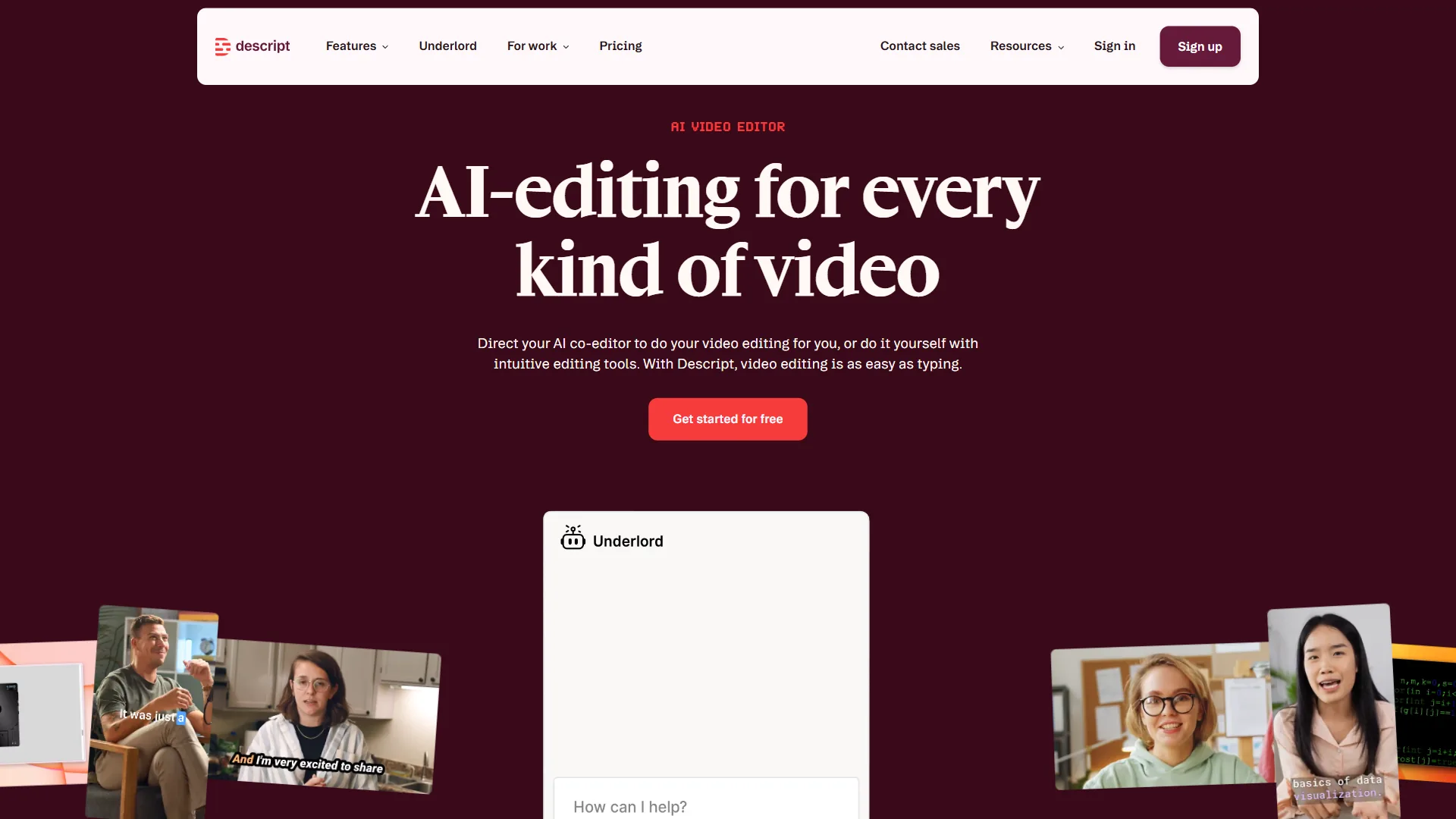
Descript is the best Loom alternative for video editing because its text-based editor, Studio Sound cleanup, and Overdub voice cloning solve the post-production problems Loom users hit most often - cleaning up a recording before it ships.
Where Descript Beats Loom
Real video editing. Descript’s text-based workflow edits video by editing the transcript - delete a sentence and the audio/video disappear; rearrange paragraphs and the video recuts itself. Loom’s editing stops at trimming start and end.
AI that fixes your recordings. Studio Sound removes noise and echo in one click, Eye Contact correction fixes gaze, and Filler Word removal strips every “um” automatically. Loom removes filler words on the $20 per month tier, but Descript’s broader AI suite handles problems Loom cannot touch - see our best AI podcast editing tools shortlist for more.
Overdub voice cloning. Descript’s Overdub clones your voice from a short sample - type a correction and it speaks the line in your voice with no re-recording. Loom has nothing comparable.
Multi-format repurposing. One 30-minute walkthrough turns into a 2-minute highlight reel, social clips, captioned exports, and multiple formats - a workflow worth pairing with AI video generators when you need to scale output.
Where Loom Still Wins
Descript is heavier with a steeper learning curve. Loom records, shares, and tracks engagement in one click; Descript’s import-edit-export loop takes minutes even on simple clips and lacks viewer analytics, instant link sharing, and comment threads.
Descript Pricing
| Plan | Monthly | Annual | Key Limits |
|---|---|---|---|
| Free | $0 | $0 | 60 min media, 720p, watermark |
| Hobbyist | $16 | $12/month | 10 hours, 1080p |
| Creator | $24 | $22/month | 30 hours, 4K, Overdub |
| Business | $50 | $40/month | 40 hours, AI translation |
Bottom line: Descript is the best loom alternative if recordings need editing before they ship - the text-based workflow changes how you think about video production. Skip it for fast async messages where polish does not matter, when you depend on engagement analytics, or when post-production is too much friction.
4. Vimeo - Best Loom Alternative for Professional Video Hosting
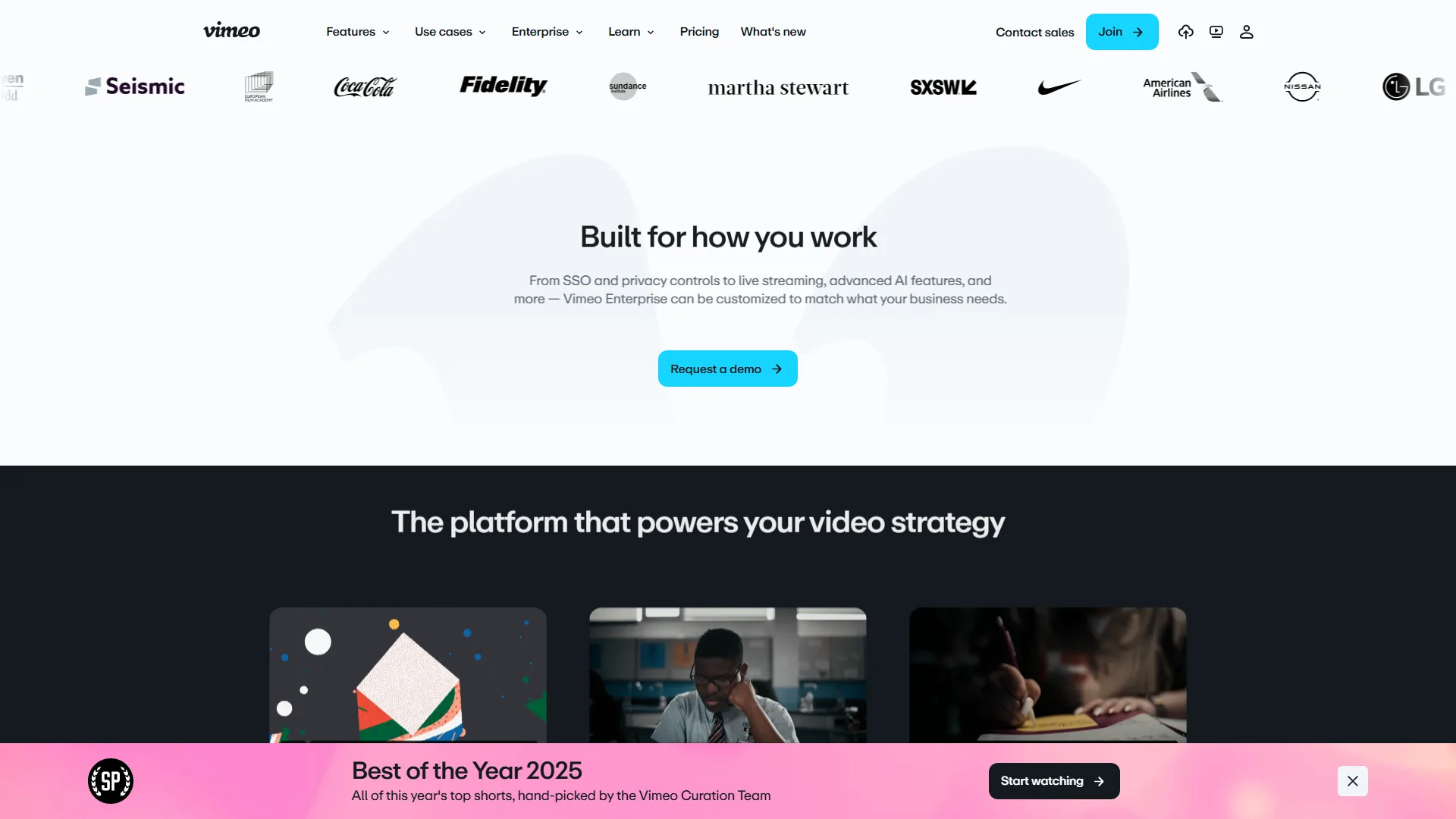
Vimeo is the best Loom alternative for professional video hosting because it offers ad-free branded playback, enterprise privacy controls, and lead-capture analytics across 300 million users and 1.28 million paid subscribers. It is not a recorder or editor - it is what teams reach for when they outgrow Loom’s hosting and need somewhere to put their growing video library.
Where Vimeo Beats Loom
Ad-free, branded video experience. Vimeo embeds play without ads or competitor suggestions, with your brand colors and logo on the player. Loom’s shared links carry Loom branding inside Loom’s interface - a visible gap for client-facing video, training portals, and marketing content.
Privacy and security controls. Password protection, domain-level embedding restrictions, and private link sharing meet enterprise compliance requirements that Loom’s basic settings cannot.
Live streaming and virtual events. The Advanced plan ($65 per month) includes webinar hosting with registration, live Q&A, polls, and chat - enough to replace a dedicated webinar platform. Loom has no live streaming capability.
Lead capture and advanced analytics. Standard and above include lead-capture forms on embedded videos plus engagement-graph analytics, turning video into a conversion channel for marketing teams measuring ROI.
Where Loom Still Wins
Vimeo does not record video - you need a separate tool for that - and lacks the comment threads, emoji reactions, and instant-share workflow that make Loom fast for internal teams. Per-plan pricing can be cheaper for larger teams but pricier for individuals.
Vimeo Pricing
| Plan | Monthly | Annual | Key Limits |
|---|---|---|---|
| Free | $0 | $0 | 1 GB lifetime uploads |
| Starter | $12 | $7/month | 60 videos/year |
| Standard | $20 | $12/month | 120 videos/year, analytics |
| Advanced | $65 | $39/month | 500 videos/year, live streaming |
Bottom line: Vimeo is the best loom alternative for teams needing professional hosting, branded embeds, and enterprise privacy - many teams record with Loom or Descript and host the polished result on Vimeo. Skip it if you need a recorder, rely on async comments and reactions, or only need basic internal sharing.
Best Picks by Use Case for Loom Alternatives
The best picks are Vidyard for sales, Screencastify for education, Descript for editing, Vimeo for hosting, and Loom itself for quick async messaging. Match your primary workflow to the right tool below:
Choose Vidyard If…
- Sales needs CRM-connected analytics and individual viewer tracking
- AI Avatars for scaled outreach matter - many teams pair Vidyard with a Synthesia () avatar workflow
- You are invested in Salesforce or HubSpot - see the Loom vs Vidyard 2026 comparison
Choose Screencastify If…
- You work in Chrome or on a Chromebook
- Google Classroom integration is essential
- Budget is tight ($7 per month annual)
Choose Descript If…
- Recordings need editing before sharing
- Podcast or YouTube content is part of your workflow
- You repurpose one recording into multiple formats - many content creators build their stack around Descript
Choose Vimeo If…
- You need ad-free, branded hosting for clients or public content
- Enterprise privacy and domain-level restrictions are required
- Live streaming or webinars would replace a separate tool
Stay with Loom If…
- Quick async messaging is the primary use case
- Aggregate viewer analytics are enough
- The $15-20 per user/month price works for your team size
Pro Tips: Migrating from Loom
Switching video tools takes planning, not pain:
Export your library first. Loom’s Business plan lets you download videos as MP4 files - do this before canceling. Free-plan videos cannot be downloaded without upgrading.
Run tools in parallel for two weeks. Most Alternatives to Loom offer free tiers (compare them in our best AI training video tools 2026 roundup). Video usage statistics show teams adopting async video lift output 20 to 30% - the right Alternative In 2026 matters and friction only surfaces in daily use.
Migrate highest-impact recordings first. Focus on sales sequences, onboarding, and client deliverables - not the long tail.
Update shared links gradually. Loom links embedded in Notion, Slack, and email break when you cancel - plan redirects for your most-shared recordings, and lean on the how to summarize meetings with AI guide if you pair async video with meeting notes.
The Bottom Line
The best Loom alternative is the one that closes your specific gap: Vidyard for CRM-connected sales analytics, Screencastify for Chrome-native education recording, Descript for text-based editing with AI cleanup, and Vimeo for ad-free professional hosting. If Loom already handles your workflow, switching adds complexity without benefit - but if you have hit a ceiling on editing, analytics, hosting, or budget, start with the matching free tier above.
FAQ
The most common Loom-alternative questions cluster around free tiers, Google and Microsoft equivalents, and price - here are the short answers.
Is there a free alternative to Loom?
Yes - Descript offers 60 minutes of free media per month, Screencastify allows 10 videos at 30 minutes each on Chrome, and Vimeo provides 1 GB of lifetime free hosting. Each free tier outlasts Loom’s 25-video, 5-minute cap.
Is there something better than Loom?
Better depends on workflow: Vidyard beats Loom for sales (viewer-level analytics sync to Salesforce and HubSpot), Descript beats it for editing (text-based cuts and Studio Sound), and Vimeo beats it for hosting (ad-free branded embeds). Loom remains best for one-click async team messaging.
Is there a Google alternative to Loom?
Screencastify is the closest Google-friendly Loom alternative - a Chrome extension that integrates with Google Classroom and Drive and works on school-managed Chromebooks where Loom’s desktop app cannot install.
Does Microsoft have a Loom equivalent?
Microsoft Stream (bundled with Microsoft 365) is the closest first-party Loom equivalent for Microsoft-shop recording and sharing, though Vidyard and Loom integrate more deeply with Outlook, Teams, and Dynamics CRM for sales.
What is the cheapest Loom alternative?
Screencastify is the cheapest paid Loom alternative at $7 per month annually - a 63% discount from $19 monthly and less than half Loom’s $15 Business plan. Descript’s free tier also gives 60 minutes per month, more generous than Loom’s 5-minute per-video free limit.
Related Reading
Related Reading goes deeper on each Loom alternative above and the async-video workflow they fit into.
- Loom Review, Vidyard Review, Screencastify Review, Vimeo Review, Descript Review, HubSpot Review, and Synthesia Review - Full reviews with pricing and ratings
- Loom vs Vidyard 2026: Which Video Tool Wins?
- Best AI Podcast Editing Tools 2026
- How to Summarize Meetings with AI
- Best AI Tools for Content Creators
External Resources
External Resources below are vendor pricing pages so the numbers in this guide can be verified at the source.