




Loom is built for async team communication while Vidyard is built for sales - and that single difference decides the loom vs vidyard 2026 choice. Loom replaces meetings with quick video messages; Vidyard turns video into a trackable outreach channel with deep CRM integration. Atlassian’s research on async work shows why this matters: distributed teams that lean on async video reclaim meeting hours and protect deep work blocks. Our best screen recording tools roundup and best Loom alternatives list cover the wider category.
This comparison draws on each vendor’s current pricing pages and feature documentation plus independent research, not sponsored placement. AI Productivity may earn a commission from links on this page; our rankings stay editorially independent.
Comparison Table: Loom vs Vidyard 2026 at a Glance
Loom starts free and runs around $15-$20 per user each month, while Vidyard costs around $59-$99 per seat each month and is built for sales analytics rather than team communication.
| Factor | Loom | Vidyard |
|---|---|---|
| Rating | ||
| Starting Price | Free (25 videos, 5-min limit) | Free (5 videos/month) |
| Mid-Tier Price | Around $15/mo (Business) | Around $59/seat/mo (Starter) |
| AI Tier | Around $20/mo (Business + AI) | Around $24/seat/mo add-on (AI Avatars) |
| Free Tier | Yes - generous | Yes - limited |
| Core Strength | Async team communication | Sales video analytics |
| CRM Integration | Basic (Salesforce on Enterprise) | Native (Salesforce + HubSpot) |
| Video Analytics | Viewer engagement, heatmaps | Individual viewer tracking, CRM sync |
| AI Features | Meeting notes, auto summaries, filler removal | AI Avatars, automated scripts |
| Best For | Remote teams, async updates | Sales teams, marketing analytics |
Quick Verdict
Choose Loom for replacing meetings with async video and choose Vidyard for tracking sales prospects who watch your videos - the two tools rarely overlap in practice.
Choose Loom if your primary need is replacing meetings with quick video messages. It is the easiest video tool to adopt and the pricing makes sense for entire teams.
Choose Vidyard if you need video as a sales channel. The viewer-level analytics, native CRM integrations, and AI Avatars are built to help reps close deals faster.
What Is Loom?
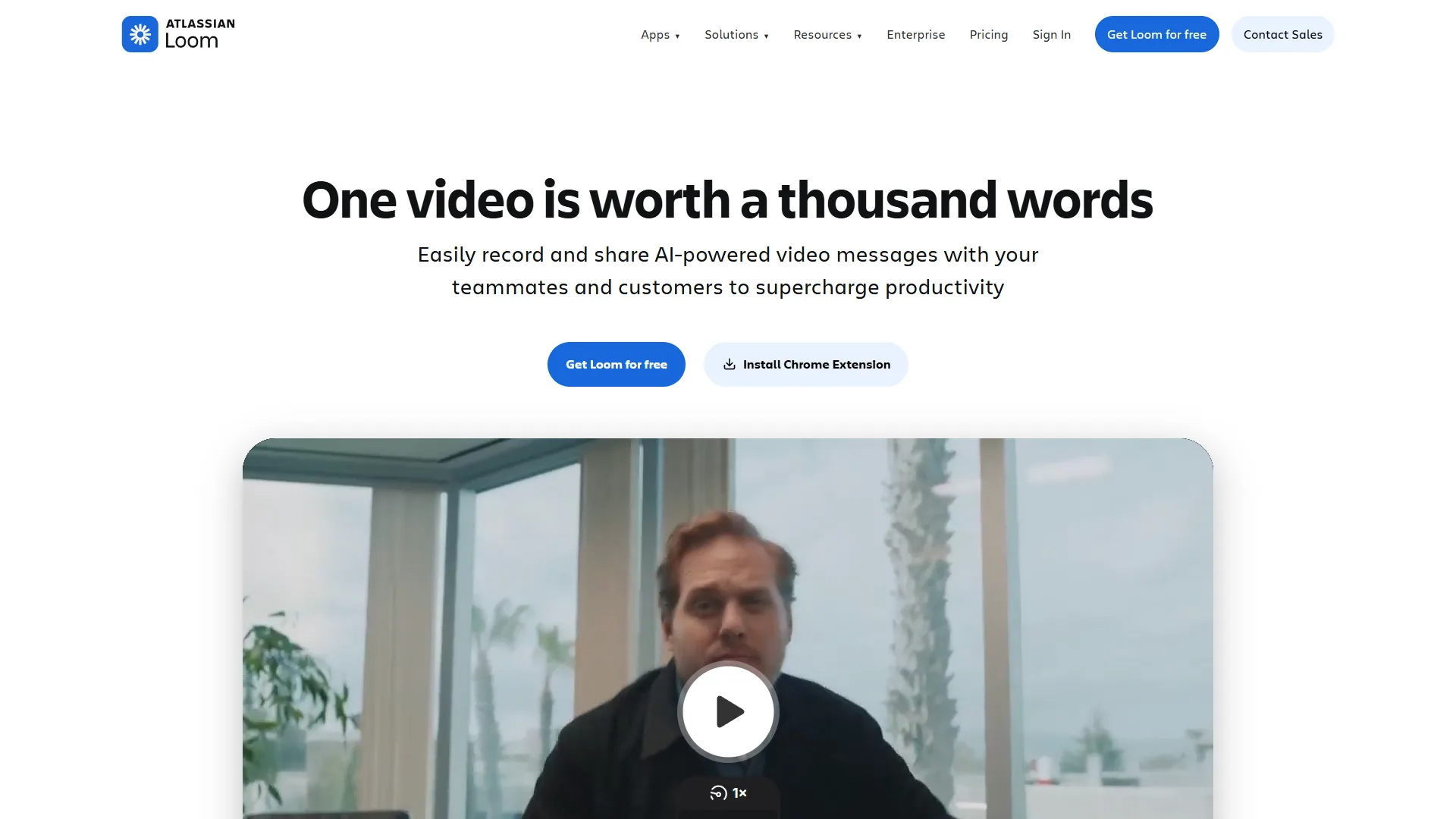
Loom is an AI-powered async video messaging platform used by over 25 million people. Instead of scheduling a meeting, you record a quick video of your screen and share it with a link. Teams often pair Loom with Fireflies for notes from the live calls they cannot replace.
The Business + AI plan (around $20 per month) adds automatic meeting notes, titles and summaries, chapter markers, filler-word removal, and workflows that convert videos into Jira tickets.
Key strengths:
- One-click recording from browser extension, desktop app, or mobile
- AI meeting notes that auto-join calendar meetings and generate recaps with action items
- Filler word and silence removal, plus edit-by-transcript in 50+ languages
- Recording quality up to 4K on paid plans
Notable limitations:
- Free tier limits you to 25 videos with a 5-minute cap per recording
- AI features require the around $20 per month tier, not the around $15 Business plan
- No advanced video editing beyond basic trimming and overlays
- Salesforce integration is only available on Enterprise (custom pricing)
What Is Vidyard?
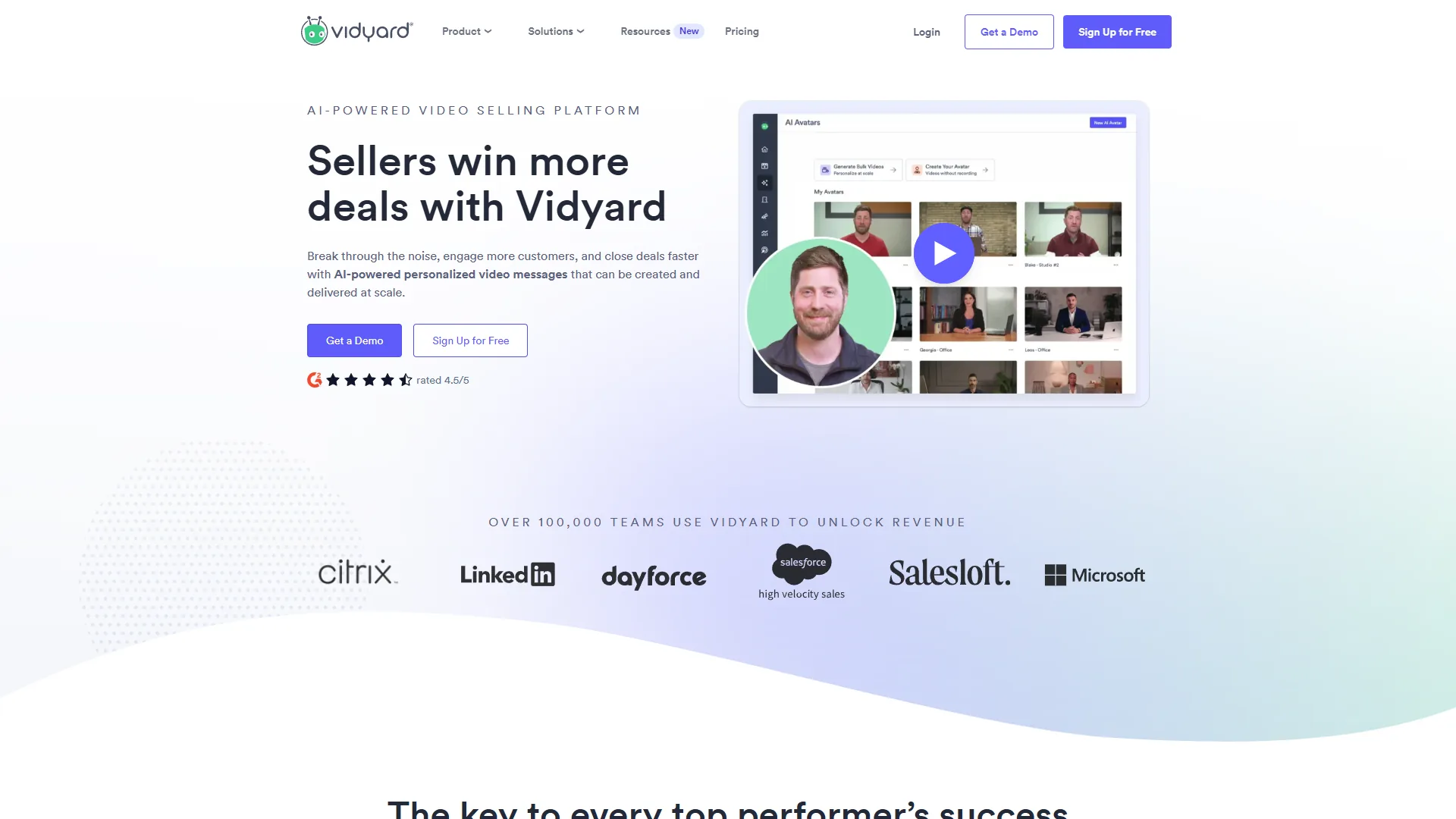
Vidyard is a video hosting and creation platform designed for sales and marketing teams. Founded in 2010, it has evolved into a full sales enablement tool where video is the medium but analytics and CRM data are the real product. Our async video communication guide covers the wider category.
The standout feature is viewer-level tracking: when a prospect watches your video, Vidyard tells you who watched, how much, and when - then syncs that data to their Salesforce or HubSpot contact record.
Vidyard’s AI Avatars let sales teams create personalized video messages at scale, available as an add-on at around $24 per seat per month. Our Synthesia vs HeyGen breakdown covers the broader avatar landscape.
Key strengths:
- Individual viewer-level analytics with engagement heatmaps
- Native Salesforce and HubSpot integrations that sync engagement to contact records
- AI Avatars for personalized outreach videos at scale
- Branded sharing pages and team performance dashboards
Notable limitations:
- Expensive per-seat pricing - Starter around $59/seat/month, Teams around $99/seat/month
- Free tier only allows 5 videos per month with basic analytics
- Minimal video editing - basic trimming only, no transitions or effects
- AI Avatars cost an additional around $24/seat/month on most plans
Pricing Breakdown
Pricing is where the loom vs vidyard 2026 comparison diverges most sharply: Loom is priced for entire teams to adopt (see the Loom pricing page), while Vidyard is priced per sales rep (see the Vidyard pricing page).
Loom Pricing
| Plan | Price | Key Limits |
|---|---|---|
| Starter (Free) | $0 | 25 videos, 5-min limit, 720p, 50 workspace members |
| Business | Around $15/mo | Unlimited videos, unlimited recording, 4K, remove branding |
| Business + AI | Around $20/mo | All Business features plus AI meeting notes, auto summaries, filler removal |
| Enterprise | Custom | SSO, SCIM, Salesforce integration, 99.95% uptime SLA |
For a 10-person team on Business + AI, the all-in cost is around $200 per month.
Vidyard Pricing
| Plan | Price | Key Limits |
|---|---|---|
| Free | $0 | 5 videos/month, basic analytics |
| Starter | Around $59/seat/mo (around $49 annual) | Unlimited videos, full analytics, branded pages |
| Teams | Around $99/seat/mo (around $79 annual) | Salesforce integration, advanced analytics, team collaboration |
| Enterprise | Custom | AI Avatars included, custom integrations, dedicated support |
| AI Avatars add-on | Around $24/seat/mo | Available on Starter and Teams plans |
For a 10-person sales team on the Teams plan (annual billing), the cost is around $790 per month, or around $1,030 with AI Avatars.
The pricing gap is significant. Loom costs roughly 75% less than Vidyard for the same team size, though the comparison is not apples-to-apples - Vidyard’s pricing reflects sales-specific analytics and CRM integration that Loom does not match.
Feature-by-Feature: AI Features Compared
Loom’s AI is communication-focused while Vidyard’s AI is sales-focused, reflecting their different audiences. Our AI tools for content creators roundup shows where both fit.
Loom’s AI (Communication-Focused)
Loom’s AI reduces the friction of async communication:
- AI Meeting Notes - Auto-joins calendar meetings and generates structured recaps with action items
- Auto Titles, Summaries, and Chapters - Every recording gets an AI-generated title, scannable summary, and chapter markers
- Filler Removal, Edit by Transcript, and AI Workflows - Cleans up dead air, deletes video by selecting text, and converts content into Jira tickets
Vidyard’s AI (Sales-Focused)
Vidyard’s AI scales personalized outreach:
- AI Avatars - Record yourself once and the AI generates personalized variations per prospect
- AI-Generated Scripts - Suggested scripts based on prospect data and outreach context
- Smart Analytics - Insights that flag your most engaged prospects and recommend follow-up timing
Winner: Depends on your use case - Loom’s AI is more mature for everyday communication, while Vidyard’s AI Avatars are a genuine differentiator for high-volume sales outreach.
Analytics and Tracking
Vidyard wins on analytics because it identifies individual viewers and syncs their engagement to a CRM, while Loom reports only aggregate viewer data below its Enterprise tier. The case for tracking is well established: “Video in an email leads to a 200-300% increase in click-through rate,” according to Forrester research widely cited in sales-enablement studies.
Loom Analytics
Loom provides solid viewer analytics on paid plans:
- Who viewed your video and when, plus total and unique viewer counts
- Engagement heatmaps showing which sections were watched, rewatched, or skipped
- Average watch percentage, emoji reactions, and comment threads
Vidyard Analytics
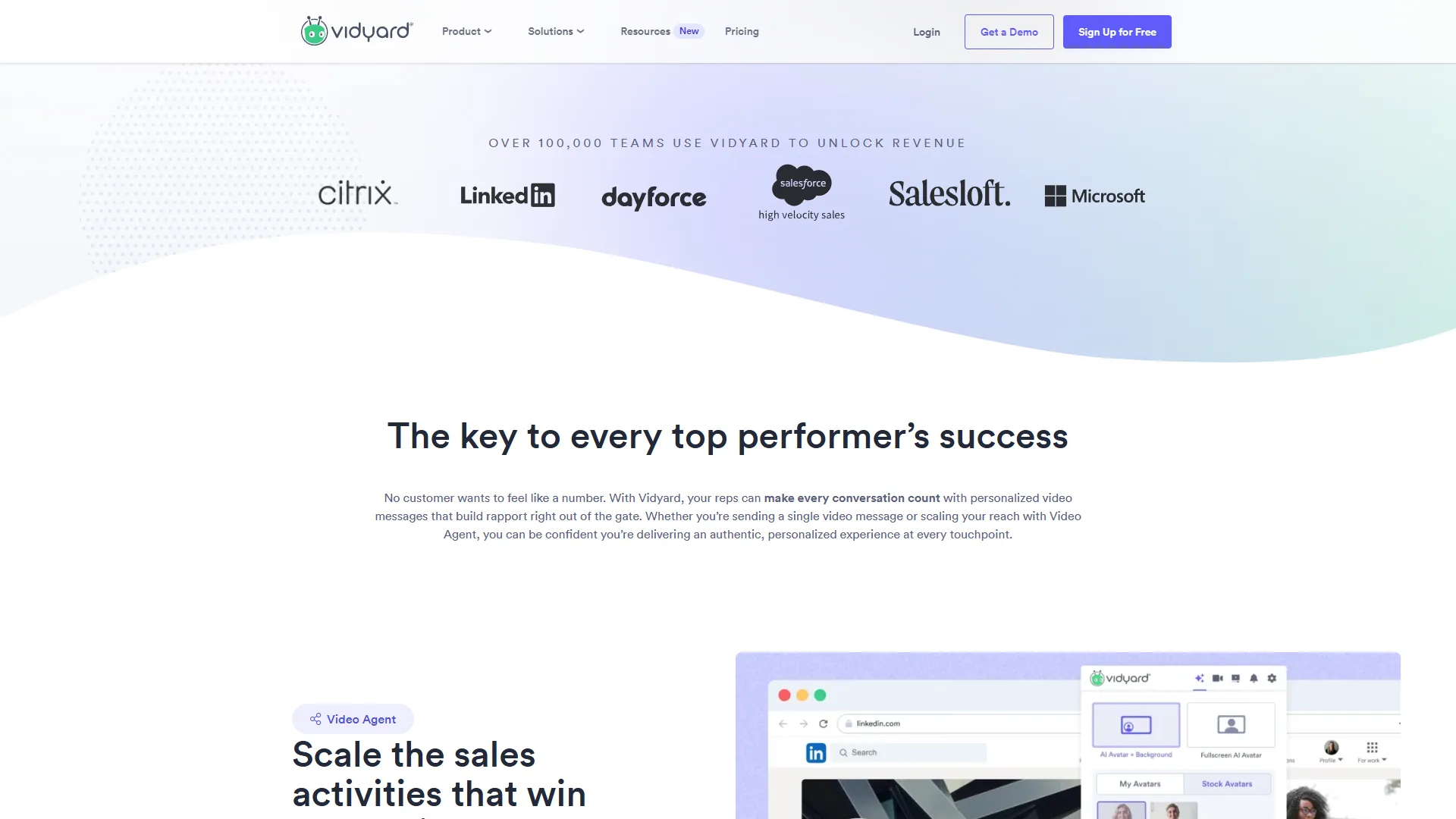
Vidyard’s analytics are built for revenue attribution:
- Individual viewer identification with email tracking and per-viewer heatmaps
- Real-time notifications when a prospect watches your video
- Automatic sync of viewing data to Salesforce and HubSpot contact records
- Team performance dashboards and follow-up triggers based on engagement thresholds
The difference is structural: Loom tells you “someone watched your video,” while Vidyard tells you “Jane Smith at Acme Corp watched 87% of your demo at 3:15 PM.”
Winner: Vidyard, decisively - though its deep tracking is locked behind the Teams plan ($99/seat) and requires Salesforce or HubSpot.
Integration Ecosystem
Loom integrates horizontally with collaboration tools such as Slack, Notion, and Jira, while Vidyard integrates vertically with sales platforms such as Salesforce and HubSpot.
Loom Integrations
- Slack - Paste a Loom link and it auto-expands with a preview
- Notion, Confluence, Linear - Embed Loom videos directly in documents and project pages
- Jira - AI workflow converts video content into Jira tickets
- Google Workspace - Record directly from Google Docs, Sheets, and Slides
- Zoom, Microsoft Teams - AI meeting notes join and record automatically
- Salesforce - Available on Enterprise plan only
Vidyard Integrations
Vidyard’s integrations center on sales and marketing workflows:
- Salesforce - Deep native integration with engagement data syncing to Sales Cloud contact records, available from Teams plan
- HubSpot - Native integration with video tracking embedded in the CRM
- Outreach, SalesLoft - Embed videos in sales sequences with tracking
- Marketo, Pardot - Marketing automation with video engagement triggers
- Gmail, Outlook - Browser extensions for recording and embedding in emails
Winner: Depends on your stack - Loom for collaboration tools, Vidyard for sales platforms. Loom lacks deep CRM integration below Enterprise, while Vidyard lacks the broad collaboration integrations that make Loom natural for product teams.
Security and Compliance
Loom and Vidyard are both SOC 2 Type II and GDPR compliant, but each gates SSO, SCIM, and custom data retention behind its Enterprise tier.
Loom Security
- Enterprise plan required for SSO (SAML 2.0) and SCIM user provisioning
- Advanced content privacy controls and custom data retention on Enterprise
- 99.95% uptime SLA on Enterprise
- SOC 2 Type II and GDPR compliant, with data processing agreements available
Vidyard Security
- SOC 2 Type II and GDPR compliant
- SSO available on Enterprise plans
- Custom integrations and dedicated support on Enterprise
- Video-level access controls and password protection
Takeaway: Both tools meet standard enterprise security requirements, but advanced compliance features are locked behind Enterprise tiers. If these are non-negotiable, plan on Enterprise-level pricing.
Feature-by-Feature: Loom vs Vidyard 2026 Use Case Showdown
Loom wins for async team communication, onboarding, and client speed, while Vidyard wins for sales prospecting and marketing video hosting.
Async Team Communication
Loom wins. Record a 3-minute Loom, share the link in Slack, and engineers across time zones watch when it fits their schedule. Vidyard works but is overbuilt - you pay for sales analytics you do not need. See our how to summarize meetings with AI walkthrough.
Sales Video Prospecting
Vidyard wins. A rep sending 50 personalized video messages per week needs to know which prospects watched and needs that data in the CRM without manual entry - Vidyard handles it natively. Loom works for occasional sales videos, but analytics are surface-level with no native CRM sync below Enterprise. See our best AI sales tools shortlist.
Customer Onboarding and Training
Loom has the edge. Record your screen, AI generates chapters and summaries, new hires search transcripts, and the low per-user cost means everyone gets access. Vidyard works here too if you want to track whether customers watch onboarding content, paired with one of the best customer onboarding tools 2026.
Marketing Video Hosting
Vidyard wins. For product demos, webinar recordings, and website videos, Vidyard’s branded hosting pages and engagement analytics provide real marketing intelligence. Loom is not designed for this - its videos are ephemeral messages. See our best AI training video tools 2026 roundup.
Client Communication (Agencies and Consultants)
Loom wins for speed, Vidyard wins for tracking. Agencies sending quick project updates prefer Loom’s simplicity and low cost, while agencies who need to prove ROI and track whether clients watch deliverable reviews prefer Vidyard’s analytics.
Migration Considerations
Migrating between Loom and Vidyard requires rebuilding your video library manually, since there is no automated migration path between the platforms.
Loom to Vidyard: Makes sense when your sales team outgrows Loom’s analytics. Budget time for CRM integration setup (HubSpot CRM or Salesforce configuration takes 1-2 days).
Vidyard to Loom: Makes sense when you are overpaying for sales features you do not use. Vidyard allows video downloads so you can export content before canceling.
Using both: Some organizations use Loom for internal communication and Vidyard for sales outreach - valid if the budgets are separate, but it adds tool management overhead.
Who Should Choose Loom
Loom is the right choice if you:
- Are a distributed team replacing synchronous meetings with async video updates
- Want the easiest recording experience - one click from a browser extension
- Care about AI-powered post-production - auto summaries, filler removal, meeting notes
- Have a limited per-user budget - around $15-$20 per person per month covers everything
- Create training and onboarding content - searchable, transcribed video libraries
Skip Loom if your primary use case is outbound sales prospecting, if you need video engagement data inside Salesforce/HubSpot at mid-tier pricing, or if you need branded video hosting.
Who Should Choose Vidyard
Vidyard is the right choice if you:
- Run a sales team doing video outreach and need to track who watches what
- Use Salesforce or HubSpot and want video engagement flowing into contact records
- Need AI-powered personalization at scale - AI Avatars for high-volume prospecting
- Want marketing video analytics - viewer-level tracking and engagement heatmaps
- Can justify the per-seat pricing through measurable sales ROI
Skip Vidyard if your video needs are internal async communication, if your team is under 5 reps, or if you do not use Salesforce/HubSpot - most of the value vanishes without a CRM in place.
The Bottom Line
The loom vs vidyard 2026 decision is about what you need video to accomplish.
Loom is the better choice for teams that want async video communication without complexity. It is easier to use, dramatically cheaper, and its AI features make every recording more polished - around $200 per month for a 10-person team with full AI capabilities.
Vidyard is the better choice for sales teams that treat video as a revenue channel. The viewer-level analytics, CRM integrations, and AI Avatars turn video into measurable pipeline. A 10-person sales team at around $790-$1,030 per month is a real investment, but if each rep closes one extra deal per quarter, the ROI works out fast.
If you are unsure, start with Loom’s free tier - 25 videos to test async workflows at no cost. If your team needs deeper sales analytics, that is a clear signal to evaluate Vidyard.
FAQ
Q: Is Loom cheaper than Vidyard?
Yes - significantly. Loom’s Business + AI plan costs around $20 per seat per month, while Vidyard’s Teams plan runs around $99 per seat per month. For a 10-person team, that is roughly $200 for Loom versus $790 to $1,030 for Vidyard - Loom costs approximately 75% less.
Q: Which tool is better for sales teams - Loom or Vidyard?
Vidyard is built specifically for sales. It provides individual viewer-level analytics, native Salesforce and HubSpot integrations, and AI Avatars for personalized outreach at scale. Loom works for occasional sales videos but lacks native CRM sync below the Enterprise tier.
Q: What do Loom and Vidyard offer on their free plans?
Loom’s free Starter plan allows 25 videos with a 5-minute recording limit and up to 50 workspace members. Vidyard’s free plan allows only 5 videos per month with basic analytics - more of a trial than a usable long-term option.
Q: How do Loom and Vidyard differ in AI features?
Loom’s AI focuses on communication - auto-generating meeting notes, titles, summaries, and chapters, and removing filler words. Vidyard’s AI centers on sales scale - AI Avatars create personalized outreach videos, while AI scripts and smart analytics flag the most engaged prospects.
Q: Can you use both Loom and Vidyard together?
Some organizations use Loom for internal async communication and Vidyard for external sales outreach. This is a valid approach when operations and sales budgets are separate. However, it adds tool management overhead. Loom’s Enterprise plan includes Salesforce integration, so it is worth evaluating whether that could replace Vidyard for sales teams before committing to both platforms.
Q: How does this comparison differ from Loom vs Zoom?
Loom vs Zoom is a different question - Zoom is built for live synchronous meetings while both Loom and Vidyard focus on recorded async video. If you are weighing recorded video tools, the loom vs vidyard 2026 comparison applies; if you need real-time calls, Zoom remains the reference point.
Related Reading
These guides expand on the Loom and Vidyard comparison with deeper reviews.
- Loom Review - Full review of Loom’s async video platform
- Vidyard Review - Full review of Vidyard’s sales video platform
- Async Video Communication: Replace Meetings with Video - Complete guide to async video workflows
- Best Screen Recording Tools for 2026 - Top recording tools compared
- Best Loom Alternatives 2026: Screen Recording Tools - Top Loom alternatives compared
- How to Summarize Meetings with AI - AI meeting notes and transcription tools
- Fireflies Review - AI meeting recorder and notes
- Synthesia Review - AI avatar video generator
External Resources
These third-party sources cover real-world Loom and Vidyard customer outcomes.