


Canva has 170 million users, and most never question whether it is the right tool - that is the problem. Canva competitors have quietly built features that exploit specific gaps in Canva’s design: limited pixel-level control, shallow presentation logic, restrictive free-tier brand kits, and a collaboration model that falls short for professional design teams. This article identifies where four serious canva competitors outperform the market leader and whether those advantages matter for the workflow.
Each tool is compared against Canva across common production scenarios: pitch decks with live data, UI components that need developer handoff, branded marketing under tight deadlines, and sourcing an alternative to Canva for presentations generated from scratch with AI. The shortlist below covers the canva competitors for graphic design that most teams evaluate first. The canva-alternatives roundup covers seven additional contenders by use case.
Comparison Table: Canva Competitors at a Glance
The four strongest Canva competitors in 2026 are Figma ($15/seat/mo, design precision), Adobe Express ($9.99/mo, asset library and commercial AI), Gamma ($10/mo, AI presentation speed), and Visme ($29/mo, data visualization). Each canva competitor targets a different workflow or team size. This comparison draws on each vendor’s current pricing and feature documentation plus independent research rather than sponsored placement; AI Productivity may earn a commission from links on this page, and rankings remain editorially independent.
| Tool | Starting Price | Aggregate Rating | Best Against Canva | Free Tier |
|---|---|---|---|---|
| Canva | $12.99/mo | 4.17/5 | The benchmark | Yes (generous) |
| Figma | $15/seat/mo | 4.38/5 | Design precision and dev handoff | Yes (3 files) |
| Adobe Express | $9.99/mo | 4.5/5 | Asset library and commercial AI | Yes (250 AI credits) |
| Gamma | $10/mo (Plus) | 3.91/5 | AI-powered presentation speed | Yes (400 one-time credits) |
| Visme | $29/mo (Starter) | 4.15/5 | Data visualization and export formats | Yes (very limited) |
Where Canva Falls Short
Canva has five specific weaknesses: limited pixel-level design control, collaboration built for marketers rather than designers, surface-level presentation logic, restricted export and integration formats, and a Brand Kit locked behind the $12.99-per-month Pro tier. Buyers often search for canva competitors free of Pro-tier lock-ins, and the canva competitors for graphic design covered below each target one of these weaknesses. Canva earned its position by being the best generalist design tool, but generalists leave openings for specialists.
Limited design control. Canva’s drag-and-drop editor prioritizes simplicity over precision. Teams cannot build reusable component libraries with variants, define spacing tokens, or enforce design constraints beyond basic Brand Kit colors and fonts.
Collaboration built for marketers, not designers. Canva’s real-time editing works well for marketing teams commenting on social posts, but it lacks branching, version control, or structured design review workflows that professional design teams need.
Surface-level presentation depth. Canva treats presentations like a series of graphics rather than structured content - no AI agent that researches topics, no web-native publishing, and limited data visualization beyond basic charts.
Export and integration boundaries. Canva exports to standard formats but does not support HTML5 interactive output, SCORM for LMS platforms, or seamless handoff to developer tools. Content that needs to live beyond a PNG or PDF hits walls.
Brand Kit locked to Pro. Canva locks Brand Kit behind Pro at $12.99 per month. Adobe Express offers brand management at lower price points, and Figma’s component system provides far more granular brand enforcement at Professional tier.
1. Figma - Wins on Design Precision and Professional Collaboration
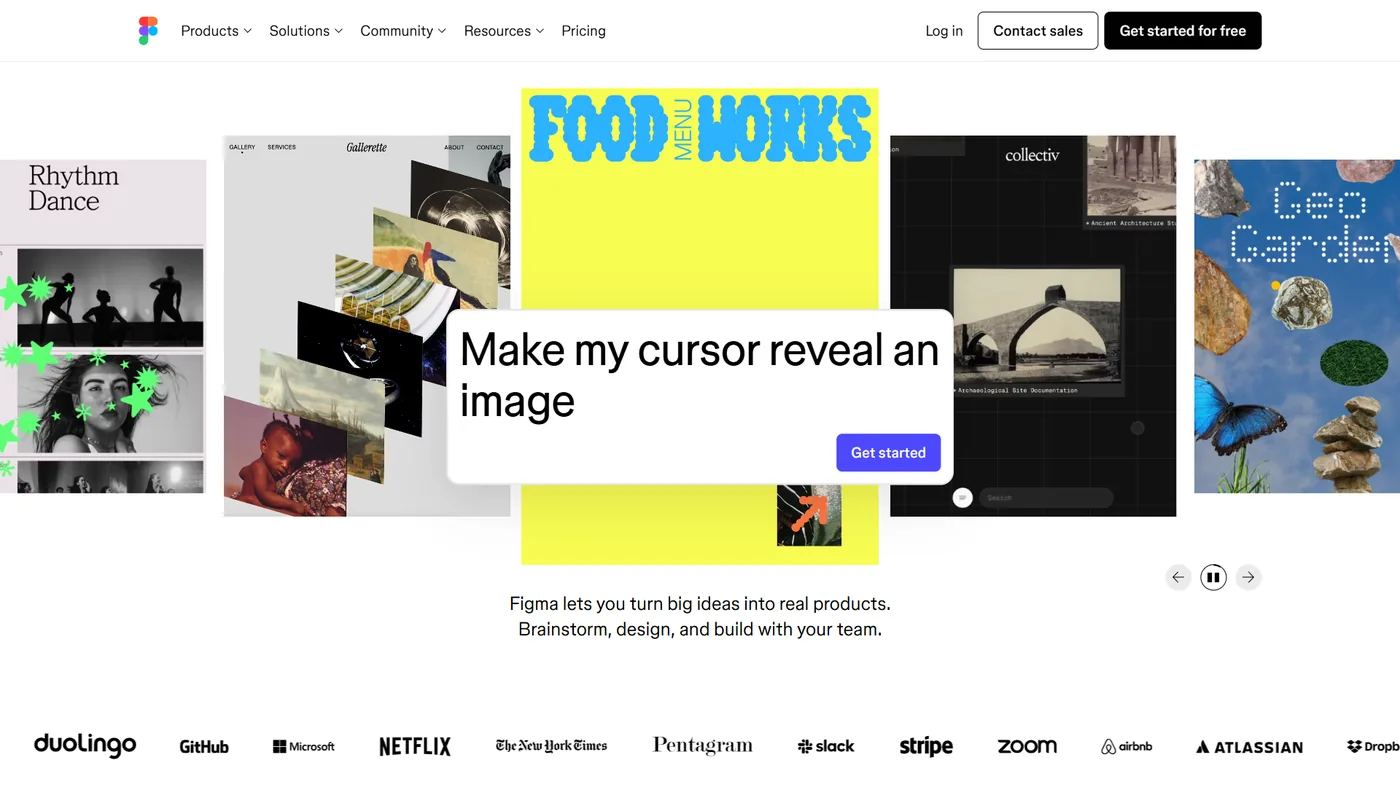
Figma is not trying to be Canva. It is a professional design platform that handles everything Canva cannot: vector precision, interactive prototyping, component-based design systems, and developer handoff through Dev Mode.
Where Figma beats Canva:
- Component libraries with variants. Build a button component once with variants - size, state, color - and every instance updates automatically when the source changes. Canva’s Brand Kit stores colors and fonts but cannot enforce layout rules or component structures.
- Real-time collaboration that scales. Figma’s multiplayer editing is built for design teams running structured reviews. Branching and merging let designers experiment without breaking production files.
- Dev Mode for handoff. Developers inspect designs, copy CSS/SwiftUI/Compose code, and measure spacing directly in Figma. Canva has no equivalent.
- Plugin ecosystem. Over 2,000 community plugins add AI image generation, content population, accessibility checking, and automated layout - the figma-ai-vs-canva-design comparison drills into how each tool’s AI plays out in practice.
Where Canva still wins over Figma: template library breadth (140M+ assets vs. community-contributed files), learning curve (minutes vs. days), non-design content types (social, video, print), and pricing for non-designers ($12.99/mo vs. $15/seat/mo).
Pricing: Figma’s free Starter plan allows 3 files with unlimited collaborators. Professional runs $15/seat/month (annual) or $20/seat/month (monthly). Organization tier at $45/seat/month adds design system analytics and SSO.
Best for: Product teams, UI/UX designers, and any organization where design assets need to flow into code. Figma consolidates Canva plus a separate prototyping tool into one platform.
Limitations: Figma is built for designers, not marketers - the learning curve runs days to weeks, non-designers will feel lost, the plugin ecosystem is community-built (quality varies), and there is no native social scheduling, video editor, or print flow. Skip Figma if the team produces marketing collateral but not UI work.
2. Adobe Express - Wins on Asset Quality and Commercial-Safe AI
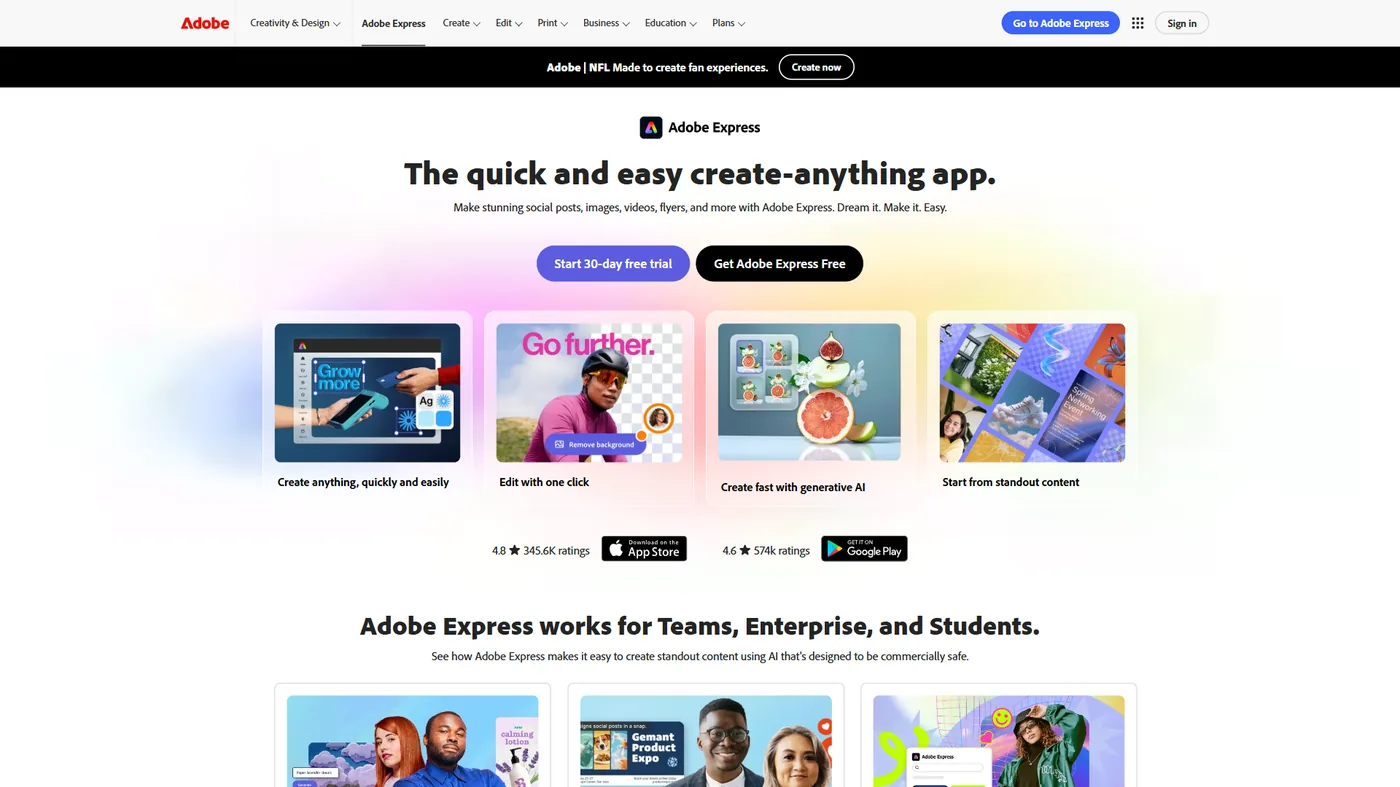
Adobe Express costs $9.99 per month and includes 200 million Adobe Stock assets, 30,000+ Adobe Fonts, and Firefly AI generation with full commercial licensing and IP indemnification for enterprise users - resources Canva cannot match at its $12.99 price point.
Where Adobe Express beats Canva:
- 200M+ Adobe Stock assets included. Adobe Stock’s depth in professional photography, editorial content, and niche categories is noticeably stronger than Canva’s 140M+ library for commercial projects.
- 30,000+ fonts from Adobe Fonts. Adobe Express ships roughly ten times more fonts than Canva, including typefaces designers consider industry standards.
- Commercially safe AI generation. Adobe Firefly is trained exclusively on licensed and public-domain content. Every AI image includes Content Credentials, and enterprise customers get IP indemnification that Canva’s Magic Media does not offer.
- Creative Cloud integration. Start a quick design in Adobe Express, then open the same file in Photoshop for advanced editing - the canva-vs-adobe-express-2026 comparison breaks down how the two stack up across common tasks.
Where Canva still wins over Adobe Express: collaboration features (real-time editing, 343+ app integrations vs. Adobe’s limited ecosystem), template breadth for social and marketing, ease of use for complete beginners, and native content scheduling to 8 social platforms.
Pricing: Adobe Express Free includes 250 AI credits monthly and access to 100,000+ templates. Premium at $9.99 per month unlocks the full 200M+ asset library. Teams pricing starts at $4.16 per user/month. Creative Cloud All Apps subscribers get Premium at no extra cost.
Best for: Freelancers and agencies that need premium stock and typography without paying separately, Creative Cloud subscribers who want quick edits without opening Photoshop, and any team that needs legally defensible AI-generated images for commercial use.
Limitations: The interface assumes some Adobe familiarity, which trips up complete beginners that Canva onboards in five minutes. Real-time collaboration is weaker, the third-party integration list is much shorter, and 250 free AI credits evaporate quickly. Skip Adobe Express if true beginner-friendly design or the 343+ Canva integrations matter.
3. Gamma - Wins on AI-Powered Presentation Creation
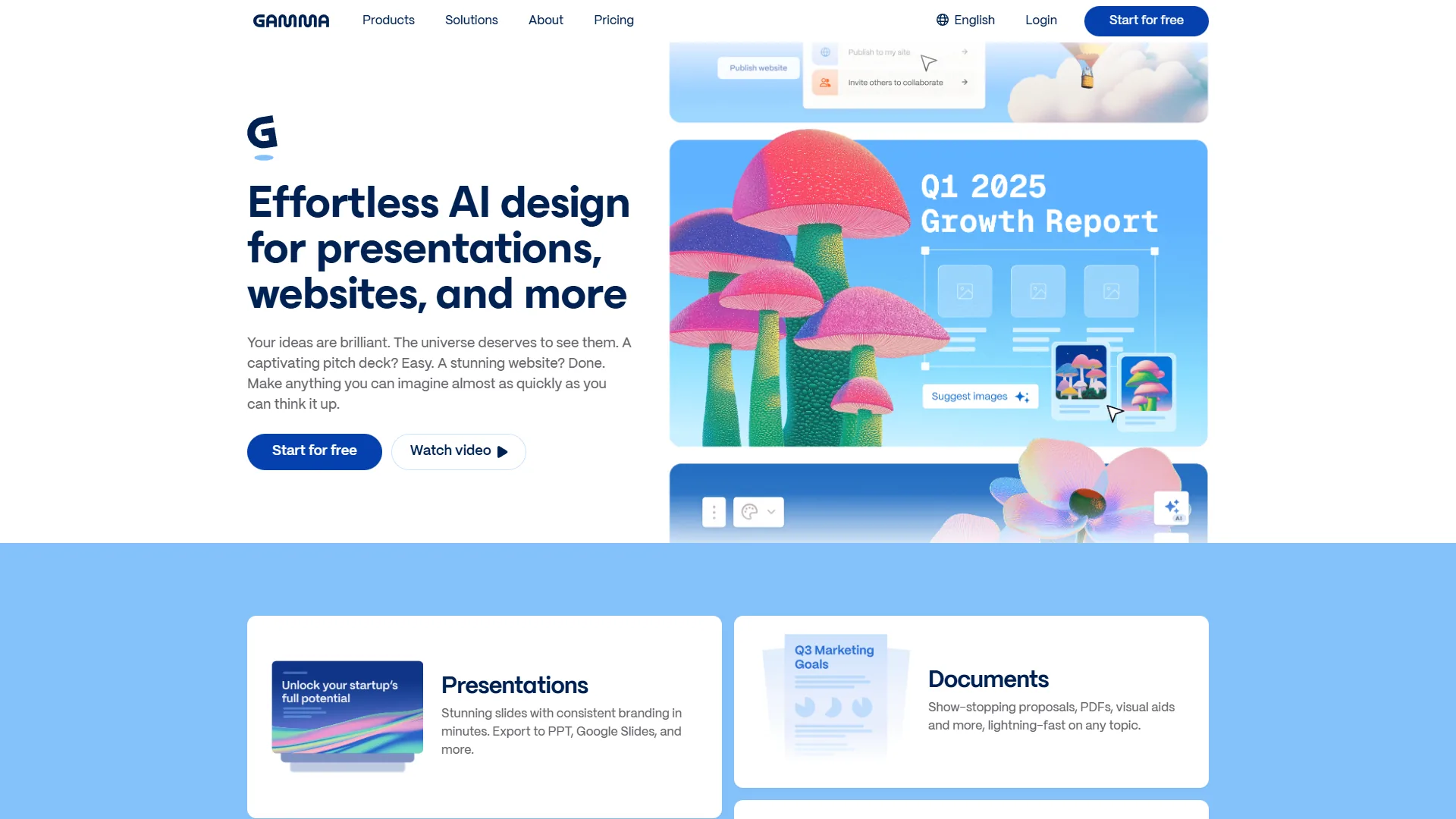
Gamma generates a complete, structured presentation deck from a single prompt in under 60 seconds. Where Canva treats presentations as another template category, Gamma built its entire platform around AI-native content generation. The Gamma 3.0 Agent - available on the Pro plan - acts as a conversational design partner that researches topics, structures content, and iterates through dialogue.
Where Gamma beats Canva:
- Sub-60-second presentation generation. A prompt produces a structured deck with relevant content, imagery, and consistent design. Canva’s Magic Design generates individual slides but does not research or structure multi-slide narratives.
- Conversational AI Agent. The Gamma Agent (Pro tier, $20/mo) researches the topic, suggests structure, and refines based on feedback. According to Gamma’s product blog, one enterprise customer reported saving 50,000 hours per year producing 50+ brand-consistent decks daily.
- Web-native publishing. Gamma presentations are interactive web pages by default - share a link, get built-in analytics on viewer engagement, and publish to custom domains (Pro plan).
- Advanced AI image models. Pro and Ultra plans unlock Imagen, Luma, and DALL-E 3 within presentations - the beautiful-ai-vs-gamma comparison covers how Gamma’s AI stack performs against its closest deck-builder competitor.
Where Canva still wins over Gamma: design versatility beyond presentations (social, print, video, documents), template library size (140M+ vs. ~100 in Gamma), free tier sustainability (Canva Free renews; Gamma’s 400 credits are one-time), and Brand Kit and team governance features.
Pricing: Gamma Free provides 400 one-time AI credits for roughly 8-10 presentations. Plus at $10 per month adds 400 renewable monthly credits. Pro at $20 per month ($15 per month annual) unlocks unlimited AI creation, the Gamma Agent, advanced image models, and API access.
Best for: Consultants, founders, and marketing teams that produce presentations weekly. Spending more than 2 hours a week building decks justifies Gamma’s AI generation within the first month.
Limitations: Gamma is purpose-built for presentations - no real social graphics, video, print, or document publishing. The free 400 credits are one-time, the template library is ~100 designs versus Canva’s millions, and AI-generated decks need editing for high-stakes pitches. Skip Gamma if design needs are broader than slides or a sustainable free tier matters.
4. Visme - Wins on Data Visualization and Export Flexibility
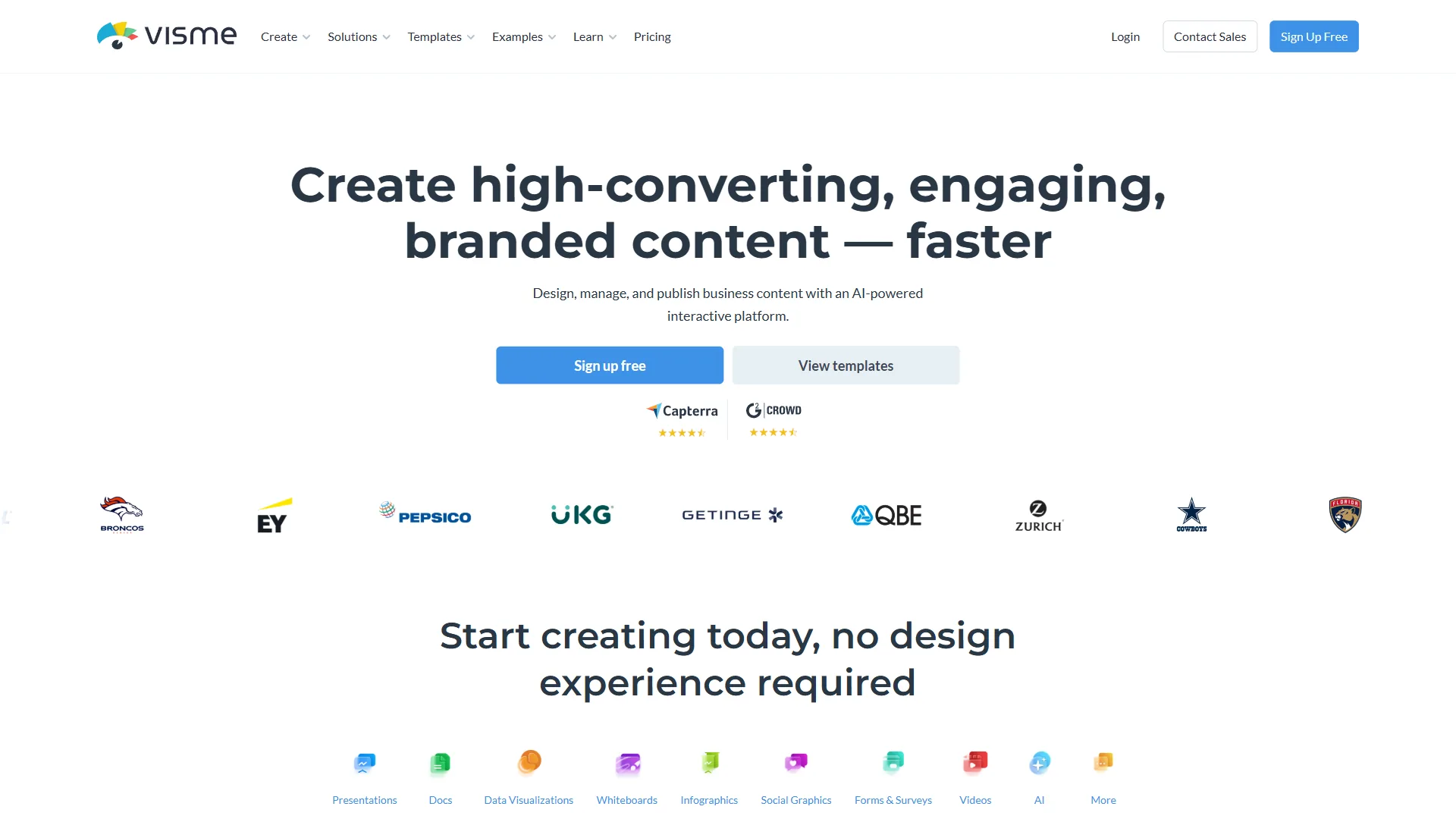
Visme offers 40+ chart and widget types, live data connections, interactive HTML5 output, and PPTX, video, and SCORM export options that Canva does not match. Those data-visualization tools make Visme the strongest choice among canva competitors for teams that produce reports, infographics, and data-driven presentations.
Where Visme beats Canva:
- Purpose-built data visualization. 40+ chart types, maps, progress bars, and radial gauges with live data connections to Google Sheets and Excel. Canva offers basic charts. Visme offers an interactive data storytelling toolkit.
- Export format range. PPTX for PowerPoint compatibility, HTML5 for interactive web embeds, video and GIF for social repurposing, and SCORM for LMS platforms (Enterprise). Canva exports to standard image and document formats but lacks HTML5 interactive output and SCORM entirely.
- Brand consistency enforcement. Visme’s Brand Wizard auto-applies your fonts, colors, and logo across every project. Enterprise tier supports multiple brand domains for agencies managing client identities. While Canva’s Brand Kit covers similar ground at the Pro level, Visme’s implementation gives agencies more granular control.
- Interactive content publishing. Embed hover effects, pop-ups, and clickable elements directly in published content. Share a Visme infographic with interactive data exploration rather than a static image. Canva’s published designs are view-only.
Where Canva still wins over Visme: pricing (Canva Pro $12.99/mo vs. Visme Starter $29/mo), template volume for general marketing, a usable free tier (Visme’s free plan blocks downloads), collaboration polish, and AI breadth (Magic Studio vs. Visme’s narrower AI tools).
Pricing: Visme Basic (free) is a preview-only tier with 10 AI credits and no download capability. Starter at $29 per month adds JPG/PNG/PDF exports and 200 AI credits. Pro at $24.75 per month (annual) unlocks PPTX, HTML5, video, GIF, brand kit, and 500 AI credits. Enterprise adds unlimited AI credits, SSO, and SCORM export with custom pricing.
Best for: Marketing analysts, consultants, and enterprise teams producing regular reports with data visualizations. Output skewed toward infographics and investor decks rather than Instagram stories justifies the price premium over Canva.
Limitations: Visme is the most expensive tool on this list (more than double Canva Pro), and the free tier is essentially a preview - no downloads without paying. The interface is denser and slower to learn, AI features are narrower than Magic Studio, and template volume cannot match Canva. Skip Visme for everyday marketing, social posts, or one-off graphics.
Why People Stay With Canva
Canva has four structural advantages that no specialist competitor matches: a 170-million-user network effect on templates, a genuinely sustainable free tier, all-in-one breadth across social, video, print, and presentations, and an ecosystem of 343+ app integrations. According to Canva’s October 2024 newsroom announcement, co-founder Melanie Perkins stated that “every month, more than 220 million people from around the world choose Canva,” and the company has since publicly disclosed crossing the 170-million-active-user milestone.
Network effects. With 170 million users, Canva’s template library grows through community contributions at a pace no competitor can match - more users means more templates, integrations, and third-party resources.
Genuine free tier. Canva Free is not a demo - it is a functional tool with 2 million+ templates, basic AI, and 5GB storage. Gamma’s free credits expire and Visme’s free tier cannot export.
All-in-one breadth. Social graphics, presentations, videos, print, whiteboards, documents, and websites - all in one platform. Switching to a specialist means adding a tool, not replacing one.
Ecosystem momentum. Canva integrates with over 343 apps, schedules to 8 social platforms, and ships a Magic Studio AI suite covering text, image, background removal, and auto-resize. The breadth makes switching costly even when a competitor wins on one dimension.
Which Tool Fits Your Workflow
Figma is the best fit for design systems, Adobe Express for premium stock and commercial AI, Gamma for AI-generated presentations, and Visme for interactive data visualization - while Canva remains the safest default if no single weakness dominates the workflow. The right choice depends on which Canva weakness matters most:
| Your Pain Point | Switch To | Why |
|---|---|---|
| Need design systems and dev handoff | Figma | Component libraries, Dev Mode, branching |
| Want better stock assets and fonts | Adobe Express | 200M+ Adobe Stock, 30,000+ fonts, Firefly AI |
| Spend too long building presentations | Gamma | AI Agent generates research-backed decks in under 60 seconds |
| Need interactive data visualizations | Visme | 40+ chart widgets, HTML5 export, live data connections |
| No specific gap - general design needs | Stay with Canva | Still the best generalist at $12.99/mo |
For many teams, the smartest move is not replacing Canva but supplementing it - keep Canva for everyday marketing graphics and add Figma for product design, or pair Canva with Gamma for presentation-heavy weeks.
The Bottom Line
Canva is the right tool for most people most of the time. The competitors profiled above exploit specific gaps with purpose-built features that a generalist approach cannot match.
Figma wins when design precision, component systems, and developer handoff matter more than template convenience. Adobe Express wins on premium asset quality, commercial AI licensing, and Creative Cloud integration. Gamma wins when presentation speed is the bottleneck. Visme wins when data visualization and export flexibility drive the workflow.
The question is not which tool is best - it is which weakness in the current Canva workflow costs the most time, and which competitor solves that specific problem.
FAQ
Q: What is Canva’s biggest competitor?
Canva’s biggest competitors are Figma, Adobe Express, Gamma, and Visme, each targeting a specific gap. Figma wins on design precision and developer handoff at $15 per seat monthly. Adobe Express leads on asset library and commercial AI at $9.99 monthly. Gamma outpaces Canva on AI-powered presentation speed at $10 monthly, and Visme edges ahead on data visualization and export formats.
Q: Is there any better app than Canva?
Yes, depending on the workflow. Figma, Adobe Express, Gamma, and Visme each outperform Canva in narrower scenarios - the better app depends on whether the priority is design control, AI decks, premium assets, or data visualization.
Q: Why don’t professional designers use Canva?
Collaboration built for marketers, not designers. Canva’s real-time editing works well for marketing teams commenting on social posts. But it lacks branching, version control, or structured design review workflows.
Q: What is more professional than Canva?
Best for: Marketing analysts, consultants, and enterprise teams producing regular reports with data visualizations. If your output is more infographics and investor decks than Instagram stories, Visme’s specialized tools justify the price premium over Canva.
Related Reading
This section includes a dedicated profile for each of the five tools - Canva, Figma, Adobe Express, Gamma, and Visme - followed by related design and presentation comparisons.
Tools covered in this article:
- Canva - Generalist design platform with 170M+ users
- Figma - Professional design and prototyping platform
- Adobe Express - Creative design with Firefly AI and Adobe Stock
- Gamma - AI-powered presentation creation
- Visme - Data visualization and interactive content
More design and presentation guides:
- Canva Alternatives 2026: 7 Design Tools Compared by Use Case - Broader look at seven Canva alternatives organized by primary use case
- Best AI Design Tools 2026 - Full comparison of AI-powered design platforms including Canva, Adobe Express, and Visme
- Beautiful.ai vs Gamma: Which AI Presentation Tool Wins? - Head-to-head comparison for AI presentation creation
- Best AI Presentation Tools 2026 - Gamma, Beautiful.ai, and Canva compared for slide deck workflows
External Resources
Vendor documentation and learning hubs are listed below for further verification of each platform reviewed above.