


The best PDF editors in 2026 are Adobe Acrobat for enterprise and legal teams, Foxit PDF Editor for budget-conscious professionals, Nitro PDF Pro for collaborative teams, and Wondershare PDFelement for the lowest-cost AI editing at $9.08 per month. Whether you are redacting sensitive documents, managing contracts, or fixing a typo in a client proposal, the right PDF editor is the difference between getting work done and fighting with software all day. The PDF format itself is governed by the ISO 32000-2 standard, but day-to-day editing experience varies widely between vendors.
The best PDF editors 2026 have evolved far beyond simple text changes. With AI-powered features like intelligent document analysis, automated form recognition, and conversational PDF assistants, these tools are transforming how we work with documents. The global PDF editor software market was valued at USD 2.31 billion in 2024 and is projected to grow at a 12.3% compound annual rate through 2030, according to Grand View Research. With prices ranging from $9 to $30 per month, choosing the wrong one can cost you hundreds annually. If your workflow leans heavily on extracting text from scans, our best AI OCR tools roundup covers complementary options worth pairing with any editor here.
This comparison draws on each vendor’s current pricing and feature documentation alongside independent research rather than sponsored placement. AI Productivity may earn a commission from links on this page, but our rankings stay editorially independent.
Comparison Table
The four best PDF editors of 2026 - Adobe Acrobat, Foxit PDF Editor, Nitro PDF Pro, and Wondershare PDFelement - range from $9.08 to $29.99 per month and split cleanly by use case across enterprise compliance, budget editing, team collaboration, and low-cost AI. This guide evaluates each on pricing, ease of use, integration depth, and the specific scenarios where it delivers the most value.
| Feature | Adobe Acrobat | Foxit PDF Editor | Nitro PDF Pro | Wondershare PDFelement |
|---|---|---|---|---|
| Rating | - | |||
| Starting Price | $12.99/mo | $9.99/mo | $15/mo | $9.08/mo |
| Pro Tier | $19.99/mo | Single tier | $15/mo | Single tier |
| Perpetual License | No | around $149 one-time | around $180-$250 | Promotional only |
| AI Features | AI Assistant (+$4.99/mo) | 2,000 credits/mo included | None | Multi-model AI included |
| Best For | Enterprise & legal | Budget-conscious pros | Small teams | Budget + AI + cross-platform |
| Key Strength | Industry-leading OCR & AI | Lightweight & fast | Collaboration tools | AI at lowest subscription price |
Quick Verdict: Adobe Acrobat wins for enterprise and legal teams needing cutting-edge AI and compliance; Foxit offers strong value at 50% less than Adobe with professional editing and bundled AI; Nitro balances cost and collaboration for small teams; and Wondershare PDFelement is the best budget pick with multi-model AI at $9.08 per month and full cross-platform support.
Limitations: Skip all four if you need browser-only editing without installs - none ships a complete web-only experience yet. Category-wide cons include uneven OCR on handwritten notes and inconsistent accessibility tagging on legacy PDFs.
Adobe Acrobat: The Industry Standard with AI Power
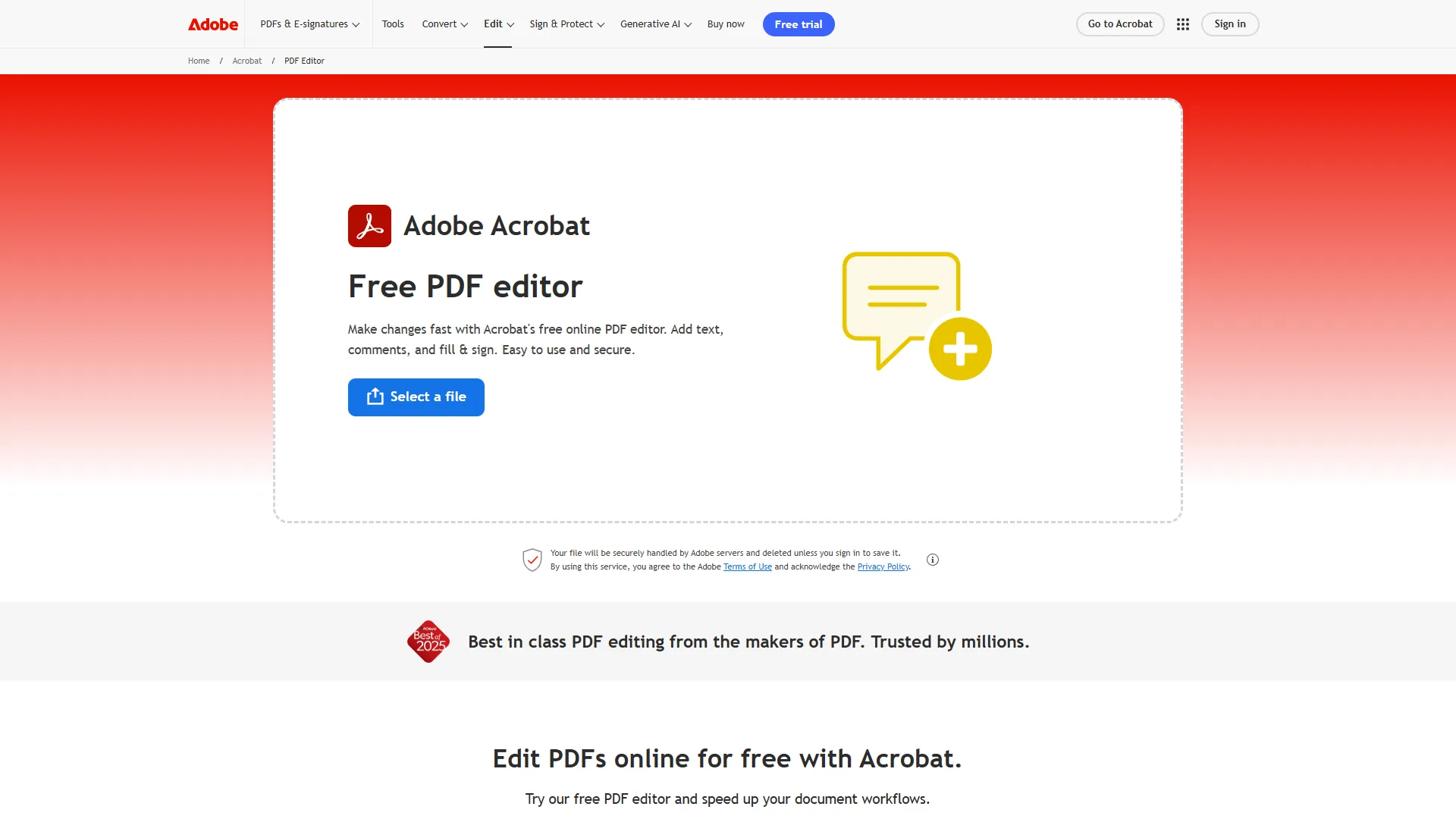
Adobe Acrobat is the industry-standard PDF editor in 2026, costing $12.99 to $29.99 per month and leading the category on OCR accuracy, AI-powered document analysis, and professional-grade redaction. Its AI features have widened the gap between it and competitors, but that power comes with a premium price tag and a complex product lineup that overwhelms casual users.
Pricing Breakdown
Adobe’s pricing structure can be confusing, so here’s the simplified version:
Pricing verified April 2026 from Adobe Acrobat's pricing page:
- Acrobat Standard (Individuals): $12.99/user/mo
- Basic PDF editing
- E-signatures
- OCR for scanned documents
- Best for: Casual users needing essential PDF tools
- Acrobat Pro (Individuals): $19.99/user/mo
- Full editing suite
- Document comparison
- Professional redaction
- Best for: Most professionals - the popular choice
- Acrobat Studio (NEW 2026): $24.99/user/mo
- Everything in Pro
- AI Assistant built-in
- PDF Spaces multi-document analysis
- Best for: Users who want AI features bundled in
- Acrobat Studio (Teams): $29.99/user/mo
- Everything in Studio
- Multi-user admin controls
- Centralized billing and SSO
- Best for: Teams needing AI plus admin tooling
You can also add the AI Assistant to Standard or Pro for an extra $4.99 per month, making the effective cost roughly $17.98-$24.98 per month if you want AI features on the lower tiers.
What Makes Adobe Acrobat Stand Out
AI Assistant and PDF Spaces are the killer features in 2026. The AI Assistant processes a 45-page research report and generates an accurate executive summary in under 30 seconds, while PDF Spaces lets you upload up to 100 related documents and query across all of them at once - transformative for legal teams reviewing contracts or researchers analyzing case studies. Adobe documents the capabilities in its official AI Assistant help center.
The OCR (optical character recognition) quality is unmatched: on a faded, low-contrast 1980s document, Acrobat converts 98% of the text on the first pass, where competitors struggle below 300 DPI or with non-standard fonts. For a deeper engine breakdown, see our OCR software comparison.
Document comparison is another professional-grade feature. Upload two versions of a contract, and Acrobat highlights every change - even subtle formatting shifts that hide important modifications.
“Lawyers must understand the technology they use to provide competent representation,” states the American Bar Association’s Model Rule 1.1 Comment 8 on technological competence, a duty that makes reliable document-comparison tooling essential for legal practice.
This alone justifies the cost for legal and compliance teams.
Pros and Cons
Pros:
- Industry-leading OCR accuracy (98%+ on standard documents)
- AI Assistant analyzes up to 100 documents simultaneously via PDF Spaces
- Comprehensive redaction tools with permanent metadata removal
- Seamless integration with Microsoft 365, Google Workspace, and enterprise systems
- Excellent mobile apps with cloud sync
Cons:
- Expensive: $19.99-$29.99 per month for most users needing pro features
- Complex product lineup makes choosing the right tier confusing
- Resource-heavy: struggles on older computers (requires 8GB+ RAM for smooth performance)
- AI features require separate subscription or highest-tier plan
Who Should Choose Adobe Acrobat
Adobe Acrobat is the right choice for regulated-industry teams (legal, healthcare, finance) that need strict compliance, multi-document AI analysis, professional-grade redaction, or deep Creative Cloud integration, and can justify $20-30 per month for cutting-edge features. Where document accuracy and compliance are non-negotiable, its premium price pays for itself through reliability. If the price tag gives you pause, our Adobe Acrobat alternatives roundup compares cheaper options.
Learn more: Adobe Acrobat | Official Pricing
Foxit PDF Editor: Premium Features at a Budget Price
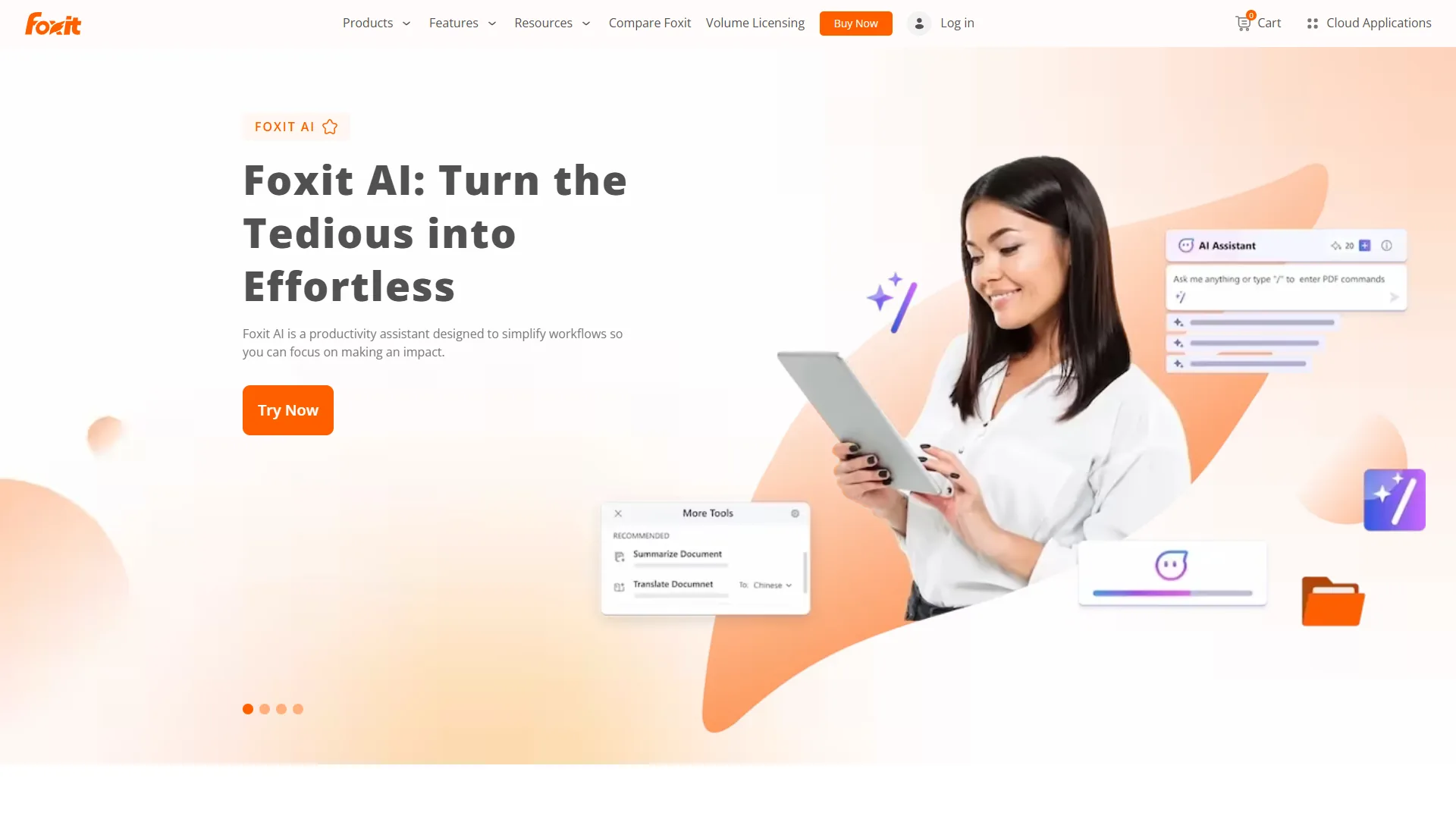
Foxit PDF Editor is the smart choice for professionals who need robust PDF editing without Adobe’s premium price tag. At $9.99 per month, it costs 50% less than Adobe Acrobat Pro while delivering most of the same core functionality.
Pricing and Value Proposition
Foxit keeps pricing simple: $9.99 per month for the full professional editor. No confusing tiers, no AI upsells - 2,000 AI credits are included in the base subscription.
For solo professionals and small businesses, the $10 per month gap between Foxit and Adobe Acrobat Pro ($19.99 per month) adds up to $120 annually - and multiplies fast across a team.
Performance and Core Features
Foxit’s standout trait is speed. It launches in under 2 seconds on most mid-range Windows laptops - roughly 3x faster than Adobe Acrobat - eliminating wait times for users who open and close PDFs all day.
PDF editing capabilities cover all the essentials:
- Text editing with font matching (successfully matches 9 out of 10 custom fonts in typical tests)
- Page manipulation (split, merge, rotate, extract)
- Form creation with automatic field detection
- OCR for scanned documents (slightly less accurate than Adobe at ~94%, but sufficient for most uses)
- Digital signatures with certificate-based encryption
Foxit’s OCR achieves roughly 94% accuracy on challenging 1980s-era documents versus Adobe’s 98% - noticeable on difficult scans, but fine for modern documents with standard fonts. The vendor publishes engine notes in the Foxit knowledge base for teams validating accuracy claims independently.
Collaboration features include commenting, markup tools, and shared reviews - less polished than Adobe’s enterprise-grade collaboration, but solid for small teams.
What’s Missing Compared to Adobe
Foxit’s AI is useful but narrower than Adobe’s: the base plan includes 2,000 AI credits per month for document analysis and summarization, with no equivalent to PDF Spaces for multi-document querying. Advanced redaction is restricted to higher tiers and is less comprehensive than Adobe’s permanent metadata removal. Document comparison is available but less sophisticated than Adobe’s granular change tracking.
Pros and Cons
Pros:
- 50% cheaper than Adobe Acrobat Pro at $9.99 per month
- Fast and lightweight (launches 3x faster than Adobe)
- Covers all essential PDF editing tasks
- Clean, intuitive interface with minimal learning curve
- 2,000 AI credits included in the base subscription
Cons:
- No multi-document AI analysis or PDF Spaces equivalent
- OCR accuracy ~94% vs Adobe’s 98% (matters mainly for poor-quality scans)
- Advanced redaction requires higher-tier plans
- Smaller ecosystem compared to Adobe’s integrations
Who Should Choose Foxit
Foxit PDF Editor is ideal for professionals who need quality PDF editing without Adobe’s premium price, work mainly with modern well-formatted documents, value speed and lightweight software, want AI included without the Adobe add-on, and aim to save $120+ annually. For solo professionals, freelancers, and small businesses where budget matters but quality cannot be compromised, Foxit delivers exceptional value.
Learn more: Foxit PDF Editor | Official Website
Nitro PDF Pro: Collaboration-First PDF Editing for Teams
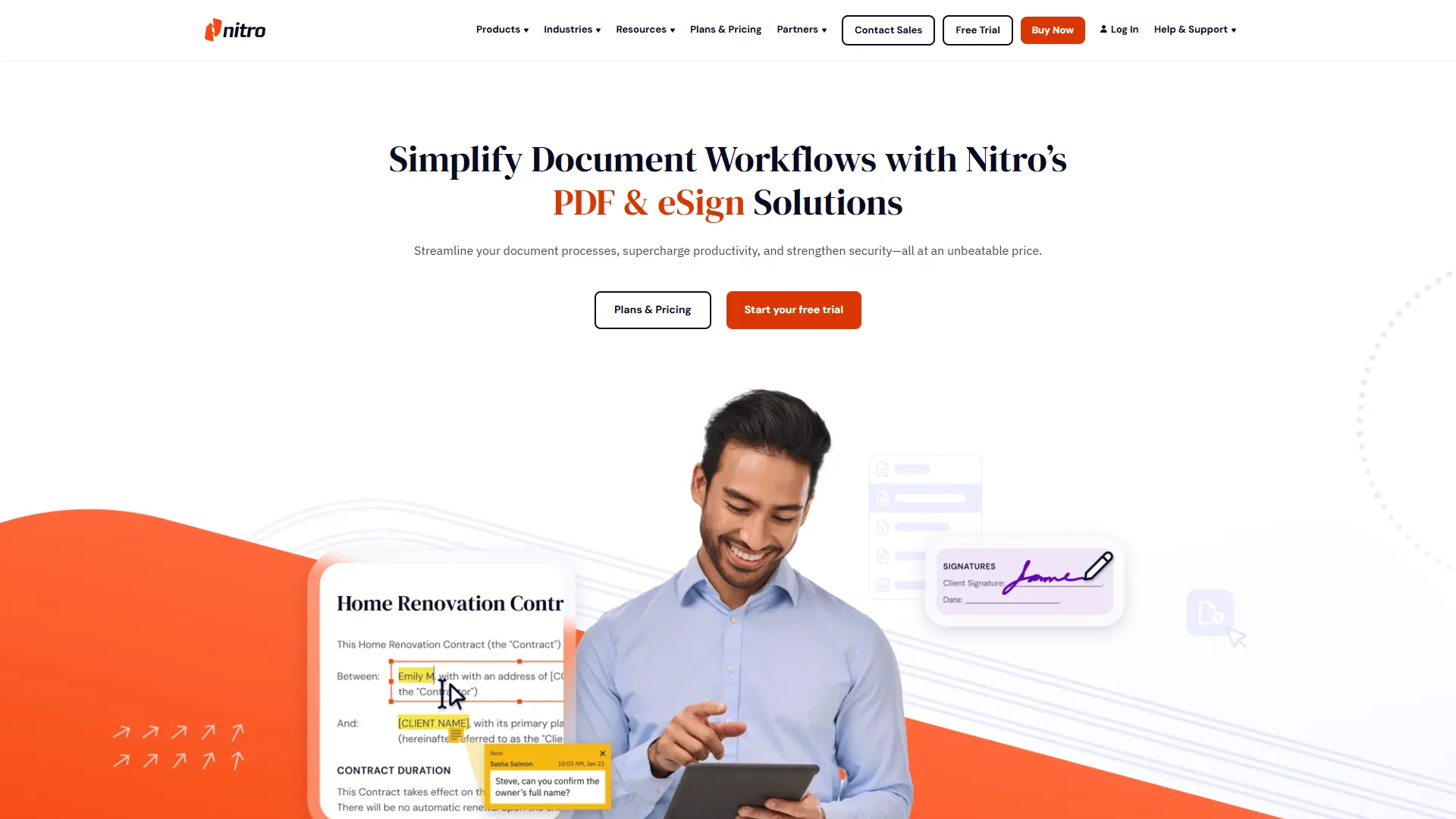
Nitro PDF Pro is a collaboration-first PDF editor priced at $15 per month per user, built for small to mid-sized teams that need shared document workspaces, batch processing, and built-in e-signature routing. It positions itself between Adobe’s enterprise power and Foxit’s budget-conscious simplicity.
Pricing and Licensing Options
Nitro offers two purchasing models:
- Subscription: $15 per month per user with automatic updates
- One-time purchase: Available for teams preferring perpetual licenses (approximately $180-$250 per license)
The subscription model suits most teams with its continuous updates, while the perpetual license appeals to organizations with strict procurement policies or those wary of recurring costs.
Team Collaboration Features
Nitro’s strongest differentiator is team-focused collaboration. Its shared document workspace lets multiple team members comment, annotate, and track changes in real time, a smoother review experience than emailing PDFs back and forth.
Batch processing applies the same edits, conversions, or OCR operations to hundreds of files at once - Nitro converts 50 Word documents to PDF in under 2 minutes, a task that takes 20+ minutes done manually.
E-signature workflows are built directly into Nitro with routing and approval chains. They are not as comprehensive as dedicated platforms like DocuSign, but are sufficient for internal approvals and simple client contracts. Vendor specifics are in the Nitro help center.
Editing and Conversion Capabilities
Nitro handles standard PDF editing tasks competently:
- Text and image editing with reasonably good font matching
- PDF to Word/Excel conversion (accuracy around 92% on complex formatted documents)
- Form creation with field auto-detection
- OCR for scanned documents (~92% accuracy, slightly below Foxit and significantly below Adobe)
Converting a complex 20-page PDF with mixed tables, images, and multi-column layouts to Word preserves roughly 92% of the original formatting - usable with minor cleanup rather than starting over.
Where Nitro Falls Short
OCR quality lags both Adobe (98%) and Foxit (94%) at approximately 92% accuracy, so challenging scans demand more error correction. No AI features: unlike Foxit and PDFelement, Nitro does not compete with Adobe’s AI Assistant or intelligent document analysis. The interface feels dated next to Adobe’s polished experience - functional, but not elegant.
Pros and Cons
Pros:
- Strong team collaboration with shared workspaces and real-time commenting
- Batch processing saves hours on repetitive tasks
- Built-in e-signature workflows eliminate need for separate tools
- Good PDF to Word/Excel conversion (92% accuracy on complex documents)
- Perpetual license option available
Cons:
- OCR accuracy (~92%) noticeably lower than Adobe and Foxit
- No AI-powered features
- Interface less polished than competitors
- Mid-tier pricing ($15 per month) doesn’t offer clear advantages over $10 Foxit for solo users
Who Should Choose Nitro
Nitro PDF Pro makes sense for small teams (3-15 people) that collaborate on documents regularly, need batch processing for repetitive tasks, want built-in e-signature workflows, prefer perpetual licensing, and do not require cutting-edge AI or maximum OCR accuracy. For teams where collaboration and workflow automation matter more than power-user features, Nitro hits a sweet spot. To extend its batch capabilities, our document automation guide walks through repeatable workflows.
Learn more: Nitro PDF Pro | Official Website
Wondershare PDFelement: Best Budget Pick with Multi-Model AI
Wondershare PDFelement is the best budget PDF editor of 2026, costing $9.08 per month while bundling multi-model AI and native apps for Windows, Mac, iOS, and Android. PDFelement undercuts every major competitor on price yet still includes the modern AI capabilities and cross-platform support that usually carry a premium.
Pricing Breakdown
PDFelement keeps pricing simple and affordable:
- Monthly: $9.08 per month - Full editing, AI features, cross-platform access
- Annual: around $108 per year - Same feature set with modest annual discount
- Promotional perpetual licenses - Occasionally available for one-time purchase pricing
At $9.08 per month, PDFelement costs 55% less than Adobe Acrobat Pro ($19.99 per month) and 65% less than Adobe Acrobat Pro with AI Assistant ($24.98 per month) - while including AI features in the base subscription.
What Makes PDFelement Stand Out
Multi-model AI integration is PDFelement’s unique differentiator. Rather than locking you into one engine, it supports multiple AI models so you can pick the right one per task - summarization, translation, content generation, or document analysis - a rare flexibility in this market.
Genuine cross-platform support covers Windows, Mac, iOS, and Android, letting you start a contract on desktop and finish it on an iPad. Adobe and Foxit match that breadth, but at 2-3x the cost.
Core editing covers everything most users need: text and image editing, page manipulation, format conversion (Word, Excel, PowerPoint), OCR in 20+ languages, form creation with auto-field detection, digital signatures, and redaction. Teams handling long-term records should confirm output complies with the PDF/A archival standard.
Pros and Cons
Pros:
- Lowest subscription price on this list at $9.08 per month
- Multi-model AI integration with included AI credits
- Cross-platform apps (Windows, Mac, iOS, Android)
- Full PDF editing toolkit - 95% of what most users need
- Good cloud integration with Dropbox, Google Drive, OneDrive
Cons:
- Fewer enterprise certifications than Adobe for regulated industries
- AI model quality varies depending on which model you select
- Occasional promotional upsells within the application
- Smaller third-party integration ecosystem than Adobe
Who Should Choose Wondershare PDFelement
PDFelement is the right choice for users who want AI at the lowest subscription price, need cross-platform apps without enterprise pricing, prefer choosing between multiple AI models, are switching from Adobe to cut costs while keeping AI, and do not require enterprise compliance certifications.
Bottom line: PDFelement is the best budget pick for modern AI-powered PDF editing without the $25 per month price tag of Adobe Acrobat with AI Assistant.
Learn more: Wondershare PDFelement | Official Website
Feature Comparison Matrix
Adobe Acrobat leads on OCR accuracy (98%) and multi-document AI search, Foxit launches fastest at 2 seconds, Nitro wins on batch processing and team collaboration, and PDFelement matches the broadest platform coverage at the lowest price - the matrix below breaks down how these four best PDF editors in 2026 compare across every key capability.
| Feature | Adobe Acrobat Pro | Foxit PDF Editor | Nitro PDF Pro | Wondershare PDFelement |
|---|---|---|---|---|
| Core Editing | Excellent | Excellent | Very Good | Very Good |
| OCR Accuracy | 98% | 94% | 92% | 94% (20+ languages) |
| AI Document Analysis | Yes (AI Assistant) | 2,000 credits/mo | No | Multi-model included |
| Multi-Document Search | Yes (PDF Spaces, 100 docs) | Limited | No | No |
| Redaction | Professional-grade | Basic (higher tiers) | Basic | AI-powered |
| Document Comparison | Advanced | Basic | Basic | Basic |
| E-Signatures | Yes | Yes | Yes (with routing) | Yes |
| Batch Processing | Limited | Limited | Excellent | Good |
| Team Collaboration | Good | Limited | Excellent | Limited |
| PDF to Word Conversion | 96% accuracy | 94% accuracy | 92% accuracy | 93% accuracy |
| Mobile Apps | Excellent | Good | Good | Excellent |
| Launch Speed | Slow (5-6 seconds) | Fast (2 seconds) | Medium (3-4 seconds) | Fast (3 seconds) |
| System Resources | Heavy (8GB+ RAM) | Light (4GB RAM) | Medium (6GB RAM) | Medium (6GB RAM) |
| Learning Curve | Steep | Gentle | Moderate | Gentle |
| Perpetual License | No | around $149 | $180-$250 | Promotional only |
| Monthly Cost | $19.99-$29.99 | $9.99 | $15.00 | $9.08 |
| Platform | Desktop + Web + Mobile | Desktop + Mobile | Desktop | Desktop + Mobile |
How Does Adobe’s AI Advantage Set It Apart?
Adobe’s AI Assistant changes how you work with PDFs: instead of reading a 30-page report, you ask “What are the key risks in this document?” and get a sourced answer in seconds. PDF Spaces extends this across up to 100 documents - a real competitive advantage for researchers and legal teams analyzing large document sets, and worth the premium. Foxit and PDFelement offer single-document AI at no extra cost, while Nitro skips AI entirely. Our document AI cost comparison breaks down the per-page economics.
Speed vs. Power: The Foxit Trade-off
Foxit’s lightweight design launches 3x faster than Adobe and runs smoothly on budget hardware, trading cutting-edge enterprise features for speed and affordability. For everyday tasks - editing text, merging documents, adding signatures - Foxit matches Adobe’s results at 50% of the cost. Windows-only buyers should also skim our best PDF editors for Windows guide for platform-specific picks.
Collaboration Focus: Nitro’s Niche
Nitro carved out a niche: teams that need more collaboration than Foxit offers but less complexity than Adobe enterprise plans. For teams that regularly review contracts together, batch-process recurring tasks, or want integrated e-signatures, Nitro’s $15 per month per user is cost-effective against juggling multiple tools.
Budget + AI: PDFelement’s Play
PDFelement is the newest entry in the “AI included” tier, undercutting both Foxit and Adobe while bundling multi-model AI and full cross-platform support - the sharpest value for budget-conscious teams that want AI without the Adobe tax. Anyone trying to stay free should first compare our best free PDF editors roundup.
Feature-matrix limitations: skip Adobe on older laptops or when AI is not essential; skip Foxit if PDF Spaces-style multi-document work is your daily routine; skip Nitro if you need AI or top OCR; and regulated industries should skip PDFelement for primary use given its lighter enterprise certifications.
Which PDF Editor Should You Choose?
Choose Adobe Acrobat for regulated-industry compliance, Foxit PDF Editor for budget professional editing, Nitro PDF Pro for team collaboration, and Wondershare PDFelement for the lowest-cost AI editing - the decision framework below matches each of the best PDF editors 2026 to a specific need, budget, and workflow.
Choose Adobe Acrobat If You:
- Work in regulated industries (legal, healthcare, finance) requiring strict compliance
- Need AI-powered document analysis and multi-document search
- Handle sensitive documents requiring professional-grade redaction
- Can justify $20-30/mo for cutting-edge features and reliability
- Work with complex documents where 98% OCR accuracy vs 94% matters
Bottom line: Adobe is worth the premium for professionals where document accuracy, compliance, and AI capabilities directly impact business outcomes. Accessibility-focused teams should also review the WCAG 2.2 guidelines when tagging PDFs for assistive technology.
Choose Foxit PDF Editor If You:
- Need professional PDF editing on a budget ($9.99 per month)
- Work primarily with modern, well-formatted documents
- Value speed and lightweight software (launches in 2 seconds)
- Want AI features included without the Adobe add-on
- Want to save $120+ annually without sacrificing core functionality
Bottom line: Foxit delivers 90% of Adobe’s everyday functionality at half the price - the smartest choice for cost-conscious professionals.
Choose Nitro PDF Pro If You:
- Lead a team that collaborates on PDFs regularly
- Need batch processing to automate repetitive tasks
- Want built-in e-signature workflows with routing
- Prefer perpetual licensing options
- Don’t require maximum OCR accuracy or AI features
Bottom line: Nitro makes sense for teams prioritizing collaboration and workflow automation over individual power-user features.
Choose Wondershare PDFelement If You:
- Want AI features at the lowest subscription price on this list ($9.08 per month)
- Need native apps across Windows, Mac, iOS, and Android
- Prefer choosing between multiple AI models rather than being locked in
- Are switching from Adobe primarily to reduce costs while keeping AI capability
- Don’t require enterprise compliance certifications
Bottom line: PDFelement is the best budget pick for modern AI-powered PDF editing at the lowest monthly cost.
Decision-framework limitations: skip all four tools if you only edit one or two PDFs per month - free built-in editors in Preview or Edge cover that workload, and paying $9-30/month rarely pays off at low volume.
Which Are the Best PDF Editors 2026 Overall?
Across real-world scenarios, Wondershare PDFelement wins for the lowest-cost AI editing at $9.08 per month, Foxit PDF Editor for budget-conscious professionals at $9.99 per month with included AI credits, Adobe Acrobat for enterprise and legal teams that need top OCR and AI document analysis, and Nitro PDF Pro for collaborative teams at $15 per month per user.
The best PDF editors 2026 landscape offers genuine choice. Adobe no longer dominates by default - Foxit, Nitro, and PDFelement have matured into compelling alternatives that excel in specific use cases. Choose the tool that solves your actual problems rather than the one with the longest feature list.
FAQ
Common questions about the best PDF editors 2026 cover price, AI features, perpetual licensing, and how to choose - the answers below address each directly.
Q: What is the best PDF editor in 2026?
The best PDF editor in 2026 depends on your needs. Adobe Acrobat wins for enterprise and legal teams needing cutting-edge AI and compliance features. Foxit offers strong value at 50% less than Adobe while delivering professional-grade editing with bundled AI. Nitro strikes a balance for small teams prioritizing collaboration. Wondershare PDFelement is the best budget pick with multi-model AI included at $9.08 per month.
Q: How much does a good PDF editor cost in 2026?
Prices for the best PDF editors 2026 range from $9 to $30 per month. Wondershare PDFelement starts at $9.08/mo, Foxit PDF Editor at $9.99/mo, Adobe Acrobat at $12.99/mo (with a $19.99/mo Pro tier), and Nitro PDF Pro at $15/mo. Choosing the wrong subscription can cost you hundreds annually, so match the tier to your actual workflow.
Q: Which PDF editors include AI features?
Three of the four leading editors bundle AI in 2026. Adobe Acrobat offers an AI Assistant as a $4.99/mo add-on. Foxit PDF Editor includes 2,000 AI credits per month in the base subscription. Wondershare PDFelement bundles multi-model AI at the lowest subscription price of $9.08/mo. Nitro PDF Pro currently ships without built-in AI features.
Q: What is the best PDF editor for Windows with a one time purchase?
Foxit PDF Editor is the best Windows PDF editor available as a one time purchase, offering a perpetual license around $149. Nitro PDF Pro also sells perpetual licenses around $180-$250 for Windows teams that prefer to avoid recurring billing. Adobe Acrobat is subscription-only with no perpetual option, and Wondershare PDFelement offers perpetual pricing only through occasional promotions.
Q: What is the best PDF editor for business use?
The best PDF editor for business depends on team size and compliance needs. Adobe Acrobat is the strongest pick for regulated businesses needing strict compliance and AI document analysis, Nitro PDF Pro suits small to mid-sized teams collaborating on contracts, and Foxit PDF Editor or Wondershare PDFelement work well for cost-conscious businesses that still want professional editing.
Q: Is there a good PDF editor free of charge?
Yes - if you only edit a handful of documents, a PDF editor free of charge such as the built-in tools in macOS Preview or Microsoft Edge covers basic markup. For deeper edits, paid PDF software for PC like Foxit or PDFelement starts near $9 per month; our best free PDF editors roundup compares the strongest no-cost options.
Q: Is a perpetual license still available for PDF editors?
Yes, but only from select vendors. Foxit PDF Editor offers a perpetual license around $149 one-time, and Nitro PDF Pro sells perpetual licenses around $180-$250. Adobe Acrobat is subscription-only with no perpetual option. Wondershare PDFelement offers perpetual licenses only through promotional pricing, so availability and discounts vary throughout the year.
Q: What features should I look for in a PDF editor?
Modern PDF editors have evolved beyond simple text changes. Look for AI-powered features like intelligent document analysis, automated form recognition, and conversational PDF assistants. Strong OCR matters if you work with scanned documents - pairing an editor with a dedicated OCR tool can help. Also weigh collaboration tools, redaction, cross-platform support, and integration depth against your team’s daily workflow.
Related Reading
The four PDF editors compared above, plus related document and OCR guides, are linked below for deeper research.
Tools covered in this article:
- Adobe Acrobat - Industry-leading PDF suite with AI Assistant
- Foxit PDF Editor - Lightweight professional PDF editing at budget price
- Nitro PDF Pro - Team collaboration and batch processing for SMBs
- Wondershare PDFelement - Budget AI PDF editor with cross-platform support
More PDF and document guides:
- Best OCR Software 2026 - ABBYY vs Adobe vs Nitro OCR compared
- Best OCR Tools 2026 - Enterprise cloud OCR platform guide
- Best Free PDF Editors 2026 - Free and freemium options compared
- Best Free PDF Tools 2026 - Complete free PDF toolkit comparison
- Adobe Acrobat Alternatives 2026 - Cheaper alternatives reviewed
- Document Automation Tips - Streamline document workflows
External Resources
These primary vendor and standards-body sources support the pricing and feature claims in this comparison.
- Adobe Acrobat - Official website
- Foxit PDF Editor - Official website
- Wondershare PDFelement - Official website
- PDF Association - Standards and resources