




Adobe Acrobat Pro costs $19.99 per month. Add the AI Assistant and you are looking at $24.98. For a 10-person team on the Studio plan, that is $2,999 per year - and that is before anyone opens a PDF.
The price alone pushes thousands of professionals to search for adobe acrobat alternatives every month. But price is only part of the story. Bloated installs, slow launch times, and AI features locked behind paywalls make even loyal users reconsider. The good news: the 2026 PDF landscape offers genuinely capable alternatives that handle 90% of what most people use Acrobat for - at a fraction of the cost.
This guide evaluates three standout adobe acrobat alternatives across real document workflows - contract editing, form filling, OCR scanning, and file conversions - to identify which tools deliver professional results without the Acrobat tax.
Why People Leave Adobe Acrobat
People leave Adobe Acrobat because the subscription costs keep climbing, the application is slow and resource-heavy, AI features are locked behind a separate paywall, and most users only touch a fraction of its bloated feature set. These are the most common pain points reported by teams ditching Acrobat:
-
Subscription costs keep climbing - Adobe raised prices again in late 2025. Pro is around $19.99 per month, and the AI Assistant adds another $4.99 per month. For teams, Studio costs $24.99 to $29.99 per user per month
-
Slow startup and heavy resource usage - Acrobat Pro takes 5 to 6 seconds to launch and recommends 8GB+ of RAM. On older hardware, it can feel sluggish even for simple edits
-
AI features cost extra - Unlike competitors building AI into their core product, Adobe charges a separate add-on fee for its AI Assistant. You pay for the tool, then pay again for the intelligence layer
-
Feature bloat - Most users need text editing, form filling, signatures, and maybe OCR. Acrobat bundles dozens of enterprise features that add complexity without adding value for individual professionals
-
Annual commitment traps - Cancel your annual plan mid-year and Adobe charges an early termination fee. Monthly plans cost significantly more, creating a lose-lose pricing structure
If any of those sound familiar, the alternatives below address these specific frustrations while keeping the core PDF editing capabilities you actually use.
Comparison Table: Adobe Acrobat Alternatives at a Glance
| Tool | Starting Price | Best For | AI Features | Free Tier | Platform |
|---|---|---|---|---|---|
| Adobe Acrobat | $12.99/mo | Enterprise PDF workflows | AI Assistant (+$4.99/mo) | Reader only | Desktop + Web |
| Foxit PDF Editor | $10.99/mo | Desktop power users on a budget | AI Assistant (2,000 credits/mo) | No | Desktop + Mobile |
| Smallpdf | Free / $18/mo | Quick browser-based PDF tasks | AI-powered scanning & OCR | Yes | Web + Desktop |
| Wondershare PDFelement | $9.08/mo | Budget desktop alternative with AI | AI-powered summaries | Trial | Desktop + Mac |
| PDF24 | Free | Completely free PDF tools | Basic | Yes (fully free) | Web + Desktop |
| iLovePDF | Free / $7/mo | Simple web-based conversions | None | Yes | Web |
Now let’s dig into the three alternatives that consistently outperform Acrobat on value.
1. Foxit PDF Editor - Best Desktop Alternative for Power Users
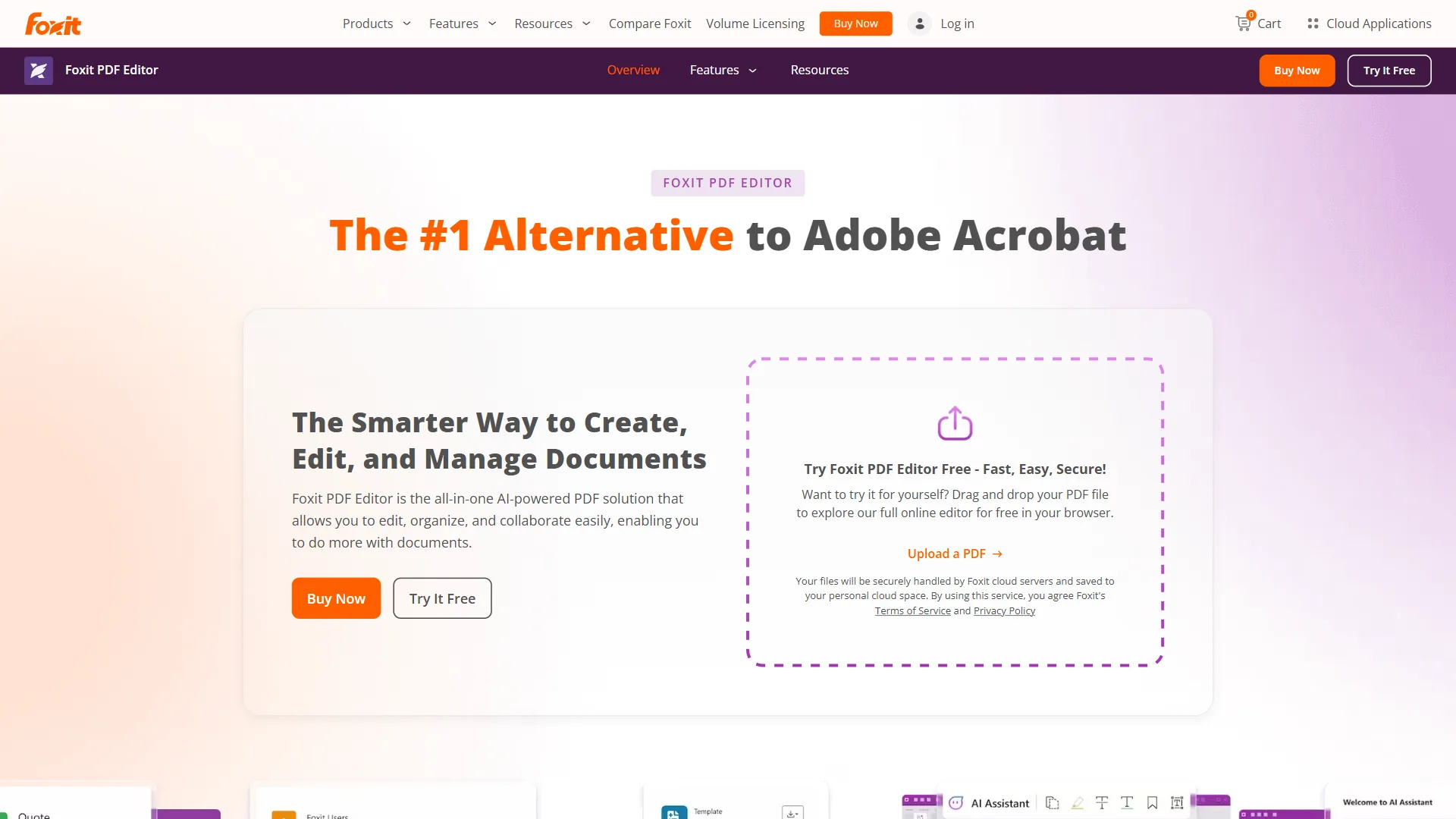
Foxit PDF Editor has been the most credible Adobe Acrobat alternative for over a decade, and the 2026 version makes the strongest case yet. At around $10.99 per month for Pro - with AI Assistant included - it delivers roughly 90% of Acrobat Pro’s capabilities at roughly half the price.
Pricing vs. Adobe Acrobat
| Plan | Foxit PDF Editor | Adobe Acrobat Pro | Annual Saving |
|---|---|---|---|
| Monthly | $10.99/mo | $19.99/mo | around $108/yr |
| With AI | $10.99/mo (AI included) | $24.98/mo (AI +$4.99) | around $168/yr |
| Perpetual license | around $149 one-time | N/A | Varies |
Foxit’s most compelling advantage is that AI Assistant is included at no extra charge, compared to Adobe’s $4.99 per month add-on. That difference alone saves about $60 a year per user.
What Foxit Covers from the Acrobat Feature Set
Foxit handles every workflow a typical Acrobat user touches daily:
- Text and image editing - Full inline editing with fonts, colors, and precise positioning
- OCR at 94% accuracy - Convert scanned PDFs to editable text, with smart redaction powered by AI
- Full format conversion - Export to and from Word, Excel, PowerPoint, and common image formats
- Electronic signatures - Built-in e-signature workflow with audit trails
- Advanced redaction - Manual and AI-powered redaction for sensitive content
- AI Assistant - Document chat, summarization, and 2,000 AI credits per month included
- MCP support - Industry-first integration with agentic AI tools via the Model Context Protocol
Where Foxit Falls Short vs. Acrobat
- OCR accuracy 94% vs. 98% - Close, but Acrobat still wins on degraded or complex documents
- No PDF Spaces equivalent - No multi-document AI analysis across dozens of files at once
- Smaller enterprise certification set - Fewer compliance attestations for heavily regulated industries
- Slightly older UI - Familiar but less polished than Acrobat’s 2026 redesign
Pros and Cons
Pros:
- About half the cost of Adobe Acrobat Pro
- AI Assistant included with 2,000 monthly credits
- Desktop and mobile apps for cross-device work
- Perpetual license option available
- MCP/agentic AI support is genuinely unique
Cons:
- OCR is slightly behind Adobe on difficult documents
- No multi-document AI (PDF Spaces) equivalent
- Subscription pricing unless you buy the perpetual license
Who Should Choose Foxit PDF Editor
Foxit is the right Adobe Acrobat alternative if you:
- Want a professional desktop editor at roughly half the price
- Need AI features included, not bolted on
- Prefer a faster, lighter application
- Value the option to buy a perpetual license instead of renting software
- Handle standard business documents (contracts, proposals, invoices) where Adobe’s 98% OCR accuracy is not a dealbreaker
Best for: Consultants, agencies, and small teams who live in PDFs daily and want modern AI features without Adobe’s premium pricing.
Try Foxit PDF Editor | Foxit PDF Editor Review
2. Smallpdf - Best Browser-Based Alternative
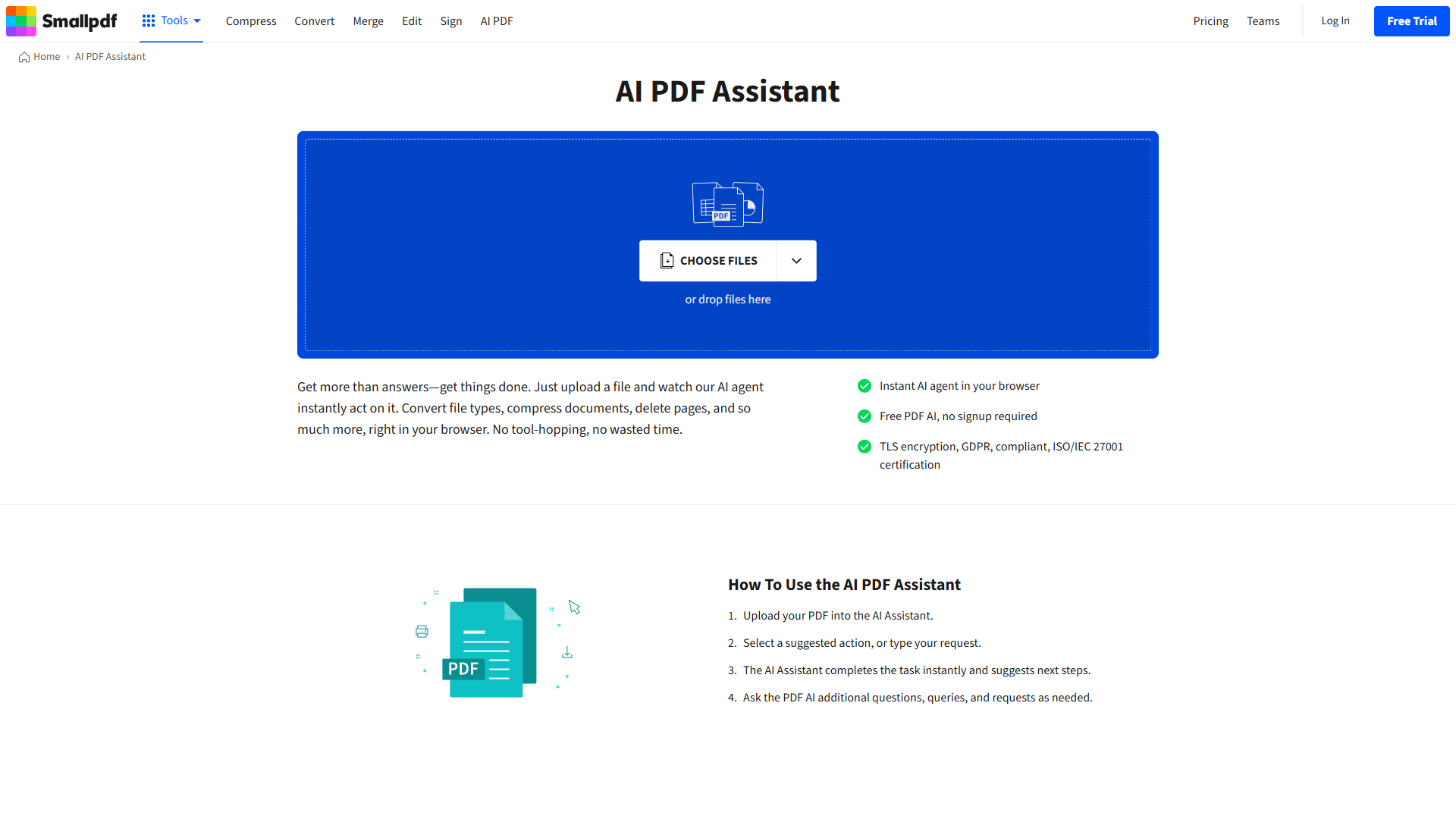
Smallpdf is the best browser-based Adobe Acrobat alternative because it strips PDF work down to 20 high-frequency tasks that run entirely in a browser, with a free tier capped at two tasks per day and a $12-per-month Pro plan. Smallpdf took a completely different approach to the Acrobat problem: instead of competing on features, it made PDFs dead simple. Where Adobe Acrobat bundles 150+ tools into a sprawling desktop application, Smallpdf picks 20 workflows most people actually need and makes them effortless to complete in a browser.
That focus on simplicity, combined with a genuinely generous free tier, makes Smallpdf the right fit for anyone who thinks of PDF work as a chore rather than a craft.
Pricing vs. Adobe Acrobat
| Plan | Smallpdf | Adobe Acrobat Pro | Annual Saving |
|---|---|---|---|
| Free tier | Unlimited tasks (2 per day) | Reader only | - |
| Pro | $12/mo annually ($108/yr) | $19.99/mo ($239.88/yr) | $131.88/yr |
| Team plan | $10/user/mo | $14.99-29.99/user/mo | $60-240/user/yr |
What Smallpdf Covers from the Acrobat Feature Set
Smallpdf handles the high-frequency Acrobat workflows that most users spend 80% of their time on:
- Compress PDFs - Reduce file size by up to 99% for email and upload (see our PDF compression guide)
- Convert to and from PDF - Word, Excel, PowerPoint, JPG, PNG conversions in the browser
- Merge and split - Combine multiple PDFs or split a large file into parts
- Fill and sign - Complete forms and add signatures, no desktop app required
- AI-powered OCR - Scan receipts and documents directly from your browser (compare against dedicated OCR tools in our OCR software roundup)
- Compress, protect, and share - End-to-end document workflow in under a minute
Where Smallpdf Falls Short vs. Acrobat
- Advanced editing - Complex text reflow, precise layout adjustments, and granular formatting control require a desktop editor
- OCR depth - Acrobat’s OCR handles degraded documents and exotic fonts far better than Smallpdf’s web-based recognition
- Security and compliance - Enterprise-grade redaction, digital certificates, and audit trails are not available in Smallpdf
- Offline work - While Smallpdf has a desktop app, the core experience is cloud-dependent
Limitations and who it’s not for: Smallpdf has real drawbacks for power users. The free tier caps you at two tasks per day, which becomes a daily limitation if you process PDFs regularly. There is no offline workflow for sensitive documents, complex text reflow is impossible, and OCR struggles on degraded scans. Skip Smallpdf if you handle confidential contracts that cannot leave your machine, need granular layout control, or require enterprise audit trails.
Who Should Choose Smallpdf
Smallpdf is the right adobe acrobat alternative if your PDF needs are frequent but straightforward - compressing files for email, converting formats, filling out forms, collecting signatures, or merging documents. It eliminates the overhead of maintaining desktop software for tasks that take under five minutes.
Best for: Remote workers, students, small business owners, and anyone who deals with PDFs regularly but does not need pixel-perfect editing or enterprise compliance features.
3. Wondershare PDFelement - Budget Desktop Alternative with AI
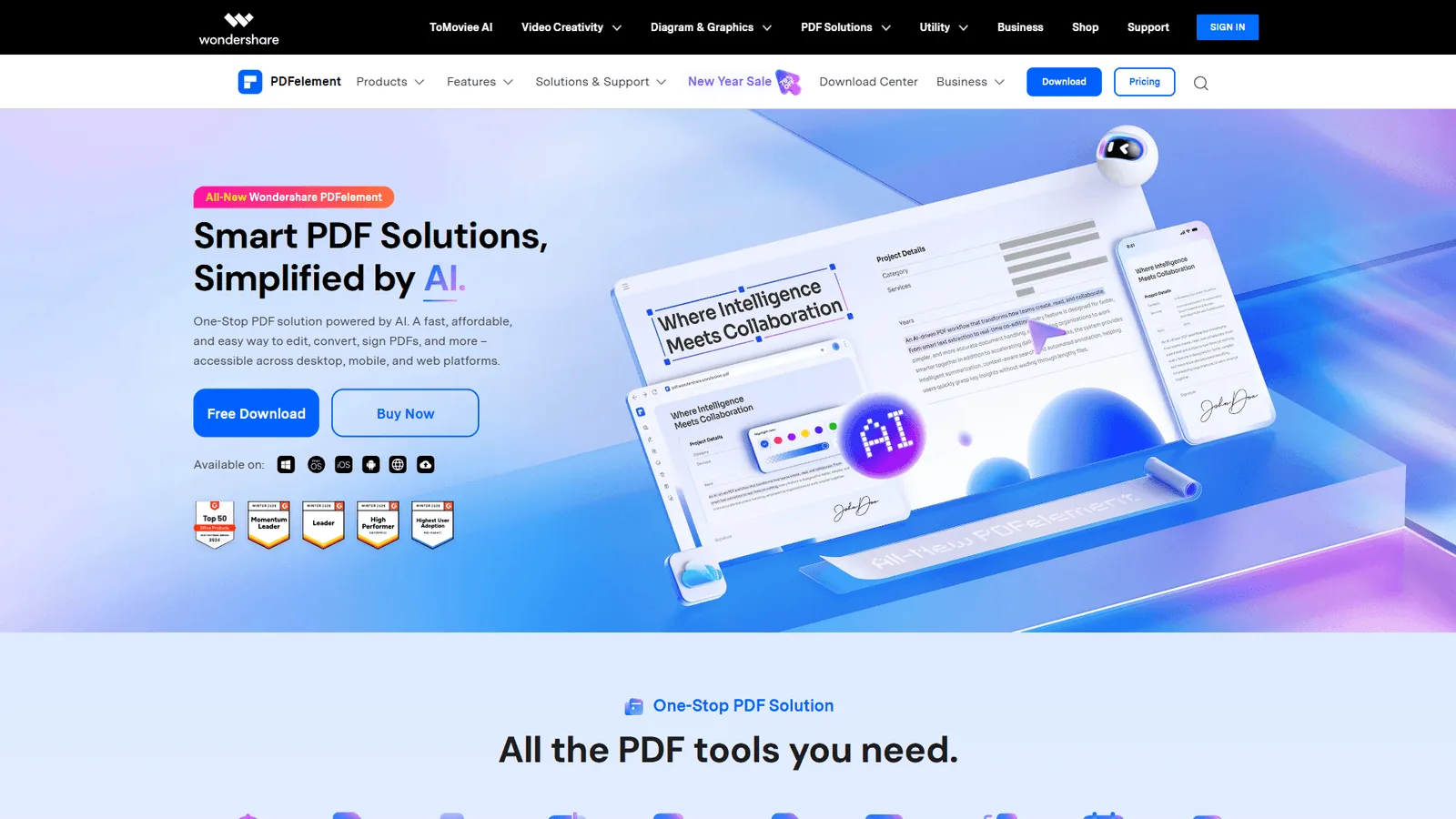
Wondershare PDFelement is the budget desktop alternative to Adobe Acrobat, priced at around $9.08 per month with multi-model AI, OCR in 20+ languages, and cross-platform apps included at no extra charge. At that price, PDFelement undercuts every major competitor while bundling AI capabilities Adobe charges extra for.
Pricing vs. Adobe Acrobat
| Plan | PDFelement | Adobe Acrobat Pro | Annual Saving |
|---|---|---|---|
| Monthly | $9.08/mo | $19.99/mo | around $131/yr |
| With AI | $9.08/mo (included) | $24.98/mo | around $191/yr |
What PDFelement Covers from the Acrobat Feature Set
PDFelement delivers a comprehensive PDF editing toolkit with modern AI features:
- Multi-model AI integration - Choose between several AI engines for summarization, translation, and content generation
- Full text editing - Edit PDFs as easily as a Word document
- OCR in 20+ languages - Handle multilingual document archives
- Forms, redaction, and signatures - All the enterprise workflows Adobe offers
- Cross-platform - Native Windows, Mac, iOS, and Android apps
- Cloud integration - Dropbox, Google Drive, and OneDrive support
Where PDFelement Falls Short vs. Acrobat
- Smaller enterprise footprint - Fewer compliance certifications than Acrobat
- AI model quality varies - The multi-model approach is flexible, but output quality depends on which model you choose
- Less mature ecosystem - Fewer third-party integrations and plugins than Acrobat
- Occasional promotional upsells - The application sometimes prompts for premium upgrades
Limitations and who it’s not for: PDFelement has notable downsides despite the price. The multi-model AI is flexible, but output quality varies wildly depending on which engine you pick - and there is no guidance on which model to use for which task. The application sometimes shows promotional upsells, the enterprise compliance footprint is thin, and the third-party integration ecosystem is shallow compared to Acrobat. Pass on PDFelement if you work in a regulated industry, depend on plugins, or want a polished single-model AI experience.
Who Should Choose Wondershare PDFelement
PDFelement is the right Adobe Acrobat alternative if you:
- Want AI features at the lowest subscription price
- Need a cross-platform editor (Windows, Mac, iOS, Android)
- Prefer to pick and choose AI models rather than being locked into one
- Value modern features over enterprise certifications
Best for: Solopreneurs, freelancers, and small teams who want modern AI capabilities without Adobe’s premium pricing and do not need heavy compliance certifications.
Feature-by-Feature: AI Capabilities Compared
AI is the biggest differentiator in the 2026 PDF landscape. Here is how each tool’s AI capabilities stack up:
| Feature | Adobe Acrobat | Foxit PDF Editor | Smallpdf | Wondershare PDFelement |
|---|---|---|---|---|
| AI document chat | Yes (+$4.99/mo) | Yes (included) | No | Yes (included) |
| Document summarization | Yes (+$4.99/mo) | Yes (included) | No | Yes (included) |
| Smart redaction | Manual only | AI-powered (Editor+) | No | AI-powered |
| OCR with AI | Yes (98% accuracy) | Yes (94% accuracy) | Yes (basic) | Yes (20+ languages) |
| Multi-document queries | PDF Spaces (100 docs) | No | No | No |
| AI image generation | Via Firefly | Yes (from text prompts) | No | No |
| MCP/Agentic AI | No | Yes (industry-first) | No | No |
| AI credits included | No (add-on) | 2,000/month | N/A | Included |
| AI cost | +$4.99/mo | $0 (included) | N/A | $0 (included) |
The takeaway: Adobe has the deepest AI features, particularly PDF Spaces for multi-document analysis. Foxit and PDFelement both include comparable single-document AI at no extra cost. Smallpdf skips AI chat entirely and focuses on simplicity, though its OCR and document scanning do use AI under the hood.
Which Alternative Fits Your Workflow?
The right Adobe Acrobat alternative is Foxit for desktop power users wanting AI included, Smallpdf for browser-based quick tasks, and Wondershare PDFelement for the cheapest cross-platform editor with AI. Rather than picking based on features you might use, match the tool to your actual daily workflow:
Stick with Adobe Acrobat if you:
- Work in a regulated industry (legal, healthcare, finance) requiring compliance certifications
- Need to analyze or query across dozens of related documents using PDF Spaces
- Require maximum OCR accuracy on degraded or complex documents
- Already pay for Creative Cloud and benefit from ecosystem integration
- Have budget approval for $20 to $30 per user per month
Switch to Foxit PDF Editor if you:
- Need professional desktop PDF editing at roughly half the price
- Want AI features included without paying extra
- Prefer a faster, lighter application that does not tax your system
- Value the option to buy a perpetual license instead of renting software
- Handle standard business documents (contracts, proposals, invoices) that do not require 98% OCR accuracy
Switch to Smallpdf if you:
- Primarily need quick PDF tasks like compression, conversion, merging, and signing
- Work across multiple devices and want a consistent browser-based experience
- Do not want to install or maintain desktop software
- Need a genuinely useful free tier for occasional PDF work
- Prioritize simplicity over power-user features
Switch to Wondershare PDFelement if you:
- Want AI features at the lowest subscription price (around $9.08 a month)
- Need cross-platform apps for Windows, Mac, iOS, and Android
- Prefer choosing between multiple AI models rather than being locked in
- Value modern features more than deep enterprise compliance certifications
Consider other options if you:
- Need a completely free solution: PDF24 offers a full suite at no cost
- Want the cheapest paid web-based option: iLovePDF Premium starts around $7 per month
- Browse our best free PDF editors for more no-cost choices
Total Cost: Annual Savings Compared
Here is what switching from Adobe Acrobat Pro actually saves over a year:
| Scenario | Adobe Acrobat Pro | Foxit PDF Editor | Smallpdf Pro | PDFelement | Annual Savings |
|---|---|---|---|---|---|
| Solo professional | $239.88/yr | $131.88/yr | $180/yr | $108.96/yr | $60 - $131 |
| Solo + AI features | $299.76/yr | $131.88/yr | N/A | $108.96/yr | $167.88 - $190.80 |
| 5-person team | $1,199.40/yr | $659.40/yr | $900/yr | $544.80/yr | $299 - $654 |
| 10-person team (Studio) | $2,999.40/yr | $1,318.80/yr | $1,800/yr | $1,089.60/yr | $1,199 - $1,909 |
For a solo professional switching to PDFelement, the savings are over $130 per year with AI features included. For a 10-person team switching from Adobe Studio to Foxit, the savings fund over a year of another SaaS tool. For a side-by-side feature ranking, see our best PDF editors of 2026 roundup.
The Bottom Line
Foxit PDF Editor is the strongest overall Adobe Acrobat alternative for desktop users in 2026, Smallpdf wins for browser-based work, and Wondershare PDFelement is the cheapest subscription that still includes AI. According to the International Organization for Standardization, the ISO 32000-2 PDF standard is open and royalty-free, which is why credible non-Adobe editors can deliver identical core functionality. According to a 2026 statement from Foxit Software, a global PDF and eSignature vendor, “Foxit MCP Server is the first of its kind in the PDF industry, enabling AI agents to interact directly with PDF documents through standardized protocols.” Adobe Acrobat remains the most capable PDF editor on the market. Its OCR accuracy, PDF Spaces, and compliance certifications are unmatched for enterprise and regulated workflows. But “most capable” and “best fit” are not the same thing.
Our analysis is research-based, drawing on current vendor pricing pages, official product documentation, and the ISO 32000-2 PDF specification rather than sponsored placement or hands-on benchmarking. AI Productivity may earn a commission from links on this page; rankings are editorially independent.
For most professionals who edit contracts, fill forms, merge files, and need occasional OCR, Foxit PDF Editor is the standout pick - a desktop editor at roughly half Adobe’s cost with AI included. If your PDF needs are simpler and you value browser-based convenience over desktop power, Smallpdf handles everyday tasks with zero friction and a genuinely useful free tier. If you want the cheapest subscription with AI features included, Wondershare PDFelement at around $9.08 a month undercuts every major competitor while covering the full PDF workflow.
The smartest approach: audit your last month of PDF work. If more than 80% of it was basic editing, forms, and conversions, you are likely paying an Adobe premium for capabilities you never touch. Switch to the alternative that matches your actual workflow, not the one with the longest feature list.
FAQ
Q: What is a good alternative to Adobe Acrobat?
Foxit PDF Editor is the right adobe acrobat alternative if you need professional-grade desktop PDF editing, want AI features without paying extra, or prefer a one-time purchase via the perpetual license option.
Q: What is the best free alternative to Adobe?
PDF24 Creator is the strongest completely free alternative for desktop use, with no watermarks or feature restrictions. For browser-based free tools, Smallpdf and iLovePDF both offer useful free tiers for occasional tasks like compression, conversion, and merging.
Q: Is there a version of Adobe Acrobat that is free?
Adobe Reader is free but only lets you view and fill forms - you cannot edit, convert, or merge PDFs. For actual free editing, PDF24 Creator and Smallpdf’s free tier are better options.
Q: Is there a one-time purchase alternative to Adobe?
Foxit PDF Editor offers a perpetual license option at around $149. PDF-XChange Editor (Windows-only) is an even cheaper alternative at $79 one-time for users who do not need cross-platform support.
Q: How much does Adobe Acrobat Pro cost in 2026?
Adobe Acrobat Pro costs $19.99 per month, and adding the AI Assistant brings that to $24.98 per month. For a 10-person team on the Studio plan, the total reaches $2,999 per year before anyone opens a PDF. Adobe raised prices again in late 2025, with Studio priced at $24.99 to $29.99 per user per month.
Related Reading
These five guides extend this comparison with deeper feature matrices, free-tier breakdowns, and OCR-specific rankings for Adobe Acrobat alternatives.
- Best PDF Editors 2026 - Full comparison with detailed feature matrix
- Best OCR Software 2026 - ABBYY, Adobe, and Nitro OCR compared
- Best Free PDF Editors 2026 - Free and freemium options compared
- PDF Compression Guide - How to reduce file sizes without losing quality
- Foxit PDF Editor Review | Smallpdf Review | Wondershare PDFelement Review
- Best Free PDF Tools 2026: AI Editors and Lifetime Deals
External Resources
These three official vendor pages are the primary sources for the pricing, feature, and AI capability claims compared in this guide.
- Foxit PDF Editor - Official product page
- Smallpdf - Complete PDF tool suite
- Wondershare PDFelement - Official product page