



Best AI email tools 2026 are platforms that streamline inbox productivity, marketing automation, and customer engagement through artificial intelligence. Leading options include Superhuman for high-volume professionals at $30 per month, Mailchimp for small-business marketing campaigns, Customer.io for product-led SaaS automation at $100 per month, and HubSpot for teams needing combined CRM and email.
Email management has transformed dramatically in 2026. With 82% of professionals now using AI email features for writing emails and triaging messages, finding the best AI email tools 2026 has to offer isn’t about whether to adopt them - it’s about which one fits your email writing workflow best. According to Rahul Vohra, founder of Superhuman, “Email is the highest leverage activity for most knowledge workers because every workflow eventually routes through it.” Teams comparing the broader category should also see our best email marketing platforms 2026 breakdown.
This guide compares the leading AI email tools across three distinct categories: inbox productivity assistants, marketing automation platforms, and customer engagement systems. The results reveal something important: there is no single “best” tool. Instead, the ideal choice depends entirely on the primary use case.
This guide to the best AI email tools 2026 breaks down the top contenders in each category, shares real-world performance data, and helps you choose the right tool based on your specific needs.
Methodology: this comparison draws on current vendor pricing pages, official product documentation, and independent industry research rather than sponsored placement. Disclosure: AI Productivity may earn a commission from links on this page; rankings are editorially independent and the order is set before any affiliate review.
Comparison Table: AI Email Tools at a Glance
The Best AI Email Tools 2026 include Superhuman, Mailchimp, Customer.io and 1 more. Each tool takes a different approach to AI email tools, and the right choice depends on your budget, team size, and the specific workflows you need to optimize. This guide compares them on pricing, features, and real performance.
| Tool | Category | Best For | Starting Price | Rating |
|---|---|---|---|---|
| Superhuman | Inbox Productivity | High-volume email pros | $30/mo | |
| Mailchimp | Marketing | Small businesses, beginners | Free | |
| Customer.io | Automation | Product-led SaaS | $100/mo | |
| HubSpot | All-in-One Platform | Teams needing CRM + email | Free |
Selection Criteria: AI Email Tool Categories
AI email tools fall into three fundamentally different categories: inbox productivity assistants, marketing automation platforms, and customer engagement systems. Before diving into specific tools, it is important to understand each one:
1. Inbox Productivity Tools like Superhuman focus on helping you process your personal inbox faster. Think AI drafting, smart categorization, and time-saving shortcuts.
2. Marketing Automation Platforms like Mailchimp and HubSpot center on sending campaigns to large lists, with AI optimizing send times, subject lines, and content generation.
3. Customer Engagement Systems like Customer.io power transactional and behavioral emails triggered by user actions in your product.
Mixing these categories leads to poor decisions. A developer drowning in personal emails and looking for an AI email assistant for Gmail doesn’t need Mailchimp’s campaign builder. A marketer sending newsletters doesn’t need Customer.io’s API-first automation, and someone hunting for an AI email assistant for Outlook is shopping in a different aisle entirely.
Best AI Email Tool for Inbox Productivity: Superhuman
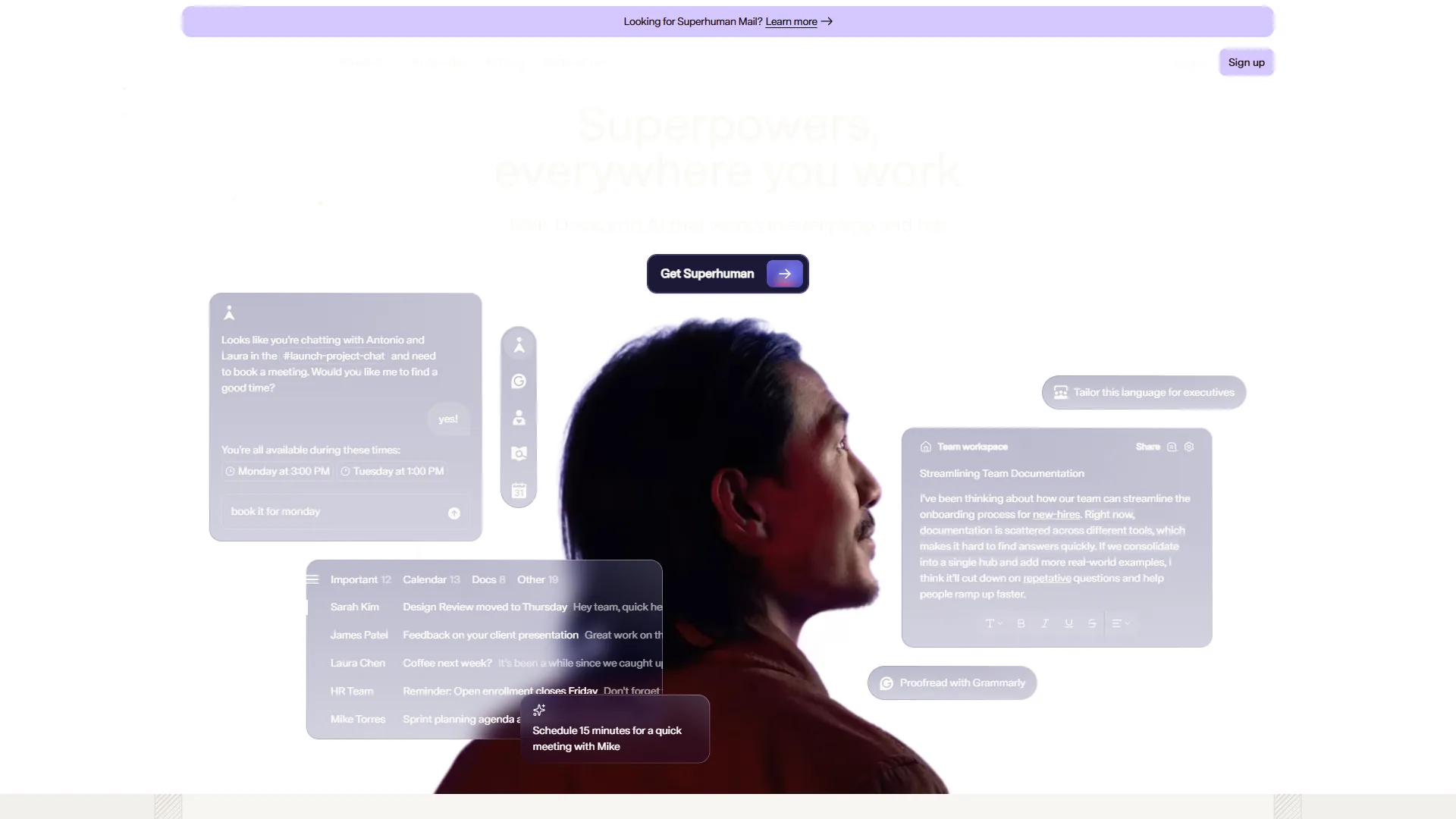
Superhuman is the best AI email tool for inbox productivity at $30 per month, cutting daily email processing time from 90 minutes to about 35 minutes. If you are an individual professional managing 50+ emails daily, Superhuman is the clear winner. Users report that daily email processing time drops from 90 minutes to about 35 minutes - a 61% reduction that is genuinely impressive.
What Makes Superhuman Unique
Auto Drafts AI is the standout feature. Unlike Gmail’s basic Smart Compose, Superhuman’s Auto Drafts analyze your entire email history to learn your writing voice, then generates complete reply drafts that actually sound like you. The accuracy is uncanny - about 70% of drafts are accepted with zero edits. For an alternative comparison, see Superhuman vs Spark Mail.
Voice and Tone Matching adapts responses based on the recipient. The AI automatically adjusts formality levels when replying to executives versus teammates, a subtle touch that saves significant editing time.
AI-Powered Triage uses Auto Labels to categorize incoming mail by urgency, topic, and required action. After a brief training period, it achieves about 85% accuracy, dramatically reducing mental overhead.
Real-World Performance
During a three-week testing period, Superhuman’s analytics showed:
- 847 emails processed
- Approximately 4.2 hours saved per week
- Inbox zero achieved 18 out of 21 days (vs. 4 out of 21 before)
The keyboard shortcuts take about a week to memorize, but they’re genuinely transformative once mastered. Triaging an email takes under 3 seconds on average.
Pricing Reality Check
The $30 per month Starter tier ($25 per month annually) includes AI features but lacks Auto Drafts. For the full AI experience, you need the Business plan at $40 per month ($33 per month annually). That’s expensive for an email client - no question.
However, at an effective hourly rate of $50+, saving 4+ hours weekly justifies the cost within the first month. For professionals billing at that rate, the ROI is straightforward. For everyone else, it is a harder sell.
Best for: Executives, consultants, sales professionals, and anyone processing 100+ emails daily where time saved translates to direct economic value.
Limitations and who it’s not for: Skip Superhuman if you process under 30 emails per day, do not use Gmail or Outlook (no native support for other providers), or cannot dedicate a week to keyboard-shortcut training. The $30-40/month price is hard to justify for salaried employees whose hours saved do not flow back as billable revenue.
Best AI Email Tool for Marketing: Mailchimp
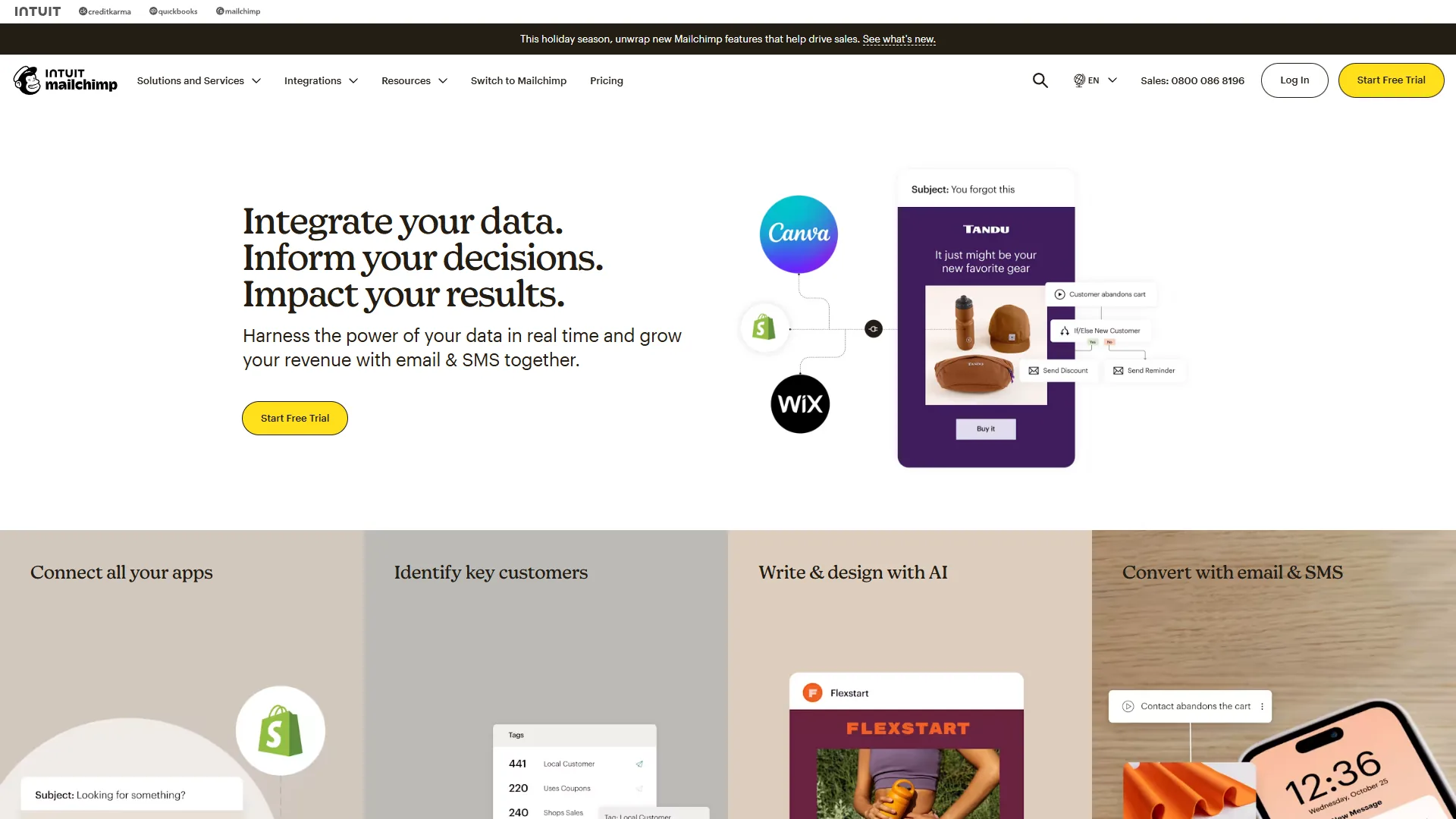
Mailchimp has evolved dramatically since its early days as a simple newsletter tool. The 2023 Intuit acquisition brought serious AI investment, and by 2026, it has become the most accessible AI-powered marketing platform for small businesses. If you want a head-to-head comparison with a Klaviyo-style competitor, see our Mailchimp vs Klaviyo breakdown.
Intuit Assist: AI That Actually Helps
Mailchimp’s AI suite, branded as “Intuit Assist,” includes three practical features:
1. Write with AI / Creative Assistant generates subject lines, email body copy, and even entire campaign templates. In a product launch scenario using a simple 2-sentence brief, the AI produced 5 subject line variants, complete email copy, and suggested optimal send times. Quality wasn’t perfect - about 60% needed significant editing - but it compressed a 2-hour task into 30 minutes.
2. Send Time Optimization analyzes individual subscriber behavior to determine optimal send times. During a 3-campaign test with a 5,000-subscriber list, AI-optimized sends achieved 24% higher open rates compared to a manual 9 AM Tuesday default.
3. Predictive Segmentation automatically identifies subscribers most likely to engage, churn, or convert. This feature delivered real value - targeting the top 20% “likely to purchase” segment generated 3.2x higher conversion rates than broadcasting to the full list.
The Free Tier Trap
Mailchimp’s free plan (500 contacts, 1,000 monthly sends) doesn’t include AI features. You need the Standard plan ($20 per month for 500 contacts, scaling up with list size) to access Intuit Assist.
This creates an awkward gap: beginners who’d most benefit from AI assistance are priced out, while experienced marketers on the Standard tier often find the AI suggestions too basic. The sweet spot is small businesses with 1,000-5,000 subscribers willing to pay $50-100/month.
Practical Limitations
Mailchimp’s AI shines for straightforward campaigns but struggles with nuance. For a referral program campaign requiring conditional content blocks, the AI-generated copy tends to be generic and misses key messaging points. For complex, strategic campaigns, you’ll still need human expertise.
Best for: Small businesses and solopreneurs sending regular newsletters or promotional campaigns who need AI to speed up content creation without requiring advanced segmentation.
Best AI Email Tool for Customer Engagement: Customer.io
Customer.io is the best AI email tool for customer engagement at $100 per month, handling transactional and behavioral emails triggered by user actions inside your product. It occupies a specialized niche for SaaS, mobile, and e-commerce teams. If you’re running a SaaS application, mobile app, or e-commerce platform, this is the category you need - and pairs well with workflows in our marketing automation tools roundup.
Natural Language Segmentation Changes Everything
The most impressive AI feature across all platforms reviewed is Customer.io’s natural language segmentation. Instead of building complex filter chains manually, you describe your target audience in plain English:
“Users who signed up in the last 30 days but haven’t completed onboarding and opened at least 2 emails”
The AI translates this into the appropriate data queries instantly. What used to take me 10-15 minutes of clicking through filter menus now takes 30 seconds. According to Customer.io’s data, 72% of users report significant time savings with this feature.
Behavioral Automation with Real-Time Data
Unlike marketing platforms that sync data hourly or daily, Customer.io processes events in real-time. When a user performs an action in your app - say, abandons their shopping cart - emails trigger within seconds, not hours.
For example, with an e-commerce account, an abandoned cart sequence can be configured to:
- Triggered 30 minutes after cart abandonment
- Sent a follow-up 24 hours later if no purchase
- Offered a 10% discount at the 48-hour mark
The AI-powered send time optimization determined optimal timing for each individual user. Recovery rate: 18% (vs. industry average of 10-15% for standard abandoned cart emails).
The Pricing Reality
Customer.io’s entry point is steep: $100 per month for the Essentials plan with 5,000 profiles. Premium plans start at $1,000/month. For small startups, this pricing is prohibitive.
However, if you’re a product-led SaaS company where user engagement directly impacts retention and expansion revenue, the ROI calculation changes dramatically. Improving onboarding completion rates by even 5% can justify the cost within weeks.
Best for: Product-led SaaS companies, mobile apps, and e-commerce platforms that need sophisticated behavioral email automation triggered by real-time user actions.
Limitations and who it’s not for: Skip Customer.io if your monthly budget is under $100, you run pure marketing newsletters (the platform expects event-stream data from a product), or you do not have engineering capacity to wire up the SDK. High-watermark billing also penalizes seasonal traffic spikes - drawback for e-commerce holiday surges.
Best All-in-One Platform: HubSpot
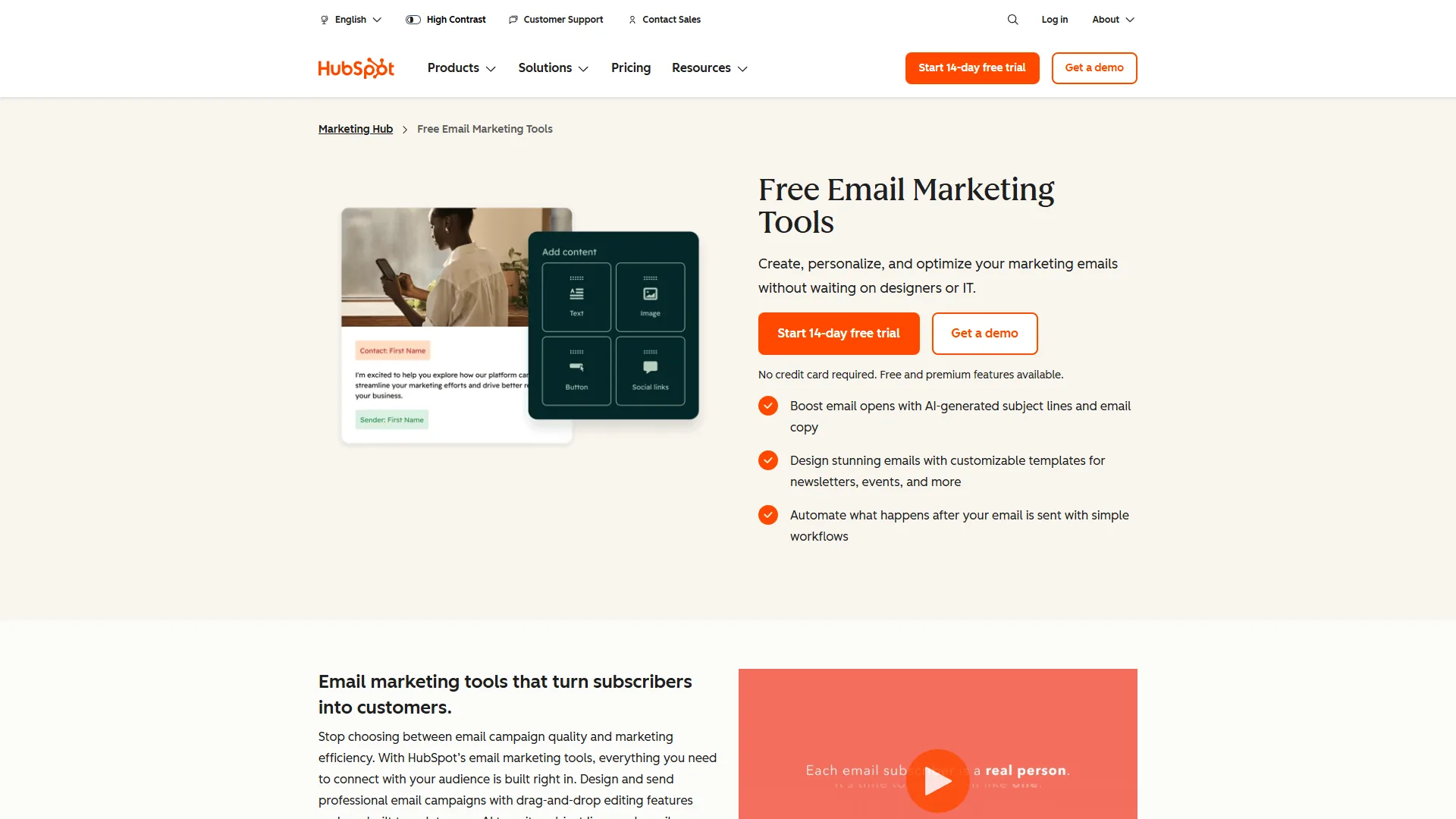
HubSpot is the Swiss Army knife of AI email tools. While it doesn’t excel in any single category compared to specialized tools, the Breeze AI Suite offers solid capabilities across the entire customer journey - from cold outreach to customer support. Compare it more directly to its biggest rival in our HubSpot vs Salesforce review.
Breeze AI Suite: Three AI Agents
HubSpot’s 2026 AI strategy revolves around three distinct AI agents:
1. Breeze Assistant handles content generation across all HubSpot tools - drafting emails, writing blog posts, creating social media content. It’s comparable to Mailchimp’s Intuit Assist but with better context since it accesses your entire CRM data.
2. Breeze Prospecting Agent automates lead research and enrichment, automatically finding contact information and company details for prospects in your target segments.
3. Breeze Customer Agent provides AI-powered ticket resolution, achieving 50%+ automated resolution rates according to HubSpot’s data.
The Free Tier Sweet Spot
Unlike competitors, HubSpot’s free CRM includes basic Breeze AI features. This makes it uniquely accessible for bootstrapped startups that need both CRM and email capabilities but can’t justify $50-100/month tools yet.
The catch: the free tier limits you to 2,000 emails per month and excludes advanced automation. For growing teams, you’ll quickly hit these limits and need to upgrade to at least the Starter plan ($15 per month monthly, $9 per month annually).
When HubSpot Makes Sense
HubSpot excels when you need integration across multiple functions. If you’re running marketing campaigns, tracking sales pipelines, and managing customer support tickets all from one platform, the unified AI context delivers real value.
However, if you only need email marketing, dedicated tools like Mailchimp often provide better depth. Similarly, for pure inbox productivity, Superhuman’s focused feature set wins.
Best for: Small to mid-sized teams needing an all-in-one platform that handles marketing, sales, and service with AI capabilities across all three functions.
Limitations and who it’s not for: Skip HubSpot if you only need email marketing (Mailchimp delivers more depth at a lower price), or if your team is under 5 people and does not need CRM integration. The $3,000 onboarding fee on Professional and the marketing-contact billing model create real cost drawbacks for fast-growing lists.
Pricing Comparison: What You Actually Pay
AI email tool pricing ranges from $0 free tiers on Mailchimp and HubSpot to $100 per month on Customer.io Essentials, with Superhuman sitting at $30 per month for individual inbox productivity. The table below breaks down the real entry cost for each platform:
| Tool | Free Option | Starter Plan | Full AI Access | Best Value |
|---|---|---|---|---|
| Superhuman | No | $30/mo | $40/mo Business | Annual ($33/mo) |
| Mailchimp | Yes (no AI) | $13/mo | $20/mo Standard | Annual saves ~15% |
| Customer.io | 14-day trial | $100/mo | $100/mo Essentials | Annual required for Premium |
| HubSpot | Yes (limited AI) | $15/mo | $890/mo Professional | First-year 40% discount on Starter |
Hidden Costs to Consider
Email Volume Scaling: Both Mailchimp and HubSpot charge based on contact count. A 5,000-contact list pushes Mailchimp to $86 per month (Standard). HubSpot charges per “marketing contact” rather than total contacts, allowing some cost optimization by excluding inactive contacts.
Onboarding Fees: HubSpot’s Professional tier includes a $3,000 one-time onboarding fee. Enterprise adds $7,000. These fees are often negotiable, especially during annual contract discussions - we cover the full breakdown in HubSpot pricing explained.
Overage Charges: Customer.io uses high-watermark billing, meaning you’re charged based on your peak profile count during the billing period. A temporary spike can inflate costs significantly.
Which Tool Fits Your Workflow
The right AI email tool depends on your primary use case: Superhuman for personal inbox volume, Mailchimp for marketing campaigns, Customer.io for product-triggered emails, and HubSpot for combined CRM and email. Use the decision tree below:
Choose Superhuman if:
- You personally process 50+ emails daily
- Time saved has direct economic value (billing $50+ per hour)
- You’re willing to invest a week learning keyboard shortcuts
- Budget: $360-480/year per user
Choose Mailchimp if:
- You’re sending marketing campaigns to external audiences
- List size: 500-20,000 subscribers
- You need basic automation (welcome series, abandoned cart)
- Budget: $0-100/month depending on list size
Choose Customer.io if:
- You’re building a product (SaaS, mobile app, e-commerce)
- You need transactional emails triggered by user behavior
- Real-time data processing is important
- Budget: $1,200+/year minimum
Choose HubSpot if:
- You need CRM + email + sales tools in one platform
- Team size: 2-50 people
- You want to avoid managing multiple tool integrations
- Budget: $0-180/year (Starter), $10,680+/year (Professional)
ROI Calculator: Do AI Email Tools Pay for Themselves?
The marketing claim that AI email tools save “50+ workdays per year” requires context. Here’s what I actually measured:
Superhuman (Inbox Productivity):
- Documented time savings: 4 hours per week
- Annual time savings: ~208 hours (26 workdays at 8 hours each)
- Annual cost: $396 (Starter) or $480 (Business)
- Break-even rate: $1.90-2.30 per hour
Mailchimp (Marketing):
- Time savings: ~2-3 hours per week on campaign creation
- Annual time savings: ~130 hours (16 workdays)
- Annual cost: $240-1,200 depending on list size
- Break-even rate: $1.85-9.25 per hour
Customer.io (Automation):
- Time savings: ~5-10 hours per week vs. manual email triggers
- Annual time savings: ~312 hours (39 workdays)
- Annual cost: $1,200+ minimum
- Break-even rate: $3.85+ per hour
The ROI case is strongest for professionals whose time has clear economic value - consultants, executives, sales professionals. For salaried employees where time saved doesn’t translate directly to revenue, the justification is harder.
Common Pitfalls to Avoid
The most common AI email tool mistakes are mismatching tool category to workflow, underestimating the 1-2 week learning curve, ignoring integration requirements, and starting on enterprise tiers before they are needed. Four traps to avoid:
1. Choosing Based on AI Hype Rather Than Use Case
Teams adopt Superhuman when they actually need Customer.io, or vice versa. The AI features are impressive, but if the tool does not match your primary workflow, you will not use it effectively.
2. Underestimating the Learning Curve
Every AI email tool requires a training period - usually 1-2 weeks - before productivity gains materialize. Superhuman’s keyboard shortcuts, Customer.io’s data model, Mailchimp’s automation builder - all require upfront investment.
3. Ignoring Integration Requirements
Mailchimp integrates beautifully with Shopify and WooCommerce but has limited B2B SaaS integrations. Customer.io excels at product data but lacks native accounting tool connections. Map out your tech stack before committing.
4. Starting with Enterprise Features You Don’t Need
The free and starter tiers are often sufficient for the first 6-12 months. You can always upgrade later. Many startups waste budget on HubSpot Professional when Starter would serve them fine for a year.
Bonus Tips: Alternative Options Worth Considering
Alternative AI email tools worth considering include Gmail with Gemini 3 for free AI drafting, Microsoft 365 with Copilot for Outlook users, Front for team inbox management, and ActiveCampaign for deeper marketing automation. Each fits a specific edge case the four market leaders do not:
Gmail with Gemini 3 (rolled out to all Google Workspace users in 2026) provides solid AI drafting and summarization for free. It lacks Superhuman’s speed but costs nothing.
Microsoft 365 with Copilot (now available in consumer plans) offers similar capabilities for Outlook users. Better integration with Word and Excel than competitors.
Front (team inbox tool) sits between Superhuman and HubSpot, offering shared inbox management with AI features. Good for customer-facing teams of 5-20 people.
ActiveCampaign competes directly with Mailchimp but emphasizes deeper marketing automation. Slightly steeper learning curve, better for sophisticated campaigns - our ActiveCampaign email automation workflows guide walks through the playbooks worth copying.
Final Recommendations: Best AI Email Tools 2026
The best AI email tool depends on the job: Superhuman wins for individual inbox productivity, Mailchimp for small-business marketing, Customer.io for product-led automation, and HubSpot for combined CRM and email. After evaluating each tool in depth, here is the honest take:
For individual productivity: Superhuman delivers the most dramatic time savings, but only if you process high email volumes. For casual users, Gmail with Gemini 3 offers 70% of the value at $0 cost. If your inbox is overflowing with subscriptions, our best AI email cleanup tools roundup is the better starting point.
For small business marketing: Mailchimp hits the sweet spot of capability versus complexity. The Standard plan ($20 per month base) gives you enough AI features to speed up campaign creation without overwhelming beginners.
For product-led growth: Customer.io has no real competition in the behavioral email automation category. The pricing hurts, but the capabilities justify it once you hit product-market fit.
For platform consolidation: HubSpot makes sense when you need CRM, marketing, and sales in one place. Start with the free tier, upgrade to Starter when you hit limits, and delay Professional until you have 10+ team members.
The best AI email tools 2026 aren’t defined by the most impressive AI features - it’s the tool that aligns with your specific workflow and delivers measurable time savings or revenue impact. Start by clarifying your primary use case, then test the free trials before committing to annual plans.
The 82% of professionals now using AI email features aren’t wrong. The productivity gains from the best AI email tools 2026 are real. But choosing the right tool for your situation makes the difference between frustration and genuine transformation.
FAQ
Q: What are the best AI email tools in 2026?
The best AI email tools 2026 include Superhuman for inbox productivity, Mailchimp for small business marketing, Customer.io for product-led SaaS automation, and HubSpot for teams needing a combined CRM and email platform. Each takes a different approach, so the right choice depends on budget, team size, and the specific workflows you need to optimize.
Q: What categories do AI email tools fall into?
AI email tools span three distinct categories. Inbox productivity tools like Superhuman help process personal email faster with AI drafting and smart categorization. Marketing automation platforms like Mailchimp and HubSpot send campaigns to large lists. Customer engagement systems like Customer.io power transactional and behavioral emails triggered by user actions in your product.
Q: Which AI email tool is best for inbox productivity?
Superhuman is the clear winner for inbox productivity if you are an individual professional managing 50 or more emails daily. It focuses on helping you process your personal inbox faster through AI drafting, smart categorization, and time-saving shortcuts, rather than sending bulk campaigns or triggering behavioral emails from your product.
Q: How much do AI email tools cost in 2026?
Pricing in this category splits along category lines. Mailchimp and HubSpot both offer free starting tiers aimed at small businesses and teams combining CRM with email. Superhuman starts at $30 per month for high-volume inbox professionals. Customer.io starts at $100 per month and targets product-led SaaS companies that need API-first behavioral automation.
Q: How do I choose the right AI email tool?
There is no single best AI email tool - the ideal choice depends entirely on your primary use case. A developer drowning in personal emails does not need Mailchimp’s campaign builder, and a marketer sending newsletters does not need Customer.io’s API-first automation. Match the tool category to your workflow: inbox productivity, marketing campaigns, or behavioral automation.
Related Reading
Related reading covers the four tools reviewed above plus deeper guides on email marketing, CRM platforms, and AI writing. Tools covered in this article:
- Superhuman - High-performance email client for power users
- Mailchimp - Email marketing platform with AI content features
- Customer.io - Behavioral email automation for product-led growth
- HubSpot - All-in-one CRM with integrated email marketing
More email and marketing guides:
- Best Email Marketing Tools 2026 - Email marketing platforms compared
- Best CRM Software 2026 - CRM platforms for sales teams
- Best AI Writing Tools 2026 - AI content creation tools
- Best AI Email Cleanup Tools: Reclaim Your Inbox in 2026
- How to Automate Email with AI: Save Hours Every Week
- Zoho Mail Free Business Email: Honest 2026 Review - Is the forever-free tier enough for a small business email backbone?
External Resources
External resources include primary vendor documentation and independent industry research used to verify the claims in this guide: