


Notion AI is workspace-embedded AI that operates on your existing pages and databases, while ChatGPT is a standalone general-purpose AI assistant accessed through a separate chat interface. The Notion AI vs ChatGPT question is one of the more misunderstood comparisons in the AI tools space, because people often compare fundamentally different products that happen to share the “AI assistant” label.
ChatGPT is a standalone AI assistant. You open it, type a question or a prompt, and it responds. That is the whole interaction model.
Notion AI is AI embedded inside a workspace tool. You use it to draft, summarize, and refine content that lives inside your Notion pages - it operates in context, alongside your notes, databases, and projects.
Our analysis draws on current vendor documentation, pricing pages, and independent research rather than sponsored placement or hands-on benchmarking. AI Productivity may earn a commission from links on this page; our rankings remain editorially independent.
If you are trying to decide where to invest - whether that is $20 per month for ChatGPT Plus or the upgrade to Notion’s Business plan for AI access - this comparison helps you pick the right tool for your team. Our best AI writing tools 2026 shortlist covers the broader landscape, with real examples of where each kind of assistant wins, including the perennial question of whether Notion AI can replace ChatGPT.
What Is Notion AI, Really?
Notion AI is workspace-embedded AI assistance that operates on content already inside your Notion pages and databases, not a separate chat interface. People researching Notion AI vs Copilot or Notion AI vs Claude will find the same core dynamic - embedded workspace AI versus a standalone general-purpose assistant - and the right choice depends on your workflow, budget, and team size.
The core capabilities are:
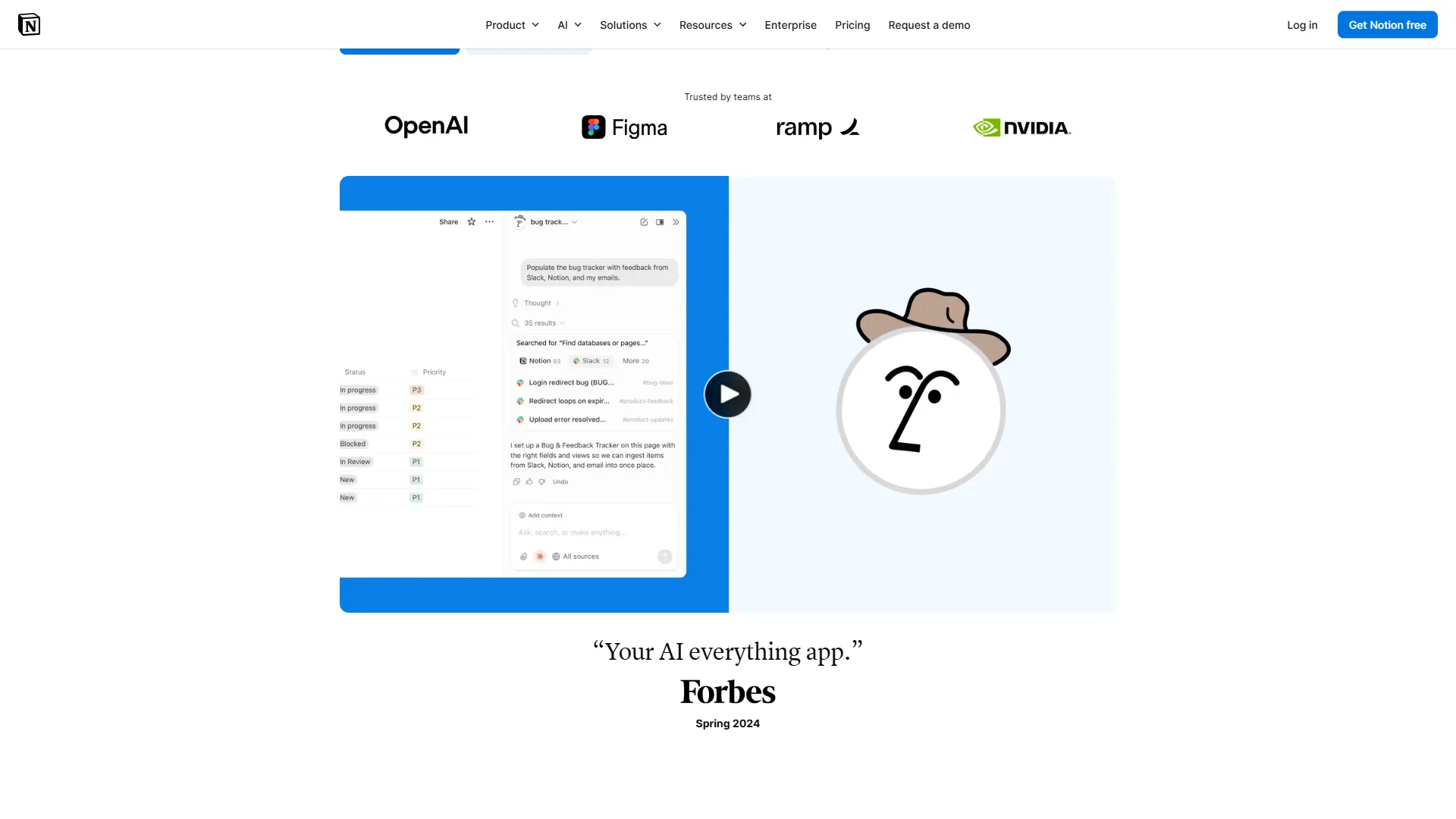
Writing and editing within pages. Select any block of text and ask Notion AI to improve it, shorten it, lengthen it, fix the tone, or translate it. The AI operates on existing content rather than generating from scratch.
Drafting from context. Ask Notion AI to write a section based on information in your current page or database. It pulls from surrounding context in ways that ChatGPT cannot - unless you copy and paste everything first.
Summarization. Highlight a long document, ask for a summary, and get one in the same page - useful for meeting notes, research docs, and long-form content.
Q&A over your workspace. Ask questions about your workspace content and get synthesized answers from your actual notes rather than searching manually.
AI agents (Business plan). Notion’s Business tier includes autonomous AI agents powered by GPT-5, Claude Opus, and o3. These agents perform multi-step tasks like researching a topic, drafting a document, and inserting it into a database - all within Notion.
What Notion AI is not: It is not a general-purpose AI assistant for tasks outside Notion. It does not help you write emails in Gmail, analyze spreadsheets in Excel, or answer questions about the open web.
Notion Pricing
| Plan | Monthly Price | Annual Price | AI Included? |
|---|---|---|---|
| Free | $0/mo | $0/mo | No |
| Plus | $12/seat/mo | $10/seat/mo | No |
| Business | $18/seat/mo | $15/seat/mo | Yes (unlimited, multi-model) |
| Enterprise | Custom | Custom | Yes |
An important nuance in 2026: Notion AI is no longer available as an add-on for Free or Plus users. AI access now requires upgrading to the Business plan at $15/seat/month (annually) or $18/seat/month (monthly). The Business plan’s AI includes access to multiple frontier models - GPT-5, Claude Opus 4.1, and o3 - which makes it genuinely powerful compared to a single-model AI subscription.
Limitations and who it is not for: Notion AI lacks web browsing, image generation, code execution, and standalone chat memory. Skip Notion AI if your team is not already on Notion, if your work mostly lives in Google Workspace or Confluence, or if you need coding, research, or web-grounded answers.
What Is ChatGPT?
ChatGPT is OpenAI’s standalone AI assistant. It’s a conversational interface where you bring problems, questions, and tasks, and the AI helps you work through them. Unlike Notion AI, it has no awareness of your files, notes, or workspace unless you explicitly upload or paste content into the conversation.
The core capabilities are:
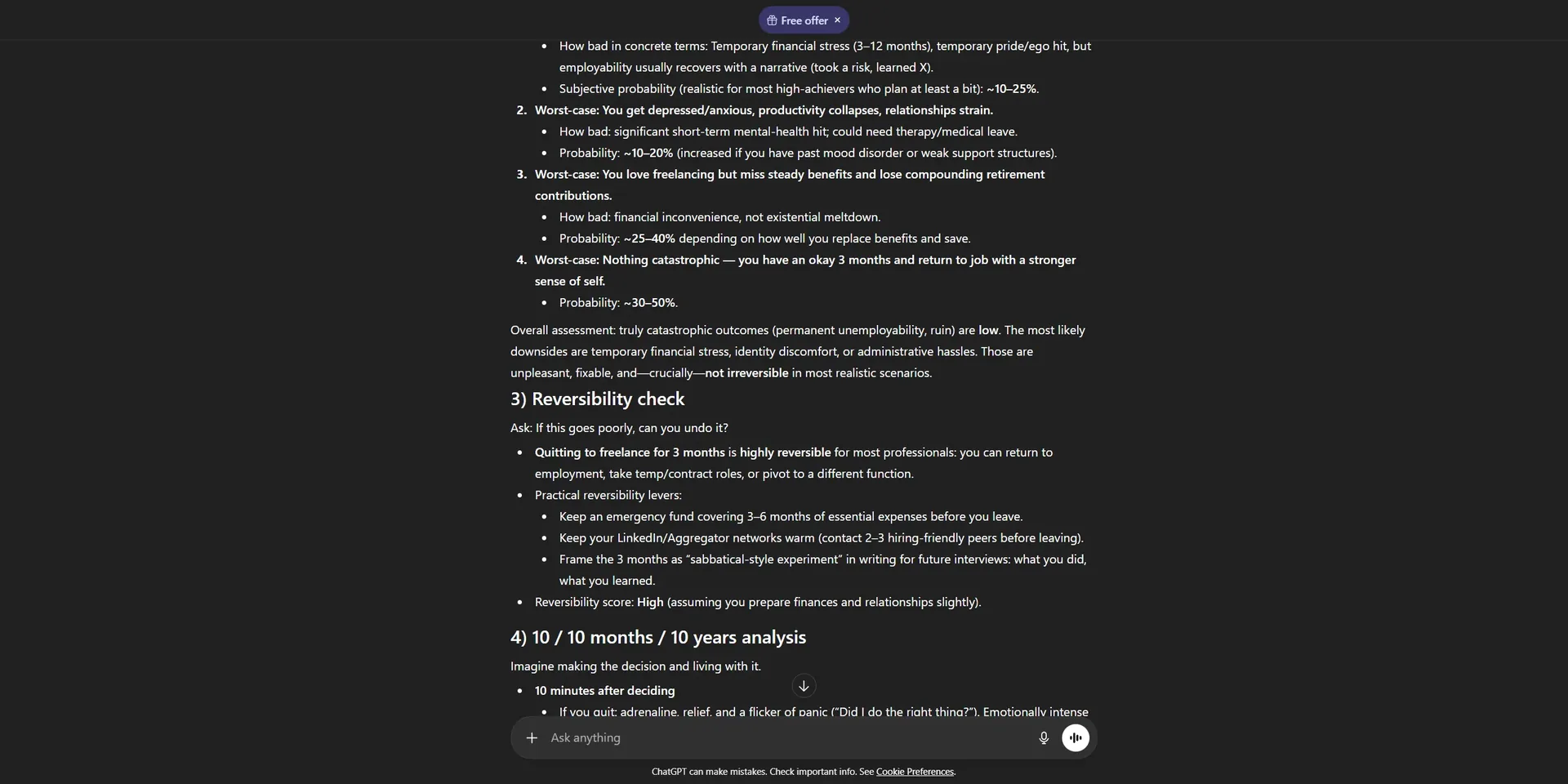
Conversational problem-solving. ChatGPT excels at open-ended intellectual tasks - explaining concepts, working through logical problems, brainstorming, and iterating through dialogue.
Writing from scratch. Unlike Notion AI, ChatGPT generates content from prompts - cold email drafts, blog outlines, social captions, business proposals - from a blank slate.
Coding assistance. ChatGPT is a strong coding partner for writing, debugging, and explaining code across dozens of languages. Notion AI has no meaningful coding capability.
Advanced Data Analysis. ChatGPT Plus uploads spreadsheets and documents for analysis - summarize a CSV, find patterns, or generate charts. See OpenAI’s data analysis documentation for the full overview.
Image generation. ChatGPT Plus generates images via GPT-4o’s built-in image generation, replacing a separate image tool for many use cases.
Web browsing. ChatGPT searches the web in real time to answer questions about current events and recent releases.
Memory and custom instructions. ChatGPT remembers your preferences, role, and context from previous conversations, accumulating an increasingly personalized assistant over time.
What ChatGPT is not: It is not a document management system - it does not organize your work, maintain a database of your notes, or integrate with your project management tools by default.
ChatGPT Pricing
| Plan | Monthly Price | Annual Price | Models |
|---|---|---|---|
| Free | $0/mo | $0/mo | GPT-4o-mini, limited GPT-4o |
| Plus | $20/mo | $240/yr | GPT-5, GPT-4o unlimited |
| Pro | $200/mo | $2,400/yr | All models, unlimited |
| Team | $30/seat/mo | $300/seat/yr | All Plus features + workspace |
ChatGPT Plus at $20 per month gives you unlimited access to GPT-5 and GPT-4o, image generation, Advanced Data Analysis, web browsing, and memory - the standard benchmark for standalone AI assistants.
Limitations and who it is not for: ChatGPT has no awareness of your workspace, files, or notes unless you upload or paste content into the chat each time, which creates friction for context-heavy work. Free-tier access is rate-capped on GPT-5 and lacks memory, and the API and Plus plans use different billing models. Skip ChatGPT Plus if your work mostly happens inside a single workspace tool like Notion, if you need real-time team collaboration on AI output, or if you cannot send your content to OpenAI’s servers.
Feature-by-Feature: Notion AI vs ChatGPT
Notion AI vs ChatGPT splits sharply across six features - writing quality, research, agents, integration, coding, and team pricing - with ChatGPT taking the AI tool wins on raw capability and Notion AI winning on contextual workflow, so which is best for you depends on whether you live inside Notion.
Writing Quality
Both tools produce high-quality output, but they work differently.
ChatGPT typically produces more polished first drafts when given a clear prompt. Its training on diverse writing styles and its conversational refinement loop mean you can iterate quickly: “make this more formal,” “cut it to 100 words,” “add a section on risks.” The dialogue model is well-suited to the back-and-forth of editing.
Notion AI produces output that’s more context-aware for content inside your workspace. If you’re drafting a quarterly review and Notion AI can reference your previous quarter’s goals and results (because they’re in the same workspace), the output is more relevant than anything ChatGPT could produce without that context being copied in.
For writing that starts from scratch, ChatGPT tends to produce better initial results. For writing that builds on existing content in Notion, Notion AI’s contextual awareness is the differentiator. The Obsidian vs Notion breakdown covers how the underlying note system shapes what either AI can see.
Research and Knowledge
ChatGPT has web browsing and can access current information. It can research topics, synthesize sources, and summarize what it finds. It also has strong general knowledge from training through its knowledge cutoff.
Notion AI has no web access. Its knowledge is limited to what’s in your workspace plus its base training data. For research tasks, ChatGPT is meaningfully more capable - our ChatGPT alternatives breakdown compares other web-grounded options worth pairing.
Task Completion and Agents
Notion AI agents (Business plan) can perform multi-step tasks within your workspace: building out a project plan, populating a database, researching a topic using your existing notes as source material. The key word is “within your workspace” - Notion AI agents operate on Notion content.
ChatGPT can complete complex multi-step tasks through conversation and, in some configurations, through tools and code execution. It can analyze data, write and run code, generate images, and browse the web in a single conversation. Its agents are more capable at general-purpose tasks outside any specific workspace - OpenAI’s Operator is the most extreme example of this direction.
Integration and Workflow
Notion AI is deeply integrated into a workspace tool. Everything it generates lives where your work already lives - no copy-pasting, no context switching. For knowledge workers who already live in Notion, this is a significant quality-of-life advantage.
ChatGPT operates as a separate tool. You bring your work to it (via uploads or copy-paste) and then take the output back to wherever you’re working. ChatGPT does integrate with other tools via custom GPTs and the API, but the base experience requires moving content between applications.
Coding and Technical Work
ChatGPT is the clear winner here. It’s an excellent coding assistant - writing functions, debugging code, explaining technical concepts, and running code via Advanced Data Analysis. Notion AI has no meaningful coding capability, so most engineers pair it with a coding-specific assistant instead.
Pricing for Teams
For a team of five:
- Notion Business: $75 per month (annually) - includes unlimited Notion AI with multi-model access
- ChatGPT Team: $150 per month (annually) - collaborative workspace, admin console, data excluded from training
If your team already uses Notion, upgrading to Business at $15/seat/month is competitive compared to separate ChatGPT subscriptions. If your team does not use Notion, paying $15/seat for an AI tool inside a workspace you barely use is poor value - the apps like ChatGPT shortlist covers cheaper standalone options.
Choose Notion AI if
Choose Notion AI if your team already lives in Notion and your primary AI tasks involve drafting, summarizing, or querying content that already exists inside your workspace pages and databases.
You are already deep in the Notion ecosystem. If your team’s knowledge base, project tracking, meeting notes, and documentation all live in Notion, adding AI to that workspace is a force multiplier.
Your writing tasks are workspace-centric. Drafting meeting summaries, updating documentation, generating status updates from existing notes, and summarizing research already in your pages - these are where Notion AI shines.
You want AI that lives where your work lives. Notion AI removes the copy-paste-apply-copy cycle that makes standalone AI tools feel disconnected from actual workflows.
You need multi-model access on a budget. Notion Business includes GPT-5, Claude Opus 4.1, and o3 at $15/seat/month - competitive for frontier model access alongside a full productivity suite.
Choose ChatGPT if
Choose ChatGPT if you need a general-purpose AI assistant that handles research, coding, image generation, and web-grounded answers across any tool you use, not just inside one workspace platform.
Your work lives outside Notion. If you’re using Google Docs, Confluence, Microsoft Office, or anything else, ChatGPT can assist regardless of where your files live. Notion AI can’t. Our apps like ChatGPT roundup covers other standalone AI assistants worth comparing.
You need general-purpose AI assistance. Research, coding, image generation, data analysis, brainstorming, explaining complex topics - ChatGPT covers a wide range of intellectual tasks not tied to any one platform.
You need web-grounded information. ChatGPT researches current topics with web browsing. Notion AI works only with your existing workspace content.
Coding is part of your workflow. ChatGPT is among the strongest coding assistants at consumer pricing. Notion AI does not compete here.
You want a persistent AI companion. ChatGPT’s memory feature builds understanding of your preferences, role, and context over time, getting more useful the longer you use it.
Pro Tips: Can You Use Both?
Yes, you can use Notion AI and ChatGPT together, and many teams do because the tools solve different layers of the workflow rather than competing for the same job.
A common pattern: use ChatGPT for research, brainstorming, and drafting from scratch, then bring the output into Notion where Notion AI refines and integrates it with workspace content.
Another pattern: use Notion AI for all work inside Notion (documentation, meeting notes, project updates), and ChatGPT for tasks outside the workspace (email drafts, code, one-off research). Our Notion AI workflows guide covers practical setups for the Notion side of that combination.
The $15/seat/month for Notion Business plus $20 per month for ChatGPT Plus is $35 per month - affordable for a power user who wants both. For teams, the calculation becomes $15/seat plus $30/seat for Team, which is $45/seat.
The Bottom Line
Notion AI wins when your work already lives inside Notion, while ChatGPT wins for general-purpose AI assistance across any tool, with both worth running together for a power user budget of around $35 per month.
These two tools solve different problems, and whether Notion AI is worth it depends almost entirely on where your work lives and what kind of tasks you need AI help with.
If you live in Notion and your primary need is AI that works within your existing knowledge base and documents, the Business plan upgrade is the smart choice. Notion AI’s contextual awareness of your workspace content is genuinely useful in ways that a standalone assistant can’t replicate without constant copy-pasting.
If you need general-purpose AI assistance for a wide range of tasks - research, writing from scratch, coding, image generation, data analysis - ChatGPT Plus is the most capable standalone AI assistant at its price point.
Notion Business - the right choice for knowledge workers already embedded in the Notion ecosystem who want AI that operates on their existing content.
ChatGPT Plus - the right choice for anyone who needs a powerful, versatile AI assistant that works across contexts, supports coding and research, and builds personalized memory over time.
If you’re genuinely uncertain, start with ChatGPT Plus at $20 per month. It’s the broader tool. If you find yourself constantly wishing it could see your Notion notes, that’s your signal to evaluate the Notion Business upgrade. The Notion vs Obsidian comparison is the right next read if you’re also questioning the underlying workspace choice.
FAQ
ChatGPT wins for from-scratch drafting and general research, while Notion AI wins for context-aware editing of content already inside Notion; the questions below cover the most common follow-ups.
Q: Is Notion AI or ChatGPT better?
For writing that starts from scratch, ChatGPT tends to produce better initial results. For writing that builds on existing content in Notion, Notion AI’s contextual awareness is the differentiator.
Q: Does Notion AI use ChatGPT?
Notion AI is built on large language models from OpenAI and Anthropic, so it runs on the same class of models that power ChatGPT. “Notion AI is now powered by frontier models including GPT-5, Claude Opus 4.1, and o3 for autonomous agent tasks inside the workspace,” according to the Notion AI feature overview from Notion Labs. The difference is packaging: Notion AI runs those models inside your workspace with access to your pages and databases, while ChatGPT exposes them as a standalone assistant.
Q: Which AI is better than ChatGPT?
Asking which one is better is a bit like asking whether a calculator is better than a spreadsheet. They both do math, but they are built for different workflows.
Related Reading
Related Reading covers the broader Notion AI vs ChatGPT decision: adjacent comparisons, full tool profiles, and overlapping workspace alternatives worth weighing before you commit.
- Best AI Writing Tools 2026
- Obsidian vs Notion: Which Note-Taking App Wins?
- ChatGPT Alternatives 2026: Best AI Assistants
- Notion - Full tool profile: pricing, ratings, and use cases
- ChatGPT - Full tool profile: pricing, ratings, and use cases
- Confluence - Team knowledge management and documentation platform
External Resources
External Resources point to primary vendor documentation for pricing, model coverage, and feature scope so you can verify every claim in this comparison against the source.
- Notion pricing page - official tier and per-seat pricing from Notion Labs
- ChatGPT pricing details - official plan comparison from OpenAI
- Notion AI feature overview - vendor documentation on model coverage and agent capabilities