

The Apple M5 Max is the most capable laptop chip ever released for running large language models locally, with up to 128GB of unified memory, 614 GB/s bandwidth, and neural accelerators in every GPU core. It is a genuine alternative to cloud API subscriptions and dedicated GPU rigs for local AI inference.
Raw specs only tell part of the Apple M5 Max local LLM story, and no single M5 Max LLM benchmark captures it either. The practical questions are which models actually fit on an M5 Max 128GB configuration, how M5 Max AI performance holds up under sustained inference, and whether the Apple M5 Max local LLM price beats paying per token through an API - including how a future M5 Ultra would change the math.
This guide answers those questions with real benchmark numbers, quantization trade-offs, and a cost analysis. Our analysis draws on Apple’s published hardware documentation, vendor framework docs, provider API rate cards, and community benchmark reports rather than sponsored placement. AI Productivity may earn a commission from links on this page, but our recommendations are editorially independent.
What Are the M5 Max Specifications for LLM Inference?
The M5 Max pairs an 18-core CPU, a 40-core GPU with Neural Accelerators, up to 128GB of unified memory, and 614 GB/s memory bandwidth - and the local LLM specs that matter most are that unified memory capacity and bandwidth, since they decide which models fit and how fast they generate tokens.
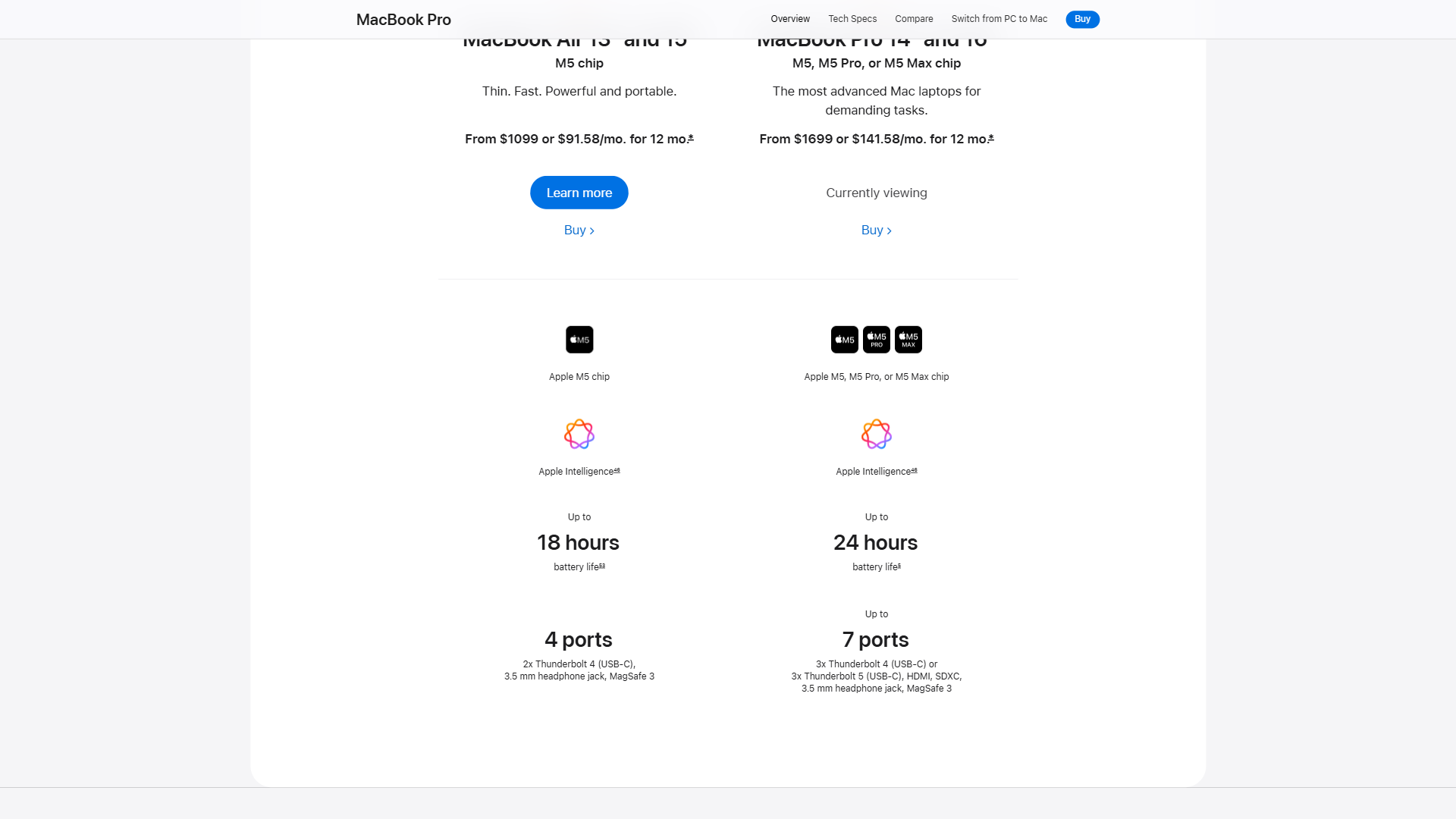
The table below details those specs and their relevance to M5 Max Ollama setups and other LLM workloads:
| Spec | M5 Max | Relevance to LLMs |
|---|---|---|
| CPU | 18-core | Handles tokenization and model loading |
| GPU | 40-core with Neural Accelerators | Primary compute for inference; neural accelerators yield up to 4x faster prompt processing vs M4 Max |
| Unified Memory | Up to 128GB | Entire model loads into shared CPU/GPU memory - no PCIe bottleneck |
| Memory Bandwidth | 614 GB/s | Directly determines token generation speed for large models |
| Power Draw | 60-90W | 10-20x more efficient than NVIDIA equivalents drawing 600-1200W |
The critical advantage of Apple Silicon for LLM inference is unified memory architecture, covered in Apple’s Metal documentation. On a traditional PC, GPU VRAM is separate from system RAM: an RTX 4090 with 24GB VRAM cannot load a model larger than 24GB without offloading layers to system RAM, which tanks performance by 10-50x. The M5 Max has no such ceiling - all 128GB is accessible to CPU and GPU at full bandwidth, so models that would require multi-GPU setups costing $3,000-$10,000+ run on a single laptop.
How Much LLM Memory Do You Actually Need?
A local LLM needs roughly its parameter count multiplied by the bytes-per-weight of its quantization, plus 2-3GB of overhead - so a 70B model needs about 70GB at Q8 and about 35GB at Q4. Memory scales directly with model size and quantization level, as Ollama’s official FAQ explains.
Memory Rules of Thumb
| Available Memory | Maximum Model Size (Q4) | Maximum Model Size (Q8) |
|---|---|---|
| 8GB | 7B parameters | 3-4B parameters |
| 32GB | 30B parameters | 14B parameters |
| 64GB | 70B parameters | 30B parameters |
| 128GB | 120B+ parameters | 70B parameters |
Larger context windows add to these figures - a 70B Q4 model with a 32K context needs roughly 5-8GB above the base weight.
Models That Fit in 128GB Unified Memory
The 128GB configuration runs models that previously required server-grade hardware:
- Qwen 3.5 122B (MoE) at Q4 - fits with room for context; mixture-of-experts activates only a subset of parameters per token.
- gpt-oss-120B at Q8 - full quality preservation, requiring nearly all available memory.
- Llama 3.3 70B at Q8 - the gold standard for local inference, published on Hugging Face.
- Llama 3.1 70B at Q4_K_M - leaves ~40GB free for context, ideal for RAG and agent workflows.
- Gemma 2 27B at Q8 - Google’s efficient architecture punches above its parameter count.
- Phi-4 14B at Q8 - Microsoft’s compact reasoning model excels at coding for its size.
Quantization: Quality vs Speed vs Size
Quantization reduces model precision to shrink memory requirements and increase inference speed at a measured cost to output quality - and choosing the right format is essential.
Quantization Formats Compared
| Format | Bits | Memory Reduction | Quality Impact | Best Use Case |
|---|---|---|---|---|
| BF16 | 16-bit | Baseline (0%) | None | Small models (7B-14B) where memory allows |
| Q8 | 8-bit | ~50% | Negligible (under 1% perplexity increase) | Default choice when model fits at Q8 |
| Q6_K | 6-bit | ~62% | Minimal (1-2% perplexity increase) | Good middle ground for 70B models |
| Q4_K_M | 4-bit | ~75% | Moderate (3-5% perplexity increase) | Fitting large models (100B+) in memory |
| Q3_K | 3-bit | ~81% | Significant (8-15% perplexity increase) | Not recommended - quality degrades noticeably |
The practical recommendation: Run the largest model that fits at Q8 rather than squeezing a larger model in at Q4 - a 70B model at Q8 consistently outperforms a 120B model at Q4 on most benchmarks, and runs faster.
File Formats
Two file formats dominate the Apple Silicon LLM ecosystem: GGUF, the universal format used by llama.cpp and Ollama (documented in the llama.cpp repo) that works on any hardware, and MLX Native, Apple’s optimized format that delivers the best performance on Apple Silicon but only on Apple hardware.
How Fast Is the M5 Max in Real-World LLM Benchmarks?
The M5 Max generates roughly 230 tok/s on an 8B model and 28 tok/s on a 70B model at Q4 via MLX - fast enough for interactive chat and coding, while still usable for 122B models at around 15 tok/s. According to Filipe Esposito, senior writer at 9to5Mac, the new chip delivers “over 3.5x the AI performance of M4” in local LLM workloads, driven by the GPU’s new Neural Accelerators (full report at 9to5Mac). The numbers below show tokens per second (tok/s) for text generation.
Token Generation Speed by Model and Framework
| Model | Quantization | MLX (tok/s) | Ollama (tok/s) | llama.cpp (tok/s) |
|---|---|---|---|---|
| Llama 3.1 8B | Q4_K_M | ~230 | ~140 | ~120 |
| Phi-4 14B | Q4_K_M | ~140 | ~95 | ~85 |
| Gemma 2 27B | Q4_K_M | ~75 | ~50 | ~45 |
| Llama 3.3 70B | Q4_K_M | ~28 | ~20 | ~18 |
| Llama 3.3 70B | Q8 | ~16 | ~12 | ~10 |
| Qwen 3.5 122B (MoE) | Q4 | ~15 | ~10 | ~8 |
Key takeaways from benchmarks:
- MLX is the fastest framework on Apple Silicon, delivering 40-80% higher throughput than Ollama and llama.cpp - the best local LLM tools 2026 roundup compares the landscape.
- The 4x prompt processing improvement from M4 Max to M5 Max cuts a 16K-token prompt on a 70B model from roughly 30-40 seconds to 8-10 seconds.
- 70B Q4 at 28 tok/s is faster than most people read, while 122B MoE models at 15 tok/s suit batch processing and document analysis.
Thermal and Battery Considerations
During sustained inference the M5 Max draws 60-90W with noticeable fan noise after 2-3 minutes, keyboard temperatures of 42-45 degrees C, and a battery runtime of roughly 1.5-2.5 hours - so plugged-in operation is recommended for long workloads. A loaded but idle model has no meaningful battery impact, and extended 30+ minute runs show only a 5-10% throughput drop from thermal management.
What Are the Best Tools for Local LLM Inference?
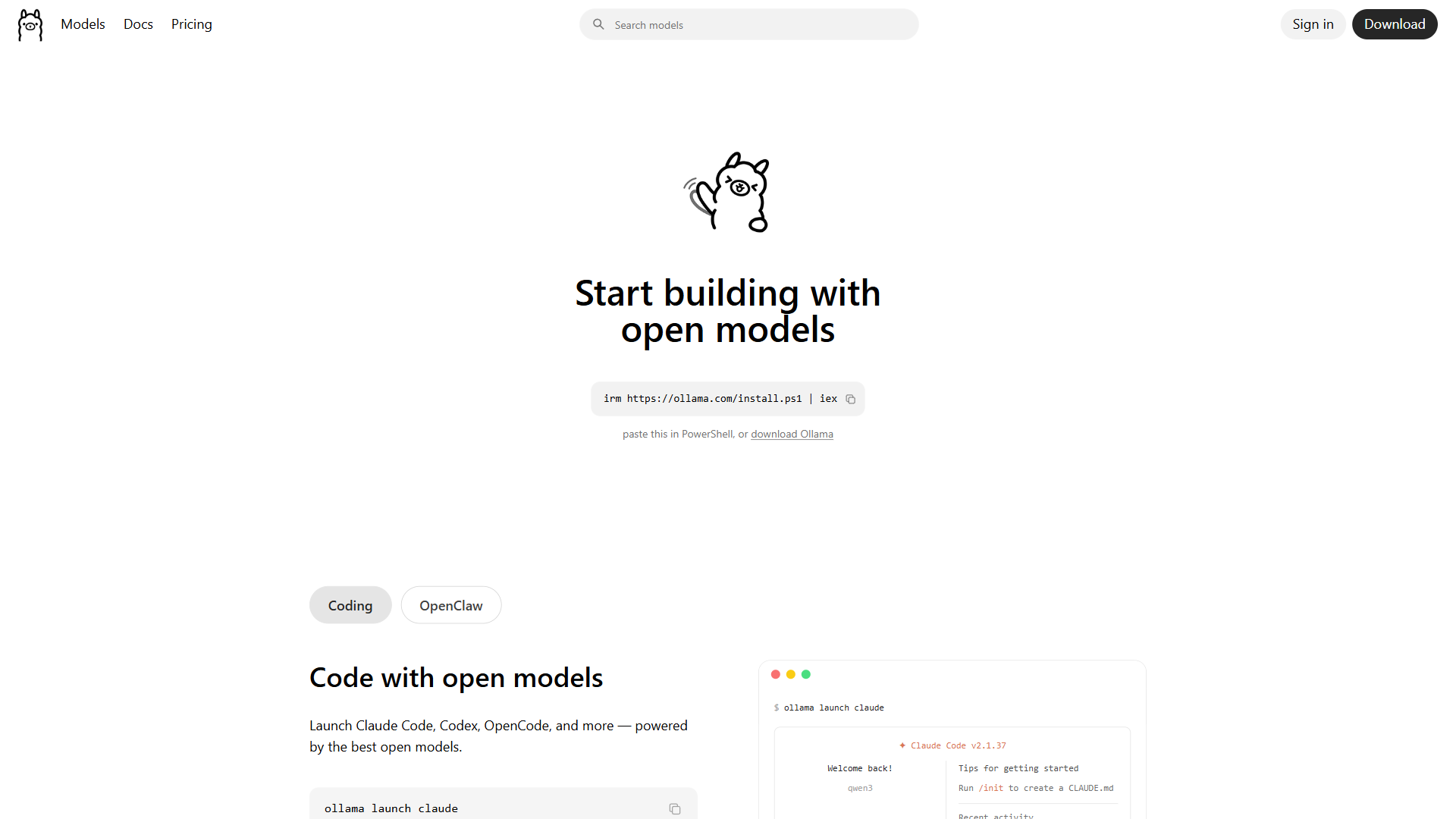
The four leading frameworks each have a distinct strength: MLX for raw speed, Ollama for the easiest setup, LM Studio for the best GUI, and llama.cpp for the broadest cross-platform model support.
MLX - Fastest Performance
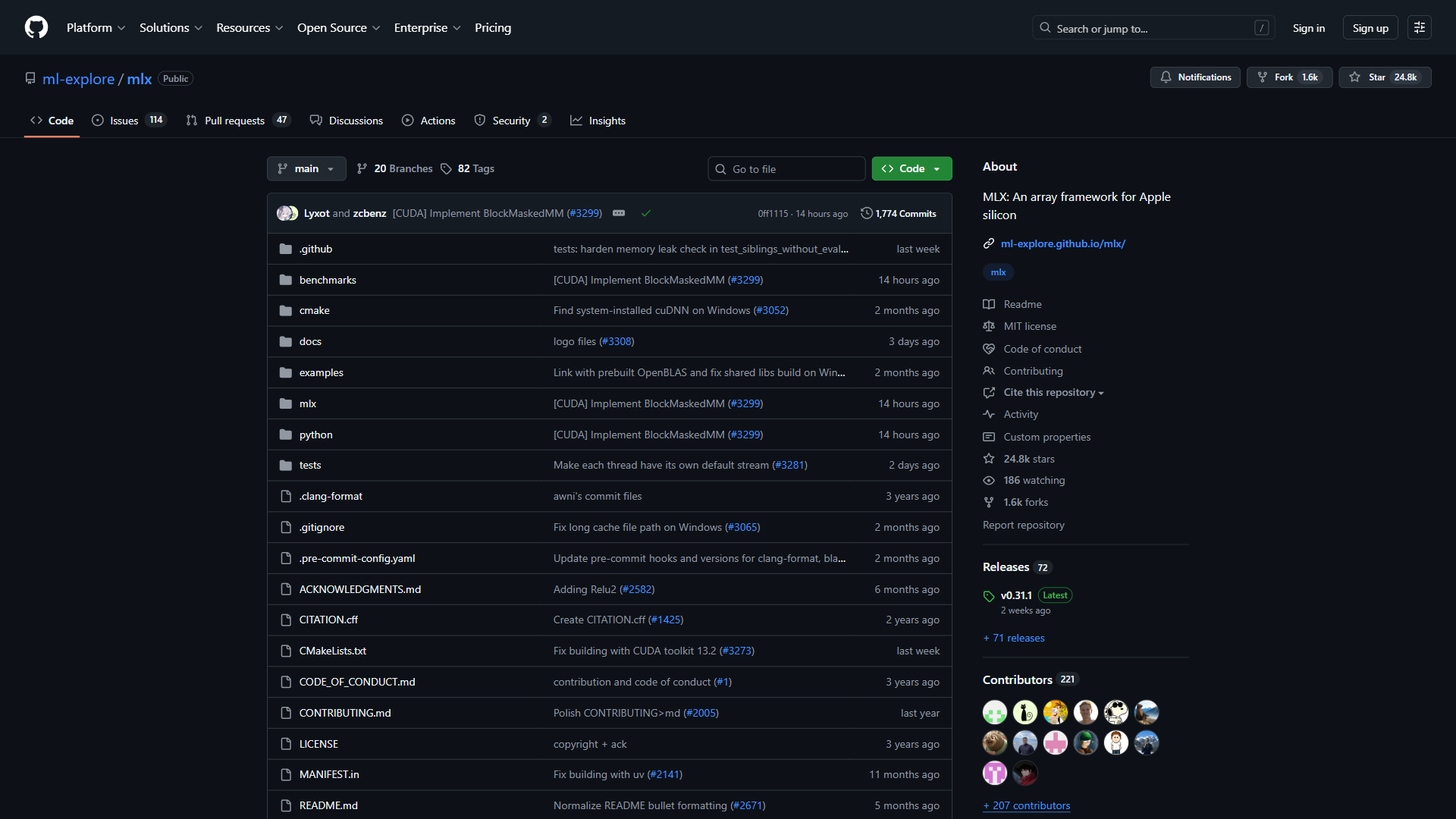
MLX is Apple’s own machine learning framework for Apple Silicon, delivering the highest throughput on M5 Max by using the neural accelerators and unified memory at a hardware level.
- Setup:
pip install mlx-lmthenmlx_lm.generate --model mlx-community/Meta-Llama-3.1-70B-Instruct-4bit - Best for: Maximum throughput, developers comfortable with Python
- Drawback: Requires models in MLX format (a growing community ecosystem but not universal)
Ollama - Easiest Setup
Ollama is the most beginner-friendly option - one command installs it, one downloads and runs a model. It uses llama.cpp under the hood but wraps it in a clean interface with a built-in model library.
- Setup: Install from ollama.com, then
ollama run llama3.3:70b - Best for: Quick experimentation, beginners, OpenAI-compatible API endpoints
- Drawback: 20-40% slower than MLX; no native Neural Accelerator support
LM Studio - Best GUI Experience
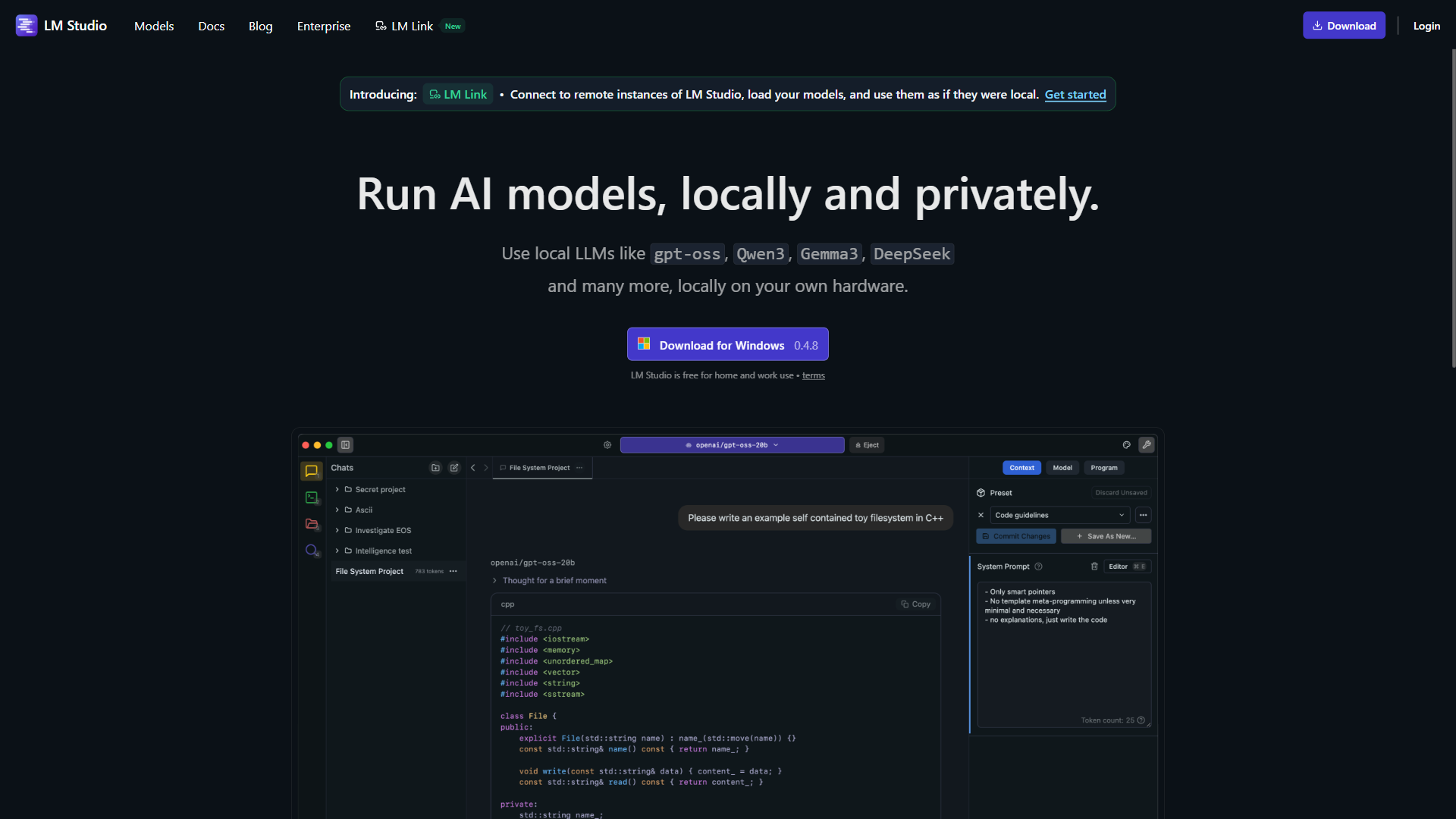
LM Studio provides a desktop app with model browsing, one-click downloads, and a chat interface. Its 2026 MLX backend now matches MLX’s raw performance while offering a graphical interface.
- Setup: Download from lmstudio.ai, browse and download models in-app
- Best for: Users who prefer GUIs, model comparison, visual local API serving
- Drawback: Closed-source; higher memory overhead from the Electron UI
llama.cpp - Cross-Platform Standard
llama.cpp is the foundational project that made consumer LLM inference possible, supporting the widest model range via GGUF and running on every platform.
- Setup: Build from source or use pre-built binaries;
./llama-cli -m model.gguf -p "prompt" - Best for: Cross-platform workflows, custom integrations, maximum compatibility
- Drawback: Slowest on Apple Silicon of the four; more complex setup
Practical Workflow Recommendations
The best M5 Max model and framework depend on the workload - Llama 3.3 70B Q8 via MLX for coding, Llama 3.1 70B Q4 via Ollama for RAG, Qwen 3.5 122B Q4 via MLX for creative writing, and Phi-4 14B or Gemma 2 27B at Q8 for batch processing.
Coding Assistant
For coding, pair Llama 3.3 70B Q8 via MLX with Continue.dev. The 70B class at Q8 rivals GPT-4 class API models for autocomplete, refactoring, and code review - the best AI coding assistants guide covers cloud alternatives. At 16 tok/s the ~70GB model leaves roughly 55GB free for the OS, IDE, and 32K+ context.
RAG Pipeline (Document Q&A)
For document Q&A, run Llama 3.1 70B Q4_K_M via Ollama with a local embedding model like nomic-embed-text. Q4 suits RAG because these pipelines prioritize retrieval over raw generation, and the ~35GB model leaves roughly 85GB free for embeddings and vector databases. Ollama’s OpenAI-compatible API endpoint integrates cleanly with LangChain, LlamaIndex, and Haystack.
Creative Writing and Long-Form Content
For creative tasks where quality matters more than speed, run Qwen 3.5 122B (MoE) Q4 via MLX - the largest model that fits produces noticeably more nuanced output than 70B models, and at 15 tok/s stays fast enough for writing workflows.
Batch Processing and Analysis
For high-volume tasks like classifying support tickets or extracting structured data, run Phi-4 14B Q8 or Gemma 2 27B Q8 via MLX - smaller models at high quantization process thousands of items per hour, with Phi-4 at 140+ tok/s handling a 500-word document in under 5 seconds.
How Does Cost Per Token Compare: Local M5 Max vs API Pricing?
Local M5 Max inference costs about $128 per month in amortized hardware and electricity, which beats API pricing only above roughly 13 million output tokens per month - below that volume, paying per token through an API is cheaper. The math is below.
Hardware Cost Amortization
A MacBook Pro M5 Max with 128GB unified memory costs approximately $4,499. Over a 3-year useful life that is about $125 per month in hardware ($4,499 / 36 months), plus roughly $2.70 per month in electricity (75W x 8 hours/day x 30 days = 18 kWh x $0.15/kWh) - a total of approximately $128 per month.
API Pricing Comparison (March 2026)
These figures come from each provider’s official rate cards: OpenAI, Anthropic, and Google AI.
| Provider | Model | Input (per 1M tokens) | Output (per 1M tokens) |
|---|---|---|---|
| OpenAI | GPT-4o | $2.50 | $10.00 |
| Anthropic | Claude 3.5 Sonnet | $3.00 | $15.00 |
| Gemini 1.5 Pro | $1.25 | $5.00 | |
| OpenAI | GPT-4o mini | $0.15 | $0.60 |
Break-Even Analysis
Running Llama 3.3 70B locally at Q8 (quality comparable to GPT-4o for many tasks) at 16 tok/s for 8 hours/day produces 460,800 tokens/day, or 13.8 million tokens/month. At GPT-4o output pricing of $10 per 1M tokens that equals approximately $138 per month in API cost, versus a local cost of approximately $128 per month.
The break-even point is approximately 13 million output tokens per month - roughly 8 hours of continuous generation daily. Below this volume, API pricing is more economical because you do not pay for idle hardware; above it, local inference saves money that compounds over time. Lighter users generating 2-3 million tokens per month pay roughly $1.20-$1.80 with budget API tiers like GPT-4o mini, far less than amortized hardware costs.
The Hidden Value: Privacy and Availability
Cost per token is not the only consideration - local inference offers two advantages APIs cannot match:
- Data privacy: Sensitive documents, proprietary code, and confidential data never leave the device. For legal, healthcare, and financial use cases this alone justifies the hardware - the best AI contract review tools guide explores compliance trade-offs.
- Zero-dependency availability: No internet connection, no rate limits, no service outages - guaranteed access wherever you work.
How Does the M5 Max Compare to Desktop GPU Alternatives?
The M5 Max trades raw GPU speed for memory capacity: it cannot match an RTX 4090’s FLOPS, but its 128GB of unified memory loads models roughly 5x larger than a 24GB desktop card, often making it faster in practice on 70B+ models. The table below compares the main desktop alternatives:
| Configuration | Memory | Bandwidth | Power | Approximate Cost | Best For |
|---|---|---|---|---|---|
| M5 Max MacBook Pro (128GB) | 128GB unified | 614 GB/s | 60-90W | $4,499 | Portable inference, privacy, development |
| M4 Ultra Mac Studio (192GB) | 192GB unified | 819 GB/s | 100-150W | $6,999+ | Larger models, higher throughput, desktop workstation |
| RTX 4090 Desktop (24GB VRAM) | 24GB VRAM + system RAM | 1,008 GB/s (VRAM only) | 450-600W | $2,500-$3,500 | Maximum speed on models that fit in 24GB |
| 2x RTX 4090 (48GB VRAM) | 48GB VRAM | 2,016 GB/s combined | 900-1200W | $5,000-$7,000 | Fast inference on medium models, requires NVLink |
A desktop RTX 4090 wins on raw FLOPS for any model that fits in its 24GB of VRAM, but once a model exceeds that ceiling it must offload to system RAM, where the M5 Max’s 128GB unified memory pulls decisively ahead.
Getting Started With Apple M5 Max Local LLM Inference
Getting started on M5 Max takes three steps - install Ollama, verify with a small model, then upgrade to a 70B model for production-quality inference.
- Install Ollama from ollama.com - it takes less than a minute.
- Run a small model first:
ollama run phi4downloads the 14B Phi-4 model (~8GB) and starts a chat. - Upgrade to 70B:
ollama run llama3.3:70b-instruct-q4_K_Mfor production-quality inference (~40GB download). - Try MLX:
pip install mlx-lmand runmlx-communitymodels from Hugging Face for 40-80% faster generation. - Set up a local API:
ollama serveexposes an OpenAI-compatible endpoint athttp://localhost:11434for tools like Continue.dev or Open WebUI.
The Bottom Line
The M5 Max makes local LLM inference genuinely practical on a laptop, with 128GB unified memory running models that previously required $5,000+ in NVIDIA GPUs on a machine drawing under 90W. The right configuration depends on the use case - 70B at Q8 for coding, Q4 for 120B+ models, 14B-27B for batch processing - and similar trade-offs surface in the future of AI coding assistants analysis.
For users generating more than 13 million tokens per month, or anyone who needs offline access and data privacy, the economics favor local inference; for lighter usage, cloud APIs remain more cost-effective. The AI impact on software engineering teams report covers enterprise adoption patterns.
FAQ
Q: How much unified memory does the Apple M5 Max have for local LLM inference?
The Apple M5 Max offers up to 128GB of unified memory, all accessible to both CPU and GPU at full 614 GB/s bandwidth. The entire model loads into shared memory with no PCIe bottleneck, letting it run models that would otherwise require multi-GPU setups costing $3,000 to $10,000 or more.
Q: Why is Apple Silicon well suited for running large language models locally?
Apple Silicon’s key advantage is unified memory architecture. On a traditional PC, GPU VRAM is separate from system RAM, so an RTX 4090 with 24GB VRAM cannot load a larger model without offloading to system RAM, cutting performance by 10 to 50 times. The M5 Max has no such ceiling.
Q: How fast is the M5 Max compared to the previous M4 Max for LLM workloads?
The M5 Max’s 40-core GPU includes Neural Accelerators that deliver up to 4x faster prompt processing versus the M4 Max, making it the most capable laptop chip yet for local inference.
Q: What does an honest M5 Max local LLM review conclude about the local LLM specs that matter?
An honest M5 Max local LLM review concludes that the local LLM specs worth paying for are the 128GB unified memory and 614 GB/s bandwidth, not raw GPU FLOPS - those two figures decide which models fit and how fast they generate. The M5 Max draws 60 to 90 watts under load, roughly 10 to 20 times more efficient than NVIDIA GPUs drawing 600 to 1200 watts.
Related Reading
These guides go deeper on the tools and trade-offs touched on above:
- GitHub Copilot Review - AI pair programmer that pairs well with local LLMs for offline work
- The Future of AI Coding Assistants: 2026 and Beyond
- AI Pair Programming: Complete Developer Guide for 2026
- Best Free PDF Editors in 2026
External Resources
These primary sources anchor every claim in this guide - vendor framework repos, Apple’s hardware documentation, and provider API rate cards:
- MLX Framework - Apple’s machine learning framework for Apple Silicon
- Ollama - The simplest way to run LLMs locally
- LM Studio - Desktop GUI for local LLM inference
- llama.cpp - The foundational cross-platform inference engine