






Learning how to write proposals with AI matters because proposals are one of the highest-impact activities for freelancers and small teams - and one of the most dreaded. A strong proposal can land a $10,000 contract. A weak one gets deleted in seconds. Yet most freelancers spend 2 to 4 hours per proposal, according to Upwork’s freelancer research, and many never hear back.
The math is brutal. If you send 10 proposals a week at 3 hours each, that is 30 hours of unpaid work - nearly a full work week - before you earn a single dollar. AI proposal writing tools change this equation entirely. With the right workflow, you can draft a polished, client-specific proposal in 30 to 45 minutes instead of 3 hours.
This tutorial walks you through exactly how to write proposals with AI using three tools most freelancers already have access to: ChatGPT for drafting and strategy, Notion for templates and organization, and Grammarly for professional polish. No expensive proposal platforms required.
How to Write Proposals with AI Using General-Purpose Tools
You might wonder why this guide focuses on ChatGPT, Notion, and Grammarly instead of dedicated proposal software like PandaDoc or Proposify. There are three reasons.
Cost matters for freelancers. Dedicated proposal platforms typically run several dollars more per month than the general-purpose AI tools this guide uses. The AI stack in this guide costs significantly less - and you likely already use at least one of these tools for other work.
Flexibility beats templates. Proposal software gives you polished templates, but they lock you into rigid formats. ChatGPT can adapt its output to any industry, tone, or client expectation. A web design proposal reads completely differently from a consulting engagement letter, and AI handles that range naturally.
You already know these tools. There is no onboarding curve. If you have used ChatGPT to brainstorm anything, you can use it to draft proposals. The workflow in this guide builds on skills you already have.
Tools You Will Need
Before we start, here is a quick overview of the three tools and what each one handles in the proposal workflow.
| Tool | Role in Workflow | Starting Price | Rating |
|---|---|---|---|
| ChatGPT | Drafting, strategy, client research | Free (Plus: $20/month) | |
| Notion | Templates, organization, tracking | Free (Plus: $12/month annual) | |
| Grammarly | Tone, grammar, professional polish | Free (Pro: $30/month annual) |
Total monthly cost: $0 (free tiers) to the combined cost of all paid plans (ChatGPT Plus at $20/month + Notion Plus at $12/month + Grammarly Pro at $30/month annual). Most freelancers can start with just ChatGPT Plus and the free tiers of Notion and Grammarly.
Step 1: Research the Client with ChatGPT
The biggest mistake in AI proposal writing is jumping straight to drafting. A proposal written without client context sounds generic - and clients can tell. Spend 10 minutes on research before you write a single word.
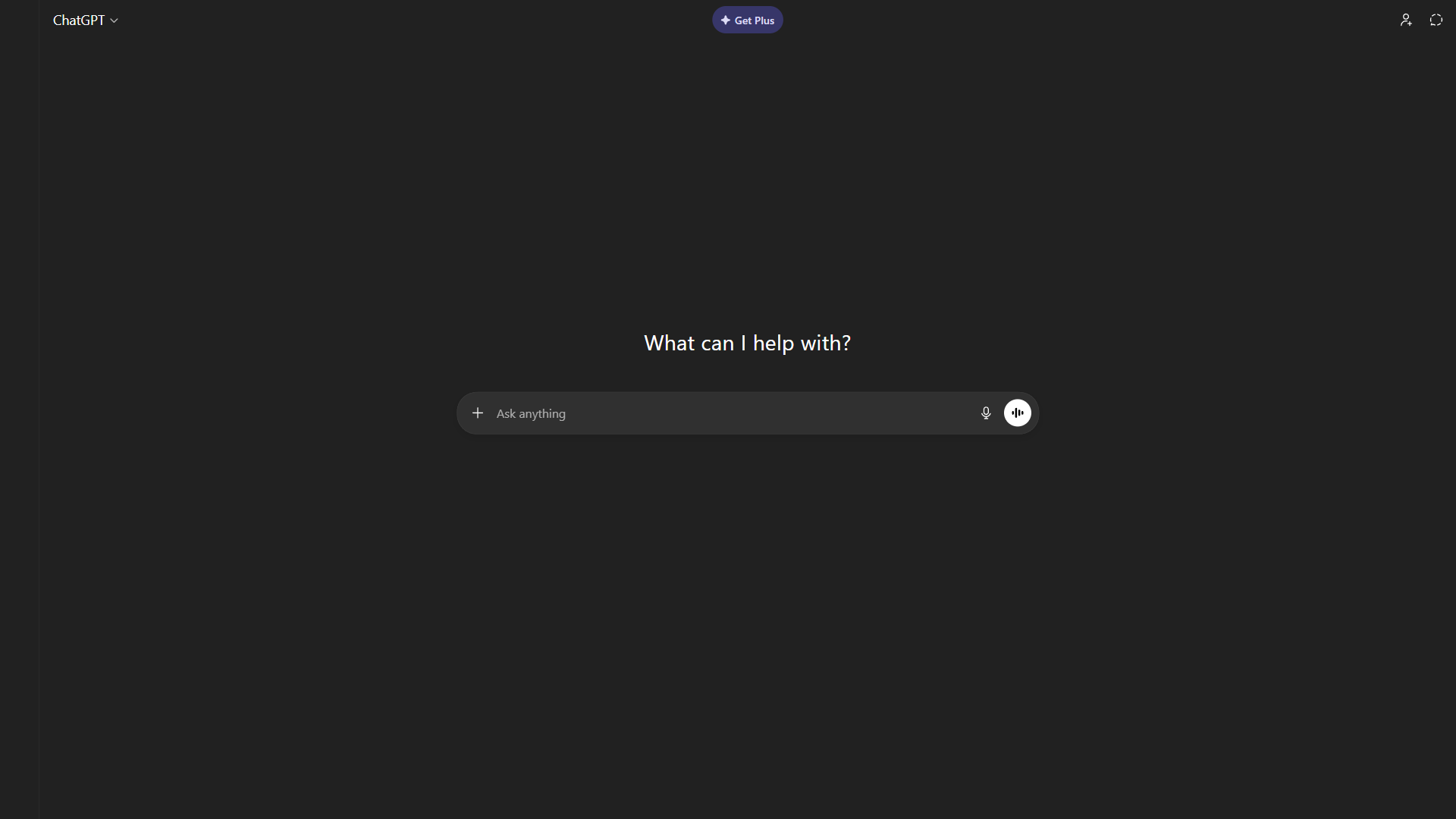
Open ChatGPT and use this prompt to build a client brief:
I'm writing a proposal for [CLIENT NAME], a [INDUSTRY] company.
Their website is [URL]. They posted a job/RFP looking for [SERVICE].

Please research this client and tell me:
1. What does their business do and who is their target audience?
2. What pain points might they have that my service solves?
3. What language and tone does their brand use?
4. What competitors are they up against?
5. What specific results would matter most to them?

Keep each answer to 2-3 sentences.
This gives you a client brief in about 30 seconds that would take 20 minutes of manual research. ChatGPT’s GPT-4o model (available on the free tier with limits, or unlimited on the Plus plan at $20/month) is strong enough for this kind of synthesis.
Pro tip: If the client shared a detailed project brief or RFP, paste the full text into ChatGPT and ask it to identify the three most important things the client cares about. This helps you structure your proposal around their priorities, not yours.
What to Do with the Research
Do not just read the research and move on. Pull out three specific things:
- One pain point you will reference in your opening paragraph
- One competitor or industry trend that shows you understand their market
- One measurable outcome they would care about (revenue, time saved, conversion rate)
These three elements turn a generic proposal into one that feels custom-written for the client. That distinction is what separates a 5% close rate from a 25% close rate.
Step 2: Build Your Proposal Template in Notion
Writing proposals from scratch every time is the fastest path to burnout. A reusable template in Notion lets you maintain a consistent structure while making customization easy.
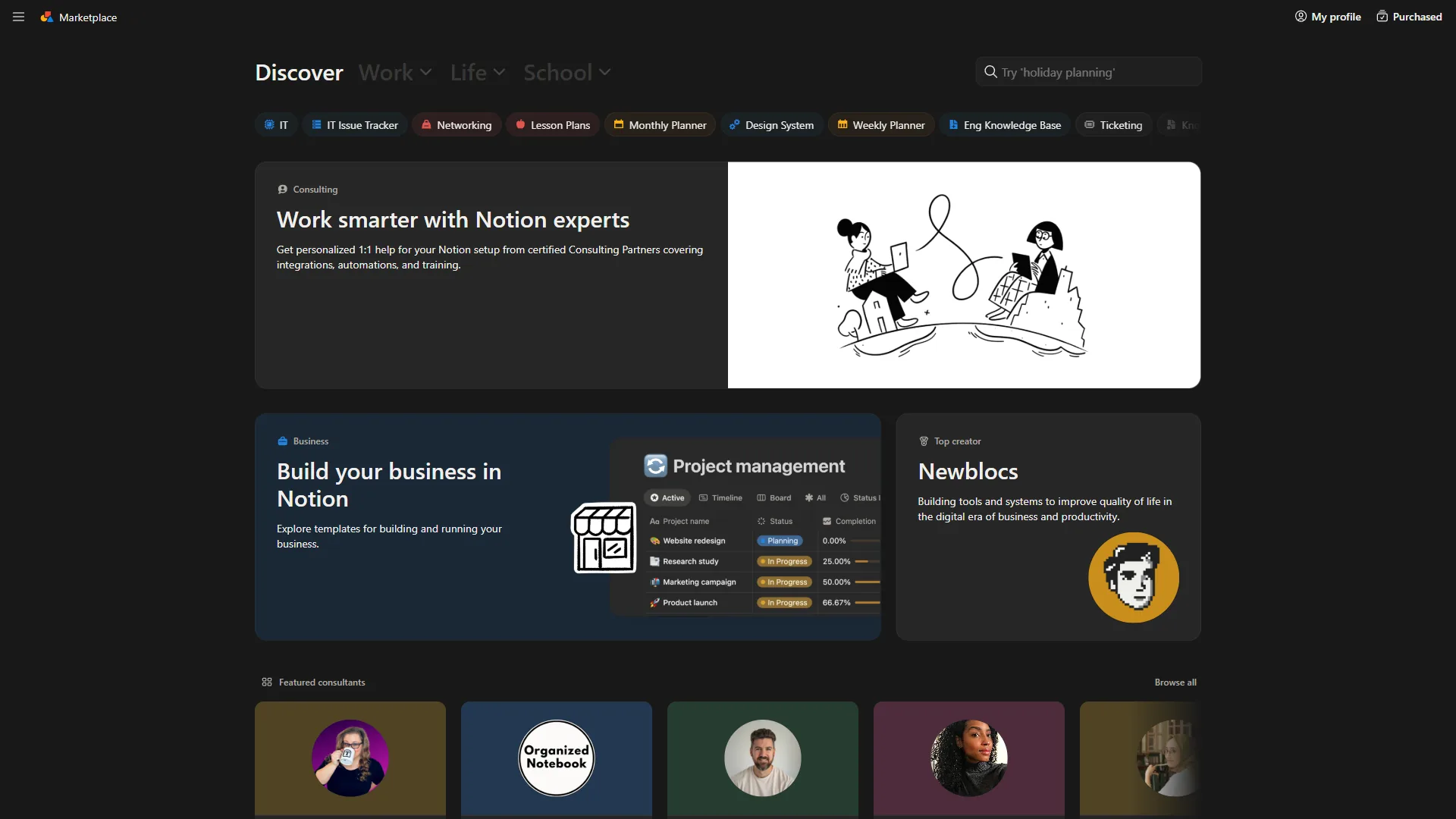
Here is the proposal structure that works across most freelance and consulting engagements:
Proposal Template Structure
1. Executive Summary (2-3 sentences) What you will do, why it matters to them, and the expected outcome. This is the most important section - many decision-makers read only this.
2. Understanding of the Problem Show that you understand their specific challenge. Reference the pain point from your research. This section builds trust faster than anything else in the proposal.
3. Proposed Solution Your approach, methodology, and deliverables. Be specific about what they get and when they get it. Vague proposals lose to specific ones every time.
4. Timeline and Milestones Break the project into phases with clear dates. Even approximate dates signal professionalism.
5. Investment (Pricing) Frame costs as investment, not expense. Include 2-3 pricing options when possible - the anchoring effect of a premium option makes your middle tier look reasonable.
6. About You / Why Us Brief credentials, relevant experience, and 1-2 testimonials or case study results. Keep this short - the proposal should be about them, not you.
7. Next Steps A single, clear call to action. “Reply to this email to schedule a 15-minute kickoff call” is better than “Let us know if you are interested.”
Setting Up the Notion Database
Create a Notion database called “Proposals” with these properties:
- Client Name (Title)
- Status (Select: Draft, Sent, Won, Lost)
- Value (Number - project dollar amount)
- Sent Date (Date)
- Follow-up Date (Date)
- Close Rate (Formula - count of Won / count of Sent)
This tracking system shows you which types of proposals win most often, so you can refine your approach over time. Most freelancers have no data on their proposal performance - this simple database changes that.
Step 3: Draft the Proposal with ChatGPT
Now comes the core of the AI proposal writing process. With your client research and template structure ready, you can generate a strong first draft in under 10 minutes.
Use this prompt in ChatGPT:
Write a project proposal using this structure. Use a professional
but conversational tone - confident, not salesy.

CLIENT: [Name], [Industry]
SERVICE: [What you're offering]
PAIN POINT: [From your research]
DESIRED OUTCOME: [Measurable result they care about]
BUDGET RANGE: [If known, or "to be discussed"]
TIMELINE: [Approximate project length]

Structure:
1. Executive Summary (2-3 sentences max)
2. Understanding of the Problem (reference their specific situation)
3. Proposed Solution (specific deliverables with dates)
4. Timeline (broken into phases)
5. Investment (include 2-3 pricing tiers if appropriate)
6. About [YOUR NAME] (2-3 sentences of relevant credentials)
7. Next Steps (one clear call to action)

Important:
- Lead with their problem, not my credentials
- Use specific numbers where possible
- Keep it under 800 words
- No buzzwords or filler phrases
Refining the Draft
The first draft from ChatGPT will be 70 to 80% of the way there. Here is what you will typically need to adjust:
Add your specific experience. ChatGPT cannot know about your past projects. Replace generic credentials with real results: “I redesigned the checkout flow for [Past Client], which increased conversions by 23% over 6 weeks.”
Customize the pricing. AI-generated pricing tiers give you a good structure, but adjust the numbers to match your actual rates and the project scope. Having three tiers (Basic, Standard, Premium) is a proven strategy - research from Price Intelligently shows that three-tier pricing increases average deal size by 15 to 25%.
Tighten the executive summary. This is the section worth spending the most manual effort on. It should be so clear that someone could approve the project based on these 2-3 sentences alone.
Remove AI tells. Watch for phrases like “I would be delighted to” or “in today’s fast-paced business environment.” Replace them with direct language that sounds like you.
Prompt Variations for Different Proposal Types
Not every proposal follows the same format. Here are adjusted prompts for common scenarios:
For responding to RFPs:
I'm responding to an RFP. Here is the full RFP text: [PASTE RFP].
Write a proposal that directly addresses each requirement listed
in the RFP, in the same order they appear. Match their language
and terminology exactly.
For follow-up proposals after a discovery call:
I just had a discovery call with [CLIENT]. Here are my notes:
[PASTE NOTES]. Write a proposal that references specific things
they mentioned in the call. Use their exact words where possible
to show I was listening.
For quick-turnaround micro proposals (under $2,000):
Write a short proposal (under 300 words) for [SERVICE] for
[CLIENT]. Skip the formal structure - just cover what I'll do,
when I'll deliver it, and how much it costs. Friendly and direct
tone, like a well-written email.
Step 4: Polish with Grammarly
A single typo in a proposal can tank your credibility. This is not an exaggeration - a Harvard Business Review article found that spelling and grammar errors in business documents reduce perceived competence by up to 40%. After drafting in ChatGPT and customizing in Notion, run everything through Grammarly for a final pass.
Grammarly’s free tier catches grammar and spelling issues, but the Pro plan ($30/month billed annually, or $30 monthly) adds the features that matter most for proposals:
- Tone detection tells you if your proposal sounds confident, formal, friendly, or uncertain. For proposals, you want confident and professional without being stiff.
- Full-sentence rewrites suggest clearer alternatives for awkward phrasing - especially useful for technical descriptions that need to be accessible to non-technical clients.
- Clarity suggestions flag overly complex sentences. Proposals with shorter, clearer sentences consistently outperform verbose ones.
- Plagiarism detection ensures your proposal does not accidentally mirror language from a template or competitor that could raise red flags.
The Grammarly Proposal Checklist
Run through these specific checks before sending any proposal:
- Set the tone goal to “Confident” and “Professional.” Grammarly’s tone detector will flag passive language (“It would be possible to…”) and suggest active alternatives (“I will…”).
- Check readability. Your proposal should score at or below a 10th-grade reading level. Decision-makers skim. Simpler language gets read, complex language gets skipped.
- Scan for hedging words. Remove “maybe,” “possibly,” “I think,” and “hopefully.” Proposals need conviction.
- Verify consistency. If you write the client’s name as “Acme Corp” in one place and “ACME” in another, Grammarly will catch it.
Step 5: Create a Follow-Up System
Here is a reality most freelancers ignore: 80% of deals require at least five follow-ups, but 44% of people give up after just one, according to HubSpot’s sales research. Your proposal workflow is incomplete without a follow-up system.
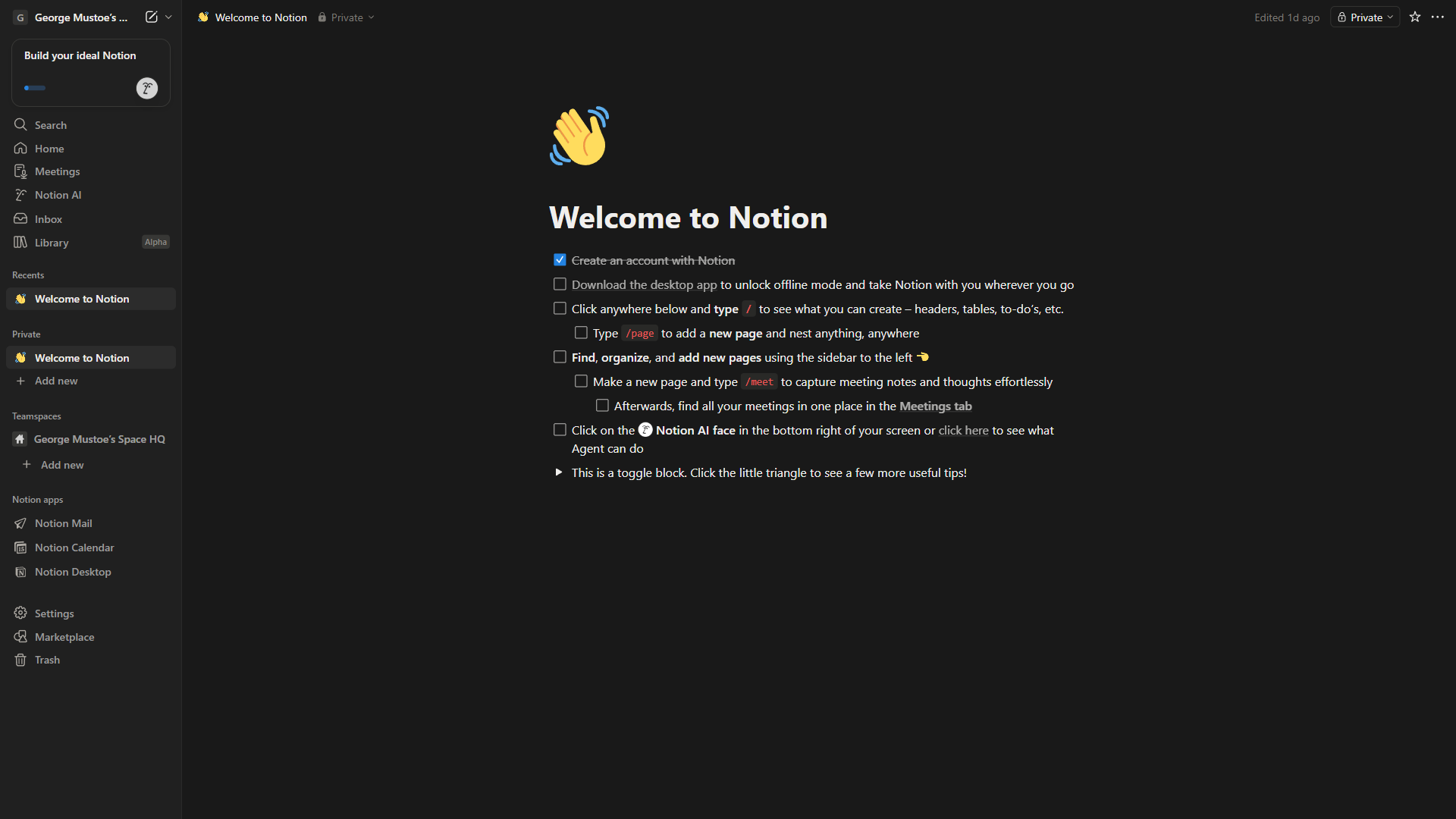
In your Notion proposals database, set up a follow-up sequence:
- Day 2: Short email checking if they received it and have questions
- Day 5: Share a relevant article, case study, or insight related to their project
- Day 10: Direct ask - “Would it be helpful to schedule a quick call to discuss?”
- Day 20: Final follow-up with a soft close or deadline
Use ChatGPT to draft each follow-up email. This prompt works well:
Write a follow-up email for a proposal I sent [X days ago] to
[CLIENT] for [SERVICE]. Keep it under 100 words. Tone: helpful,
not pushy. This is follow-up number [1/2/3/4].
Short follow-ups written by AI take under 2 minutes each. Without a system, most freelancers simply forget - and that forgotten follow-up is often the one that would have closed the deal.
Complete Proposal Workflow: Start to Finish
Here is the full workflow showing how to write proposals with AI, assembled into a repeatable process:
| Step | Tool | Time | What You Do |
|---|---|---|---|
| 1. Research client | ChatGPT | 5 min | Paste client details, extract pain points and priorities |
| 2. Open template | Notion | 2 min | Duplicate your proposal template, fill in client name |
| 3. Draft proposal | ChatGPT | 10 min | Generate draft using your structured prompt |
| 4. Customize | Manual | 10 min | Add personal experience, adjust pricing, refine executive summary |
| 5. Polish | Grammarly | 5 min | Run full check, fix tone, tighten clarity |
| 6. Send and track | Notion | 3 min | Update database, set follow-up reminders |
Total time: 35 minutes versus the 2 to 4 hours most freelancers spend per proposal.
That time savings compounds fast. If you send 10 proposals a week, you save roughly 25 hours per week - more than three full workdays reclaimed for billable work.
Pricing Comparison: AI Proposal Stack vs. Dedicated Tools
One of the biggest advantages of this approach is cost. Here is how the general-purpose AI stack compares to dedicated proposal software:
| Tool | Monthly Cost | What You Get |
|---|---|---|
| ai stack (free) | $0 | ChatGPT free + Notion free + Grammarly free |
| ai stack (paid) | Combined paid plans | ChatGPT Plus ($20/month) + Notion Plus ($12/month) + Grammarly Pro ($30/month annual) |
| PandaDoc | $35/mo | Templates, e-signatures, analytics |
The dedicated tools add value for teams that send dozens of proposals daily and need built-in e-signatures or CRM integrations. For freelancers and small teams sending 5 to 15 proposals per week, the AI stack delivers better writing quality at a lower price point.
Common Mistakes to Avoid
Writing About Yourself First
The most common proposal failure. Your client does not care about your 10 years of experience until they believe you understand their problem. Lead with their challenge, then position your experience as the solution.
Sending the Same Proposal to Everyone
AI makes customization almost free. There is no excuse for sending generic proposals in 2026. Even five minutes of client-specific research (Step 1) dramatically increases your win rate.
Overcomplicating Pricing
Clients need to understand your pricing in 10 seconds. If they have to email you for clarification, you have already lost momentum. Three tiers with clear deliverables at each level is the most effective format.
Skipping the Follow-Up
As the HubSpot data shows, most deals close between the second and fifth follow-up. Build the follow-up system (Step 5) before you need it, and automate the drafting with ChatGPT so it takes minimal effort.
Trusting AI Output Without Editing
ChatGPT produces solid first drafts, but every proposal needs your personal touch. Replace generic claims with specific results from your experience. Remove AI-typical phrasing. Verify any statistics or claims. The AI saves you time on structure and drafting - the customization is what closes deals.
Frequently Asked Questions
Can I use AI to write proposals on Upwork and Fiverr?
Yes. Learning how to write proposals with AI is especially useful on these platforms. The key is customization. Platforms like Upwork penalize generic cover letters. Use ChatGPT to draft a client-specific response that references details from their job posting, then edit it in your own voice. Proposals that reference specific client needs get 3 to 5x more responses than template-based ones.
Will clients know I used AI to write my proposal?
Not if you follow Steps 3 and 4 properly. The customization pass (adding your real experience, adjusting pricing, refining the executive summary) and the Grammarly polish step remove the generic quality of raw AI output. The goal is AI-assisted, not AI-written.
What is the ideal proposal length?
For most freelance projects under $25,000, keep proposals between 500 and 800 words. For larger engagements, 1,000 to 1,500 words is appropriate. The ChatGPT prompt in Step 3 includes a word count target to keep things concise. Longer proposals do not win more often - clearer proposals do.
How do I handle proposals for industries I am not familiar with?
This is where AI excels. Use the research prompt in Step 1 to quickly understand the client’s industry, common pain points, and relevant terminology. ChatGPT can also help you identify which of your existing skills transfer to their industry. Just be honest about your experience level - clients respect transparency more than inflated credentials.
Should I include case studies in every proposal?
Include them when you have relevant ones. If your past work is in a different industry, focus on transferable results instead: “I increased email open rates by 35% for a SaaS client” is relevant to almost any marketing proposal, regardless of the specific industry.
The Bottom Line
Learning how to write proposals with AI is not about letting a robot handle your sales process. It is about eliminating the mechanical parts of proposal writing - research synthesis, first-draft structure, grammar checks, follow-up emails - so you can focus your limited time on the parts that actually win business: understanding the client, customizing your approach, and communicating specific value.
Start with the free tiers of ChatGPT, Notion, and Grammarly. Follow the five-step workflow in this guide for your next three proposals and track your results. Most freelancers see their proposal time drop by 60 to 75% and their close rate improve simply because they can send more targeted proposals in less time.
The freelancers who will struggle in 2026 are not the ones using AI - they are the ones still spending three hours on every proposal while their competitors send five in the same time.
Want to learn more about ChatGPT?
Related Guides
- How to Write Faster with AI: Practical Tips for Every Writer - Speed up the broader writing workflow that surrounds proposals
- How to Manage Clients with AI - Connect proposal sending into a full client lifecycle workflow
- How to Research Faster with AI: 10x Your Research Speed - Speed up the client and industry research that feeds Step 1
- ChatGPT Tips and Tricks - Sharpen the prompting skills the proposal workflow depends on
Related Reading
- ChatGPT - AI assistant for drafting proposals, client research, and follow-up emails
- Notion - All-in-one workspace for proposal templates and pipeline tracking
- Grammarly - AI writing assistant for professional tone and error-free proposals
- PandaDoc - Dedicated proposal software with templates, e-signatures, and analytics
- How to Write Faster with AI: Practical Tips for Every Writer
- AI Tools for Freelance Writers
- How to Manage Clients with AI
- AI Tools for Solopreneurs
- Best AI Writing Tools
External Resources
- Upwork’s Guide to Writing Winning Proposals
- HubSpot: Sales Follow-Up Statistics
- Harvard Business Review: Business Writing and Credibility
Related Guides
- Activecampaign AI Content Generation: Complete 2026 Guide
- ActiveCampaign Deals Pipeline: Stages & Automation
- AI Content Writing Workflow: 2026 Walkthrough for Teams
- AI Product Discovery Ecommerce: Lift Revenue in 2026
- AI Productivity Trends 2026: 6 Real Shifts, No Hype
- AI Workflow Automation Maturity Model: 5 Levels
- Atlassian Intelligence Review: 2026 Pricing & Features
- Building AI First Workflows: A Practitioner's 2026 Guide
- ChatGPT Custom GPTs Guide - Save 130+ Hours a Year
- ChatGPT Prompts 2026: Basic vs Engineered, 18 Examples