


Editorial note: this analysis is based on published industry research and primary-source surveys. Some product links are affiliate links - we earn a commission if you sign up, but vendor selection is editorially independent.
The numbers are staggering: according to GitHub’s Developer Survey, 92% of US developers now use AI coding tools daily, and 41% of all code committed to production is AI-generated. The debate around vibe coding vs traditional development is not about choosing sides - it is about knowing when each approach delivers the best results.
Development teams across startups and Fortune 500 companies have been integrating vibe coding into their workflows. The developers getting the best results are not replacing traditional coding with AI - they are strategically combining both approaches based on clear decision criteria.
Understanding the Vibe Coding Paradigm
Vibe coding is a development style where you describe intent in natural language and let an AI assistant generate the implementation, rather than writing every line of code yourself. The term was popularized by Andrej Karpathy’s February 2025 post describing this conversational, intent-driven approach - you communicate the “vibe” of what you want, and the AI interprets it into working code. Karpathy noted that the practice asks the developer to “fully give in to the vibes, embrace exponentials, and forget that the code even exists.”
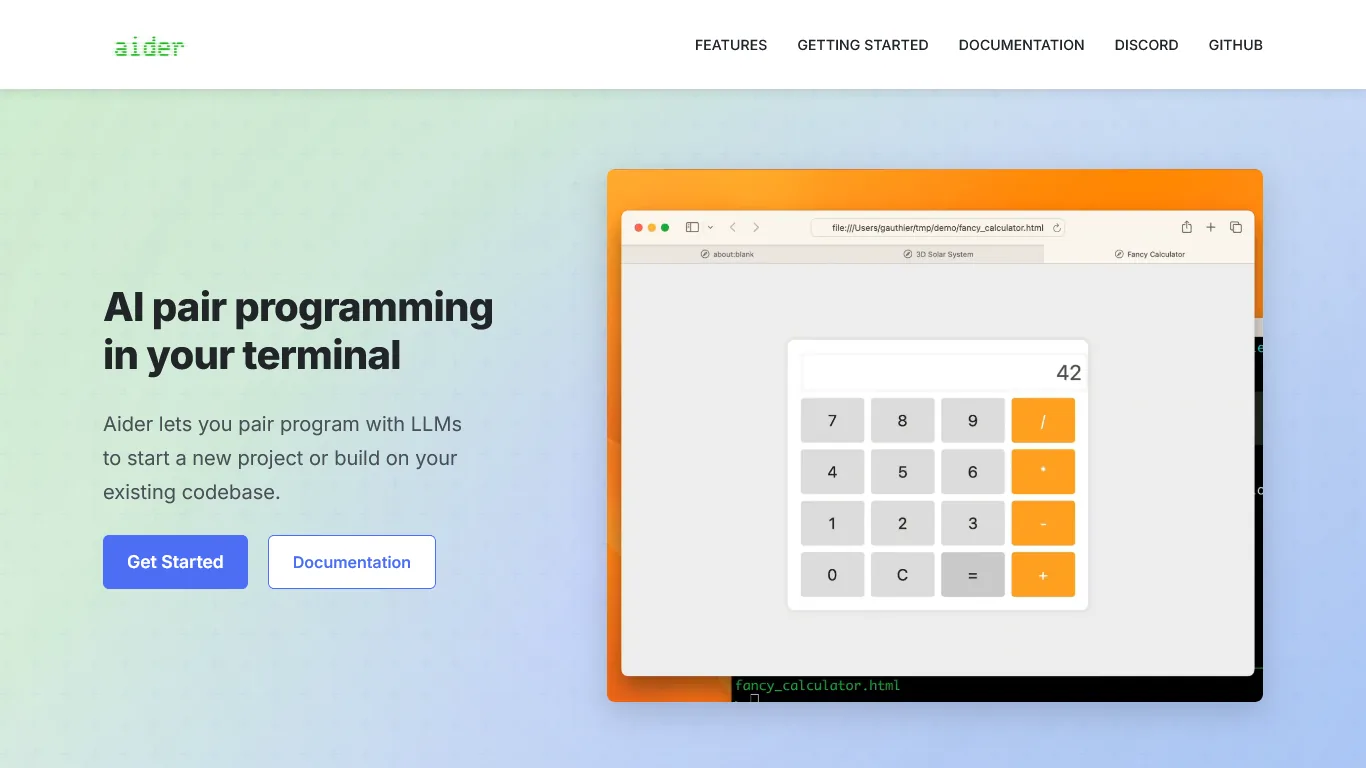
Tools like Cursor, Claude Code, and GitHub Copilot have matured significantly since their initial releases. Modern AI coding assistants understand project context, maintain conversation history, and can work across multiple files simultaneously. The Stack Overflow Developer Survey found similar adoption patterns across regions, with usage rising fastest among professional developers.
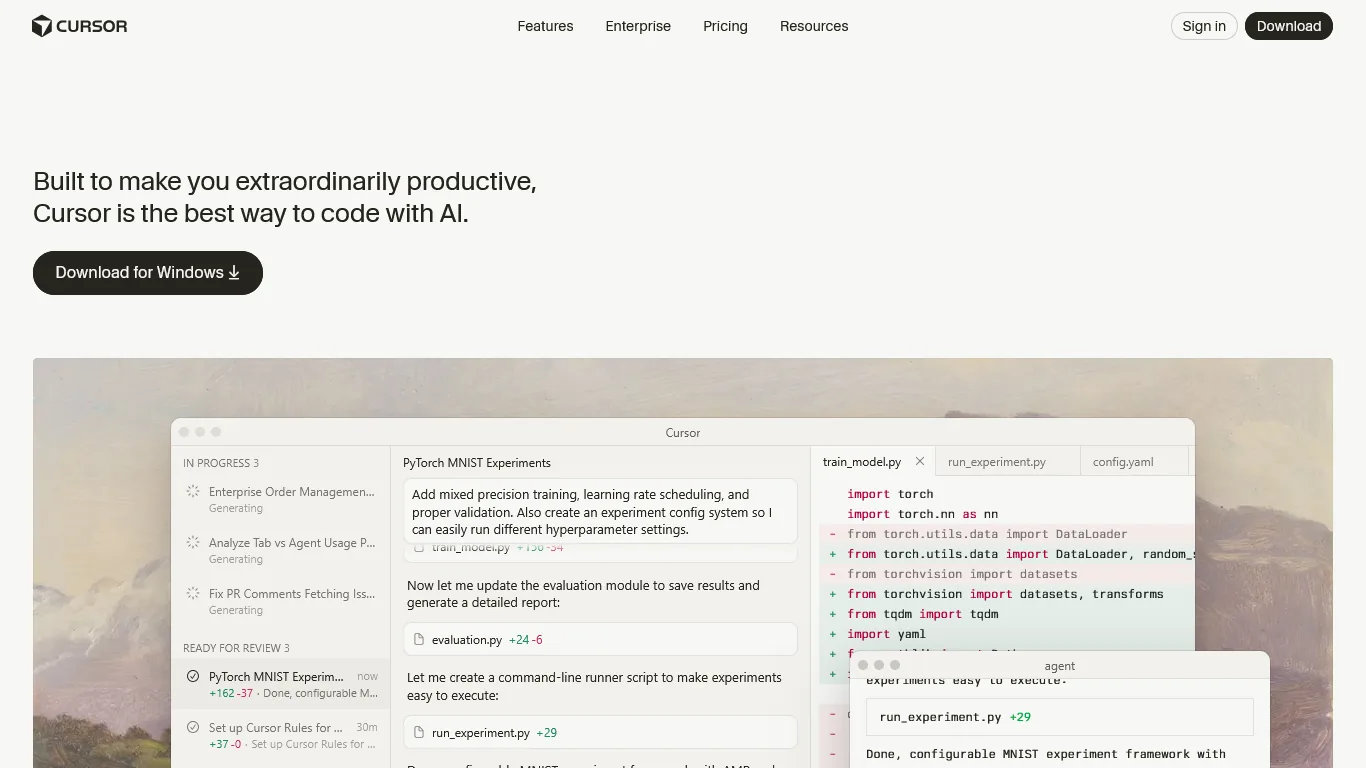
Cursor leads the AI-first editor category with its Composer multi-file editing:
Claude Code brings terminal-based agentic coding to complex refactors:
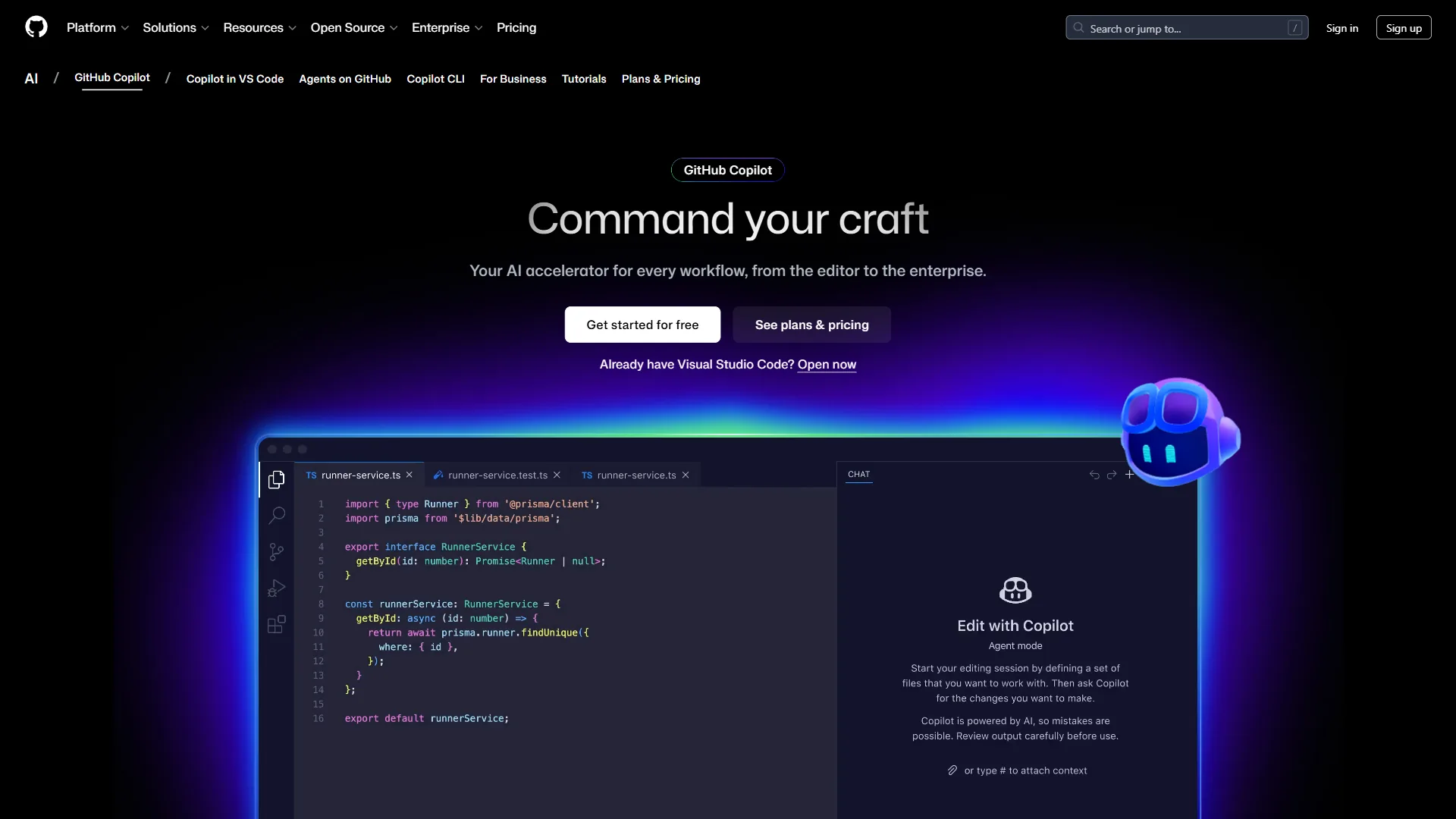
GitHub Copilot remains the most widely adopted AI pair programmer:
But vibe coding is not magic. Research from Fastly shows senior engineers ship 2.5x more code with AI assistance, while 63% of developers report spending more time debugging AI-generated code than they would have spent writing it themselves. The productivity gains are real, but they require deliberate strategy. Skip vibe coding entirely for security-critical authentication, encryption, financial calculation work, or compliance-heavy environments (HIPAA, PCI-DSS, SOC 2) where every line needs a documented author and review trail.
The Decision Framework: When to Use Each Approach
The right approach for any given task is determined by four factors: code criticality, your domain familiarity, time pressure, and code longevity - vibe coding wins on speed-driven, pattern-heavy work, traditional coding wins on security, performance, and complex business logic. Use this framework to make the right choice for each task.
When Vibe Coding Excels
Boilerplate and scaffolding: AI excels at repetitive patterns - API endpoints, data models, test fixtures, configuration files. The code is formulaic enough that AI rarely makes mistakes, and the time savings are substantial.
Exploring unfamiliar territory: For a new library, framework, or API, AI assistance provides instant, contextual examples. Rather than 30 minutes reading documentation, describe what you want and get working code in seconds.
Rapid prototyping: When you need to validate an idea quickly, vibe coding lets you build functional prototypes in a fraction of the time. The code will need refinement later, but reaching a working proof of concept faster accelerates the entire development cycle. Our AI pair programming guide walks through the prompting habits that separate quick prototypes from throwaway code.
Documentation and tests: Writing comprehensive documentation and test suites is time-consuming but essential. AI assistants are remarkably good at generating docstrings, README files, and test cases that cover edge cases human authors routinely miss. The Claude Code vs Cursor 2026 comparison covers which assistant produces stronger test coverage out of the box.
When Traditional Coding Wins
Security-critical code: The 45% OWASP vulnerability rate in AI-generated code is alarming. According to Snyk’s AI Code Security Report, authentication flows, encryption implementations, and data validation logic require human oversight from the start. The time spent debugging security issues in AI-generated code often exceeds what you’d spend writing it correctly yourself.
Performance-sensitive algorithms: AI assistants optimize for readability and correctness, not performance. When you need optimized database queries, efficient data structures, or low-latency processing, traditional coding gives you the control necessary to meet performance requirements. Our best AI code editors 2026 roundup covers which tools handle performance-sensitive workflows best, and the AI coding assistants future outlook covers where editor latency and reliability are heading.
Complex business logic: When the requirements are nuanced and require deep domain understanding, AI often misses subtle edge cases. Business logic that involves regulatory compliance, financial calculations, or intricate state management benefits from human reasoning at every step.
Debugging and root cause analysis: While AI can help explain error messages, tracing through complex systems to identify root causes requires human intuition and contextual knowledge that AI assistants lack.
The Gray Zone: Context Determines the Best Approach
Many tasks fall between these extremes. For these situations, consider the following factors:
Team familiarity: If your team has established patterns and conventions, AI can learn and replicate them. If you’re defining new patterns, traditional coding ensures consistency.
Deadline pressure: Under tight deadlines, vibe coding’s speed advantage outweighs perfectionism. When you have time for thorough review, traditional coding’s precision pays off.
Code longevity: Throwaway scripts and short-lived prototypes are ideal for AI generation. Code that will be maintained for years deserves more careful human construction.
Experience-Level Specific Guidance
Vibe coding productivity gains are tied directly to developer experience - seniors gain 81%, mid-level engineers 51%, and juniors often see net-negative results because they cannot evaluate the AI’s output. Use these breakdowns to calibrate your approach across pros and cons by seniority.
Senior Developers (10+ Years Experience)
Senior developers see 81% productivity gains - the highest of any experience level - because they have three advantages: pattern recognition to spot architecturally wrong AI output in seconds, effective prompting translating years of experience into precise specifications (“a rate-limited API client with exponential backoff and circuit breaker pattern”), and quality filters built from debugging production incidents.
Recommendation for seniors: Use AI aggressively for everything except security-critical and performance-sensitive code. Your experience makes you an effective AI supervisor. Anthropic’s Claude Code best-practices guide shows how senior engineers structure prompts to keep that supervisory loop tight.
Mid-Level Developers (3-10 Years Experience)
Mid-level developers see 51% productivity gains - significant but lower than seniors. The risks are the learning paradox (AI writes code you do not fully understand, creating maintenance debt), review discipline gaps (rubber-stamping output without verifying edge cases), and vague prompting (“Generate a user auth endpoint” produces worse results than spec-tight prompts).
Recommendation for mid-level: Use AI as a productivity multiplier for known patterns, but invest time understanding the generated code. Every AI session is a learning opportunity.
Junior Developers (0-3 Years Experience)
Junior developers face the highest risk of negative outcomes. The competence trap prevents building muscle memory and intuition; debugging dependency creates helplessness when production issues arise; missing context leads to accepting suboptimal solutions that create technical debt.
Recommendation for juniors: Use AI as a learning tool, not a replacement for learning. Ask AI to explain code patterns. Compare AI solutions to your own implementations. Build projects from scratch before relying on AI assistance. The best AI coding assistants roundup highlights tools with strong explanation modes that reinforce learning, and the GitHub Copilot productivity research reports similar caveats about onboarding-stage developers.
How Does the Hybrid Workflow Work in Practice?
A hybrid workflow is a three-phase day that pairs traditional coding for architecture, security, and complex logic in the morning, AI-accelerated expansion for boilerplate and tests midday, and human review in the afternoon - combining AI speed with human judgment where it matters most. This rhythm is the most common pattern across our complete comparison of senior engineering teams.
Morning: Traditional Foundation
Start the day with focused traditional coding on the hardest problems - architecting new features, debugging production issues, writing security-critical authentication code, and optimizing performance bottlenecks. Cognitive resources are freshest, and complex logic requires sustained attention that AI conversations disrupt.
Midday: AI-Accelerated Expansion
Once architecture and core logic are solid, switch to AI-assisted development for surrounding code: CRUD endpoints, test suites covering the morning’s work, UI components implementing defined interfaces, and feature documentation.
Afternoon: Review and Refinement
End the day reviewing AI-generated code with fresh perspective: run static analysis and security scans, verify test coverage and add missed edge cases, refactor to match team conventions, and update documentation with implementation insights.
A Practical Example
For a payment processing feature: write the payment state machine, idempotency handling, and core transaction logic by hand; use AI to generate the API endpoint scaffolding, database migrations, test fixtures, and integration tests; then return to manual review for security verification, logging hooks, and PCI compliance.
How Do You Debug AI-Generated Code?
Debugging AI-generated code requires treating it as a black box from an unfamiliar contributor: verify the assumptions it made, trace the happy path before hunting bugs, probe edge cases systematically, check for hidden state, and regenerate with a sharper prompt once you exceed 15 minutes on a non-trivial bug. The 63% of developers who spend more time debugging AI code than writing it themselves are making a common mistake - they treat AI output like their own code. It is not.
Step 1: Verify Assumptions
AI makes assumptions based on patterns in its training data. First, identify which assumptions do not match your context - deprecated APIs, incorrect import paths, environment-variable assumptions, or mismatched data types.
Step 2: Trace the Happy Path
Before hunting bugs, verify the code works for the expected case. AI is generally good at happy paths - if the basic flow is broken, regenerate the entire implementation rather than patching it.
Step 3: Probe Edge Cases Systematically
AI consistently misses edge cases. Test empty inputs, maximum-size inputs, null or undefined values, concurrent access, and external-service failures.
Step 4: Check for Hidden State
AI-generated code often introduces subtle statefulness - variables that persist between calls, caches that are not invalidated, or connections that are not properly closed. Trace the lifecycle of every variable.
Step 5: Know When to Regenerate
If you have spent more than 15 minutes debugging a non-trivial issue, regenerate with more specific requirements - except for code paths with external side effects (payment processors, database migrations), where “starting fresh” can corrupt production state.
Team Dynamics and Code Review Challenges
AI-generated code has three documented effects on code review: it inflates PR volume 40-60%, concentrates intent knowledge with the prompting developer, and erodes team coding standards unless conventions are explicitly fed into AI context. The four practices below help teams adapt to traditional development rituals under AI load.
The Attribution Problem
The developer who prompted the AI owns the output completely - reviewing it as thoroughly as human-written code, understanding every line before committing, and taking responsibility for bugs and security issues.
Review Fatigue
Developers using AI tools generate more code, which means more code to review. According to Stack Overflow’s analysis, teams report 40-60% increases in PR volume after adopting AI coding tools. Google’s engineering-practices guide recommends a maximum review batch of around 200 changed lines to keep defect-catch rates steady - a ceiling AI-generated PRs routinely blow past. Combat review fatigue by:
- Setting clear expectations for AI-assisted code quality
- Using automated tools to flag common AI-generated issues
- Rotating review responsibilities to prevent burnout
Knowledge Concentration
When AI writes code, the prompting developer is often the only person who understands the original intent, creating knowledge silos that become problematic when that developer leaves. Mitigate this by documenting prompts and reasoning, pair-programming on complex AI-assisted implementations, and including prompt strategies in commit messages.
Maintaining Standards
AI does not know your team’s conventions unless you tell it. Maintain standards by including style guides in AI context, using linters and formatters as automated gatekeepers, and running regular refactoring sessions to harmonize AI-generated code.
For practical tips on getting the most from your AI coding environment, the Cursor AI productivity tips guide walks through configuration, keybindings, and daily habits that reduce friction.
Conclusion: Vibe Coding vs Traditional Development in 2026
Vibe coding and traditional development are complements, not substitutes - the developers shipping the best results combine both, using AI for boilerplate, prototyping, tests, and documentation, and using traditional coding for security, performance, complex business logic, and root-cause debugging. That is the answer the modern comparison data keeps returning to.
Use vibe coding when:
- Writing boilerplate, scaffolding, or repetitive code
- Exploring unfamiliar libraries or APIs
- Rapid prototyping to validate ideas
- Generating tests and documentation
Use traditional coding when:
- Implementing security-critical logic
- Optimizing performance-sensitive code
- Building complex business logic
- Debugging and root cause analysis
Calibrate for your experience level:
| Experience Level | Productivity Gain | Recommended AI Use | Primary Risk |
|---|---|---|---|
| Senior (10+ years) | +81% | Aggressive across all non-security code | Over-reliance on AI for review |
| Mid-Level (3-10 years) | +51% | Known patterns, with active learning | Learning paradox, rubber-stamp reviews |
| Junior (0-3 years) | -10% to 0% | Learning aid only, not production | Competence trap, debugging dependency |
The 87% of Fortune 500 companies that have adopted vibe coding platforms are not abandoning traditional development - they are augmenting it. Identify three tasks this week where AI assistance clearly helps, and three where traditional coding wins. Deliberate decision-making is the foundation of mastering vibe coding vs traditional development.
FAQ
Q: Is vibe coding better than traditional coding?
Neither approach is universally better. The developers getting the best results combine both, using AI for boilerplate, prototyping, and tests, and using traditional coding for security, performance, and complex business logic.
Q: What do developers think of vibe coding?
Adoption is overwhelming but mixed. GitHub’s Developer Survey reports 92% of US developers use AI coding tools daily and 41% of production code is AI-generated. Fastly research shows 63% of developers spend more time debugging AI-generated code, so productivity gains are real but not automatic.
Q: What is vibe coding and why is it bad?
Vibe coding is risky for junior developers because the same tools that accelerate seniors can slow down skill development. Skip it for security-critical work, regulated codebases, and any context where you cannot review and own the generated output.
Q: Does vibe coding make C++ a dying language?
No - vibe coding does not make C++ a dying language. Systems programming, game engines, and embedded work still favor C++ because AI assistants cannot guarantee the manual memory and performance characteristics those domains demand.
Related Reads
Companion guides on this site are organized by team size and project type, and they include the limitations, key differences, and best-fit scenarios for each AI coding approach.
Tools covered in this article:
- Claude Code - AI coding assistant from Anthropic
- Cursor - AI-first code editor
- GitHub Copilot - AI pair programmer
More AI coding guides:
- AI Coding Assistants Future 2026 - Future of AI coding
- AI Editor Comparison 2026 - AI editor comparison
- The Vibe Coding Manifesto - The philosophy behind intent-driven development
External Resources
The following authoritative third-party references are the primary sources cited throughout this complete comparison of vibe coding vs traditional development:
- GitHub Copilot Official Documentation
- Cursor AI Code Editor
- Claude Code from Anthropic
- OWASP Top 10 Security Vulnerabilities