


Vibe coding is a software-development paradigm, coined by Andrej Karpathy in February 2025, in which a developer describes the desired outcome in natural language and accepts the AI-generated implementation without reading every line, trading deep code comprehension for prototyping speed.
According to Andrej Karpathy, former Director of AI at Tesla, “There’s a new kind of coding I call vibe coding, where you fully give in to the vibes, embrace exponentials, and forget that the code even exists,” as he wrote in his original February 2025 post on X. Developer adoption is already widespread: the 2024 Stack Overflow Developer Survey found 76% of professional developers were using or planning to use AI tools, and GitHub’s 2024 research reported 92% of US-based developers using AI coding tools at work or outside work. A 2023 GitHub-Microsoft controlled experiment measured a 55.8% task-completion speedup for developers using Copilot versus a control group, providing one of the first peer-reviewed efficacy benchmarks for the workflow.
This manifesto explains what the paradigm means, when to embrace it, when to write code traditionally, and which tools matter. Our analysis draws on Karpathy’s original framing, vendor documentation from Anthropic, Cursor, GitHub and the Aider project, and the peer-reviewed and survey sources cited above. This site participates in affiliate programs for some tools mentioned; recommendations reflect editorial judgement based on documented capabilities, not commercial relationships.
Quick Reference: Vibe Coding Tools
The four leading vibe coding tools are Claude Code, Cursor, GitHub Copilot and Aider, each optimized for a different workflow constraint as summarised below.
| Tool | Best For | Pricing | Key Strength |
|---|---|---|---|
| Claude Code | Multi-file operations | Free (with Claude subscription) | 200K context window |
| Cursor | IDE integration | $20/month | Tab completions, Chat |
| GitHub Copilot | Universal editor support | $10/month | Works everywhere |
| Aider | Open-source, local models | Free | Full transparency |
What is Vibe Coding?
Vibe coding is the practice of building software by describing intent in natural language and letting an AI assistant generate, refactor and test the code on the developer’s behalf. Instead of thinking in syntax, algorithms, and data structures, you think in intentions, outcomes, and descriptions. The AI becomes your interpreter, translating human thought into machine instructions.
Traditional approach:
function filterActiveUsers(users) {
  return users.filter(user =>
    user.isActive &&
    user.lastLogin > Date.now() - 30 * 24 * 60 * 60 * 1000
  );
}
Vibe coding:
"Filter users to only those active and logged in within the last 30 days"The AI handles the implementation. You focus on the outcome.
The Core Principles
1. Intent Over Implementation
Traditional programming requires you to know the specific syntax, API calls, and patterns for every task. Vibe coding inverts this - you specify what you want, and the AI figures out how.
This principle acknowledges that implementation details are often commoditized knowledge. The real value is in understanding the problem and articulating clear requirements.
2. Conversation as Interface
Code emerges through dialogue, not dictation, which is exactly how Cursor sessions feel in practice. You describe, the AI proposes, you refine, it adjusts. This back-and-forth mirrors how senior developers work with junior team members - providing guidance and feedback rather than writing every line.
You: "Validate email addresses"
AI: [generates basic regex validation]
You: "Add plus-addressing and subdomains"
AI: [refines implementation]
You: "Handle international domains"
AI: [adds comprehensive validation]
3. Trust but Verify
The approach does not absolve you of responsibility. You still own the code. The AI is a tool, not a replacement for understanding. Every suggestion should be reviewed, tested, and understood before committing.
4. Context is Everything
The better the AI understands your codebase, conventions, and goals, the better its output. Investing in clear documentation, consistent patterns, and well-structured projects pays dividends in AI collaboration quality.
When Vibe Coding Excels
Vibe coding delivers the largest productivity gains on boilerplate, unfamiliar APIs, mechanical refactors and documentation generation. This approach is not universally superior. It shines in specific scenarios:
Boilerplate and Scaffolding
Setting up a new React component? Creating CRUD endpoints? Vibe coding eliminates the tedium of repetitive patterns you’ve written hundreds of times.
Exploring Unfamiliar Territory
Working with a new API or framework? Describe what you’re trying to accomplish and let the AI handle the specifics. It’s faster than reading documentation and often more accurate than Stack Overflow answers.
Refactoring and Transformation
“Convert this class component to hooks” or “Add TypeScript types to this JavaScript file” - these mechanical transformations are perfect for AI assistance.
Documentation Generation
“Add JSDoc comments to these functions” or “Generate a README for this module” - the AI can draft documentation while you focus on architecture.
When to Code Traditionally
Four scenarios still require traditional hand-written programming: performance-critical paths, security-sensitive operations, novel algorithms and foundational learning. Some scenarios still demand traditional programming:
Performance-Critical Code
When every millisecond matters, you need to understand exactly what is happening. AI-generated code often works but is not guaranteed to be optimal.
Security-Sensitive Operations
Authentication, encryption, and data handling require human expertise and review. Never vibe-code your way through security.
Complex Algorithms
Novel algorithms or complex mathematical operations benefit from deep human understanding. The AI excels at implementing known patterns, not inventing new ones.
Learning Fundamentals
Students and developers learning new concepts should write code manually first. Understanding precedes delegation.
The Vibe Coding Toolkit
Several tools have emerged as leaders in enabling this workflow:
Claude Code
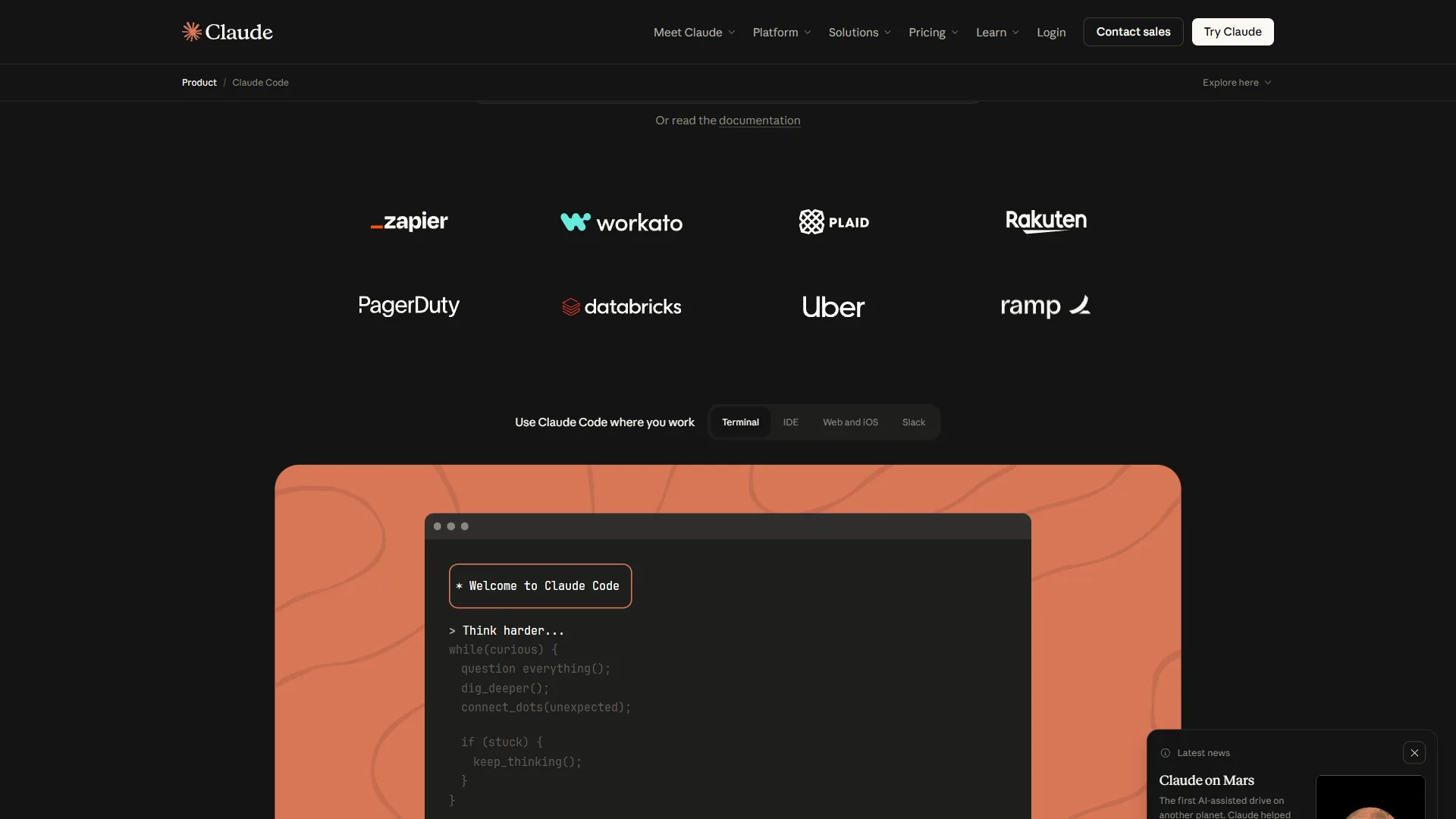
Anthropic’s terminal-based assistant excels at autonomous multi-file operations. Its 200,000-token context window means it can understand your entire codebase rather than only the current file, as documented in Anthropic’s Claude API reference.
Cursor
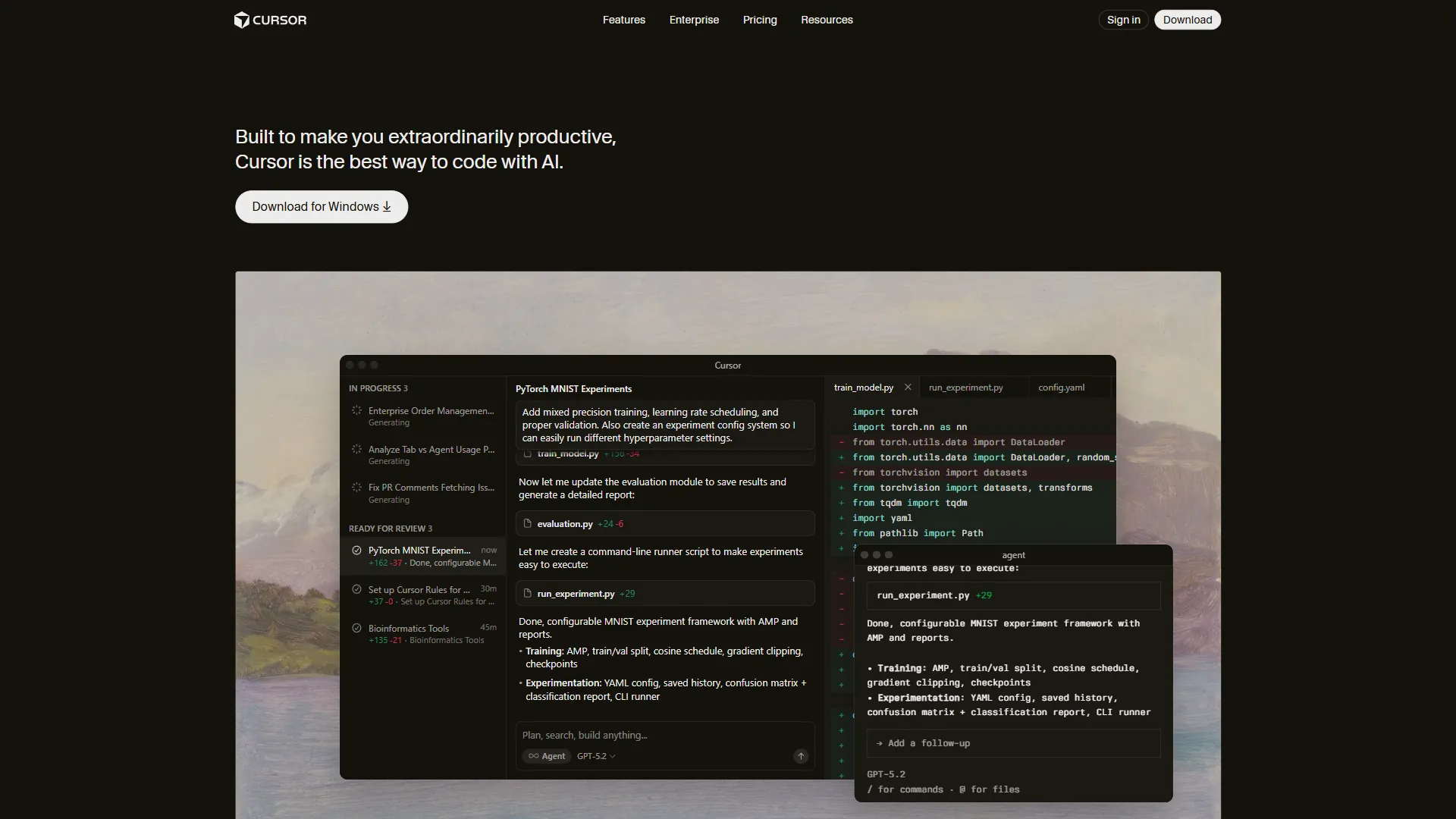
The AI-first IDE built specifically for vibe coding. Tab to accept suggestions, command-K to describe changes, chat to discuss architecture. Cursor Pro is priced at $20 per month for individual developers per Cursor’s official pricing page, with a free tier covering casual usage. It is the most polished experience for developers who want AI deeply integrated into their workflow.
GitHub Copilot
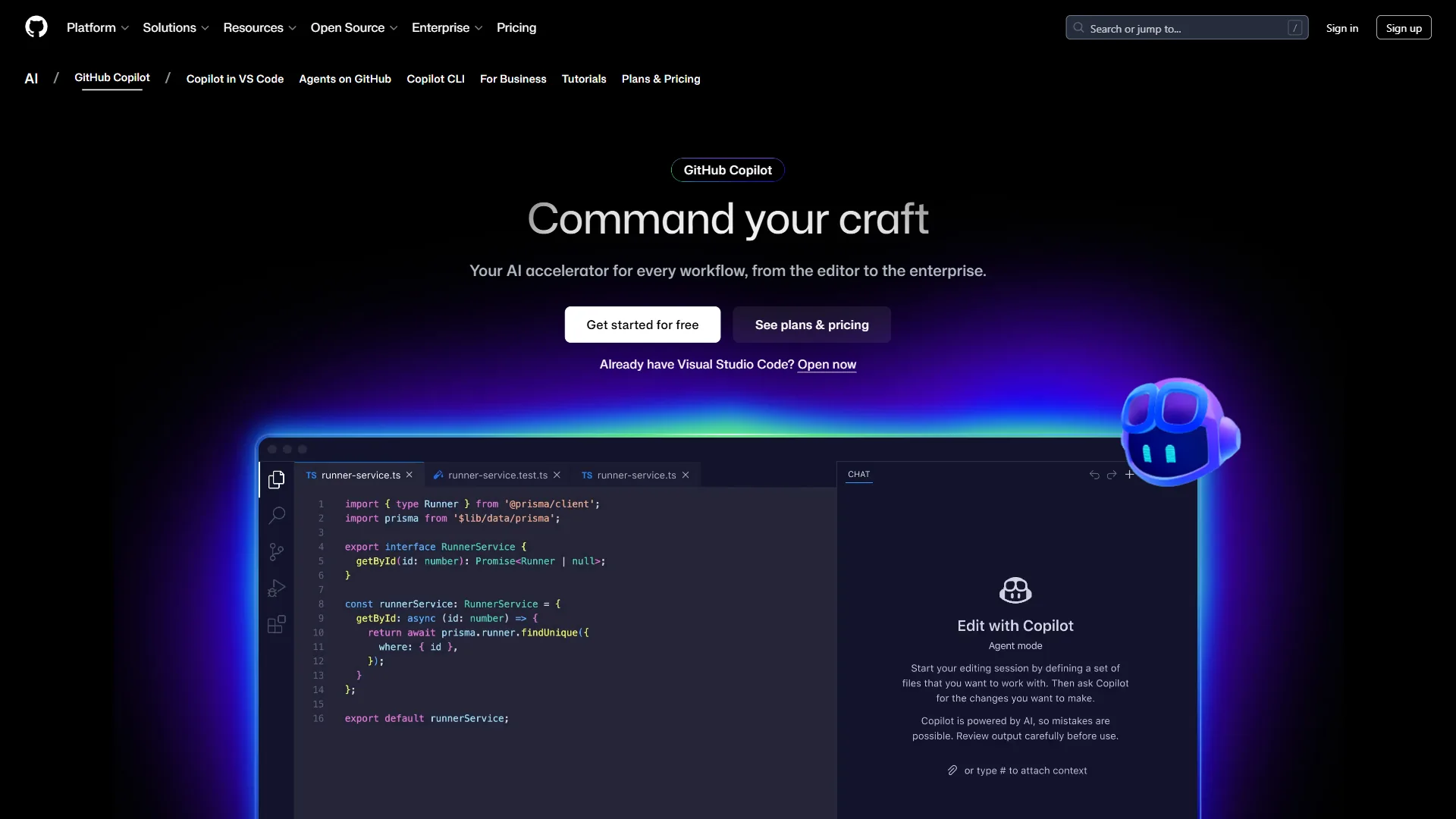
The most widely adopted AI coding assistant, integrated directly into VS Code and other editors. GitHub Copilot Individual starts at $10 per month or $100 per year per GitHub’s Copilot plans page. Its strength is ubiquity - it is available everywhere developers already work.
Aider
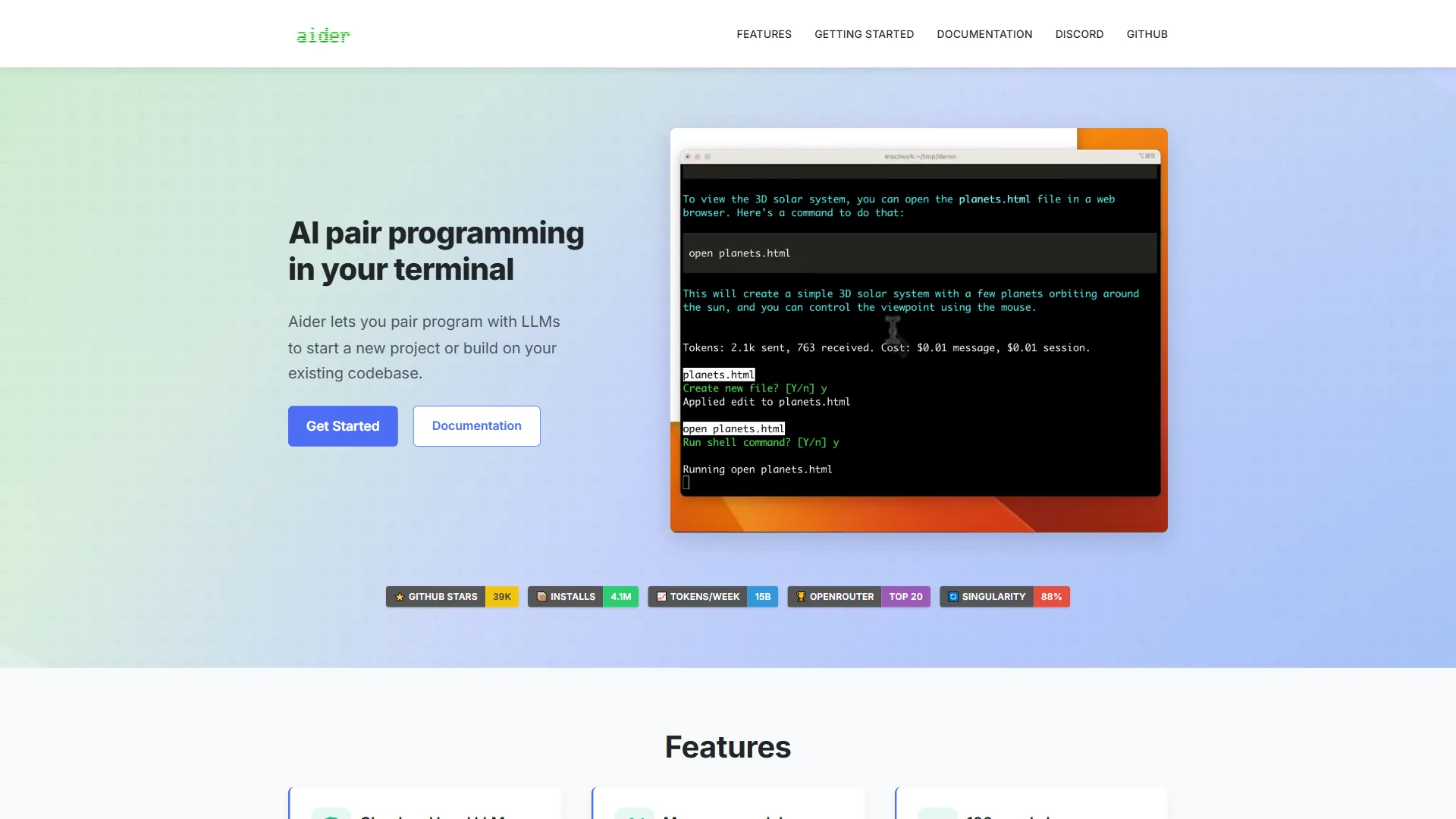
An open-source alternative for developers who want transparency and customization. Particularly powerful for those using local models or wanting fine-grained control over AI behavior.
Mastering the Art
Strong vibe coders are defined by five disciplines: precise prompts, repository context, tight iteration loops, critical AI-output review and maintained programming fundamentals. Like any skill, the practice improves with repetition. Here is how to level up:
Write Better Prompts
Vague instructions produce vague code. Compare:
Weak: “Make a login form”
Strong: “Create a login form with email and password fields, client-side validation with inline errors, submission loading state, and auth-failure error display. Use our existing Button and Input components.”
Provide Context
Share relevant files, explain your architecture, describe your constraints. The more context, the better the output.
Iterate Quickly
Don’t expect perfection on the first try. Treat AI suggestions as starting points for refinement. Each iteration gets closer to your intent.
Learn to Read AI Code
Even if you’re not writing every line, you need to understand what’s generated. Build the habit of reviewing AI output critically.
Maintain Your Skills
This approach shouldn’t atrophy your fundamental programming abilities. Stay sharp on algorithms, data structures, and language fundamentals.
Common Pitfalls
The four common vibe coding failure modes are over-delegation, under-specification, skipping tests and copy-paste programming without comprehension.
Over-Delegation
Some developers hand over too much control. Result: code that works but nobody understands. Maintain ownership and comprehension.
Under-Specification
“Make it better” isn’t a useful prompt. Be specific about what “better” means - faster, more readable, more maintainable.
Ignoring Tests
AI-generated code needs the same testing discipline as human-written code. Arguably more, since you are less intimately familiar with implementation details.
Copy-Paste Programming
Don’t just accept suggestions without understanding them. This leads to inconsistent codebases and unmaintainable systems.
The Philosophical Shift
The developer role is being reconceptualised from syntax-writer to intent-articulator, with the highest-value skills shifting toward problem decomposition, quality judgement, architecture and precise communication. It is a reconceptualization of what it means to be a developer.
Programming has always been about translating human intent into machine instructions. For decades, that translation required mastering formal languages.
AI assistants compress that translation layer. The distance between thought and working code shrinks dramatically, changing which technical skills are most valuable.
The new core skills:
- Problem decomposition - Breaking complex requirements into clear, implementable pieces
- Quality judgment - Recognizing good code from bad, regardless of who or what wrote it
- Architecture thinking - Understanding how components fit together at scale
- Communication precision - Articulating exactly what you want
These skills were always valuable. Now they’re essential.
A Day in the Life
A typical vibe coding session is roughly three hours of conversational prompts covering feature planning, implementation, testing and documentation for a notification system:
9:00 AM - Planning
"Add a notification system. Users receive in-app notifications
that persist until dismissed, with types (info, warning, error)
and optional action buttons."
9:15 AM - Implementation
"Create a NotificationProvider context, Notification component,
and useNotifications hook. Follow existing patterns in src/contexts/."
10:30 AM - Testing
"Generate tests covering display, dismiss, auto-dismiss,
stacking behavior, and action buttons."
11:00 AM - Documentation
"Add JSDoc comments to the public API and a Storybook example."Traditional development of the same feature typically takes a full day or more.
The Future of Development
Vibe coding is on a trajectory to become the default mode of software development as model capability rises, with traditional hand-written code reserved for performance-critical and novel work. The Stack Overflow 2024 survey reported that 76% of developers were using or planning to use AI tools in their development process, up from 70% the prior year, signaling broad adoption. This shift is not a fad. It is the beginning of a fundamental transformation in how software gets built.
As AI models improve, the bar for what can be “vibe coded” rises. The question isn’t whether to adopt vibe coding, but how quickly you can integrate it into your workflow.
Just as high-level languages didn’t eliminate the need for understanding computing concepts, AI assistants don’t eliminate the need for software engineering expertise. They amplify it.
The Manifesto
The vibe coding manifesto holds that code is a means not an end, intent matters more than implementation, AI is a collaborator not a replacement, and quality remains non-negotiable. We believe:
-
Code is a means, not an end. The goal is working software, not elegant syntax.
-
Intent matters more than implementation. Understanding the problem is harder than writing the solution.
-
AI is a collaborator, not a replacement. Human judgment remains essential.
-
Speed without understanding is dangerous. Velocity must be balanced with comprehension.
-
The craft evolves. What it means to be a developer is changing. Embrace the change.
-
Accessibility expands. More people can build software when the barrier to entry lowers.
-
Quality is non-negotiable. AI-assisted doesn’t mean AI-verified. Testing, review, and standards still apply.
Getting Started
The five steps to start vibe coding are installing one AI assistant, beginning with boilerplate and documentation tasks, making AI collaboration your default, refining your prompts and reviewing every generated change. Start here:
- Install an AI assistant - Cursor, Claude Code, or GitHub Copilot
- Start small - Use AI for boilerplate and documentation first
- Build the habit - Make AI collaboration your default, not exception
- Refine your prompts - Practice articulating intent clearly
- Stay critical - Review everything, understand what you commit
The future of development is conversational. The developers who thrive will be those who learn to speak it fluently.
How Should You Choose Your Vibe Coding Tool?
The right vibe coding tool is the one matching your dominant workflow constraint - Claude Code for multi-file context, Cursor for IDE integration, GitHub Copilot for universal editor reach, Aider for transparency and local-model freedom. Picking the right vibe coding tool depends on how you work and what outcomes you optimize for. The four options in the Quick Reference table - Claude Code, Cursor, GitHub Copilot, and Aider - each lean into a different strength, and matching that strength to your workflow matters more than chasing the most popular pick. Intent Over Implementation only pays off when the conversation between your thinking and the AI feels natural, so treat tool choice as part of the paradigm.
Use these shortcuts to narrow the field:
- Choose Claude Code for multi-file operations where the 200K context window handles the whole project.
- Choose Cursor for tight IDE integration with tab completions and chat as first-class features.
- Choose GitHub Copilot when you need universal editor support across every editor you touch.
- Choose Aider when full transparency and free open-source local models are non-negotiable.
FAQ
Q: What exactly is vibe coding?
Vibe coding is a new programming paradigm coined by Andrej Karpathy, former Director of AI at Tesla, where developers describe what they want in plain English and let AI handle the implementation details. Instead of thinking in syntax, algorithms, and data structures, you think in intentions, outcomes, and descriptions while the AI translates human thought into machine instructions.
Q: How legit is vibe coding?
The approach is widely used at major engineering organizations. Andrej Karpathy popularized the term in early 2025, and the workflow is now standard practice at companies that have adopted Claude Code, Cursor, and GitHub Copilot. It’s a real productivity multiplier when paired with disciplined review and testing.
Q: Is vibe coding illegal?
No. Describing intent in plain English and letting AI generate code is no different than using autocomplete or copying snippets from documentation. The only legal concerns are around licensing of generated code and code originality, which depend on the model and your project’s licensing requirements.
Q: What is vibe coding now called?
The term remains in use as Karpathy coined it. Some teams describe the same workflow with phrases like AI-assisted development, conversational programming, or natural-language coding. The terminology hasn’t standardized yet.
Q: How is vibe coding different from traditional programming?
Traditional programming requires you to know the specific syntax, API calls, and patterns for every task, so you write filter logic, conditionals, and edge cases yourself. Vibe coding inverts this - you specify what you want, such as filtering users active in the last 30 days, and the AI figures out how to implement it. You focus on the outcome instead of the mechanics.
Related Reads
The related reads below are organized into two groups: the four tools covered in this article, and five deeper guides on coding comparisons and prompting techniques. Tools covered in this article:
- Claude Code - AI coding assistant by Anthropic
- Cursor - AI-powered code editor
- GitHub Copilot - AI pair programmer
- Aider - Terminal-based AI coding assistant
More coding guides:
- Best AI Coding Assistants 2026
- GitHub Copilot vs Cursor
- Windsurf vs Cursor Comparison
- AI Pair Programming Guide
- Which Claude Model for Coding
External Resources
The four primary sources below are the original framing, two developer adoption surveys and one peer-reviewed efficacy study cited throughout this manifesto.