



Our analysis draws on current vendor pricing pages, official product documentation, and independent third-party research rather than sponsored placement, and AI Productivity may earn a commission from affiliate links on this page while our rankings remain editorially independent.
Salesforce is the world’s largest CRM platform for a reason. It handles extraordinarily complex sales operations, integrates with virtually every enterprise tool in existence, and can be configured to match almost any sales process imaginable. But those capabilities come with a price - literally and operationally.
At $25 to $165 per user per month, plus implementation costs, Salesforce admin salaries, and app exchange subscriptions, the real cost of running Salesforce is often two to four times the license fee alone. For small sales teams, startups, and mid-size companies that don’t need six-figure deal pipelines or multi-subsidiary reporting, Salesforce is bringing an aircraft carrier to a kayak race.
This guide covers seven strong salesforce alternatives - what each tool does well, where it falls short, and which teams should actually use it instead of Salesforce.
According to Nucleus Research, an independent ROI analyst firm, “91% of companies with 10 or more employees now use CRM software, making the category effectively universal for modern sales teams.” The same body of CRM market data from Fortune Business Insights projects the global CRM market will reach $145.79 billion by 2029, which is why competition among Salesforce alternatives has intensified rather than consolidated.
Why People Leave Salesforce
Salesforce Alternatives are platforms that provide comparable features to Salesforce - often with lower pricing, open-source flexibility, or specialized strengths in specific areas. This guide compares the top options side by side on pricing, features, and real-world performance.
Teams leave Salesforce for five recurring reasons: total cost of ownership, implementation complexity, low rep adoption, hidden add-on fees, and feature overkill for non-enterprise sales motions.
Salesforce’s strong user ratings reflect genuine strength - most companies that deploy it properly see real value. But several consistent pain points push teams toward alternatives:
- Cost - Salesforce Starter is around $25 per user per month, but most organizations need Professional (around $80 per user per month) or Enterprise (around $165 per user per month) to access automation, advanced reporting, and integration capabilities. A 10-person sales team on Professional pays around $9,600 per year before any add-ons.
- Implementation complexity - A standard Salesforce deployment requires an administrator and often a consultant. Getting the platform configured to your process takes weeks to months and requires ongoing maintenance.
- Adoption friction - Salesforce’s interface is dense. Sales reps accustomed to simpler tools often resist using it, leading to the classic CRM failure mode: accurate data entry requires constant management pressure.
- Hidden costs - Many standard capabilities - advanced reporting, marketing automation, customer service modules - require separate products (Marketing Cloud, Service Cloud) with their own licensing.
- Overkill features - Multi-currency support, territory management, approval workflows, and partner portals are powerful when you need them and simply clutter the interface when you don’t.
If any of those sound familiar, here are the alternatives worth evaluating seriously.
Comparison Table: Which Salesforce Alternatives Stand Out?
The seven Salesforce alternatives below start between $9 and $49 per user per month, with HubSpot CRM and Zoho CRM offering genuine free tiers and Freshsales offering the lowest paid entry price.
| Tool | Starting Price | Best For | Free CRM | AI Features |
|---|---|---|---|---|
| HubSpot CRM | Free / $15/mo | Marketing-sales alignment | Yes (generous) | Breeze AI |
| Pipedrive | $14/mo | Sales-focused simplicity | No (14-day trial) | AI Assistant |
| Zoho CRM | $14/mo | Affordable feature depth | Yes (3 users) | Zia AI |
| Monday.com CRM | $12/mo | Visual project-sales crossover | No (trial) | AI automation |
| Freshsales | $9/mo | AI-powered lead scoring | Yes (3 users) | Freddy AI |
| Close CRM | $49/mo | Inside sales with built-in calling | No (14-day trial) | AI workflows |
| Attio | $29/mo | Modern data-centric CRM | Yes (limited) | AI enrichment |
1. HubSpot CRM - Best Free CRM and Marketing Alignment
Pricing: Free, around $15 per user per month (Starter), or around $90 per user per month (Professional) Free tier: Unlimited users, unlimited contacts, unlimited deal tracking
HubSpot CRM is the most frequently chosen Salesforce alternative for one simple reason: it’s free to start and stays usable as you grow. The free CRM includes contact and company management, deal pipelines, task tracking, email integration, live chat, and basic reporting - a functional sales stack that small teams can run indefinitely without paying anything.
The deeper case for HubSpot is what happens when you add the Marketing Hub. Unlike Salesforce, where connecting the CRM to marketing automation requires buying and integrating Marketing Cloud separately, HubSpot’s CRM and marketing tools share a single database. If you’re evaluating workflow tools alongside your CRM, see our guide on client onboarding automation for how CRM integrates with onboarding processes. Your sales reps see which emails a lead opened, which pages they visited, and what content they downloaded - in the same contact record where they log calls and advance deals. That alignment between marketing and sales activities is genuinely harder to achieve in Salesforce without significant configuration.
Key Strengths:
- Free CRM is genuinely functional, not just a stripped trial
- Native marketing automation - leads flow from marketing to sales without integration overhead
- HubSpot Breeze AI for email drafting, deal summaries, and conversation intelligence
- Sequences for automated outreach without a separate sales engagement tool
- Clean, intuitive interface that drives adoption without training programs
- App marketplace with 1,500+ integrations including Slack, Zoom, and Salesforce
- Free email and calendar sync with Gmail and Outlook
Where It Falls Short:
- Professional tier pricing (around $90 per user per month) makes HubSpot expensive at scale
- Reporting on the free plan is basic - meaningful analytics require paid tiers
- Heavy customization needs (complex deal types, advanced territory management) still push you toward Salesforce
- HubSpot’s enterprise tier (around $150 per user per month) starts approaching Salesforce pricing
- Exporting and migrating data out of HubSpot requires some care
Best For: Small to mid-size companies that want marketing and sales in one system without Salesforce’s complexity. The free plan is an exceptional starting point, and the paid tiers are justified once your marketing spend and deal volume warrant the analytics and automation. For a head-to-head, see our Pipedrive vs HubSpot comparison.
2. Pipedrive - Best Sales-Focused Simplicity
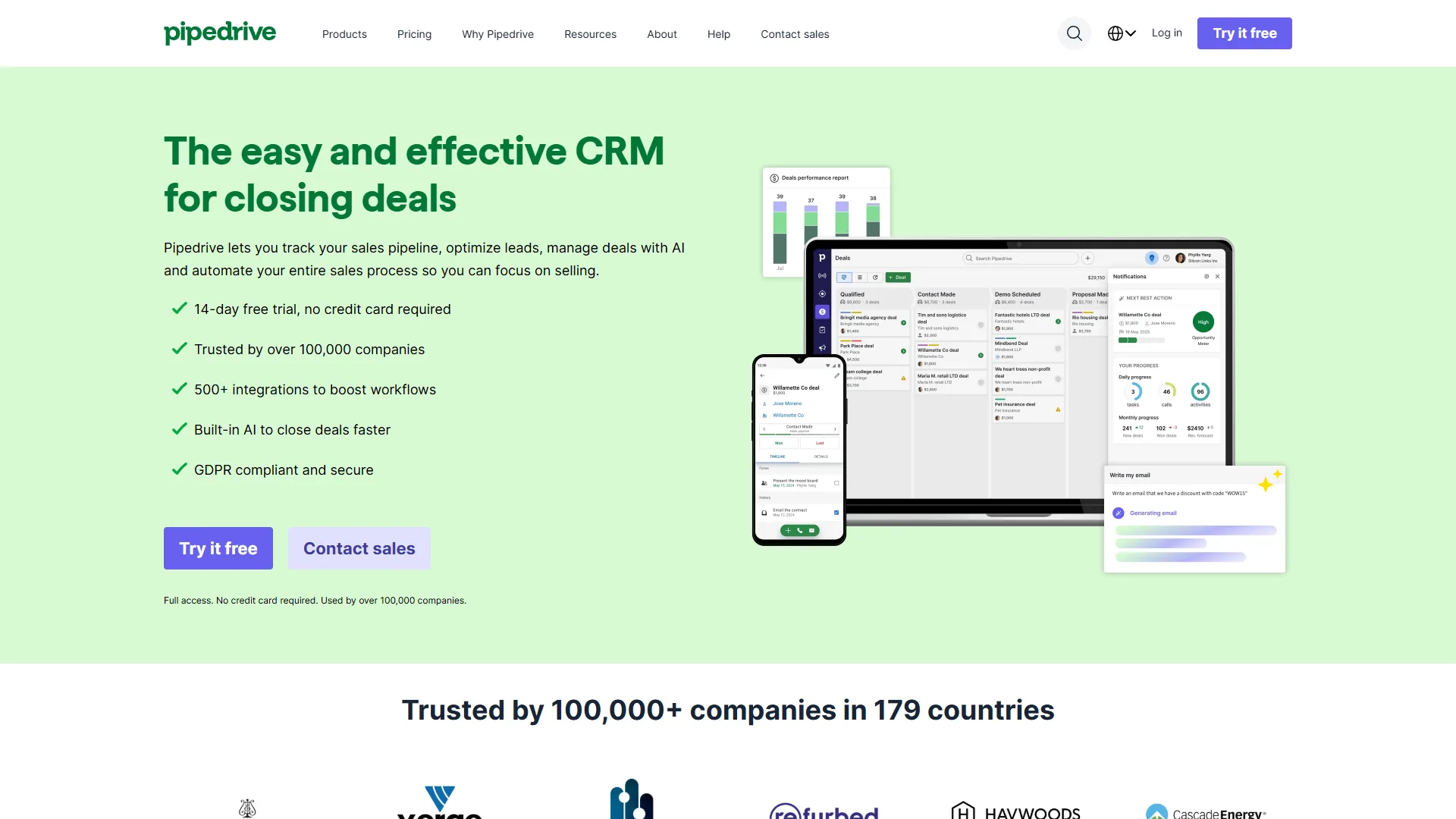
Pricing: around $14 per user per month (Essential) to around $99 per user per month (Enterprise) Free tier: 14-day trial
Pipedrive was built by salespeople who were frustrated with CRMs that felt designed for managers rather than reps. The result is a pipeline-first interface where deals are the primary object, everything connects to advancing those deals, and the daily workflow is visible at a glance without clicking through layers of menus.
The signature view is the Kanban pipeline: deals as cards, stages as columns, drag to advance. It’s not novel, but Pipedrive executes it better than any competitor. Your reps can see their entire pipeline, assess what needs attention today, and update deal status without navigating away from the main view.
Key Strengths:
- Pipeline Kanban view is the best in class for visual deal management
- Activity-based selling approach - the system guides reps to their next action rather than just recording what happened
- Pipedrive AI Assistant predicts deal outcomes, identifies at-risk deals, and suggests next steps
- Email sync with conversation history attached to contact and deal records
- Smart Docs for proposal creation with real-time open tracking
- LeadBooster add-on for chatbot and live chat lead capture
- Strong mobile app for field sales teams
Where It Falls Short:
- Weak marketing automation - Pipedrive is sales-only, you’ll need a separate marketing tool
- Reporting is functional but not as deep as Salesforce or HubSpot Professional
- Limited customization at the Essential tier - advanced fields and workflows require Power (around $49 per user per month)
- No built-in email sending sequences on the base plan
- Customer support features are minimal - not a post-sale CRM
Best For: B2B companies with a clear sales process, 5 to 50 reps, and a need for a tool that sales reps will actually use. Pipedrive’s simplicity is a feature, not a limitation - it’s intentionally designed to minimize friction between reps and their pipeline data. Our best CRM software roundup compares it against the rest of the field.
3. Zoho CRM - Best Affordable Feature Depth
Pricing: around $14 per user per month (Standard) to around $52 per user per month (Ultimate) Free tier: Yes - up to 3 users with basic CRM features
Zoho CRM is the best affordable Salesforce alternative for mid-size teams that need enterprise-grade features at a fraction of the price, starting at $14 per user per month with the Zia AI assistant for predictive scoring.
Zoho CRM sits at an unusual intersection: it has most of the feature depth you’d find in Salesforce Professional, but at a fraction of the cost. For teams automating financial workflows alongside sales, our guide on how to automate invoicing with AI covers tools that pair well with CRM data. Workflow automation, territory management, advanced reporting, email sequences, and AI-powered scoring are all available on the Professional plan (around $23 per user per month) - features that require Salesforce Enterprise (around $165 per user per month) in Salesforce’s world.
The Zia AI assistant is Zoho’s differentiator in this space. Zia analyzes your CRM data to predict deal outcomes, surface contacts that need attention, suggest the best time to contact leads based on their activity patterns, and automatically enrich contact records with publicly available data.
Key Strengths:
- Zia AI for predictive scoring, anomaly detection, and conversation analysis
- Canvas view allows complete visual customization of CRM records without code
- Blueprint feature creates guided, step-by-step sales processes with mandatory fields and approval gates
- Native integration with Zoho’s full suite (Books for accounting, Campaigns for email, Desk for support)
- REST API and webhooks on all paid plans - developer-friendly
- Strong territory and quota management features at mid-tier pricing
- Competent mobile apps for Android and iOS
Where It Falls Short:
- Interface design quality is inconsistent - Zoho CRM’s UI feels older than Pipedrive or HubSpot
- Implementation still requires configuration time, though less than Salesforce
- Free plan is limited to 3 users and 5,000 records
- Zoho’s support response times can be slow compared to Salesforce’s enterprise support
- Documentation is comprehensive but can be hard to navigate
Best For: Mid-size companies that have outgrown simple CRMs but don’t want Salesforce’s price or complexity. Zoho CRM hits a sweet spot for organizations that need serious features - territory management, complex workflows, AI scoring - without the six-figure total cost of Salesforce.
4. Monday.com CRM - Best for Visual Project-Sales Teams
Pricing: around $12 per user per month (Basic CRM) to around $28 per user per month (Enterprise) Free tier: No (14-day trial)
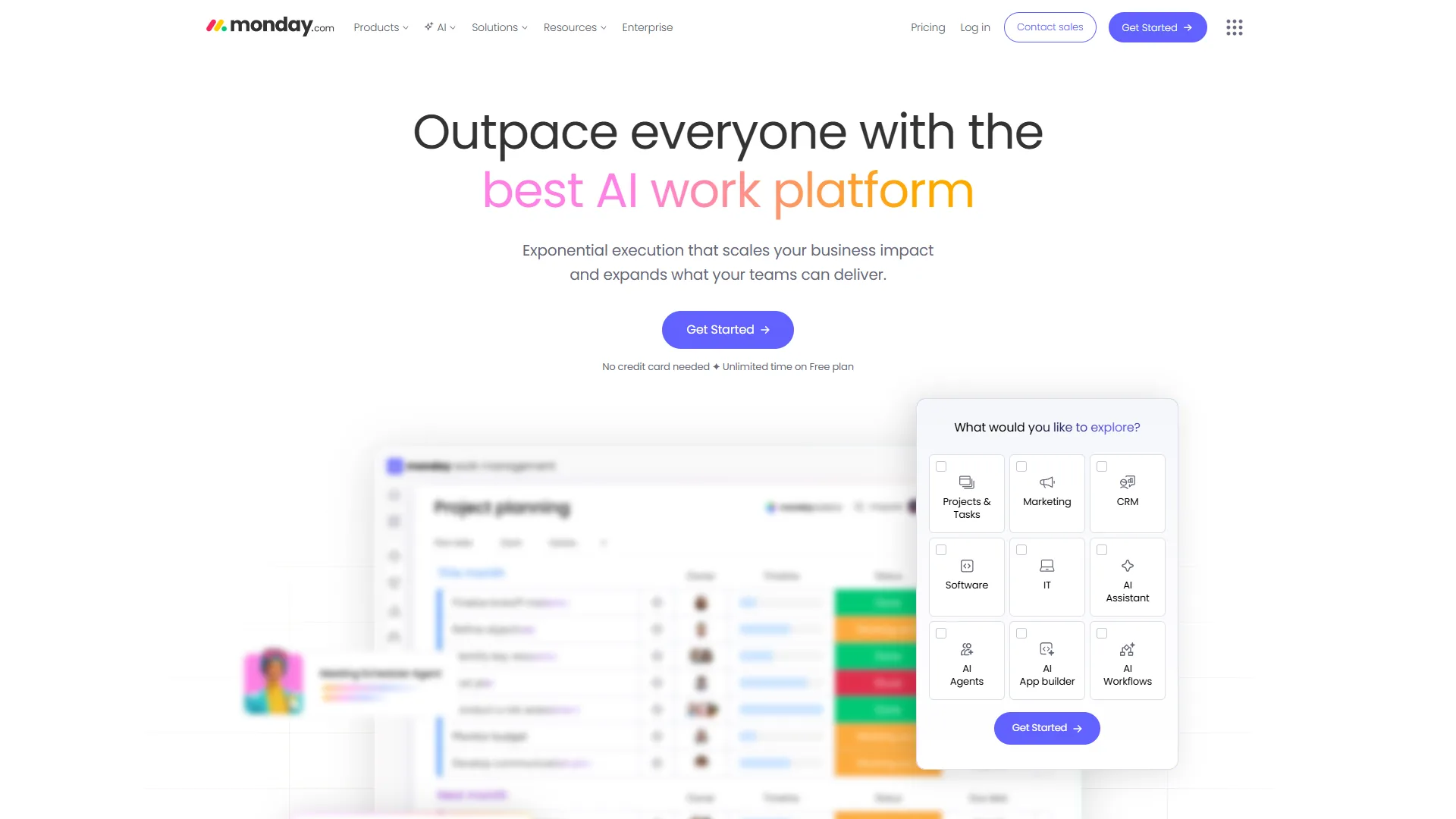
Monday.com CRM is the best Salesforce alternative for visual project-sales teams that need deals and post-sale delivery handled in the same boards-and-columns interface, starting at $12 per user per month.
Monday.com CRM emerged from Monday.com’s general work management platform, and that heritage is both its strength and limitation. If you’re also evaluating Monday.com as a project management tool, the ClickUp vs Asana comparison gives useful context on where visual PM tools fit in the broader landscape. If your sales process has significant project-like components - account setup, implementation milestones, customer success tasks - Monday’s visual boards handle the handoff between sales and delivery better than any CRM-pure alternative.
The boards-and-columns interface is immediately intuitive, custom fields are easy to add, automations require no technical knowledge to configure, and the dashboards are among the most flexible of any CRM at this price point. Sales reps who resist Salesforce adoption often warm to Monday.com quickly because it feels like a spreadsheet they actually want to use.
Key Strengths:
- Highly visual interface with Kanban, timeline, calendar, and map views on the same data
- No-code automation builder for status changes, notifications, and task creation
- Built-in project management means sales-to-delivery handoffs happen in the same tool
- Monday AI for formula suggestions, text summarization, and automated task creation
- Excellent reporting with customizable dashboards and chart types
- Strong integration with Slack, Gmail, Outlook, HubSpot, and Salesforce
Where It Falls Short:
- Purpose-built CRM features (lead scoring, email sequences, conversation intelligence) are weaker than Pipedrive or HubSpot
- Not designed for high-volume inside sales with dozens of touch points per contact
- Email integration is less seamless than dedicated CRM tools
- Pricing structure charges for both seats and guests, which can increase costs unexpectedly
Best For: Teams with a hybrid sales-project workflow, agencies managing client deals and delivery simultaneously, or companies adopting CRM for the first time who need something that feels approachable. Not the right choice for teams with a pure high-velocity sales motion.
5. Freshsales - Best AI-Powered Lead Scoring
Pricing: Free (3 users), around $9 per user per month (Growth), or around $39 per user per month (Pro) Free tier: Yes - up to 3 users with basic CRM
Freshsales is the CRM product from Freshworks, the company also behind Freshdesk (customer support) and Freshservice (IT service management). The CRM’s standout feature is Freddy AI, which does predictive lead scoring automatically from day one - no manual scoring configuration required. Freddy analyzes contact behavior, email engagement, and deal history to surface which leads are most likely to convert, so reps prioritize their time on deals with actual momentum.
The phone system is built in rather than bolted on. Freshsales includes a virtual phone number with calling directly from the CRM, automatic call logging, voicemail drop, and call recording - without requiring a separate telephony integration. For teams that do a lot of phone outreach, this eliminates a category of tool.
Key Strengths:
- Freddy AI predicts deal outcomes, scores leads, and generates next-best-action suggestions
- Built-in calling with auto-dialer, call recording, and voicemail drop
- Native integration with Freshdesk - support tickets link to CRM contact records
- Smart sequences for multi-channel automated outreach (email, SMS, WhatsApp)
- CPQ (Configure-Price-Quote) for generating proposals with product catalog
- Unified customer profile that merges CRM and support history
Where It Falls Short:
- Free plan is limited to 3 users and basic features
- Reporting depth on the Growth plan is limited - Pro tier required for advanced analytics
- Third-party integration ecosystem is smaller than HubSpot’s or Salesforce’s
- Freshworks-centric integrations are excellent but non-Freshworks tool connections require more work
- Mobile app quality is inconsistent across platforms
Best For: Companies with both sales and customer support functions that want CRM and helpdesk data unified. Also a strong choice for inside sales teams that do significant phone outreach and want AI-powered prioritization without Salesforce’s setup complexity. For more options ranked by AI capability, see our best AI CRM tools roundup.
6. Close CRM - Best for Inside Sales Teams with Built-in Calling
Pricing: around $49 per user per month (Startup) to around $139 per user per month (Enterprise) Free tier: 14-day trial
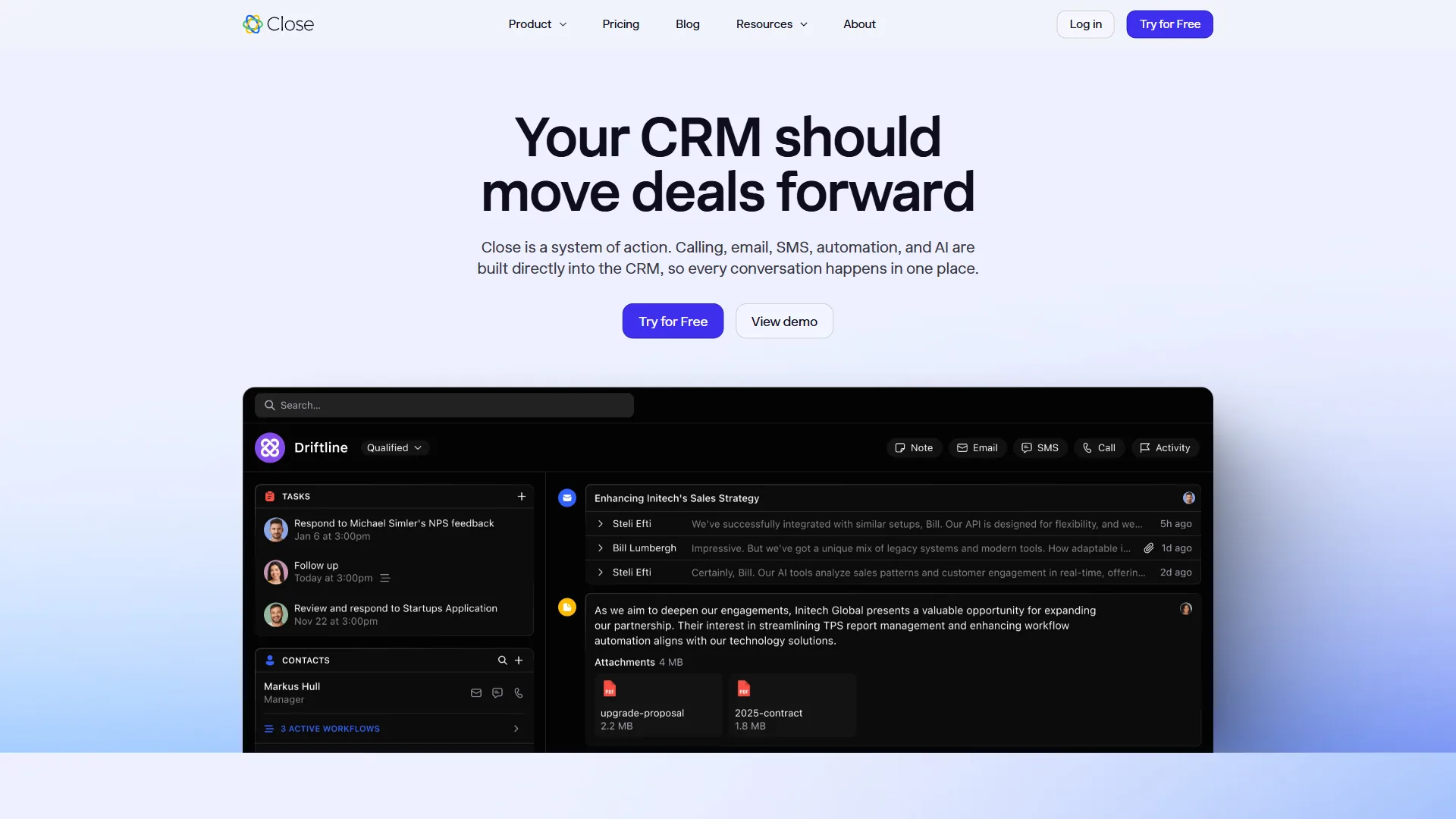
Close CRM is built specifically for inside sales teams that live on the phone and email. The entire interface is designed around communication: calling, emailing, and SMS are built directly into the product rather than integrated from external tools. Call from the CRM, log automatically, move the deal, move to the next lead - all without switching tabs.
The predictive dialer, power dialer, and voicemail drop features are more capable than any alternative in this price range. Teams running high-volume outbound sales - SDR teams making 50 to 100 calls per day - get meaningfully higher activity rates from Close than from a general-purpose CRM with a calling integration bolted on.
Key Strengths:
- Built-in calling with predictive dialer, power dialer, and auto-dialing lists
- Smart Inbox consolidates all communication (calls, email, SMS) in chronological order
- Pipeline management designed for high-velocity, short-cycle sales
- Automated sequences for multi-touch outbound email campaigns
- Call recording and transcription for coaching and compliance
- Close AI for call summaries, email drafts, and deal intelligence
Where It Falls Short:
- Expensive for the entry tier (around $49 per user per month) compared to Pipedrive or HubSpot
- Not designed for enterprise complexity - limited territory management and advanced permissions
- Reporting is solid but less customizable than Salesforce or Zoho
- Best value for high-activity phone-based sales; overkill for account management or long sales cycles
- No built-in marketing automation
Best For: SDR teams, inside sales operations, and companies where high-volume calling is the primary driver of revenue. If your reps make 40 or more outbound calls per day, Close’s communication-first design pays for itself in productivity gains.
7. Attio - Best Modern CRM for Data-Centric Teams
Pricing: Free (limited), around $29 per user per month (Plus), or around $69 per user per month (Pro) Free tier: Yes - limited to 3 seats with basic features
Attio is the newest entrant in this comparison and takes a different architectural approach than every other CRM on this list. Rather than a traditional CRM with fixed objects (contacts, companies, deals), Attio builds its data model around flexible records that you configure to match your actual workflow. Your CRM can have whatever objects, relationships, and fields your process requires - not the objects a software company decided were standard.
The automatic data enrichment is unusually strong. Attio syncs with your email and calendar, automatically creates and updates contact and company records based on communication, and enriches those records with firmographic data without manual entry. For teams that find CRM data quality degrading because of incomplete manual logging, Attio’s automatic enrichment addresses the root cause.
Key Strengths:
- Flexible object model - configure CRM structure to match your process, not vice versa
- Automatic contact and company creation from email and calendar sync
- Native AI data enrichment - company details, contact titles, and LinkedIn data populate automatically
- Reporting is genuinely flexible with SQL-like query capabilities
- Clean, modern interface that feels like a well-designed consumer app
- Strong API for technical teams building custom integrations
Where It Falls Short:
- Newer product with smaller ecosystem and fewer native integrations than established competitors
- Built-in email sequencing is basic compared to Pipedrive or Close
- No built-in calling or telephony
- Less suitable for very high-volume transactional sales
- Smaller support and community ecosystem than HubSpot or Salesforce
Best For: Technical founders, operations teams, and data-driven sales organizations that want a CRM they can model precisely to their process. Particularly strong for companies with non-standard sales motions (partnerships, product-led growth, developer sales) where off-the-shelf CRM objects don’t quite fit.
Best Picks by Use Case: Choosing the Right Salesforce Alternative
The best Salesforce alternative depends on the specific pain point driving the switch: HubSpot wins on marketing-sales alignment, Pipedrive on rep adoption, Zoho CRM on affordable feature depth, and Close on high-volume phone outreach.
The right answer depends on what specifically makes Salesforce wrong for your situation:
Salesforce is too expensive: Start with HubSpot Free CRM - it costs nothing and handles most small team needs. If you need more, Pipedrive Essential (around $14 per user per month) or Freshsales Growth (around $9 per user per month) cover the core workflow at a fraction of Salesforce’s price.
Your reps won’t use it: Choose Pipedrive or Monday.com CRM for their intuitive, visual interfaces. Adoption drives data quality, and these tools are built around making daily rep workflows fast rather than comprehensive.
You need marketing and sales aligned: HubSpot is the clear winner here. Its shared database between Marketing Hub and CRM eliminates the integration work Salesforce + Marketing Cloud requires.
You do high-volume phone outreach: Choose Close CRM for its built-in calling and dialer features, or Freshsales for a more affordable version with Freddy AI scoring.
You want affordable enterprise-depth features: Go with Zoho CRM - it has features comparable to Salesforce Professional at half the price.
You have a non-standard sales process: Try Attio for its flexible data model that adapts to your workflow rather than forcing your workflow into predefined objects.
You want project-sales continuity: Monday.com CRM handles deals and post-sale delivery in the same interface.
The Bottom Line: Which Salesforce Alternative Should You Pick?
HubSpot is the strongest overall Salesforce alternative for most small and mid-size teams because its free CRM scales into a unified marketing-and-sales platform without the integration overhead Salesforce requires.
Salesforce remains the right choice for large enterprise sales operations with complex requirements, significant customization needs, and the IT resources to manage the platform properly. But that profile doesn’t describe most sales teams.
For the majority of companies looking for salesforce alternatives, the decision comes down to: HubSpot if marketing and sales alignment matters, Pipedrive if sales simplicity and rep adoption matter, Zoho CRM if you want feature depth at a lower price, and Close or Freshsales if calling and AI-powered outreach are central to your motion.
The honest take: most teams that pay for Salesforce don’t use the features that justify the price. If you are running a smaller operation, our best CRM for small business roundup focuses on tools sized for lean teams. Before renewing, map which Salesforce capabilities your team actually uses versus which ones your admin configured during implementation and nobody has touched since. The gap between those two lists is usually illuminating.
FAQ
Q: Which CRM is better than Salesforce?
The signature view is the Kanban pipeline: deals as cards, stages as columns, drag to advance. It’s not novel, but Pipedrive executes it better than any competitor.
Q: How much does Salesforce actually cost compared to alternatives?
Salesforce Starter is $25 per user per month, but most organizations need Professional at $80 or Enterprise at $165 per user per month to access automation, advanced reporting, and integration capabilities. A 10-person sales team on Professional pays $9,600 per year before any add-ons, while alternatives like Freshsales start at $9 per user per month and HubSpot offers a free tier.
Q: Which Salesforce alternative is best for visual project-sales workflows?
Monday.com CRM fits teams with a hybrid sales-project workflow, agencies managing client deals and delivery simultaneously, or companies adopting CRM for the first time who need something approachable. Its boards-and-columns interface handles the handoff between sales and delivery better than CRM-pure alternatives, with Kanban, timeline, calendar, and map views on the same data starting at $12 per user per month.
Related Reading
Related Reading covers the individual tool reviews and deeper comparisons that support this Salesforce alternatives guide.
- Salesforce - Full review with pricing, features, and use cases
- Pipedrive - Sales-focused CRM with visual pipeline management
- Monday.com - Visual work management platform with CRM capabilities
- HubSpot - All-in-one marketing and CRM platform with Breeze AI
- Close - Inside sales CRM with built-in calling and AI workflows
- Zoho CRM - Affordable CRM suite with Zia AI and deep Zoho ecosystem integration
- Asana Competitors and Alternatives 2026
- ClickUp vs Asana: Which Is Right for Your Team?
- Best CRM Software 2026: HubSpot vs Salesforce vs Pipedrive
- Client Onboarding Automation: A Practical Guide
- How to Automate Invoicing with AI
External Resources
External Resources collects the official vendor pricing and CRM-category primers referenced throughout this guide.