


Adobe Express is a competent tool for quick social media graphics, flyers, and branded templates. It has Firefly AI built in, tight integration with the Creative Cloud ecosystem, and a recognizable interface for anyone already living in Adobe’s world. But it has real limitations - and for many users, those limitations are exactly why they’re searching for something better.
The free tier is restrictive. The premium plan runs $9.99 per month standalone, but most users already paying for Creative Cloud discover it’s bundled in - and then wonder why they’re still hitting walls with template variety, AI generation credits, and export flexibility. If you need genuine AI image generation, not just Firefly’s template-slotting, Adobe Express falls short. If you want professional vector design work, it’s not the right tool. And if you don’t already own Adobe software, the value proposition gets harder to justify against purpose-built alternatives.
This guide covers four strong adobe express alternatives in 2026. Two are template-based design platforms, two are AI image generators. Together they cover virtually every reason someone might want to leave Adobe Express behind.
Why People Look for Adobe Express Alternatives
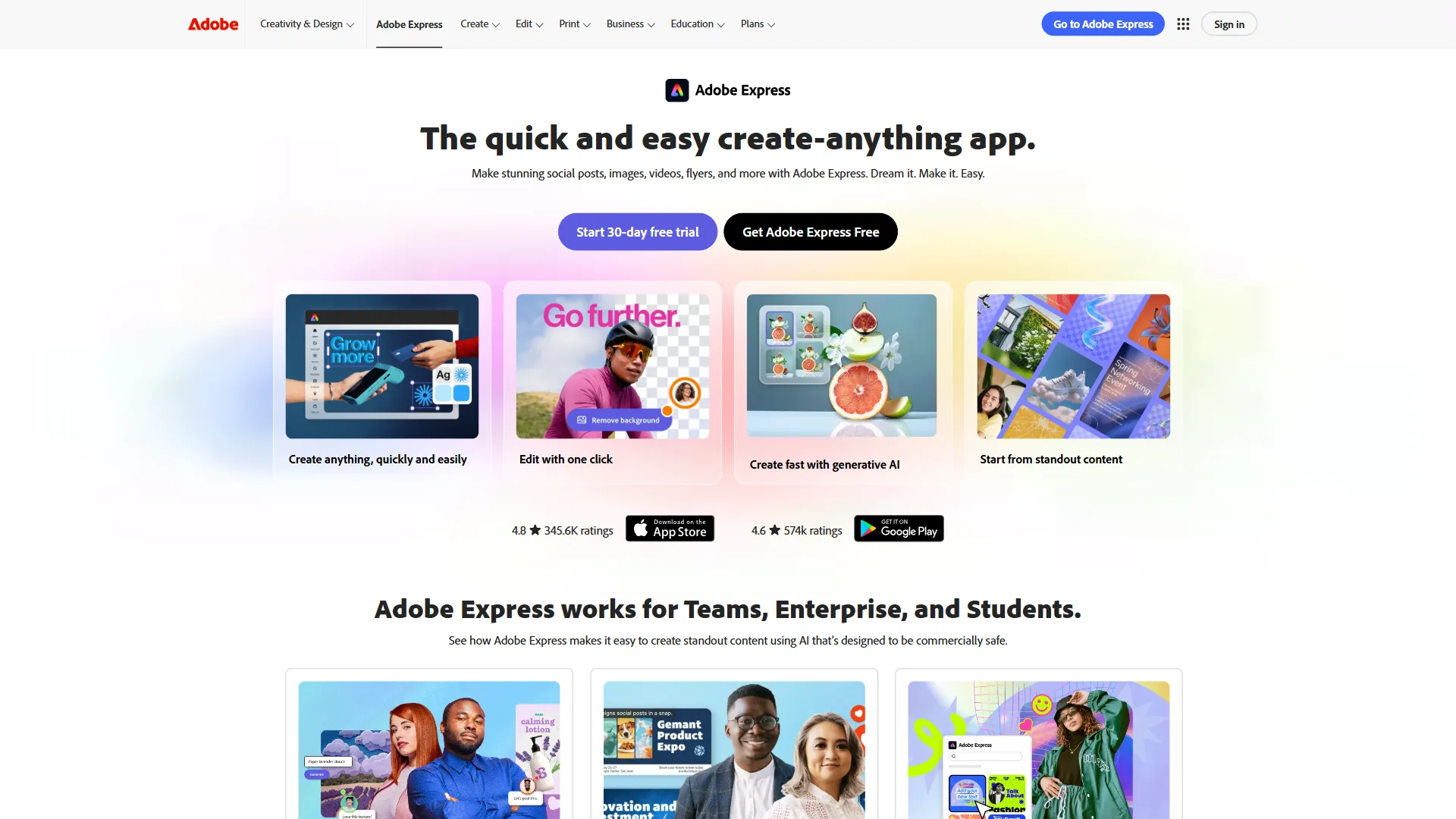
People leave Adobe Express for four recurring reasons: Creative Cloud lock-in, limited Firefly generation, template fatigue versus Canva, and a low professional design ceiling. Each driver points to a different alternative, so the right swap depends on which frustration you are solving.
Subscription cost and Creative Cloud lock-in. Adobe Express is positioned as a simplified consumer product, but Adobe’s pricing strategy has always pushed users toward the full Creative Cloud suite. If you’re paying around $54.99 per month for All Apps, Adobe Express feels like a feature, not a standalone product. If you’re paying around $9.99 per month just for Express, you’re getting a template tool that competes directly with free-tier Canva. For more template-driven options, see our Canva alternatives roundup.
Limited AI generation. Adobe’s Firefly AI is technically impressive and commercially safe (trained on licensed content), but it’s built around filling template slots and generating background textures. Users wanting genuinely creative AI image generation - detailed illustrations, photorealistic scenes, custom artwork - find Firefly limited compared to dedicated AI image generators like Midjourney or Flux.
Template fatigue. Adobe Express has a solid template library, but Canva’s is substantially larger, and Canva’s free tier is more generous. Users who chose Adobe Express because they’re already Adobe customers often realize Canva serves their actual template-based design needs better.
Professional design ceiling. Adobe Express is intentionally simplified. Designers who have grown past the basics run into walls quickly. Figma provides professional vector design, prototyping, and collaborative features that Adobe Express doesn’t attempt to offer.
Comparison Table
Canva, Figma, Midjourney, and Flux are the four strongest Adobe Express alternatives in 2026, ranging from $0 free tiers to roughly $0.055 per AI-generated image. The table below contrasts price, free access, and AI capability at a glance.
| Tool | Best For | Starting Price | Free Tier | AI Features |
|---|---|---|---|---|
| Canva | Template-based design, social media, marketing | $12.99/mo Pro | Yes - generous | Magic Studio, AI image generation, Magic Write |
| Figma | UI/UX design, professional vector work | Free / $15/mo | Yes - 3 projects | AI-powered design tools, Dev Mode AI |
| Midjourney | High-quality AI image generation | $10/mo Basic | No | Core product is AI generation |
| Flux | Developer/power user AI image generation | around $0.055/image | Via free APIs | State-of-the-art open-weight model |
1. Canva - Best Template-Based Adobe Express Alternative

Canva is the most direct replacement for Adobe Express. Both tools target non-designers who need to produce polished marketing materials without a steep learning curve. The difference is that Canva has outpaced Adobe Express significantly on template volume, AI features, and free tier generosity.
What Canva does better than Adobe Express:
Canva’s template library exceeds two million designs across social media formats, presentations, print materials, videos, and more. Adobe Express has a solid library but nothing close to this scale. When you’re looking for a very specific format - a 1080x1920 Instagram story for a New Year sale promotion, say - Canva is more likely to have exactly what you want.
The free tier is genuinely usable. Adobe Express free locks you out of premium templates and gives you limited Firefly credits. Canva free gives you access to hundreds of thousands of templates, unlimited storage, and the core editing tools without a timer running.
Magic Studio - Canva’s AI suite - covers more ground than Adobe Express’s Firefly integration. Magic Media generates images from text prompts, Magic Write handles copy generation, Background Remover works on any photo, and Magic Resize converts designs across formats in one click. Adobe Express has comparable features, but Canva executes them more smoothly and with fewer credit restrictions on Pro.
Canva also added social media scheduling, a website builder, and video editing in recent versions. For teams running content marketing operations entirely within one tool, this breadth is hard to match.
Where Adobe Express has an edge:
Firefly’s commercially safe guarantee is stronger than Canva’s AI offerings. Adobe trains Firefly exclusively on licensed Adobe Stock images and public domain content, with explicit commercial licensing protections. Canva’s AI images are commercially usable but the underlying training data provenance is less clearly documented. For large enterprises with legal review processes, this matters.
Adobe Express also has tighter Creative Cloud integration. If your workflow involves moving assets between Photoshop, Illustrator, and Express, the integration is seamless in a way that has no equivalent in Canva.
Limitations and who it’s not for: Canva’s downsides show up in two places. First, professional vector and prepress work hits a ceiling fast - kerning controls, CMYK output, and complex path editing are not Canva’s strengths. Second, the Pro tier is required to unlock most of the genuinely useful templates and AI credits, so the “free tier is generous” pitch loses some force the moment a client brief asks for premium assets. Skip Canva if your team needs print-spec accuracy or a real design system.
Pricing:
- Free: Full template access with some premium assets locked
- Canva Pro: around $12.99 per month (or roughly $119.99 a year) - removes all restrictions, adds Magic Studio, brand kits, premium templates
- Canva Teams: around $15 per month per person (3+ users)
Best for: Anyone currently using Adobe Express for social media posts, flyers, marketing materials, and presentations who wants more templates, better AI tools, and a more generous free tier. The learning curve moving from Adobe Express to Canva is minimal - the interface logic is nearly identical.
2. Figma - Best for Professional Design Work
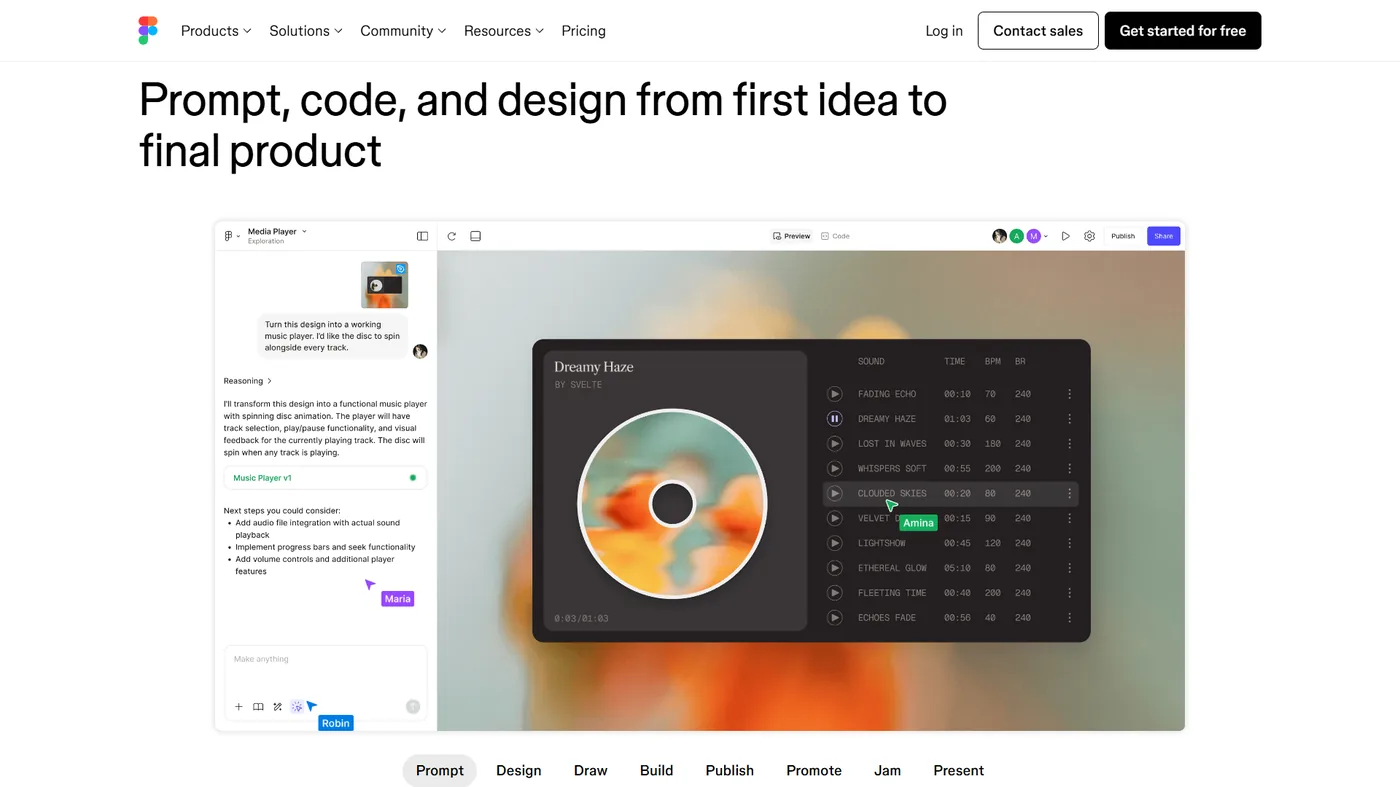
Figma is the strongest Adobe Express alternative for professional design work, starting free and running $15 per editor each month for collaborative vector design, components, and prototyping. Where Adobe Express aims at marketers and content creators who need quick polished outputs, Figma is built for designers - people who think in components, design systems, and precise layout grids.
If you’ve been using Adobe Express and hitting walls because you need more control - more precise text kerning, reusable components, alignment tools that actually work on complex layouts, or any kind of vector editing - Figma is where you graduate to.
What Figma does better than Adobe Express:
The core design toolset is in a different league. Adobe Express is intentionally simplified; Figma is a professional vector design application. You get full pen tool vector drawing, precise constraint-based layouts, component libraries, and design tokens - the building blocks of real design systems.
Collaboration is Figma’s defining feature. Multiple designers can work in the same file simultaneously with changes visible in real time. Adobe Express has basic sharing, but real-time co-editing with comment threads, version history, and design review workflows is a Figma specialty. For agencies and in-house design teams, this eliminates the friction of sending files back and forth.
Figma’s prototyping features let you create interactive mockups directly from your designs. This is relevant for anyone using Adobe Express to design app screens, landing pages, or user flows - you can stay in one tool from concept through interactive prototype.
AI has entered Figma meaningfully. Make Grid uses AI to automatically generate responsive layout variations. Dev Mode AI helps developers understand design intent and export production-ready code. The third-party plugin ecosystem adds specialized AI features including AI image generation through integrations.
Where Adobe Express has an edge:
For pure template-based work, Adobe Express is faster. Figma doesn’t have Adobe Express’s template library - it’s a blank canvas design tool, not a template picker. If your workflow is “pick a template, swap the text, download,” Adobe Express and Canva are both faster than starting from scratch in Figma.
The free tier limit of three projects can be restrictive. After three active files, older work gets archived, which is frustrating for ongoing campaign work where you’re accumulating design files month by month.
Limitations and who it’s not for: Figma’s drawbacks are mainly about workflow fit, not capability. The learning curve is steep for non-designers - components, auto-layout, and constraints reward people who think in design systems and frustrate people who just want to swap text on a flyer. There is no template-first workflow, no built-in social scheduler, and no native Magic Resize. Skip Figma if your day-to-day is “edit a template, export, post” rather than building reusable design assets.
Pricing:
- Free: Up to 3 active projects, unlimited personal files
- Professional: around $15 per user per month - unlimited projects, version history, advanced permissions
- Organization: around $45 per user per month - design systems, centralized governance
- Enterprise: around $75 per user per month - SSO, advanced security
Best for: Designers who have outgrown Adobe Express and need real vector design tools. Also strong for marketing teams who want a proper design system with reusable brand components rather than one-off template edits. If you’re doing any UI/UX work at all, Figma is the standard.
3. Midjourney - Best AI Image Generation

Midjourney is the strongest Adobe Express alternative for high-quality AI image generation, starting at $10 per month for the Basic plan and producing photorealistic and illustrative output that Firefly cannot match. It is not a design tool in the same sense as Adobe Express - it has no templates, text tools, or layout features - but for users who chose Adobe Express specifically because they wanted AI-generated visuals, Midjourney is the alternative that actually delivers on that promise.
Adobe Express’s Firefly AI is useful for specific tasks - generating background textures, filling in template slots, removing backgrounds. But Firefly is not designed to produce standalone creative imagery. If you want a photorealistic hero image for a landing page, an illustrated character for a brand campaign, or a conceptual visual that communicates a complex idea, Midjourney produces results that Firefly can’t match.
What Midjourney does better than Adobe Express:
Image quality is the headline. Midjourney V7 - the current default model released in 2026 - produces images with artistic coherence and photographic quality that still leads the industry. The model understands composition, lighting, and aesthetic style at a depth that makes even complex multi-element prompts come out looking considered rather than generated.
The web platform has matured significantly. Midjourney moved beyond Discord-only access to a full web interface where you can organize your generations, create image collections, and iterate with real-time feedback. You can reference previous images, use style codes to maintain consistent aesthetics across a campaign, and train personalization on your aesthetic preferences.
For content marketing, the practical workflow is: generate hero images and supporting visuals in Midjourney, then import them into Canva or Figma to add text, branding, and layout. This two-tool combination produces results that neither Adobe Express nor any single-tool alternative can replicate. For a broader look at what is available in this space, see our best AI image generators roundup.
Where Adobe Express has an edge:
Adobe Express is a complete design tool. Midjourney generates images and does nothing else with them. If you need to add a headline, create a multi-element layout, or export a file in multiple formats, you need another tool. This two-step workflow is faster than it sounds for experienced users, but Adobe Express’s integrated approach is genuinely more convenient for simple use cases.
Firefly’s commercially safe training data documentation is more detailed than Midjourney’s. For enterprise legal teams, this can matter.
Limitations and who it’s not for: Midjourney has real tradeoffs that no amount of model quality fixes. There is no free tier - every user pays from day one. Prompt control is interpretive rather than literal, which frustrates users who want exact compositional results. There is no integrated layout, text, or layout-export tooling, so it is always one tool in a stack rather than a standalone design solution. Training data provenance is also less documented than Firefly’s, which matters for legal review at enterprise scale. Skip Midjourney if you need a free option or if your legal team requires fully licensed training data.
Pricing:
- Basic: around $10 per month - 200 fast generations/month, web access
- Standard: around $30 per month - 15 hours fast GPU time, unlimited relax generations
- Pro: around $60 per month - 30 hours fast GPU time, stealth mode, 12 concurrent jobs
- Mega: around $120 per month - 60 hours fast GPU time
Best for: Content creators, marketers, and creative professionals who need genuinely high-quality custom imagery for campaigns, blog posts, social media, and brand materials. Not a replacement for Adobe Express’s full design workflow, but a significant upgrade for the AI image generation component specifically.
4. Flux - Best for Developers and Power Users
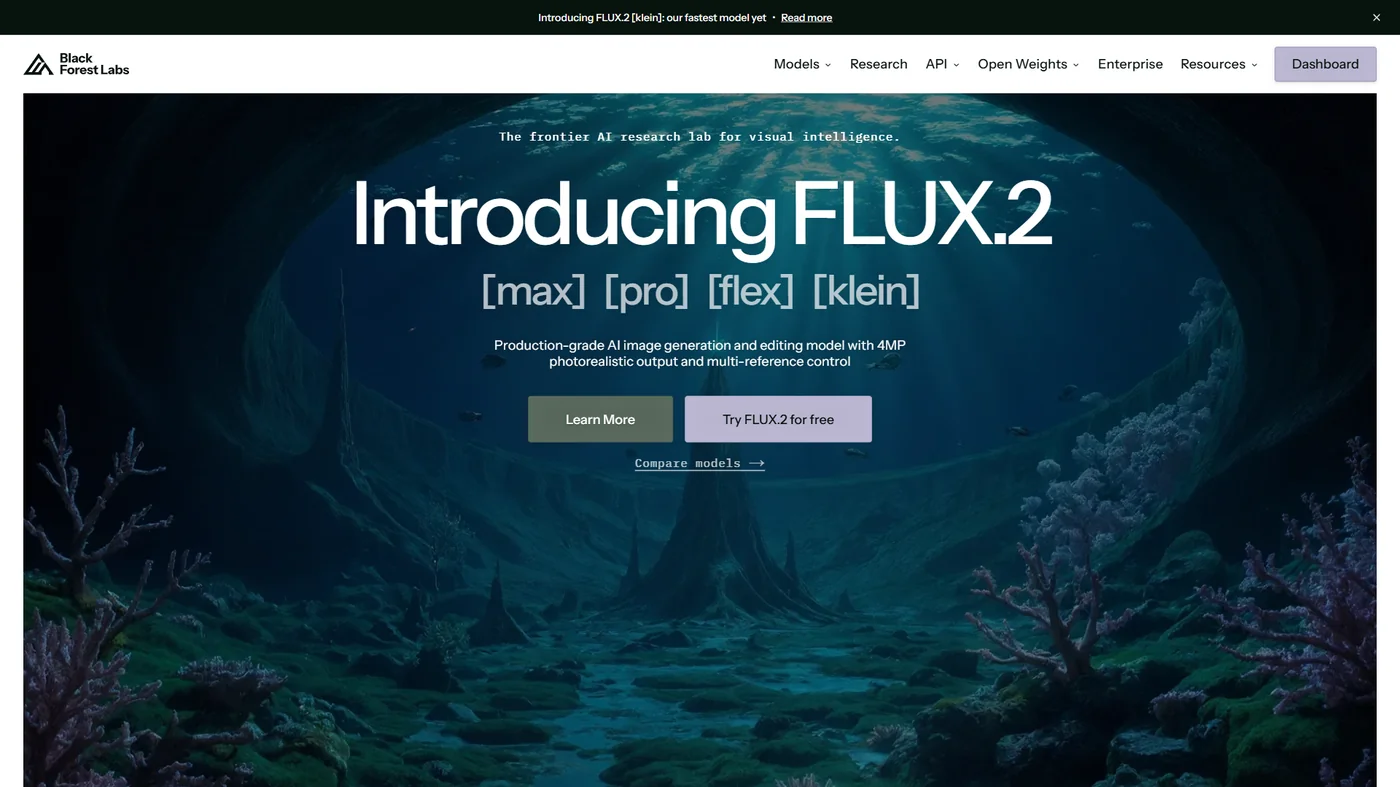
Flux is the best Adobe Express alternative for developers and power users, priced around $0.055 per image on Replicate and shipping as an open-weight Flux.1 model family from Black Forest Labs. Where Firefly is a managed, consumer-friendly AI feature built into a design tool, Flux is an open-weight model that developers and power users can run, fine-tune, and integrate into their own applications.
The comparison with Adobe Express is less direct than the other tools on this list. Flux doesn’t have templates, layout tools, or a polished consumer interface. What it has is state-of-the-art image generation quality with a flexibility that closed commercial tools like Firefly can’t match.
What Flux does better than Adobe Express:
Prompt adherence is Flux’s standout strength. When you give Flux a detailed, specific prompt - exact colors, precise composition requirements, specific objects in defined positions - it follows those instructions more accurately than most competing models. For product photography mockups, lifestyle images with specific brand elements, or any use case requiring precise visual control, this matters.
The open-weight model means you own the generation pipeline. According to Robin Rombach, co-founder and CEO at Black Forest Labs, “Our models will set new standards for image fidelity and offer unprecedented flexibility for the developer community to build on top of.” Organizations with data privacy requirements, custom training needs, or specific infrastructure constraints can run Flux locally or on their own cloud infrastructure. Adobe Express’s AI is entirely cloud-based and Adobe-controlled.
Usage-based pricing on platforms like Replicate or fal.ai means you pay only for what you generate. At roughly $0.055 per image on standard platforms, occasional users pay almost nothing. Adobe Express’s credit system often results in paying for unused credits.
For developers building applications that need AI image generation - automated content pipelines, product visualization tools, custom design workflows - Flux’s API accessibility and open-source model weights make it significantly more practical to integrate than Adobe Express’s Firefly, which requires Adobe API credentials and is designed for consumer use.
Text rendering within images is an area where Flux has improved substantially. For generating images that include legible text as part of the composition, Flux handles this better than most diffusion models, including those powering Firefly.
Where Adobe Express has an edge:
Adobe Express is genuinely beginner-friendly. Flux requires either self-hosting (GPU infrastructure, technical setup) or navigating third-party platforms to access it. There is no official polished Flux product for end consumers comparable to Adobe Express.
For casual users generating a few images for a blog post, the friction of accessing Flux through platforms like Replicate or fal.ai is higher than opening Adobe Express and clicking generate.
Limitations and who it’s not for: Flux’s drawbacks are the inverse of its strengths. There is no polished consumer product - access is via third-party platforms or self-hosting, and either path requires technical comfort that most marketers and content creators do not have. There is no template library, no layout tooling, and no built-in canvas for combining generated images with text or branding. Self-hosting requires a capable GPU; usage-based pricing on Replicate or fal.ai means costs are unpredictable for high-volume work. Skip Flux if you want a single tool that handles design end-to-end, or if you do not have the patience to learn a third-party platform interface.
Pricing:
- Flux via Replicate: around $0.055/image for Flux.1 [pro], less for faster variants
- Flux via fal.ai: Similar usage-based pricing
- Self-hosting: Free model weights, infrastructure costs vary
- BFL API (official): Direct API access, consumption-based pricing
Best for: Developers integrating AI image generation into applications, power users who want maximum control over the generation pipeline, and teams with privacy requirements that prevent using cloud-based commercial AI tools. Also excellent for anyone who needs to generate large volumes of images cost-effectively.
Best Picks by Use Case
Canva wins for templates and social media, Figma wins for professional design, Midjourney wins for polished AI imagery, and Flux wins for developers needing API access. The right pick depends on what you were actually using Adobe Express for - and which limitation pushed you to look for something else.
If you use Adobe Express for templates and social media graphics: Canva is the obvious replacement. It’s a direct functional equivalent with a larger template library, more generous free tier, and comparable AI features. The transition takes minutes, not days.
If you need professional design capabilities: Figma is the step up. The learning curve is real - Figma rewards users who understand design concepts like components, auto-layout, and design systems. But for anyone working on brand assets, UI screens, or marketing materials that need to look genuinely professional rather than template-derived, Figma provides tools Adobe Express doesn’t attempt to offer.
If AI image generation is your primary need: Midjourney and Flux are different answers to the same question. Midjourney is the consumer choice - polished platform, monthly subscription, consistently excellent output with minimal technical overhead. Flux is the technical choice - flexible, cost-effective at scale, open-weight, and integrable into custom workflows. Most content creators will be happier with Midjourney; most developers will prefer Flux. For deeper picks, see our best AI image generators and Midjourney vs DALL-E comparisons.
Budget considerations:
- Tightest budget: Canva free tier handles most template-based design needs at no cost
- Standard individual use: Canva Pro (around $12.99 a month) or Midjourney Basic (around $10 a month) depending on use case
- Professional design work: Figma Professional (around $15 per user per month) is the standard for serious design teams
- Scale image generation: Flux usage-based pricing is most cost-effective for high-volume generation
Skill level:
- Non-designers who want fast results: Canva
- Designers who want real tools: Figma
- Creative professionals who want the best AI imagery: Midjourney
- Developers who want API access and flexibility: Flux
The Bottom Line
Adobe Express occupies an awkward middle position in 2026 - it is competent everywhere but the strongest option nowhere, beaten on templates by Canva, on design power by Figma, on AI image quality by Midjourney, and on flexibility by Flux. It is more capable than many people give it credit for, but it is also not the best choice for any specific use case anymore. Canva has more templates and a better free tier. Figma has more design power. Midjourney produces better AI images. Flux offers more flexibility for technical use cases.
The good news is that the alternatives are genuinely strong. Whether you need a complete template-based design platform, professional vector tools, or AI image generation that goes beyond what Firefly offers, there’s a purpose-built solution that handles it better than Adobe Express’s generalist approach.
For most people switching from Adobe Express: start with Canva. It covers the same use cases, usually for less money, with more templates and a more generous free tier. If you find yourself needing AI images that feel genuinely creative rather than template-adjacent, add Midjourney to your stack. That combination handles the vast majority of design and content creation needs that Adobe Express was covering. If you are reconsidering other Adobe products, see our Adobe Acrobat alternatives breakdown.
Methodology. This comparison draws on current vendor pricing pages, official product documentation, and independent research rather than sponsored placement or paid hands-on testing.
Disclosure. AI Productivity may earn a commission from links on this page; rankings and recommendations are editorially independent and are not influenced by affiliate relationships.
FAQ
Q: Which is better than Adobe Express?
The good news is that the alternatives are genuinely strong. Whether you need a complete template-based design platform, professional vector tools, or AI image generation that goes beyond what Firefly offers, there’s a purpose-built solution that handles it better than Adobe Express’s generalist approach.
Q: Why are people ditching Adobe?
Before jumping into the tools, it helps to understand what actually drives people away from Adobe Express - because the right alternative depends on which frustration you’re solving.
Q: Why are people boycotting Adobe?
Before jumping into the tools, it helps to understand what actually drives people away from Adobe Express - because the right alternative depends on which frustration you’re solving.
Q: What is Adobe Express called now?
The right choice depends on what you were actually using Adobe Express for - and which limitation pushed you to look for something else.
Related Reading
Related reading covers adjacent Adobe swaps, Canva alternatives, AI image generators, and content-creation tool roundups that pair well with the picks above.
- Best Adobe Acrobat Alternatives - If you’re reconsidering other Adobe tools
- Canva Alternatives 2026 - More template-based design options beyond Canva
- AI Tools for Content Creators - A broader look at the AI tools content teams are using in 2026
- Best Note Taking Apps 2026 - Organize your creative briefs and content plans
- Canva - Versatile design platform with templates, brand kits, and AI-powered features
- Adobe Express - Adobe’s simplified design tool with Firefly AI and Creative Cloud integration
Tools Reviewed
External Resources
External resources cite Adobe’s own documentation on Express and Firefly commercial licensing, plus an independent benchmark of AI image generation models.
- Adobe Express Getting Started Guide - Official documentation for Adobe Express features and workflows
- Adobe Firefly and Commercial Licensing - Adobe’s detailed position on AI-generated content and commercial use rights
- Artificial Analysis Text-to-Image Leaderboard - Independent benchmark comparisons of AI image generation models including Flux and Midjourney