


Focus time productivity is under attack. If you’re struggling to find uninterrupted blocks for deep work, you’re not alone. Research from Harvard Business Review shows that knowledge workers have 46% less focus time than they say they need, and 80% can’t go a full hour without being distracted.
The cost is staggering: it takes an average of 23 minutes and 15 seconds to fully recover from an interruption according to research from UC Irvine. Meanwhile, studies show a 500% efficiency increase during protected focus time compared to fragmented work sessions. Multitasking alone causes a 40% productivity reduction.
AI-powered calendar tools now promise to solve this problem - and two stand out for automatically protecting your focus time, blocking distractions, and optimizing your calendar for deep work.
TL;DR - Quick Picks
Focus Time Productivity covers the strategies and tools that deliver real productivity gains in this space. Focus time productivity is under attack. This guide walks through the practical steps from setup through advanced optimization.
Our Top Picks:
| Tool | Best For | Starting Price | Rating |
|---|---|---|---|
| Reclaim AI | Solo entrepreneurs, ADHD-friendly habits | Free / $10/mo | |
| Motion | All-in-one calendar + task management | $19/mo |
Quick verdict: Reclaim AI is the top pick for most solopreneurs and small teams. It learns your work patterns, automatically schedules focus blocks, and adapts when meetings inevitably eat into your calendar. For project-driven work where tasks need to land inside those blocks, Motion takes scheduling a step further by treating to-dos as flexible calendar events.
Why Focus Time Matters (And Why You’re Not Getting It)
Before diving into tools, let’s talk about why focus time productivity has become such a critical issue.
The data is clear: the average knowledge worker is interrupted every 11 minutes. That means by the time you’ve fully recovered from one interruption (23 minutes), you’ve already been interrupted twice more. It’s a vicious cycle.
The problem isn’t just external interruptions. It’s also how we structure our calendars. Meetings scattered throughout the day create “Swiss cheese” schedules with gaps too short for meaningful work. You end up with four 30-minute gaps instead of one two-hour focus block.
AI calendar tools solve this by:
- Auto-scheduling focus blocks based on your work patterns
- Defending focus time by moving flexible meetings when urgent ones appear
- Coordinating team schedules to create overlapping focus time
- Learning your preferences for when you do your best deep work
The Best AI Calendar Tools for Focus Time
1. Reclaim AI: Best for Focus Time Protection at Any Scale
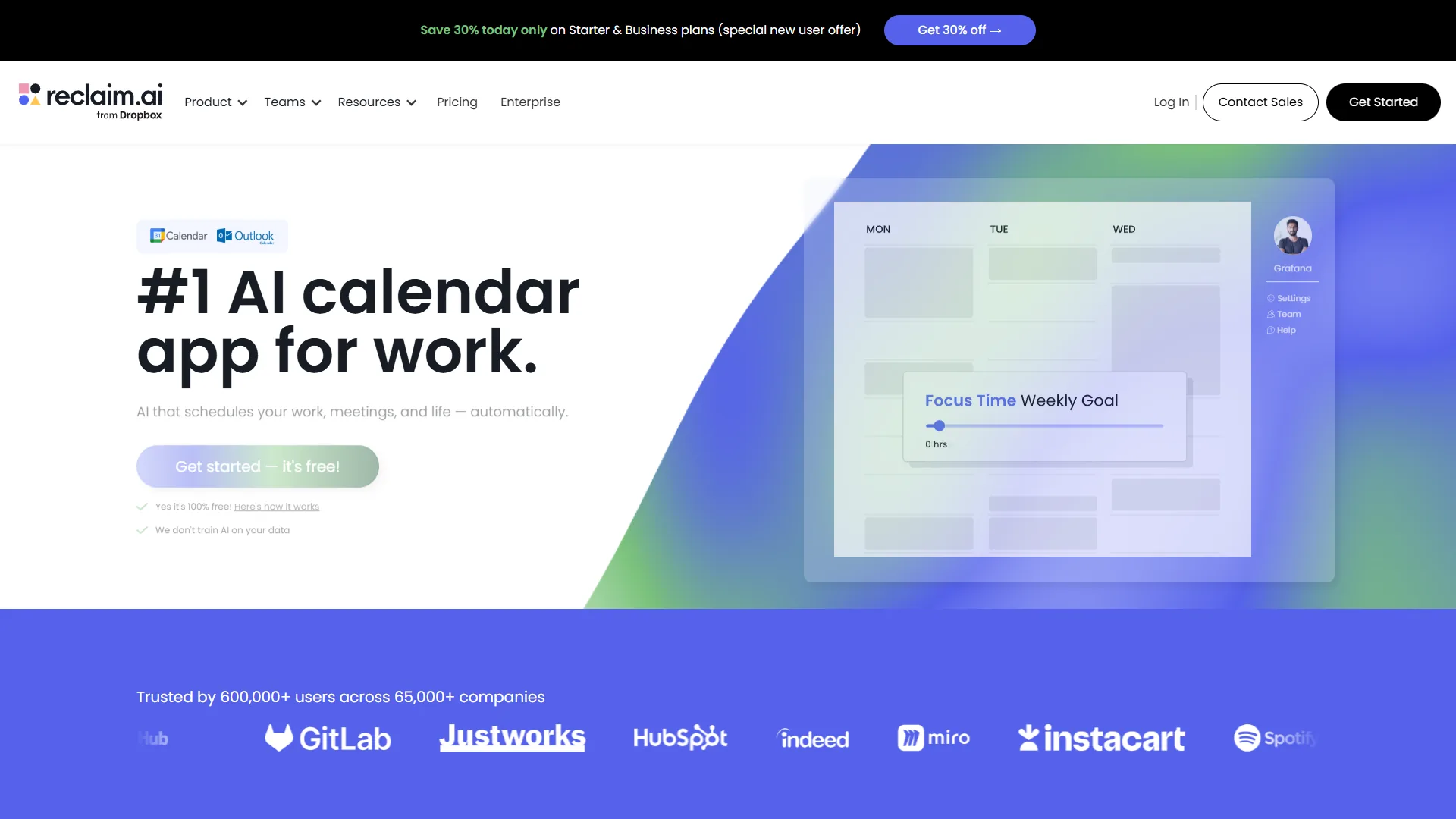
Reclaim AI stands out as a top choice for protecting focus time. The tool treats focus blocks as flexible “habits” that automatically reschedule when conflicts arise, and its Smart Meetings and team features extend the same logic across an entire group’s calendars.
What makes it special:
The AI learns when you prefer to focus (morning people can prioritize 9-11am blocks, for example), how long you need (2-hour chunks work well for deep work), and what priority level to assign. When a meeting request comes in during focus time, Reclaim automatically moves the focus block to the next available slot.
The habit-building system is brilliant for ADHD users. You can set up recurring tasks like “Deep work on writing” or “Code review” and Reclaim ensures they happen consistently without manual scheduling. On the team side, Smart Meetings find shared availability that respects everyone’s defended focus blocks instead of bulldozing through them.
Pricing:
- Free: Up to 3 habits (focus blocks), basic calendar sync
- Starter ($10/month annual): Unlimited habits, smart 1:1 meetings, buffer time
- Business ($18/month): Team scheduling links, advanced analytics
- Enterprise (custom): SSO, dedicated support
Real-world impact:
Users report significant gains after adopting Reclaim. One common pattern: going from 6 fragmented hours per week across 15 small gaps to 12 focused hours per week in 2-hour blocks, with noticeable improvements in output quality. Teams that roll Reclaim out collectively often see overlapping focus windows emerge naturally as flexible 1:1s shift to the edges of the day.
Pros:
- Learns your work patterns and preferences
- Automatically reschedules focus time when conflicts arise
- ADHD-friendly habit tracking
- Smart Meetings coordinate availability across teams
- Integrates with Google Calendar and Outlook
- Generous free plan
Cons:
- Limited to 3 habits on free plan
- Team analytics gated to higher tiers
- Occasional over-scheduling on busy weeks
Best for: Solo entrepreneurs, freelancers, individual contributors, and small teams who need consistent focus time without manual calendar tetris.
2. Motion: Best All-in-One Calendar + Task Management
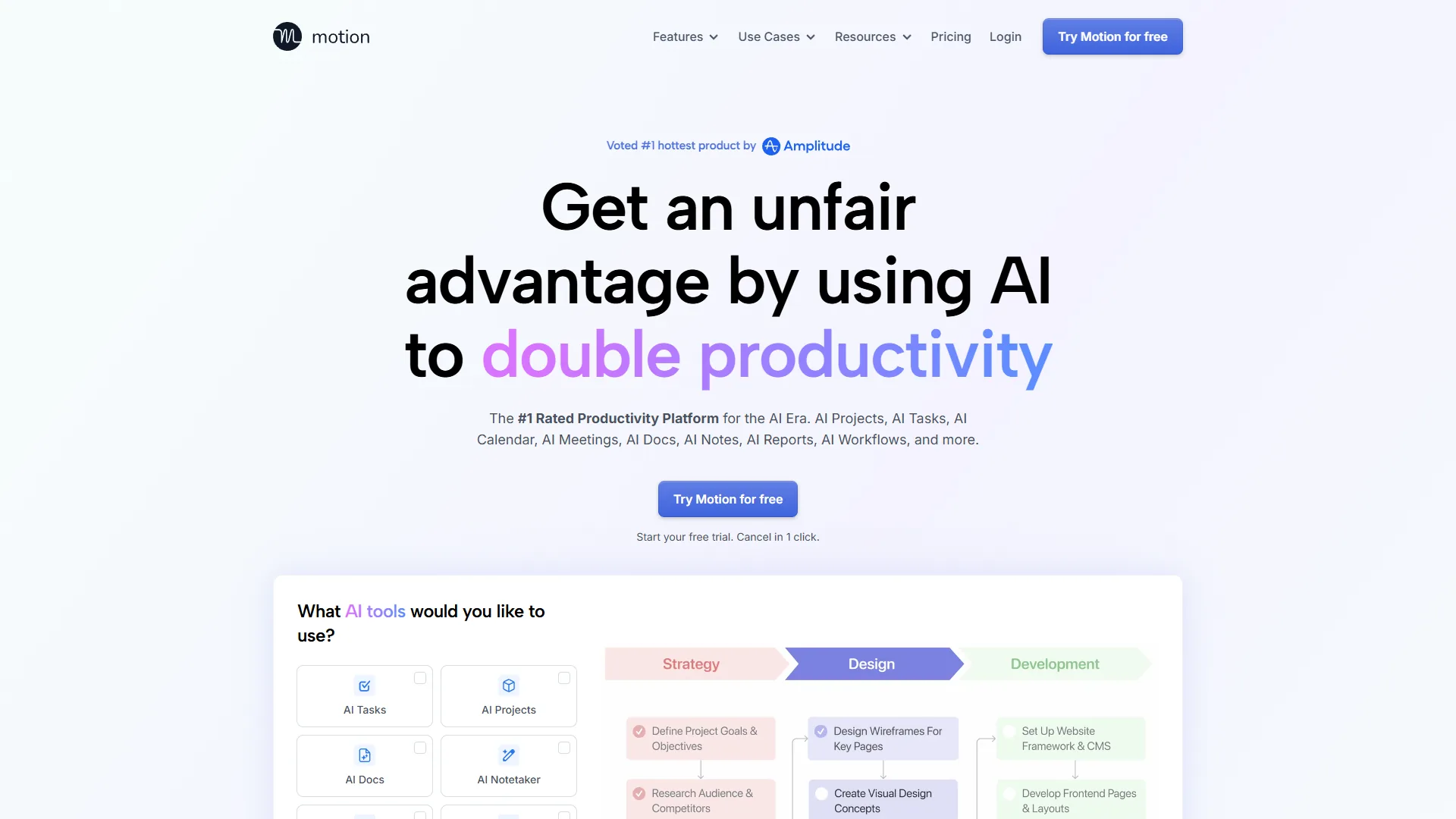
Motion is the Swiss Army knife of focus time tools. It combines calendar optimization, task management, and project planning into one AI-powered system, and its planner can auto-block deep work time around your meeting load.
What makes it special:
Motion doesn’t just protect focus time - it automatically schedules your tasks into those focus blocks. Tell Motion what needs to be done and when it’s due, and the AI creates a realistic schedule that accounts for meetings, deadlines, and your working hours.
The “auto-scheduler” is the standout feature. It treats tasks like flexible calendar events, automatically rescheduling them when urgent meetings appear. No more manual task Tetris or forgotten deadlines.
Pricing:
- Individual ($19/month): Personal AI calendar, unlimited tasks and projects
- Team ($29/month): Shared projects, team workload view
- All plans include a 7-day free trial
Real-world impact:
Motion shines for project-based deep work. Instead of dedicating arbitrary time blocks to “writing,” breaking it into tasks - “research tools” (2 hours), “draft outline” (1 hour), “write sections” (6 hours) - lets Motion schedule each task into focus blocks, adjusting when meetings pop up.
Users consistently report completing projects in roughly half the time compared to fragmented work schedules.
Pros:
- Combines calendar and task management in one tool
- Auto-schedules tasks into focus blocks
- Handles project dependencies automatically
- Intelligent deadline management
- Clean, modern interface
Cons:
- Most expensive option at $19/month minimum
- Steeper learning curve than Reclaim
- No free plan (only 7-day trial)
- Overkill if you just need calendar optimization
Best for: Solopreneurs and small teams who want to combine calendar optimization with intelligent task scheduling. Worth the premium if you struggle with both meeting overload and task prioritization.
Comparison Table: Feature Breakdown
| Feature | Reclaim AI | Motion |
|---|---|---|
| Rating | ||
| Starting Price | Free | $19/month |
| Auto Focus Time | Yes | Yes |
| Task Scheduling | No | Yes |
| Team Coordination | Yes (Smart Meetings) | Yes (workload view) |
| Calendar Integrations | Google, Outlook | Google, Outlook |
| Habit Tracking | Yes | No |
| Project Management | No | Yes |
| Free Plan | Yes (3 habits) | No (7-day trial) |
| Best For | Solo + small team focus time | All-in-one solution |
8 Actionable Focus Time Productivity Tips
Beyond tools, here are proven strategies drawn from productivity research and user feedback:
1. Schedule Focus Time as a Meeting with Yourself
Don’t wait for gaps to appear. Proactively block 2-hour chunks as recurring “meetings” with yourself. Both Reclaim and Motion let you set these as high-priority blocks that resist rescheduling.
Example setup: Two 2-hour blocks per day (9-11am and 2-4pm), Monday through Thursday. Fridays are flexible for meetings.
2. Use “Defensive Time” Before and After Meetings
Buffer time prevents context switching. Reclaim and Motion let you automatically add 5-10 minute buffers before/after meetings for mental reset.
Why it works: That 5-minute buffer lets you capture meeting notes, update tasks, and mentally transition to the next activity. Without it, you’re rushing from one context to another.
3. Front-Load Your Week with Focus Time
Research shows willpower and focus capacity diminish throughout the week. Schedule your most important deep work for Monday and Tuesday.
Tool insight: Aggregated scheduling data from AI calendar platforms consistently shows focus time on Fridays is meaningfully less productive than Mondays for most knowledge workers - one reason your hardest work belongs early in the week.
4. Batch Similar Tasks in Focus Blocks
Don’t waste a 2-hour focus block jumping between different types of work. Dedicate entire blocks to similar activities.
Examples:
- Content creation block: Writing, editing, designing (creative work)
- Analysis block: Data review, reporting, research (analytical work)
- Communication block: Email, Slack catch-up, quick calls (reactive work)
Motion’s task categorization makes this easy by color-coding different work types, and Reclaim’s habit categories play a similar role for solo workflows.
5. Set “No Meeting” Days or Half-Days
Even with AI optimization, meetings will fill all available time unless you create hard boundaries. Designate specific days as meeting-free.
One effective approach: No meetings before 12pm on Mondays and Wednesdays. This guarantees at least 10 hours of uninterrupted focus time per week, regardless of how the rest of the week fills up.
Both tools let you set scheduling preferences that block certain times from meeting requests.
6. Run Async Standups Instead of Daily Meetings
Replacing the daily standup with an async update in Slack or a shared Notion doc gives every team member 15-30 minutes of recovered morning focus time. The trick is to enforce a strict template - what I shipped, what I am working on, what is blocked - so the document stays scannable. Combine this with a weekly 30-minute video sync to keep the relationship side of standups intact without the daily interruption.
7. Train Your Team on Focus Time Norms
The best calendar tool in the world can’t help if your team doesn’t respect focus time. Create shared norms:
- Don’t schedule over blocked focus time (Reclaim’s calendar overlay makes blocks visible to teammates)
- Async > Meetings for non-urgent topics
- Cluster meetings in the afternoon when possible
Reporting tip: Reclaim’s analytics dashboards show team-wide trends across habits and meeting load, making it easy to spot when focus time is eroding and address it constructively.
8. Review and Adjust Your Focus Time Schedule Weekly
What works in January might not work in March. Review your focus time effectiveness weekly.
Questions to ask:
- Am I consistently getting my planned focus hours?
- Which time blocks are most productive for me?
- Are there patterns to when focus time gets interrupted?
Reclaim’s analytics show your focus time trends over time, making it easy to spot when things are slipping.
Which Tool Should You Choose?
Here’s an honest recommendation based on different situations:
Choose Reclaim AI if:
- You’re a solopreneur, individual contributor, or part of a small team
- You need consistent focus time but have unpredictable meetings
- You want ADHD-friendly habit tracking
- You need team scheduling that respects defended focus blocks
- Budget is tight (excellent free plan)
Choose Motion if:
- You struggle with both calendar management and task prioritization
- You’re managing complex projects with dependencies
- You want one tool to rule them all
- You have the budget for premium features ($19+/mo)
Power user setup: Some users combine Reclaim AI for personal focus time (morning blocks) with Motion for project-based task scheduling. Motion handles the task list and deadlines, while Reclaim defends morning deep work blocks from meeting creep.
Final Verdict: Protecting Focus Time in 2026
Focus time productivity isn’t about willpower or motivation - it’s about systems. The right AI calendar tool removes the friction of manual scheduling and defends your deep work time automatically.
The statistics are clear: you’re losing thousands of hours per year to fragmented schedules and context switching. Tools like Reclaim AI and Motion can reclaim that time with minimal effort on your part.
Overall winner: Reclaim AI for solo users and most small teams. The combination of automatic focus time scheduling, habit tracking, Smart Meetings, and aggressive defense against meeting creep makes it the most effective option for both individual productivity and lightweight team coordination.
For project-heavy workflows where every focus block needs a specific task assigned to it, Motion is unmatched. The auto-scheduler ties calendar optimization directly to your to-do list so deep work time always has a clear deliverable attached.
Start with Reclaim AI’s free plan or Motion’s 7-day trial. Test it for two weeks. Track your focus hours before and after. The data consistently shows at least a 50% increase in uninterrupted deep work time.
Next steps: Pick a tool from the comparison table above, block your first focus time sessions, and protect them aggressively. Your future, more productive self will thank you.
Frequently Asked Questions
How long does it take to recover from a work interruption?
According to UC Irvine research, it takes an average of 23 minutes and 15 seconds to fully recover from a single interruption. Since the average knowledge worker is interrupted every 11 minutes, full recovery rarely happens before the next disruption arrives - creating a cycle that severely fragments focus time.
Which AI calendar tool is best for protecting focus time?
Reclaim AI is the top pick for solo users, solopreneurs, and small teams. It learns your work patterns, automatically schedules focus blocks, and reschedules them when meetings conflict. Its Smart Meetings feature also coordinates availability across a group while respecting each person’s defended focus time, so teams with heavy meeting loads can create overlapping focus windows without manual juggling.
Does Reclaim AI have a free plan?
Yes - Reclaim AI offers a free plan that includes up to 3 habits (focus blocks) and basic calendar sync. The Starter plan at $10/month annual unlocks unlimited habits, smart 1:1 meetings, and buffer time. A Business plan is available at $18/month for teams needing advanced analytics and scheduling links.
How is Motion different from Reclaim AI?
Motion combines calendar optimization with full task management and project planning in one tool. Unlike Reclaim AI, Motion automatically schedules individual tasks into focus blocks and handles project dependencies. It starts at $19/month with no free plan - only a 7-day trial - making it the more expensive but more comprehensive option when project execution matters as much as defending focus time.
What is the best day of the week to schedule deep work?
Research suggests scheduling the most important deep work on Monday and Tuesday, when focus capacity is highest. Aggregated calendar data from AI scheduling platforms also shows focus time on Fridays is meaningfully less productive than Mondays for most knowledge workers, making early-week blocks the most effective for demanding tasks.
Can I use Reclaim AI and Motion together?
Yes, and several power users do exactly that. Reclaim AI handles personal habits and defends recurring deep-work blocks; Motion handles project tasks with dependencies. The trick is to make each tool authoritative over a different layer of the calendar - Reclaim owns the habit blocks and 1:1 buffer time, Motion owns task execution windows. Both connect to Google Calendar or Outlook as the source of truth, so calendar conflicts surface immediately rather than silently overlapping.
Want to learn more about Reclaim AI?
Related Guides
- How to Schedule Smarter with AI - Reclaim and Motion deep-dive on calendar automation
- Meeting Culture Reform AI - Sibling guide on reducing meeting load to protect focus time
- Best AI Calendar Tools 2026 - Full landscape comparison
Related Reading
- Reclaim AI Review - Full feature, pricing, and ratings breakdown
- Motion Review - Auto-scheduler and project management deep dive
- AI Tools for Solopreneurs - Productivity stack recommendations
- Time Blocking with AI Calendars - Tactics for structuring the calendar
External Resources
- Harvard Business Review - Productivity - Research-backed essays on deep work and attention
- McKinsey Organizational Performance - Workplace productivity benchmarks
- Asana Anatomy of Work Report - Annual data on knowledge-worker time use