


Apps like Canva are design tools that compete with Canva across social graphics, marketing collateral, presentations, and product design workflows. The three strongest picks in 2026 are Adobe Express, Figma, and Canva itself, each leading on different fronts like AI credits, team pricing, advanced editing, or collaborative prototyping for product teams.
Our analysis draws on vendor documentation and independent industry research, including the U.S. Bureau of Labor Statistics outlook for graphic designers and the Adobe Future of Creativity 2024 study. Some links on this page are affiliate links; our analysis remains independent.
According to a Forrester Consulting Total Economic Impact study commissioned by Canva, the platform “delivered a 438% return on investment over three years” for surveyed organizations, validating the productivity case for template-driven design tools across non-design teams.
If you have searched for “apps like Canva,” you are usually after Canva alternatives free without login, or a tool that covers a gap Canva misses. This guide focuses on three apps that cover the practical workflows readers ask about, including apps like Canva for presentations and free apps like Canva for Android.
Why People Look for Apps Like Canva
Canva has six concrete limits that push users to search for alternatives: AI credits run out (500/month on Pro), the 140 million+ shared template library produces visible overlap across brands, per-user pricing scales poorly ($12.99/user for Pro), advanced pixel editing is missing, CMYK print output is too basic, and product-design features like prototyping and developer handoff do not exist. Template-first clones like VistaCreate cover that workflow at a lower price. The Canva alternatives roundup goes wider on gaps.
Comparison Table: Apps Like Canva
Canva, Adobe Express, and Figma have four metrics that decide fit: starting price, template volume, AI engine, and learning curve, and the table below ranks each app on those metrics.
| Feature | Canva | Adobe Express | Figma |
|---|---|---|---|
| Starting Price | Free / $12.99/mo | Free / $9.99/mo | Free / $15/mo per seat |
| Best For | Non-designers, marketers | Adobe ecosystem users | UX/UI teams, product design |
| Templates | 140M+ | 100,000+ | Community-driven |
| AI Engine | Magic Studio (Veo 3) | Adobe Firefly | Plugin ecosystem |
| Free Storage | 5GB | 5GB | Unlimited drafts |
| Collaboration | Real-time + scheduling | Basic sharing | Industry-leading real-time |
| Learning Curve | Minutes | 1-2 hours | Days to weeks |
| User Base | 170M+ | 5M+ | 13M+ |
The key insight: these tools are not interchangeable. Canva targets non-designers who need fast, professional results. Adobe Express targets Creative Cloud users who want a simpler alternative to Photoshop. Figma targets design teams building digital products. Picking the right one depends on who you are and what you are designing, not which tool has the longest feature list.
Feature-by-Feature: AI Capabilities for Apps Like Canva
Canva offers the broadest AI feature set, Adobe Express delivers commercially safe Firefly output with IP indemnification, and Figma relies on a plugin ecosystem for AI capabilities.
| AI Capability | Canva | Adobe Express | Figma |
|---|---|---|---|
| Text-to-Image | Magic Media (Veo 3) | Firefly (commercially safe) | Via plugins |
| AI Text Generation | Magic Write (brand voice) | Adobe’s AI copywriter | None native |
| Background Removal | Yes (Pro) | Yes (Firefly-powered) | Via plugins |
| Smart Resize | Magic Resize | One-click resize | Auto Layout |
| AI Design Suggestions | Magic Design | Template suggestions | AI-powered layout tools |
| Brand Voice AI | Yes (Pro) | Limited | No |
| Commercial Safety | Standard licensing | IP indemnification (Enterprise) | N/A |
| Monthly AI Credits | 500 (Pro) | 250 (Free + Premium) | Unlimited (plugin-dependent) |
The takeaway: Canva covers the most AI use cases in one place (see Figma AI vs Canva design). Adobe Express delivers commercially safe Firefly output. Figma relies on a plugin ecosystem to bolt on whichever AI tools the team prefers.
1. Canva - The All-in-One Design Standard
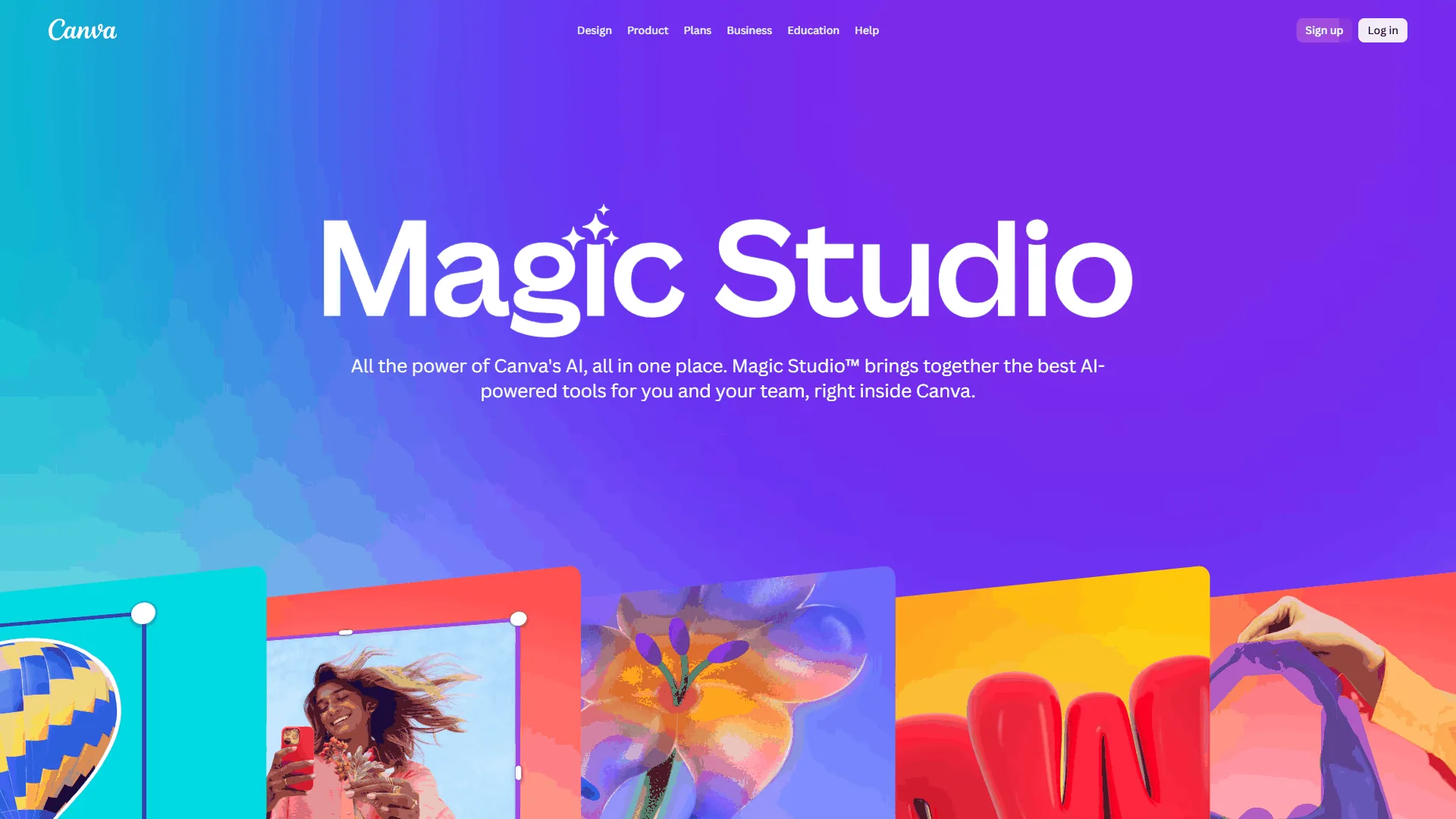
Pricing: Free / $12.99/mo (Pro) / $20/user/mo (Business) Free tier: 2M+ templates, 5GB, 25 Magic Write uses
Canva is still the benchmark every other design app measures itself against. The 2026 Visual Suite 2.0 update added a conversational Canva AI assistant, Magic Media powered by Google’s Veo 3 for video, and Canva Code for building interactive experiences without writing code.
What Canva Does Best
Canva’s real superpower is breadth. Social posts, presentations, flyers, video ads, brand kits, and interactive experiences all live in one tool, saving solo marketers hours of context-switching.
- 140M+ premium templates dwarf every competitor
- Content Planner schedules to 8+ social platforms without Buffer or Hootsuite
- Brand Kit stores fonts, colors, and logos (Pro supports up to 1,000 kits)
- Magic Studio covers text-to-image, brand voice, background removal, and smart resize
- Near-zero learning curve - productive within 15 minutes
Where Canva Falls Short
500 monthly AI credits run out fast, template dependency makes designs look generic, pixel-level editing is missing, CMYK print output is basic, and billing/cancellation complaints remain common.
Canva Pricing Breakdown
| Plan | Monthly | Annual | Key Limits |
|---|---|---|---|
| Free | $0 | $0 | 5GB storage, 2M+ templates, 25 Magic Write uses |
| Pro | $12.99 | $119.99/yr | 1TB storage, 140M+ assets, 500 AI credits |
| Business | $20/user | $200/user/yr | Unlimited storage, team governance |
| Enterprise | Custom | Custom | SSO, audit logs, 99.99% SLA |
Bottom line: Canva is the right choice for non-designers, social media managers, and small businesses who need one tool that handles everything reasonably well. Skip Canva for product design (use Figma), professional print work, or workflows needing unlimited AI generation.
2. Adobe Express - Best Budget-Friendly Design App
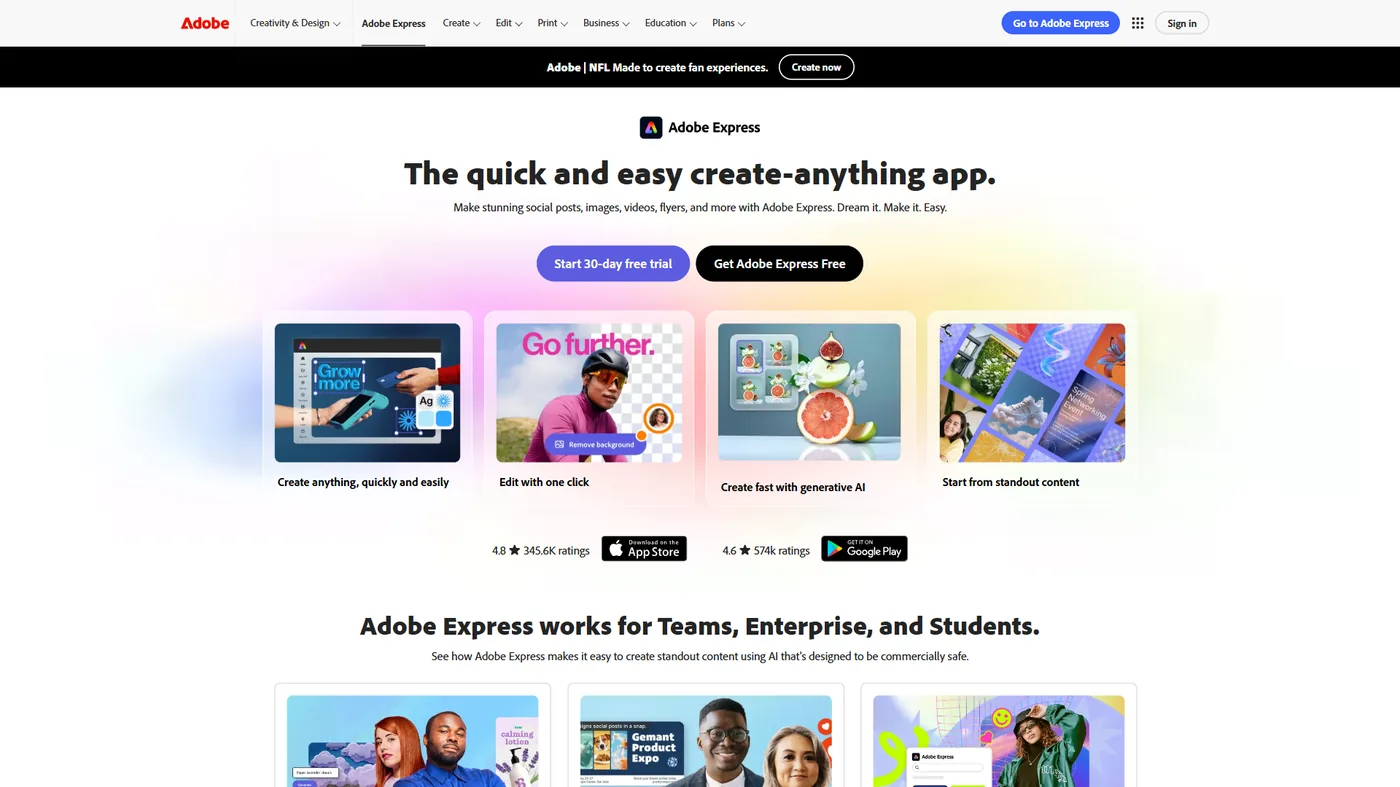
Pricing: Free / $9.99 per month (Premium) / $49.99 per month (Teams) Free tier: 100,000+ templates, 250 AI credits, 5GB storage Time savings: Around 3 hours/week per user
Adobe Express costs less than Canva ($9.99 vs $12.99 per month), includes 200M+ Adobe Stock assets with Premium, and its Firefly AI generates commercially safe images. Any paid Creative Cloud plan includes Express Premium at no extra cost.
What Adobe Express Does Best
Adobe Firefly is the differentiator. Trained exclusively on Adobe Stock, openly licensed content, and public domain material, every AI-generated image is commercially safe - a deciding factor for brands worried about AI licensing.
- $9.99/month vs Canva’s $12.99; Teams about $4.16/user
- 200M+ Adobe Stock assets plus 30,000+ Adobe Fonts (about 10x Canva)
- Firefly IP indemnification on Enterprise covers AI legal costs
- Creative Cloud integration syncs with Photoshop and Illustrator
- One-click quick actions for background removal, resize, and trimming
Where Adobe Express Falls Short
Collaboration is weaker (no simultaneous editing), the 100,000+ template library is much smaller than Canva’s, large video files lag, and the third-party integration count is far below Canva’s 343+ apps.
Adobe Express Pricing Breakdown
| Plan | Monthly | Annual | Key Limits |
|---|---|---|---|
| Free | $0 | $0 | 100K+ templates, 250 AI credits, 5GB |
| Premium | $9.99 | $99.99/yr | 200M+ assets, 30K+ fonts, 100GB |
| Teams | $49.99 | Around $80/yr per user | Brand kits, template locking, 1TB/user |
| Enterprise | Custom | Custom | IP indemnification, SSO, custom credits |
Bottom line: Adobe Express is the best value pick for Creative Cloud subscribers, font-heavy freelancers, and brands needing commercially safe AI content. The Adobe Express alternatives roundup covers other options.
3. Figma - Best for Teams Building Digital Products
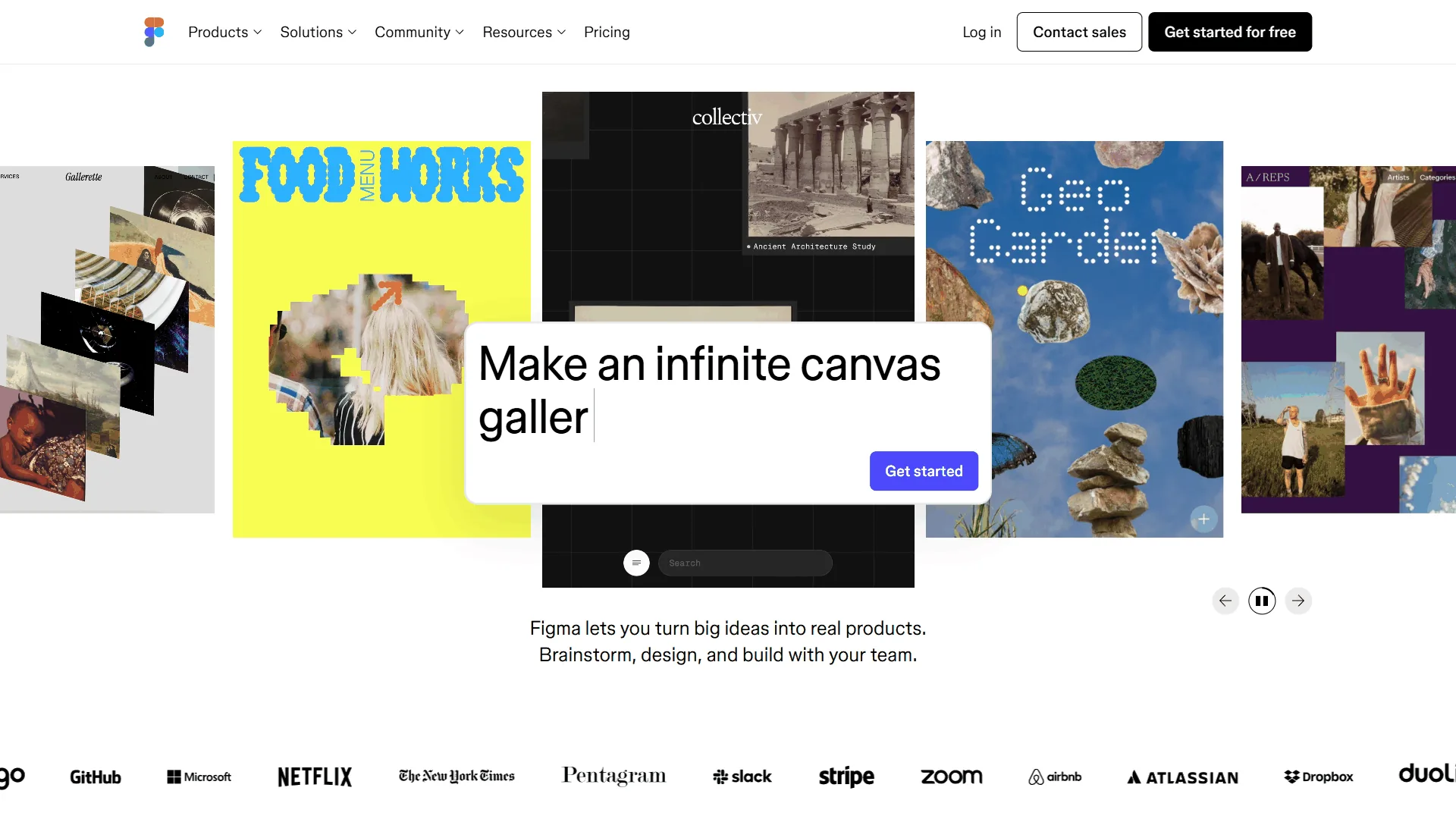
Pricing: Free (Starter) / $15 per month per seat (Professional) / $45 per month per seat (Organization) Free tier: 3 Figma files, 3 FigJam files, unlimited drafts Time savings: Around 4 hours/week, 328% ROI (Forrester TEI study)
Figma is a professional design platform product teams choose instead of Canva when they need precision, prototyping, and developer handoff. For Instagram posts Figma is overkill; for app interfaces and design systems it is the industry standard. The Figma Community adds thousands of free templates and plugins.
What Figma Does Best
Figma’s core advantage is real-time collaboration for design teams - multiple designers editing the same file with live cursors and instant sync.
- Multiplayer editing with live cursors, comments, and file branching
- Dev Mode auto-generates CSS, iOS, and Android code plus specs
- Design systems scale via components, variants, and Auto Layout
- Prototyping with smart animate built in
- FigJam whiteboarding and plugin ecosystem for AI tools
Where Figma Falls Short
There is no template marketplace, the learning curve runs a full week of focused use, per-seat pricing of $15-$45 scales fast across teams, and there are no built-in social scheduling or print templates.
Figma Pricing Breakdown
| Plan | Monthly | Annual | Key Limits |
|---|---|---|---|
| Starter | $0 | $0 | 3 files, unlimited drafts and collaborators |
| Professional | $20/seat | $15/seat/yr | Unlimited files, Dev Mode, branching |
| Organization | N/A | $45/seat/yr | Design system analytics, SSO, admin |
| Enterprise | N/A | $75/seat/yr | Advanced security, SCIM, guest controls |
Bottom line: Figma is the right app like Canva for UX/UI designers, product teams, and frontend developers needing collaborative precision design - the best AI design tools 2026 guide covers adjacent platforms. Skip Figma for marketing graphics or teams without a professional designer.
Which Tool Fits Your Workflow
Canva works best for social media managers, Adobe Express works best for freelancers needing stock and fonts, and Figma works best for product teams needing prototyping and developer handoff.
Social Media Managers
Best pick: Canva - Content Planner scheduling, Magic Resize, and 140M+ templates make it the fastest idea-to-post path. Adobe Express is the runner-up for photo-heavy posts.
Freelance Designers
Best pick: Adobe Express - $9.99/month, 30,000+ fonts, and 200M+ stock assets beat Canva Pro on professional resources, and Creative Cloud subscribers get it free. Pair with Figma for precision client work.
Marketing Teams (5+ people)
Best pick: Canva Business - Brand Kit template locking, approval workflows, and team governance at $20/user/month keep large teams on-brand.
Product Design Teams
Best pick: Figma - Nothing else matches it for collaborative UI/UX, prototyping, and Dev Mode developer handoff.
Solopreneurs on a Budget
Best pick: Adobe Express Free or Canva Free - Both are useful; try both interfaces and see which clicks.
Startups Needing Everything
Best pick: Canva Pro + Figma Free - Canva handles marketing and decks, Figma covers wireframes; the combo costs under $13/month.
ROI Calculator: Productivity Across Apps Like Canva
Canva and Adobe Express deliver day-one break-even on productivity gains, while Figma reaches a larger 328% three-year ROI after about 11 months because the learning curve is longer.
| Metric | Canva | Adobe Express | Figma |
|---|---|---|---|
| Time Saved/Week | 4 hours | 3 hours | 4 hours |
| Learning Time | 15 minutes | 1-2 hours | 1 week |
| Monthly Cost (Individual) | $12.99 | $9.99 | $15-$20/seat |
| Annual Cost (Individual) | $119.99 | $99.99 | $180/seat |
| ROI Study | 4.38x (Forrester) | N/A | 328% (Forrester) |
| Break-Even Time | Day 1 | Day 1 | 11 months |
The Forrester study found 328% ROI for Figma with $1.8M in three-year efficiency savings.
What About Other Apps Like Canva?
Five niche apps like Canva worth knowing are Visme (data visualization), Piktochart (infographics), Snappa (quick social posts), VistaCreate (template-first Canva clone), and PicMonkey (photo editing) - each serves one specific job better than Canva but cannot replace it for general design.
- Visme - Data visualization and infographics; priced from $29/month, worth it for weekly reports.
- Piktochart - Infographics and visual reports at $14/month; niche but solid at the job.
- Snappa - Social graphics at $10/month, faster than Canva for quick posts.
- VistaCreate - Canva’s closest clone; smaller library, less mature AI.
- PicMonkey - Photo retouching at $8/month; not for general design.
Selection Criteria: How to Choose
The right app like Canva is the one that fits three filters: design type, monthly budget, and existing Adobe Creative Cloud subscription. Use the three questions below to decide.
1. What are you designing most often? Social/marketing/presentations —> Canva. Photo-heavy or typography-forward —> Adobe Express. App interfaces or design systems —> Figma.
2. What is your budget? All three offer free tiers. Under $10/month —> Adobe Express Premium ($9.99). Under $15/month —> Canva Pro ($12.99) or Figma Professional ($15/seat). Team budget —> Canva Business ($20/user) or Figma Organization ($45/seat).
3. Do you already use Adobe Creative Cloud? Yes —> Adobe Express is included free. No —> Canva for general design, Figma for product design.
The Bottom Line
The best app like Canva is the one that matches a specific workflow, not the longest feature list: Canva ($12.99/month) for general non-designer work, Adobe Express ($9.99/month) for Creative Cloud users and commercially safe AI, and Figma for product teams needing real-time collaboration and dev handoff.
A practical setup pairs Canva Pro for marketing with Figma Free for wireframes, or Adobe Express for daily graphics plus Figma Professional for design systems.
FAQ
Q: What is the best alternative to Canva?
The best alternative to Canva is Adobe Express for value and commercially safe AI, or Figma for product design teams. Adobe Express costs $9.99/month vs Canva Pro’s $12.99 and ships with Firefly IP indemnification on Enterprise; Figma leads on real-time collaboration and developer handoff.
Q: Is there a replacement for Canva?
Yes - Adobe Express replaces Canva for marketing graphics and AI image generation, while Figma replaces Canva for product design and prototyping. Pick by workflow: marketing-first uses Adobe Express, product-design uses Figma.
Q: What is a free version of Canva?
Canva itself offers a free tier with 2M+ templates and 25 Magic Write uses. Free apps like Canva for Android include Adobe Express Free (250 AI credits, Adobe Stock access) and Figma Free (3 files, unlimited drafts).
Q: Who are Canva’s main competitors in 2026?
Canva’s main competitors in 2026 are Adobe Express and Figma. Adobe Express challenges Canva on marketing graphics with stronger editing and print output; Figma competes for product teams needing prototyping, developer handoff, and shared component libraries.
Q: Why do people look for apps like Canva?
People look for apps like Canva because of six common pain points: 500-credit monthly AI ceilings, template fatigue across 170 million users, per-user pricing that scales poorly, limited advanced editing, weak CMYK print support, and missing product-design features like prototyping.
Related Reading
Related reading on apps like Canva includes four guides that cover individual head-to-heads and the broader AI design tool landscape.
- Canva vs Adobe Express 2026 - Deep-dive head-to-head comparison
- Figma AI vs Canva Design - AI feature comparison for design teams
- Best AI Design Tools 2026 - Full roundup of AI-powered design platforms
- Canva Review | Adobe Express Review | Figma Review
External Resources
Three vendor-published learning resources offer official tutorials and template libraries that help readers go further with each tool.