


AI tools for coding are software platforms that automate repetitive coding tasks, from autocomplete to multi-file refactors and autonomous pull requests. The top picks in 2026 include GitHub Copilot, Cursor, Windsurf, Tabnine, and Claude Code. Each targets a different workflow, from GitHub-native IDE plugins to terminal-first agentic coding with a 200K context window.
According to a study by GitHub, developers using AI pair-programming completed tasks 55% faster than the control group, and a follow-up DORA 2024 report from Google Cloud found 75% of developers now use AI in their daily work.
Our analysis draws on vendor documentation and independent industry research; we did not run hands-on benchmarks. Some links on this page are affiliate links; our analysis remains independent.
This guide covers the best AI for coding free tiers, paid plans, and AI tools for coding GitHub-native workflows in 2026, plus a side-by-side look at the leading AI code generator and AI coding agents 2026 reviewers have ranked top of the market.
Comparison Table
The five best AI tools for coding in 2026 are GitHub Copilot, Cursor, Windsurf, Tabnine, and Claude Code, ranked by pricing tier, IDE coverage, and agentic capability in the table below.
| Tool | Rating | Starting Price | Best For | Approach |
|---|---|---|---|---|
| GitHub Copilot | Free / $10/mo Pro | Most developers, GitHub-native workflows | IDE plugin with multi-model support | |
| Cursor | Free / $20/mo Pro | Complex refactoring, full-codebase work | AI-first code editor (VS Code fork) | |
| Windsurf | Free / $15/mo Pro | Rapid prototyping, autonomous flows | AI-native IDE with Cascade agent | |
| Tabnine | $59/user/mo | Enterprise teams, code privacy | IDE plugin with on-premise deployment | |
| Claude Code | Free / $20/mo Pro | Terminal-first devs, agentic coding | CLI-based agent with 200K context |
Selection Criteria
The five factors that decide which AI coding tool fits a developer are integration model, context window, pricing at scale, privacy posture, and learning curve.
- Integration model - Does it live inside your existing editor, replace it, or operate from the terminal? Switching editors carries a real migration cost.
- Context window - How much of your codebase the AI sees at once determines whether it can handle multi-file refactors or only single-file completions.
- Pricing at scale - A $10 per month plan with a 300 premium-request cap can cost more in practice than a $20 per month tool with higher limits.
- Privacy and compliance - Enterprise teams in regulated industries need on-premise or zero-retention options.
- Learning curve - Some tools require workflow changes; others drop into your existing setup with minimal friction.
1. GitHub Copilot - The Industry Standard
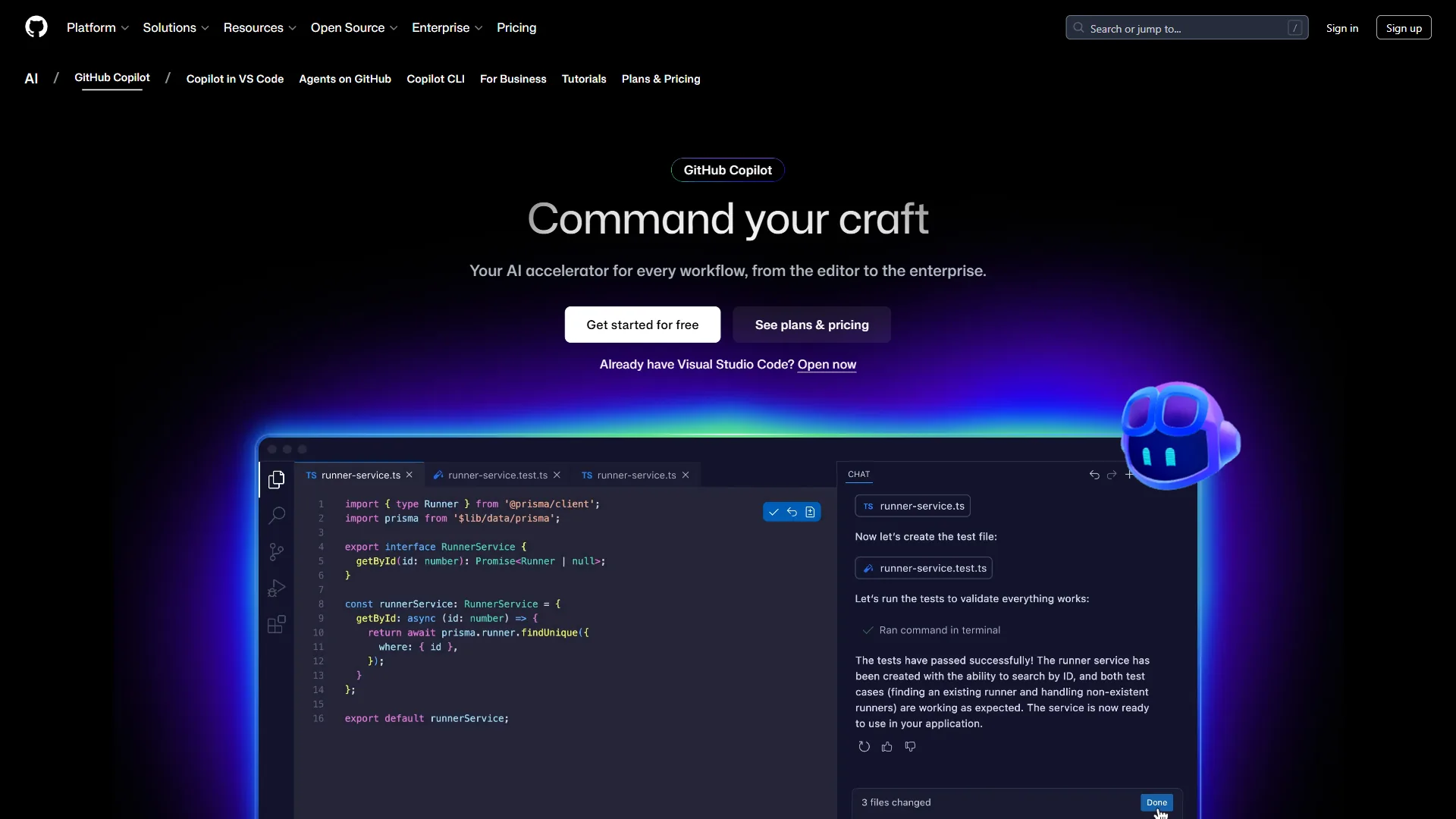
GitHub Copilot is the most widely adopted AI coding tool, integrating with VS Code, JetBrains, Visual Studio, and Neovim with access to GPT-5, Claude Sonnet 4.5, and Gemini 2.5 Pro.
What Makes It Stand Out
According to Thomas Dohmke, CEO at GitHub, “we are witnessing the largest contributor expansion in GitHub’s history, driven by the rapid adoption of AI tools like GitHub Copilot.” Copilot’s strength is GitHub-ecosystem integration. Copilot Chat answers questions about your codebase, and the coding agent (preview) can take a GitHub issue and open a PR with the implementation.
Key Features:
- Multi-model support (GPT-5, Claude Sonnet 4/4.5, Gemini 2.5/3 Pro)
- Code completions, chat, and agentic coding in one package
- Works across VS Code, JetBrains, Visual Studio, CLI, and mobile
- Coding agent that can implement issues autonomously
Pricing
- Free: 2,000 completions + 50 premium requests/month
- Pro: $10/mo - unlimited completions, 300 premium requests
- Pro+: $39/mo - 1,500 premium requests, all models
- Business: $19/user/mo - admin controls, IP indemnity
- Enterprise: $39/user/mo - custom knowledge bases, codebase indexing
Students, teachers, and open-source maintainers get free access.
Choose GitHub Copilot If
You want the lowest-friction entry into AI-assisted coding. Copilot works inside your existing editor, supports the broadest IDE range, and offers the best value at $10 per month, especially for GitHub-native developers.
Limitations: Weaker multi-file refactoring than Cursor, a 300 premium-request cap on Pro, and an agent still in preview. Skip Copilot if cross-file edits dominate your day or you need on-premise compliance.
2. Cursor - The Power User’s Editor
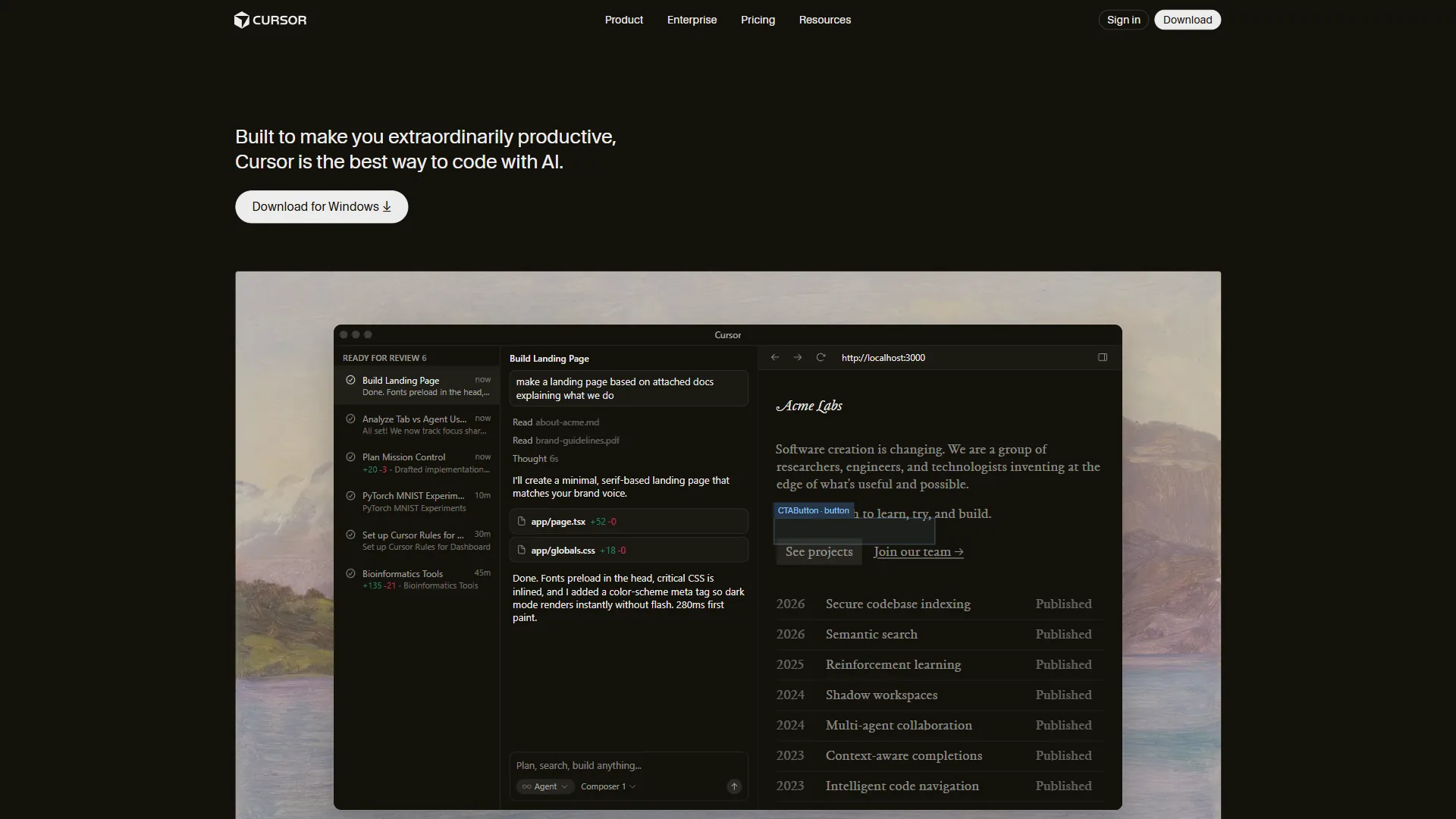
Cursor is an AI-first code editor forked from VS Code, with AI woven into every interaction from tab completions to multi-file refactoring.
What Makes It Stand Out
Cursor’s standout feature is deep codebase understanding. When you ask it to refactor a function, it finds every call site, updates imports, modifies tests, and adjusts related types. Agent mode plans multi-step changes across dozens of files; Composer lets you describe a feature in natural language and watch Cursor implement it.
Key Features:
- Multi-file refactoring with full codebase context
- Agent and Composer modes for complex coding tasks
- Background Agents for async task execution
- Tab completions powered by a custom Fusion model
- All VS Code extensions compatible
Pricing
- Hobby: Free - limited agent requests and tab completions
- Pro: $20/mo - $20 of API agent usage, unlimited tab completions
- Pro+: $60/mo - $70 of API usage, access to GPT-5 and Claude Opus
- Ultra: $200/mo - $400 of API usage, priority features
- Teams: $40/user/mo - centralized billing, analytics, SSO
Choose Cursor If
You work on complex codebases where file relationships matter more than fast single-line completions. Learning curve is minimal since it is based on VS Code.
Limitations: Double Copilot at $20/mo with hard-to-predict credit-based agent pricing, VS Code lock-in excluding JetBrains and Vim, and higher RAM usage. Skip Cursor if your team works in mixed IDEs.
3. Windsurf - The Rapid Prototyper
Windsurf (formerly Codeium) is an AI-native IDE with the most generous free tier in the market - unlimited base-model access and autocomplete, not a trial.
What Makes It Stand Out
Cascade is Windsurf’s headline feature, an agentic flow system that takes a high-level instruction such as “add OAuth authentication” and breaks it into steps, creates files, writes code, runs tests, and iterates until it works. The SWE-1.5 model, designed for software engineering, runs 13x faster than Claude 4.5 for code queries.
Key Features:
- Cascade agentic flows for autonomous task execution
- Unlimited base model access on the free tier
- SWE-1.5 model optimized for coding speed
- Built-in previews and deployment (up to 5/day on Pro)
- BYOK support for Claude models
Pricing
- Free: Unlimited base model access, 25 premium credits/month
- Pro: $15/mo - 500 premium credits, SWE-1.5 access, 5 deploys/day
- Teams: $30/user/mo - admin dashboard, SSO, knowledge base
- Enterprise: Custom pricing - hybrid deployment, custom integrations
Choose Windsurf If
You want maximum AI capability at the lowest price point. The free tier is the most generous in the market, and Pro at $15/mo undercuts Cursor and Copilot Pro while offering frontier-model access. Strong for rapid prototyping.
Limitations: A younger ecosystem, occasional rough edges in Cascade on niche stacks, and credit accounting less transparent than flat-rate pricing.
4. Tabnine - The Enterprise Privacy Pick
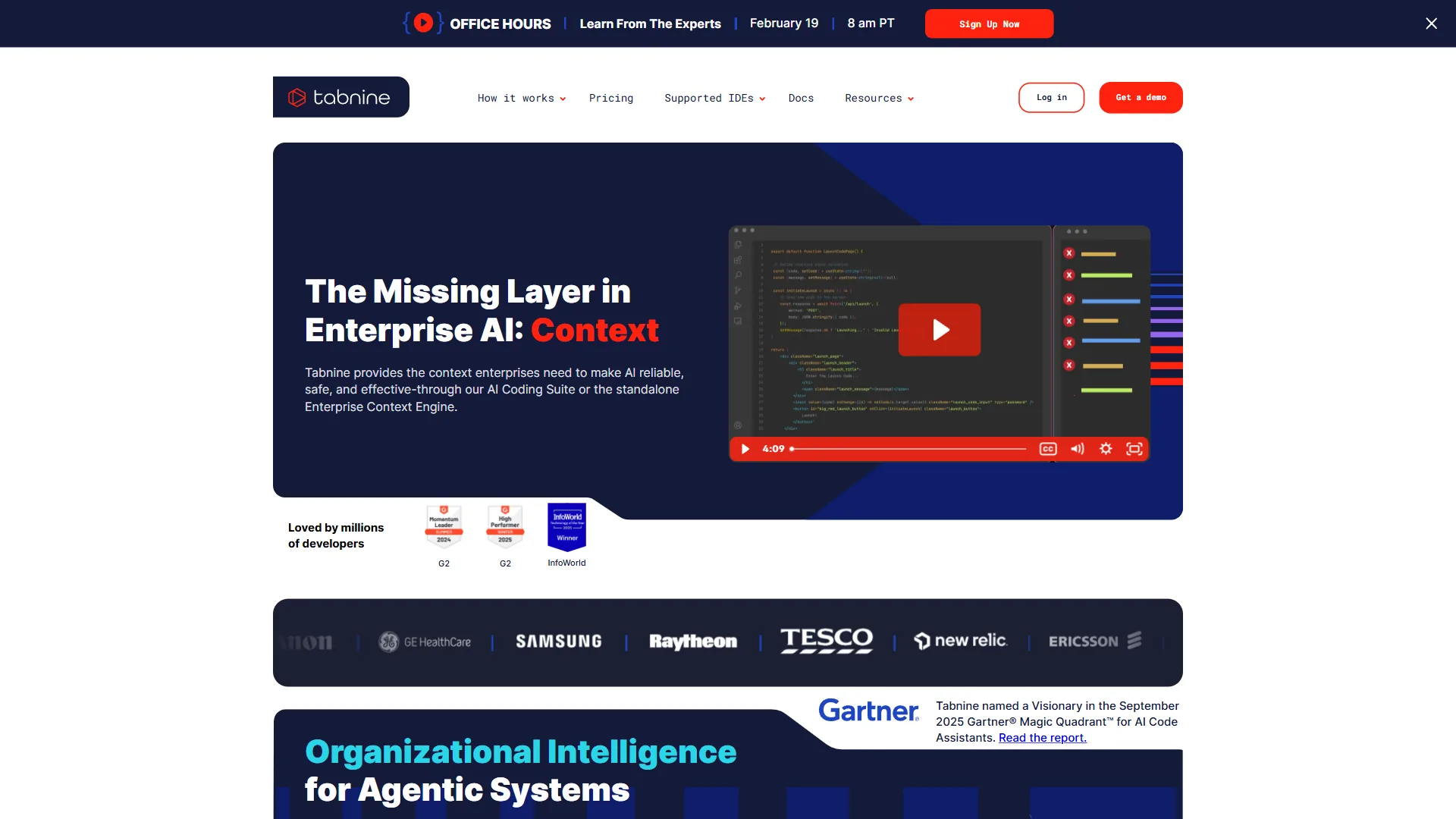
Tabnine offers on-premises deployment, air-gapped environments, and zero data retention, making it the go-to choice for enterprise teams in regulated industries.
What Makes It Stand Out
Privacy is Tabnine’s differentiator. For finance, healthcare, defense, or government teams where sending proprietary code to external servers is not an option, Tabnine may be the only viable assistant. It is SOC 2 and ISO 27001 certified, provides provenance tracking, and runs within your own infrastructure. Tabnine also offers agentic workflows for code review, test generation, and Jira ticket implementation.
Key Features:
- On-premises and air-gapped deployment options
- SOC 2 and ISO 27001 compliance
- AI agents for code review, testing, and Jira implementation
- Provenance tracking for license-safe AI usage
- Multi-model support (Claude 4.0 Sonnet, Gemini 2.5/3.0, GPT-5)
Pricing
- Platform: $59/user/mo (annual subscription)
- Includes AI completions, chat, workflow agents, and enterprise security
- Custom enterprise pricing available
Tabnine recently discontinued its free tier. The $59/mo price is higher than alternatives but bundles SSO, compliance certs, and on-premise deployment.
Choose Tabnine If
Your organization has strict code-privacy, compliance, or data-sovereignty requirements. Tabnine is the only major AI coding assistant offering true on-premises deployment for air-gapped environments.
Limitations: $59/user/mo is 3-6x developer-tier pricing elsewhere, no free tier, and an agent layer that lags Cursor and Copilot. Skip Tabnine if you are a solo developer without compliance pressure.
5. Claude Code - The Terminal-First Agent
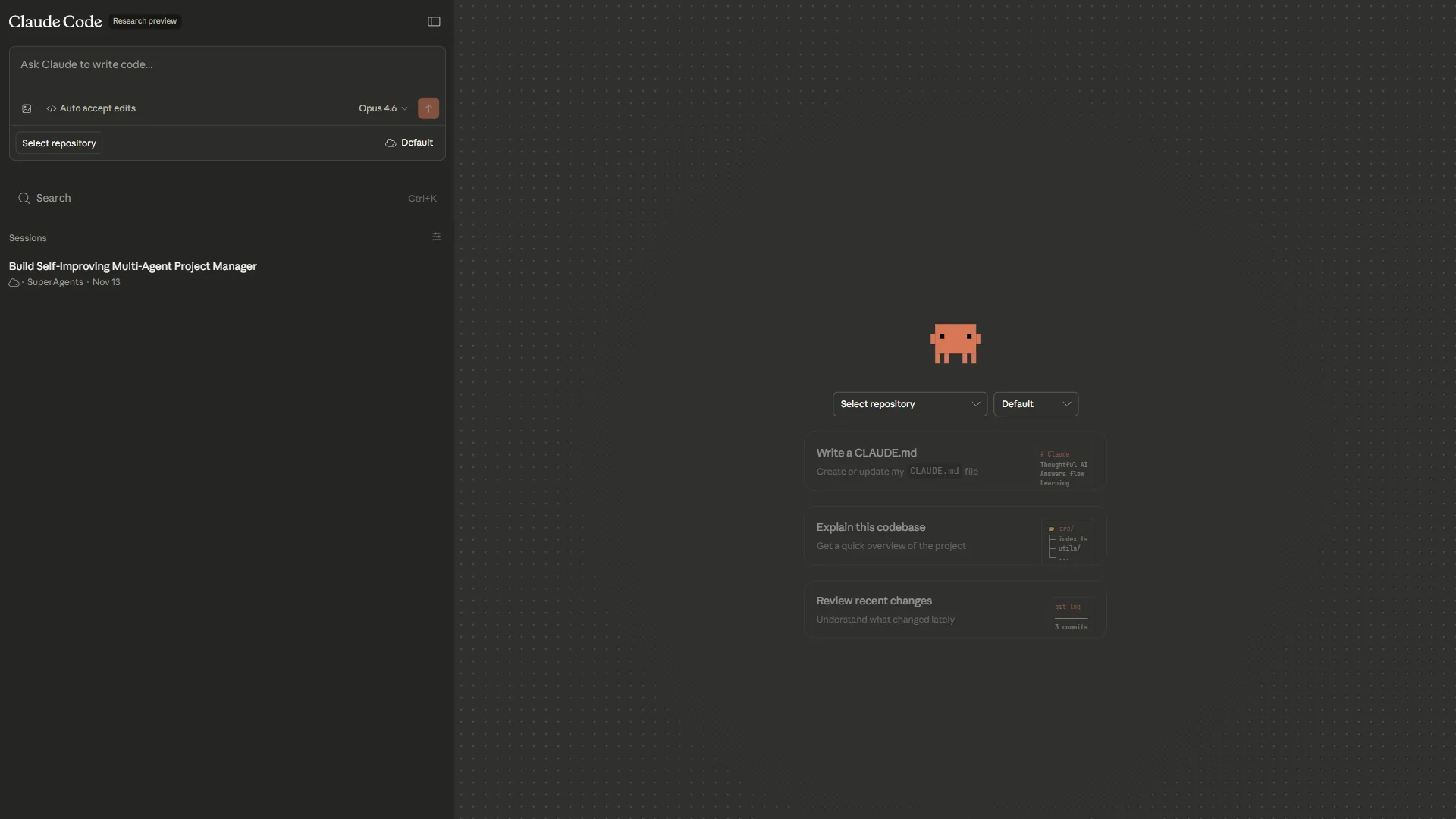
Claude Code is a command-line agent built by Anthropic that lives in your terminal, reads your entire codebase, and executes changes through natural language commands.
What Makes It Stand Out
Claude Code’s 200K token context window holds your entire project in memory. You describe what you want in plain English, and it reads files, writes code, runs tests, commits changes, and creates pull requests. It integrates with MCP (Model Context Protocol) to connect to external services, databases, and APIs. Uber, Netflix, Spotify, and Salesforce use Claude Code in production.
Key Features:
- 200K token context window for full-codebase understanding
- Autonomous code execution, testing, and Git operations
- MCP integration for connecting to external services
- Natural language interface from the terminal
- Works alongside any editor - it does not replace your IDE
Pricing
Claude Code is included with Claude subscriptions:
- Free: Basic access with limited daily usage
- Pro: $20/mo - full access with higher usage limits
- Max: $100/mo - unlimited usage, highest priority
Choose Claude Code If
You are comfortable in the terminal and want the most autonomous AI coding experience available. Claude Code excels when you can clearly describe an outcome, such as “write integration tests for the auth module” or “refactor this Express app to TypeScript.” The best workflow pairs Claude Code with a traditional AI editor for inline completions.
Limitations: No inline suggestions, terminal-only interface, and Pro-tier caps that heavy workflows exhaust within hours.
Best Picks by Use Case for AI Tools for Coding
The best AI coding tool depends on developer experience, daily workflow, and budget - the matrix below maps the top picks to each.
By Developer Experience Level
- Junior developers - GitHub Copilot (Free or $10/mo). Inline suggestions teach patterns, chat explains unfamiliar code, broad IDE support means zero workflow disruption.
- Mid-level developers - Cursor ($20/mo) or Windsurf ($15/mo) gives more power for refactoring and architectural changes.
- Senior developers - Claude Code ($20/mo) shines when you can clearly specify what needs to happen. Pair with Copilot for inline completions.
By Use Case
| Use Case | Best Tool | Why |
|---|---|---|
| Daily coding in an IDE | GitHub Copilot | Lowest friction, broadest IDE support |
| Multi-file refactoring | Cursor | Best codebase understanding |
| Rapid prototyping | Windsurf | Cascade flows build features fast |
| Enterprise compliance | Tabnine | Only option with on-premise deployment |
| Complex autonomous tasks | Claude Code | 200K context, terminal-first agent |
By Budget
Windsurf’s free tier is the most generous, followed by GitHub Copilot’s free plan. For a deeper look at agent-driven editors, see Claude Code vs Cursor. At the paid level, Copilot Pro at $10/mo offers the best value. Cursor and Claude Code both sit at $20/mo but serve different workflows. Tabnine’s $59/mo is justified only for enterprise privacy needs.
Can You Use Multiple Tools?
Yes. A common combo is Claude Code for complex agentic tasks plus GitHub Copilot for inline completions. Since Claude Code runs in the terminal, there is no conflict. For a head-to-head, see Cursor vs GitHub Copilot.
The Bottom Line
The best AI tools for coding in 2026 are GitHub Copilot for low-friction IDE work, Cursor for multi-file refactoring, Windsurf for rapid prototyping, Tabnine for compliance-bound enterprises, and Claude Code for terminal-first agentic coding.
- GitHub Copilot is the safest choice for most developers. Start here.
- Cursor is the best AI-first editor for deep codebase understanding.
- Windsurf offers the most value per dollar, especially on the free tier.
- Tabnine is the only serious option for strict privacy and compliance requirements.
- Claude Code is the most powerful agentic coding tool for terminal-oriented developers.
Pick one, learn its strengths, and start building.
FAQ
GitHub Copilot is the best overall AI tool for coding for most developers in 2026, with Cursor, Windsurf, Tabnine, and Claude Code serving more specialized workflows.
Q: Which AI tool is best for coding?
GitHub Copilot is best for daily IDE work, Cursor for multi-file refactoring, Windsurf for rapid prototyping, Tabnine for enterprise compliance, and Claude Code for complex autonomous tasks.
Q: Is AI writing 90% of code?
No - the DORA 2024 report found 75% of developers use AI daily, but human-written code still dominates production codebases. Developers using AI report 2-3x gains on complex refactoring and test-writing tasks.
Q: How much context can AI coding tools handle?
Claude Code offers a 200K-token context window for agentic coding; other tools vary. Larger context matters most for legacy codebases above 200K lines.
Q: Do AI coding tools replace your existing editor?
Copilot and Tabnine are IDE plugins that live inside your editor. Cursor is a VS Code fork, Windsurf is an AI-native IDE, and Claude Code runs from the terminal alongside any editor.
Q: Which AI coding tool is best for enterprise privacy requirements?
Tabnine is the go-to choice, offering on-premise deployment at $59/user/mo with SOC 2 and ISO 27001 compliance - features no other tool on this list matches.
Related Reading
Below are the five tools covered in this guide plus four deeper internal comparisons for further reading.
- GitHub Copilot - AI pair programmer with multi-model support
- Cursor - AI-first code editor for complex codebases
- Windsurf - AI-native IDE with generous free tier
- Tabnine - Privacy-focused AI coding for enterprises
- Claude Code - Terminal-based agentic coding assistant
More developer productivity guides:
- AI Tools for Developers
- Best AI Coding Assistants 2026
- Best AI Code Editors 2026
- Future of AI Coding Assistants
External Resources
The official vendor sites and primary documentation below are the authoritative sources for pricing, features, and security claims referenced in this guide.