



“Our chatbot resolved 40% of tickets!” the vendor claimed during their AI customer service automation demo. Six months later, the truth emerged: the chatbot was closing tickets, not resolving them. Customers were abandoning conversations out of frustration, and CSAT scores had dropped 15 points.
This scenario highlights the critical distinction between automation that handles tickets and automation that helps customers. In 2026, the Future of AI in customer service hinges on this distinction, because AI capabilities have expanded dramatically - but so have the ways companies misuse them.
This guide breaks down the AI automation spectrum, from basic chatbots to fully autonomous agentic AI, and helps you choose the right level for your business.
The AI Customer Service Automation Spectrum
AI Customer Service Automation covers the strategies and tools that deliver real productivity gains in this space. “Our chatbot resolved 40% of tickets!” the vendor claimed during their demo. Six months later. This guide walks through the practical steps from setup through advanced optimization.
When exploring ai customer service automation, consider the following.
AI automation isn’t binary. It exists on a spectrum from simple to sophisticated, similar to the progression described in our AI workflow automation maturity model:
| Level | Technology | Capabilities | Resolution Rate |
|---|---|---|---|
| Level 1 | Rule-based chatbots | Fixed responses to keywords | 5-15% |
| Level 2 | Intent-based AI | Understands variations, follows flows | 15-30% |
| Level 3 | Generative AI | Creates responses from knowledge | 25-40% |
| Level 4 | Agentic AI | Takes actions, makes decisions | 40-60% |
Most companies are at Level 2, thinking they’re at Level 3. Understanding where you actually are - and where you should be - is the first step.
Spectrum limitations: these levels describe capability, not vendor reality. Most platforms straddle two levels (Level 2 with bolted-on Level 3 generative add-ons), and the resolution-rate ranges have known drawbacks - they assume well-maintained knowledge bases. Skip this framing if your support ops are still defining ticket categories; you’ll need that baseline first.
Level 1: Rule-Based Chatbots (The Basics)
How They Work
Rule-based chatbots follow decision trees. If a customer says “password,” the bot responds with password reset instructions. If they say “refund,” it provides refund policy. No intelligence - just pattern matching.
User: "I can't log in"
Bot: [detects "log in"] → "Here's how to reset your password..."
User: "No, I know my password. The page won't load."
Bot: [no matching rule] → "I'll connect you with an agent..."
Capabilities
- Answer FAQs with pre-written responses
- Collect basic information (email, order number)
- Route to departments based on keywords
- Provide links to help articles
Limitations
- Can’t handle variations (“login” vs “sign in” vs “access my account”)
- No context retention between messages
- Unable to resolve complex issues
- Frustrates customers who don’t use exact phrases
When Level 1 Makes Sense
- Very low ticket volume (< 50/month)
- Simple, predictable questions
- No budget for AI training
- “Better than nothing” approach
Who it’s not for: Teams handling more than 200 tickets per month or any volume of nuanced product questions - rule-based bots will frustrate enough customers to actively damage CSAT.
Realistic Resolution Rate: 5-15%
Most Level 1 bots deflect rather than resolve. They’re better at collecting information than solving problems, and few would call one a true AI customer service agent.
Level 2: Intent-Based AI (Where Most Companies Are)
How They Work
Intent-based AI understands that “I can’t log in,” “my password doesn’t work,” and “locked out of my account” all express the same intent: login problems. They classify intents, then follow flows designed for each intent.
User: "Locked out of my account"
AI: [classifies as: login_issue] → "I understand you're having trouble accessing your account. Let me help!"
AI: "Is this about your password or is the page not loading?"
User: "Password"
AI: [follows password_reset flow] → "I'll send a reset link to your email on file..."
Key Technologies
- Natural Language Processing (NLP): Understands variations in phrasing
- Intent Classification: Maps messages to predefined categories
- Entity Extraction: Pulls out key information (dates, order numbers, emails)
- Flow Management: Guides conversations through decision trees
Capabilities
- Handle phrasing variations (dozens of ways to express each intent)
- Ask clarifying questions when intent is ambiguous
- Extract relevant information automatically
- Escalate intelligently when confidence is low
Limitations
- Requires extensive training data (50+ examples per intent)
- Can’t handle new intents without manual configuration
- Still follows predetermined paths
- Struggles with complex, multi-issue tickets
Platforms at This Level
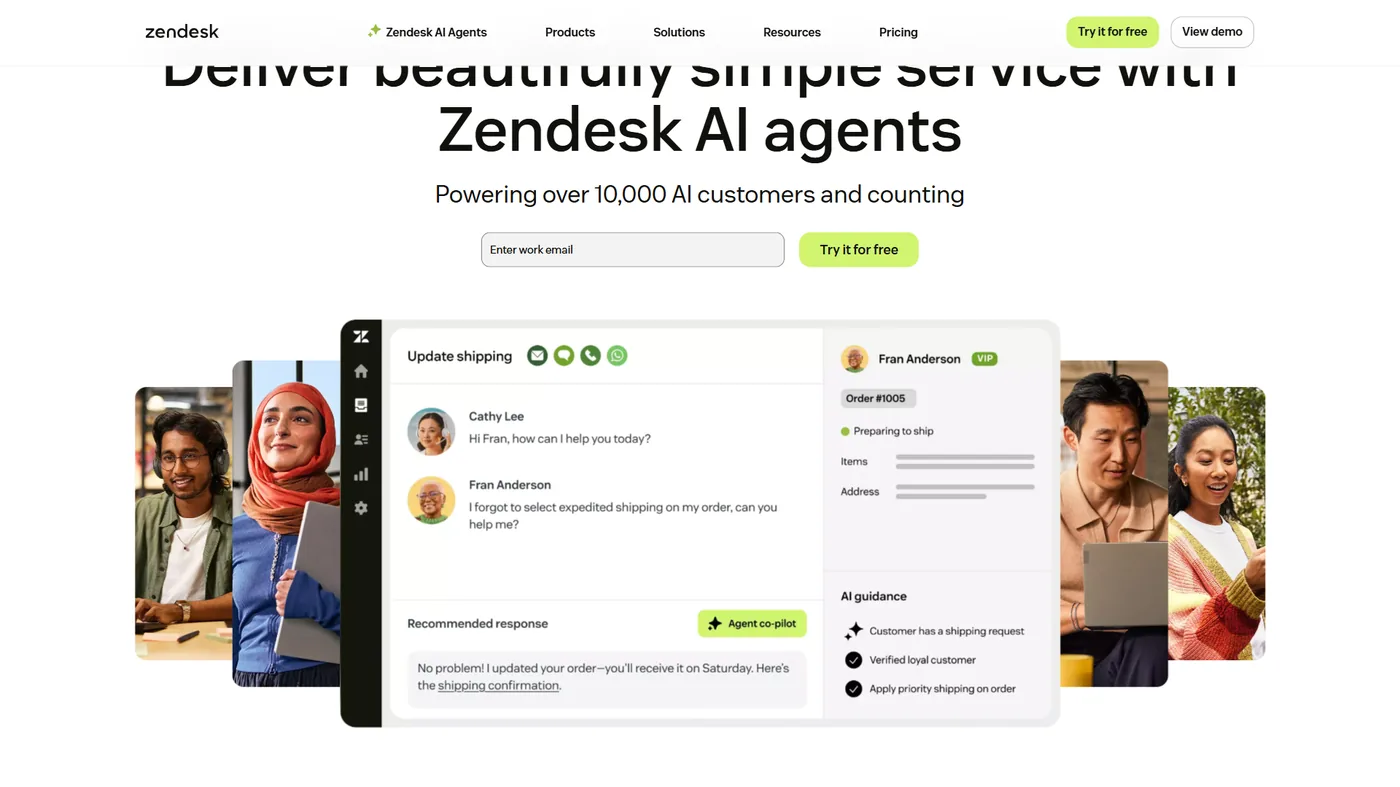
- Zendesk Answer Bot (basic configuration) - trade-off: ties you to the broader Zendesk Suite pricing, which gets expensive past five seats.
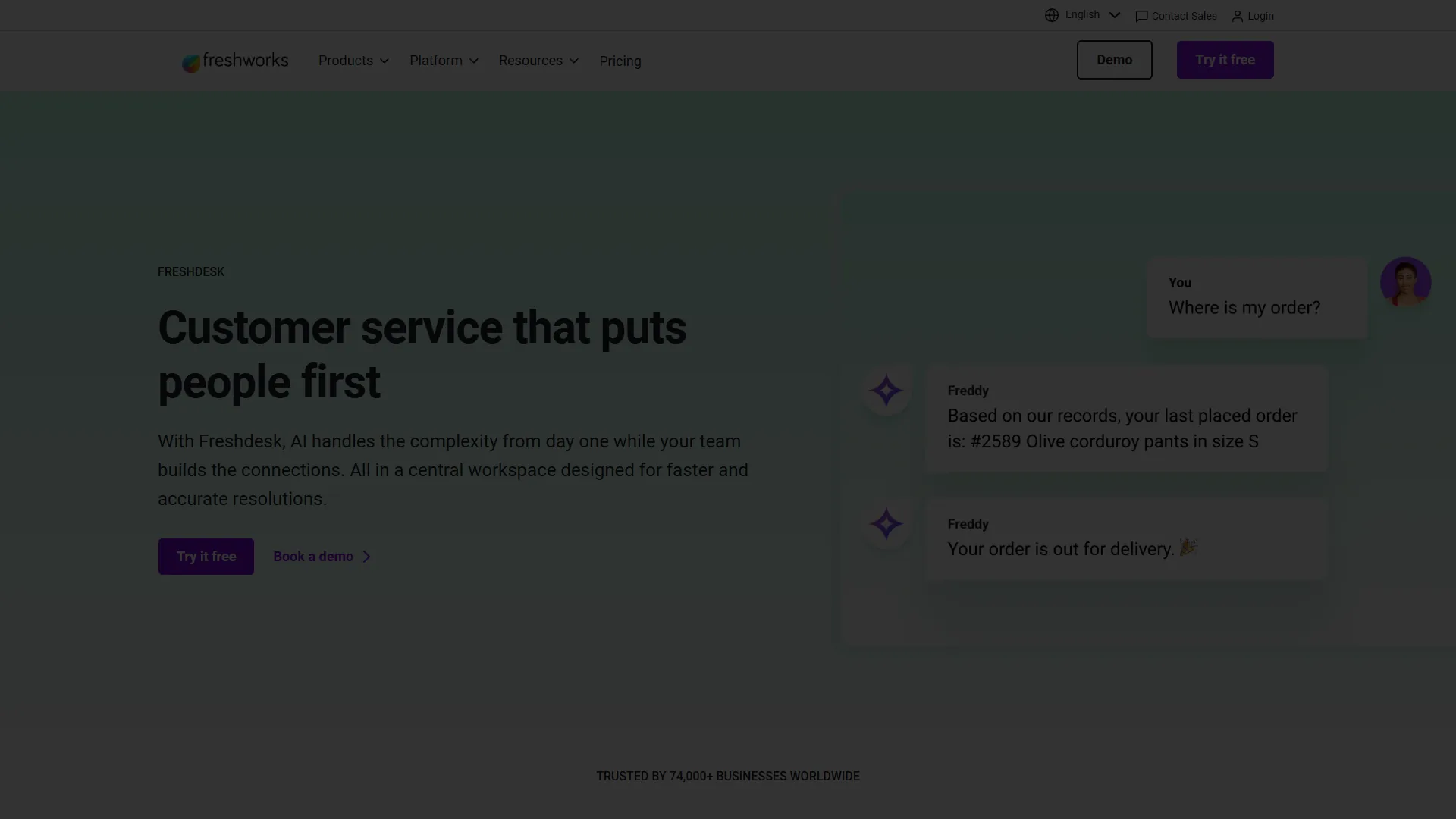
- Freshdesk Freddy (out of the box) - trade-off: works best when ticket volume is in English; multilingual classification accuracy drops noticeably.
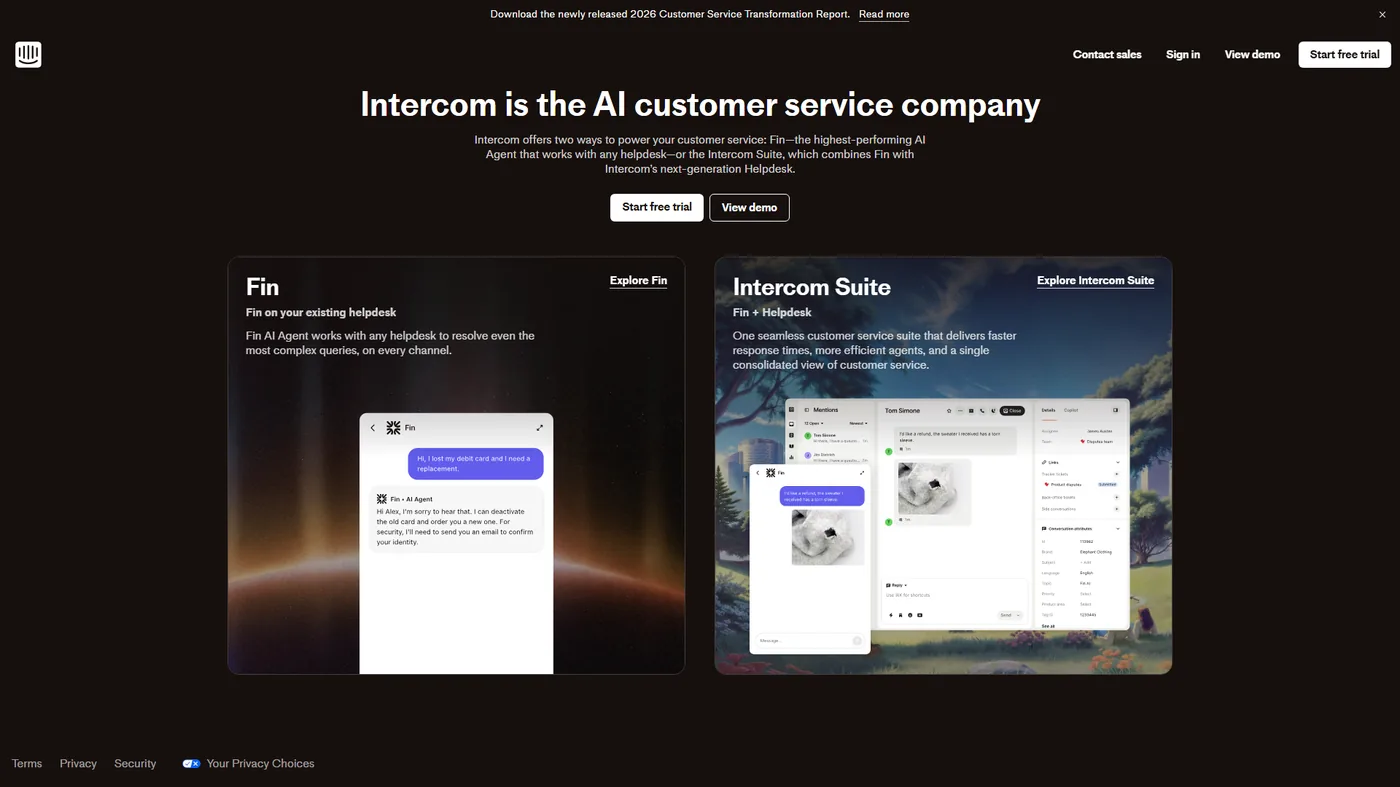
- Intercom Resolution Bot - trade-off: Intercom’s per-resolution pricing means costs scale linearly with volume, which can outpace human agents at high resolution rates.
- Tidio chatbot (popular with small businesses) - the Lyro AI agent handles the intent classification, with pricing tiered by conversations resolved. Trade-off: the AI module is gated behind the Plus plan; the entry tier is mostly rule-based.
- Most live chat software with built-in bots
Realistic Resolution Rate: 15-30%
Intent-based AI resolves common, straightforward requests well but still hands off anything unusual to humans. Who it’s not for: Teams expecting the bot to handle truly novel questions - intent-based AI only routes the inputs it has been trained on.
Level 3: Generative AI (The Current Frontier)
How They Work
Generative AI doesn’t follow predetermined paths. It reads your knowledge base, understands the question, and creates a response. Each answer is generated, not retrieved.
User: "Can I use my gift card and a discount code together?"
AI: [searches knowledge base] → Finds: "Gift cards can be combined with promotions..." and "Discount codes apply to subtotal before gift cards..."
AI: [generates response] → "Yes, you can use both! The discount code applies to your subtotal first, then your gift card balance is deducted from the remaining amount."
Key Technologies
- Large Language Models (LLMs): GPT-4, Claude, or similar for response generation
- Retrieval-Augmented Generation (RAG): Pulls relevant context before generating
- Embedding Search: Finds semantically similar help content
- Guardrails: Prevents hallucinations and off-topic responses
Capabilities
- Answer questions not explicitly in training data
- Combine information from multiple sources
- Generate human-like, contextual responses
- Handle edge cases and variations automatically
Limitations
- Can “hallucinate” (make up information confidently)
- Requires careful guardrails to stay on-topic
- Higher latency than rule-based systems
- More expensive per interaction
- Can’t take actions - only provide information
Platforms at This Level
- Intercom Fin - trade-off: charges per resolution (around $0.99 each); a busy month can add thousands to the bill on top of seat licensing.
- Zendesk AI (with Advanced AI add-on) - trade-off: the Advanced AI add-on roughly doubles per-seat cost and is locked to Suite Professional or higher.
- Freshdesk Freddy + AI Copilot - trade-off: Copilot quality is noticeably weaker than Fin or Zendesk AI for technical or multi-turn troubleshooting.
- Custom LLM implementations - trade-off: you own all the guardrail and observability work; expect 3-6 months of engineering before production.
Realistic Resolution Rate: 25-40%
Generative AI resolves a broader range of questions but still can’t perform actions like issuing refunds, updating accounts, or processing returns. Who it’s not for: Teams without a maintained, accurate knowledge base - RAG systems will confidently surface stale or contradictory content.
Level 4: Agentic AI (The Future, Here Now)
How They Work
Agentic AI doesn’t just answer questions - it takes actions. It has access to your systems (CRM, billing, inventory) and can execute tasks on behalf of customers.
User: "I need to return my order from last week and get a refund"
AI: [searches order history] → Finds order #12345, delivered 5 days ago
AI: [checks return policy] → Order is within return window
AI: [initiates return] → Creates return label, marks order for refund
AI: "I've processed your return request. Here's your prepaid shipping label [link]. Your refund of $47.99 will process within 3-5 business days after we receive the item."
Key Technologies
- Function Calling: AI can execute predefined actions (API calls, database updates)
- Memory: Retains context across the entire conversation
- Multi-Step Reasoning: Breaks complex requests into steps
- Human-in-the-Loop: Escalates uncertain decisions for approval
- Tool Use: Accesses external systems (payments, shipping, accounts)
Capabilities
- Process refunds, exchanges, and returns
- Update customer account information
- Check real-time inventory and shipping status
- Schedule appointments and modify subscriptions
- Escalate intelligently with full context
Limitations
- Requires deep integration with your tech stack
- Higher implementation complexity and cost
- Potential for automated mistakes at scale
- Needs robust error handling and rollback
- Regulatory compliance considerations
Platforms Approaching This Level
- Zendesk AI Agent (Enterprise tier) - trade-off: Enterprise tier starts around $115 per seat per month and requires custom pricing for the AI Agent add-on - this is a serious budget commitment, even for the favored platform.
- Intercom Fin (with actions enabled) - trade-off: per-resolution pricing makes ROI hard to forecast when ticket complexity is variable.
- Custom implementations (LangChain, AutoGPT frameworks) - trade-off: every guardrail, audit trail, and rollback path is your engineering team’s responsibility.
- Specialist vendors (Ada, Forethought, Kustomer) - trade-off: vendor lock-in is high because the agent’s behavior tunings rarely export cleanly to a different platform. See Ada competitors for more options.
Realistic Resolution Rate: 40-60%
Agentic AI can truly resolve tickets because it can perform the actions needed, not just explain what to do. Who it’s not for: Regulated industries without mature change-management processes - autonomous actions need rigorous logging and rollback before they touch production data.
ROI Analysis: What Automation Actually Saves
The Math for Each Level
Assumptions:
- 5 support agents at $25/hour
- 1,000 tickets/month
- Average handling time: 10 minutes
- Current monthly labor cost: $4,167
| Level | Resolution Rate | Tickets Automated | Time Saved | Monthly Savings |
|---|---|---|---|---|
| Level 1 | 10% | 100 | 16.7 hours | $417 |
| Level 2 | 25% | 250 | 41.7 hours | $1,042 |
| Level 3 | 35% | 350 | 58.3 hours | $1,458 |
| Level 4 | 50% | 500 | 83.3 hours | $2,083 |
Typical Costs
| Level | Platform Cost | Implementation | Annual Total |
|---|---|---|---|
| Level 1 | $50-200/mo | 10-20 hours | $600-2,400 |
| Level 2 | $200-500/mo | 40-80 hours | $4,000-10,000 |
| Level 3 | $500-2,000/mo | 40-100 hours | $8,000-28,000 |
| Level 4 | $2,000-10,000/mo | 100-400 hours | $35,000-150,000 |
Break-Even Analysis
For most companies:
- Level 1-2: Positive ROI within 3-6 months
- Level 3: Positive ROI within 6-12 months
- Level 4: Positive ROI within 12-24 months (but transforms operations)
Limitations of these numbers: the math assumes consistent ticket volume and stable agent salaries. Skip these projections if your support volume is seasonal or if you’re hiring contract agents - the cost basis changes too much for clean ROI math.
How to Choose Your Automation Level
Choose Level 1-2 If:
- Ticket volume is under 500/month
- Questions are repetitive and predictable
- Budget is limited (under a few hundred dollars monthly)
- You need quick wins, not transformation
Choose Level 3 If:
- Ticket volume is 500-5,000/month
- Questions require nuanced answers
- You have a comprehensive knowledge base
- Budget is $500-2,000/month
- Your team can handle implementation complexity
Choose Level 4 If:
- Ticket volume exceeds 5,000/month
- Customers need actions, not just answers
- You have APIs for key systems
- Budget exceeds $2,000/month
- You’re ready for significant implementation work
Who it’s not for: teams without mature change-management or rollback processes. Skip Level 4 if your engineering team can’t commit 100+ hours to guardrails and observability before launch - the limitations of unsupervised autonomous actions show up as expensive mistakes at scale.
Implementation Roadmap
Phase 1: Foundation (Month 1-2)
Goal: Get basic automation working
-
Audit your ticket data
- What are the top 20 ticket types?
- Which are pure information requests vs action requests?
- What percentage could be automated?
-
Choose your platform (see our Freshdesk vs Zendesk comparison for details)
- For budget approach: Freshdesk with Freddy
- For mid-market: Zendesk Suite + Answer Bot
- For proactive: Intercom with Resolution Bot
-
Build knowledge base
- Document answers to top 20 questions
- Structure content for AI consumption (clear headings, bullet points)
- Create internal vs external versions
-
Configure basic automation
- Set up intent recognition for top 10 ticket types
- Create flows for information requests
- Establish escalation triggers
Expected outcome: 15-20% automation rate
Phase 2: Optimization (Month 3-6)
Goal: Improve accuracy and expand coverage
-
Analyze failure cases
- Why are tickets escalating?
- What intents are missing?
- Where is the AI getting stuck?
-
Expand intent coverage
- Add intents for the next 20 ticket types
- Improve training data for weak intents
- Refine escalation rules
-
Enable generative capabilities
- Connect LLM to knowledge base
- Set up RAG for complex questions
- Implement guardrails
-
Measure and iterate
- Track resolution rate, CSAT, escalation rate
- A/B test response variations
- Gather agent feedback on AI handoffs
Expected outcome: 25-35% automation rate
Phase 3: Transformation (Month 6-12)
Goal: Move toward agentic capabilities
-
Identify action opportunities
- Which resolved tickets required agent actions?
- What systems would the AI need to access?
- What guardrails are needed?
-
Build integrations
- Connect CRM for account updates (explore Zendesk alternatives if your current stack needs an upgrade)
- Connect payment system for refunds
- Connect order management for returns
-
Implement action capabilities
- Start with low-risk actions (status checks)
- Add human approval for high-risk actions
- Gradually expand autonomous permissions
-
Monitor and refine
- Track action success rates
- Monitor for errors and edge cases
- Refine decision boundaries
Expected outcome: 40-50% automation rate
Roadmap limitations: these phase timelines assume a single product line and stable team. Skip the 6-12 month transformation phase if you’re mid-restructure or planning a platform migration - drawbacks include double work and conflicting integration paths.
Common Mistakes to Avoid
These are the limitations and drawbacks teams discover after they’ve committed budget - the kind of tradeoffs vendors don’t put on their pricing pages.
1. Measuring Resolution Rate Wrong
Many companies count “chatbot closed ticket” as resolution. Real resolution means the customer’s issue was solved. Track whether customers:
- Reopened the same ticket
- Contacted support again within 7 days
- Left negative feedback
2. Skipping Human-in-the-Loop
Agentic AI should have guardrails. Refunds over $100? Require approval. Account deletion? Require confirmation. Angry customer? Escalate immediately. Automation without guardrails creates expensive mistakes. For more on building reliable automated processes, see our guide to the best workflow automation tools.
3. Neglecting the Knowledge Base
AI is only as good as its source material. Outdated help articles, missing edge cases, and confusing documentation all degrade AI performance. Budget ongoing knowledge base maintenance.
4. Forgetting the Human Experience
Automation should help customers, not trap them. Always provide easy escalation to human agents. Customers who can’t escape a bot become ex-customers. The Harvard Business Review analysis on AI customer service documents how aggressive automation correlates with churn even when CSAT scores look healthy.
5. Underestimating Implementation
“We’ll just turn on the AI” is a myth. Even Level 2 automation requires:
- Intent mapping and training
- Flow design and testing
- Integration configuration
- Agent training for handoffs
- Ongoing maintenance
Budget 40-100 hours for initial setup, plus 10-20 hours monthly for optimization.
Real-World Examples
These case studies have clear limitations: the dollar figures are anonymized averages, and each company started with different baseline operations. Skip these as direct templates if your industry has unusual compliance requirements or seasonal volume - the drawbacks of generalizing show up as missed integration costs.
Example 1: E-commerce Company (5,000 tickets/month)
Before: 100% human handling, 15 agents After Level 3: 35% automation, reduced to 10 agents Investment: $18,000/year (Zendesk + AI add-on) Savings: $150,000/year in labor
Example 2: SaaS Startup (800 tickets/month)
Before: 3 agents struggling with volume After Level 2: 25% automation, same 3 agents handle growth Investment: $6,000/year (Freshdesk Pro + time) Result: Scaled to 2,000 tickets/month without hiring
Example 3: Financial Services (10,000 tickets/month)
Before: Regulated environment, no automation After Level 4: 45% automation with compliance guardrails Investment: $120,000/year (custom implementation) Savings: $400,000/year in labor + improved compliance
For the regulatory side of these deployments, the CFPB issue spotlight on AI chatbots in banking documents the specific failure modes regulators are watching for.
Final Recommendations
These recommendations have honest limitations - they assume you have time to iterate and a stable knowledge base. Skip the guidance below if you’re under acute pressure to cut headcount this quarter; the tradeoffs of rushing automation typically include CSAT damage that takes 12+ months to repair.
If You’re Starting Fresh
Begin with Level 2 on Freshdesk or Zendesk. Master intent-based automation before adding complexity. You’ll learn what your customers actually ask and where automation helps most.
If You’re Already Automated
Audit your actual resolution rate (not what the dashboard says). If customers are abandoning conversations or calling back, your automation is hurting more than helping. Fix the foundation before adding generative AI.
If You’re Ready for Agentic AI
Start with one action type (status checks or password resets) and perfect it. Build confidence in your guardrails before expanding. Agentic AI can be transformative, but mistakes scale too.
The best AI customer service isn’t the most automated - it’s the automation that genuinely solves customer problems while making human agents more effective, not obsolete.
Frequently Asked Questions
What’s the difference between a chatbot and AI customer service?
A chatbot follows predetermined rules and flows. AI customer service uses machine learning to understand context, generate responses, and (in advanced cases) take actions. The key difference is adaptability - AI handles variations and new questions; chatbots can only respond to anticipated inputs.
How much can AI customer service automation save?
Typical savings range from 20-50% reduction in support costs. A company handling 5,000 tickets monthly at $10/ticket could save $1,000-2,500/month with effective automation. ROI depends on ticket volume, complexity, and implementation quality.
Will AI replace human customer service agents?
Not entirely. AI handles routine, repetitive requests well. Complex issues, emotional customers, and edge cases still need humans. Most companies see AI handling 30-50% of volume, allowing human agents to focus on high-value interactions.
How do I measure if my AI automation is actually working?
Track these metrics:
- True resolution rate: Did customers get their issue solved (not just bot closed)?
- Containment rate: Percentage that stayed with AI vs escalating
- CSAT for AI conversations: Are customers satisfied with AI interactions?
- Callback rate: Are customers contacting you again within 7 days?
What’s agentic AI and why does it matter?
Agentic AI can take actions, not just answer questions. It can process refunds, update accounts, and complete transactions. This matters because most customer requests require action, not just information. Agentic AI resolves tickets completely rather than explaining what customers should do next.
How long does it take to implement AI customer service?
- Level 1-2 (basic): 2-4 weeks to initial launch, 3-6 months to optimize
- Level 3 (generative): 4-8 weeks to launch, 6-12 months to optimize
- Level 4 (agentic): 3-6 months to launch, 12-24 months to full deployment
Budget ongoing maintenance of 10-20 hours monthly regardless of level.
For more information about ai customer service automation, see the resources below.
Want to learn more about Intercom?
Related Guides
- AI Chatbot Customer Service
- AI Workflow Automation Maturity Model
- AI Agent Orchestration Patterns
- Knowledge Sharing Best Practices
Tools covered in this article:
- Zendesk - Customer support platform with AI automation
- Intercom - Conversational support with Fin AI agent
- Freshdesk - Help desk software with AI capabilities
More customer service guides:
- Best Customer Support Software 2026 - Platform comparison
- Best AI Chatbot Platforms 2026 - Chatbot tool comparison
- AI Chatbot Customer Service - Setup guide for customer service bots
External Resources
For official documentation and updates from these customer service platforms:
- Zendesk Blog - AI agent updates, customer experience trends, and automation guides
- Intercom Blog - Fin AI chatbot updates and customer support automation strategies
Related Guides
- ActiveCampaign Zapier: 10 Automations to Build Today
- AI Chatbots Customer Service Setup: Complete 2026 Guide
- Tidio Abandoned Cart Recovery: Automation Workflows
- Tidio Analytics Dashboard: 2026 Walkthrough for Teams
- Tidio Canned Responses and Macros for Faster Support
- Tidio Copilot Agent Assist: AI-Powered Agent Assist Guide
- Tidio CSAT Tracking: CSAT Tracking and Improvement
- Tidio Ecommerce Chatbot: Tidio Chatbot Flows for Ecommerce
- Tidio Ecommerce Support Automation: Automation Best
- Tidio Flows Automation: Visual Automation Builder Guide