




Raycast costs $10 per month for Pro with built-in multi-provider AI and 1,300+ extensions, while Alfred charges $43 once for its Powerpack and leads on file search speed. Both pull far ahead of Spotlight, and the right pick depends on whether you value AI integration or one-time pricing. Raycast is the better choice for AI workflows, a modern extension ecosystem, and cross-platform sync; Alfred wins for file search speed, paying once, and deep scripting customization.
This comparison draws on each vendor’s current pricing and feature documentation plus independent research rather than sponsored placement. AI Productivity may earn a commission from links on this page; our editorial conclusions remain independent of any affiliate relationship.
Comparison Table: Raycast vs Alfred 2026
Raycast costs $10 per month with 1,300+ extensions and built-in AI, while Alfred costs $43 once and leads on macOS file search speed. The table below compares both launchers across the features that matter most in this complete Mac launcher comparison.
| Feature | Raycast | Alfred |
|---|---|---|
| Rating | - | |
| Price | Free / Pro $10/mo ($8/mo annual) | Free / Powerpack $43 one-time / Mega $75 one-time |
| AI Features | Built-in multi-provider AI (OpenAI, Claude, Perplexity, etc.) | None (custom workflows can call APIs) |
| File Search | Functional, not a strength | Best-in-class, significantly faster |
| Extensions | 1,300+ community extensions | Hundreds of community workflows |
| Clipboard Manager | Included (unlimited on Pro) | Powerpack required |
| Platform | macOS, Windows (beta), iOS | macOS only |
| Pricing Model | Subscription | One-time purchase |
| Best For | Developers, AI users, teams | File-heavy workflows, one-time purchase preference |
Quick verdict: Choose Raycast for built-in AI, a vast extension library, and cross-platform sync. Choose Alfred for the fastest macOS file search, one-time pricing, and deep customization.
Raycast: The AI-Powered Launcher
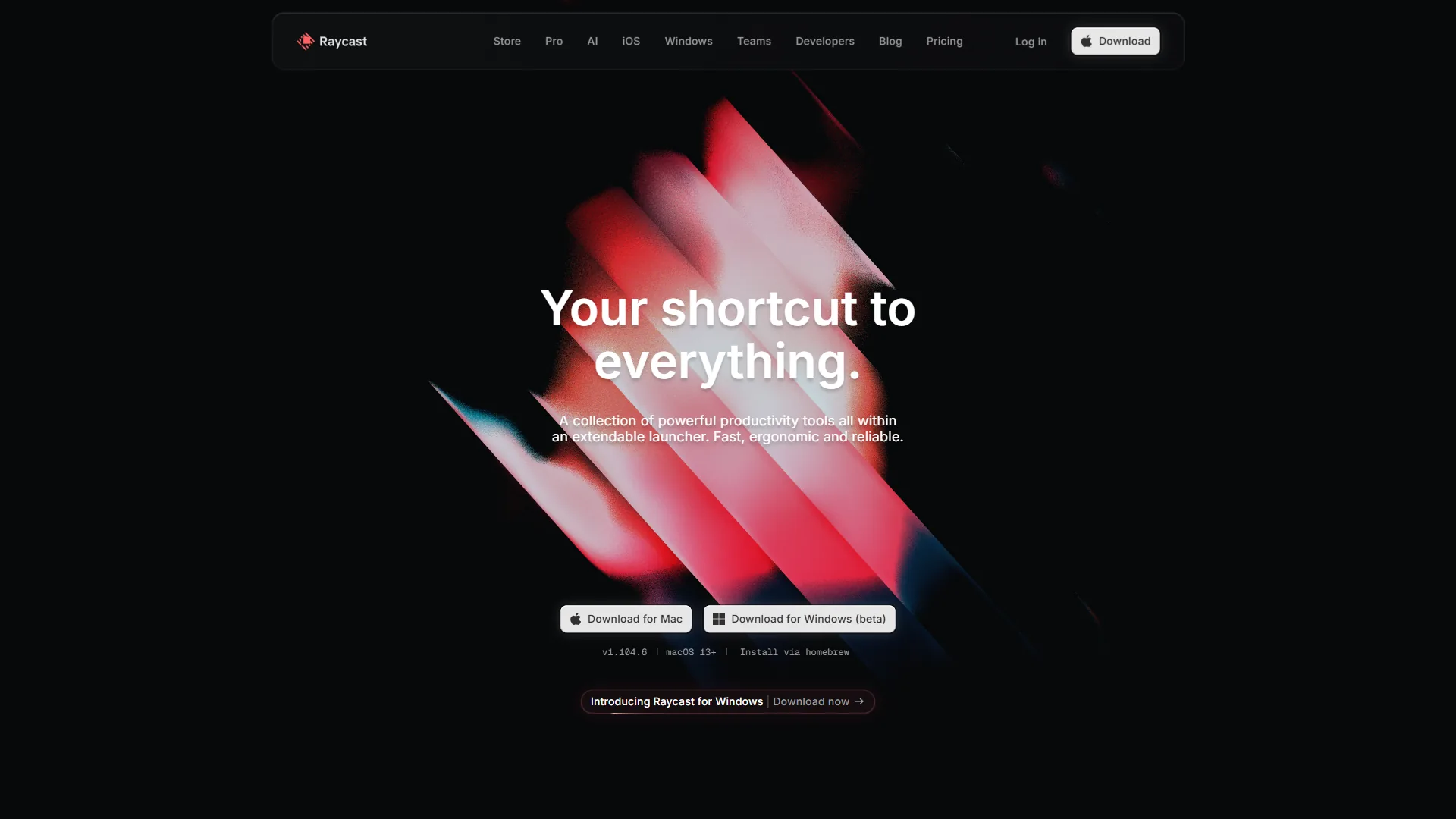
Raycast is a keyboard-driven Mac launcher that pairs a command bar with built-in multi-provider AI, 1,300+ extensions, and cross-platform sync. Raycast launched in 2020 to replace macOS Spotlight and has grown into a full productivity platform - part launcher, part AI assistant, part team tool.
From one hotkey you can launch apps, search files, manage clipboard history, control windows, expand snippets, and talk to AI models.
What can Raycast AI do that Alfred cannot?
This is where the raycast vs alfred gap is widest in 2026. Raycast’s own AI documentation states that “Raycast AI brings the power of artificial intelligence right at your fingertips” - AI is launcher-native rather than a separate app, woven into the experience:
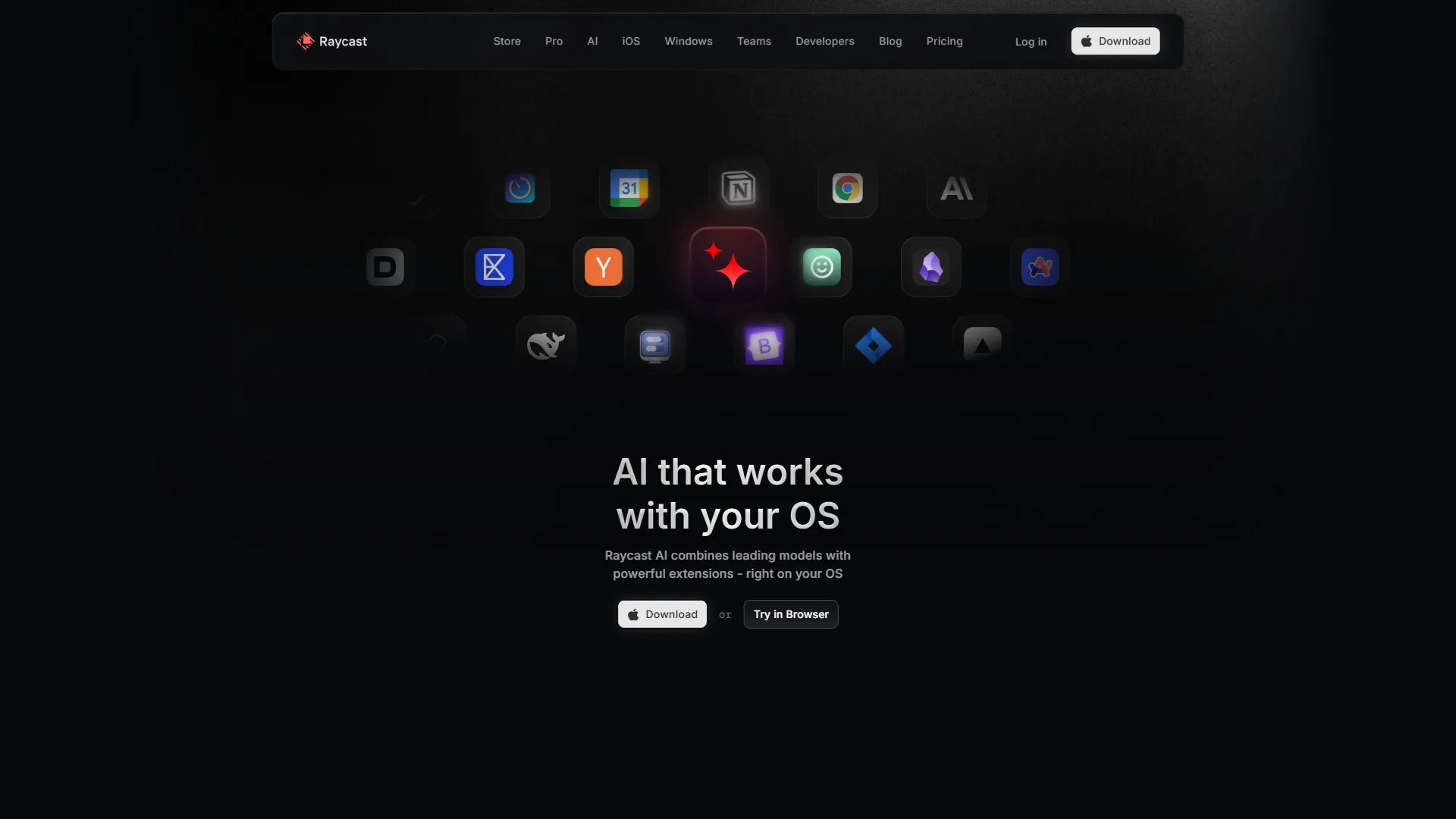
- Multi-model AI access - Switch between OpenAI, Anthropic (Claude), Perplexity, Mistral, Google, and xAI models mid-conversation, picking the right one without opening a browser.
- Bring Your Own Key (BYOK) - Use your own API keys for unlimited AI queries at API cost instead of Raycast’s usage limits, eliminating double-paying.
- Local models via Ollama - Run 100+ open-source models locally with zero cloud dependency.
- AI Extensions Beta - Chain AI capabilities into natural language workflows, such as summarizing a GitHub PR and drafting a Slack message.
- Reasoning models - Access OpenAI o3-mini and Claude 3.7 Sonnet for complex problem-solving from the launcher.
- Auto Transcribe - Powered by Granola integration for automated meeting notes.
The free tier includes 50 AI messages per month - enough to evaluate, not for daily use. Pro ($10 per month) unlocks unlimited AI messages, and the Advanced AI add-on provides premium models.
Raycast Extension Ecosystem
Raycast’s 1,300+ community-built extensions cover GitHub, Jira, Linear, VS Code, Docker, Notion, Slack, Figma, and hundreds more. Built with Node.js and React, extensions are easy for developers to create, which keeps the ecosystem growing fast.
Each extension eliminates an app switch - check a GitHub PR, create a Jira ticket, or search Notion pages from the same bar.
Raycast Pricing
Raycast pricing starts free and rises to $10 per month for Pro, with Teams and Enterprise tiers above that.
- Free - Core launcher, 50 AI messages/month, 5 Notes, 3-month clipboard history, full extension access
- Pro ($10 per month, $8 per month annual) - Unlimited AI messages, unlimited clipboard history, cloud sync, custom themes, translator, unlimited Notes
- Pro + Advanced AI - Pro plus premium AI models, BYOK support, local models via Ollama
- Teams ($12-15/month per user) - Shared commands, quicklinks, snippets, AI for all members
- Enterprise - SOC2 Type II compliance, AI Control Center, custom pricing
Limitations: File search is Raycast’s most-cited weakness, lagging Alfred on large vaults. Other downsides include the subscription model, a mandatory cloud account for sync, cloud-dependent AI (unless self-hosted via Ollama), and a Windows beta that trails macOS.
Alfred: The File Search Champion
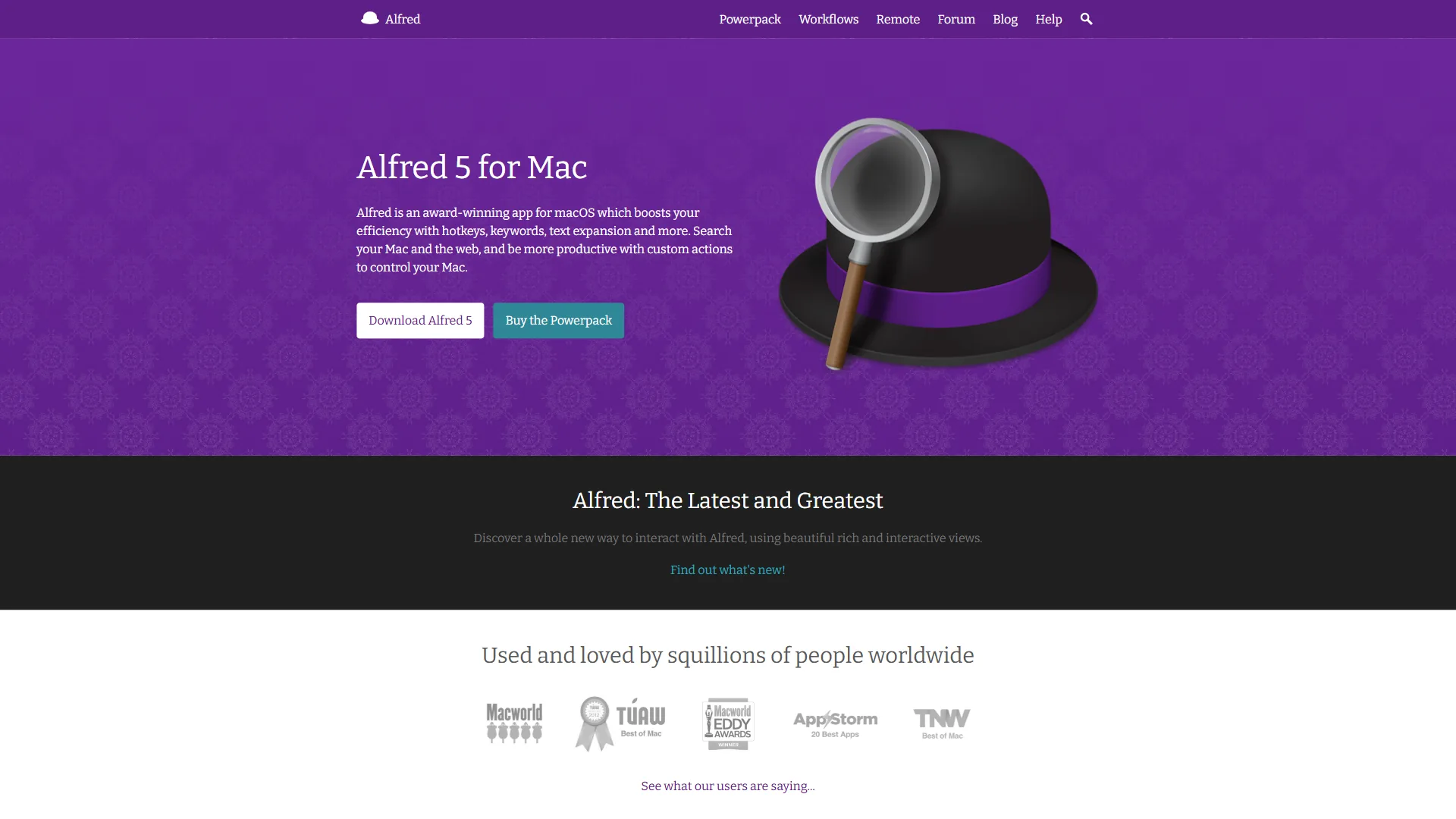
Alfred is a macOS-only launcher, built since 2010 by a small UK team, that prioritizes best-in-class file search and one-time pricing over AI features. Where Raycast bets on AI and a growing platform, Alfred bets on doing fewer things exceptionally well.
The free version already outperforms macOS Spotlight for app launching, file search, web search, and system commands. The $43 Powerpack upgrade unlocks clipboard history, text snippets, custom workflows, and 1Password integration.
Is Alfred faster than Raycast on file search?
Alfred’s file search is its defining strength, indexing and ranking files faster and more accurately than Raycast, LaunchBar, or native Spotlight. According to Alfred’s official file search documentation, the launcher lets you “find and take action on files and folders right from Alfred.” Type a partial filename and Alfred returns the correct result almost instantly, with ranking that learns from your behavior over time.
For developers in large codebases or designers in asset folders, this speed difference compounds daily. Raycast’s file search works but prioritizes apps and commands; Alfred treats files as a first-class citizen.
Alfred Workflows: Power Through Scripting
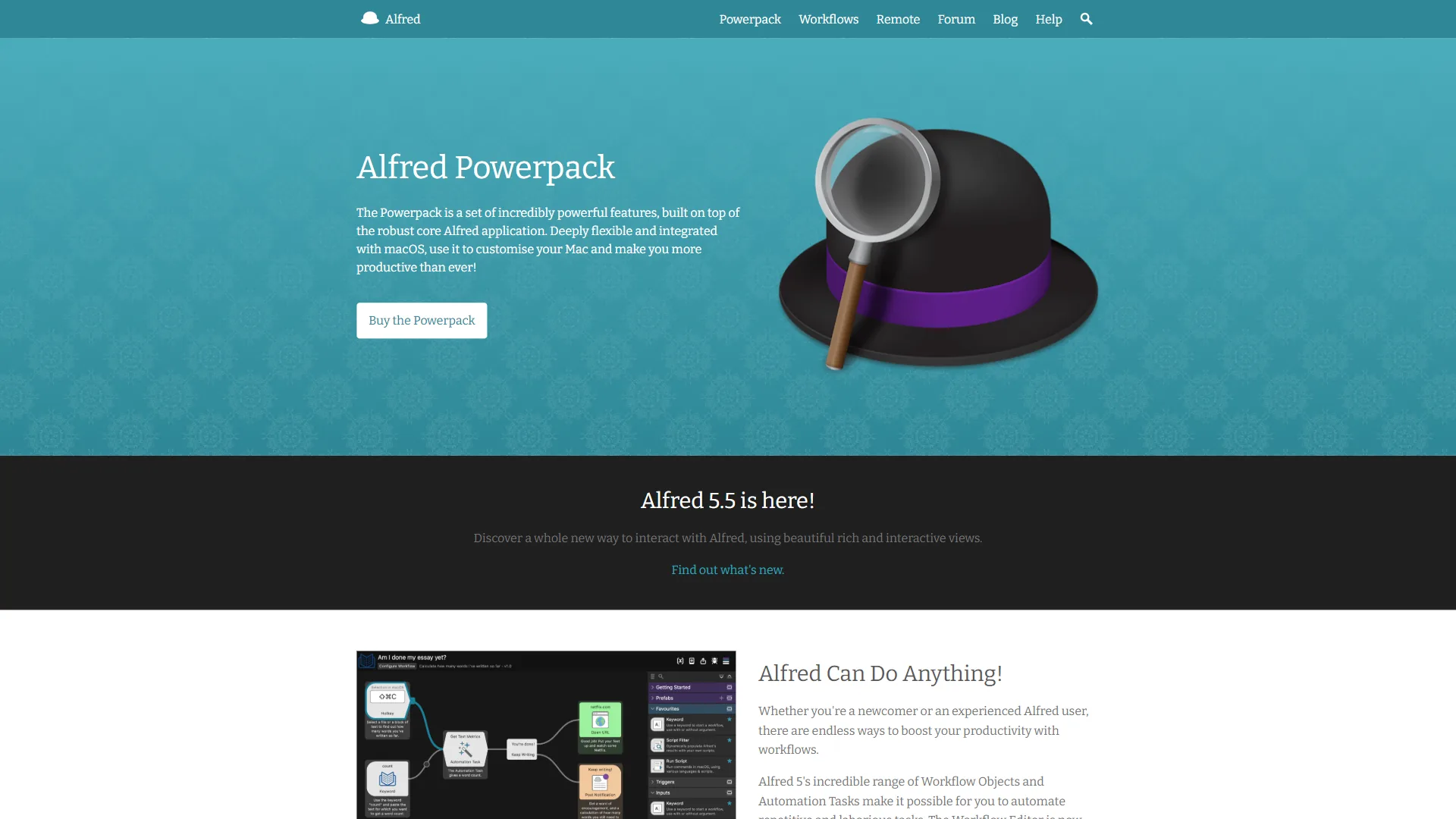
Alfred’s custom workflow system is where power users find their deepest value. The visual workflow editor chains triggers, actions, and outputs using AppleScript, Bash, Python, or JavaScript - searching internal docs, formatting text, or running a multi-step deployment from one keyword. The community has shared hundreds of workflows for currency conversion, Spotify control, and Markdown formatting.
The tradeoff: building workflows requires technical comfort. Raycast’s Node.js + React extension model is more accessible to web developers.
Alfred Pricing
Alfred is free to start, with a one-time $43 Powerpack license or a $75 Mega Supporter license unlocking the advanced features.
- Free - App launching, file search, web search, calculator, dictionary, system commands
- Powerpack Single License ($43 one-time, ~34 GBP) - Clipboard history, snippets, custom workflows, 1Password integration, covers 2 Macs
- Mega Supporter ($75 one-time, ~59 GBP) - All Powerpack features plus free lifetime major-version upgrades, unlimited Macs
Over three years, Alfred Powerpack costs $43 against Raycast Pro’s $360, and even Alfred’s $75 Mega Supporter license is cheaper than a single year of Raycast Pro.
Feature-by-Feature Comparison
Raycast wins on AI, extensions, cross-platform support, and team features, while Alfred wins decisively on file search and one-time cost - each category is broken down below.
AI Capabilities
Winner: Raycast (decisively)
Raycast offers multi-provider AI with six model families, BYOK support, local model execution via Ollama, reasoning models, and AI-powered extensions, while Alfred has no native AI features whatsoever.
Alfred workflows can call AI APIs, but the experience is not comparable to Raycast’s native integration: Raycast invokes AI from the same search bar you use for everything else. For developers who use AI daily, this gap alone may decide the choice. Our best productivity suites roundup covers the broader category.
| AI Feature | Raycast | Alfred |
|---|---|---|
| Built-in AI chat | Yes (6 model providers) | No |
| Local models | Yes (Ollama, 100+ models) | No |
| BYOK support | Yes (Pro + Advanced AI) | N/A |
| AI extensions | Yes (Beta) | Custom workflows only |
| Reasoning models | Yes (o3-mini, Claude 3.7 Sonnet) | No |
| Auto Transcribe | Yes (Granola integration) | No |
Alfred’s absence of AI means it never sends your data to cloud services - a feature, not a limitation, for users in regulated industries.
File Search
Winner: Alfred (significantly)
Alfred’s file search is faster and smarter than Raycast’s, with indexing, fuzzy matching, and a ranking algorithm that learns from your behavior. Raycast’s file search works but deprioritizes files in favor of apps and commands, a limitation the Raycast team has acknowledged. For users who locate documents, project files, or assets often, Alfred’s advantage is tangible and daily.
Extension and Workflow Ecosystem
Winner: Raycast (quantity and accessibility) / Alfred (depth per workflow)
Raycast’s 1,300+ extensions dwarf Alfred’s workflow library, with an easy-to-browse store for integrations like GitHub, Jira, Linear, Notion, Figma, and Slack. Alfred’s workflows are fewer but often deeper, chaining steps with conditional logic, input dialogs, and complex scripting.
The practical difference: Raycast is better for a quick integration with Tool X, while Alfred is better for a custom multi-step automation tailored to your exact workflow.
Clipboard Management
Winner: Tie (different strengths)
Both offer excellent clipboard managers, but with different access models. Raycast includes clipboard history in the free tier (3 months) and extends it to unlimited on Pro. Alfred requires Powerpack ($43) to unlock clipboard history at all.
Once unlocked, both provide searchable, categorized clipboard history. Alfred adds snippet merging - combining multiple items into one paste - while Raycast integrates clipboard contents directly into AI conversations.
Cross-Platform Support
Winner: Raycast
Raycast runs on macOS, Windows (beta), and iOS with cloud sync across devices, while Alfred is macOS-only with no cross-platform plans. Alfred’s macOS-only approach is intentional - the app uses native Cocoa frameworks for maximum performance, trading breadth for a more polished experience for macOS-exclusive users.
Team Collaboration
Winner: Raycast
Raycast Teams lets organizations share commands, quicklinks, and snippets across members, with admin controls managing access. Alfred has no team features - sharing workflows requires manual file export and import. See our best tools for developers page for more picks.
UI and Design
Winner: Raycast (modern) / Alfred (functional)
Raycast’s interface follows Apple’s latest design language, including macOS Tahoe Liquid Glass integration and custom themes. Alfred’s interface is functional but has not evolved much visually and shows its age side by side.
Pricing Comparison: The Long-Term Math
Raycast Pro costs $96-120 per year, while Alfred costs $43 or $75 once - the long-term gap reaches roughly $317 over three years. Pricing is one of the most meaningful factors in this ultimate launcher face-off.
| Timeframe | Raycast Pro | Alfred Powerpack | Alfred Mega Supporter |
|---|---|---|---|
| Year 1 | $96-120 | $43 | $75 |
| Year 2 | $192-240 | $43 | $75 |
| Year 3 | $288-360 | $43 | $75 |
| Year 5 | $480-600 | $43 (may need upgrade) | $75 |
Alfred Powerpack is a single license for version 5.x; version 6 will require an upgrade fee (historically discounted), while Mega Supporter covers all future versions in one payment.
Raycast’s free tier is genuinely useful, not a crippled demo - without unlimited AI, cloud sync, or unlimited clipboard history you can use it indefinitely at zero cost. Whether Pro’s $120 per year beats Alfred’s $43 one-time fee depends on use: daily AI users benefit, file-search-focused users do not.
Pro Tips: Switching Between Launchers
Switching between Raycast and Alfred is straightforward for hotkeys and snippets, but clipboard history, workflows, and AI features do not migrate. Here is what to expect in each direction.
Alfred to Raycast
- Clipboard history does not migrate - you start fresh in Raycast.
- Snippets can be recreated manually or imported via CSV.
- Workflows have no direct equivalent; rebuild logic using Raycast’s Script Commands.
- Hotkeys need reconfiguration - set Raycast as your Cmd+Space replacement.
- File search habits may frustrate you; Raycast’s file search is noticeably slower than Alfred’s.
Raycast to Alfred
- AI features are gone - you will need external AI tools or custom API workflows.
- Extensions have no equivalent for most; check for community Alfred workflows.
- Cloud sync does not exist - settings are local per machine.
- Clipboard history requires the Powerpack purchase to unlock.
- File search will feel faster immediately, Alfred’s strongest advantage.
Choose Raycast If You Want AI and Extensions
Raycast is the right choice if AI integration, a 1,300+ extension ecosystem, cross-platform sync, or team collaboration matter more than one-time pricing.
- AI integration matters. Multi-provider AI, local models, and BYOK support multiply knowledge-worker output.
- You rely on tool integrations. The 1,300+ extension ecosystem eliminates context switching across GitHub, Jira, Linear, Notion, and Slack.
- You work across platforms. macOS, Windows (beta), and iOS with cloud sync mean your launcher follows you everywhere.
- You work on a team. Shared commands, snippets, and quicklinks standardize workflows across members.
- You value modern design. Raycast’s UI is polished and feels native to current macOS.
Choose Alfred If You Want Speed and Privacy
Alfred is the right choice if fast file search, one-time pricing, local privacy, or deep scripting control outweigh the appeal of built-in AI.
- File search is central to your work. Alfred’s file search is measurably faster and smarter than any competitor for finding documents, assets, or project files.
- You prefer one-time pricing. Powerpack at $43 or Mega Supporter at $75 eliminates subscription fatigue, with substantial long-term savings versus Raycast Pro.
- Privacy is non-negotiable. Alfred runs entirely locally - no cloud account, no data transmission - a hard requirement for regulated industries.
- You build custom automations. Alfred’s workflow editor with AppleScript, Bash, Python, and JavaScript gives deeper scripting control than Raycast’s extension model.
- You want stability over features. Alfred has been refined since 2010, with a mature codebase and rare crashes.
Pro Tips: Can You Use Both?
Yes, running Raycast and Alfred together is a common power-user setup. The practical pattern uses Raycast as the primary launcher (Cmd+Space) for AI queries and extensions, while keeping Alfred on a secondary hotkey for file search and the workflows where it excels.
Both launchers use your existing shell configuration - aliases, environment variables, and PATH work identically. Our keyboard workflow optimization guide covers hotkeys and automation, and the best Mac productivity tools roundup walks through the broader stack. Use both for two weeks during a trial, then notice which one you reach for instinctively.
The Bottom Line
The raycast vs alfred 2026 verdict is a choice between AI plus ecosystem at $10 per month or file search plus one-time pricing at $43 - pick Raycast for an AI-first command center, or Alfred for the fastest macOS file search.
Raycast is the modern, AI-first platform. It ships with multi-provider AI, 1,300+ extensions, cross-platform support, and team collaboration, and Pro at $10 per month is reasonable for developers whose time savings justify the subscription.
Alfred is the refined, pay-once powerhouse. It has the best file search on macOS, deep workflow customization, and fourteen years of development behind a remarkably stable, fully local tool.
Recommendation for 2026: start with Raycast’s free tier on a fresh Mac. If you later miss faster file search or dislike the subscription, Alfred’s $43 Powerpack serves you for years.
FAQ
Q: Is Alfred or Raycast better?
Neither is universally better: Raycast wins for AI integration and quick tool integrations, while Alfred wins for fast file search and one-time pricing. Raycast suits AI-heavy and team workflows; Alfred suits file-heavy, privacy-focused, subscription-averse users.
Q: Is Raycast still the best?
Raycast is the best modern AI-first launcher in 2026, with multi-provider AI, 1,300+ extensions, and team features, but Alfred still beats it on raw file search speed.
Q: Does Raycast replace Alfred?
Raycast can replace Alfred for AI-heavy and team workflows, but does not match Alfred on raw file search speed - so the answer to whether Raycast replaces Alfred depends on whether file search is central to your day.
Q: Is Alfred still worth it?
Yes, Alfred is still worth it in 2026 for users who prioritize file search speed, one-time pricing, and fully local privacy - those are the three areas where Alfred still beats every competing macOS launcher.
Q: What is the best alternative to Alfred?
Raycast is the strongest Alfred alternative, adding built-in AI and a larger extension ecosystem; LaunchBar and native Spotlight are lighter-weight options on macOS.
Q: Is Alfred better than Spotlight Search?
Alfred is better than Spotlight for file search, web search, and system commands, with faster indexing and smarter behavior-based ranking even in its free version.
Related Reading
Related reading includes guides that cover the tools and workflows that pair well with a Mac launcher, from market share, features comparison to keyboard automation.
- Raycast - Full tool review with pricing, ratings, and features
- ChatGPT - AI assistant that integrates with Raycast
- Perplexity - AI search engine available as a Raycast AI provider
- GitHub - Developer platform with Raycast extension integration
- Granola - AI meeting notes powering Raycast Auto Transcribe
- Linear - Project management with Raycast extension support
- Best Mac Productivity Tools 2026 - Launchers, clipboard managers, and window managers
- Best Mac Productivity Tools - Curated picks for Mac power users
- Obsidian Plugins for Productivity - Extend your knowledge management workflow
External Resources
External primary sources let you verify pricing and feature claims directly with each vendor.