


Zapier pricing in 2026 starts at $0 for the Free tier (100 tasks per month) and scales to $29.99 per month for Professional (750 tasks), $103.50 per month for Team (2,000 tasks), and custom pricing for Enterprise. Total Zapier cost per month depends on task volume and premium app needs. This guide breaks down every Zapier pricing plan, the hidden costs that inflate your bill, and how pricing compares against Make, n8n, and Activepieces.
Our analysis draws on vendor documentation and independent industry research, including Zapier’s official pricing page, public case studies, and third-party automation benchmarks. Some links on this page are affiliate links; our analysis remains independent. According to a study by Gartner, hyperautomation software spending is projected to approach $2 trillion in 2026 - a backdrop that helps Zapier sustain premium pricing.
Zapier Pricing: Quick Overview
Here is every Zapier plan side by side as of March 2026:
| Feature | Free | Professional | Team | Enterprise |
|---|---|---|---|---|
| Monthly Price | $0 | $29.99/mo | $103.50/mo | Custom |
| Annual Price | $0 | $19.99/mo ($239.88/yr) | $69.50/mo ($834/yr) | Custom |
| Tasks/Month | 100 | 750 | 2,000 | Unlimited |
| Zaps (Workflows) | 5 | Unlimited | Unlimited | Unlimited |
| Update Time | 15 min | 2 min | 1 min | 1 min |
| Multi-Step Zaps | No | Yes | Yes | Yes |
| Premium Apps | No | Yes | Yes | Yes |
| Users | 1 | 1 | Unlimited | Unlimited |
| Shared Workspaces | No | No | Yes | Yes |
| Admin Permissions | No | No | Yes | Advanced |
| SSO/SCIM | No | No | No | Yes |
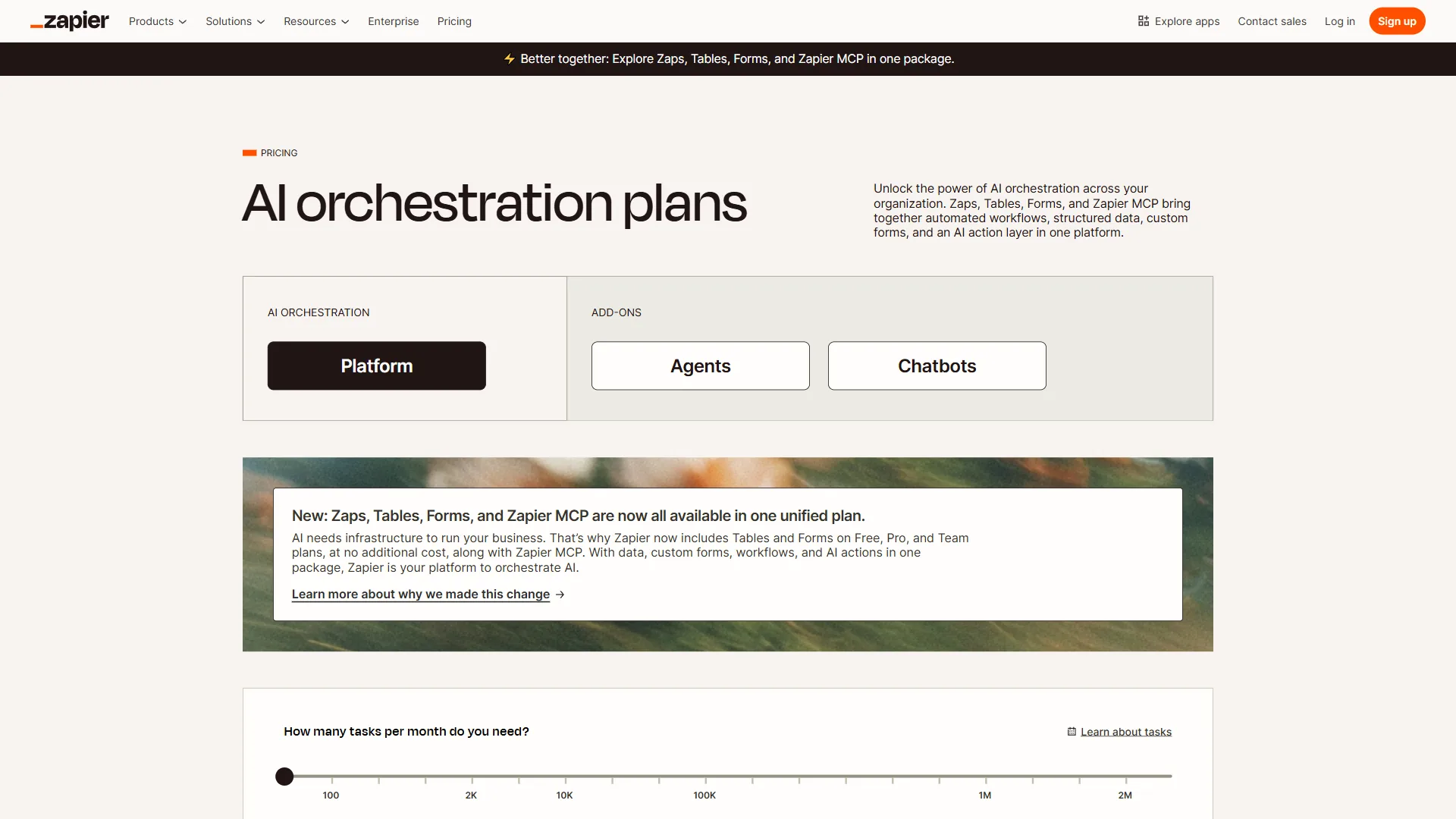
The gap between Free and Professional is where users feel the squeeze - Free is a demo, Professional at $29.99 per month is one of the most expensive entry points in automation.
Zapier Free Plan: What You Actually Get
The Zapier Free plan is an evaluation tier (not a production tier) that includes 100 tasks per month, a 5-active-Zap cap, single-step workflows only, 15-minute polling, and roughly 1,400 free apps but no premium connectors like Salesforce, HubSpot, or Shopify. With 5 Zaps running daily you hit the 100-task cap in about 20 days, so it is suitable only for testing before upgrading.
Zapier Professional Plan: The Individual Workhorse
The Zapier Professional plan costs $29.99 per month, or $19.99 per month billed annually ($239.88 per year), and is the entry-level paid tier that unlocks multi-step Zaps, premium app connections, 750 tasks per month, and 2-minute polling. The 33% annual discount is one of the steeper discounts in SaaS.
What Professional adds over Free: 750 tasks per month, unlimited Zaps, multi-step workflows with filters/delays/paths (branching logic), full premium-app access (7,000+ integrations including Salesforce, HubSpot, Shopify), 2-minute polling, and custom webhooks.
The task math matters: The 750-task limit is the biggest constraint. A mid-complexity automation (form submission to CRM, Slack notification, spreadsheet update, follow-up email) uses 4 tasks per trigger; at 10 triggers per day that is 1,200 tasks monthly, well past the cap. Overages cost roughly $0.01-$0.05 per task.
Who it is for: Solo operators and small business owners running 5-15 low-volume workflows.
Zapier Team Plan: Collaborative Automation
The Zapier Team plan costs $103.50 per month or $69.50 per month billed annually and shifts from individual productivity to shared automation infrastructure with 2,000 tasks per month, unlimited users, shared workspaces, and admin controls.
What Team adds over Professional: 2,000 tasks per month, 1-minute polling, unlimited users, shared workspaces and app connections, admin permissions and roles, and premier support.
Per-user economics: Team is unlimited-seat - a 5-person team pays $20.70 per user, a 10-person team pays $10.35 per user. Versus 5 Professional seats ($150 per month), Team saves about $46.50.
Who it is for: Teams of 3+ users sharing automation responsibilities; break-even versus stacked Professional accounts is around 3-4 users.
Zapier Enterprise: Custom Pricing for Large Organizations
Zapier Enterprise uses custom contract pricing that is not published on the pricing page; based on publicly available case studies and user reports, Enterprise plans typically start in the $250-$500 per month range and include unlimited tasks, SSO/SCIM, advanced admin controls, and a 99.9% uptime SLA. Pricing scales with task volume, user count, and contract length.
What Enterprise adds over Team: unlimited tasks, SSO/SCIM, advanced admin controls and audit logs, custom data retention, dedicated account manager, and a contractual 99.9% uptime SLA.
Who it is for: Organizations with 20+ users running high-volume automations or any company where SSO/SCIM is a non-negotiable IT security requirement.
Annual vs Monthly: The Real Savings
Zapier annual billing saves 33% compared to month-to-month billing on both the Professional and Team plans, dropping Professional from $29.99 to $19.99 per month ($120 per year saved) and Team from $103.50 to $69.50 per month ($408 per year saved). Here is the side-by-side breakdown:
| Plan | Monthly Billing | Annual Billing | Annual Savings | Savings % |
|---|---|---|---|---|
| Professional | $29.99/mo ($359.88/yr) | $19.99/mo ($239.88/yr) | $120/yr | 33% |
| Team | $103.50/mo ($1,242/yr) | $69.50/mo ($834/yr) | $408/yr | 33% |
The 33% annual discount is unusually generous compared to the 15-20% SaaS average. Unless you are evaluating Zapier for less than 3 months, annual billing is the clear choice.
Hidden Costs That Inflate Your Zapier Bill
Hidden Zapier costs - task overages, premium-app task multipliers, and multi-step task multiplication - typically add 20-50% on top of the sticker price for active users, and according to McKinsey’s State of AI research more than 70% of organizations now use AI in at least one business function, which intensifies demand on automation pipelines and pushes task usage higher than buyers initially forecast.
Task Overages
Overages do not stop your Zaps - Zapier auto-charges per task. The Zapier task usage documentation explains how to monitor consumption. Rates: Professional roughly $0.01-$0.05 per extra task; Team roughly $0.005-$0.03. A spike (viral form, overnight import) can generate thousands of extra tasks in hours; without alerts, the bill arrives as a surprise.
Premium App Costs
Premium apps are included on paid plans, but loop-style Zaps that iterate over datasets (such as processing every row in a spreadsheet) can burn 100+ tasks per execution. Audit how each integration counts tasks before committing.
Multi-Step Task Multiplication
Every step in a multi-step Zap counts as a separate task - the most commonly misunderstood part of Zapier’s pricing model:
| Workflow Complexity | Steps | Runs/Day | Monthly Tasks |
|---|---|---|---|
| Simple (trigger + action) | 2 | 10 | 600 |
| Medium (trigger + filter + 2 actions) | 4 | 10 | 1,200 |
| Complex (trigger + paths + 5 actions) | 6 | 10 | 1,800 |
| Enterprise (trigger + loop + 10 actions) | 11 | 20 | 6,600 |
A “simple” 10-workflows-per-day setup can easily exceed Professional’s 750 task cap when each workflow has 3-4 steps.
Upgrade Pressure Points
Tier-jump triggers: Free to Professional when multi-step Zaps or 5+ workflows are needed; Professional to Team when overages exceed $30-$40 monthly or a second user needs access; Team to Enterprise when SSO is required or overages exceed $100 per month.
How Zapier Pricing Compares to Make, n8n, and Activepieces
Zapier pricing is roughly 3-4x more expensive than Make, n8n, and Activepieces for equivalent automation workloads in 2026, with Zapier Professional at $29.99 per month for 750 tasks compared to Make Core at $10.59 per month for 10,000 operations and Activepieces Pro at $10 per month for 1,000 tasks. Here is a direct pricing comparison:
| Feature | Zapier | Make | n8n | Activepieces |
|---|---|---|---|---|
| Free Tier | 100 tasks/mo, 5 Zaps | 1,000 ops/mo, 2 scenarios | Unlimited (self-hosted) | Unlimited (self-hosted) |
| Entry Paid | $29.99/mo (750 tasks) | $10.59/mo (10,000 ops) | $24/mo (2,500 executions) | $10/mo (1,000 tasks) |
| Mid Tier | $103.50/mo (2,000 tasks) | $18.82/mo (10,000 ops) | $60/mo (10,000 executions) | - |
| Team Tier | $103.50/mo (unlimited users) | $34.12/mo (10,000 ops) | $60/mo (shared workspaces) | - |
| App Integrations | 7,000+ | 2,000+ | 400+ (+ custom nodes) | 200+ |
| Self-Hosted Option | No | No | Yes (free) | Yes (free) |
Why Zapier Costs More
Three drivers: (1) integration breadth - 7,000+ apps vs Make’s 2,000+ and n8n’s 400+; (2) the simplest linear workflow builder in the category; (3) market-leader pricing power.
Where Alternatives Win on Value
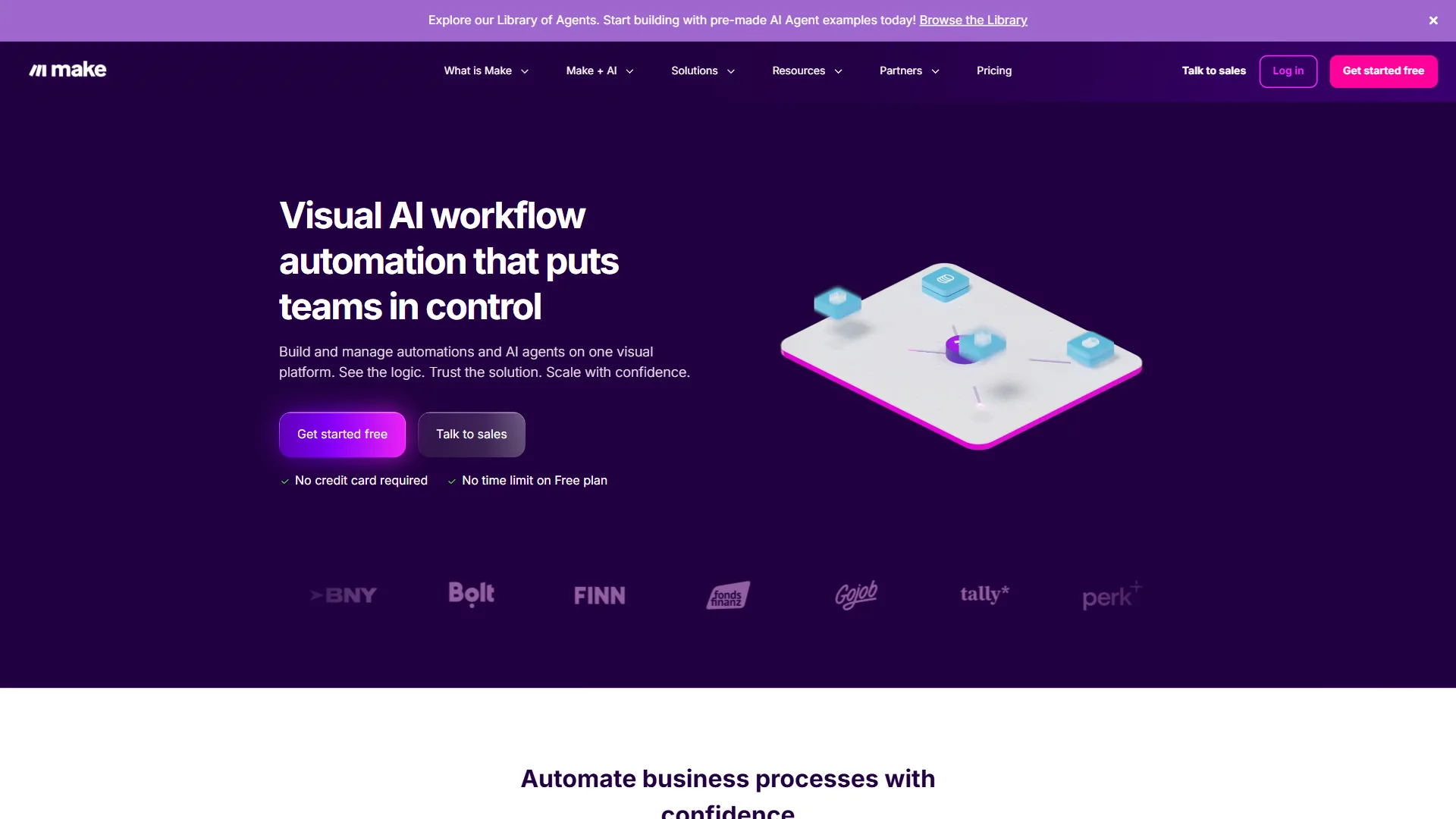
Make offers 10,000 operations per month on Core ($10.59 per month) versus Zapier’s 750 tasks at $29.99 per month - roughly 13x more execution capacity per dollar.
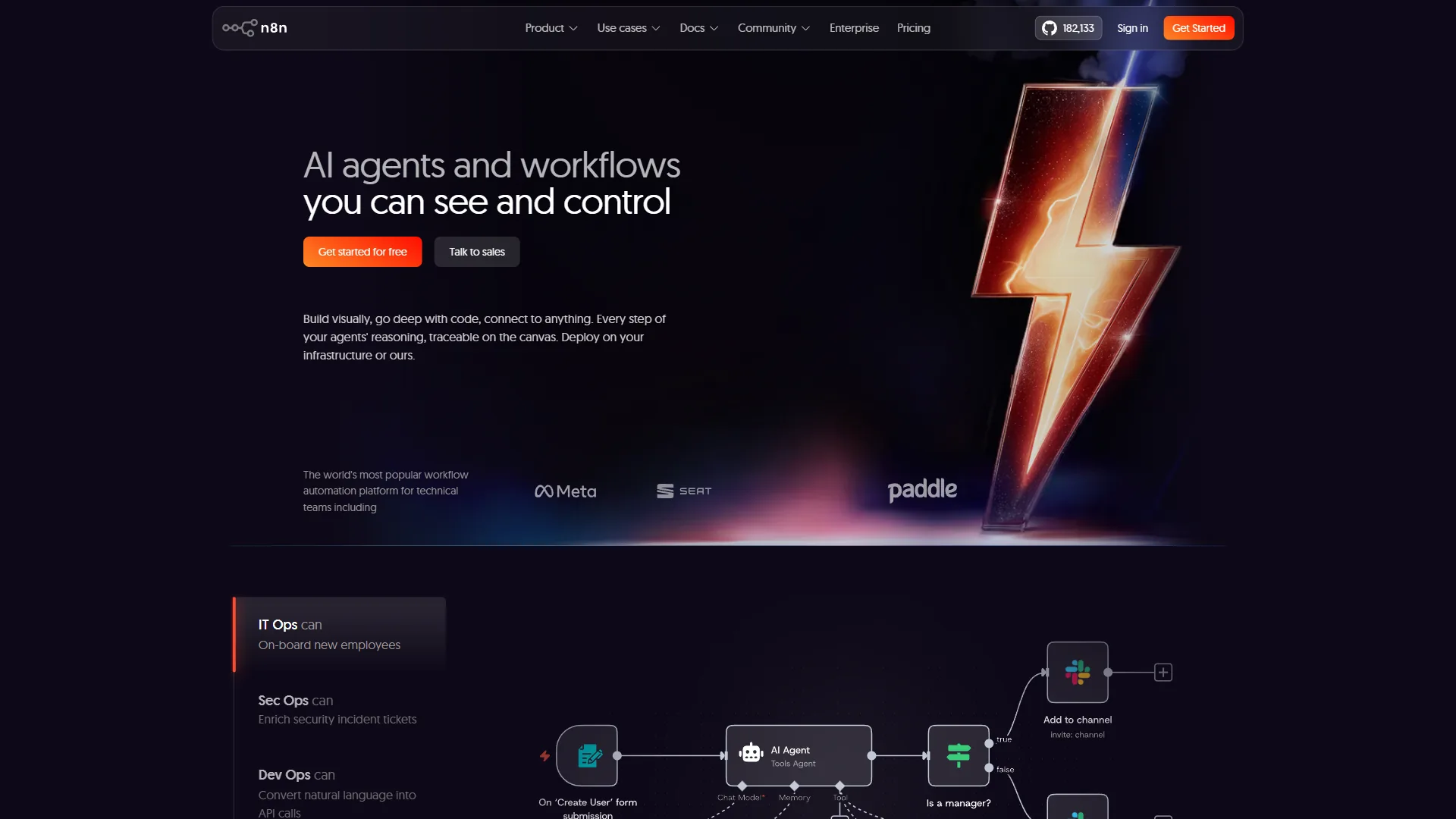
n8n delivers the most value for technical teams. Per the n8n self-hosting documentation, the self-hosted edition is free with unlimited executions; cloud starts at $24 per month for 2,500 executions counted per workflow run (not per step - a critical difference).
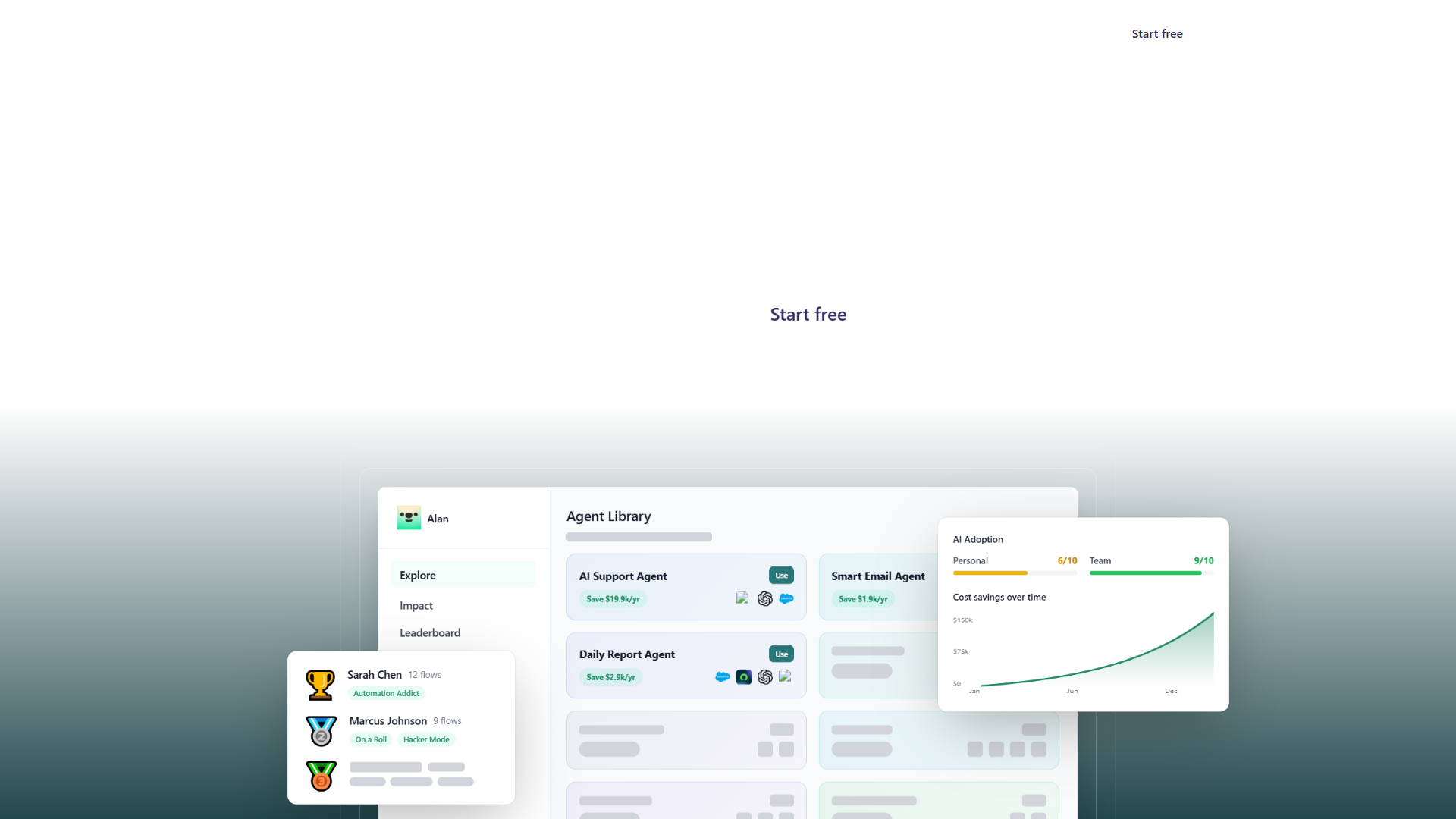
Activepieces is the newest and most aggressive on price: self-hosted is free and open source; cloud Pro at $10 per month includes 1,000 tasks - roughly one-third Zapier Professional’s price. Trade-off: a smaller 200+ app library.
Cost Comparison: Real-World Scenario
Small business with 20 automations averaging 3 steps each, triggered 15 times daily:
| Platform | Tasks/Ops | Plan | Monthly | Annual |
|---|---|---|---|---|
| Zapier | 900 | Professional + overages | $35-$45 | $420-$540 |
| Make | 900 ops | Core | $10.59 | $127 |
| n8n cloud | 300 | Starter | $24 | $288 |
| n8n self-hosted | 300 | Free | $0 + VPS | $60-$120 |
| Activepieces | 900 | Pro | $10 | $120 |
Zapier costs 3-4x more than Make for the same workload; self-hosted n8n reduces the bill to just server costs.
Which Zapier Plan Do You Actually Need?
Most users only need the Zapier Free plan for testing, Professional ($19.99 per month annually) for solo automation with under 750 tasks per month, or Team ($69.50 per month annually) for multi-user workspaces with 2,000 tasks; teams needing SSO or unlimited tasks require Enterprise. Match your situation to the right plan - or the right tool:
- Stay on Zapier Free if you are testing the interface or need under 100 tasks per month on single-step workflows with free-tier apps only.
- Choose Zapier Professional ($19.99 per month annually) if you are a solo user running 5-15 multi-step workflows that consistently stay under 750 tasks and need premium app connections.
- Choose Zapier Team ($69.50 per month annually) if multiple teammates build automations together and your monthly tasks fall between 750 and 2,000.
- Switch to Make if budget matters most and 2,000+ app integrations cover your stack - you get 10-13x more executions per dollar.
- Switch to n8n if you have DevOps capacity to self-host Docker/Kubernetes for unlimited free executions, custom code nodes, or on-premise data privacy.
- Switch to Activepieces if you want the lowest-cost cloud option (or free open-source self-hosting) and 200+ connectors cover your needs.
Why Is Zapier So Expensive?
Zapier is expensive because it charges per individual workflow step (not per workflow run), commands a premium for offering the largest no-code integration library at 7,000+ apps, and gates enterprise features like SSO and SCIM behind its top tier - three factors that together produce a 3-4x price premium over Make, n8n, and Activepieces.
According to Wade Foster, CEO and co-founder at Zapier, in a Forbes interview, Zapier’s strategy was built around connecting “the long tail” of business software - which is precisely why its catalog (and price tag) outscales rivals. The expense is justified when Zapier’s specific integrations save enough time to offset the cost gap; otherwise alternatives deliver the same outcomes at 70-80% less.
The Bottom Line
Zapier is the premium-priced workflow automation platform in 2026, justified for users who need its 7,000+ app integration breadth or beginner-friendly interface but overpriced by 3-4x for anyone whose stack is covered by Make, n8n, or Activepieces. Professional at $19.99 per month (annual) is viable for light individual workloads; Team at $69.50 per month makes sense for collaboration. The per-step counting model means costs escalate quickly as workflows grow in complexity.
Make offers 13x more operations at the same price point. n8n eliminates platform costs entirely for self-hosted deployments. Activepieces undercuts everyone on cloud pricing. Before choosing a plan, count the steps in each workflow, estimate daily trigger volume, multiply by 30, and compare to each tier’s task allocation - that math, not the marketing page, tells you what Zapier will actually cost.
FAQ
Q: How much does Zapier cost?
Zapier pricing starts at $0 for Free (100 tasks per month), $29.99 per month for Professional (750 tasks), $103.50 per month for Team (2,000 tasks), and custom pricing for Enterprise.
Q: Is Zapier free worth it?
Zapier Free is worth it only for testing the interface or for users who need fewer than 100 tasks per month on single-step workflows. It stops being worth it the moment multi-step Zaps or premium app connections are needed.
Q: What’s cheaper, Zapier or Make?
Make is roughly 3-4x cheaper than Zapier for the same workload because Make charges per operation and bundles more operations per tier. Self-hosted n8n is cheaper still.
Q: Is Zapier free for personal use?
Yes - the Zapier Free plan is suitable for personal use and includes 100 tasks per month plus single-step Zaps with no time limit. There is no separate personal-use license.
Q: How much does Zapier Professional cost per month?
Zapier Professional costs $29.99 per month billed monthly or $19.99 per month ($239.88 per year) when paid annually, including 750 tasks per month, unlimited Zaps, multi-step workflows, and premium app access.
Related Reading
These guides dig deeper into Zapier alternatives, head-to-head comparisons, and the broader workflow automation tools landscape covered above:
- Zapier Review - Full platform review and integration analysis
- Make Review - Visual automation with operation-based pricing
- n8n Review - Self-hosted and cloud open-source automation
- Activepieces Review - Budget-friendly open-source platform
- Zapier vs Make in 2026 - Head-to-head feature and pricing comparison
- Best Zapier Alternatives 2026 - Make, n8n, Power Automate, IFTTT compared
- Best AI Automation Tools 2026 - Gumloop vs Zapier vs Make vs n8n
- Best Workflow Automation Tools 2026 - Workflow-focused ROI analysis
External Resources
These primary sources back the Zapier pricing per month figures and task-counting rules cited throughout this analysis:
- Zapier Official Pricing Page - Plan details and task calculator
- Zapier Task Usage Guide - Monitor and optimize task consumption
- Make Official Pricing Page - Compare Make’s operation-based pricing