


Google Workspace is the default productivity stack for millions of teams, with pricing that runs $6 to $18 per user per month according to the Google Workspace pricing page. The strongest alternatives in 2026 are Microsoft 365 (best for full Office depth), Zoho Workplace (cheapest at $3 per user per month), Proton Business (best for end-to-end encrypted privacy), and Nextcloud (best for self-hosted data sovereignty).
This guide covers eight alternatives - from the best-known Google Workspace alternative Microsoft to ProtonMail and self-hosted Nextcloud - with honest tradeoffs, not feature lists.
Methodology: Our analysis draws on vendor documentation and independent industry research, including the Gartner Magic Quadrant for Content Collaboration Tools and primary vendor pricing pages cited inline. Some links on this page are affiliate links; our analysis remains independent.
Why People Leave Google Workspace
Google Workspace is good for most teams, but five real pain points push people to look elsewhere:
- Privacy and data concerns - Google’s business model is built on advertising data. Regulated teams face requirements like HIPAA and GDPR that make Google’s data practices a compliance problem.
- Internet dependency - Offline mode has improved, but the experience is worse without a connection.
- Ecosystem lock-in - Once your data lives in Google’s formats, migrating out is painful.
- Feature depth - Docs and Sheets do not match Excel or Word for complex modeling or advanced formatting.
- Storage tiers - Business Starter gives 30GB pooled storage per the Google Workspace pricing breakdown; large-file teams hit limits fast and the upgrade to Business Standard ($12) or Business Plus ($18) adds up.
According to Frederic Lardinois, enterprise reporter at TechCrunch, “Google Workspace price hikes have made enterprise customers more open to switching than at any point in the past decade” (see his 2024 TechCrunch analysis). If any of those pain points resonate, here are the alternatives worth considering.
Comparison Table: Google Workspace Alternatives at a Glance
Google Workspace alternatives range from $0 (Apple iWork, self-hosted Nextcloud) to $7.25 per user per month, with Microsoft 365 and Zoho Workplace leading on enterprise-grade features for small business.
| Tool | Starting Price | Best For | Offline First | Privacy |
|---|---|---|---|---|
| Microsoft 365 | $6/user/mo | Full enterprise suite, Office apps | Yes (desktop apps) | Better than Google |
| Zoho Workplace | $3/user/mo | Budget teams, all-in-one value | Partial | Good |
| Notion | $10/user/mo | Knowledge management, docs | Limited | Good |
| Slack + apps | $7.25/user/mo | Communication-first teams | Partial | Moderate |
| Fastmail | $5/user/mo | Privacy-focused email + calendar | Yes (IMAP) | Strong |
| ProtonMail + ProtonDrive | $4/user/mo | Maximum privacy | Yes (Drive app) | Excellent |
| Nextcloud | Free (self-hosted) | Self-hosted control | Yes | Maximum |
| Apple iWork | Free (Apple devices) | Mac/iOS-only teams | Yes | Good |
1. Microsoft 365 - The Obvious Enterprise Alternative
Pricing: around $6 per user per month (Business Basic) to around $22 per user per month (Business Premium) Free tier: No (Microsoft 365 Personal has a free trial)
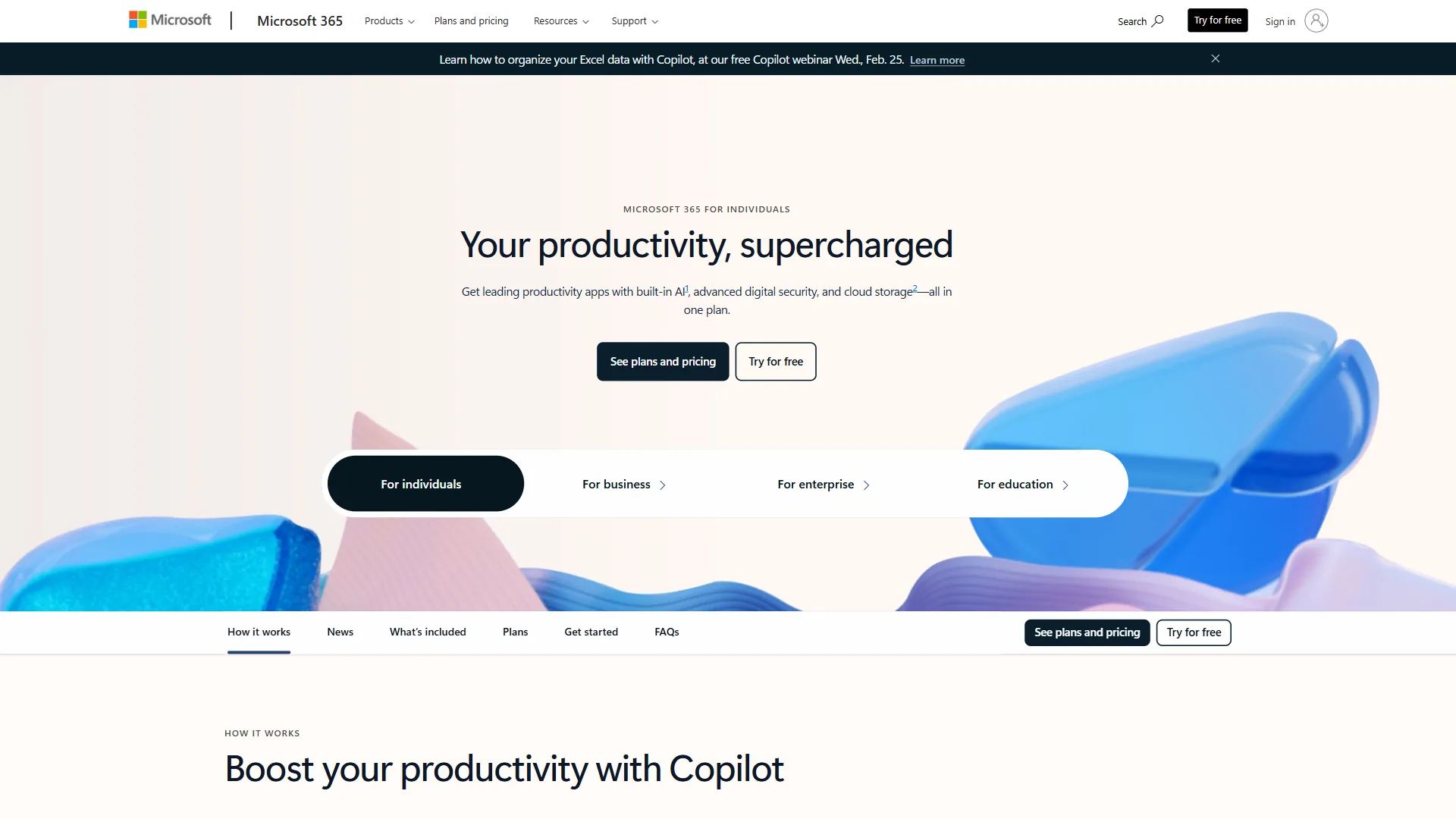
Microsoft 365 is the Google Workspace alternative Microsoft built to compete head-on, and it is the only suite that matches Workspace across email, documents, spreadsheets, presentations, video meetings, and storage while surpassing Google in desktop-app depth. Word, Excel, and PowerPoint remain the gold standard for document creation, governed by the Office Open XML file format specification.
Key Strengths:
- Word, Excel, PowerPoint are more capable than Docs/Sheets/Slides
- Outlook is more powerful than Gmail for complex scheduling
- 1TB OneDrive per user; full offline via desktop apps
- Microsoft Copilot AI on higher tiers
- Stronger compliance per ISO/IEC 27001
Where It Falls Short:
- Real-time collaboration less seamless than Google Docs
- Teams can feel heavyweight for smaller orgs
- Licensing is more complex than Google’s per-user model
Best For: Organizations needing Office compatibility, regulated industries, or Windows-standardized teams. Business Basic at $6 per user per month is competitive with Workspace Starter.
2. Zoho Workplace - Best Value All-in-One
Pricing: around $3 per user per month (Standard) to around $6 per user per month (Professional) Free tier: Yes - up to 5 users
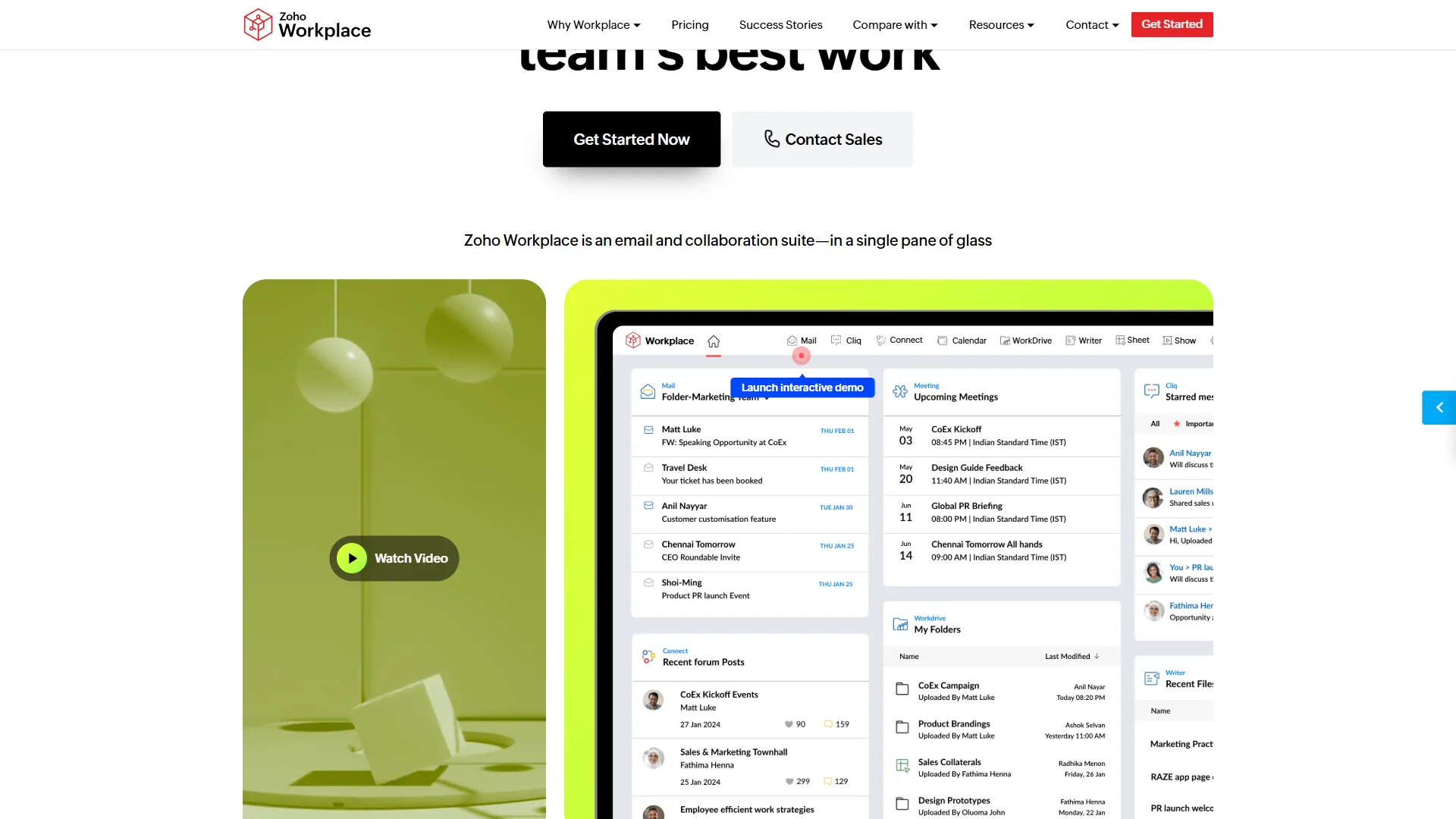
Zoho Workplace is the cheapest full-featured Google Workspace alternative, bundling Zoho Mail, Writer, Sheet, Show, WorkDrive, and Cliq for about half the price of Workspace. Native integration with Zoho CRM, Zoho Books, Zoho Projects, and 55+ other Zoho apps consolidates costs for small businesses running sales, accounting, and operations together.
Key Strengths:
- Lowest price among full-featured Workspace alternatives
- Free plan for up to 5 users
- Native integration with Zoho CRM, Books, and 55+ Zoho apps
- Zia AI assistant in-app; US, EU, Australia, India data centers
Where It Falls Short:
- More UI inconsistency than Google’s polished suite
- Writer and Sheet do not match Word or Excel for power users
- Cliq is less capable than Slack at scale
Best For: Small businesses reducing software costs and teams already on Zoho.
3. Notion - Best for Knowledge-First Teams
Pricing: Free (personal), around $10 per user per month (Plus), or around $15 per user per month (Business) Free tier: Yes - unlimited personal pages, limited block storage
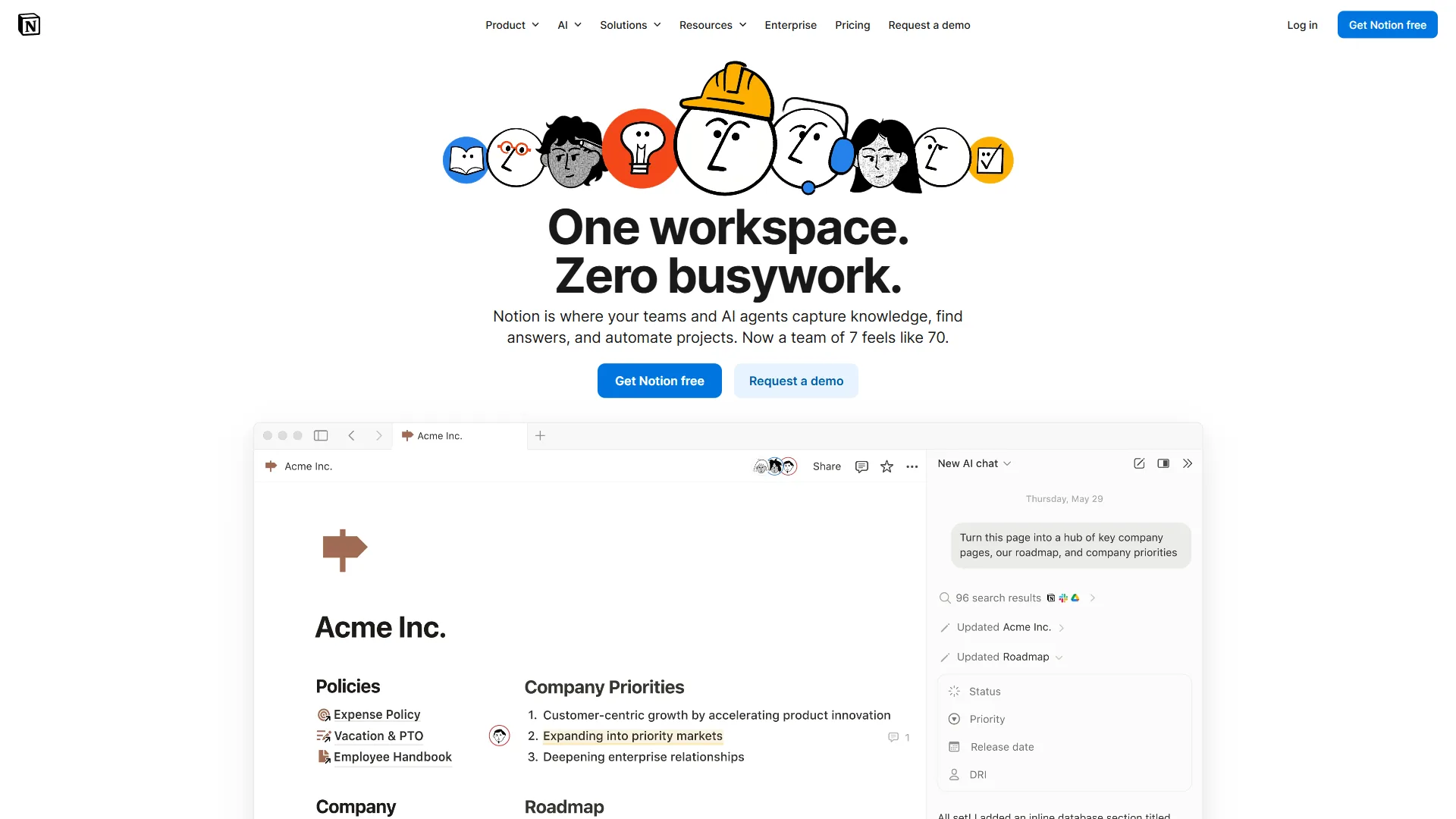
Notion is a documentation-and-knowledge alternative rather than a full Workspace replacement, with no email, calendar, or video meetings, but it handles the docs-and-collaboration layer better than Google Drive’s flat file hierarchy for teams whose core work is writing and knowledge management. Where Drive is a folder tree, Notion is a connected knowledge graph - as elaborated in the Notion getting-started guides.
Key Strengths:
- Flexible database replaces disconnected spreadsheets and documents
- Bi-directional linking builds a connected knowledge base
- Notion AI generates and summarizes content in-document
- Notion Calendar integrates with Google Calendar and Outlook
Where It Falls Short:
- No email - still need Gmail, Outlook, or Fastmail
- Offline access is limited
- Not ideal for heavy spreadsheet work - pair with Excel or Google Sheets
Best For: Product teams, startups, and knowledge-heavy orgs. Pair with Fastmail or ProtonMail for a privacy-respecting stack.
4. Slack + Specialized Apps - For Communication-First Teams
Pricing: around $7.25 per user per month (Pro) to around $12.50 per user per month (Business+) Free tier: Yes - limited message history and app integrations
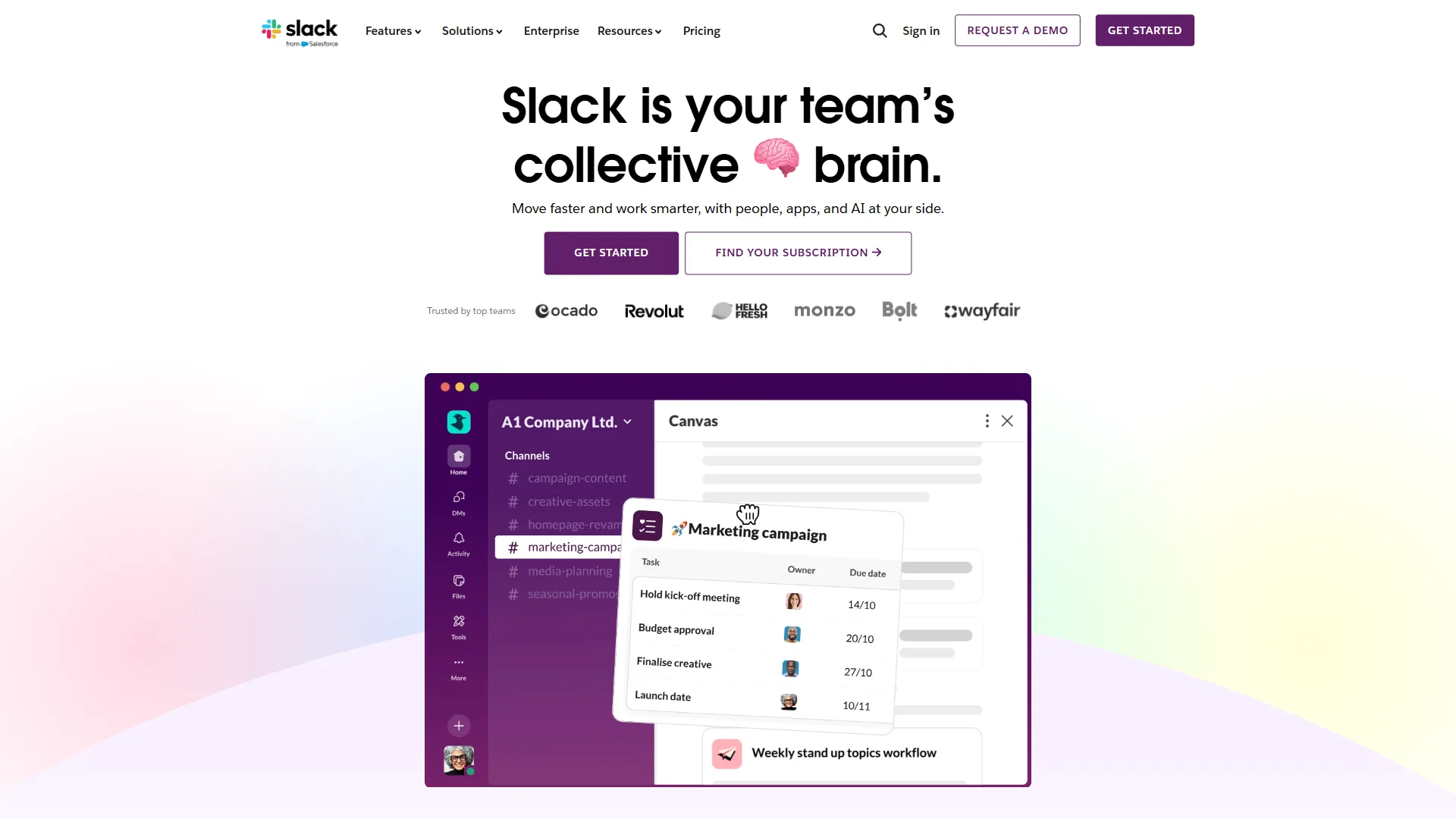
Slack is the communication-hub alternative to Workspace’s integrated-suite model, designed to connect specialized tools rather than bundle everything into one product - the philosophy detailed in the Slack help center overview. Docs in Notion or Google Docs, tasks in Linear, files in Dropbox - Slack ties notifications and conversations together.
Key Strengths:
- Best-in-class team messaging
- Slack Canvas for lightweight shared documents
- Slack Huddles for quick audio/video
- Integration with hundreds of tools (GitHub, Jira, Salesforce, Notion)
- Slack AI for channel summaries
Where It Falls Short:
- Full replacement requires assembling multiple subscriptions
- Total cost can exceed Workspace once storage, email, and tasks are added
- No built-in document creation beyond Slack Canvas
Best For: Teams with strong tool preferences wanting a communication backbone. Works best at 20+ people.
5. Fastmail - Best for Privacy-Focused Email + Calendar
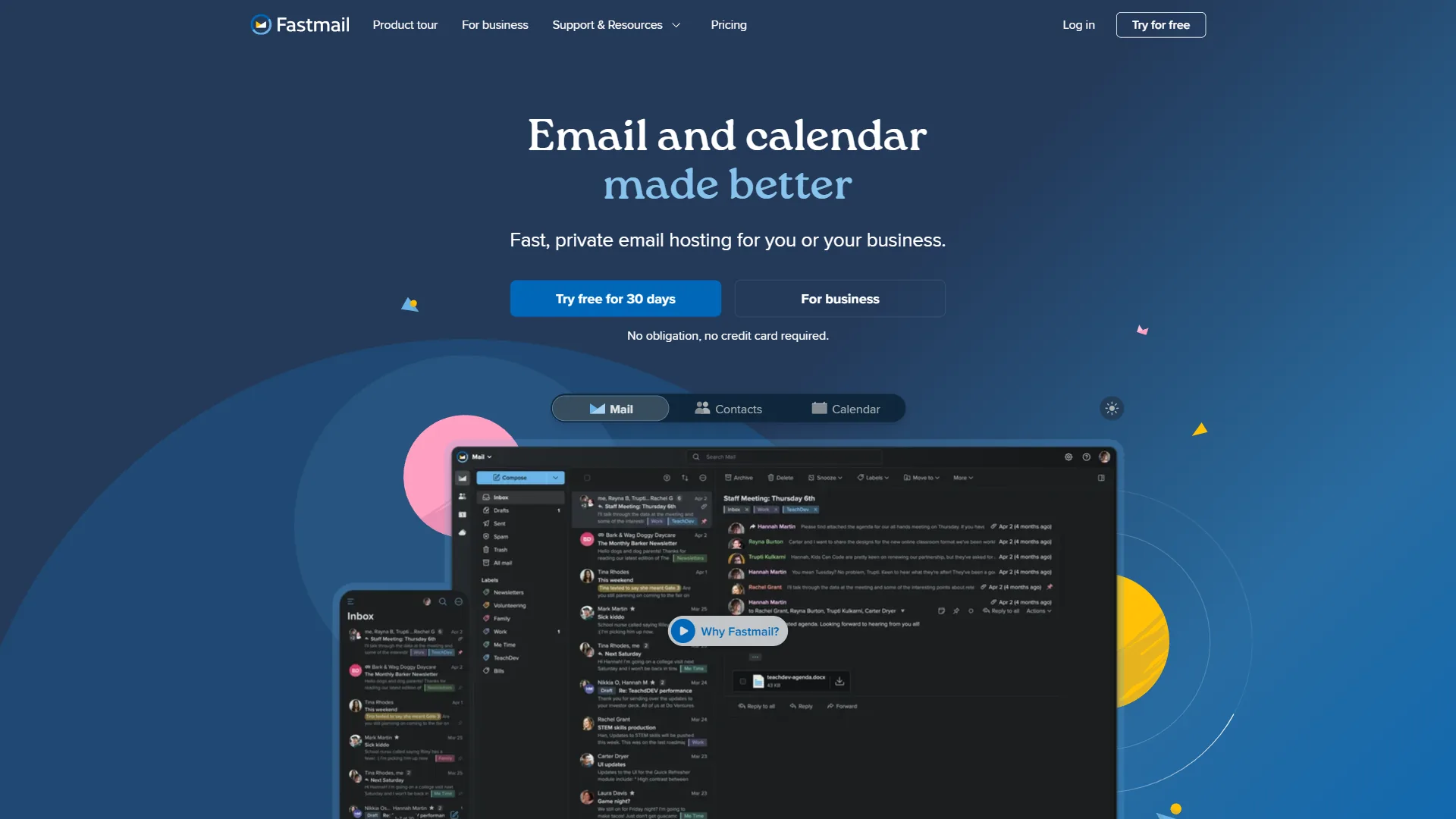
Pricing: around $5 per user per month (Standard) to around $9 per user per month (Professional) Free tier: 30-day free trial
Fastmail is the cleanest Google Workspace alternative for email when you want private inbox and calendar without a full suite, charging $5 to $9 per user per month with no advertising and no data monetization. It supports standard IMAP/SMTP so any email client works, and Fastmail Calendar uses CalDAV (RFC 4791) for sync with Apple Calendar, Outlook, and third-party apps.
Key Strengths:
- No advertising or data monetization
- Custom domain email on all paid plans
- Fast searchable webmail with strong filtering
- CalDAV/CardDAV sync; Masked Email for privacy
Where It Falls Short:
- No documents, file storage, or video meeting tool
Best For: Individuals and small teams that want a private Google Workspace alternative for email without a full suite. Pair with Notion for docs.
6. ProtonMail + ProtonDrive - Best for Maximum Privacy
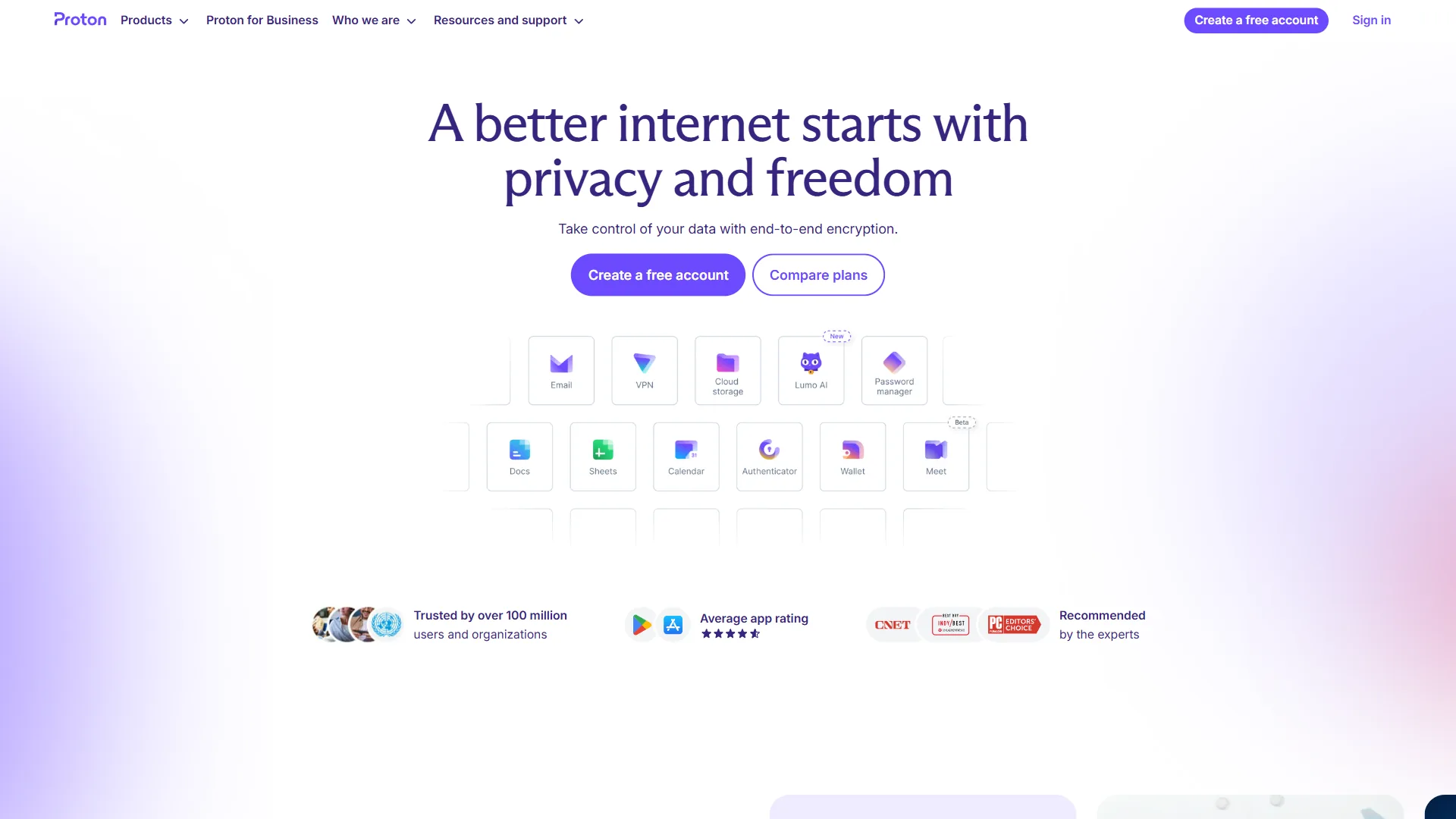
Pricing: Free (personal), around $4 per user per month (Mail Plus), or around $12.99 per user per month (Proton Business) Free tier: Yes - 1GB email, 1GB Drive
Proton Business offers end-to-end encrypted email, calendar, and storage that neither Google nor Microsoft can match, based in Switzerland under the Swiss Federal Act on Data Protection (FADP) so even Proton itself cannot read your email or access your files. This makes Proton the strongest Google Workspace alternative Europe-based teams reach for when GDPR exposure matters; the plan bundles ProtonMail, ProtonDrive, ProtonCalendar, and ProtonVPN.
Key Strengths:
- End-to-end encryption for email, calendar, and files
- Swiss jurisdiction with strong legal privacy protections
- Open source encryption code - auditable by researchers
- Proton Business bundles VPN, which Workspace does not
- Zero-knowledge architecture for files and calendar
Where It Falls Short:
- Encrypted email is end-to-end only between Proton users
- ProtonDrive lacks some collaboration features Google Drive has
- Proton Docs is basic compared to Google Docs
- No video conferencing tool
Best For: Legal, healthcare, journalism, and any organization handling confidential communications. Also strong for individuals who want personal email out of Google’s reach.
7. Nextcloud - Best for Complete Control (Self-Hosted)
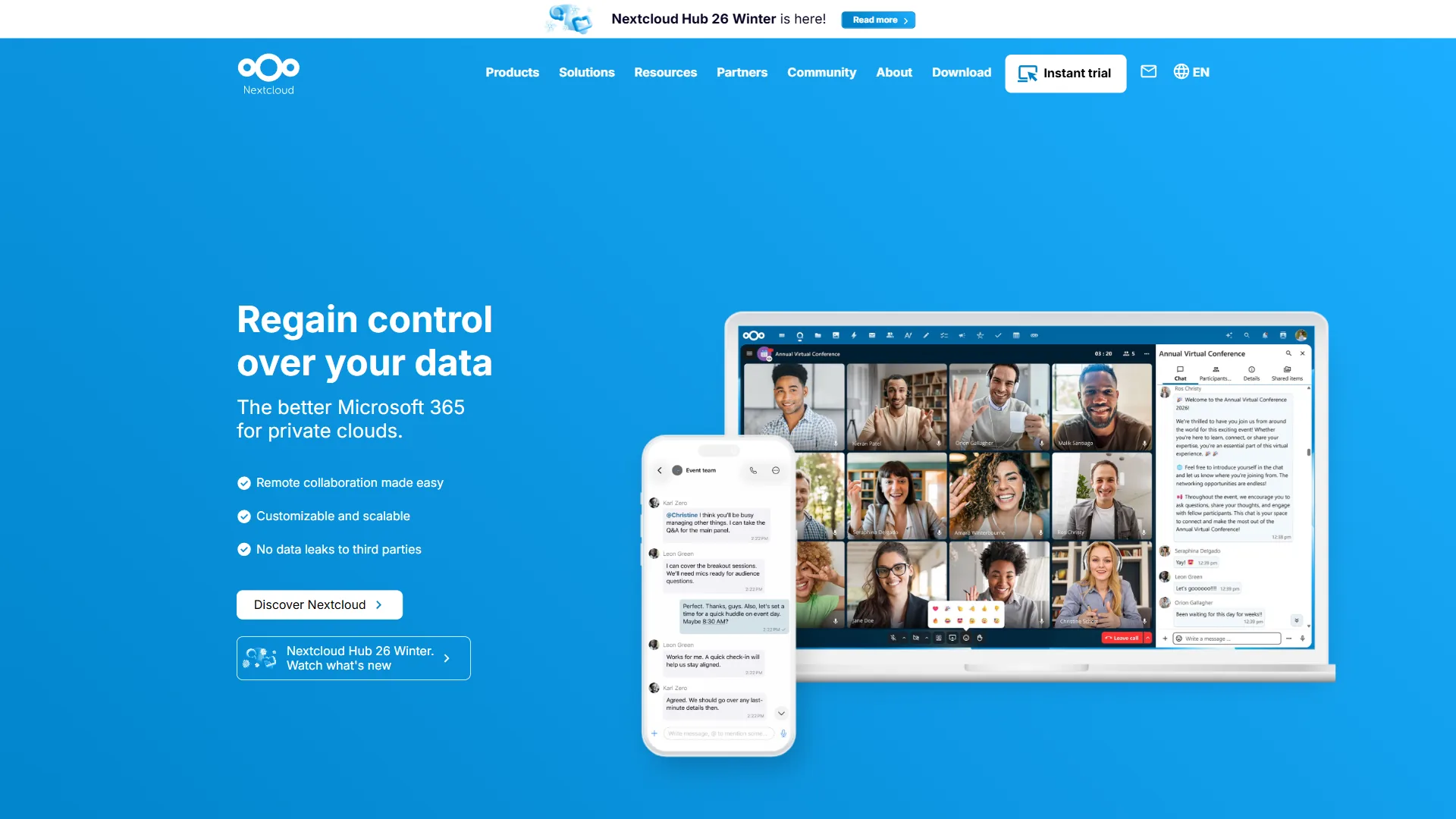
Pricing: Free (self-hosted, you pay for server costs) Cloud hosting: Available via Nextcloud providers from around $5 per user per month
Nextcloud is open-source software that runs on your own server and delivers a full Workspace-equivalent stack - file storage, document editing via Collabora Online or OnlyOffice, calendar, contacts, email integration, video calls, and project management - on hardware you control with no per-user fee. Your data lives on your servers, governed by your policies.
Key Strengths:
- Complete data sovereignty
- No per-user licensing fees
- Extensive app ecosystem
- GDPR compliance is straightforward
- Active open-source community
Where It Falls Short:
- Requires technical expertise to deploy and secure
- Security responsibility is entirely yours
- UX does not match Google’s polish
Best For: Organizations with IT resources or strong data sovereignty requirements. At scale, often cheaper than Workspace or Microsoft 365 over multiple years.
Bonus Tips: Apple-Only and Niche Alternatives Worth Knowing
Apple iWork is the niche Google Workspace alternative for teams locked to a single hardware ecosystem, offering Pages, Numbers, and Keynote free with any Mac or iPhone for small business productivity.
8. Apple iWork - Best for Mac and iOS Teams
Pricing: Free with Apple devices Free tier: Fully free for Apple device users
Apple’s iWork suite - Pages, Numbers, and Keynote - is included free with macOS and iOS, syncs via iCloud, and supports real-time collaboration. Keynote consistently produces more polished presentations than Google Slides or PowerPoint with less effort. See our best Mac productivity tools 2026 guide for the broader Apple-app ecosystem.
Key Strengths:
- Free with any Apple device
- Keynote produces exceptional presentations
- Native Mac performance
- Real-time collaboration via iCloud
- Offline-first on Mac and iOS
Where It Falls Short:
- Android and Windows users get a degraded experience
- No enterprise admin controls or compliance certifications
- iCloud storage limits (5GB free)
Best For: Freelancers, small creative teams, and organizations where everyone uses Apple devices.
Which Alternative Fits: Decision Framework
The right Google Workspace alternative depends on what is driving you away - feature depth, cost, privacy, or data control - and each pain point maps to a different winner:
- Need powerful Office apps: Microsoft 365 - the only alternative that surpasses Google at document, spreadsheet, and presentation depth.
- Want the cheapest full suite: Zoho Workplace at $3 per user per month, with deep Zoho-ecosystem integration.
- Documentation and knowledge-heavy: Notion - its database structure beats Drive and Docs for findability.
- Communication-first, no bundle: Slack plus best-in-class tools - see our remote collaboration tools guide.
- Private email and calendar only: Fastmail at around $5 per user per month.
- Privacy is paramount: ProtonMail + ProtonDrive for end-to-end encryption.
- Total data control: Nextcloud on your own infrastructure.
- All-Apple team: Apple iWork - free with every Apple device.
The Bottom Line
Google Workspace remains the right choice for many teams, but its privacy concerns, offline limitations, and feature-depth gaps versus Microsoft Office are real reasons to evaluate alternatives. The strongest case against staying is lock-in - the longer you stay, the harder leaving becomes. Evaluating alternatives now is more practical than waiting for a price hike or policy change.
For most teams, Microsoft 365 is the right destination. For privacy-conscious teams, Proton or Fastmail plus Notion covers the bases at lower cost. For teams that want to stop paying per-user fees, Nextcloud is worth the setup. See our Google Workspace review for what you would be leaving behind.
FAQ
Is there a better alternative to Google Workspace?
Microsoft 365 is the strongest full-suite alternative for most teams, with deeper Word, Excel, and PowerPoint capabilities. Zoho Workplace is the best value at $3 per user per month, and Proton Business is the best privacy-first option.
Is there still a free version of Google Workspace?
No - Google retired the free G Suite legacy edition in 2022, and there is no current Google Workspace Essentials Starter free tier for new accounts. The closest free options today are Zoho Workplace (free for up to 5 users), Proton Free, and self-hosted Nextcloud, including workspace alternatives free for small teams.
What do I do if I do not want Google Workspace?
Pick the alternative that fits your top pain point: Microsoft 365 for feature depth, Zoho Workplace for cost, Proton Business for privacy, or Nextcloud for full data control.
What is the cheapest Google Workspace alternative?
Zoho Workplace is the cheapest full-featured alternative at $3 per user per month. It includes email, docs, spreadsheets, presentations, storage, and team messaging. The free plan supports up to 5 users.
Can you self-host a Google Workspace replacement?
Yes - Nextcloud is open-source software you install on your own server. It includes file storage, document editing, calendar, contacts, video calls, and project management with no per-user licensing fee.
Related Reading
Related Reading collects the tools and guides referenced above so readers can dig deeper on any alternative or stack under consideration.
Tools covered in this article:
- Google Workspace - The suite this guide compares alternatives against
- Zoho Projects - Project management within Zoho
- Google Sheets - Spreadsheet tool in Workspace
- Linear - Modern project management
- Dropbox - Cloud storage and file sharing
- GitHub - Developer platform
- Salesforce - CRM and business platform
More productivity guides:
- AI Workflow Automation: A Practical Maturity Model
- Best AI Tools for Accountants 2026
- Workday Competitors and Alternatives 2026
- Top Remote Collaboration Tools for Distributed Teams
- Zoho Mail Free Business Email: Honest 2026 Review
External Resources
External Resources below link to primary vendor documentation cited throughout the guide above.