


JetBrains AI Assistant is an AI-powered coding assistant built natively into JetBrains IDEs - IntelliJ IDEA, PyCharm, WebStorm, RubyMine - offering context-aware completion, AI chat, test generation, and documentation, with standout features including the Junie autonomous agent and Claude Agent integration. It ships in AI Free, Pro ($8/mo), Ultimate ($30/mo), and Enterprise tiers.
This guide maps what each tier offers, when to upgrade, and whether the premium pricing justifies itself against GitHub Copilot’s simpler $10/mo model. Our analysis draws on current JetBrains pricing pages, official product documentation, and independent developer research rather than sponsored placement; AI Productivity may earn a commission from links on this page, and our recommendations remain editorially independent.
“AI is no longer optional in modern development workflows - 77% of developers report using AI tools regularly,” according to the 2024 JetBrains Developer Ecosystem Survey, surveying 23,000+ developers worldwide.
TL;DR: JetBrains AI Assistant Quick Facts
JetBrains AI Assistant is a native AI coding tool for JetBrains IDEs, offered in four tiers - Free ($0), Pro ($8/mo), Ultimate ($30/mo), and Enterprise (custom) - with frontier-model access and Junie unlocked at Ultimate.
| Feature | Details |
|---|---|
| Rating | |
| Pricing | AI Free ($0), AI Pro ($8/mo), AI Ultimate ($30/mo), Enterprise (custom) |
| Best For | JetBrains IDE users, especially Java/Kotlin developers |
| Key Features | Context-aware completion, Junie agent, Claude Agent, MCP |
| Languages | 25+ (strongest: Java, Kotlin, Python, TypeScript) |
| 2026 Updates | GPT-5, Claude 4.5 Sonnet, unified credit system |
| Free Tier | Yes - unlimited local completions, limited cloud |
Try JetBrains AI Assistant or read our full tool review.
What is JetBrains AI Assistant?
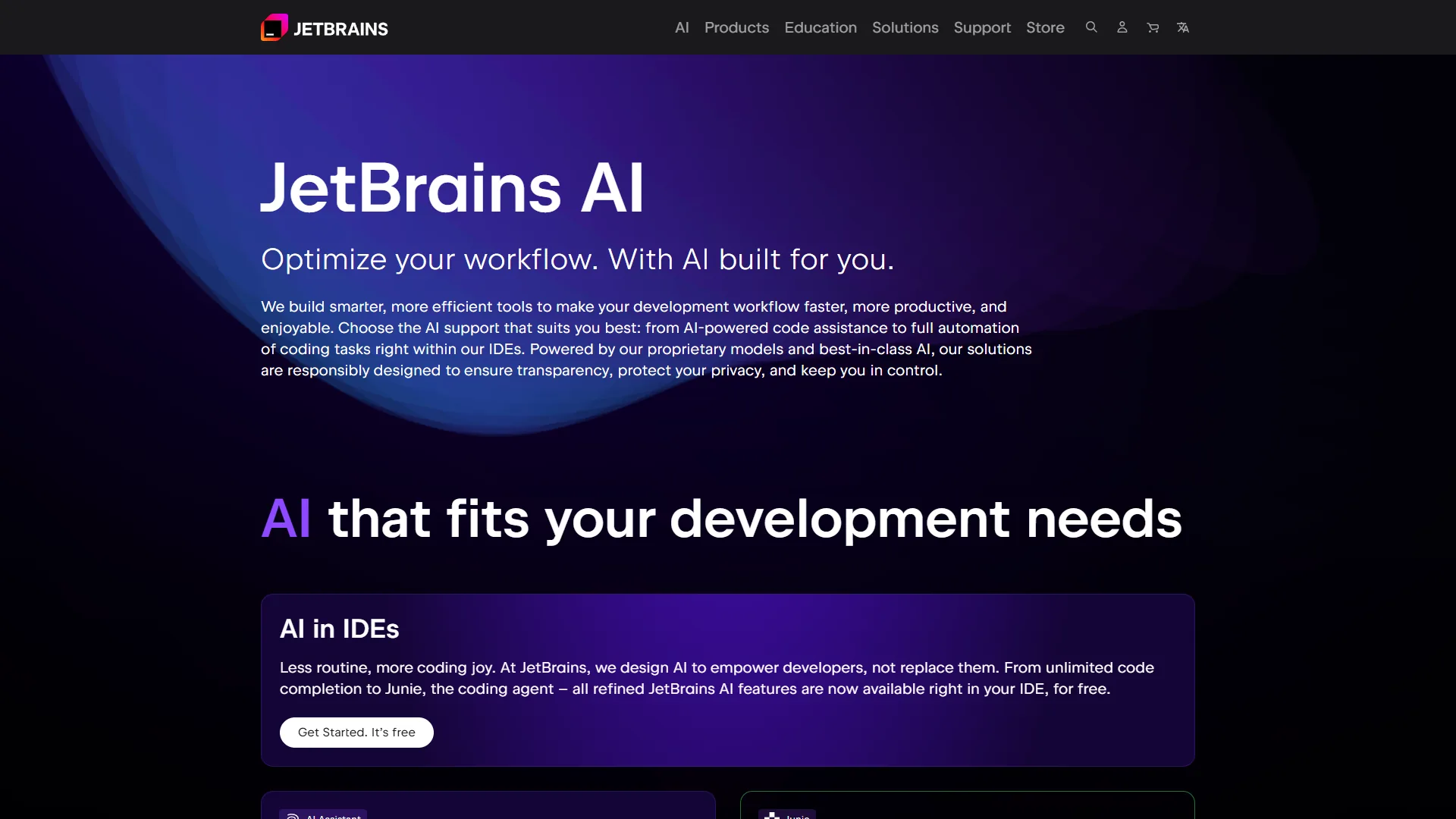
JetBrains AI Assistant is an AI-powered coding assistant built directly into JetBrains IDEs - IntelliJ IDEA, PyCharm, WebStorm, RubyMine, and the rest. Unlike extensions that bolt onto your editor, this is native integration that understands your project structure, dependencies, and coding patterns at a fundamental level. It offers context-aware completion, AI chat, automated test generation, documentation, and two standout features - the Junie autonomous agent and Claude Agent integration powered by Anthropic’s Agent SDK.
What makes it different from GitHub Copilot or Cursor is that the IDE integration runs deeper - it does not just see your current file, it understands your entire project’s semantic structure. For Java/Kotlin developers especially, this produces noticeably better suggestions because IntelliJ already excels at understanding JVM code.
AI Free vs Pro vs Ultimate: The Complete Breakdown
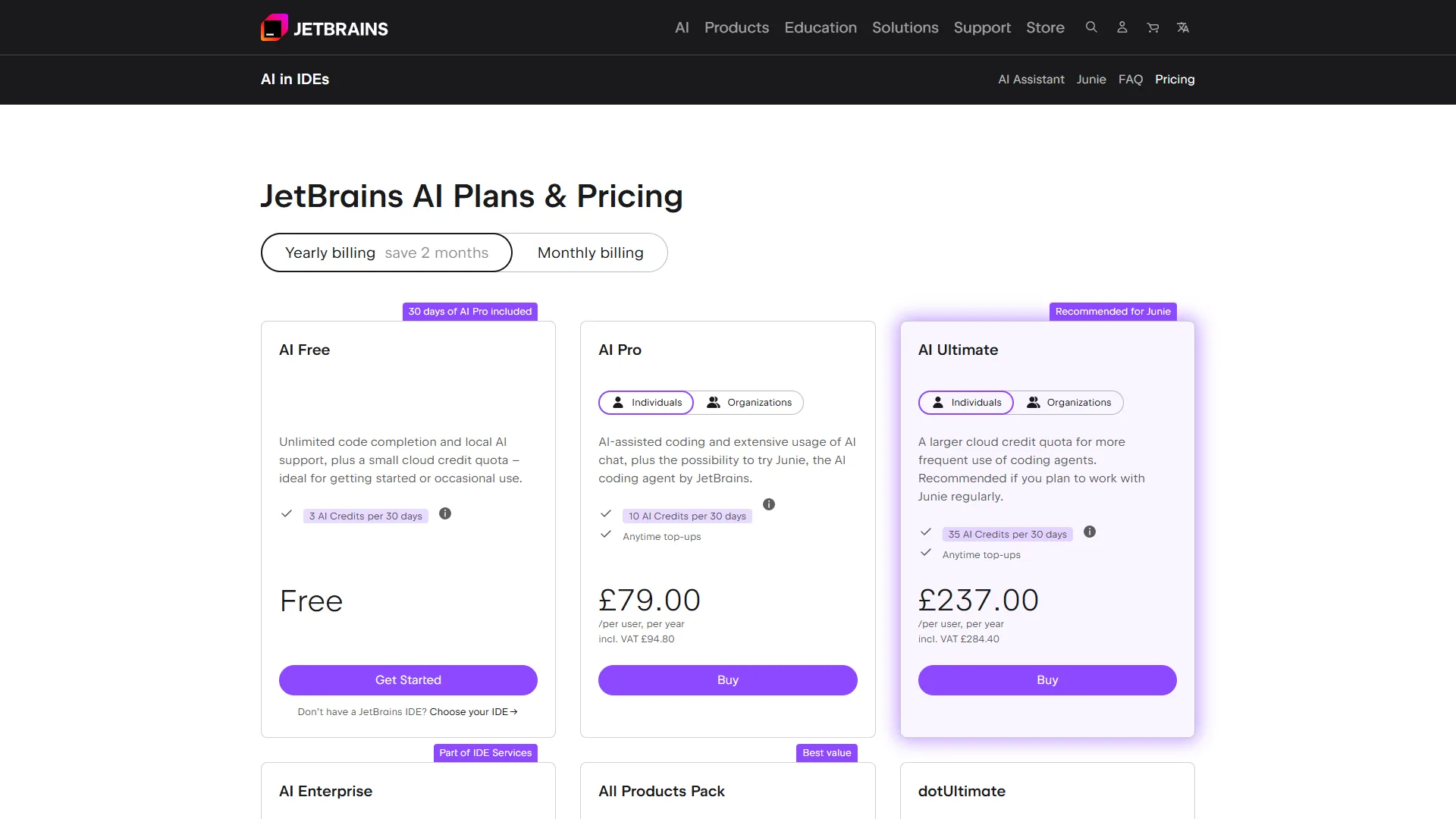
JetBrains AI Assistant offers four tiers - AI Free at $0, AI Pro at $8 per month ($7/mo annual), AI Ultimate at $30 per month ($20/mo annual), and Enterprise at custom pricing - and only the first three are relevant for individual developers.
AI Free Tier ($0 per month)
The free tier launched in early 2026 and includes unlimited local completions, limited cloud features on a quota, and local model support (Ollama, LM Studio, llama.cpp) across most JetBrains IDEs v2026.1+. It excludes Android Studio, Community Editions, frontier models (GPT-5, Claude 4.5), and Junie or Claude Agent access. It works well for developers who want basic AI assistance without cloud dependency. Compare this approach against the editor-first workflow in our Cursor vs GitHub Copilot breakdown.
AI Pro Tier ($8 per month or $7 per month annual)
AI Pro is the sweet spot for most developers - and the key detail many miss is that AI Pro is included free with All Products Pack ($249/yr) and dotUltimate ($199/yr). It bundles everything in AI Free plus enhanced cloud AI and a shared credit pool with Junie and Claude Agent. Pricing is $8/mo personal, $16/mo commercial. Standalone at $8/mo, it undercuts GitHub Copilot’s $10 with comparable features.
AI Ultimate Tier ($30 per month or $20 per month annual)
AI Ultimate unlocks everything in AI Pro plus full Junie, full Claude Agent, frontier models (GPT-5, Claude 4.5 Sonnet, Gemini 2.5 Pro), and $35/mo in AI Credits with a $5 bonus and 12-month top-up rollover. Pricing is $30/mo personal (~$20/mo annual), $47/mo commercial. It makes sense for daily frontier-model use - the $35 monthly credits effectively subsidize the cost for heavy users who would otherwise pay OpenAI or Anthropic API fees directly.
Tier Comparison Table
| Feature | AI Free | AI Pro ($8/mo) | AI Ultimate ($30/mo) |
|---|---|---|---|
| Local completions | Unlimited | Unlimited | Unlimited |
| Cloud completions | Limited | Enhanced | Unlimited |
| Junie Agent | No | Shared credits | Full access |
| Claude Agent | No | Shared credits | Full access |
| GPT-5, Claude 4.5 | No | No | Yes |
| Monthly credits | None | Shared pool | $35 included |
| All Products Pack | N/A | Included free | Add $22/mo |
| Best for | Trying AI, local models | Most developers | Power users |
Key Features Deep Dive
JetBrains AI Assistant offers five features that matter in daily use - context-aware completion, the Junie autonomous agent, Claude Agent integration, multi-model flexibility across GPT-5 and Claude 4.5 Sonnet, and full local-model support.
Context-Aware Code Completion
JetBrains AI Assistant reads your code at a semantic level - imports, class hierarchies, and project patterns - so suggestions use the right variable names, method calls include correct parameters, and completions follow your project’s style. For Java and Kotlin the quality is exceptional, reported as better than Copilot in independent developer comparisons; for Python and TypeScript it is solid but not dramatically different from alternatives. Quality improves significantly with multiple related files open, since the AI uses tabs as context.
Junie Autonomous Agent
Junie launched in January 2026 as JetBrains’ answer to Cursor’s Composer and GitHub Copilot’s Agent. It refactors modules from natural-language instructions, generates test suites, updates documentation across files, and applies coding patterns consistently. Junie consumes AI Credits, so complex tasks burn through credits quickly.
Claude Agent Integration
In September 2026, JetBrains integrated Anthropic’s official Agent SDK, enabling Claude-powered autonomous workflows that go beyond chat. Claude Agent searches your codebase, interacts with external tools via Model Context Protocol (MCP), executes multi-step tasks with decision-making, and accesses external documentation via web search. The MCP support is the differentiator - you can connect databases, APIs, and internal documentation servers directly to the AI.
Multi-Model Flexibility
Unlike Copilot (GPT-4 only) or Cursor (manual switching), JetBrains AI Assistant lets you choose models per-conversation and suggests the optimal one for your task. AI Ultimate includes GPT-5 (complex reasoning), Claude 4.5 Sonnet (code quality), Gemini 2.5 Pro (large context), GPT-4.1 (balanced), and Claude 3.7 Sonnet (cheaper). All tiers also support Ollama, LM Studio, and any OpenAI-compatible endpoint locally.
Local Model Support
JetBrains AI Assistant supports fully local models via Ollama, LM Studio, llama.cpp, and LiteLLM - useful for strict data policies or offline work. Local models consume no credits, and DeepSeek Coder V2 running locally approaches cloud-model quality for many tasks.
When to Choose Each Tier
JetBrains AI Assistant offers four practical tier paths - AI Free for evaluators on local models, AI Pro at $8/mo for All Products Pack holders, AI Ultimate at $30/mo for daily frontier-model users, and GitHub Copilot at $10/mo for VS Code shops. The decision framework below maps each path based on our research into JetBrains’ tier documentation and developer feedback.
- Choose AI Free if you are evaluating JetBrains AI for the first time, prefer local models for privacy, use Community Edition IDEs, or have occasional rather than daily AI needs.
- Choose AI Pro ($8/mo) if you already have All Products Pack (it is free!), want cloud AI without frontier-model costs, code 10-20 hours weekly, or do not need daily Junie/Claude Agent access.
- Choose AI Ultimate ($30/mo) if you need GPT-5 or Claude 4.5 Sonnet quality daily, use Junie for major refactoring, would otherwise pay OpenAI or Anthropic API directly, or work across multiple complex projects.
- Stick with GitHub Copilot ($10/mo) if you use VS Code primarily, want consistent cross-language quality, prefer simpler pricing without credit tracking, or value performance stability over frontier features.
JetBrains AI Assistant vs GitHub Copilot
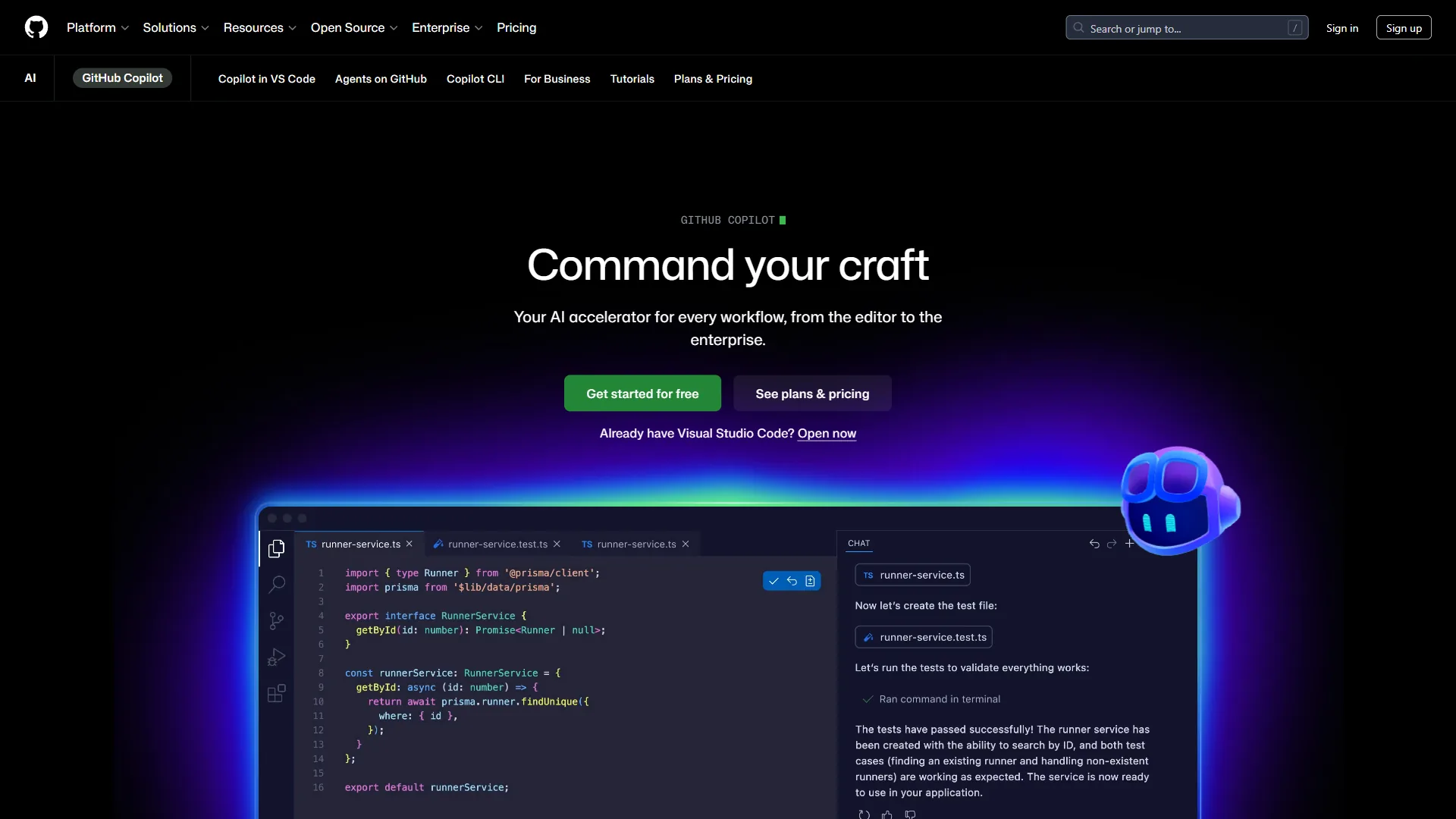
JetBrains AI Assistant offers deeper IDE integration and a wider model menu than GitHub Copilot - GPT-5, Claude 4.5 Sonnet, and local models versus Copilot’s GPT-4 Turbo only - while Copilot wins on cross-IDE support and pricing simplicity. The detail below draws on current vendor documentation - JetBrains’ AI Assistant pricing page and the official GitHub Copilot documentation - rather than third-party benchmarks.
| Aspect | JetBrains AI Assistant | GitHub Copilot |
|---|---|---|
| Price | $8-30/month | $10-39/month |
| IDE Support | JetBrains only | VS Code, JetBrains, Visual Studio |
| Best Language | Java/Kotlin | Python/JavaScript |
| Autonomous Agent | Junie + Claude Agent | Copilot Agent (preview) |
| Model Choice | GPT-5, Claude 4.5, local | GPT-4 Turbo only |
| Local Models | Yes | No |
| Performance | Slower on large projects | Consistent, fast |
Assessment: If you live in JetBrains IDEs and work primarily with Java/Kotlin, JetBrains AI Assistant wins - the IDE integration feels native rather than bolted on. For everyone else, Copilot’s $10 per month delivers more consistent value with fewer rough edges. Many developers run both - Copilot for general work, JetBrains AI for IntelliJ projects where the deeper integration pays dividends.
Getting Started: Setup Guide
JetBrains AI Assistant requires about 5 minutes to install via a five-step path - update the IDE to v2024.2+ (v2026.1+ for Free tier), enable AI Assistant in Settings, choose a tier, configure model and completion preferences, and optionally connect a local model via Ollama or LM Studio.
Step 1: Check Your IDE Version
JetBrains AI Assistant requires v2024.2 or later (v2026.1+ for the Free tier). Update via Help → Check for Updates or JetBrains Toolbox.
Step 2: Enable AI Assistant
Open Settings (Ctrl+Alt+S / Cmd+,), navigate to Tools → AI Assistant, click Enable, log in with your JetBrains Account, and pick a subscription tier or start the free trial.
Step 3: Configure Your Preferences
Set your default model under Settings → AI Assistant → Models (Claude 4.5 Sonnet is a strong default), enable cost/performance indicators, and configure a fallback. Under Completion, enable inline suggestions and tune the suggestion delay. Under Privacy, review what data is sent to cloud models and exclude sensitive files (.env, credentials).
Step 4: Learn the Keybindings
| Action | Windows/Linux | macOS |
|---|---|---|
| Accept suggestion | Tab | Tab |
| Cycle suggestions | Alt+] / Alt+[ | ⌥] / ⌥[ |
| Open AI Chat | Ctrl+Shift+A | ⌘⇧A |
| Invoke Junie | Ctrl+Shift+J | ⌘⇧J |
Step 5: Configure Local Models (Optional)
For offline capability, install Ollama from ollama.com, pull a coding model (ollama pull deepseek-coder-v2), add the Ollama endpoint under Settings → AI Assistant → Local Models, and switch to the local model when working offline.
Practical Tips from Daily Use
JetBrains AI Assistant delivers the biggest productivity gains from five daily habits - descriptive comments before code, scoping Junie to bounded tasks, AI Chat for pre-commit reviews, weekly credit monitoring, and keeping related files open so the AI captures project context.
Write Descriptive Comments First
JetBrains AI reads your comments to understand intent. Instead of // process data, write // Filter active users, sort by registration date descending, limit to 50 - the detailed comment produces dramatically better suggestions.
Use Junie for Bounded Tasks
Junie works best for well-defined tasks like “Generate tests for this class” - not “Rewrite the entire authentication system”. For large, ambiguous goals, break them into smaller Junie requests.
Use the Chat for Code Reviews
Before committing, select your changed code, open AI Chat, and ask “Review this code for bugs, performance issues, and style problems.” This catches bugs that are easily missed in manual review.
Monitor Your Credit Usage
On AI Ultimate, check credit consumption weekly under Settings → AI Assistant → Usage and switch to local models for routine tasks.
Context Window Optimization
Keep related files open - the AI uses open tabs as context. Open the interfaces/types your current file implements, test files alongside implementation, and configuration files when writing setup code.
The Rating Reality Check
JetBrains AI Assistant has a lower-than-expected JetBrains Marketplace rating, driven by IDE slowdowns on large projects, earlier-version automatic installation, credit-system complexity, and inconsistent suggestion quality outside Java/Kotlin. The context matters - 22M+ downloads, 77% of users reporting productivity improvements in JetBrains’ own survey, significant performance improvements since launch, and many negative reviews dating from v1.0 in 2023-2024. Set realistic expectations: this excels for JetBrains power users and underdelivers for casual users expecting Copilot-level polish.
Conclusion: Is JetBrains AI Assistant Worth It?
JetBrains AI Assistant is worth it for two groups - Java/Kotlin developers already paying for All Products Pack (AI Pro ships bundled free) and power users who need daily GPT-5, Claude 4.5 Sonnet, or Junie agent access at the $30 per month Ultimate tier. VS Code users and developers who prefer flat pricing without credit tracking are better served by GitHub Copilot at $10 per month.
Absolutely worth it if you already have All Products Pack (AI Pro is free), you are a Java/Kotlin developer in IntelliJ, you want multi-model flexibility (GPT-5, Claude 4.5, local models), you need autonomous agents (Junie, Claude Agent), or you value deep IDE integration over cross-platform support.
Consider alternatives if you use VS Code primarily (GitHub Copilot or Cursor), you want consistent pricing without credits, performance stability is your top priority, or you work across many languages equally.
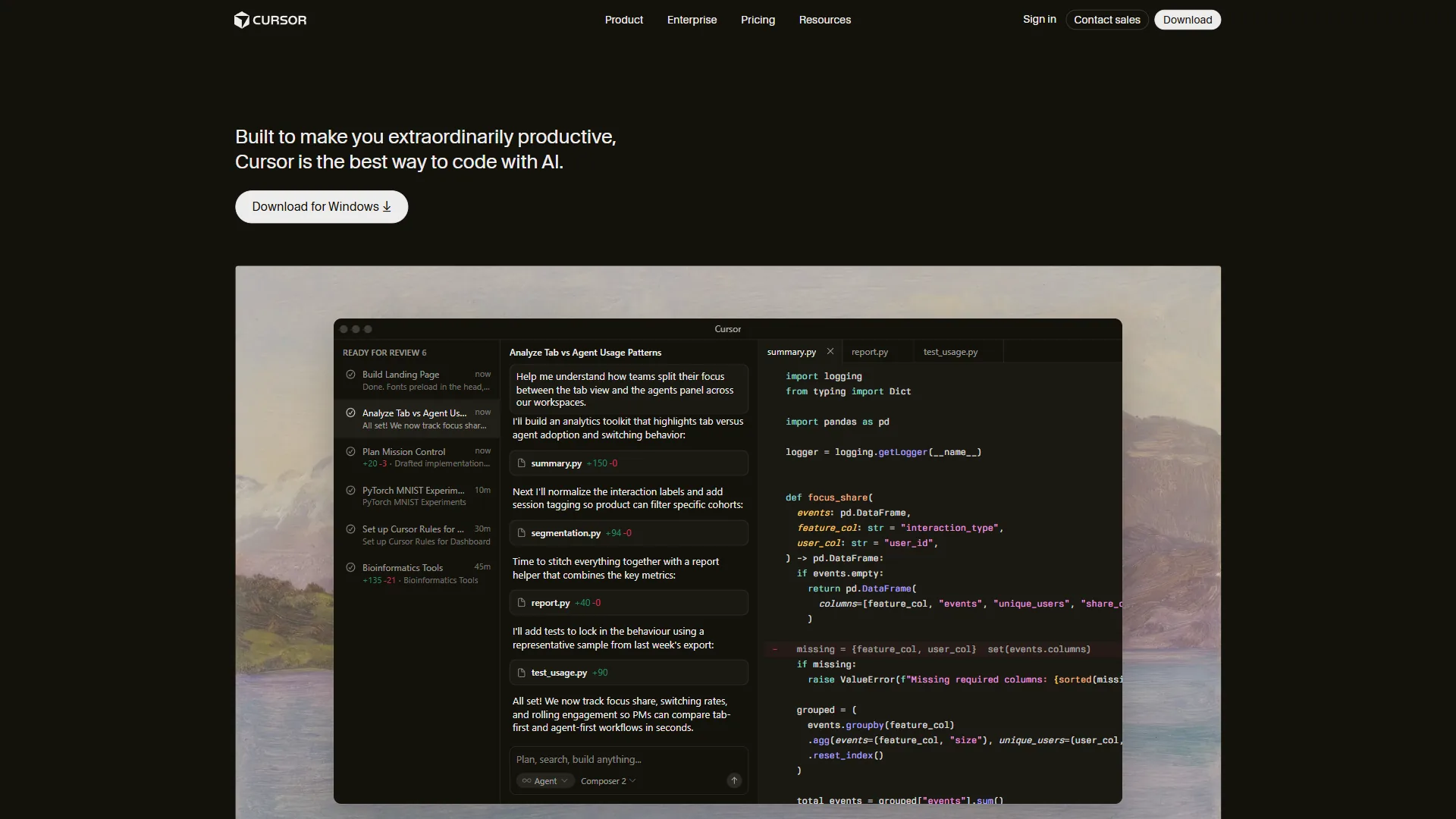
Recommendation: If you have All Products Pack, enable AI Pro immediately - it is free value. Start with AI Pro for a month before considering Ultimate, and only upgrade if you hit credit limits or need frontier models daily.
For JetBrains IDE loyalists - especially Java/Kotlin developers - it is the best AI coding assistant available. The IDE integration is unmatched, the Junie agent is genuinely useful, and the multi-model flexibility future-proofs your workflow.
Ready to try it? Get started with JetBrains AI Assistant or explore our detailed tool page. For more AI coding tools, see our guides on GitHub Copilot, Cursor, and the Best AI Coding Assistants comparison.
FAQ
JetBrains AI Assistant has four recurring reader questions, answered in order below - how to enable the free tier, what the tool actually does day to day, whether any version costs nothing, and whether AI Pro ships inside the IntelliJ IDEA Ultimate license.
How do I use IntelliJ AI Assistant for free?
To use IntelliJ AI Assistant for free, upgrade your IDE to v2026.1 or later, open Settings, navigate to Tools - AI Assistant, click Enable, and log in with your JetBrains Account. Select the AI Free tier for unlimited local completions and limited cloud features at no charge. Local model support via Ollama or LM Studio also works on the free tier.
What does JetBrains AI Assistant do?
JetBrains AI Assistant provides context-aware code completion, an AI chat interface, automated test generation, documentation creation, multi-model selection (GPT-5, Claude 4.5 Sonnet, Gemini 2.5 Pro, and local Ollama/LM Studio models), and two autonomous agents - Junie for whole-task workflows and Claude Agent built on Anthropic’s Agent SDK with MCP support - all running natively inside JetBrains IDEs.
Is JetBrains AI Assistant free?
JetBrains AI Assistant has a free tier (AI Free) that includes unlimited local code completions, local model support via Ollama and LM Studio, and limited cloud features at $0 per month for any JetBrains IDE v2026.1+ (excluding Android Studio and Community Editions). Frontier models and the Junie agent require the paid AI Pro ($8/mo) or AI Ultimate ($30/mo) tier.
Is JetBrains AI Assistant included in IntelliJ IDEA Ultimate?
AI Pro (the $8/mo tier) is included free with both the JetBrains All Products Pack ($249/yr) and the dotUltimate subscription ($199/yr). The higher AI Ultimate tier with frontier models and unlimited agent access is a separate $30/mo subscription that must be added on top.
Related Reads
JetBrains AI Assistant’s closest alternatives are GitHub Copilot (cross-IDE leader at $10 per month), Cursor (AI-native code editor), and Claude (Anthropic’s standalone assistant powering Claude Agent inside JetBrains) - all linked below.
Tools covered in this article:
- JetBrains AI Assistant - IDE-native AI coding
- GitHub Copilot - AI pair programming
- Claude - Anthropic’s AI assistant
- Cursor - AI-native code editor
More AI coding guides:
External Resources
The three primary sources informing this guide are linked below.