



GitHub is the AI-powered developer hub for ecosystem reach, while GitLab is the single-application DevSecOps platform for teams that want one tool to cover the entire software lifecycle. These two platforms dominate the Git hosting market alongside rivals like GitLab vs GitHub vs Bitbucket, but they have evolved into fundamentally different products and are not the same company. GitHub is the world’s largest developer community with 100+ million users and deep AI integration through Copilot. GitLab is a single-application DevSecOps platform that bundles everything from source control to monitoring in one interface.
In 2026, the choice comes down to philosophy: GitHub excels when you want the best ecosystem and AI-powered coding. GitLab wins when you want a unified platform that eliminates tool sprawl.
This complete comparison covers repository management, CI/CD capabilities, AI features, security scanning, pricing, and the key features, use cases, and differences and similarities between GitLab and GitHub - everything you need to make an informed decision on which is better in 2026.
Comparison Table
The GitLab vs GitHub comparison table below summarizes pricing, CI/CD limits, AI assistants, and self-hosting options across both platforms at a glance.
| Feature | GitHub | GitLab |
|---|---|---|
| Users | 100M+ developers | 30M+ users |
| Starting Price | Free | Free |
| Pro/Premium Price | $4/user/mo (Team) | $29/user/mo (Premium) |
| Enterprise Price | $21/user/mo | $99/user/mo (Ultimate) |
| CI/CD | GitHub Actions (marketplace) | GitLab CI/CD (built-in) |
| AI Assistant | GitHub Copilot ($10-19/mo extra) | GitLab Duo (included in Ultimate) |
| Self-Hosted Option | Enterprise Server only | All tiers (Community Edition) |
| Best For | Open source, AI-powered dev | All-in-one DevSecOps |
| Free CI/CD Minutes | 2,000/month | 400/month |
Quick verdict: Choose GitHub if you want the largest developer community, unmatched open-source ecosystem, and best-in-class AI coding with Copilot. Choose GitLab if you need a single platform covering the entire DevSecOps lifecycle without stitching together separate tools.
GitHub: The Developer Community Giant
Limitations and who it is not for: GitHub bundles less out of the box - you pay extra for Copilot ($10-19 per user/mo), Advanced Security ($49 per user/mo), and self-hosting (Enterprise only). Skip GitHub if you need a single-vendor DevSecOps platform with built-in scanning, or if air-gapped self-hosting is required.
GitHub is where the world builds software. With 100+ million developers and 420+ million repositories, it has the largest code hosting community by a wide margin. Microsoft acquired GitHub in 2018, and since then the platform has added GitHub Actions for CI/CD, Codespaces for cloud development, and GitHub Copilot for AI-powered coding.
Nearly every open-source project lives on GitHub. GitHub Actions has 15,000+ marketplace actions, and in GitLab vs GitHub vs Jenkins evaluations teams pick it because integrations exist for virtually every developer tool.
Key strengths:
- Largest developer community and open-source ecosystem, as covered in the GitHub Octoverse 2024 report
- GitHub Copilot AI coding assistant with proven 55% productivity gains
- 15,000+ GitHub Actions in the marketplace
- Codespaces cloud development environments
- Deep integration with the Microsoft and Azure ecosystem
- GitHub Advanced Security with CodeQL semantic code analysis
GitLab: The All-in-One DevSecOps Platform
Limitations and who it is not for: GitLab Premium jumps to $29 per user/mo - 7x GitHub Team’s $4 - and Ultimate ($99 per user/mo) is required for the full security suite. Skip GitLab if you are a small team chasing the cheapest paid tier, or if you depend on the open-source community gravity that lives on GitHub.
GitLab is an all-in-one DevSecOps platform that bundles source control, CI/CD, security scanning, project management, container registry, and monitoring into a single application with a unified data model. Instead of being one tool in a toolchain, GitLab aims to be the entire toolchain.
“The future of DevOps is platforms that consolidate the toolchain rather than add to it,” according to Sid Sijbrandij, co-founder and executive chair at GitLab, in the company’s 2024 DevSecOps platform report. This philosophy has earned GitLab a strong position in enterprise environments where reducing tool sprawl and simplifying compliance are priorities. Organizations report 2-3x faster release cycles after consolidating onto GitLab, with 50% reduction in context switching between tools.
Key strengths:
- Single application for the entire DevSecOps lifecycle
- Built-in CI/CD without needing a separate service
- Self-hosted option available at every tier (Community Edition is free)
- Advanced security scanning (SAST, DAST, dependency scanning) built in - per the GitLab application security documentation
- GitLab Duo AI assistant integrated across the platform
- Strong compliance and audit capabilities
Repository Management
Tradeoffs: GitHub’s PR experience is more polished but less integrated with CI/CD and security. GitLab’s MR workflow is tightly coupled to the rest of its platform - a limitation if you want CI elsewhere. Both platforms handle Git hosting well, but their approaches to code collaboration differ in important ways.
Branching and Workflow
GitHub popularized the “fork and pull request” model that dominates open-source development. The PR interface now offers suggested reviewers, auto-linked issues, draft PRs, and required status checks before merging.
GitLab uses merge requests (MRs) instead of pull requests. The MR workflow is more tightly integrated with its issue tracker and CI/CD pipeline - one interface to link an issue, trigger a pipeline, run security scans, and require approvals. GitLab also supports merge trains, which automatically rebase and test MRs in sequence to prevent broken builds on the main branch.
Code Review
GitHub’s code review is polished and familiar: inline comments, committable suggestions, threads, and review summaries. GitHub Copilot now provides AI-generated review suggestions that catch potential bugs.
GitLab’s code review adds approval rules that let you require specific team members or groups to review certain file paths, plus AI-powered merge request summaries via GitLab Duo.
Winner: Tie. GitHub has the more polished PR experience and larger community familiarity. GitLab’s merge request workflow is more integrated with CI/CD. Pick based on your team’s existing habits.
CI/CD and DevOps
CI/CD is the primary differentiator in the GitLab vs GitHub comparison, with GitHub Actions winning on marketplace breadth and GitLab CI/CD winning on platform integration and visualization. Tradeoffs: GitHub Actions has a thinner native experience for advanced patterns (merge trains, Auto DevOps, multi-project pipelines); GitLab’s free CI/CD minutes are 5x lower than GitHub’s (400 vs 2,000 per month).
GitHub Actions
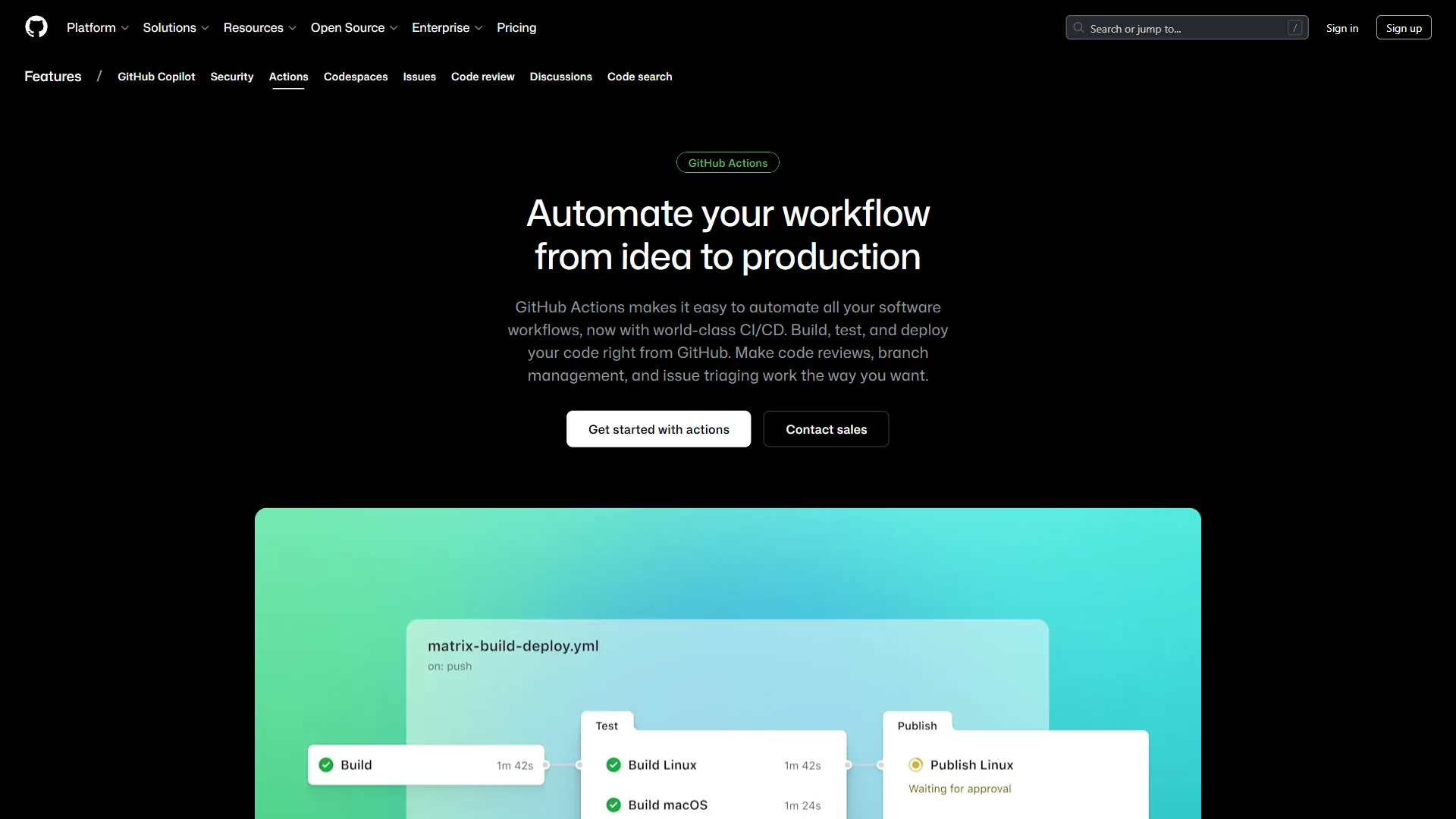
GitHub Actions launched in 2019 and is one of the most popular CI/CD systems. Workflows are defined in YAML files within your repository, with marketplace actions for nearly any task - deploying to AWS, publishing npm packages, running Terraform, and thousands more.
The free tier is generous: 2,000 minutes per month (unlimited for public repos), with Linux, Windows, and macOS runners. Self-hosted runners are free.
GitHub Actions strengths:
- 15,000+ marketplace actions for rapid pipeline assembly
- Matrix builds across multiple OS and language versions
- Reusable workflows and composite actions
- Environment protection rules and deployment gates
- OpenID Connect (OIDC) for cloud provider authentication
GitLab CI/CD
GitLab CI/CD is built directly into the platform and predates GitHub Actions by several years. Pipelines are defined in a .gitlab-ci.yml file with native access to the container registry, package registry, environments dashboard, and security scanners.
Pipeline visualization shows a clear graph of stages and jobs with dependencies. Auto DevOps can detect your project’s language and create a complete build, test, scan, and deploy pipeline without writing YAML.
GitLab CI/CD strengths:
- Native platform integration (no separate service to connect)
- Auto DevOps detects language and creates pipelines automatically
- Built-in container registry and package registry
- Pipeline visualization with DAG (directed acyclic graph) support
- Parent-child pipelines and multi-project pipelines
- Built-in environments dashboard for deployment tracking
Winner: Depends on your needs. GitHub Actions wins for ecosystem breadth with its marketplace and is easier to get started with common tasks. GitLab CI/CD wins for platform integration, visualization, and advanced pipeline features like merge trains and Auto DevOps. If CI/CD is central to your workflow, GitLab has the edge.
GitLab vs GitHub AI Features
Tradeoffs: GitHub Copilot is sold separately ($10-39 per user/mo on top of platform fees). GitLab Duo’s highest-quality features are gated to the $99 per user/mo Ultimate tier, and code completion trails Copilot in raw quality. Both now offer AI assistants, but the approaches - and pricing - differ significantly.
GitHub Copilot
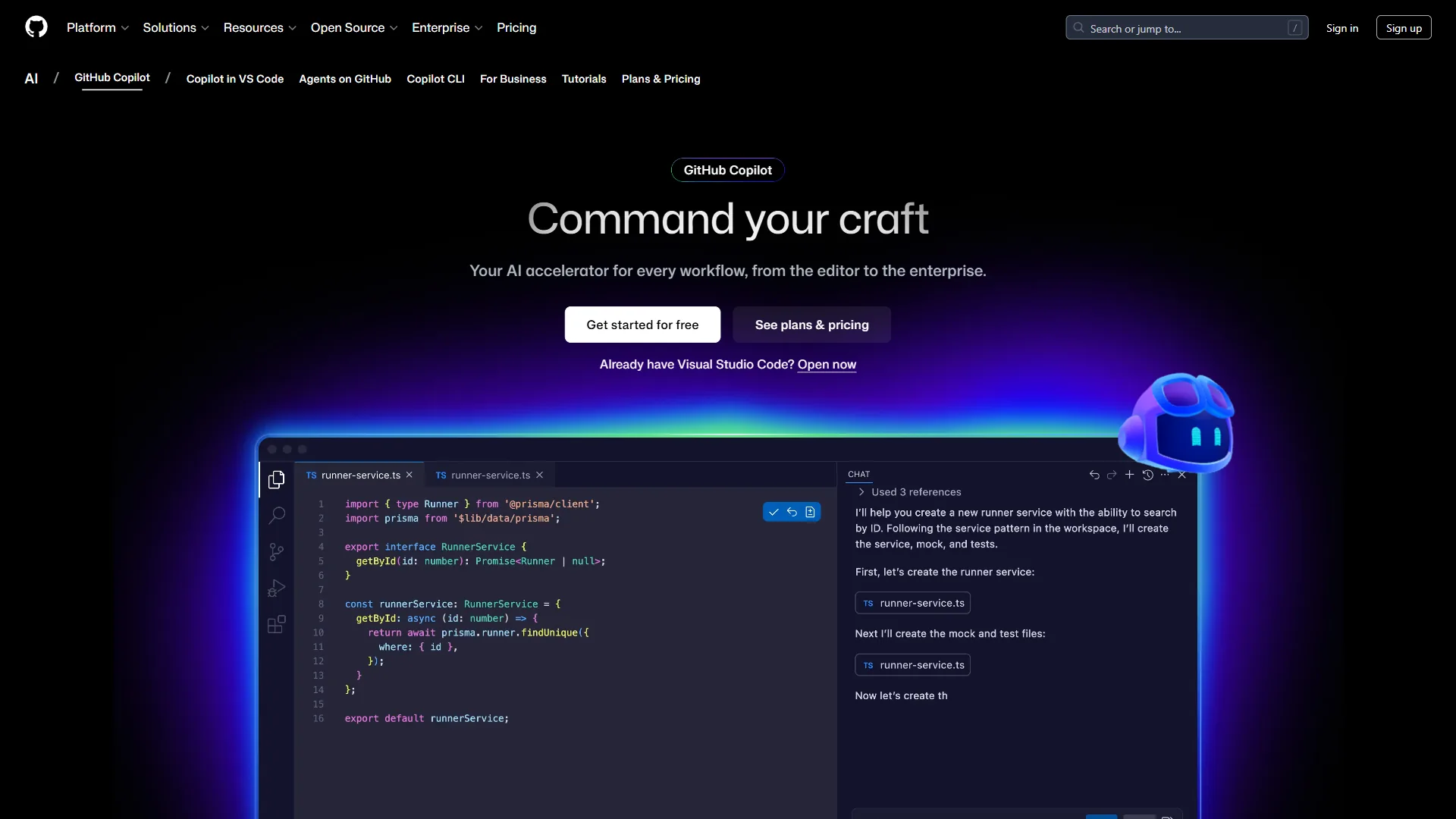
GitHub Copilot is the most widely adopted AI coding assistant, with 1.8 million paying subscribers. It offers inline completions, chat-based coding assistance, code review suggestions, and an agent mode that plans and executes multi-step tasks.
Copilot supports multiple AI models including GPT-5, Claude, and Gemini, and works across VS Code, JetBrains IDEs, Visual Studio, and the CLI. Research shows Copilot delivers 55% faster task completion and saves developers 2+ hours per week. Pricing is a separate subscription: $10 per month for Pro, $19 per user/month for Business, $39 per user/month for Enterprise.
GitLab Duo
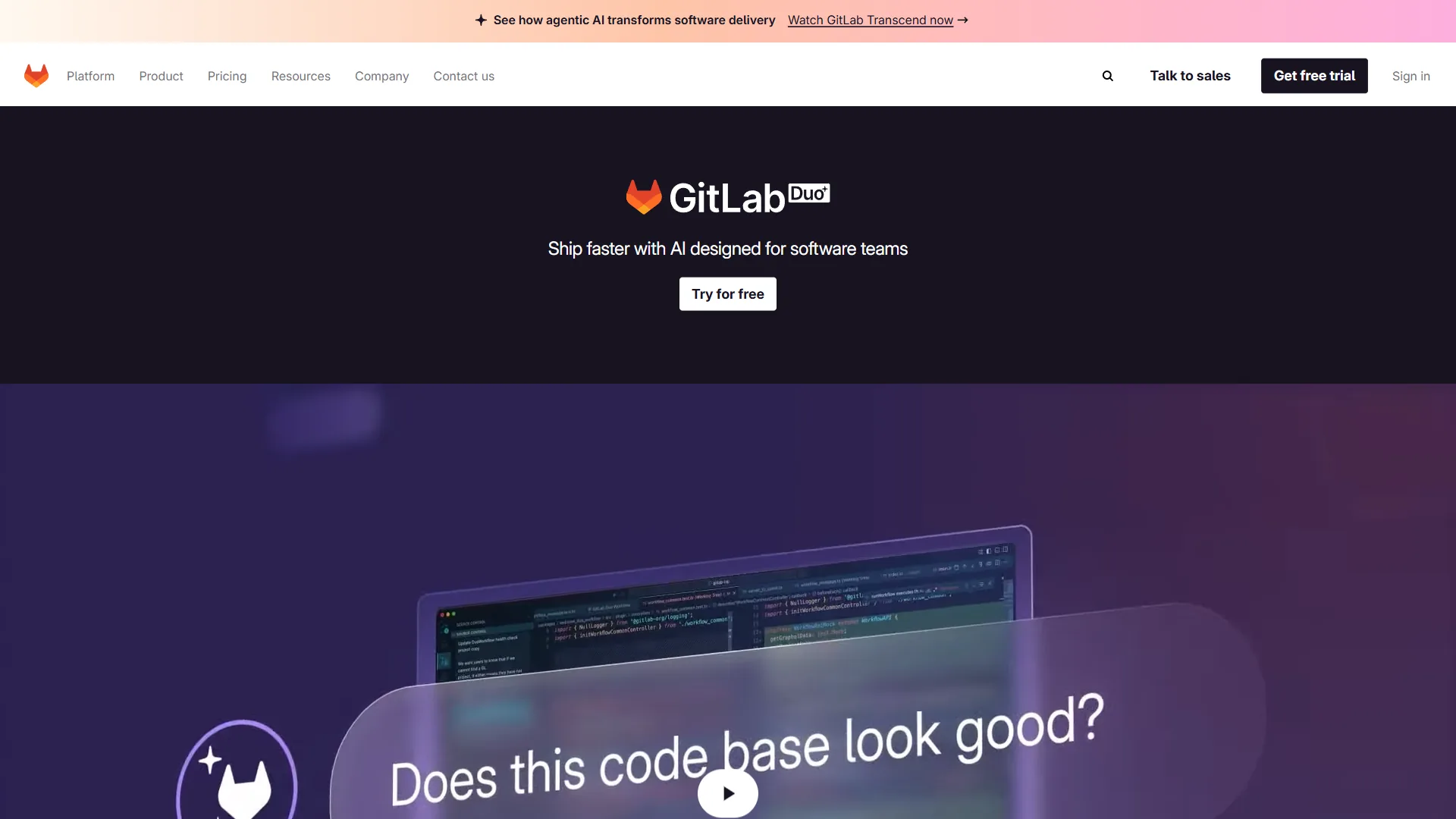
GitLab Duo differentiates on breadth of integration rather than code completion alone. Duo provides AI assistance across the entire DevSecOps lifecycle: code suggestions in the Web IDE, merge request summaries, vulnerability explanations, root cause analysis for CI/CD failures, and natural language to pipeline generation.
GitLab Duo is included with Ultimate ($99 per user/month) or available as an add-on for Premium users. Code completion quality does not yet match Copilot’s polish, but the platform-wide integration delivers AI help at every stage - not just while writing code.
Winner: GitHub Copilot for code quality and IDE breadth. GitLab Duo for platform-wide AI integration. If AI-assisted coding is your top priority, Copilot is the proven leader. If you want AI help across your entire DevOps workflow - from planning to monitoring - Duo’s integrated approach is compelling.
Security and Compliance
Tradeoffs: GitHub Advanced Security adds $49 per user/mo and requires Enterprise. GitLab’s full scanner suite (SAST, DAST, container, fuzz, license) is locked to Ultimate. Security has become a major battleground in the GitLab vs GitHub comparison, especially for enterprise buyers.
GitHub Security
GitHub offers Advanced Security as an Enterprise add-on:
- CodeQL analysis: Semantic code analysis that finds vulnerabilities by understanding data flow
- Secret scanning: Detects exposed API keys, tokens, and credentials with push protection
- Dependency review: Dependabot alerts on known vulnerabilities in your dependency tree
- Security advisories: Private vulnerability reporting and coordinated disclosure
Most features require Enterprise or Advanced Security subscriptions, adding to the per-user cost.
GitLab Security
GitLab builds security scanning directly into the platform at Ultimate:
- SAST: Source code analysis across 30+ languages
- DAST: Tests running applications for SQL injection, XSS, and other runtime flaws
- Dependency scanning: Checks dependencies against known vulnerability databases
- Container scanning: Analyzes Docker images for vulnerabilities
- Secret detection: Identifies credentials and tokens in code and pipelines
- License compliance: Tracks and enforces open-source license policies
- Fuzz testing: Random inputs to find crashes and vulnerabilities
All scanning results surface in merge requests alongside code changes, catching issues before production.
Winner: GitLab. The breadth of built-in security scanning - SAST, DAST, container scanning, fuzz testing, and license compliance - in a single platform is hard to match. GitHub’s CodeQL and secret scanning are excellent, but you need to assemble additional tools to match GitLab’s coverage.
Pricing Breakdown
Understanding the full cost requires looking beyond base platform pricing, especially when accounting for CI/CD and AI add-ons.
| Tier | GitHub | GitLab |
|---|---|---|
| Free | Unlimited repos, 2,000 CI/CD min/mo | Unlimited repos (5 users), 400 CI/CD min/mo |
| Team / Premium | $4/user/mo | $29/user/mo |
| Enterprise / Ultimate | $21/user/mo | $99/user/mo |
| AI Assistant | $10-39/user/mo (separate) | Included in Ultimate; add-on for Premium |
| Advanced Security | Enterprise add-on ($49/user/mo for GHAS) | Included in Ultimate |
| Self-Hosted | Enterprise Server only | Free (Community Edition) |
| Storage | 500MB-50GB packages | 10GB-250GB |
Real-World Cost Comparison (50-Person Team)
For a 50-developer team needing CI/CD, AI, and security scanning:
- GitHub: $21 (Enterprise) + $19 (Copilot Business) + $49 (Advanced Security) = $89 per user/month = $4,450/month
- GitLab: $99 (Ultimate, includes Duo AI and all security) = $99 per user/month = $4,950/month
Pricing is close at the enterprise tier - GitHub is slightly cheaper but GitLab consolidates into one line item. For smaller teams not needing enterprise security, GitHub Team at $4 per user is dramatically cheaper than GitLab Premium at $29 per user.
Final Verdict: Which Should You Choose
Choose GitHub for open-source work, AI-powered coding, and small teams that want the cheapest paid tier; choose GitLab for unified DevSecOps, built-in security scanning, and self-hosted or air-gapped deployments. The framework below maps team type and priorities to the right platform.
Choose GitHub If:
- Open-source maintainer or contributor: GitHub is the home of open source - community, discoverability, and collaboration tools are unmatched
- AI-powered coding is the top priority: GitHub Copilot is the most mature AI coding assistant with the widest IDE support
- Small team or solo developer: Free tier is more generous, and the $4 per user Team plan is hard to beat
- Microsoft / Azure ecosystem: Integration with Azure DevOps, Visual Studio, and Microsoft 365 is seamless
- Maximum third-party integrations: Marketplace adoption means nearly every developer tool integrates with GitHub
Choose GitLab If:
- One platform for everything: GitLab eliminates stitching together separate tools for CI/CD, security, container registry, and project management
- Security and compliance are non-negotiable: Built-in SAST, DAST, dependency scanning, container scanning, and license compliance in a single platform
- Self-hosted or air-gapped deployment: Community Edition is free and fully self-hostable; GitHub Enterprise Server requires the most expensive tier
- Integrated DevOps workflows: Merge trains, Auto DevOps, and integrated environments reduce pipeline complexity
- AI assistance across the full lifecycle: GitLab Duo provides help from planning through monitoring, not just code completion
Choose Based on Team Size
| Team Size | Recommendation | Reasoning |
|---|---|---|
| Solo / Freelance | GitHub Free | Larger community, better free tier |
| 2-10 developers | GitHub Team ($4/user) | Cost-effective, add Copilot selectively |
| 10-50 developers | Either works well | Evaluate CI/CD needs and security requirements |
| 50-200 developers | GitLab Ultimate | Total cost parity with better platform consolidation |
| 200+ / Enterprise | Evaluate both deeply | Run proof-of-concept with actual workflows |
The Bottom Line
GitHub is the better choice for individual developers, open-source maintainers, and teams that prioritize AI-powered coding through Copilot; GitLab is the better choice for mid-size and enterprise teams that want a single platform covering source control, CI/CD, and security scanning.
For most individual developers and small teams, GitHub is the practical choice. For mid-size to large engineering organizations that want to consolidate their toolchain and need built-in security scanning, GitLab’s all-in-one approach reduces complexity and tool sprawl.
Both platforms support standard Git workflows. Your code is not locked in, and migrating between them is well-documented. Start with the platform that fits your current needs.
FAQ
The most common GitLab vs GitHub questions cover whether GitLab can replace GitHub, which platform is best for which team, pricing, and the differences between GitHub Actions and GitLab CI/CD. Direct answers follow below.
Q: Can GitLab replace GitHub?
GitLab can replace GitHub for teams that want a unified DevSecOps platform. GitLab is a single-application platform that bundles everything from source control to monitoring in one interface. It wins when you want a unified platform that eliminates tool sprawl, though GitHub remains stronger for open-source community collaboration and AI-powered coding through Copilot.
Q: Which is best, GitHub or GitLab?
In 2026, the choice comes down to philosophy: GitHub excels when you want the best ecosystem and AI-powered coding. GitLab wins when you want a unified platform that eliminates tool sprawl.
Q: Why do people use GitHub instead of GitLab?
People use GitHub instead of GitLab for the largest open-source community, the most mature AI coding assistant in GitHub Copilot, and the cheapest small-team paid tier at $4 per user per month. The GitLab vs GitHub decision depends on your team’s specific needs, and the framework above maps team type to platform.
Q: How much do GitLab and GitHub cost?
Both platforms offer free tiers. GitHub Team starts at $4 per user per month and Enterprise runs $21 per user per month. GitLab Premium is $29 per user per month and Ultimate is $99 per user per month. GitHub Copilot is a separate $10 to $19 per month add-on, while GitLab Duo is included in Ultimate.
Q: What is the difference between GitHub Actions and GitLab CI/CD?
GitHub Actions is a marketplace-driven CI/CD system with over 15,000 pre-built actions and 2,000 free minutes per month. GitLab CI/CD is built directly into the platform with 400 free minutes per month, offering native integration with the container registry, security scanners, and environments dashboard without connecting a separate service.
Related Reading
These related guides extend the GitLab vs GitHub comparison into adjacent topics, including alternatives, version control tools, AI code editors, and pair programming.
- GitHub Alternatives Worth Considering
- Best Version Control Tools for 2026
- Best AI Code Editors for 2026
- AI Pair Programming: The Complete Guide
- GitHub Review
- GitLab Review
External Resources
The primary vendor documentation and reports below back the claims made throughout this GitLab vs GitHub comparison.