











Domo vs Tableau is a business intelligence comparison pitting Domo’s 1,000+ pre-built connectors, real-time analytics, and Agent Catalyst with DomoGPT against Tableau’s superior visualization library, per-user pricing from $15 per month, deep Salesforce integration, and Tableau Next agents including Concierge, Inspector, and Data Pro for enterprise buyers.
The business intelligence landscape shifted in 2026 with agentic AI. The domo vs tableau debate - and the broader Domo vs Tableau vs Power BI conversation - has entered a new chapter as both platforms launched autonomous analytics agents. But which delivers?
The fundamental tradeoff: Domo offers unmatched data connectivity with 1,000+ connectors and consumption-based flexibility. Tableau delivers superior visualizations with deep Salesforce integration.
This comparison is based on vendor documentation, pricing pages, and independent research rather than sponsored placement, and AI Productivity may earn a commission from links on this page.
According to Josh James, founder and CEO at Domo, “Modern enterprises need a single platform that connects data, BI, and AI without forcing teams to assemble dozens of point tools.”
Quick Verdict
Domo is the stronger choice for data connectivity and real-time operations, while Tableau delivers superior visualization polish and Salesforce ecosystem integration. The right choice depends on your workflow, budget, and team size, and this guide compares both tools across the features that matter for daily work.
Choose Domo if:
- You need to connect 1,000+ data sources without custom development
- Real-time analytics are mission-critical for operations
- Your team prefers a unified all-in-one platform
- Budget ranges from $20K-$100K+ annually (enterprise commitment)
- You want no-code AI agents for workflow automation
Choose Tableau if:
- Visual storytelling and dashboard design are priorities
- You’re invested in the Salesforce ecosystem
- Per-user licensing ($15-75/month) fits your model better
- Your analysts need the most sophisticated visualization options
- Interactive exploration matters more than connector breadth
The bottom line: Domo wins on data connectivity and real-time processing. Tableau wins on visualization polish and ecosystem integration. Both now offer capable AI agents, but with different strengths.
Comparison Table: At a Glance
Domo offers 1,000+ connectors with credit-based pricing from roughly $20K per year, while Tableau provides ~80 native connectors with per-user licensing that starts at $15 per month.
| Capability | Domo | Tableau |
|---|---|---|
| Rating | ||
| Data Connectors | 1,000+ pre-built | ~80 native connectors |
| AI Agent | Agent Catalyst (DomoGPT) | Tableau Next (Concierge) |
| Pricing Model | Credit-based consumption | Per-user licensing |
| Starting Price | approximately $20K/year (enterprise) | $15/user/month |
| Real-Time Data | Native strength | Batch-oriented (extracts) |
| Visualization | Good (20+ chart types) | Excellent (100+ types) |
| Best For | Data integration + operations | Visual analytics + storytelling |
Platform Overview
Domo is an AI-powered data experience platform built for connectivity and real-time operations, while Tableau is the visualization standard built for dashboard design and exploratory analysis.
Domo: The Data Integration Powerhouse
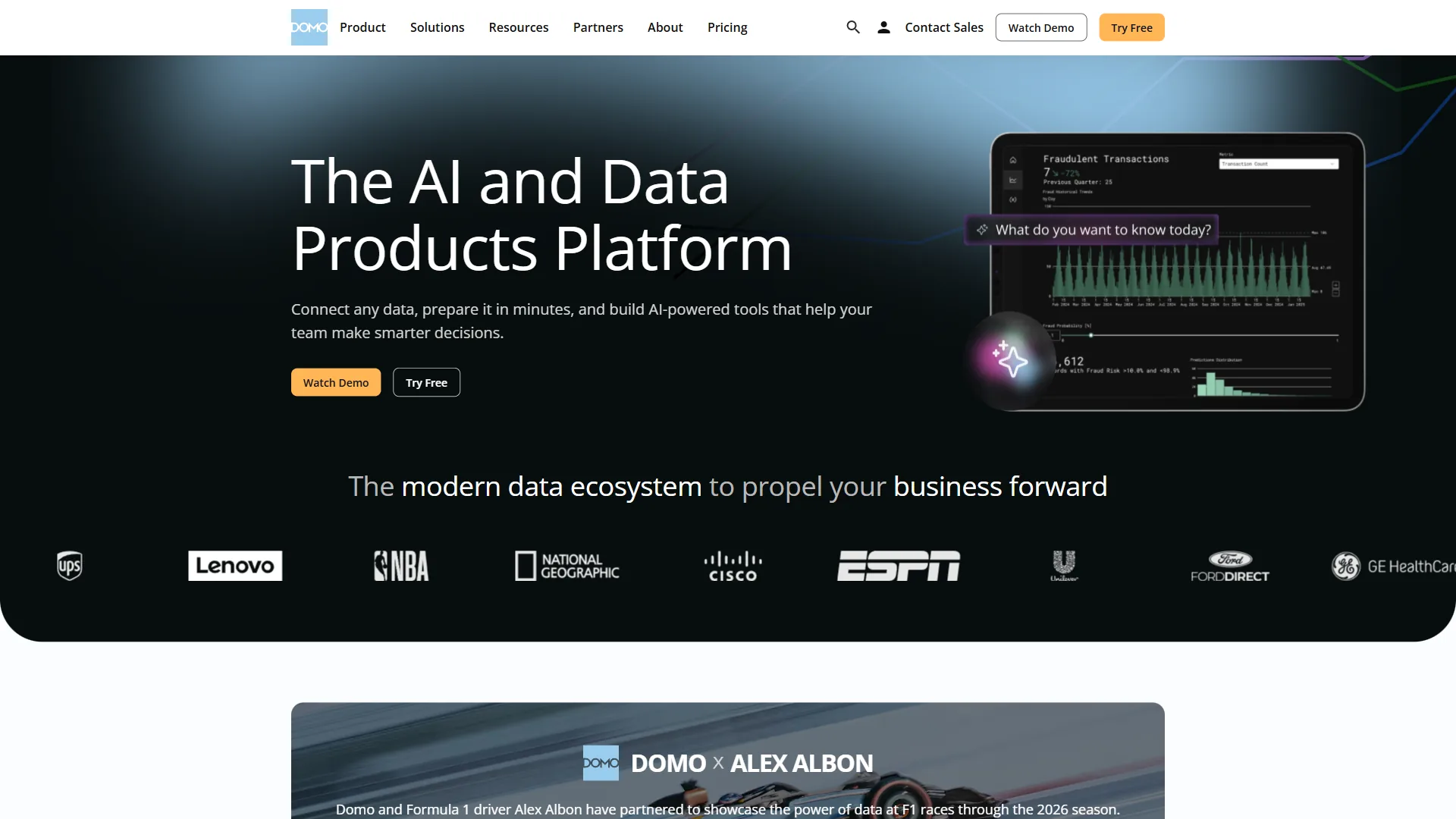
Domo positions itself as an AI-powered data experience platform, and the positioning is accurate. Founded in 2010, Domo built its reputation on eliminating data silos through an unprecedented 1,000+ pre-built connectors. Where other BI tools require custom API development for niche data sources, Domo often has a production-ready connector waiting.
The 2026 launch of Agent Catalyst fundamentally expanded Domo’s capabilities. This no-code agentic AI builder creates autonomous business processes that were previously impossible without custom development. Building a sales pipeline optimization agent takes roughly 30 minutes and can handle staff scheduling and customer support workflows.
Key capabilities:
- 1,000+ pre-built data connectors (vs Tableau’s ~80)
- Agent Catalyst for no-code AI workflow automation
- FileSets with RAG for unstructured document processing
- Magic ETL with AI enhancements for data transformation
- Real-time dashboard updates for operational analytics
Ideal for: Organizations with diverse data sources, operations teams needing real-time visibility, and enterprises seeking a unified platform without tool sprawl.
Domo limitations and who it’s not for: Skip Domo if your priority is pixel-perfect visualization design - Tableau’s chart library and formatting controls remain stronger for executive-grade dashboards. Domo’s consumption-based pricing is opaque (quotes start in the mid five figures annually with no published per-user rate), Agent Catalyst requires the Enterprise tier, the platform is cloud-only with no on-premises option, and Salesforce-native workflows feel less integrated than Tableau.
Tableau: The Visualization Standard
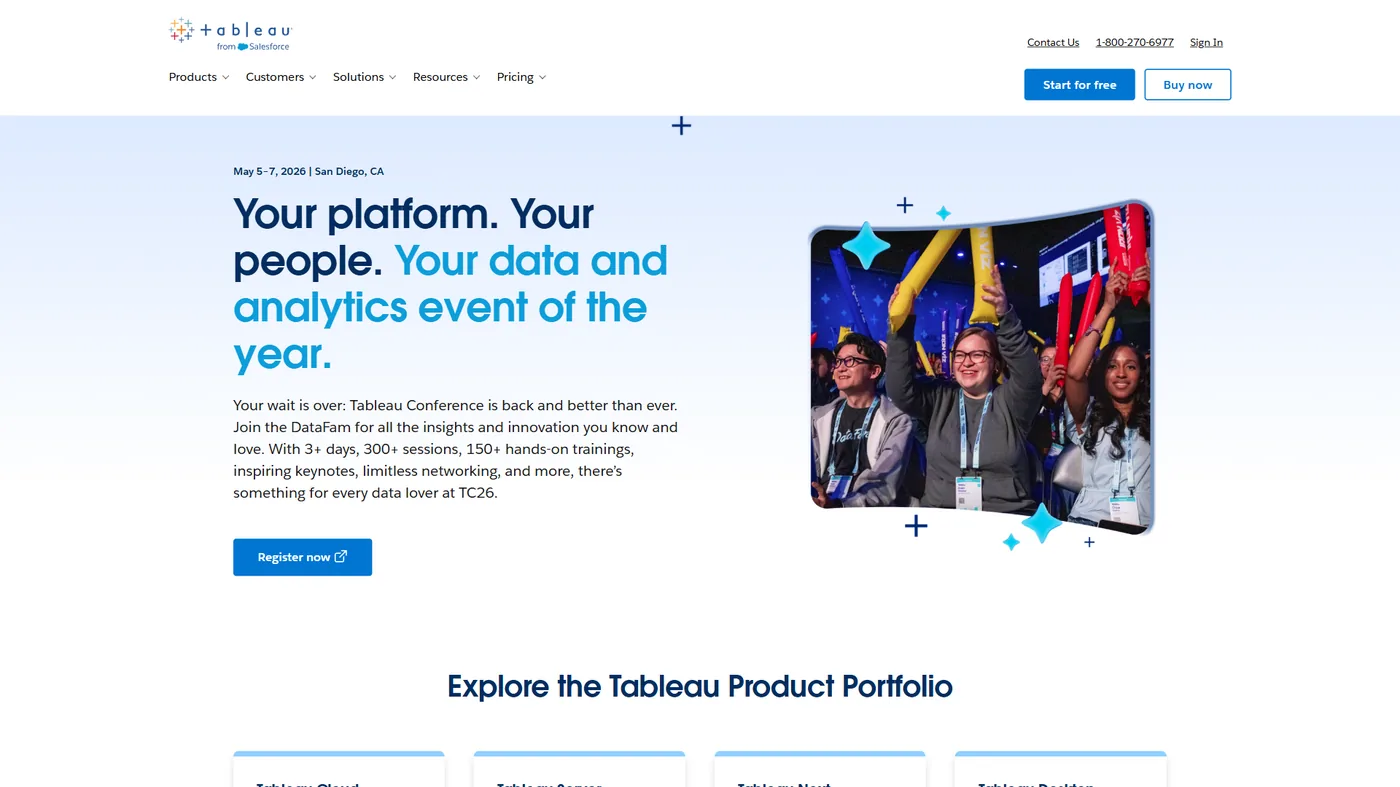
Tableau has been the gold standard for data visualization since 2003. Now part of Salesforce’s Einstein 1 platform, it combines drag-and-drop simplicity with the most sophisticated charting library in the BI market. When executives need beautiful, interactive dashboards, Tableau remains the default choice.
The 2026 announcement of Tableau Next introduced a genuinely agentic analytics platform. With three specialized agents (Concierge for assistance, Inspector for data quality, and Data Pro for preparation), Tableau is pushing beyond traditional BI into autonomous insight generation.
Key capabilities:
- 100+ chart types with pixel-perfect design control
- Tableau Next agentic platform (Concierge, Inspector, Data Pro)
- VizQL visual query language for intuitive exploration
- Tableau Pulse for AI-driven proactive alerts
- Deep Salesforce Data Cloud integration
Ideal for: Data storytellers, executive dashboard creators, Salesforce customers, and teams prioritizing visual polish over connector breadth.
Tableau limitations and who it’s not for: Skip Tableau if you need broad data connectivity - the ~80 native connectors lag Domo’s 1,000+ and force teams onto third-party ETL (Fivetran, Stitch, Airbyte) for niche sources. Tableau is extract-based with scheduled refreshes rather than true real-time, Tableau Next agents (Concierge, Inspector, Data Pro) require a separate Tableau+ subscription on top of the per-user license, and pricing climbs quickly above the $15 starting tier once Creator licenses, Server hosting, and Tableau+ are stacked.
Domo vs Tableau: The Agentic AI Showdown
Domo Agent Catalyst delivers autonomous workflow execution, while Tableau Next offers three specialized agents - Concierge, Inspector, and Data Pro - inside the visualization workflow. According to Gartner’s business intelligence glossary, Gartner research analysts define BI as a remit that “spans technologies and practices for the collection, integration, analysis, and presentation of business information” - a remit agentic AI now extends from passive dashboards to autonomous action.
Domo Agent Catalyst
Domo’s Agent Catalyst represents a no-code approach to building AI workflows. Rather than providing a single AI assistant, it enables users to construct autonomous processes that execute business logic without human intervention.
| Feature | Capability |
|---|---|
| DomoGPT | Natural language queries with ResponsibleGPT security layer |
| FileSets | RAG-powered processing for documents, images, and audio |
| Magic ETL AI | Tile-Ahead predictions, Text Generation, SQL Assistants |
| Embedded AI Chat | Conversational interface in dashboards and apps |
| Custom Agents | Build autonomous workflows for staff optimization, SWOT analysis |
Real-world example: An Agent Catalyst workflow monitors inventory across 15 warehouses, predicts stockouts from historical data, and auto-generates purchase orders for human sign-off above $50,000.
Strengths: No-code agent building, FileSets for unstructured data, autonomous workflow execution.
Limitations: Newer platform (2026 launch), less mature than established AI features, requires Enterprise tier.
Tableau Next (Concierge, Inspector, Data Pro)
Tableau Next introduces three specialized agents that work within the visualization-focused paradigm:
| Agent | Purpose |
|---|---|
| Concierge | AI assistant for natural language queries and dashboard creation |
| Inspector | Data quality agent that proactively identifies issues and anomalies |
| Data Pro | Preparation agent that automates cleaning, shaping, and combining data |
Real-world example: Tableau’s Inspector agent flagged a sales-pipeline data quality issue producing incorrect regional forecasts for three quarters, identifying that currency conversion rates were not updating and suggesting a fix automatically.
Strengths: Specialized agents for distinct tasks, mature Salesforce Agentforce integration, Einstein Trust Layer security.
Limitations: Requires Tableau+ subscription (additional cost), visualization-centric rather than workflow-centric.
AI Agent Verdict
Choose Domo Agent Catalyst if: you need to build end-to-end autonomous business workflows - the no-code builder and FileSets for unstructured data are genuinely differentiated.
Choose Tableau Next if: you want AI assistance inside the visualization workflow - the specialized agent model (Concierge/Inspector/Data Pro) offers more focused capabilities than a general-purpose assistant.
Feature-by-Feature: Data Connectivity
Domo offers 1,000+ pre-built connectors against Tableau’s roughly 80 native connectors, which makes data connectivity Domo’s decisive competitive advantage.
Domo’s Connector Library
Domo offers 1,000+ pre-built data connectors covering:
- Enterprise systems (Salesforce, NetSuite, SAP, Oracle)
- Cloud warehouses (Snowflake, BigQuery, Databricks, Redshift)
- Marketing platforms (Google Ads, Facebook, HubSpot, Marketo)
- Finance tools (QuickBooks, Xero, Stripe, PayPal)
- Operations software (ServiceNow, Zendesk, Asana, Jira)
- Niche industry tools (Epic for healthcare, Yardi for real estate)
In practice, connecting 15 data sources to Domo reportedly takes under 2 hours. Each connector is production-ready with proper authentication flows and data mapping. This alone eliminates weeks of custom integration work that competitive platforms require.
Tableau’s Connector Library
Tableau offers approximately 80 native connectors, focusing on:
- Major databases (MySQL, PostgreSQL, SQL Server, Oracle)
- Cloud platforms (AWS, Azure, Google Cloud)
- Salesforce ecosystem (native integration)
- Common file formats (Excel, CSV, JSON)
- Select marketing/sales tools
For data sources outside this core set, Tableau requires either:
- Custom ODBC/JDBC connections (technical setup required)
- Third-party ETL tools (Fivetran, Stitch, Airbyte)
- Manual data export/import workflows
Connectivity Verdict
Domo wins decisively. If your organization uses diverse data sources (and most enterprises do), Domo’s connector library saves significant time and development resources. The difference between 1,000+ and 80 connectors is the difference between “connect in 5 minutes” and “build custom integration over 3 weeks.”
If your data stack is standardized on major databases and Salesforce, Tableau’s connectors are sufficient - the connector gap matters most for organizations with heterogeneous data environments.
Feature-by-Feature: Real-Time Analytics
Domo was built for real-time operational analytics. Tableau was built for exploratory data analysis with periodic refreshes. This architectural difference has significant implications.
Domo’s Real-Time Approach
Domo’s cloud-native architecture enables:
- Live data connections that update automatically
- Push-based alerts triggered by threshold breaches
- Sub-minute refresh rates for operational dashboards
- Real-time collaboration on evolving metrics
Use case fit: Operations centers, inventory management, customer support monitoring, trading floors, manufacturing lines.
Caveat: “Real-time” does not always mean instant - complex transformations can introduce update delays, and millisecond-latency applications still need purpose-built tools.
Tableau’s Extract-Based Approach
Tableau’s Data Engine uses extracts (cached data snapshots) for performance:
- Extracts refresh on schedules (hourly, daily, weekly)
- Live connections available but slower for complex queries
- In-memory processing enables fast visualization rendering
- Extract creation can bottleneck with very large datasets
Use case fit: Executive dashboards, monthly/quarterly reporting, ad-hoc exploration, historical trend analysis.
Advantage: Extract-based performance is excellent for complex visualizations. Once data is cached, Tableau’s rendering speed is unmatched.
Real-Time Verdict
Choose Domo for operational analytics requiring frequent data updates. The platform’s architecture prioritizes data freshness over visualization sophistication.
Choose Tableau for analytical workloads where data currency is hourly or daily. The extract-based approach trades real-time freshness for superior visualization performance.
Feature-by-Feature: Visualization Capabilities
Tableau offers 100+ chart types with pixel-perfect design control against Domo’s roughly 20 standard chart types, which makes visualization Tableau’s clearest domain advantage. If data connectivity is Domo’s strength, visualization is Tableau’s territory.
Tableau’s Visualization Excellence
Tableau offers the most comprehensive visualization library in BI:
- 100+ chart types including sankey diagrams, treemaps, and geographic maps
- Pixel-perfect design control with custom formatting
- Interactive parameter actions and filter cascades
- Dashboard extensions API for custom visualizations
- Mobile-optimized responsive layouts
For executive presentations and client-facing dashboards, Tableau produces publication-quality output that Domo cannot match.
Domo’s Visualization Capabilities
Domo offers solid visualization with:
- 20+ standard chart types covering core use cases
- Drag-and-drop dashboard builder
- Card-based layout system for quick assembly
- Mobile app with offline capabilities
Domo’s visualizations are functional and professional, but they lack Tableau’s design flexibility. Charts struggle with responsive resizing, and the formatting options are more limited.
Visualization Verdict
Tableau wins clearly. If visual storytelling and dashboard aesthetics are priorities, Tableau’s 100+ chart types and design control are decisive advantages. Domo’s visualizations are adequate for operational dashboards but fall short for executive presentations.
Pricing Comparison
Domo costs roughly $20K-$100K per year on a credit-consumption model, while Tableau charges $15-$75 per user each month on role-based per-seat licensing - and the gap significantly impacts total cost of ownership.
Domo Pricing (Credit-Based)
Domo switched to consumption-based credits in mid-2023:
| Tier | Annual Cost | Key Features |
|---|---|---|
| Standard | approximately $20K-50K | Credit consumption, 1,000+ connectors, Domo AI basic |
| Enterprise | approximately $50K-100K+ | Agent Catalyst, advanced AI/ML, white-label embedding |
| Business Critical | Custom | HIPAA, AWS private link, dedicated success manager |
Vendr data (84 deals): Average cost $134K annually. For 50 users handling 250M rows, expect $75K-$85K annually.
Hidden costs: Credit consumption is unpredictable - heavy usage patterns regularly exceed initial estimates.
Tableau Pricing (Per-User)

Tableau uses role-based per-user licensing:
| Role | Standard | Enterprise |
|---|---|---|
| Viewer | $15/month | $35/month |
| Explorer | $42/month | $70/month |
| Creator | $75/month | $115/month |
Tableau+ subscription: Required for Tableau Agent and advanced AI features (additional cost).
Cost at scale: A 100-user mix (10 Creators, 30 Explorers, 60 Viewers) costs $26,280/year on Standard and $61,200/year on Enterprise.
Pricing Verdict
Tableau is more predictable with per-user licensing. You know exactly what you’ll pay based on headcount.
Domo can be cheaper or more expensive depending on usage patterns. For heavy data processing workloads, Domo’s consumption model may cost less than Tableau’s per-user fees. For light usage with many viewers, Tableau wins on cost.
For organizations under 50 users with moderate data volumes, Tableau typically costs less; for large enterprises consolidating multiple tools, Domo’s all-in-one approach reduces total cost of ownership despite higher licensing fees.
Final Verdict
Domo is the right pick for data integration and real-time operations, while Tableau is the right pick for visualization and analytics exploration - and the 2026 AI agent releases sharpen that split.
For data integration and real-time operations: Domo’s 1,000+ connectors and Agent Catalyst deliver capabilities Tableau cannot match. If you are consolidating diverse data sources or building autonomous workflows, Domo justifies its enterprise pricing.
For visualization and analytics exploration: Tableau remains the industry standard. The 100+ chart types, design flexibility, and Salesforce integration create an unmatched experience for data storytelling.
The agentic AI question: Both platforms have credible AI agent strategies, but with different philosophies. Domo Agent Catalyst focuses on autonomous workflow execution. Tableau Next specializes in AI-enhanced analytics within the visualization paradigm. Neither has a decisive advantage yet, but Domo’s approach is more ambitious.
The bottom line: Most organizations will find Tableau offers better value for traditional BI use cases. But if you’re struggling with data integration complexity or need real-time operational analytics, Domo’s differentiated architecture is worth the enterprise investment.
The platforms serve different masters. Ultimately, the domo vs tableau decision comes down to whether your primary problem is connecting and processing data (Domo) or visualizing and exploring data (Tableau). If neither fits perfectly, Power BI offers a strong middle ground with Microsoft ecosystem integration at a lower per-user price point.
FAQ
Domo is the BI choice for connectivity and autonomous workflows, while Tableau is the BI choice for visualization polish - and these FAQs cover the questions buyers ask most often.
Is Domo AI better than Tableau?
Domo AI is the stronger pick for autonomous business-workflow execution through Agent Catalyst, while Tableau’s specialized agents (Concierge, Inspector, Data Pro) are more mature for AI-enhanced data exploration and quality monitoring. Neither platform holds a decisive advantage yet, and Domo and Tableau target different AI paradigms.
What are the disadvantages of using Domo?
Domo’s main disadvantages include limited visualization flexibility compared to Tableau. Domo’s visualizations are functional and professional, but they lack Tableau’s design polish. Charts struggle with responsive resizing, and formatting options are more limited, making Domo less suited for executive presentations and client-facing dashboards that demand publication-quality visual output.
Why is Domo so expensive?
Domo is so expensive because it uses an enterprise consumption-based credit model that can run cheaper or more expensive depending on usage patterns. For heavy data processing workloads, Domo’s consumption model often costs less than Tableau’s per-user fees, while for light usage with many viewers Tableau is the cheaper option.
What is the difference between Domo and Tableau?
Domo is an AI-powered data experience platform founded in 2010, known for eliminating data silos through 1,000+ pre-built connectors and real-time operational analytics. Tableau is the gold standard for data visualization since 2003, now part of Salesforce’s Einstein 1 platform, combining drag-and-drop simplicity with the most sophisticated charting library in BI.
Related Reads
Our related Domo, Tableau, and BI reviews include the tradeoffs and tools referenced in this comparison:
- Domo Review
- Tableau Review
- Power BI Review
- Databricks Review
- HubSpot Review
- Marketo Review
- Zendesk Review
- Asana Review
- Salesforce Review
- Best BI Tools 2026: Complete Buyer’s Guide
- AI-Powered Analytics Platforms: Which Delivers Real ROI?
- Best AI Analytics Platforms for Enterprise Decision Intelligence
- Best Business Intelligence Tools 2026: Domo vs Power BI vs Tableau
- Best Data Analytics Platforms for 2026: Complete Comparison
External Resources
Our external sources include official Tableau learning material, the Tableau community, and the Gartner BI glossary referenced throughout this comparison: