




Calendar blocking techniques are scheduling methods that divide your day into focused chunks, assigning specific tasks to each block to protect deep work. The most effective approach combines manual hard boundaries with selective AI automation to guard Focus Time against meeting culture and reactive work.
Research basis: this guide is built from published research on deep work and attention (Cal Newport, Harvard Business Review, the American Psychological Association), public vendor documentation from Reclaim AI and Motion, and patterns we have compiled from reader-submitted calendar audits. We do not claim hands-on benchmarking of every tool.
Editorial disclosure: some tool links on this page are affiliate links. Recommendations are not paid placements - tools are included only when they fit the technique being discussed.
Cal Newport’s writing on deep work argues that without protected time, knowledge work degrades into shallow busywork. According to Cal Newport, Georgetown computer science professor and author of Deep Work, “the ability to perform deep work is becoming increasingly rare at exactly the same time it is becoming increasingly valuable in our economy.”
Calendar blocking fails in two ways: the purely manual approach gets destroyed by Tuesday, and the AI-only approach moves deep work to 6 AM. Effective calendar blocking needs both manual fundamentals and a clear sense of when AI helps. The best AI calendar apps 2026 roundup is a useful companion when you are ready to test specific tools.
Common Pitfalls: Why Traditional Calendar Blocking Fails
Traditional calendar blocking has four structural weaknesses - meeting culture pressure, reactive work overflow, time zone fragmentation, and calendar transparency - that erode protected blocks faster than manual rules can defend them. Whether you use a standard time blocking template or Google Calendar’s native views, you are dealing with:
- Meeting culture: organizations where declining a meeting invitation is seen as hostile
- Reactive work: customer issues, team questions, and urgent requests that cannot wait
- Time zone complexity: global teams where your morning is someone else’s only available slot
- Calendar transparency: colleagues who see an empty block and book over it (a problem Outlook delegate permissions only partially mitigate)
Marking blocks as “busy” works until your manager asks why you are unavailable for a team sync, or a client demands a call during blocked time. A manual time blocking example gives full control but needs constant maintenance; an AI-managed time blocking calendar automates rescheduling but can make decisions that misalign with your priorities. The best AI calendar tools 2026 roundup breaks down which automation styles fit which work patterns.
Manual Calendar Blocking Techniques That Work
Manual calendar blocking techniques are recurring, human-maintained time rules - hard boundaries, meeting buffers, day themes, and morning protection - that form the foundation every dedicated time blocking app builds on, and they apply equally to calendar blocking techniques for students, solo operators, and enterprise teams.
Limitations and who it is not for: skip manual blocking if your meeting schedule shifts more than five times a day, or if you cannot dedicate 15-20 minutes weekly to maintenance. The biggest drawbacks are upkeep cost and brittleness - one disruptive meeting can cascade through the day with no auto-recovery.
The Hard Boundary Technique
The most aggressive form: non-negotiable recurring slots defended like external meetings.
- Choose the same time slots every day or week (e.g., 9-11 AM for deep work)
- Mark them “busy” with clear labels like “Focus Time - Project Work”
- Set a 15-minute reminder before the block starts
- Treat them like a client call you would not cancel
Best for: senior professionals with schedule autonomy. Pairing it with a lightweight planner like Taskade helps you list the day’s hard-blocked outcomes before the block starts. Fails when the company culture prioritizes responsiveness over deep work.
The Flexible Buffer Technique
Instead of rigid blocks, use buffers around meetings to create natural Focus Time windows.
- Add 30-minute buffers before and after every meeting
- Use those buffers for prep, follow-up, and transition
- When buffers naturally accumulate into 90+ minute windows, defend them as Focus Time
Best for: middle managers with high but unpredictable meeting load. If you take notes inside those buffers, Granola keeps the meeting context attached to the calendar event automatically.
The Day Theming Technique
Rather than block hours within a day, assign whole days to types of work. Harvard Business Review’s analysis of timeboxing reports that timeboxers complete a significantly higher share of their planned work because context switching is reduced.
- Monday/Wednesday: deep work only, minimal meetings
- Tuesday/Thursday: meetings and collaborative work
- Friday: planning, admin, flexible
Best for: leaders and senior ICs who can influence team scheduling norms.
The Morning Protection Technique
Protect the first 2-3 hours of your day before energy depletes and the calendar fills up.
- No meetings before 11 AM (10 AM if you must compromise)
- Use mornings for the most cognitively demanding work
- Start the day with the calendar app closed
Best for: anyone with any control over their schedule. Even if the afternoon turns chaotic, the most important work is already done.
When AI Calendar Blocking Actually Helps
AI calendar blocking is most useful when meetings shift constantly and the cost of staying on top of them is mechanical rescheduling, and it is least useful when the underlying decision requires human priority judgment, cultural context, or energy awareness.
What AI Does Well
- Continuous rescheduling: when a meeting moves, the tool instantly shifts Focus Time blocks to optimize the new gaps - useful because most knowledge workers experience 5-10 calendar interruptions a day according to RescueTime.
- Pattern recognition: the tool learns when you actually use blocks versus snooze them.
- Team coordination: with multiple users on the same tool, it finds collective Focus Time windows.
- Preference learning: better tools learn that you prefer 90-minute blocks or a 15-minute buffer after long meetings.
What AI Does Poorly
- Priority judgment: it cannot distinguish “important but not urgent” deep work from “urgent but unimportant” reactive tasks.
- Cultural context: declining a CEO’s invite has different consequences than declining a peer’s. APA research on multitasking and task switching shows the cognitive cost of frequent mode shifts, which AI schedulers cannot weigh against political signals.
- Energy modeling: tools will schedule Focus Time right after three intense meetings, ignoring APA findings on workplace stress and cognitive fatigue.
- External constraints: open offices, toddler naps, and Slack habits stay invisible to the scheduler.
The Two Best AI Calendar Tools for Deep Work
The best AI calendar tools are Reclaim AI for habit-based Focus Time defense and Motion for task-driven deep work scheduling, each with explicit limits worth weighing before you commit.
| Tool | Best for | Starting price | Notable limit |
|---|---|---|---|
| Reclaim AI | Habit-based Focus Time defense | Free; $10 user/mo paid | Habits need consistent grading to learn |
| Motion | Task-driven calendar blocking | $19/mo individual; $12 user/mo teams | No usable free tier |
Reclaim AI: Best for Habit-Based Focus Time Defense
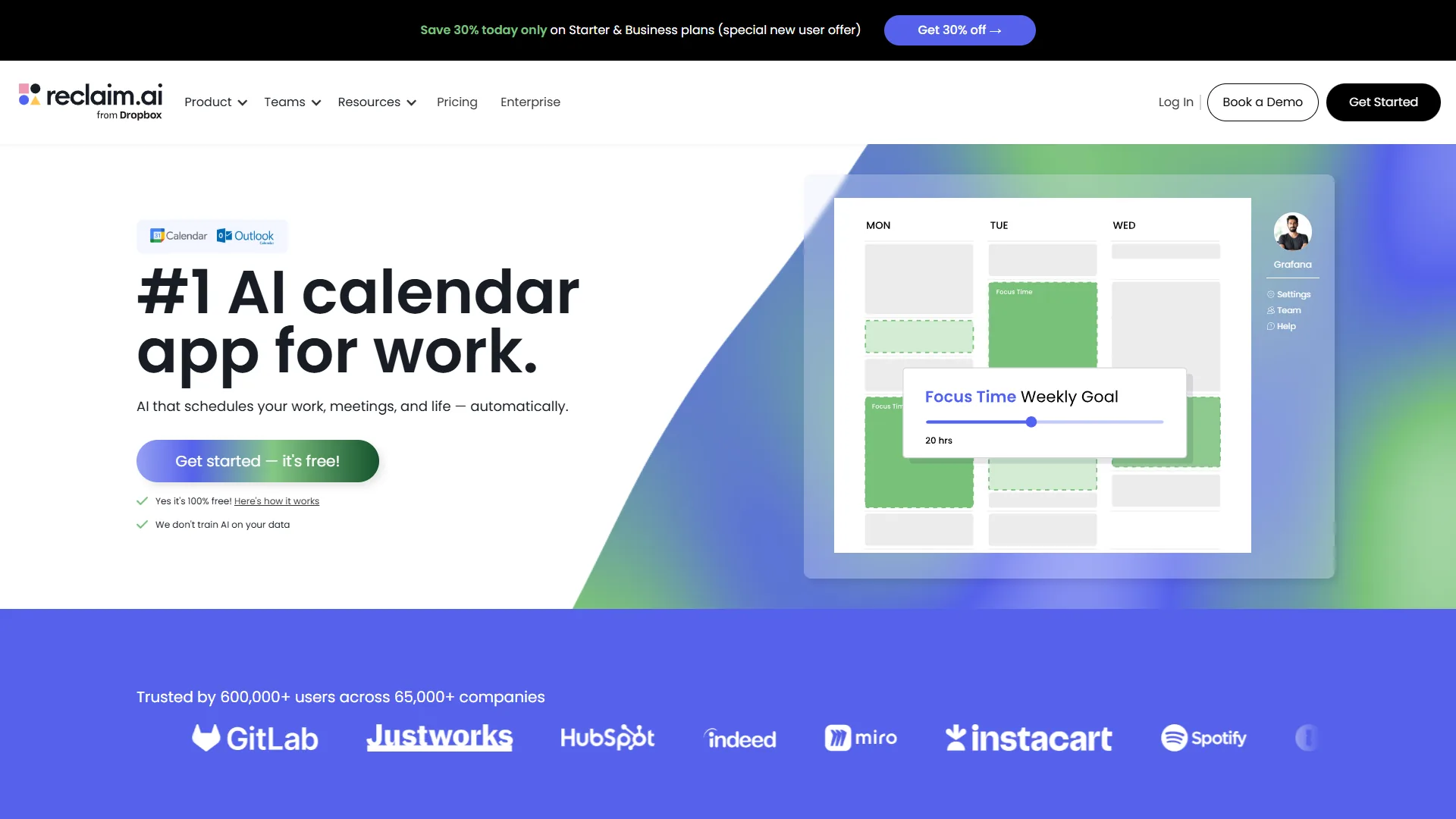
What makes it different: Reclaim AI treats calendar blocking as habit formation. Instead of just blocking time, it tracks whether you actually use your blocks and adjusts to your behavior. It also coordinates Focus Time across teammates on the same tool, finding collective deep work windows.
The habits system: you create habits like “Deep Work - Writing” with ideal frequency and duration, as outlined in Reclaim’s Smart Habits guide. Reclaim then finds time for them and learns from completes, snoozes, or skips.
- Smart Habits: define recurring Focus Time with flexible scheduling (e.g., “3x per week, 90 minutes”)
- Auto-reschedule: meetings that conflict push habits to the next available slot
- Meeting deflection: suggests alternative times when someone tries to book over a high-priority block
- Priority scoring: ranks habits so the most important Focus Time is hardest to override
Use case: a content creator needed three articles per week (4 hours each) alongside client calls. Reclaim’s “Deep Writing” habit auto-moved blocks when calls shifted; reported completion went from 60% to 95% in a month.
Best for: individuals and teams who need consistent habits alongside unpredictable meetings.
Motion: Best for Task-Driven Calendar Blocking
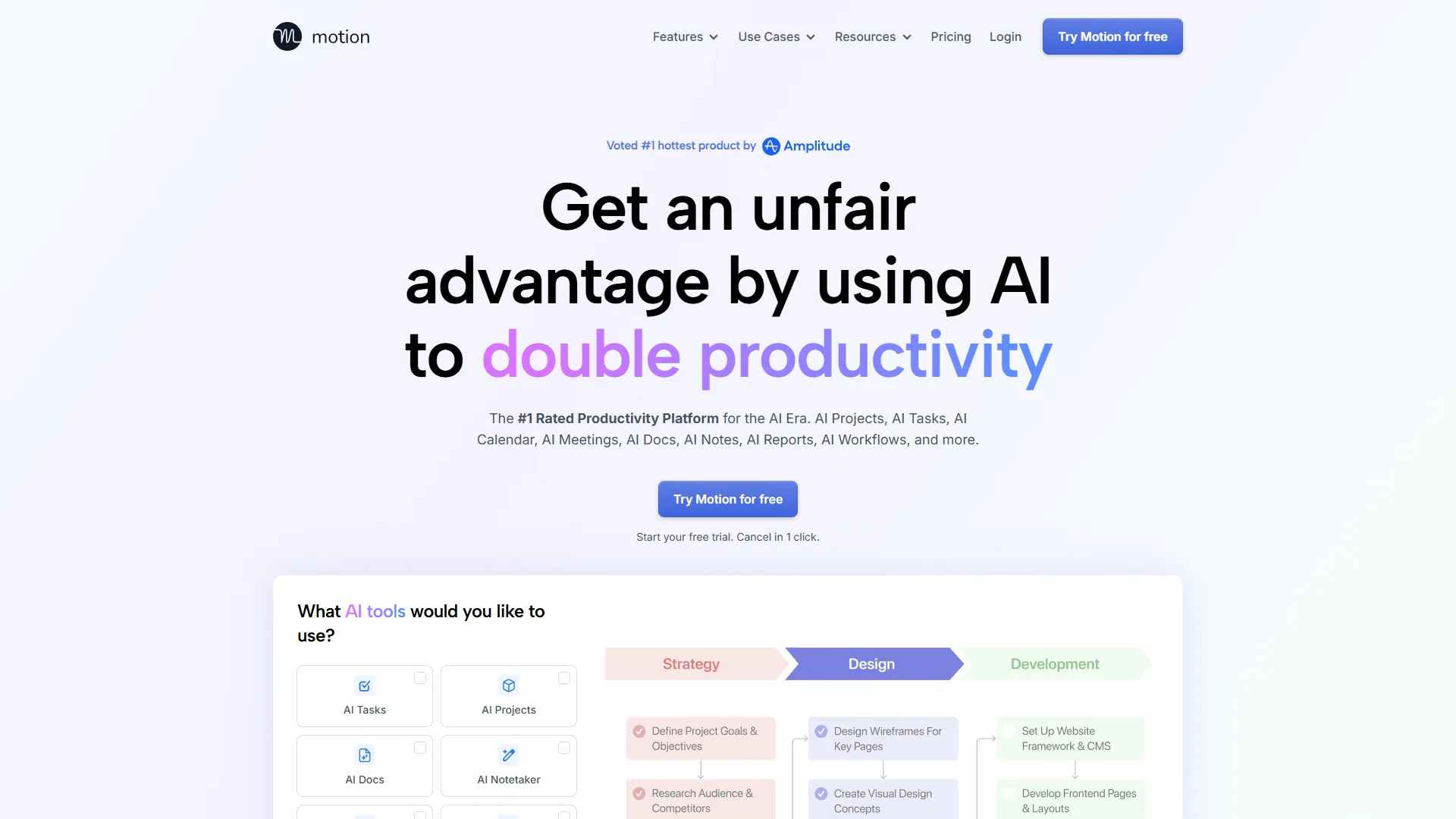
What makes it different: Motion starts with your task list and deadlines, then builds the calendar around completing them. Per Motion’s Projects documentation, the engine calculates when each task must start to meet its deadline, then schedules it into available slots.
- Task-first scheduling: blocks are tied to specific tasks, not generic Focus Time
- Deadline tracking: visualizes risk based on remaining calendar space
- Automatic rescheduling: prioritizes tasks closest to deadline when meetings interfere
- Project templates: pre-built sequences for product launches, content, event planning
Use case: a project manager juggling 6 client projects was constantly missing deliverables. Motion calculated 8 hours of focused work per project per week and rescheduled around meetings; reported missed deadlines dropped from 3-4 per month to zero.
Best for: deadline-driven work where blocks need to map directly to deliverables.
The Hybrid Approach: Combining Manual and AI Techniques
The most effective calendar blocking strategy is a hybrid that uses manual hard boundaries for the few non-negotiable blocks and AI scheduling for everything that can flex around them - the tradeoff is added configuration overhead on top of the maintenance cost of manual rules.
The Three-Tier System
Tier 1 - Manual Hard Boundaries (Non-Negotiable): first 2 hours of your workday, weekly recurring strategic blocks, personal time. AI never touches these.
Tier 2 - AI-Managed Flexible Focus Time: secondary deep work blocks, task-specific blocks, habit-based recurring activities. Set priority levels so the tool knows what can move.
Tier 3 - Completely Open Time: afternoon meetings, buffers, reactive work. Keep this genuinely available.
Implementation Strategy
- Identify 1-2 non-negotiable Focus Time windows per day
- Let Reclaim or Motion manage the rest
- Check effectiveness weekly - are you actually using your blocks?
- Refine priorities so the AI knows which blocks can move
- Communicate hard boundaries to your team
Advanced Techniques for Different Work Styles
Advanced calendar blocking comes with three role-specific patterns - the Office Hours model for managers, the Maker Schedule for individual contributors, and Split Identity for hybrid IC plus management roles - each with explicit drawbacks if your schedule is too volatile to support recurring rules.
For Managers and Leaders
Office Hours model: consolidate ad-hoc availability into 2-3 scheduled office hours per week. Outside those windows, people must book formal meetings, which filters out conversations that did not need to be conversations.
| Field | Value |
|---|---|
| Morning | Hard blocked for strategic work |
| Mid-day | Scheduled meetings and office hours |
| Afternoon | Team collaboration and reactive work |
AI tool: Reclaim AI for team coordination.
For Individual Contributors
Maker Schedule: full or half-day deep work blocks with meetings clustered on specific days. Monday/Wednesday execution, Tuesday/Thursday meetings, Friday flex.
AI tool: Reclaim AI for habit maintenance.
For Hybrid Roles (IC + Management)
Split Identity: separate maker time from manager time explicitly in your calendar and your team’s expectations - early morning deep work, mid-day team support, late afternoon project work.
AI tool: Motion for task-driven scheduling.
Common Pitfalls in Calendar Blocking
Calendar blocking failures have four root causes - permissive calendar settings, miscalibrated AI priorities, blocks that do not match real priorities, or focus problems that no calendar can solve - and each has a distinct fix.
People Keep Booking Over Your Focus Time
Permissions are too open or blocks are not marked “busy.” Fix: switch blocks to “busy,” use descriptive titles, restrict outside visibility to free/busy, and let Reclaim’s meeting deflection suggest alternatives.
AI Keeps Scheduling Focus Time at Bad Times
The tool has not learned your energy patterns. Fix: manually prioritize your preferred windows, consistently complete or snooze blocks so the model learns, set explicit limits (“no Focus Time after 3 PM”).
You Skip Your Own Calendar Blocks
Blocks are not tied to specific deliverables. Fix: pair every block with a concrete output, use Motion’s task-based scheduling, and track your completion rate weekly.
Your Calendar Is Perfect but You’re Still Not Productive
Focus, not time, is the bottleneck. Fix: shorter 60-minute blocks, transition rituals (close Slack, open project files), and audit environmental friction (open office, unclear priorities).
Methodology: Measuring Calendar Blocking Effectiveness
Our research-based methodology includes five metrics for calendar blocking effectiveness - Focus Time utilization rate, meeting fragmentation score, total deep work hours, calendar disruption frequency, and time to deadline - reviewed weekly to know whether the system is working.
- Focus Time Utilization Rate: percent of scheduled blocks you actually use. Target 80%+
- Meeting Fragmentation Score: meetings per day divided by total meeting hours. Lower is better
- Deep Work Hours Per Week: 15-20 hours is typical for IC roles
- Calendar Disruption Frequency: how often blocks get moved or cancelled
- Time to Deadline: average time remaining when you complete tasks
Reclaim and Motion provide analytics dashboards covering most of these. Manual users will need a spreadsheet or journal.
For more productivity insights, explore Focus Time Productivity Tips, Best AI Automation Tools 2026, and Best AI Writing Tools 2026.
The Bottom Line: Which Approach Should You Choose?
Choose manual blocking if you control your schedule, your patterns are predictable, and your organization respects focus time.
Choose AI blocking if your schedule changes constantly, you juggle competing deadlines, or you keep failing manual blocks.
Choose the hybrid (recommended) if you want manual control plus AI flexibility and will teach the tool your preferences.
The goal is a sustainable practice that protects your cognitive resources in an environment built to fragment attention.
FAQ
Calendar blocking FAQs are the five questions readers ask most - the 5 time blocking method, how to do calendar blocking, ADHD effectiveness, why traditional calendar blocking fails, and the 3 3 3 rule at work.
What is the 5 time blocking method?
The 5 time blocking method splits the day into five categories - deep work, meetings, admin, breaks, and buffer - and assigns recurring slots to each. The structure prevents any single category from quietly consuming the entire week.
How do you do calendar blocking?
Pick your most important task, block 2-4 hours on your calendar, and guard that time. Use the same recurring slot daily (e.g., 9-11 AM), mark it “busy” with a label like “Focus Time,” set a 15-minute reminder, and treat the block like an external meeting you would not cancel.
Is time blocking effective for ADHD?
Time blocking is often effective for ADHD because it externalizes working memory and reduces the decision cost of choosing what to do next - but it works best with shorter 30-60 minute blocks, visible timers, and explicit transition rituals rather than the multi-hour blocks recommended for neurotypical deep work.
Why does traditional calendar blocking fail?
Traditional advice assumes you control your calendar, but most people deal with meeting culture where declining is hostile, reactive work that cannot wait, time zone complexity, and calendar transparency where colleagues book over empty blocks. Marking blocks “busy” works only until a manager or client overrides them.
What is the 3 3 3 rule at work?
The 3 3 3 rule at work allocates three hours to one deep project, then three shorter tasks, then three maintenance items (email, admin, follow-ups) - a lightweight day structure that pairs well with calendar blocking when full timeboxing feels too rigid.
Related Reading
Related Reading includes the four tools mentioned in this article plus three companion guides that go deeper into AI calendar apps, deeper scheduler comparison, and Focus Time productivity techniques.
- Reclaim AI - Smart scheduling assistant with habit-based Focus Time defense
- Motion - AI-powered task scheduling
- Taskade - Lightweight planner for daily outcomes
- Granola - Meeting notes attached to calendar events
- Best AI Calendar Apps 2026 - Calendar tools compared
- Best AI Calendar Tools 2026 - AI scheduler deep dive
- Focus Time Productivity Tips - Deep work strategies
External Resources
External Resources includes the authoritative third-party sources cited above - Cal Newport, Harvard Business Review, the American Psychological Association, Google Calendar Help, and the Reclaim.ai blog - plus further reading for calendar blocking and deep work.