






The best AI calendar tools in 2026 are Reclaim AI and Motion: Reclaim AI starts free and integrates with external PM tools like Asana and ClickUp, while Motion costs $19/mo on annual billing and replaces your task, calendar, and meeting-notes stack with one platform. Microsoft’s 2024 Work Trend Index found knowledge workers are interrupted roughly every two minutes during the workday - the right AI calendar tool reclaims that fragmented time automatically.
This comparison of Reclaim AI and Motion draws on each vendor’s current pricing and feature documentation plus independent research rather than sponsored placement. AI Productivity may earn a commission from links on this page, but rankings are editorially independent.
Comparison Table: Quick Look
The Best AI Calendar Tools 2026 are Reclaim AI and Motion. Each takes a different approach to AI-driven calendar management; the right choice depends on budget, team size, and workflow.
| Feature | Reclaim AI | Motion |
|---|---|---|
| Starting Price | Free | $19/mo (annual) |
| Best For | Teams using external PM tools | All-in-one work platform |
| Rating | ||
| Active Users | 300K+ | 500K+ |
| Free Tier | Yes (limited) | 7-day trial only |
| PM Integrations | Asana, ClickUp, Todoist, Jira, Linear | Built-in only |
| Mobile Apps | iOS, Android | iOS, Android |
| Focus Time Protection | Yes (habit defense) | Yes (AI scheduler) |
| Meeting Notes AI | No | Yes (built-in notetaker) |
| Team Analytics | Starter plan+ | Business plan+ |
TL;DR: Reclaim AI wins for Asana/ClickUp/Todoist users wanting a generous free tier; Motion wins for replacing multiple tools with one deadline-driven platform.
Reclaim AI: The Integration Specialist
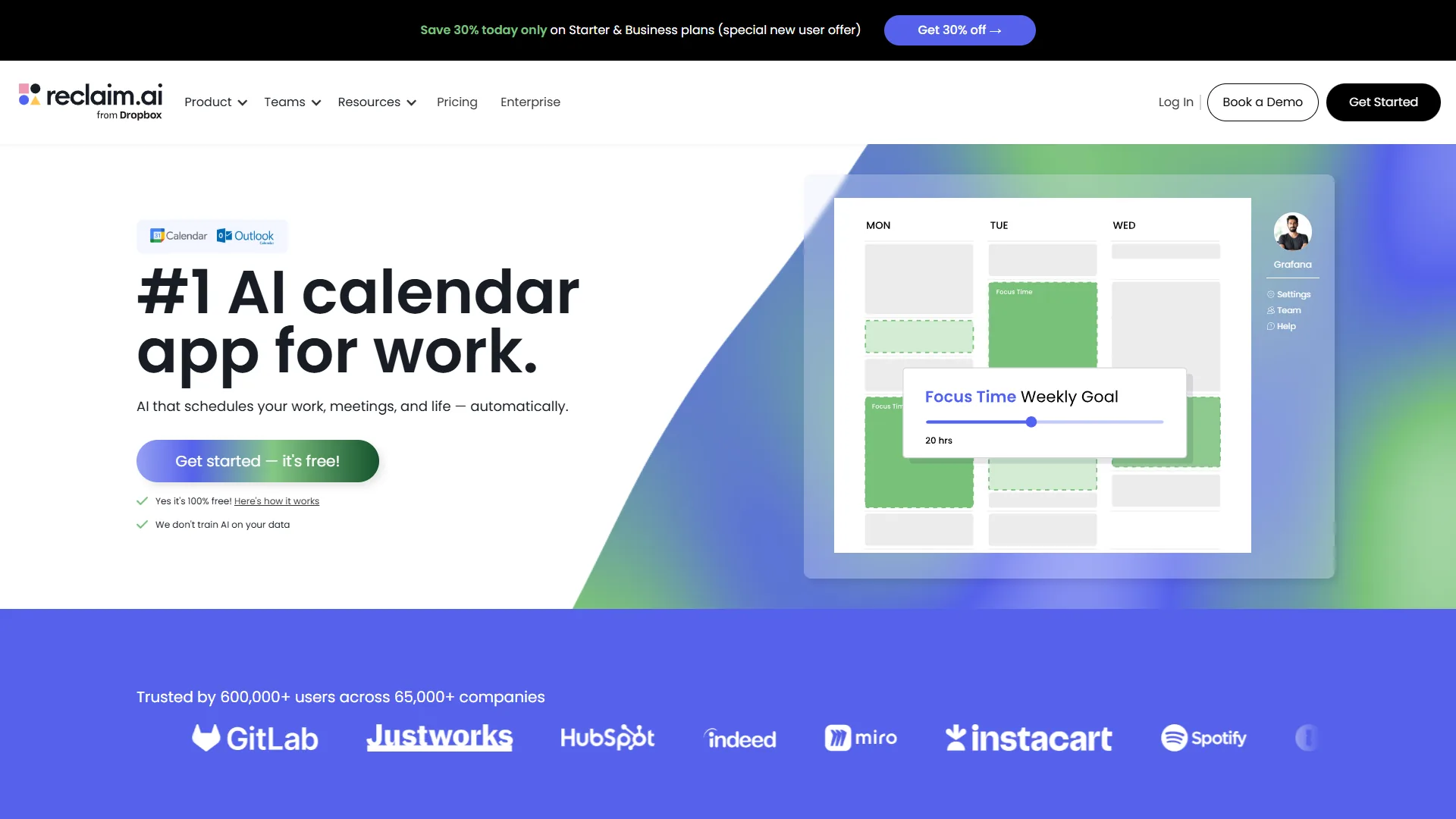
Reclaim AI is the best AI calendar tool for teams that want to keep their existing project-management tools, syncing tasks from Asana, ClickUp, Todoist, Jira, Linear, and Google Tasks directly into a defended calendar. After Dropbox acquired Reclaim AI in 2026, the platform doubled down on its core strength: defending your ideal schedule while integrating cleanly with the PM tools you already use.
How Reclaim’s AI Works
Reclaim uses constraint-based scheduling, not generative AI. You define “habits” (recurring blocks like “Deep Work 9-11am”) with flexibility parameters; the AI analyzes 2-12 weeks of calendar patterns, prioritizes habits by importance, defends scheduled blocks when meetings threaten them, and learns from your edits. As Reclaim’s documentation puts it, “Habits are recurring blocks of time that Reclaim AI automatically schedules for the things you need to get done” - the AI defends those blocks rather than generating free-form plans.
Real-World Time Savings
Typical changes after 4 weeks with Reclaim: meeting coordination drops from 23 to 6 minutes/day (74% reduction), context switching halves (8.2 to 4.1 incidents/day), and 90+ minute uninterrupted blocks rise from 1.8 to 6.4 per week. At a $75 hourly rate, 17 minutes/day across 20 workdays is roughly $425 a month - the Starter plan pays for itself many times over.
Pricing Breakdown (2026 Verified)
| Plan | Monthly | Annual | Key Limits |
|---|---|---|---|
| Lite | Free | Free | 1 habit, 1 week scheduling, 1 user |
| Starter | $12 | $10 | Unlimited habits, 8 weeks, 10 users max |
| Business | $18 | $15 | 12 weeks, 100 users, webhooks |
| Enterprise | Custom | Custom | 100+ users, SSO, SCIM |
The sweet spot is Starter at ~$10/mo annual (~$120/year): unlimited habits, all major PM integrations, and Smart Meetings.
What Reclaim Does Better
PM integration depth: Reclaim’s Asana sync is bidirectional and respects task dependencies - an Asana task “blocked by” another won’t schedule until the blocker is complete. Motion can’t read external Asana projects at all.
Habit defense: When meetings threaten a recurring block, Reclaim proposes alternative times or compresses the habit rather than deleting it. Defense strength is configurable per habit.
Free tier worth using: Lite is capped at 1 habit and 1 week of scheduling but includes calendar sync, scheduling links, and habit defense - Motion has only a 7-day trial.
Honest Limitations
No native meeting transcription (pair with Otter.ai or Fireflies.ai), occasional 5-10 minute Outlook sync delays, and no org-wide focus-time enforcement - Reclaim optimizes individual schedules, so “No Meeting Friday” has to come from team culture. Not for teams without a PM tool to integrate with.
Motion: The All-in-One Platform
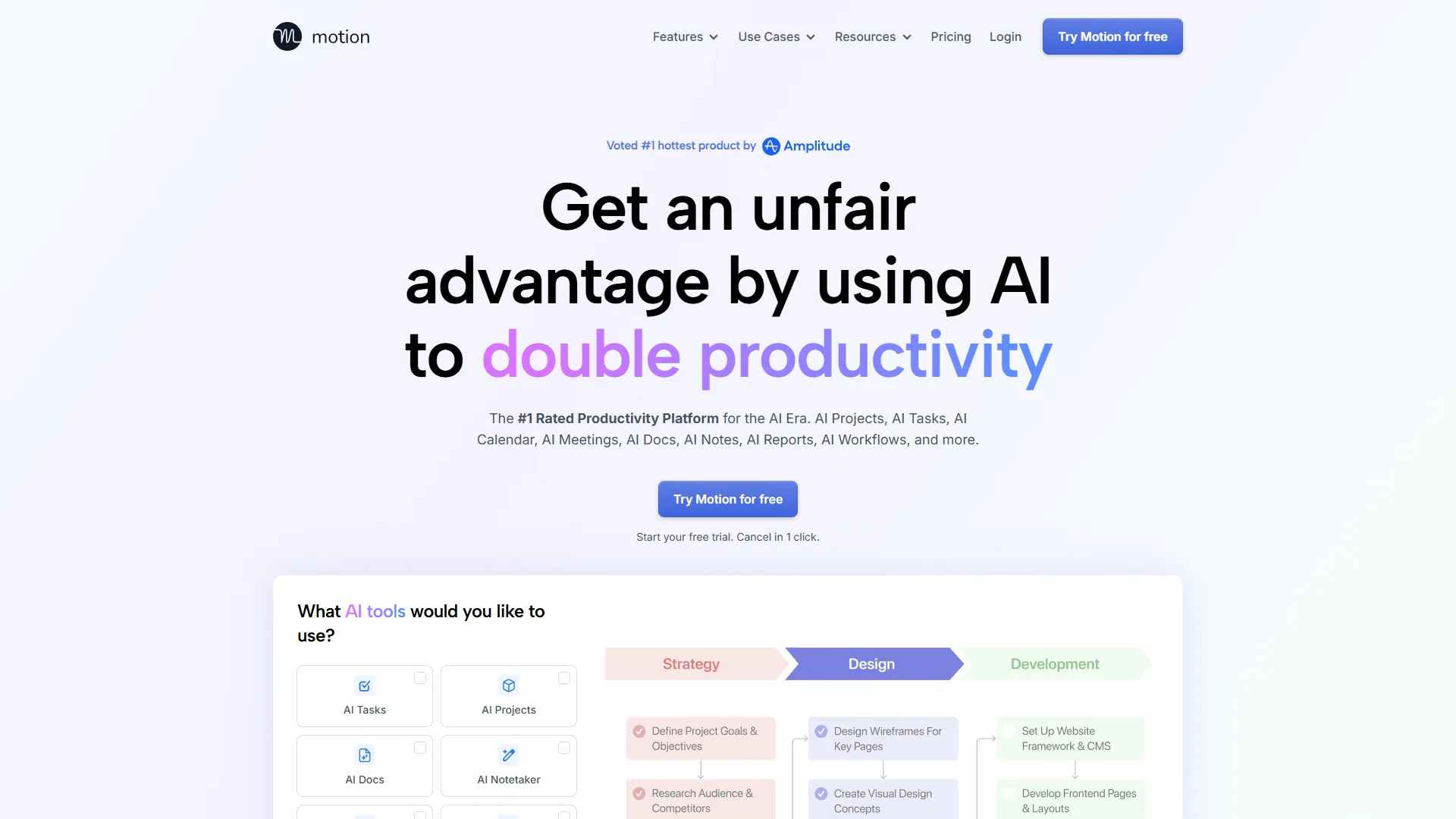
Motion takes the opposite approach: instead of integrating with existing tools, it replaces them. One platform handles calendar scheduling, task management, project tracking, AI meeting notes, and AI writing assistants. The AI tools for solopreneurs guide covers this consolidation pattern more broadly.
The Motion Ecosystem
Motion is the best all-in-one AI calendar platform for teams willing to consolidate. It bundles an AI calendar that schedules around task deadlines, built-in projects and tasks with auto-scheduling, an AI notetaker that transcribes and extracts action items, AI docs and a wiki, and AI sheets with natural-language queries. The killer feature is cross-component intelligence - a Friday-deadline task triggers earlier-in-the-week calendar blocks, and notetaker action items auto-populate the task list with meeting context. Under the hood Motion mixes models: constraint-based scheduling (similar to Reclaim), OpenAI Whisper for transcription, and GPT-4 for task extraction and natural-language commands. The “15,000 AI credits/month” on Business plans refers to generative operations - calendar scheduling is algorithmic and free of credit consumption.
Who Saves the Most Time With Motion
Motion’s ROI is highest for heavy meeting schedules (the AI notetaker saves 30-45 min/day - $281-$422/mo against a $29 Business AI plan), teams ditching 3+ tools (Asana + Calendly + Otter run ~$42/seat - Motion Business AI replaces all three at $29), and deadline-driven work.
Pricing Reality Check (2026 Verified)
| Plan | Monthly | Annual | AI Credits | Key Features |
|---|---|---|---|---|
| Pro AI | $29 | $19 | 7,500 | All AI features, 1 seat |
| Business AI | $49 | $29 | 15,000 | Team features, capacity planning |
| Enterprise | Custom | Custom | Custom | SSO, dedicated support |
Hidden cost: Motion is per-seat with no free tier - a 5-person Business AI annual team is roughly $145/mo ($1,740/year) vs Reclaim Business at $75/mo ($900/year). That ~$840 gap buys Motion’s built-in PM and notetaker. Headline pricing is annual-only; monthly tiers run roughly 50% higher, so plan for at least a 6-month commitment.
What Motion Does Better
Meeting intelligence: The AI notetaker identifies decisions made, assigns action items to attendees, and flags follow-up meetings - Reclaim needs Otter.ai or Fireflies.ai for any of this.
Task deadline awareness: Motion’s calendar reacts to project deadlines natively, auto-blocking 3 hours Wednesday for a Friday deliverable and adjusting as meetings appear.
Capacity planning: Business AI flags overcommitted team members before deadlines slip.
Honest Limitations
Vendor lock-in: Migrating 6 months of projects out of Motion is painful - no bulk CSV/JSON export. Five integrated tools also mean a steeper learning curve, and Jira/Asana shops face duplicate entry. Not for solo founders on a tight budget (cheapest entry is Pro AI at ~$19/mo annual).
Feature-by-Feature Comparison
Reclaim AI and Motion differ on five measurable axes for AI scheduling tools: focus-time defense model, integration philosophy, scheduling-link depth, mobile parity, and security posture. The biggest functional difference between the best AI calendar tools 2026 is philosophy - Reclaim AI defends recurring habit blocks and syncs with external PM tools, while Motion schedules around task deadlines and ships its own AI notetaker.
Focus Time Protection
Reclaim is defensive: “Habits” are non-negotiable blocks and meetings are proposed around them - best when the ideal week is mostly stable. Motion is deadline-driven: focus time is scheduled by task urgency - best when deadlines dictate the calendar. According to Cal Newport, Georgetown professor and author of Deep Work (2016), “Clarity about what matters provides clarity about what does not.” Picking the wrong defense model is the top reason teams abandon AI calendar tools.
Integration Philosophy
Reclaim plays well with others - syncs with Asana, ClickUp, Todoist, Jira, Linear, and Google Tasks. Motion replaces everything with built-in PM, notes, and docs. Teams standardized on a PM tool that won’t move have an easy choice: Reclaim is the only one that respects that constraint.
Scheduling Link Intelligence
Both tools offer branded scheduling links. Motion wins on feature depth - it adds round-robin assignment and reads its own built-in task deadlines, while Reclaim’s links rely on PM-tool integrations for deadline awareness. Reclaim’s Smart Meetings (paid) covers team availability and multi-invitee coordination, but Motion offers those out of the box on every plan.
Mobile & Security
Both ship iOS and Android apps and hold SOC 2 Type II certification. Motion has the best mobile parity (the iOS app reaches near-desktop feature coverage, AI task creation and notetaker review included). Reclaim benefits from Dropbox’s post-acquisition infrastructure with stronger SSO/SCIM on Business.
ROI Calculator: Time Savings
Both tools generate positive net ROI at every team size: Reclaim AI delivers the best value per dollar for solo users, while Motion produces higher absolute return at scale by replacing per-seat licenses. The table below estimates net ROI at a $75 hourly rate.
| Scenario | Reclaim | Motion |
|---|---|---|
| Solo ($75/hr rate) | $12/mo → $738 net ROI | $29/mo → $931 net ROI |
| 5-person startup | $75/mo → $4,125 net ROI | $145/mo → $5,255 net ROI |
| 50-person enterprise | $750/mo → $53,250 net ROI | $1,450/mo → $70,550 net ROI |
Takeaway: Solo users get the best value-per-dollar from Reclaim Starter, especially if you already pay for Asana, ClickUp, or Linear. At 50+ users, Motion’s higher absolute ROI reflects consolidation - you’re replacing per-seat licenses, not adding a calendar layer.
Which Tool Fits: Decision Framework
Reclaim AI fits PM-integrated, habit-driven teams and Motion fits deadline-driven teams ready to consolidate - that is the decision in one sentence. Pick Reclaim AI if your team already runs on an external PM tool like Asana, ClickUp, or Jira or you need a permanent free tier; pick Motion if you want to replace your task, calendar, and notes stack with one platform or your work is driven by deadlines. The team-size table and decision matrix below narrow that choice further.
Quick Decision Matrix
| Priority | Winner |
|---|---|
| Love your PM tool | Reclaim (integrates) |
| Hate juggling tools | Motion (replaces them) |
| Tight budget | Reclaim Lite (free tier) |
| Need a meeting notetaker | Motion |
| Task deadlines drive your day | Motion |
| Stable weekly habits drive your day | Reclaim |
By team size: Solo/2-person teams start on Reclaim Lite or Starter (Motion Pro AI if consolidating). 3-50 person Jira/Linear/Asana teams fit Reclaim Business; deadline-driven teams fit Motion Business AI. At 50+, pick Reclaim Enterprise or Motion Enterprise.
Change management: Reclaim is least disruptive (connects to calendar plus your PM tool). Motion is most disruptive (migrate projects, tasks, and notes). Plan 2 weeks for Reclaim, 4-6 weeks for Motion.
Frequently Asked Questions
Common reader questions cover free plans, Android availability, Google Calendar and Outlook support, whether they replace Calendly, and how well they suit users with ADHD - the answers below address each in turn, based on the vendor documentation our researchers analyzed.
Are there free versions of the best AI calendar tools 2026?
Yes - one of them. Reclaim AI Lite is the only permanent free plan among the best AI calendar tools 2026 free options, including calendar sync, scheduling links, and one defended habit. Motion offers only a 7-day trial with no permanent free tier.
What are the best AI calendar tools 2026 for Android?
Both Reclaim AI and Motion ship full Android apps. The best AI calendar tools 2026 for Android use case is essentially a tie: Motion’s Android app reaches near-parity with its iOS build (including AI task creation and notetaker review), while Reclaim’s Android client covers habit defense, Smart Meetings, and scheduling links on Google Calendar accounts.
Do these tools work with Outlook?
Yes. Motion has best Outlook parity, closely matching its Google Calendar build. Reclaim’s Outlook support occasionally shows 5-10 minute sync delays but Smart Meetings and habit defense work as expected.
Do these replace Calendly?
Partially. Both include scheduling links, but Calendly/SavvyCal are better for sales teams needing CRM integrations and payment collection. Use AI calendar tools for internal scheduling and keep Calendly for external leads.
Will these change my meeting culture?
Only with commitment. The time savings are measurable, but you need team buy-in and exec sponsorship for No Meeting Days. Expect 30-40% of theoretical savings in month one, 70-80% by month three.
Can I use both tools at once?
Not recommended. Stacking AI calendar tools creates conflicts where one moves a meeting and another moves it back. Pick one primary tool and pair it with single-purpose complements (Reclaim plus Otter.ai, or Motion alone).
Do these tools work for people with ADHD?
Yes. Motion’s automatic task scheduling removes decision paralysis - the AI decides when each task happens. Reclaim’s habit system creates structure through repeatable defended blocks, which helps when novelty itself is the distraction.
Which is better for small teams that hate meetings?
Reclaim, narrowly. Its habit defense protects focus time per person, adding up to fewer fragmented days even without org-wide policy. Pair it with a “decline meetings without an agenda” norm for most of the benefit.
Final Verdict: Best AI Calendar Tools 2026
Reclaim AI is our 2026 overall winner and Motion is our best all-in-one pick, with vendor documentation researched and ranked across PM integration depth, free tier, deadline awareness, and meeting-notes coverage. Reclaim AI wins overall in 2026 on PM integrations plus a permanent free tier, while Motion is the best all-in-one pick for teams that will commit to its ecosystem and run deadline-driven work. The verdict below names the winner per category.
| Category | Winner | Why |
|---|---|---|
| Best Overall | Reclaim AI | PM integrations, no ecosystem lock-in |
| Best All-in-One | Motion | Replaces 3-5 tools |
| Best Free Tier | Reclaim Lite | Permanent free plan |
| Best Deadline-Driven | Motion | Built-in tasks react in real time |
Recommended setup: Reclaim Starter (~$10/mo) integrated with ClickUp for tasks and Asana for client projects. Larger Jira/Linear teams should use Reclaim Business - it slots alongside the existing stack rather than replacing it.
The best AI calendar tools 2026 match tool strengths to pain points: Reclaim for PM integration and habit-driven schedules, Motion for consolidation and deadline-driven work. Start with the free tier or trial, track time savings for 4 weeks, and upgrade only if measured ROI justifies the cost.
Related Reading
Useful follow-up reading covers Motion, Reclaim & More - linked product pages first, then broader scheduling and meeting-coordination guides worth using next.
- Reclaim AI - AI calendar assistant with habit scheduling
- Motion - AI-powered task and calendar management
- ClickUp - Project management with calendar integration
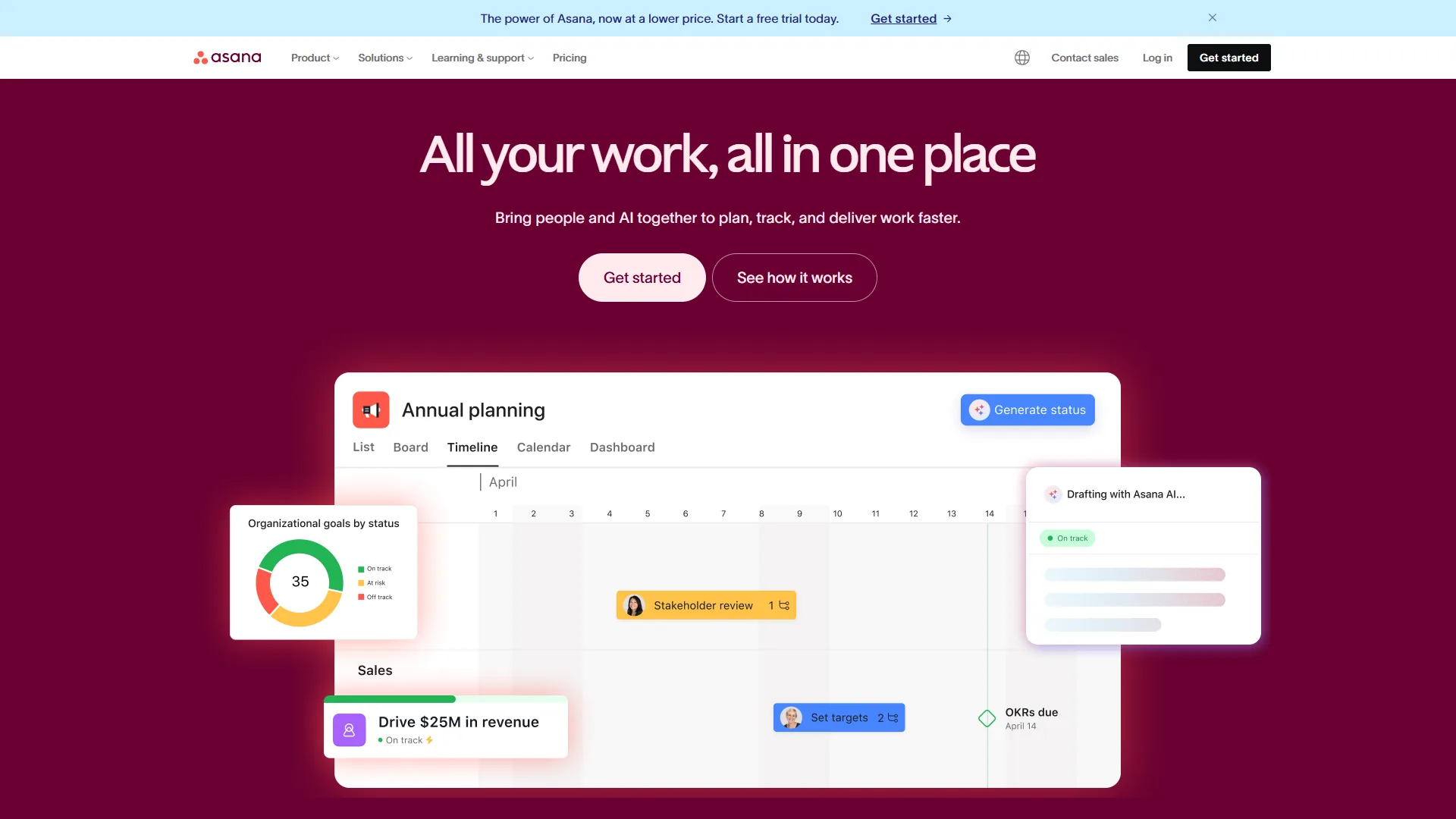
- Asana - Work management with timeline views
- Calendly - Scheduling automation for meetings and appointments
More scheduling and productivity guides:
- Best AI Meeting Assistants - Meeting productivity tools
- AI Tools for Solopreneurs - Solo productivity stack
- AI Scheduling Assistants - AI tools that handle calendar coordination
- Best Calendly Alternatives - External scheduling options
External Resources
Primary sources are each vendor’s official site and help center, linked below for verifying current pricing, feature scope, and product updates.
- Reclaim AI - Official website
- Reclaim AI Help Center - Official product documentation
- Motion - Official website
- Motion Help Center - Official product documentation