



The best AI website builders 2026 are platforms that generate complete site layouts from a text prompt, suggest design improvements in real time, and handle responsive layouts automatically. This guide compares Framer and Webflow - the two standout options for professionals - on AI capabilities, pricing, and productivity gains for building sites without code.
This guide covers best ai website builders 2026 in depth.
Our analysis draws on current vendor documentation, published pricing pages, and independent research rather than sponsored placement. AI Productivity may earn a commission from links on this page, but our rankings are editorially independent.
Building a website used to mean hiring a developer or wrestling with a clunky drag-and-drop editor. The gap between a custom-coded site and a no-code builder has now practically disappeared.
Not all AI website builders deliver equally. Some excel at designer-grade animations; others dominate when you need a content-heavy CMS, e-commerce, or team collaboration at scale. This guide focuses on the two platforms that consistently stand out for professionals: Framer and Webflow.
TL;DR: Quick Comparison
Framer and Webflow are the two best AI website builders in 2026: Framer starts at $10 per month and excels at AI-generated marketing sites, while Webflow starts at $18 per month and leads on CMS depth and e-commerce.
| Feature | Framer | Webflow |
|---|---|---|
| Best For | Designers, animated marketing pages, fast launches | Marketing teams, CMS-heavy sites, e-commerce |
| Starting Price | $10/mo ($7/mo annual) | $18/mo ($14/mo annual) |
| Rating | ||
| Free Tier | Yes (1,000 visitors/mo) | Yes (2 pages, staging domain) |
| AI Generation | Full site generation from prompt | AI-assisted design and content |
| CMS | Basic (1-10 collections by plan) | Advanced (20-40 collections) |
| Learning Curve | Low-moderate | Moderate-steep |
| E-commerce | Limited | Full native support |
Recommendation: Choose Framer if you need a beautiful marketing site or portfolio launched quickly with AI-generated layouts. Choose Webflow if you need a robust CMS, e-commerce capabilities, or plan to scale a content-heavy site with a team.
Selection Criteria: What Makes the Best AI Website Builders 2026 Stand Out
The best AI website builders 2026 are defined by five measurable traits: prompt-to-site generation, intelligent layout suggestions, content-aware design, productivity multipliers, and a deep integration ecosystem. These traits separate a genuinely useful builder from one that just adds “AI” to its marketing page.
The shared criteria are:
- Prompt-to-site generation - Describe your site in plain language and get a working starting point, not a blank template
- Intelligent layout suggestions - AI that understands visual hierarchy, whitespace, and responsive breakpoints automatically
- Content-aware design - The builder adapts layouts to the actual content you provide rather than forcing it into rigid templates
- Productivity multipliers - Auto-responsive design, one-click style consistency, and smart component reuse that eliminate repetitive work
- Integration ecosystem - Connections to the analytics, CRM, email, and payment tools already in your workflow
The platforms reviewed here meet all five criteria, though each approaches them differently.
The 2 Best AI Website Builders in 2026
Framer and Webflow are the two best AI website builders in 2026 - Framer is the fastest option for AI-generated marketing sites and portfolios, and Webflow is the most capable for CMS-driven and e-commerce projects.
1. Framer: AI-Powered Design That Ships Fast
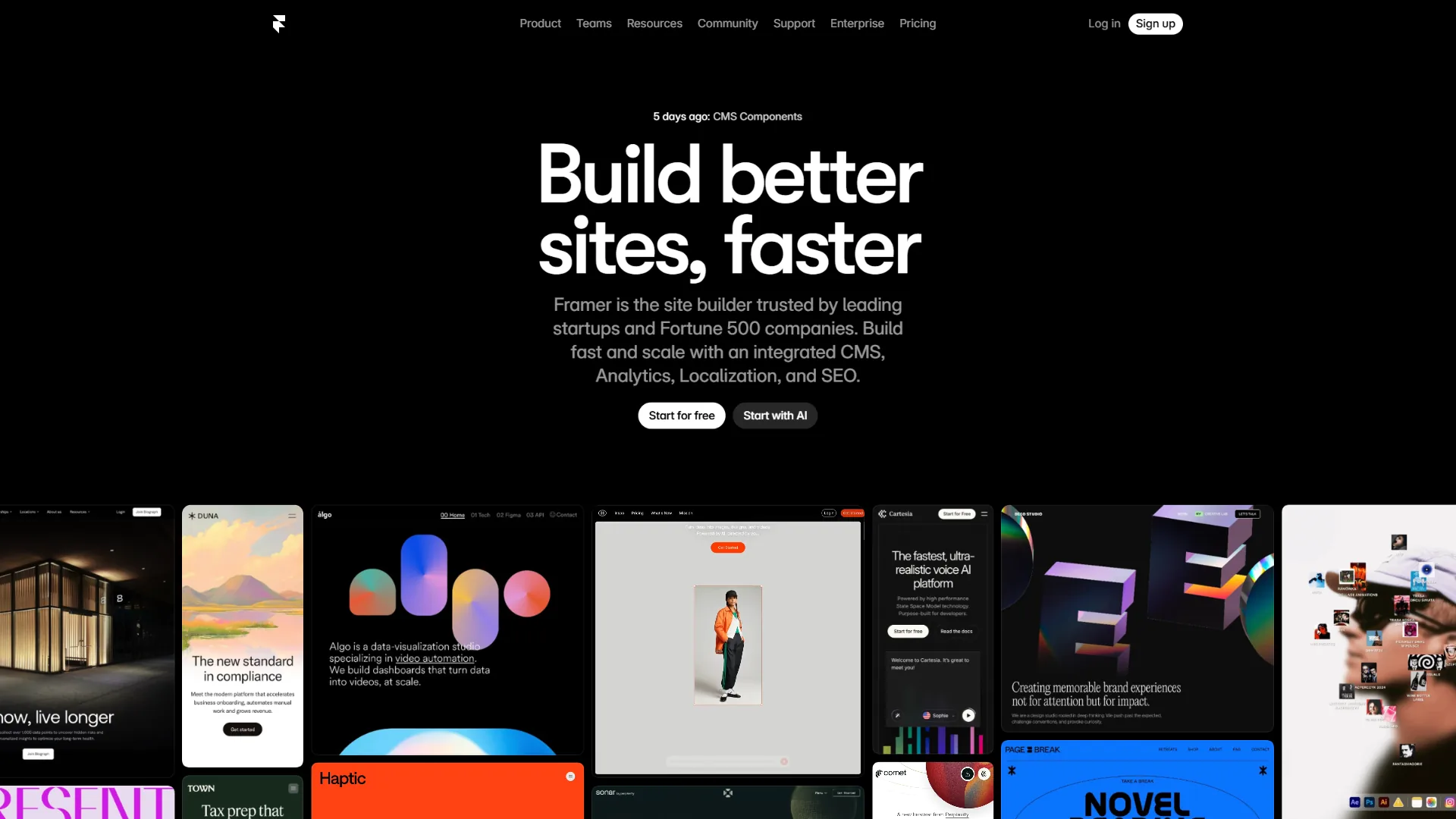
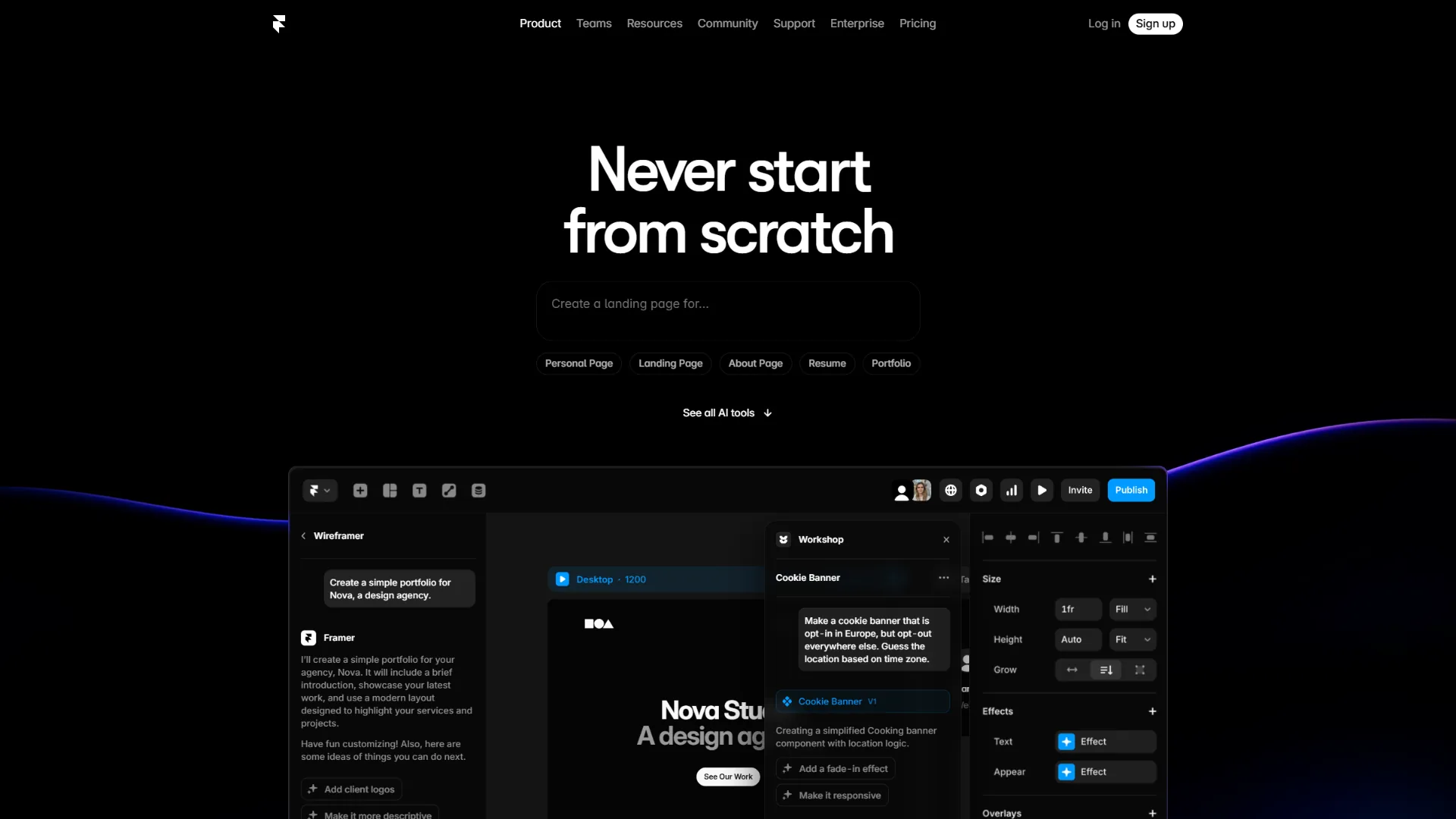
Framer is an AI-first website builder that turns a text prompt into a complete, styled site, and it is the fastest option for shipping a marketing page or portfolio. Its AI design tools produce real content suggestions, proper typography, and responsive layouts from a single description, and you can go from idea to published site in under an hour. The interactive canvas feels closer to Figma than to a traditional builder, which is why designers gravitate toward it.
Key AI Features:
- AI site generation - Describe your site in natural language and get a fully designed, multi-page website with real content
- AI content rewriting - Select any text block and have AI rephrase, expand, or adapt the copy to your tone
- Smart layout suggestions - AI proposes section arrangements based on your site type
- Auto-responsive design - Layouts adapt across breakpoints with minimal manual tweaking
Pricing Breakdown:
| Plan | Monthly | Annual (per month) | Pages | Bandwidth |
|---|---|---|---|---|
| Free | $0 | $0 | Unlimited (framer.website subdomain) | 1,000 visitors/mo |
| Basic | $10 | $7 | 30 | 10 GB |
| Pro | $30 | $20 | 150 | 100 GB |
| Scale | $100 | $100 | 300 | 200 GB |
The Free tier is genuinely usable for personal projects - full design canvas and AI generation, but no custom domain. The Basic plan at $7 per month (annual) is hard to beat for freelancers who need a professional site without enterprise overhead.
Pros:
- Fastest path from zero to published site via AI generation
- Design quality rivals custom-coded sites, especially for animations
- Figma import brings existing designs directly into Framer
- Lightweight sites load fast - performance is baked in
Cons:
- Limited CMS (1 collection on Basic, 10 on Pro)
- No native e-commerce - selling products needs third-party integrations
- Advanced interactions require learning Framer’s motion system
- Team collaboration is locked to higher tiers
Best For: Designers, freelancers, and startups that need a visually impressive marketing site or portfolio shipped quickly, where design quality and launch speed matter more than content-management depth.
Productivity Impact: A 5-page marketing site that would take a designer 2-3 days with traditional tools can be built in Framer in 3-5 hours, including AI generation, customization, and responsive adjustments. The AI solves the blank-canvas problem - you start with something solid.
2. Webflow: Professional-Grade Visual Builder With CMS Power
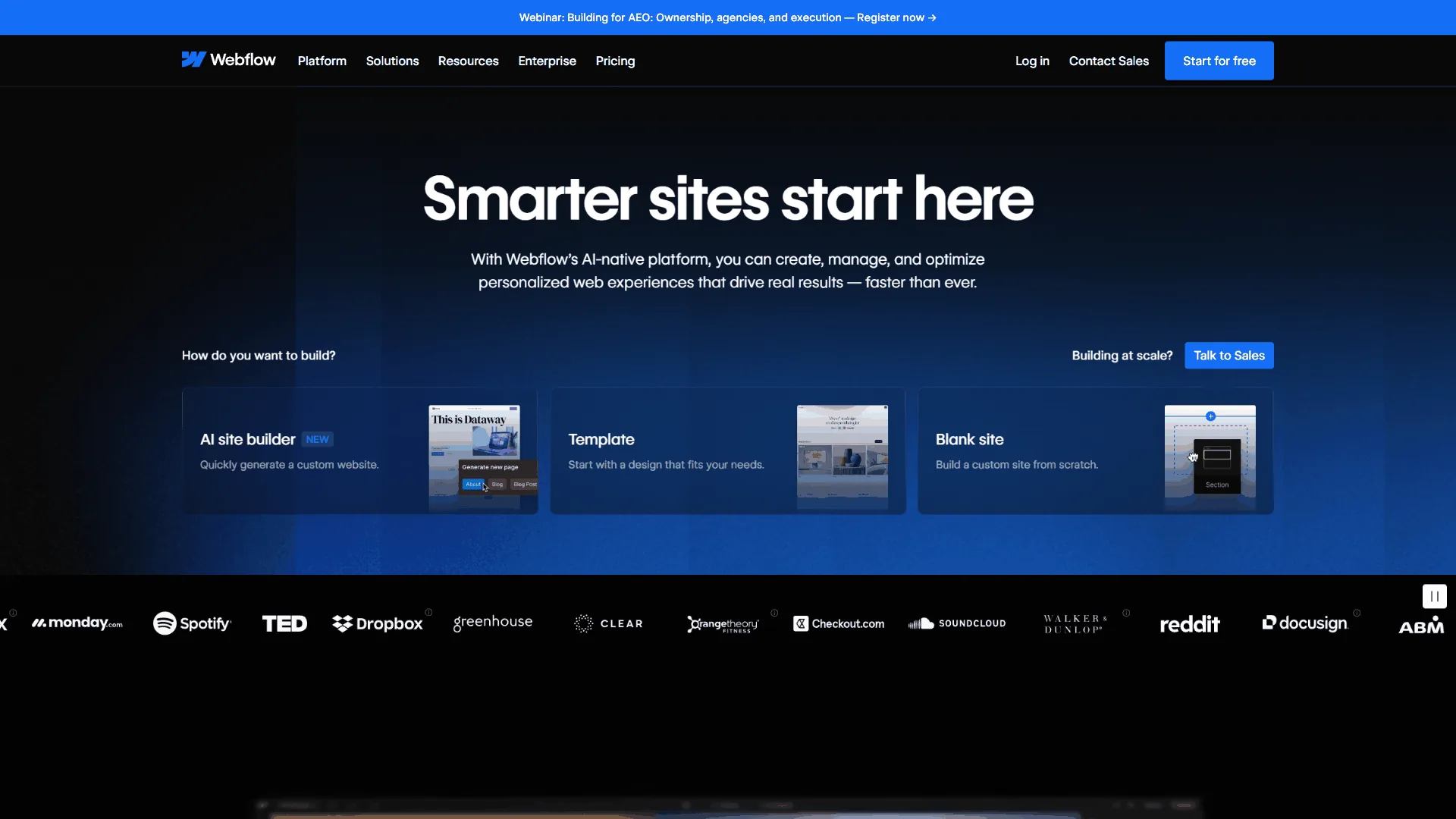
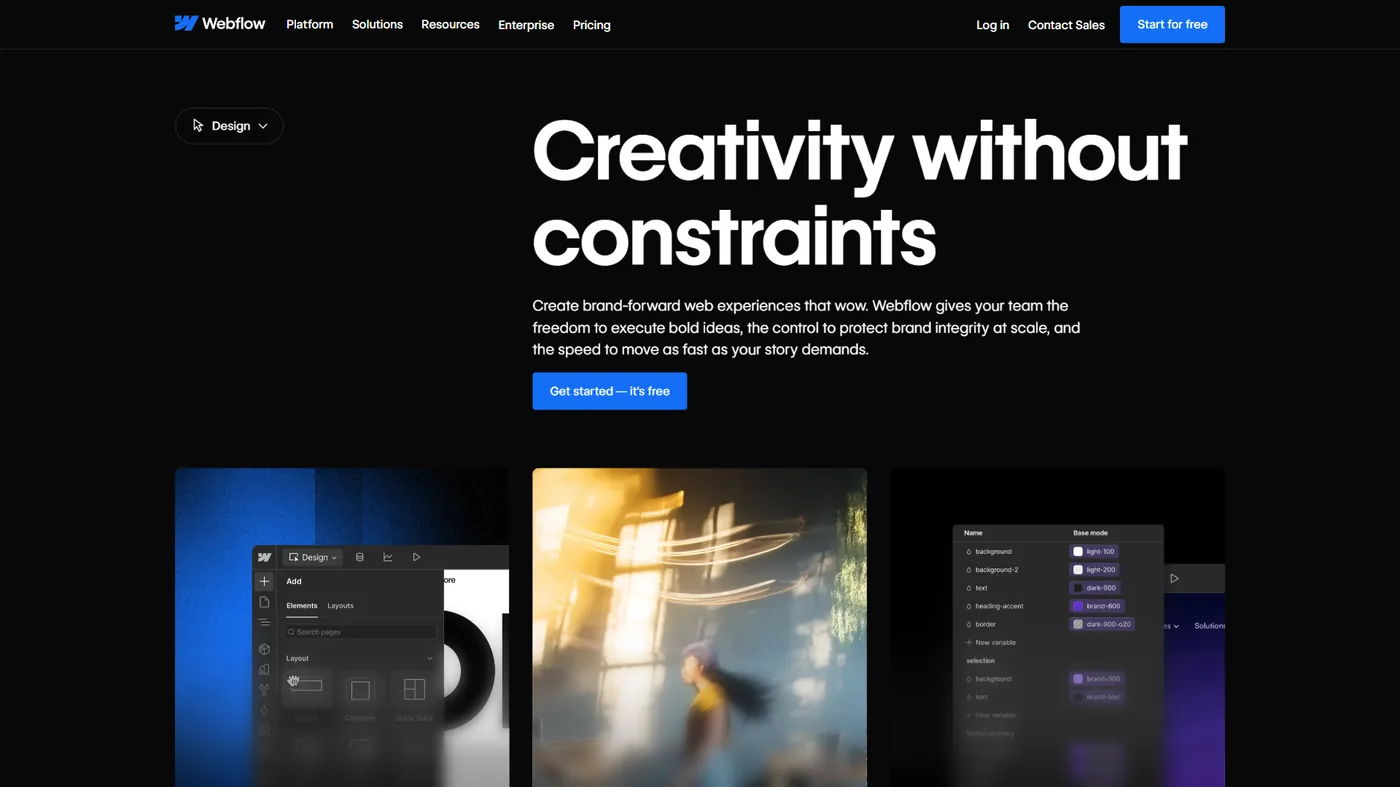
Webflow is a professional-grade visual builder that pairs CSS-level design control with the deepest CMS and e-commerce capabilities of any AI website builder in 2026. Its visual designer gives precise control in a drag-and-drop interface, and over 3.5 million users build with the platform.
Webflow’s AI focuses on intelligent assistance rather than full site generation - it helps you write content, optimize layouts, and generate design variations while you keep granular control over every pixel.
Key AI Features:
- AI-assisted content generation - Generate copy, headlines, and page content within the editor
- Smart layout intelligence - CSS Grid and Flexbox suggestions based on your content
- Design-to-code accuracy - Visual edits translate to clean, semantic HTML/CSS
- AI-powered SEO guidance - Real-time suggestions for meta titles and descriptions
Pricing Breakdown:
| Plan | Monthly | Annual (per month) | Pages | Bandwidth |
|---|---|---|---|---|
| Free | $0 | $0 | 2 | 1 GB |
| Basic | $18 | $14 | 150 | 50 GB |
| CMS | $29 | $23 | 150 | 200 GB |
| Business | $49 | $39 | 150 | 400 GB |
| Enterprise | Custom | Custom | Custom | Custom |
Webflow’s free tier is more restrictive than Framer’s - just 2 pages and a staging domain - but paid plans add far more bandwidth and CMS capacity. The CMS plan at $23 per month (annual) is the sweet spot for content-driven sites, with 20 collections and 2,000 CMS items.
Pros:
- Most powerful visual CSS editor on the market - pixel-perfect control
- CMS flexible enough for blogs, directories, portfolios, and dynamic sites
- Native e-commerce with product management, checkout, and inventory
- Massive template and component marketplace
- Strong team collaboration with roles, permissions, and staging
Cons:
- Steeper learning curve than Framer - days, not hours
- AI generation is less autonomous than Framer’s prompt-to-site approach
- Performance requires careful optimization
- Per-site pricing adds up across multiple client sites
Best For: Marketing teams, agencies, and businesses that need a CMS-powered site with professional design quality - the right choice when content management, e-commerce, or team collaboration matters as much as visual design.
Productivity Impact: A 10-page content site with blog, dynamic collections, and e-commerce would take a developer 2-4 weeks to hand-code. In Webflow, the same site takes 1-2 weeks for a first-timer or 3-5 days for an experienced user - the CMS setup alone saves dozens of hours.
Feature-by-Feature: Framer vs Webflow for AI Website Building
Framer and Webflow have complementary strengths: Framer wins on design speed and AI-first generation, while Webflow wins on content management, ecosystem breadth, and visual precision. Here is how they compare across the factors that matter for productivity-minded professionals.
Design Quality and Speed
Framer wins for speed - AI site generation reaches a presentable starting point in minutes, and the animation system produces polished interactions that would need significant custom code elsewhere. Webflow wins for precision - its visual CSS editor gives unmatched control over responsive breakpoints, CSS properties, and layout behavior.
Content Management
Webflow wins decisively. With 20-40 CMS collections depending on your plan, dynamic filtering, and a mature API, Webflow handles content at scale. Framer’s CMS works for simple cases - blog, team members, portfolio items - but hits limits on complex content architectures.
AI Capabilities
Framer wins for AI-first workflows - its prompt-to-site generation is genuinely useful, returning a real starting point with appropriate sections, copy, and styling. Webflow wins for AI-assisted refinement - its AI improves what you have built rather than generating everything from scratch, which suits professionals who want to maintain creative control.
Integration and Ecosystem
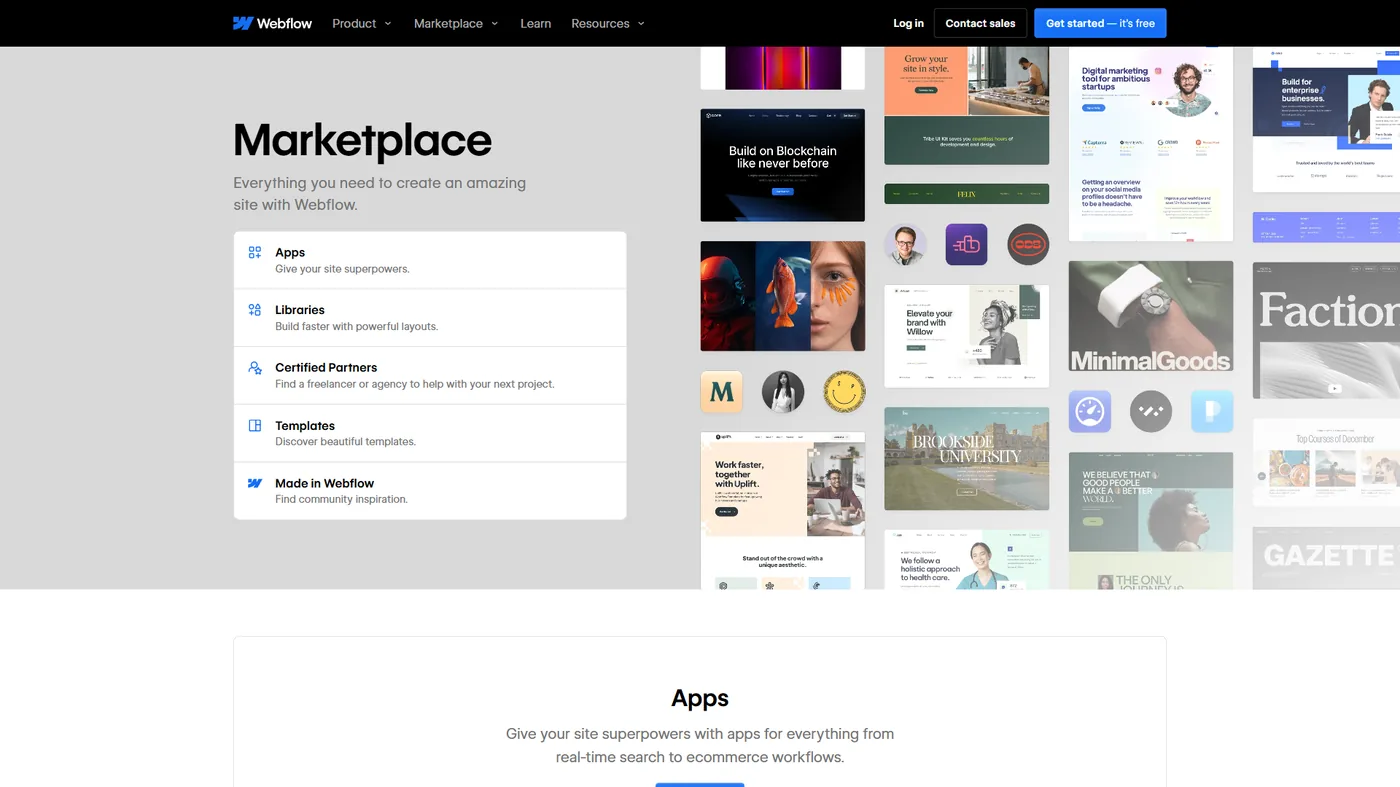
Webflow wins for ecosystem breadth - native e-commerce, a marketplace of thousands of templates, a robust API, and out-of-the-box connections to Zapier, Make, HubSpot, and Mailchimp. Framer wins for design tool integration - direct Figma import lets designers work in their preferred tool and bring designs in seamlessly, a real time saver for design-heavy teams.
Total Cost of Ownership
For a typical professional site (custom domain, 10-30 pages, moderate traffic):
| Scenario | Framer Cost | Webflow Cost |
|---|---|---|
| Personal portfolio | $7/mo (Basic annual) | $14/mo (Basic annual) |
| Small business site | $20/mo (Pro annual) | $14/mo (Basic annual) |
| Content-heavy blog | $20/mo (Pro annual) | $23/mo (CMS annual) |
| E-commerce store | Not natively supported | $39/mo (Business annual) |
| Agency (5 client sites) | $100/mo (5x Pro) | $70/mo (5x Basic) |
Framer is cheaper for simple sites, but Webflow’s per-site pricing is more economical at scale once you factor in the CMS and e-commerce capabilities Framer would need third-party services to match.
Which Tool Fits Your Best AI Website Builders 2026 Needs
Framer is the right pick for design speed, animation quality, and a fast portfolio or marketing-site launch; Webflow is the right pick for a CMS, e-commerce, team roles, or room to scale a content-heavy site.
Choose Framer if:
- You are a designer or have strong visual instincts
- You need a marketing site or portfolio launched in days, not weeks
- Animation quality and visual polish are top priorities
- You work in Figma and want a seamless design-to-site workflow
- Your site is primarily a showcase (not content-heavy or e-commerce)
- You value AI generation as a starting point for rapid iteration
Choose Webflow if:
- You need a CMS for blog posts, case studies, or dynamic content
- E-commerce is part of your requirements
- You are building for a team that needs roles and permissions
- You plan to scale the site significantly over time
- Integration with marketing tools (CRM, email, analytics) matters
- You want the largest ecosystem of templates, components, and community support
What About Other AI Website Builders?
Several other platforms compete here. Wix offers AI site generation through its ADI system - solid for small business sites but less polished than Framer or Webflow. Squarespace has AI content tools but remains more template-driven. Durable and 10Web generate full sites from a business description in seconds, though the output usually needs refinement for professional use.
For AI coding rather than visual design, Bolt.new and Lovable generate React-based sites from prompts. If your needs extend into hosting and deployment, our Vercel alternatives comparison covers the infrastructure side.
Framer and Webflow top this list of best ai website builders 2026 because they combine AI capability, design quality, and production readiness.
Pro Tips: Real-World Productivity Gains
AI website builders cut weeks of development into days and days into hours. According to research published by the Nielsen Norman Group, “AI website builders accelerate the early, structural stage of a project but still require human refinement before launch” - which is why these workflows treat AI generation as a starting point, not the finished product.
- Portfolio redesign (Framer): A 2-week custom build drops to about 6 hours, recovering roughly $5,250 in billable time at $75 per hour.
- SaaS landing page (Framer): A 1-week, developer-dependent task becomes a 1-day designer job.
- Client blog launch (Webflow): A 3-week custom CMS setup drops to 4 days - about $4,000 saved per client at $50 per hour.
- Store launch (Webflow): A 2-3 week Shopify build drops to 1 week, with cleaner code and no lock-in.
The savings compound through maintenance - both platforms make updates trivial compared to custom-coded sites.
Frequently Asked Questions
Are there genuinely good AI website builders 2026 free plans?
Yes - both Framer and Webflow offer a free tier. Framer’s free plan covers 1,000 visitors per month on a framer.website subdomain, and Webflow’s free plan gives you 2 pages on a staging domain. Among a top 10 AI website builders shortlist, these two free plans are the most usable for a real project, though a custom domain requires a paid plan.
How does an AI website builder with prompt generation actually work?
An AI website builder with prompt generation takes a plain-language description - for example, “a portfolio site for a freelance photographer” - and produces a multi-page site with sections, copy, and styling already in place. Framer’s prompt-to-site feature is the strongest example among the builders compared here.
What about other tools like the AI website builder Lovable?
The AI website builder Lovable generates React-based sites from prompts and is best suited to projects that need code output rather than a managed hosting platform. It sits in the AI-coding category alongside Bolt.new rather than competing directly with Framer and Webflow on visual design.
Can I migrate from Framer to Webflow (or vice versa)?
Not directly. There is no one-click migration between the platforms. You would need to rebuild the site on the new platform, though you can export content and assets to make the transition smoother. This is why choosing the right platform upfront matters.
Do I need design experience to use these tools?
Framer’s AI generation means you can start with zero design experience and get a presentable result. Webflow requires more design sensibility but provides structured guidance through its layout tools. Neither requires coding knowledge.
How do these compare to WordPress?
WordPress offers more plugin flexibility but adds maintenance overhead - updates, security patches, plugin conflicts, and hosting management. Framer and Webflow handle all infrastructure, so the productivity trade-off favors these managed platforms for most professionals.
Are AI-generated websites good for SEO?
Both Framer and Webflow produce clean, semantic HTML that search engines index well, aligning with Google’s SEO starter guide. Webflow has a slight edge with built-in SEO tools, customizable meta tags, auto-generated sitemaps, and structured data support; Framer covers the basics but needs more manual optimization.
What about site performance?
Framer sites tend to load faster out of the box thanks to optimized rendering. Webflow sites can achieve excellent performance but need more attention to image optimization and layout efficiency. Both platforms handle hosting, SSL, and CDN delivery automatically.
Can I export my site if I want to leave the platform?
Webflow lets you export clean HTML, CSS, and JavaScript. Framer does not offer a full code export. This is an important consideration if platform independence matters to your long-term strategy.
The Bottom Line
The best AI website builders in 2026 have made professional web design genuinely accessible without code. Framer is the choice for speed and design impact - its AI site generation is the fastest path from idea to published site, so start here for a marketing site, portfolio, or landing page you want live this week. Webflow is the choice for scale and content depth - its CMS, e-commerce, and integration ecosystem make it the more capable long-term platform for a content-driven business or team.
Either way, you are looking at 10-20x productivity gains over traditional web development - amplifying the patterns in our best AI design tools 2026 roundup. The real question is which one matches your workflow.
Related Reading
Related guides include AI design tools, Figma vs Canva comparisons, and AI automation platforms that pair well with an AI website builder.
- Best AI Design Tools 2026 - Comprehensive look at AI-powered design platforms
- Figma AI vs Canva Design - How AI is transforming visual design workflows
- Best AI Automation Tools 2026 - Automate workflows between your site and other tools
- Framer Review
- Webflow Review
External Resources
External resources include Nielsen Norman Group research and the official documentation behind both platforms.