









AI scheduling assistants are machine learning tools that automate calendar management beyond basic booking links. They intelligently reschedule meetings to protect focus time, learn productivity patterns, defend recurring habits like exercise, and accept natural language commands. Unlike static tools, they continuously re-optimize your calendar as priorities shift across teams and time zones.
Our analysis draws on vendor documentation and independent industry research. Some links on this page are affiliate links; our analysis remains independent.
Coordinating meetings across time zones while protecting focus time remains one of the biggest productivity challenges. A Harvard Business Review study on meeting overload found senior managers spend nearly 23 hours a week in meetings, while a Microsoft Work Trend Index report showed weekly meeting time rose 252% for the average Teams user between February 2020 and 2022. According to Shiven Ramji, head of product at Calendly, “scheduling friction is one of the most expensive forms of context-switching in modern knowledge work,” a claim echoed in the company’s State of Scheduling report.
The best AI scheduling tools reduce scheduling overhead by 60-80% and defend focus time automatically. They vary in approach: some specialize in external booking, others focus on internal optimization, and a few attempt to be all-in-one work platforms.
This guide compares the four leading AI scheduling assistants. You’ll learn which tool fits your workflow and how to choose by team size.
What is an AI Scheduling Assistant?
An AI scheduling assistant is a calendar tool that uses machine learning to reschedule meetings, defend focus time, and accept natural language commands instead of manual slot selection. Traditional tools like Doodle or basic Calendly simply let people book available slots. AI-powered assistants actively optimize your calendar by:
Intelligent rescheduling: Moving meetings automatically to create focus blocks or accommodate higher-priority events. Reclaim AI can defend a multi-hour focus block by pushing flexible meetings to other slots.
Context-aware booking: Understanding meeting types, participant preferences, and time-of-day energy patterns.
Habit protection: Treating recurring activities like exercise, lunch, or learning time as non-negotiable calendar events.
Natural language processing: Allowing commands like “schedule a 30-minute sync with the design team next week” instead of manual slot selection.
The key difference from static scheduling tools: AI assistants continuously re-optimize your calendar as priorities shift.
Reclaim AI: Habits and Focus Time
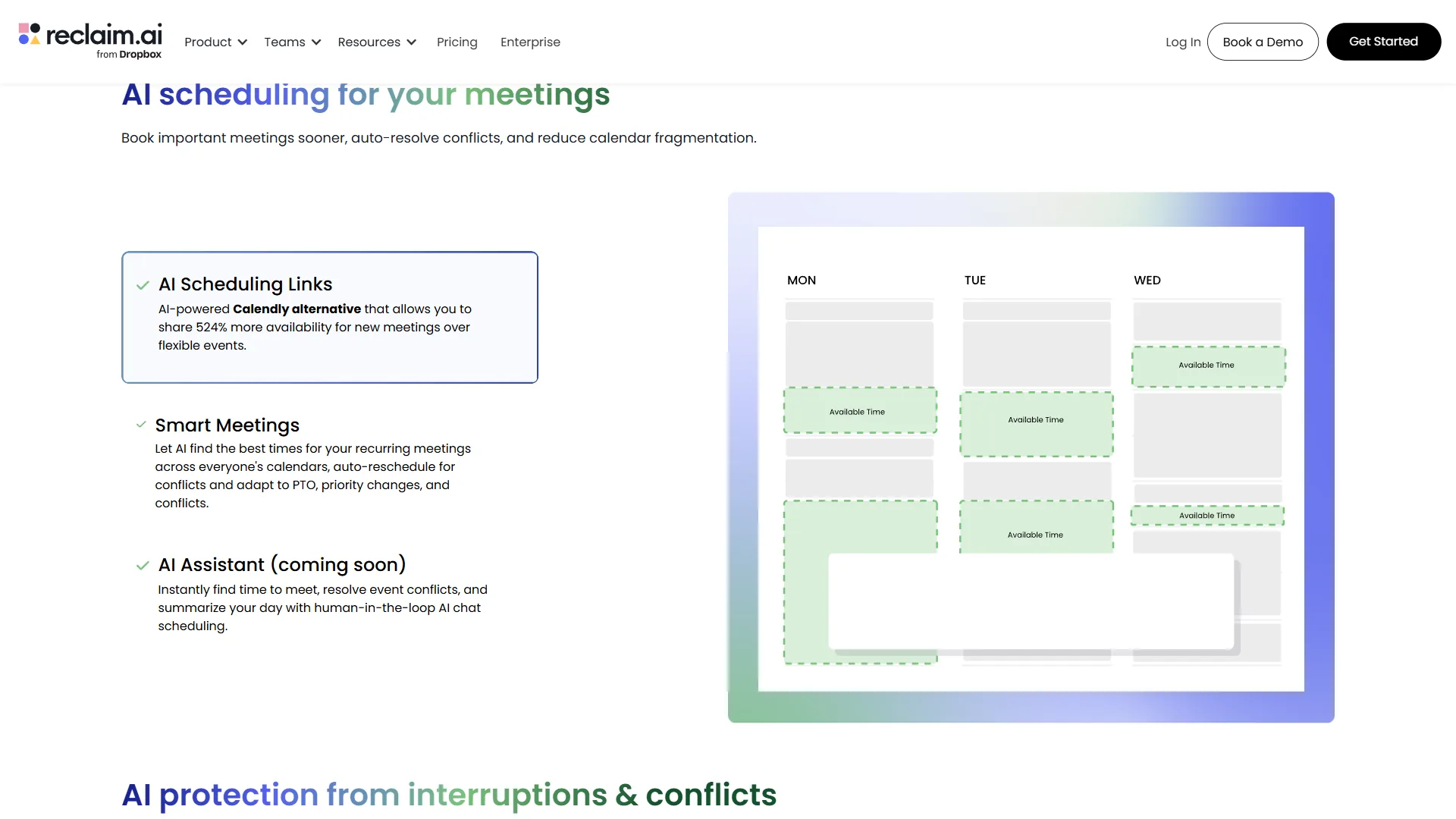
Reclaim AI is an AI scheduling app that automatically defends recurring habits and focus blocks by rescheduling flexible meetings around them. The habit protection and project management integrations fundamentally change how users structure their weeks, and the AI quietly handles the rescheduling work in the background.
Best For
Knowledge workers who need to balance deep work with meetings, professionals with ADHD who benefit from structured routines, and teams that use project management tools like Asana, ClickUp, Todoist, Jira, or Linear.
Key Features
Habit scheduling and defense: The killer feature. Create recurring “habits” like “Morning writing - 2 hours, 3x/week, 7-10am preferred” and Reclaim automatically schedules them, moving them around conflicts while defending the total weekly allocation. Common habits include deep work, exercise, email processing, and weekly planning.
Smart Meetings: Analyzes your calendar to find optimal meeting times based on when you’re typically available, your energy patterns (learned from rescheduling behavior), and participant preferences.
Auto-defended focus time: Reclaim treats deep-work blocks as flexible holds that shift around incoming meetings while preserving the total weekly allocation. The AI learns your preferences over time - if you consistently override morning focus blocks, it shifts to afternoons.
Bidirectional task sync: Tasks from Asana appear as flexible calendar blocks that Reclaim schedules during your available time. Mark a task complete in your calendar, and it updates in Asana automatically. Works with ClickUp, Linear, Jira, and Todoist with the same two-way sync.
Buffer time: Automatically adds padding before/after meetings to prevent back-to-back scheduling. A common setup is 10-minute buffers.
Time tracking: Shows actual time spent on habits, meetings, and tasks versus planned time. Users frequently discover they consistently underestimate deep work time by 30-40%.
Pricing
- Free tier: Limited to 2 habits and basic features
- Starter plan: roughly $10 per seat monthly (or $8 per seat on annual billing)
- Business plan: roughly $15 per seat monthly (or $12 per seat on annual billing)
- Enterprise: Custom pricing with advanced security and controls
The Starter plan is essential for serious use - the free tier’s 2-habit limit is too restrictive.
Motion: All-in-One AI Work Platform
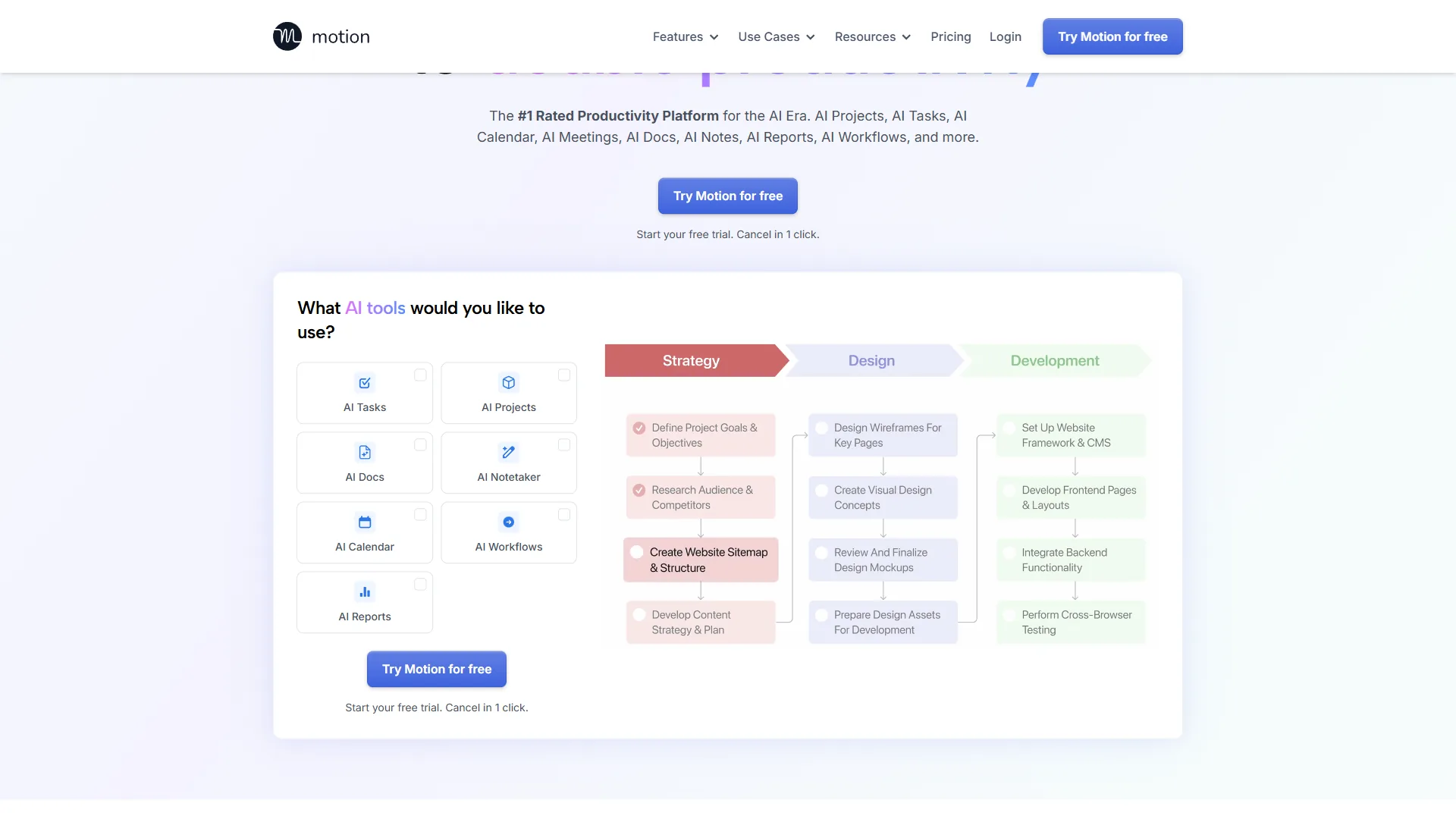
Motion is an all-in-one AI scheduling tool that combines calendar, task manager, project planner, and meeting assistant in a single platform. The AI task scheduling is genuinely impressive, but the all-in-one approach means committing to Motion’s ecosystem entirely.
Best For
Executives and consultants who want a unified workspace, teams that don’t already use dedicated project management tools, and professionals willing to consolidate their productivity stack into one platform.
Key Features
AI task scheduling: Motion’s standout feature. Add tasks with deadlines and estimated duration, and the AI automatically schedules them in your calendar, moving them around meetings and rescheduling when priorities change. The system handles dependencies intelligently - if Task B requires Task A first, Motion schedules them in sequence automatically.
Unified calendar and tasks: Unlike Reclaim AI which syncs with external tools, Motion is the source of truth for both meetings and tasks. This eliminates context switching but means migrating your existing systems.
Project management: Basic kanban boards, project templates, and team workload balancing. Not as full-featured as Asana or ClickUp, but adequate for smaller teams.
AI Notetaker: Automatically joins meetings, transcribes conversations, and generates summaries. Similar to Otter.ai or Fireflies.ai, but integrated into the same platform.
Scheduling links: External booking pages like Calendly, but with Motion’s AI automatically finding optimal times based on your task schedule, not just empty calendar slots.
Pricing
- Individual: roughly $19 a month (annual billing comes to about $228 a year)
- Team: roughly $25 per seat monthly (or $19 per seat on annual billing)
- Pro AI: roughly $29 per seat monthly with advanced AI features
No free tier. The 7-day trial is essential for testing whether the all-in-one approach fits your workflow. Pricing is higher than specialized tools but competitive if it replaces multiple subscriptions.
Calendly: External Scheduling with AI Routing
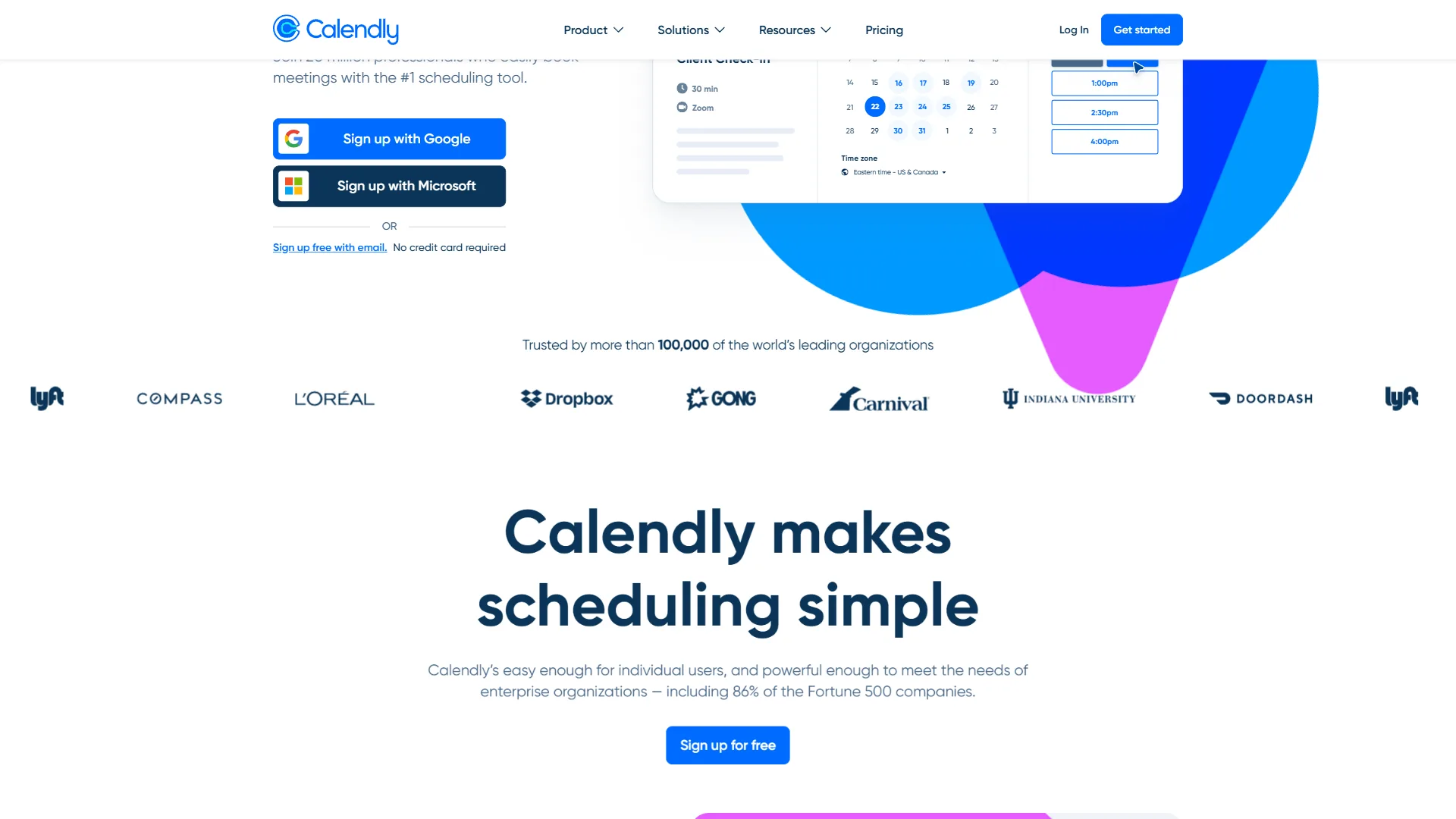
Calendly pioneered the scheduling link category and has added AI features to stay competitive. Across thousands of external meetings, Calendly remains the best option for client-facing scheduling, sales teams, and anyone who needs sophisticated routing rules.
Best For
Sales teams, consultants, customer success managers, recruiters, and anyone who schedules frequent external meetings with people outside their organization.
Key Features
AI-powered routing: Calendly Assist analyzes incoming booking requests and routes them to the right team member based on availability, round-robin distribution, workload balancing, or custom rules. The AI learns from manual overrides and adjusts routing rules automatically.
Calendly Assist (chat-based scheduling): A conversational AI that can be embedded on your website. Visitors describe their scheduling needs in natural language, and the AI handles the booking without requiring them to navigate a calendar interface.
No-show reduction workflows: Automated reminder sequences, SMS notifications, and rescheduling prompts that reduce no-shows by 40-60% based on Calendly’s data.
Payment collection: Charge for appointments directly through the scheduling flow via Stripe or PayPal. Essential for consultants, coaches, and service providers.
CRM integrations: Bidirectional sync with HubSpot, Salesforce, Pipedrive, and other CRMs. Booked meetings automatically create or update contacts.
Pricing
- Free tier: Basic scheduling links, 1 calendar connection, 1 event type
- Standard: roughly $12 per seat on annual billing (or $15 a month monthly)
- Teams: roughly $20 per seat on annual billing (or $25 a month monthly)
- Enterprise: Custom pricing with advanced security and SCIM
The free tier works for simple use cases. Standard becomes necessary when you need multiple event types, calendar connections, or integrations.
Cal.com: Open-Source Scheduling with AI Layers
Cal.com is the open-source answer to closed scheduling platforms, with a self-hostable core and AI features layered on top. The Cal.ai phone agent and email scheduling assistant push it past basic booking links into genuine AI-assisted territory, and the GitHub-backed extensibility appeals to teams that want to own their scheduling stack.
Best For
Developer-led teams, privacy-conscious organizations that prefer self-hosting, founders who want a brandable scheduling stack, and anyone who needs to extend a scheduling platform with custom workflows or integrations.
Key Features
Cal.ai phone and email agents: An AI scheduling layer that handles inbound booking conversations over the phone and via email. It negotiates times, confirms attendees, and writes events to the calendar without human intervention.
Routing forms and team scheduling: Conditional routing forms send leads to the right rep based on intake answers, with collective availability, round-robin assignment, and managed event types for larger teams.
Workflows and automations: Trigger SMS reminders, custom email sequences, webhooks, and Zapier or n8n actions on booking, reschedule, or no-show events.
Self-hosting and white-label: Run Cal.com on your own infrastructure, brand it as your own scheduling product, or embed it inside another app.
Integration depth: Native integrations with Google Calendar, Outlook, Zoom, Google Meet, Stripe, HubSpot, Salesforce, and a public API for custom workflows.
Pricing
- Free tier: Unlimited bookings, individual scheduling, basic integrations
- Teams: roughly $15 per seat on annual billing for collective scheduling, routing forms, and workflows
- Organizations: roughly $37 per seat on annual billing for SAML SSO, multiple teams, and admin controls
- Enterprise / self-hosted: Custom pricing or free if you self-host the open-source core
The free tier is exceptionally generous for solo users. Teams plan covers most small-business routing needs at a lower price than enterprise scheduling tools.
AI Scheduling Assistants Compared
The four leading AI scheduling assistants differ on starting price, focus-time defense, external booking, and team routing capabilities, summarized in the side-by-side table below.
| Feature | Reclaim AI | Motion | Calendly | Cal.com |
|---|---|---|---|---|
| Rating | ||||
| Starting Price | Free (Starter: $10/mo) | $19/mo | Free (Standard: $12/mo) | Free (Teams: $15/mo) |
| Best For | Habit protection | All-in-one platform | External scheduling | Open-source scheduling |
| Focus Time | Habit scheduling | Task-based scheduling | No | Buffer + workflow rules |
| Meeting Movement | Flexible rescheduling | AI task rescheduling | No | Reschedule workflows |
| External Booking | Smart Meetings | Advanced links | Industry-leading | Routing forms + Cal.ai |
| Task Integration | Bidirectional PM sync | Built-in tasks | No | Via API and webhooks |
| Team Features | Good (10-50 users) | Good (5-20 users) | Excellent (routing) | Excellent (open routing) |
| Free Tier | Limited (2 habits) | None (7-day trial) | Basic scheduling | Generous individual tier |
How to Choose Your AI Scheduling Assistant
Choosing an AI scheduling assistant comes down to matching your primary scheduling challenge to one of four patterns: habit defense, all-in-one workspace, external booking, or open-source extensibility. The right tool depends on your primary scheduling challenge:
Choose Reclaim AI if: You’re an individual contributor or small team leader who needs to balance recurring activities (exercise, deep work, learning) with unpredictable meeting demands. Essential if you use Asana, Linear, ClickUp, Jira, or Todoist.
Choose Motion if: You’re willing to consolidate your calendar, task manager, and project planner into one platform. Best for executives, consultants, and small teams that don’t already have established project management systems.
Choose Calendly if: Most of your scheduling involves external parties - clients, prospects, candidates. The routing rules, payment collection, and no-show reduction workflows are unmatched for client-facing teams.
Choose Cal.com if: You want an open-source scheduling stack you can self-host, white-label, or extend with custom workflows. The Cal.ai phone and email agents handle inbound booking conversations end-to-end.
Hybrid approach: Many professionals use two tools simultaneously - Calendly + Reclaim AI (external booking + habit protection), Motion + Calendly, or Cal.com + Reclaim AI. The overlap is minimal because Calendly and Cal.com specialize in external scheduling, while Reclaim AI and Motion optimize your internal calendar.
Start with Free Tiers
All four tools offer free trials or tiers. A four-week testing sequence: try Reclaim AI with 2 habits in week 1, run Motion’s 7-day trial in week 2 with real task migration, set up Calendly for external meetings in week 3, then spin up Cal.com on the free tier or self-host in week 4. The financial risk is low - most people pay for one tool at $8-15/month, which pays for itself if it saves 2-3 hours of scheduling overhead monthly.
The Bottom Line
AI scheduling assistants save 2-5 hours per week by automating calendar management, protecting focus time, and eliminating scheduling back-and-forth. Start with free tiers, test for a month, and invest in the tool that addresses your biggest scheduling pain point.
FAQ
Q: What is the best AI scheduling assistant?
The best AI scheduling assistant is the one you’ll actually use consistently. Reclaim AI excels at personal routine protection, Motion provides unified task-calendar management, Calendly dominates external scheduling, and Cal.com leads on open-source flexibility.
Q: What is an AI scheduling assistant?
An AI scheduling assistant uses machine learning to automate calendar management beyond static booking links. It reschedules meetings to protect focus time, defends recurring habits, accepts natural language commands, and continuously re-optimizes your calendar as priorities shift.
Q: Can AI help me with scheduling?
Yes. The best AI scheduling tools reduce scheduling overhead by 60-80%, automatically defend focus time, and eliminate the friction of coordinating across teams. AI scheduling assistants handle intelligent rescheduling, learn productive hours for deep work, protect recurring habits from meeting creep, and accept natural language commands instead of manual slot selection.
Q: How does Reclaim AI defend focus time?
Reclaim AI treats deep-work and habit blocks as flexible holds that can shift around incoming meetings while preserving the total weekly allocation. The AI learns your preferences over time - if you consistently override morning focus blocks, it shifts to afternoons - and reschedules habits like exercise or weekly planning automatically when conflicts appear.
Related Reads
Related Reads collects the four featured AI scheduling tools plus supporting calendar and productivity guides for further reading.
- Reclaim AI - AI scheduling with habit defense system
- Motion - All-in-one task and calendar management
- Calendly - External scheduling and appointment booking
- Cal.com - Open-source scheduling with Cal.ai agents
More calendar and productivity guides:
- Best AI Calendar Apps 2026 - AI calendar comparison
- Best AI Calendar Tools 2026 - Reclaim vs Motion comparison
- Best Calendly Alternatives - External scheduling alternatives
- Scheduling Tool Tips & Tricks - Get more from your scheduling tool
External Resources
External Resources lists independent third-party research and vendor documentation referenced in this guide.