



Cflow, Kissflow, and Pipefy are the three best workflow automation tools for SMB teams in 2026, with Cflow starting at $11 per user, Kissflow at a $2,500 monthly flat fee, and Pipefy offering a free tier for up to 10 users. This guide compares pricing, approval routing depth, integration support, and AI features across manufacturing, professional services, marketing agencies, and HR scenarios.
Some links on this page are affiliate links; our analysis remains independent.
Our analysis draws on vendor documentation and independent industry research from Gartner’s BPM research and the U.S. Small Business Administration’s productivity guidance, cross-referenced with verified pricing on each vendor’s site as of May 2026.
According to a study by McKinsey & Company, 60% of all occupations could see 30% of their constituent activities automated with today’s technology - a finding that frames why no-code workflow tools have become essential small business automation tools for efficiency. According to John Rymer, principal analyst at Forrester, “Low-code platforms are reshaping how SMBs digitize processes that previously required IT involvement.”
Quick Verdict: Best Workflow Automation Tools SMB by Use Case
The quick verdict is that Cflow suits approval-heavy SMBs, Kissflow fits mid-market teams needing unified work management, and Pipefy is the best free option for small business workflow needs.
Best for approval workflows: Cflow ($11-16/user, visual builder, AI optional) Best for broader work management: Kissflow ($2,500/mo base, modern UI, Kanban boards) Best free tier for small teams: Pipefy (free for 10 users, $18-30/user paid) Best AI features: Cflow with Seyarc AI (natural language workflow creation)
Methodology: How Platforms Were Evaluated
Each platform was evaluated across vendor documentation, user reviews, and feature analysis for four SMB scenarios: manufacturing (25 users), professional services (50 users), marketing agencies (15 users), and HR operations (30 users). Scoring criteria were setup complexity, approval routing depth, integration breadth, cost at 20-to-100 user scale, and AI usefulness.
1. Cflow - Best for Approval Workflows
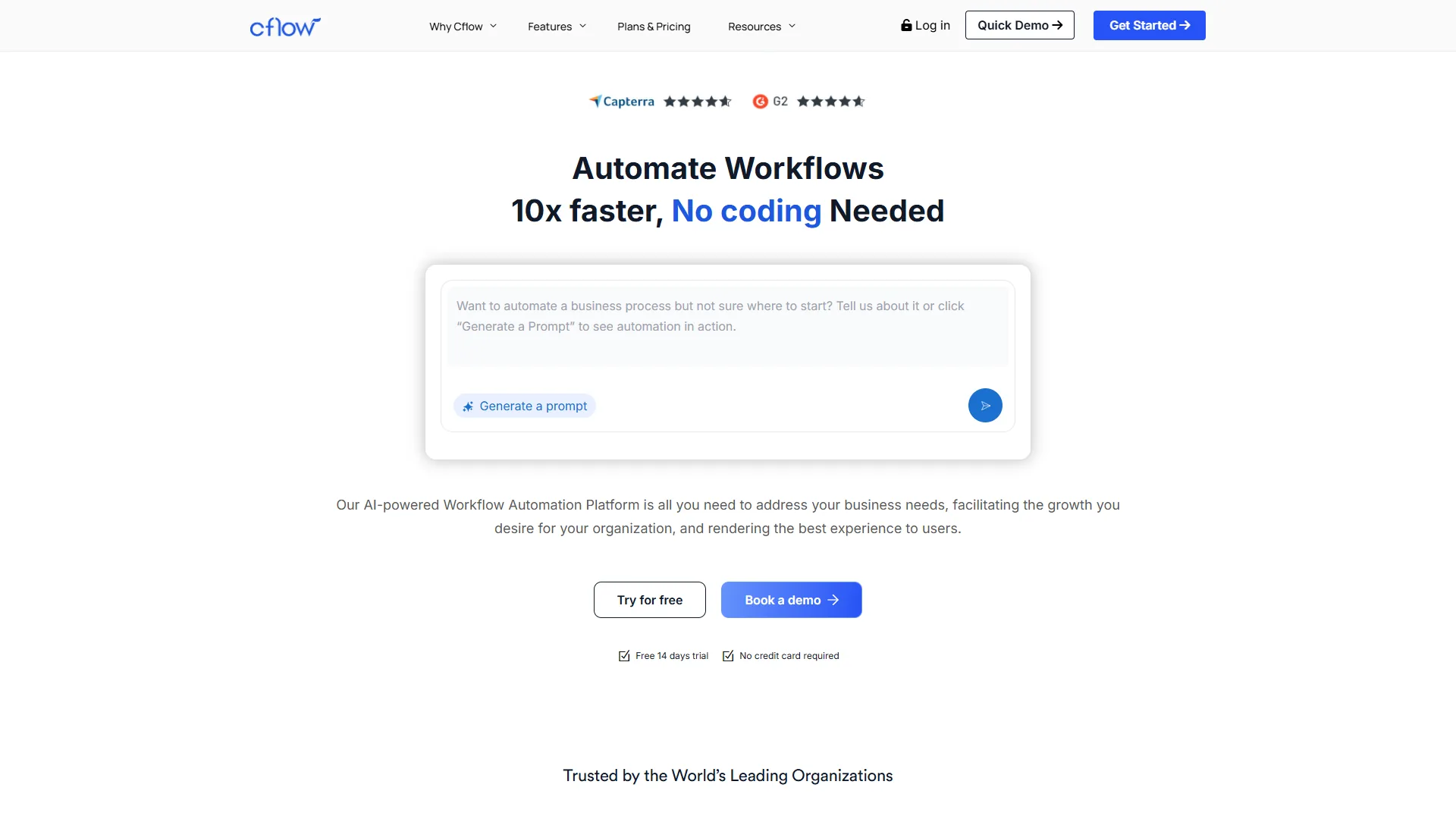
Pricing: $11-16/user/month (annual); minimum 10 users on Joy plan
Best for: SMB teams 20-100 users needing structured approval workflows
Cflow is the best workflow automation tool for SMB approval processes, offering pricing from $11 to $16 per user per month with a visual drag-and-drop builder that requires zero coding knowledge. Pre-built templates for HR, Finance, and Procurement save hours of initial setup.
What Makes Cflow Stand Out for SMBs
Visual workflow builder is intuitive. Business users typically build their first approval workflow in under 45 minutes. The canvas handles multi-level approvals, amount-based conditional routing, and parallel paths.
Pre-built templates accelerate deployment. Templates for purchase requisitions, leave, and expense approvals need only 30-60 minutes of customization versus 3-4 hours from scratch. According to Gartner research on BPM, template-based approaches reduce implementation time by 60-70%.
Seyarc AI enables natural language workflow creation. On the Zen tier, describing a workflow in plain English builds the structure for you to refine.
1000+ integrations via Zapier. Native API and webhooks ship on all plans; Slack, Google Sheets, and Teams connect without custom development.
Cflow Limitations and Who It Is Not For
10-user minimum inflates costs for small teams. Joy is $11 per user but requires 10 seats, a $110 monthly floor. For teams under 10, Pipefy’s free tier is the better fit.
AI features sit behind enterprise pricing. Seyarc AI requires the Zen tier plus an add-on fee. Most SMBs will use the standard visual builder.
Mobile app has reported issues. User reviews consistently mention bugs on mobile - test before committing if approvals happen on phones.
Cflow Pricing Breakdown
| Plan | Monthly Price | User Limits | Key Features |
|---|---|---|---|
| Joy | $11/user | 10-20 users | 10 workflows, 3-year retention |
| Bliss | $16/user | 20+ users | 50 workflows, unlimited retention |
| Zen | Custom | 100+ users | Unlimited workflows, Seyarc AI |
Add-ons to budget for:
- Seyarc AI: Zen tier only (additional fee)
- OCR document processing: Zen tier add-on
- Phone support: Zen tier add-on
Best SMB Use Cases for Cflow
Purchase order approvals (amount-threshold routing), leave requests (manager + calendar), expense reports (capture + finance export), vendor onboarding (compliance checks), and IT access requests (role-based).
2. Kissflow - Best for Broader Work Management
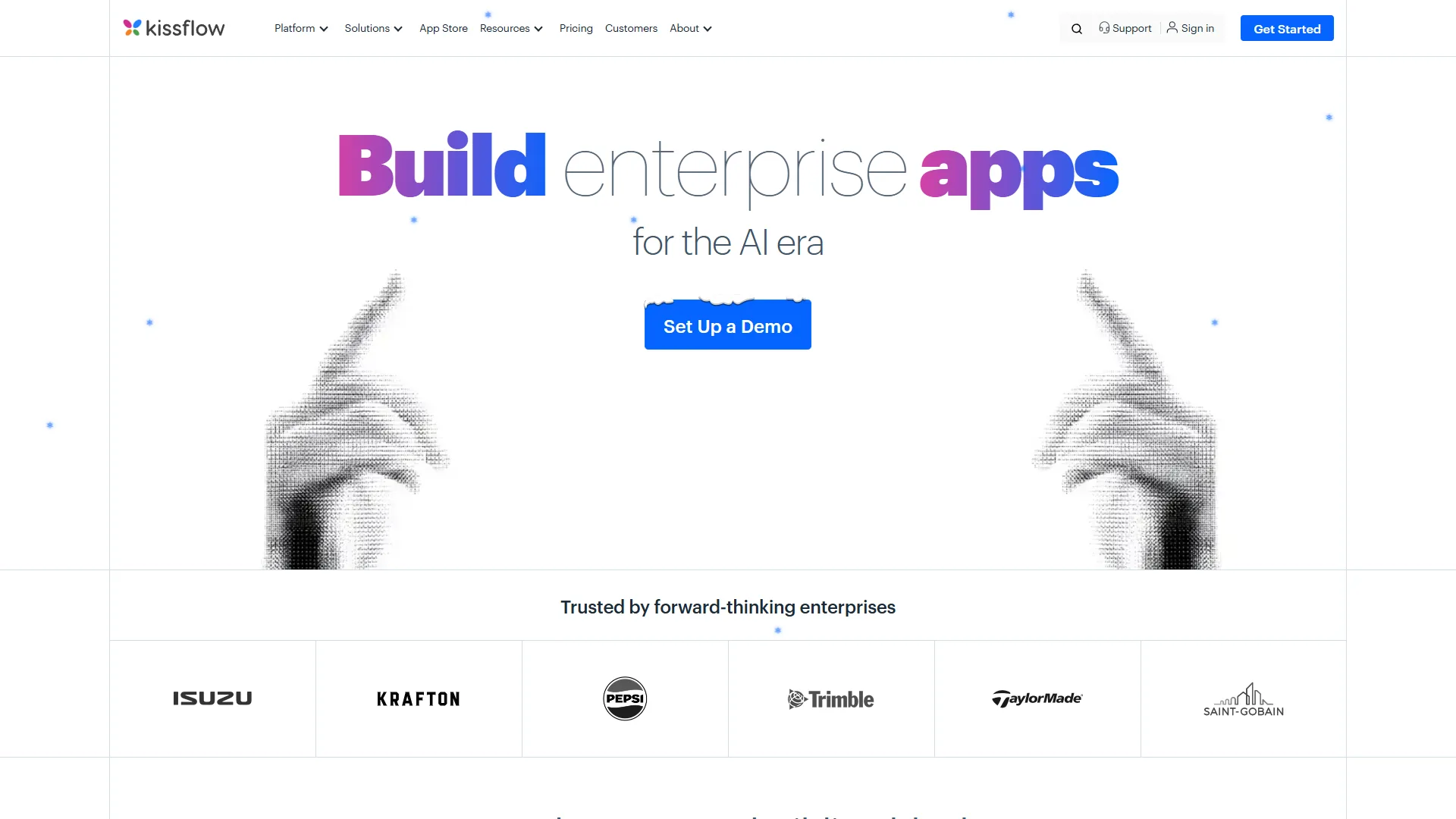
Pricing: $2,500/month base (flat fee, not per-user)
Best for: Mid-market organizations needing workflows plus project management
Kissflow is a unified work management platform that combines process automation, project management, and case management at a $2,500 monthly base fee, making it best suited for mid-market SMBs with 50+ users. The platform’s broader scope fits organizations needing more than approval workflows alone.
According to Suresh Sambandam, CEO at Kissflow, “Modern work happens at the intersection of processes, projects, and collaboration - SMBs need one platform that handles all three.” See Kissflow’s official documentation for the latest capability matrix.
What Makes Kissflow Different
Modern interface feels professional. The drag-and-drop builder, form designer, and reporting dashboards feel cohesive and contemporary versus Cflow’s functional-but-dated UI.
Kanban boards add project visibility. Agile Kanban views help with processes that do not follow strict linear approvals - creative reviews, project milestones.
G-Suite integration is native and deep. Native pulls of user directories, calendar data, and file storage skip third-party connectors.
Low-code capabilities extend beyond workflows. Build custom applications with databases, forms, and logic - the platform scales without switching tools.
Kissflow Limitations and Who It Is Not For
Pricing excludes most small businesses. The $2,500/month flat fee is cost-effective only at scale: $25/user at 100 seats but $125/user at 20 seats.
Less focused on approval-specific features. Amount-based routing, delegation rules, and vacation handling are not as polished as Cflow’s.
Fewer pre-built templates than competitors. The library exists but is less comprehensive than Cflow’s industry-specific offerings.
Best SMB Use Cases for Kissflow
Unified work management (workflows + projects + cases), Google Workspace-native companies, mid-market teams (50-200 users) where per-user cost normalizes, and custom application needs beyond simple approvals.
3. Pipefy - Best Free Tier for Small Teams
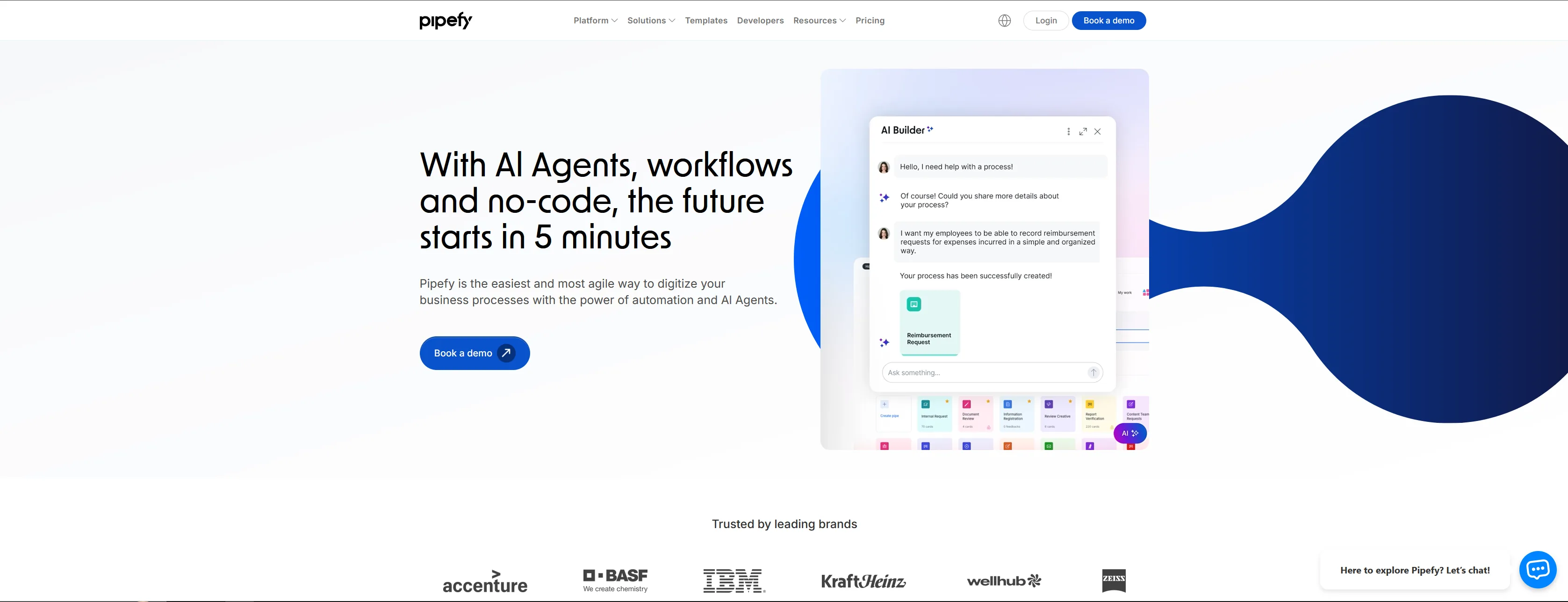
Pricing: Free for 10 users; $18-30/user/month paid plans
Best for: Small businesses starting with workflow automation; teams under 10 users
Pipefy offers the best free workflow automation tier for SMB small teams, supporting 10 users, 5 processes, 500 database records, and 15 automation jobs per month at no cost. Paid plans start at $18 per user, with the Starter tier providing real value for teams just beginning small business automation tools for efficiency.
What Makes Pipefy Stand Out
Free tier is genuinely useful. 10 users, 5 processes, 500 database records, 15 automation jobs/month. Real work for a small team without payment.
Flexible “pipes” model suits varied processes. A Kanban-like model where cards flow through phases handles structured approvals and less linear processes like customer onboarding.
Easy interface reduces training time. Non-technical users tend to understand Pipefy faster than Cflow or Kissflow - the card metaphor feels familiar from Trello or Asana.
Good integrations at reasonable prices. Business at $18/user includes Slack, Google Sheets, and Salesforce connectors.
Pipefy Limitations and Who It Is Not For
Less powerful for complex approval routing. Simple approvals work well; multi-level chains with amount-based logic require workarounds.
Free tier limits grow restrictive. 15 automation jobs/month is 15 actions total - not per workflow. A moderately active process exhausts this quickly.
Advanced features jump in price. The $18 to $30/user step at Enterprise is a meaningful budget impact.
Pipefy Pricing Breakdown
| Plan | Monthly Price | Key Limits |
|---|---|---|
| Starter | Free | 10 users, 5 processes, 15 automations |
| Business | $18/user | 100 guests, 300 automations, 10K database |
| Enterprise | $30/user | Custom integrations, unlimited database |
| Unlimited | Custom | Unlimited everything, expert support |
Best SMB Use Cases for Pipefy
Teams under 10 users (free tier handles real work), process flexibility over approval depth, budget-conscious small businesses, and teams familiar with Kanban-style tools.
Comparison Table: Feature Breakdown
The comparison table below summarizes how Cflow, Kissflow, and Pipefy compare on starting price, per-user cost at 50 users, AI features, mobile quality, and approval depth.
| Feature | Cflow | Kissflow | Pipefy |
|---|---|---|---|
| Starting Price | $110/mo (10 users) | $2,500/mo | Free (10 users) |
| Per-User Cost (50 users) | $11-16/user | $50/user | $18-30/user |
| Visual Workflow Builder | Excellent | Excellent | Good |
| Pre-built Templates | 100+ | 50+ | 50+ |
| AI Features | Seyarc AI (Zen tier) | Limited | Limited |
| Mobile App Quality | Fair | Good | Good |
| Multi-level Approvals | Excellent | Good | Fair |
| Kanban/Board Views | Basic | Excellent | Excellent |
| Free Tier | No (14-day trial) | No | Yes (10 users) |
| Native Integrations | 20+ | 30+ (G-Suite focus) | 15+ |
| API Access | All plans | All plans | Business+ |
Pricing Comparison: Real-World Cost
Monthly cost varies sharply by team size. The table below summarizes three SMB scenarios.
| Scenario | Cflow | Kissflow | Pipefy |
|---|---|---|---|
| 15 users, simple approvals | $220 (Joy, 20-user min) | $2,500 (base) | $0 (Free) or $270 (Business) |
| 50 users, complex approvals | $800 (Bliss) | $2,500 (base) | $900 (Business) |
| 100 users, multi-workflow | $1,200-1,600 (Zen) | $2,500 (base) | $3,000 (Enterprise) |
Winners: Pipefy Free under 10 users; Cflow at 20-100 users for approval-heavy work; Kissflow at 100+ users when unified work management justifies the premium.
Feature-by-Feature: AI Capabilities
AI capabilities across the three platforms are uneven: Cflow’s Seyarc AI delivers natural language workflow creation on its Zen tier, Kissflow offers form-field and template suggestions on all plans, and Pipefy includes 1,000 AI credits for document processing on every paid plan.
Cflow Seyarc AI
Natural language workflow creation, AI Copilot for process insights, AI Agents for routing and anomaly detection, and visual diagram processing. Zen tier only + add-on fee. Impressive when accessible, but locked behind enterprise pricing most SMBs cannot justify.
Kissflow AI Features
Form field suggestions, basic process optimization, and template recommendations. Included on all plans. Helpful but not transformative - assists rather than automates.
Pipefy AI
1,000 AI credits for document processing, smart form field extraction, process automation suggestions. All plans. Useful for invoice processing or form data extraction; less relevant for approval workflows.
Which Tool Fits Your SMB
The right SMB workflow tool depends on three variables: user count, process complexity, and whether you need workflows alone or unified work management. The decision criteria below map each platform to the SMB profile it serves best.
Choose Cflow If:
Your primary need is structured approval workflows (POs, leave, expenses), you have 20-100 users, you want optional AI later, your processes follow predictable routing, and budget allows $11-16/user/month.
Choose Kissflow If:
You need workflows, projects, and cases in one platform, your organization has 50+ users, Google Workspace is your primary suite, you might build custom applications, and budget allows $2,500/month base.
Choose Pipefy If:
You have 10 or fewer users, you need flexible process management beyond approvals, budget is the primary constraint, your team is familiar with Kanban tools, and you are experimenting with workflow automation.
Common Pitfalls: Implementation Mistakes
The most common implementation pitfalls for SMB workflow automation are underestimating user adoption, overcomplicating initial workflows, ignoring integration requirements, and miscalculating total cost of ownership.
1. Underestimating User Adoption
Tools requiring more than 2 hours of training see 40% lower adoption in the first month, according to implementation data referenced in Forrester’s low-code research. The best workflow tool fails if people do not use it.
Fix: Choose the tool with the most intuitive interface for your specific users. Test with 3-5 actual end users before committing.
2. Overcomplicating Initial Workflows
Organizations often try to automate their most complex process first, leading to 6-month implementations that never launch. Fix: Start with a simple, high-frequency workflow such as leave requests, ship it in 2 weeks, then tackle complexity.
3. Ignoring Integration Requirements
Approval workflows generate data that must flow to ERPs and HR systems. Fix: Map integrations before choosing - native, Zapier, or API.
4. Not Calculating Total Cost of Ownership
The $11/user headline rate becomes $20/user after AI add-ons and support tiers. Fix: Build a 12-month spreadsheet with add-ons and expected growth.
Final Verdict
The final verdict on the best SMB workflow automation tools is that Cflow wins on approval depth and value, Pipefy offers the strongest free tier, and Kissflow is the right fit for mid-market teams needing unified work management.
For approval-focused workflows: Start with Cflow. The visual builder handles 90% of approval use cases at $11-16/user for teams of 20-100.
For small teams just starting: Pipefy Free provides real value for 10 users without payment - start here and upgrade when limits hurt.
For broader work management: Kissflow fits mid-market organizations (50+ users) that need workflows and projects in one platform.
The best workflow automation tool is the one your team will actually use. Interface intuitiveness and implementation simplicity predict adoption success - feature lists do not.
Frequently Asked Questions
What is the best free workflow automation tool for SMBs?
Pipefy’s free Starter plan is the most capable workflow automation tools smb free option, supporting 10 users, 5 processes, and 15 automations per month. Cflow and Kissflow offer trials only. Any workflow automation tools list for SMBs in 2026 should put Pipefy at the top of the free tier.
How much do SMB workflow automation tools cost?
SMB workflow automation tools cost $11-30 per user per month for per-seat pricing (Cflow, Pipefy), while Kissflow charges a flat $2,500/month base fee that is cost-effective only at 50+ users. Budget $200-1,000/month for a 20-50 user team.
Can non-technical users build workflows in these tools?
Yes - Cflow, Kissflow, and Pipefy all provide visual drag-and-drop builders, and non-technical users typically build a functional approval workflow in 45-90 minutes without IT assistance.
Which tool has the best approval workflow features?
Cflow leads for approval-specific functionality: amount-based routing, multi-level chains, delegation rules, vacation handling, and escalation logic. Kissflow and Pipefy handle approvals with less conditional depth.
Do these tools integrate with Microsoft 365 and Google Workspace?
All three offer integrations: Kissflow has the deepest native Google Workspace integration, while Cflow and Pipefy connect via Zapier for both ecosystems. Teams evaluating workflow software microsoft 365 customers can deploy alongside should note Pipefy and Cflow lean on Zapier rather than Microsoft Graph.
Are there open-source alternatives or Gartner-rated picks?
If you need a workflow automation tool open-source teams can self-host, n8n and Camunda are common picks, though both require IT effort the three above avoid. The latest workflow automation tools gartner Magic Quadrant for Low-Code Platforms covers Kissflow; Cflow has a 4.5/5 average in Gartner Peer Insights. Other workflow software examples in the SMB segment include Zapier, Make, and Monday.com.
How long does implementation typically take?
A simple workflow such as leave requests takes 1-2 weeks; complex multi-step processes with integrations take 4-8 weeks. Process documentation quality is the main variable.
Related Reads
Related Reads listed below cover the individual tool reviews, broader SMB stacks, and adjacent comparisons referenced throughout this guide.
- Cflow - Full review with pricing details
- Kissflow - Enterprise work platform review
- Pipefy - Process management platform review
- Google Sheets - Spreadsheet platform often used alongside workflow tools
- Best Workflow Automation Tools 2026 - Make vs Zapier vs n8n comparison
- Best Project Management Tools 2026 - Monday vs Asana vs ClickUp
- AI Tools for Solopreneurs - Full productivity stack
External Resources
External Resources below link to each vendor’s official documentation hub for ongoing pricing, feature updates, and AI capability announcements.
- Cflow Blog - Workflow automation tips and Seyarc AI feature updates
- Kissflow Blog - Low-code platform guides and work management strategies
- Pipefy Blog - Process automation tutorials and AI workflow tips