


Running a nonprofit means doing more with less. According to the National Council of Nonprofits, staff at small nonprofits typically wear 5-7 different hats - managing donors, coordinating volunteers, writing grants, and promoting the mission while watching every dollar. AI tools for nonprofit managers have become essential for organizations that need to maximize impact without expanding headcount. NTEN’s 2024 Digital Nonprofit Skills Report found that AI adoption is now table stakes for resource-constrained teams.
Three tools stand out as the best free AI tools for nonprofits, with generous free tiers, nonprofit discounts, and workflows tailored to mission-driven organizations. This analysis draws on current vendor documentation, published nonprofit-discount programs, and independent research rather than sponsored placement; AI Productivity may earn a commission from links on this page, and our rankings remain editorially independent.
TL;DR: Best AI Tools for Nonprofit Managers in 2026
Notion, Grammarly, and Canva are the best AI tools for nonprofit managers in 2026 - a complete guide in 2026 stack that costs $0-12 monthly and reclaims 12-19 hours weekly for mission work.
| Tool | Primary Use | Free Tier | Nonprofit Cost | Time Savings |
|---|---|---|---|---|
| Notion | Donor database, volunteer coordination, project management | Yes (generous) | Free for nonprofits | 5-8 hrs/week |
| Grammarly | Grant writing, donor communications, professional emails | Yes (100 AI prompts) | $12/mo (50% off) | 3-5 hrs/week |
| Canva | Marketing materials, social media, event flyers | Yes (2M+ templates) | Free Pro for nonprofits | 4-6 hrs/week |
Total monthly cost: $0-12/month for a complete AI-powered nonprofit stack (vs. $40-50 at regular pricing).
Combined time savings: 12-19 hours per week - nearly half a full-time position reclaimed for mission work.
Selection Criteria
AI tools for nonprofit managers were selected on five nonprofit-specific factors: a genuine free tier or verified nonprofit discount, volunteer-friendly workflows, donor-relationship support, grant-writing strength, and multi-role flexibility.
Budget constraints are non-negotiable. Every dollar spent on software is a dollar not spent on mission, so a free tier or verified nonprofit discount is the only realistic starting point.
Volunteer management requires different workflows. Unlike employees, volunteers have varying availability, skill levels, and commitment lengths.
Donor relationships are everything. Nonprofits build long-term relationships with supporters who give because they believe in the cause, demanding consistent relationship tracking.
Grant writing is high-stakes. A poorly written proposal costs years of funding - Association of Fundraising Professionals research shows proposal quality is the top factor in funding decisions. Funder due-diligence portals such as Candid (formerly Foundation Center) reward applicants whose narrative quality matches their data hygiene.
You wear many hats. Just like project managers juggling multiple workstreams, nonprofit leaders need tools that support multiple functions without multiple learning curves.
1. Notion: Your Nonprofit Command Center
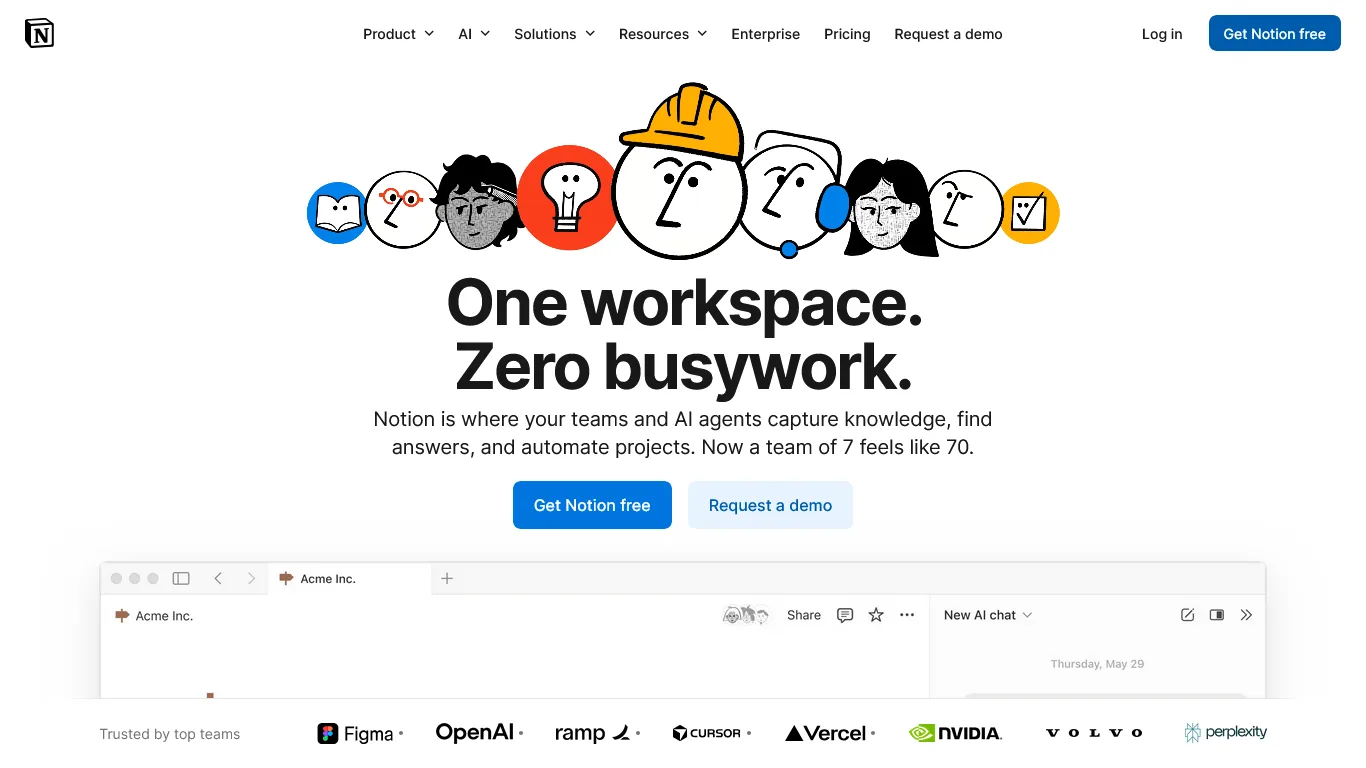
Notion has become the ideal hub for nonprofits that need to manage donors, volunteers, programs, and board relations - all without paying for expensive CRM software or project management tools.
Key Features for Nonprofit Managers
Donor database and relationship tracking. Build a donor management system that rivals expensive CRM software - giving history and communication preferences, donation tracking by amount and campaign, relationship notes, automated thank-you reminders, and segmentation by giving level. With Notion’s AI features (included in the nonprofit plan), you can ask “Which major donors haven’t been contacted in 90 days?” and get instant answers.
Volunteer coordination. Volunteers need different workflows than staff: profiles with skills, availability, and certifications; shift scheduling and sign-up databases; onboarding checklists; hour tracking for recognition programs; and communication templates for recruitment and appreciation.
Program and project management. Track everything from annual galas to weekly food distributions with event planning timelines, funder-linked grant deliverable tracking, board meeting preparation and document storage, strategic planning dashboards, and committee workspaces.
Notion Pricing for Nonprofits
| Plan | Regular Price | Nonprofit Price | Features |
|---|---|---|---|
| Free | $0 | $0 | Unlimited pages, 10 guests, basic features |
| Plus | $12/month | Free | Unlimited blocks, 100 guests, 30-day history |
| Business | $18/month | Free | AI features, private teamspaces, advanced permissions |
Critical nonprofit benefit: Notion offers free Plus and Business plans to registered 501(c)(3) organizations through their Notion for Nonprofits program. Apply with the determination letter from the IRS Tax Guide for Charities & Nonprofits.
Real Workflow Impact: Donor Management
Notion replaces donor information scattered across spreadsheets, email threads, and sticky notes with a single source of truth where relationship history is preserved - so new development officers see complete donor context immediately. Time saved: 5-8 hours weekly on information retrieval, donor research, and coordination.
Nonprofit-Specific Use Cases
Beyond core databases, nonprofits use Notion for annual fund campaign tracking (solicitation status, ask amounts, real-time totals), board management (agendas, committee assignments, policy repository), and grant management (deadline calendar, funder-linked budgets, narrative templates).
Limitations and who it’s not for: Notion is not a true CRM - it lacks the built-in payment processing, automated tax-receipt generation, and compliance reporting that purpose-built platforms (Bloomerang, Little Green Light, Salesforce NPSP) provide. Skip Notion if you need PCI-compliant donor payment storage or audit-ready financial recordkeeping. The blank-canvas approach also carries a steep learning curve that overwhelms volunteers wanting a turnkey system, and Notion AI is a separate paid add-on for non-eligible organizations.
2. Grammarly: Grant Writing and Donor Communications
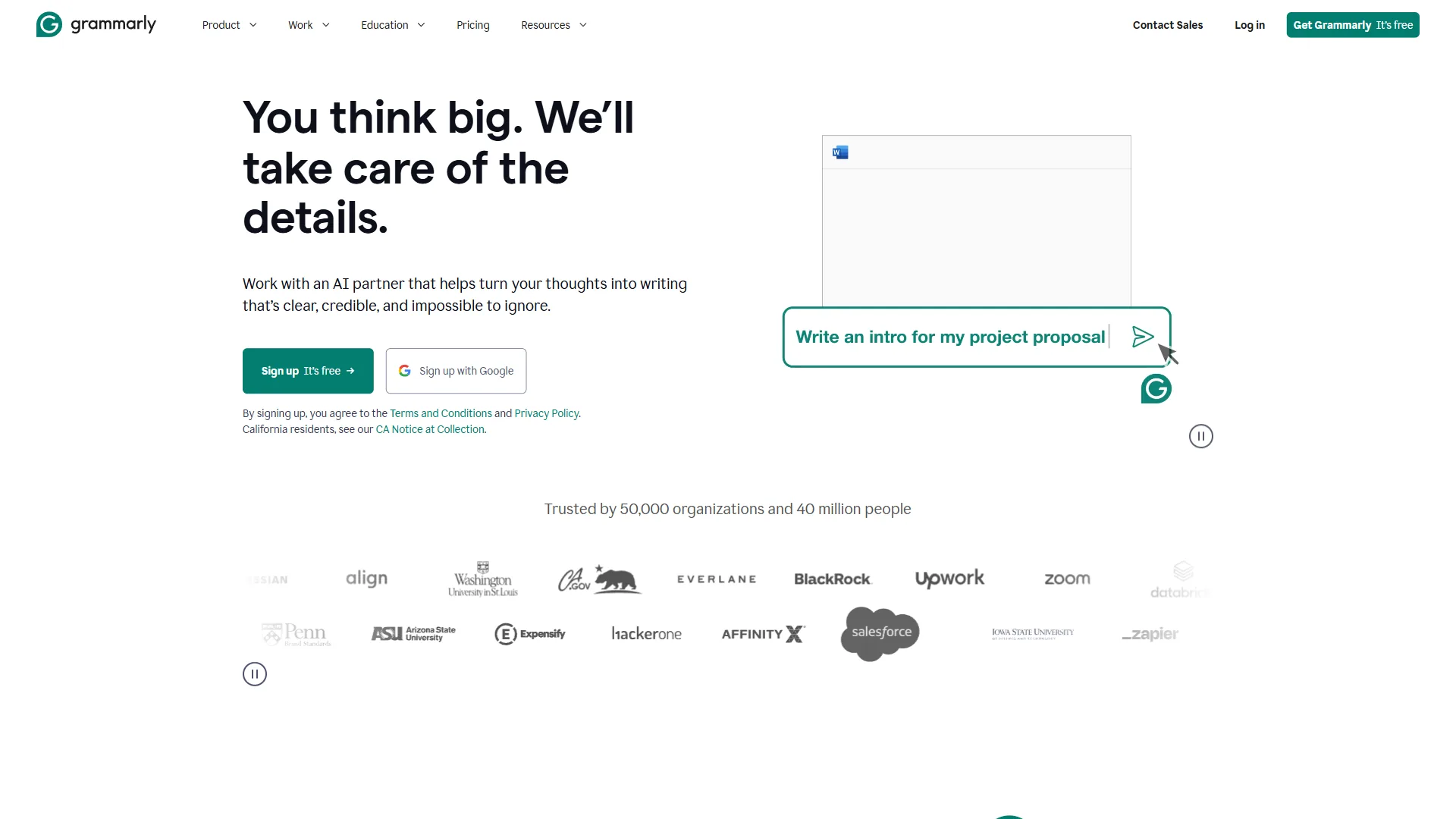
Grammarly is the strongest AI tool for nonprofit grant writing and donor communications, offering 50-60% nonprofit discounts and tone, clarity, and consistency checks tuned for high-stakes funding documents. A typo in a grant proposal undermines credibility, and a confusing appeal reduces response rates. As Grammarly states in its nonprofit program documentation, the tool helps mission-driven teams “communicate clearly and effectively” across grants, appeals, and reports.
Key Features for Nonprofit Managers
Grant writing assistance. Grant proposals are high-stakes documents where clarity and professionalism matter enormously - our guide on writing proposals with AI covers the full workflow. Grammarly catches errors reviewers notice, strengthens narrative clarity, detects whether you sound confident rather than desperate, enforces terminology consistency across multi-section proposals, and helps optimize word count against character limits.
Donor communications. Every donor touchpoint shapes the relationship: Grammarly sharpens appeal letters that balance urgency with authenticity, thank-you notes that feel personal, engaging newsletter content, clear board reports, and year-end summaries that inspire continued giving.
Professional correspondence. Nonprofits interact with diverse stakeholders who expect different communication styles, and Grammarly’s tone adjustment matches each one - a formal tone for foundation officers and corporate partners, a warm tone for individual donors, a confident tone for media and partnership proposals, and an encouraging tone for volunteer recruitment.
Grammarly Pricing for Nonprofits
| Plan | Regular Price | Nonprofit Price | Features |
|---|---|---|---|
| Free | $0 | $0 | Basic grammar, 100 AI prompts/month |
| Pro | $30/month | $12/month (60% off) | Full writing suggestions, 1,000 AI prompts |
| Business | $15/user/month | approximately $6-8/user/month (50-60% off) | Team features, style guides |
Nonprofit discount: Grammarly offers 50-60% discounts for registered nonprofits. Apply with your 501(c)(3) documentation to access discounted team pricing.
Real Workflow Impact: Grant Writing
Grammarly cuts proposal proofreading from roughly two hours of error-prone review to a 30-minute final check, while keeping terminology consistent even when multiple staff write different sections. Time saved: 3-5 hours per grant application, plus improved success rates from polished proposals.
Grant Writing Best Practices with Grammarly
Use Grammarly to replace passive voice (“Services were provided to 500 clients” becomes “We served 500 clients”), hedging, and wordiness with direct claims. Match each funder’s register with the tone detector - formal for government grants, story-driven for family foundations, ROI-oriented for corporate sponsors. Run a consistency pass to catch organization-name variations and mismatched terminology across multi-section proposals.
Limitations and who it is not for: Grammarly is a grammar and tone checker, not a grant-writing coach - it cannot judge whether your theory of change is funder-aligned, so pair it with a development consultant for strategy. The browser extension can conflict with Google Docs, and free-tier users hit the 100 AI prompt cap quickly during grant season.
3. Canva: Visual Marketing Without a Design Budget
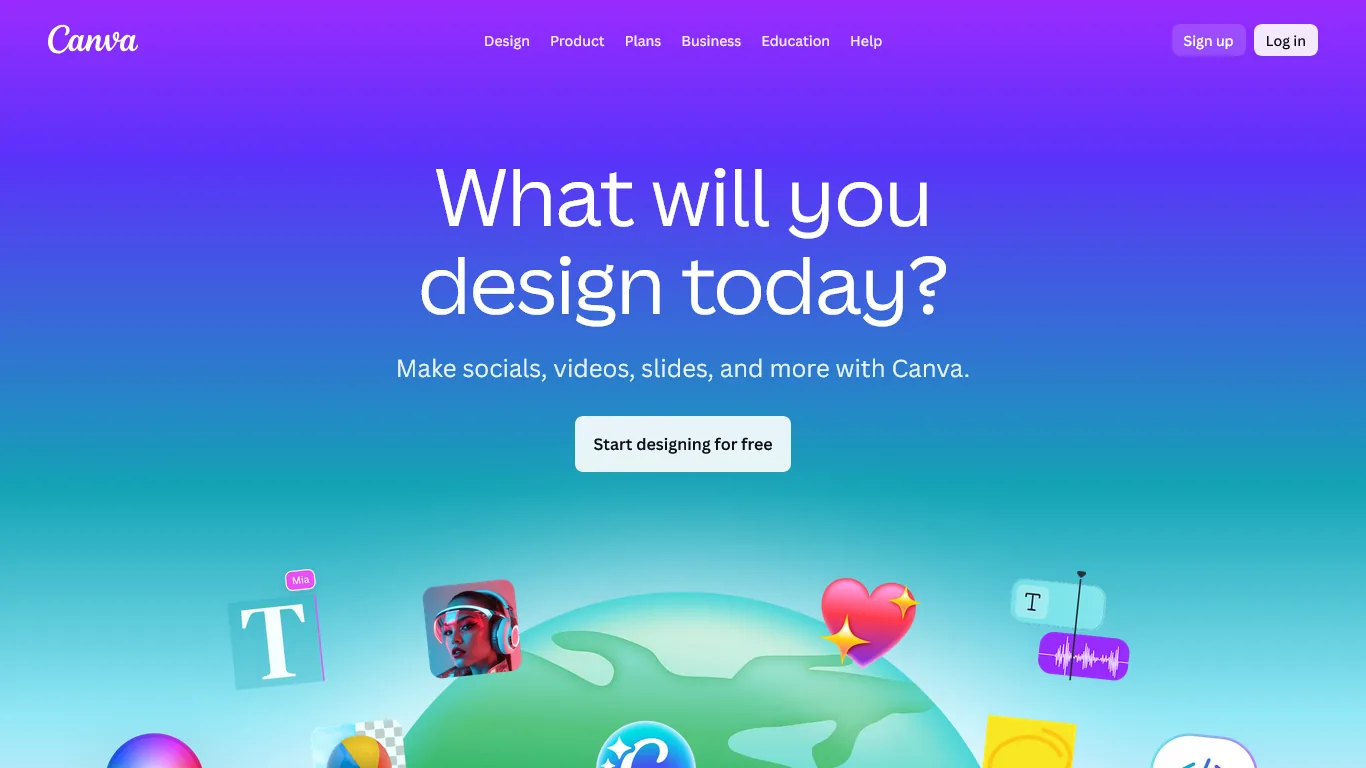
Nonprofits need professional visual materials but rarely have graphic design budgets. Canva democratizes design, letting anyone create compelling graphics for fundraising, events, and awareness campaigns.
Key Features for Nonprofit Managers
Marketing materials for every need. Create professional assets without design skills - social media graphics for every platform (see our guide to AI social media automation for scheduling tips), email headers and newsletter templates, print brochures and flyers, event invitations, annual report layouts, and program-impact infographics.
Brand consistency across all materials. A Brand Kit stores your logo, colors, and fonts, applies them to any template with one click, locks templates to your organization’s style, and shares assets so volunteers stay on-brand.
Event promotion made simple. Nonprofits run on events, and Canva handles gala invitations and auction catalogs, run/walk promotional materials, volunteer appreciation certificates, sponsor recognition graphics, and event signage.
Canva Pricing for Nonprofits
| Plan | Regular Price | Nonprofit Price | Features |
|---|---|---|---|
| Free | $0 | $0 | 2M+ templates, basic features, 5GB storage |
| Pro | $12.99/month | Free | 140M+ premium assets, Brand Kit, Magic Studio AI |
| Teams | $20/user/month | Free | Team collaboration, unlimited storage |
Major nonprofit benefit: Canva offers free Pro and Teams plans to registered nonprofits through Canva for Nonprofits. This includes their full Magic Studio AI suite, premium templates, and 100GB storage.
Real Workflow Impact: Event Marketing
Canva replaces $200-500-per-project freelance designers and two-week turnarounds with polished in-house materials produced in under an hour, saving an estimated $3,000-5,000 in annual design costs. Time saved: 4-6 hours per major campaign, plus eliminated designer coordination time.
Nonprofit Marketing Use Cases
Nonprofits use Canva for three recurring jobs: coordinated fundraising campaigns (platform-sized social, email headers, donation-page art), impact reporting (infographics, annual report pages, board slides), and volunteer or awareness campaigns (recruitment flyers, appreciation certificates, advocacy CTAs).
Limitations and who it is not for: Canva is a template-driven design tool, not a substitute for professional brand identity work. Skip Canva if you need print-production-grade files - the export pipeline produces RGB output that misprints on offset presses. Typography control is limited compared to Adobe Illustrator, and accessibility checks (alt-text and contrast) stay manual.
Pro Tips
Pro tips chain these three AI tools into one system - Notion holds the data, Grammarly polishes the prose, and Canva produces the visuals.
According to Amy Sample Ward, NTEN’s CEO, “AI is not a strategy on its own - it is a tool nonprofits must wield in service of mission and values.” That framing puts mission first, tooling second.
Daily routine. Start in the Notion dashboard for tasks, donor follow-ups, and volunteer shifts, then draft thank-you notes in Grammarly and schedule Canva-built social posts.
Per-task workflow. Donor interactions, grant work, and event planning use the same chain: track in Notion, polish in Grammarly, design in Canva.
Weekly cadence. Plan in Notion on Monday, draft the newsletter in Grammarly midweek, and ship Canva-built visual reports on Friday.
Next Steps
A four-week rollout: apply for nonprofit programs, build core systems, add volunteer workflows, then integrate and train.
Week 1 - Foundation. Apply for Notion and Canva nonprofit programs with your 501(c)(3) determination letter, activate the Grammarly discount, and stub donor and volunteer databases while approvals process.
Week 2 - Core systems. Import donor data into Notion with views by giving level and solicitation status; build a Canva Brand Kit; configure a Grammarly style guide.
Week 3 - Volunteer systems. Build a Notion volunteer database with shift scheduling, onboarding checklists, and hour tracking, plus a Canva template set for social, flyers, and impact reports.
Week 4 - Integration and training. Link Notion databases to Canva projects, document SOPs, train staff, and measure baselines - task times, grant success, and donor retention.
ROI Calculator
AI tools for nonprofit managers deliver an estimated $39,600 in annual reclaimed staff capacity - 16.5 hours saved weekly at a $50/hour equivalent cost - against a tool cost of $0-12 per month.
Time Savings Calculation
| Task | Before AI (weekly) | After AI (weekly) | Savings |
|---|---|---|---|
| Donor database management | 4 hours | 1 hour | 3 hours |
| Grant writing/editing | 8 hours | 4 hours | 4 hours |
| Marketing material creation | 6 hours | 2 hours | 4 hours |
| Communications drafting | 4 hours | 1 hour | 3 hours |
| Information retrieval | 3 hours | 30 min | 2.5 hours |
| Total | 25 hours | 8.5 hours | 16.5 hours |
Financial Impact
According to Independent Sector value of volunteer time, volunteer time in 2024 was estimated at $33.49 per hour - demonstrating how significantly AI-enabled staff efficiency multiplies your organizational capacity.
For a nonprofit with $50/hour equivalent staff cost:
- Time reclaimed: 16.5 hours/week = 66 hours/month
- Value of reclaimed time: 66 x $50 = $3,300/month
- AI tool cost with nonprofit discounts: $0-12/month
- Annual value: $39,600 in reclaimed staff capacity
Those 16.5 hours weekly equal roughly 0.4 FTE - part-time capacity added without headcount or overhead.
Grant Success Impact
Polished, well-organized proposals raise grant success rates from a typical 20-30% to 25-35%. A 5-percentage-point improvement on 10 applications annually at a $50,000 average equals $25,000 in additional funding.
Frequently Asked Questions
Q: Are nonprofit discounts really free, or is there a catch?
The programs from Notion and Canva are genuinely free for registered 501(c)(3) organizations. Both require verification of your nonprofit status (determination letter) and have reasonable use policies, but there are no hidden fees or required upgrades. Grammarly offers significant discounts (50-60%) rather than free access.
Q: How do I convince my board that AI tools are appropriate overhead?
Frame AI tools as capacity multipliers, not expenses: calculate time savings in equivalent FTE terms, compare the cost against hiring (even part-time staff costs $15,000+ annually), and demonstrate how the tools improve grant success and donor retention.
Q: Is donor data secure in cloud-based tools like Notion?
Notion maintains SOC 2 Type II certification and GDPR compliance. For nonprofit use, their security practices meet or exceed most donor database standards. However, avoid storing sensitive payment information in Notion - that should remain in your payment processor or accounting system.
Q: What if our volunteers aren’t tech-savvy?
Start with Canva for volunteer-facing tools - its interface is the most intuitive. For Notion, create simplified views that show only what volunteers need (their shifts, their tasks). You can build complex systems in the background while presenting simple interfaces to users.
Q: Can these tools integrate with our existing donor database?
Notion can import data from most systems via CSV export. It can serve as your primary donor database or supplement an existing CRM with project management features. For organizations with established Salesforce or Bloomerang systems, Notion works alongside as your operational hub rather than replacing donor data systems.
Q: How long until we see ROI?
Most nonprofits report meaningful time savings within 2-3 weeks of setup. Full ROI (16+ hours weekly) typically occurs after 6-8 weeks of consistent use, and grant writing improvements show in your next submission cycle.
Final Thoughts
Notion, Grammarly, and Canva are the best AI tools for nonprofit managers in 2026 because they multiply organizational capacity without multiplying the budget. Start with whichever tool addresses your biggest pain point: Notion if donor data is chaos, Grammarly if grant writing consumes your weeks, and Canva if marketing materials hold back your visibility. At $0-12 per month for the complete stack, the 12-19 hours reclaimed weekly go directly toward advancing your mission.
Related Reads
Related reads cover adjacent toolkits and harness their full potential across nonprofit and professional operational contexts:
- AI Tools for Solopreneurs: The Ultimate 2026 Stack - Broader toolkit for small nonprofit teams
- AI Tools for Coaches - For nonprofits with coaching or mentorship programs
- AI Tools for Small Business - Productivity tools for resource-conscious organizations
- Notion Review - AI-powered workspace with free nonprofit plans
- Grammarly Review - Professional writing for grants and donor communications
- Canva Review - Free design tools for nonprofit marketing
- Atlassian Stack for Developers: Jira, Confluence, and Bitbucket
External Resources
External resources cover trusted nonprofit AI guidance:
- National Council of Nonprofits Technology Resources - Technology adoption guidance
- TechSoup - Discounted and donated technology for nonprofits